Pay As You Go WiFi: Dongle or Data SIM? What to Buy
Almost everyone shopping for pay as you go WiFi starts by searching for a dongle, and that is the wrong end of the problem. The device is the small decision. The SIM inside it decides your speed, your coverage and what you pay, and you can change the SIM whenever you like while the hardware lasts years.
So the sequence that actually works is: buy an unlocked mobile hotspot once, then put whichever pay as you go data SIM currently suits you into it. Buying a network-branded dongle locks you to one operator’s pricing for the life of the hardware, which is exactly the commitment you were trying to avoid.
First, the trap: the 3G switch-off already happened
If you are looking at a cheap dongle on a marketplace, or you have one in a drawer from a few years ago, check what network generations it supports before anything else.
The UK’s 3G networks are gone. EE switched off its 3G network in January and February 2024. Vodafone completed its switch-off in February 2024. Three finished by the end of 2024. Virgin Media O2 was the last, completing in early 2026. Ofcom’s guidance covers what that means for older devices.
A 3G-only dongle is now a paperweight. There is no fallback and no workaround. This is why second-hand mobile Wi-Fi devices look suspiciously cheap: a lot of what is being sold is obsolete hardware.
2G is still running for now, with EE and O2 planning shutdowns from 2029 and Vodafone during 2030, but 2G was never usable for this purpose anyway.
The check to make: the device must state 4G LTE support at minimum. Anything advertised as “3G/HSPA+” without 4G is dead. If it says 5G, better, but only if you are in a 5G area.
Choosing the device: three tiers
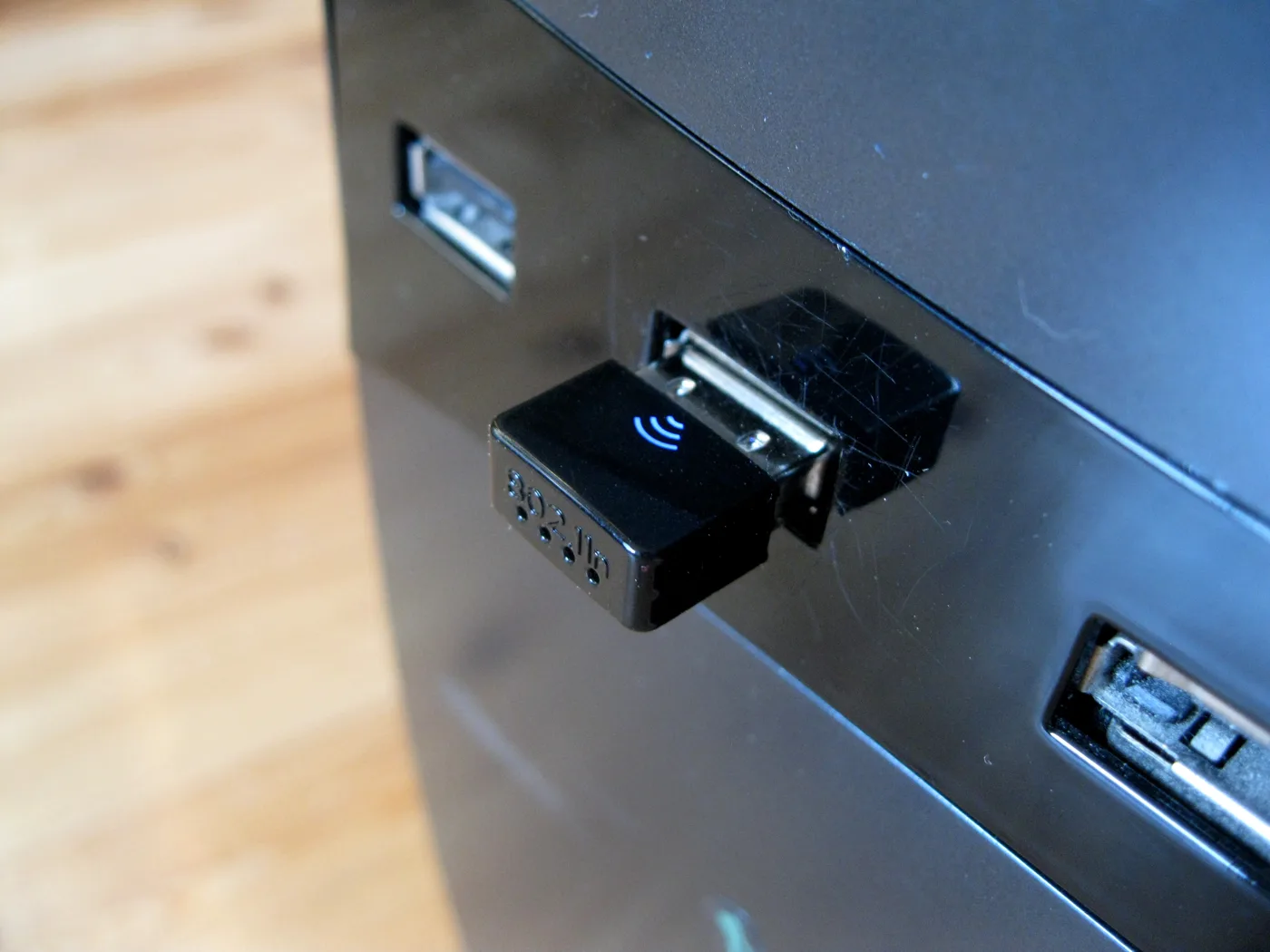
Entry, 4G, small and cheap. The Huawei E5577 and similar pocket units do the basic job: a battery, a SIM slot, and Wi-Fi for a handful of devices. Fine for occasional use, a caravan, or a backup when the broadband fails. Do not expect a fast connection to be shared across a household.
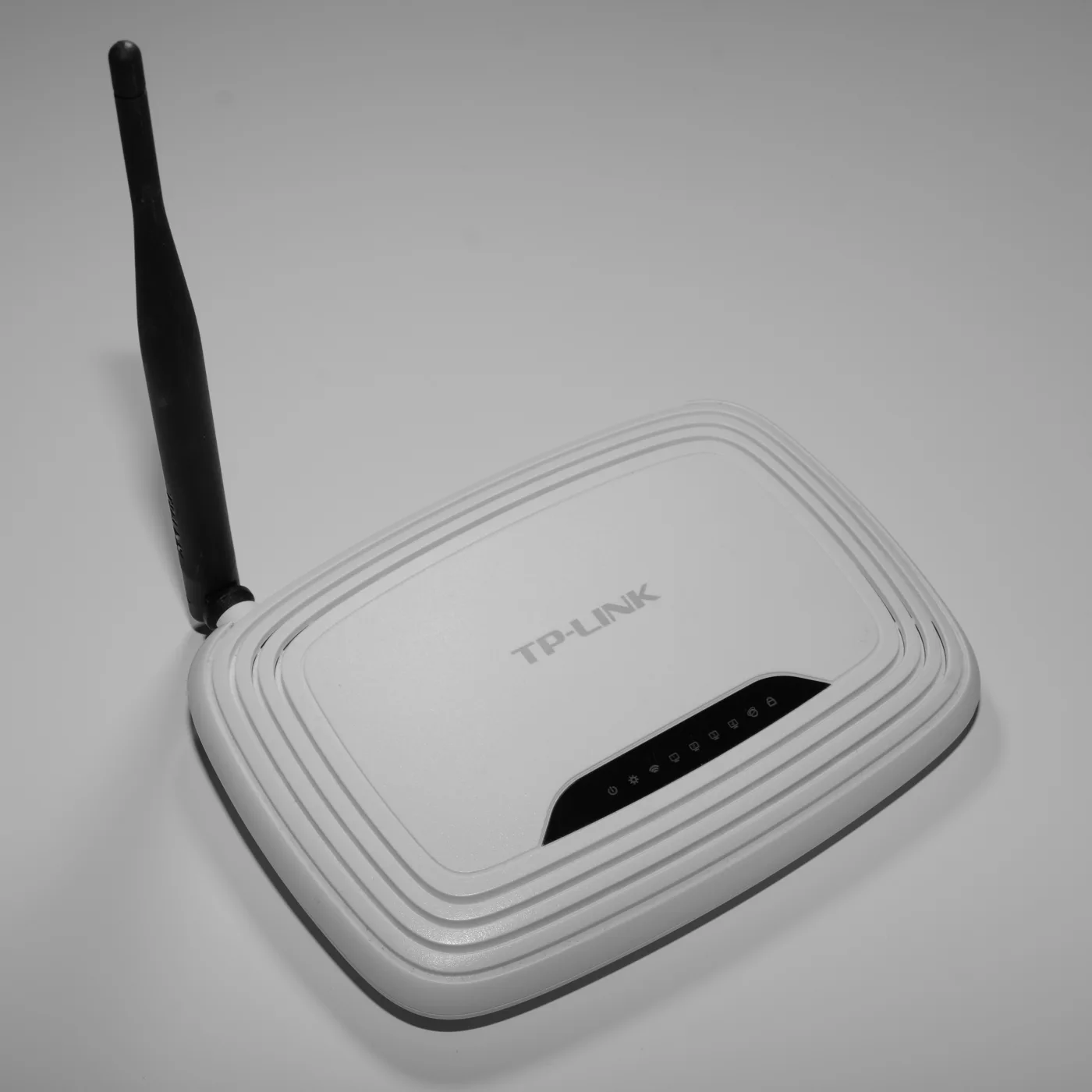
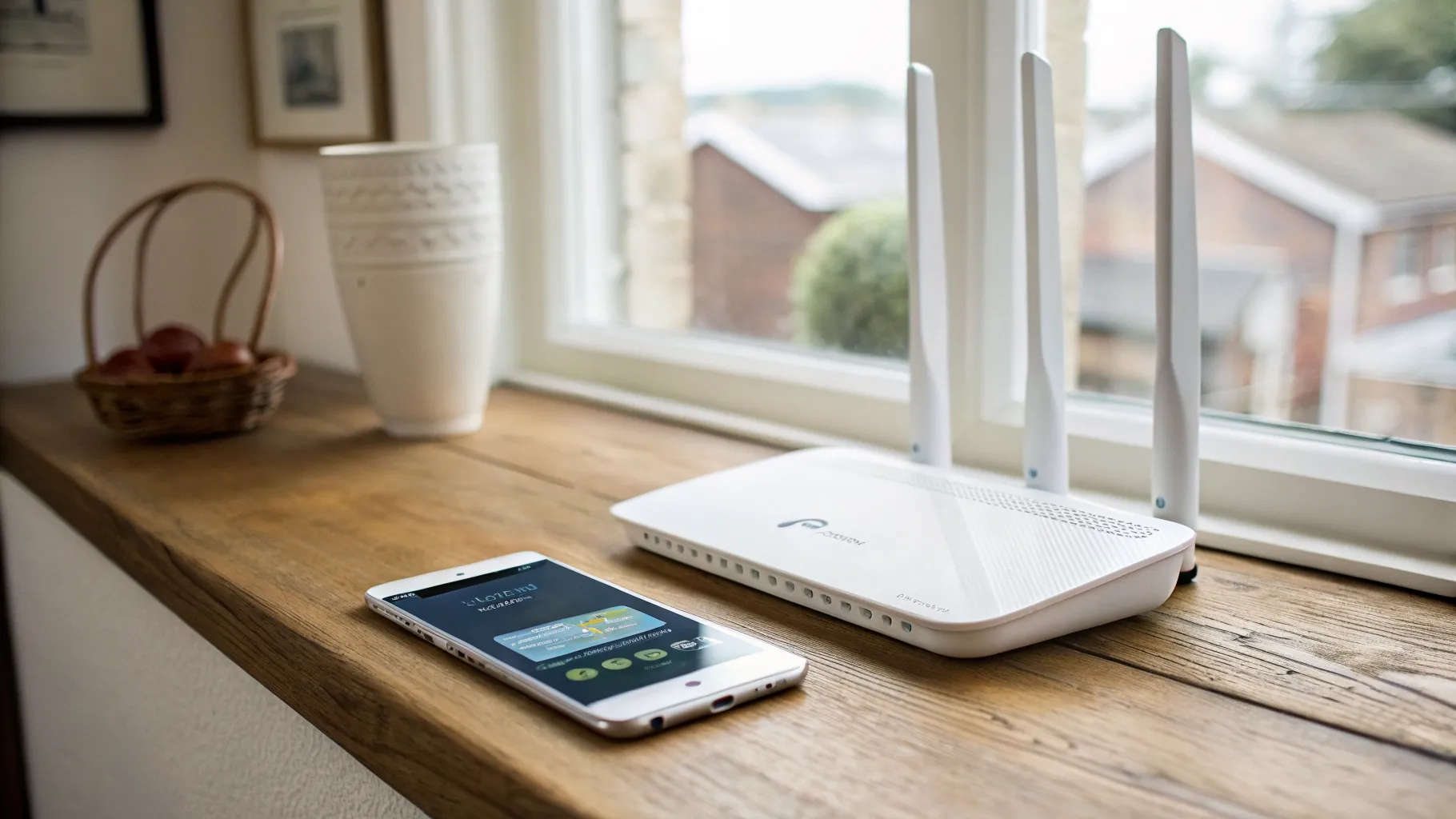
Mid, 4G, more capacity and battery. The TP-Link M7350 and M7650 sit here. Larger batteries, more simultaneous devices, and a display showing signal and data used, which is genuinely useful on a metered SIM.
Top, 5G. The Netgear Nighthawk M6 and M6 Pro are the devices people buy when this is their main internet connection rather than a stopgap. The M6 Pro adds Wi-Fi 6E and supports far more clients. They cost a lot more, and they only make sense if you actually have 5G where you will use them.
Whichever tier, buy unlocked and confirm it before ordering. A locked device will reject other networks’ SIMs, and unlocking after the fact is a nuisance you do not need.
Two practical features worth paying for if this will be more than occasional: an external antenna socket (usually TS-9 or SMA), which lets you add an antenna if the signal is marginal, and a web interface or app that shows signal strength and band, so you can find the best spot rather than guessing. Our mobile signal booster guide covers what to do when the signal is genuinely poor rather than just badly positioned.
Choosing the SIM: the decision that actually matters
Three questions, in order.
1. Which network has the best signal where you will use it?
This overrides everything else. The fastest plan on a network with one bar is slower than a modest plan on a network with four. Check coverage checkers for the specific postcode, and if it will be used at a caravan site or a rural address, ask people who are already there. Coverage claims are modelled, not measured.
2. Do you want a network or an MVNO?
MVNOs run on the big four networks and generally undercut them:
| MVNO | Runs on |
|---|---|
| SMARTY | Three |
| VOXI | Vodafone |
| giffgaff | O2 |
| 1pMobile | EE |
You get the host network’s coverage, so pick the MVNO whose host network wins question one. SMARTY sells dedicated data-only SIMs in a spread of allowances from small up to unlimited, and offers money back for unused data on its limited plans. giffgaff and SMARTY do not credit check on monthly plans, which matters if that is a concern.
3. Data-only SIM, or a full PAYG SIM?
Data-only SIMs are designed for tablets, dongles and mobile broadband and are usually better value per gigabyte. A standard PAYG SIM also works in a hotspot and gives you calls and texts you will never use. For a dongle, go data-only unless a bundle happens to be cheaper.
One point on genuine pay-as-you-go: some networks give a small data allowance on top-up, such as Three’s 150MB lasting 48 hours per top-up, which is fine for emergencies and useless as a plan. If you will use this regularly, a 30-day rolling data plan is almost always better value than credit-based PAYG, and it is still no-commitment because you can stop at the end of any month.
Sizing the data allowance
The most common mistake is buying too little and paying premium rates for the overage, or too much and wasting it.
Rough monthly figures to work from:
- Email, messaging and light browsing: a couple of gigabytes
- Regular browsing and social media: 10 to 20 GB
- Video calling for work: 20 to 40 GB
- Streaming as your main TV: 100 GB or unlimited, no exceptions
Streaming is what destroys allowances. An evening of HD video will eat several gigabytes, and 4K considerably more. If this is replacing home broadband rather than supplementing it, go unlimited and stop calculating.
Also check whether unused data rolls over, because a plan that carries data forward suits irregular use far better than a bigger plan that resets monthly.
When a dongle is the wrong answer
Be honest about the use case, because two adjacent problems have better solutions.
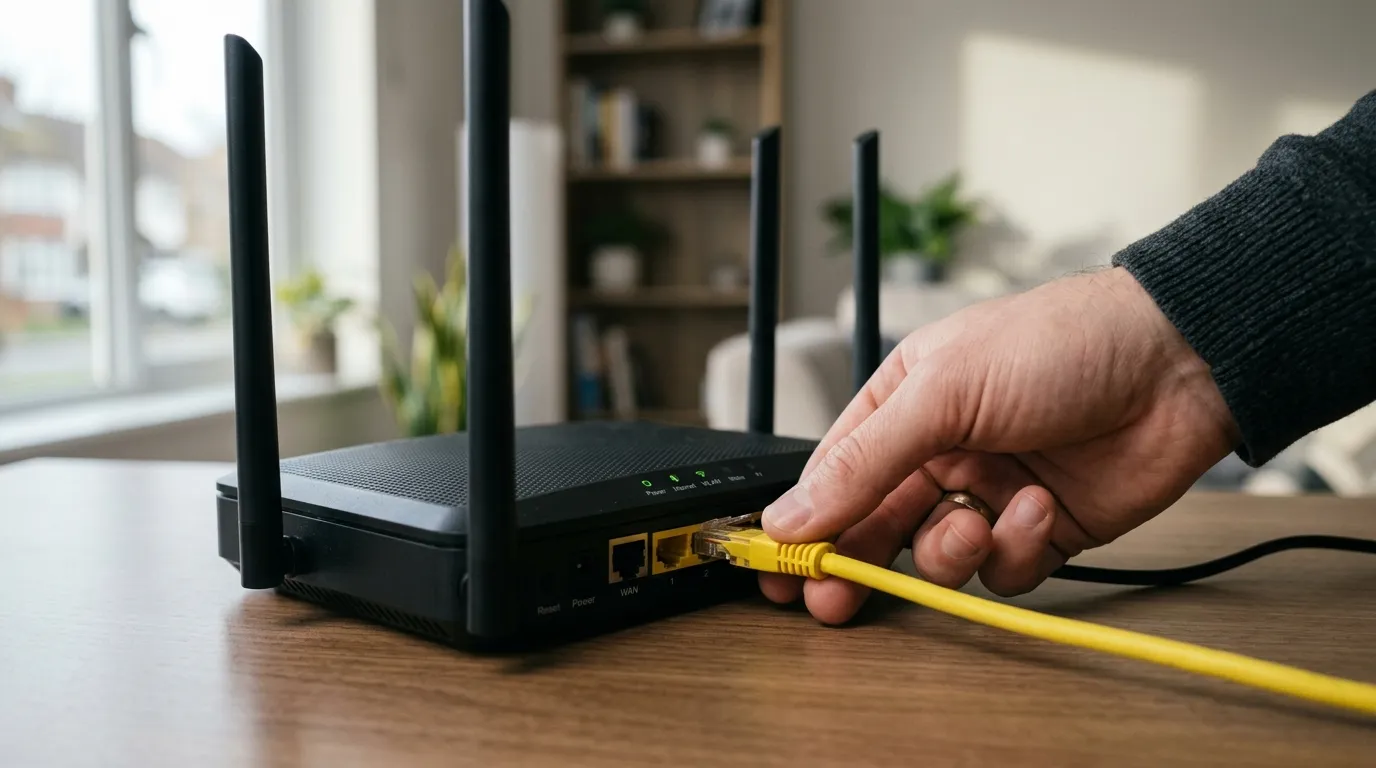
If this is replacing home broadband at a fixed address, a 4G or 5G home router beats a pocket hotspot: mains powered, better antennas, proper Wi-Fi coverage, and an Ethernet port. See 4G routers for home and, if the issue is that there is no landline, broadband without a phone line.
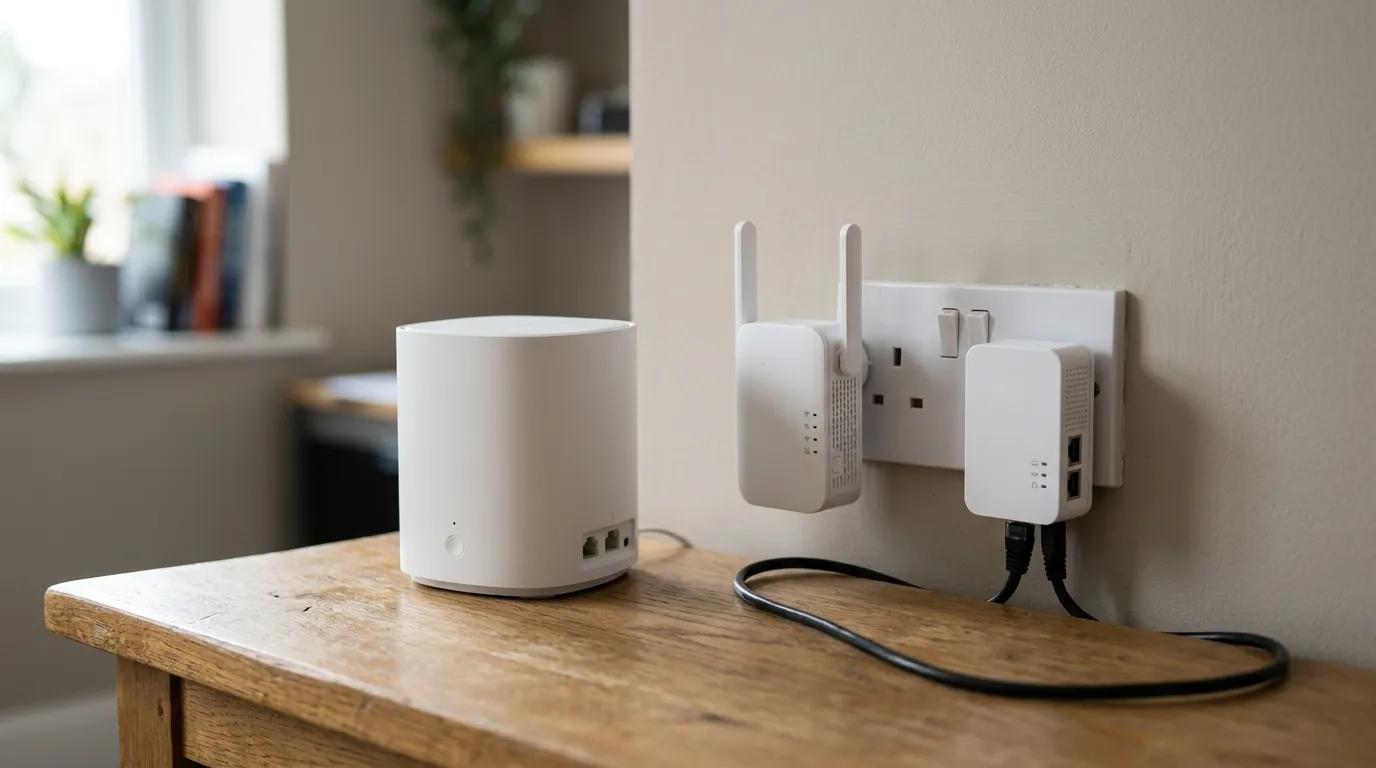
If your existing broadband is fine but the Wi-Fi does not reach, a dongle solves nothing, because the problem is coverage inside the building rather than the connection into it. Fixing Wi-Fi dead spots and mesh versus extender versus powerline are the relevant pages.
A pay as you go WiFi hotspot is genuinely right for travel, temporary sites, caravans and boats, a backup for when the fixed line goes down, and any situation where you want to stop paying the moment you stop needing it.
Frequently asked questions
Is a pay as you go WiFi dongle worth it? For occasional, temporary or backup use, yes, particularly if you buy the device unlocked and choose the SIM separately. For permanent home internet at a fixed address, a 4G or 5G home router is better value, because it has proper antennas, mains power and an Ethernet port.
Do old WiFi dongles still work in the UK? Only if they support 4G. All four UK networks have shut down 3G, with EE and Vodafone finishing in early 2024, Three by the end of 2024 and Virgin Media O2 in early 2026. A 3G-only device has nothing to connect to, which is why so many cheap second-hand dongles are being sold.
What is the best pay as you go SIM for a dongle? Whichever MVNO runs on the network with the best signal at your location, because coverage beats plan detail every time. SMARTY runs on Three and sells dedicated data-only SIMs across a range of allowances, VOXI runs on Vodafone, giffgaff on O2 and 1pMobile on EE. Data-only SIMs generally give better value per gigabyte than standard PAYG.
Can I use any SIM in a mobile Wi-Fi dongle? In an unlocked device, yes, including standard PAYG SIMs, though a data-only SIM is usually cheaper per gigabyte. A network-branded dongle is often locked to that operator, so check before buying if you want the freedom to switch.
How much data do I need for a mobile hotspot? Around 2 GB a month for email and light browsing, 10 to 20 GB for regular browsing and social media, and 100 GB or unlimited if you are streaming video as your main television. Streaming is what exhausts allowances, so if this is replacing home broadband, go unlimited.
Should I buy a 5G hotspot or stick with 4G? Only pay for 5G if you have confirmed 5G coverage where you will actually use the device. A 4G hotspot with a strong signal outperforms a 5G one struggling at the edge of a cell, and 5G devices such as the Netgear Nighthawk M6 cost several times what a capable 4G unit does.