VLAN Explained: A Virtual Local Network at Home
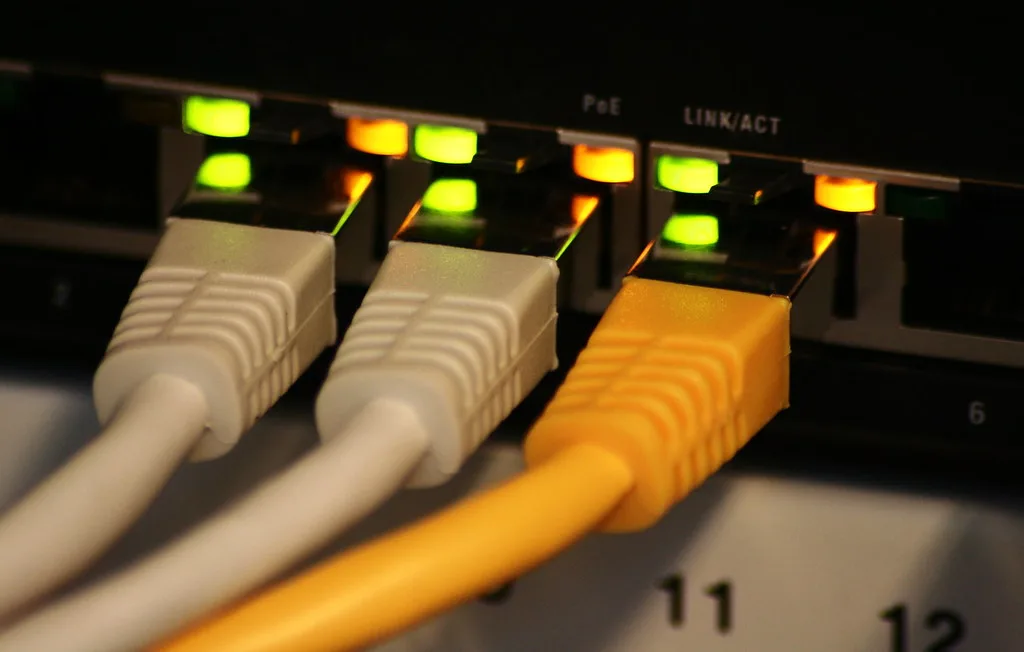
A VLAN, or virtual local network, is one physical switch pretending to be several separate ones. Devices on VLAN 20 cannot see or reach devices on VLAN 10, even though both are plugged into the same box on the same shelf, because the switch keeps their traffic in different logical compartments. Getting between them requires going through a router that can be told to say no.
That single capability is why home lab users, smart home owners and anyone working from home on a company laptop end up wanting VLANs. It is also why the first attempt usually breaks the Chromecast. Here is what a VLAN actually does, what you need to run one, and the two things that catch everybody out.
What problem it solves
Your home network is almost certainly flat. Every device, the laptop, the NAS with your photos on it, the smart plug from a brand you cannot name, the doorbell camera running firmware last updated in 2022, sits on the same network and can talk to everything else on it.
That is fine until one device is compromised or simply badly behaved. A cheap IoT device with a known vulnerability is not, by itself, a disaster; a cheap IoT device that can scan and reach your NAS, your work laptop and your router’s admin page is a different proposition. The NCSC’s network architecture guidance makes the same argument at corporate scale: segment so that compromising one thing does not hand over everything.
The four segments most home setups end up with:
- Trusted. Laptops, phones, NAS, printers you actually control.
- IoT. Cameras, plugs, bulbs, TVs, anything with a cloud app and no update policy. Internet access, nothing else.
- Guest. Visitors. Internet only, and isolated from each other too.
- Work or lab. A company laptop, or a home lab where you break things deliberately.
How 802.1Q actually works
VLANs are defined by the IEEE 802.1Q standard, which adds a small tag to the Ethernet frame carrying a VLAN ID between 1 and 4094. Everything else follows from that tag.
Untagged, or access, ports. The normal case for an end device. The switch strips the tag on the way out and adds it on the way in, so the device plugged in has no idea VLANs exist. Your smart TV does not need to understand anything; you just put its port on VLAN 20.
Tagged, or trunk, ports. Carry several VLANs at once with the tags left on, so the device at the other end can tell them apart. You use these between switches, and between a switch and your router or a VLAN-aware access point.
PVID. The Port VLAN ID tells the switch which VLAN to assign to untagged traffic arriving on a port. Set the PVID of each access port to match its untagged VLAN. Forgetting this is the most common reason a “configured” VLAN does not work: the port is in the VLAN for outbound traffic but dumping inbound traffic into VLAN 1.
VLAN 1. The default VLAN on almost every switch, and the one to keep management traffic off if you can. Moving the switch’s own management address to a dedicated VLAN is worth doing once you understand the rest, because locking yourself out mid-configuration is a rite of passage.
The kit you actually need
Three things, and most homes are missing at least two.
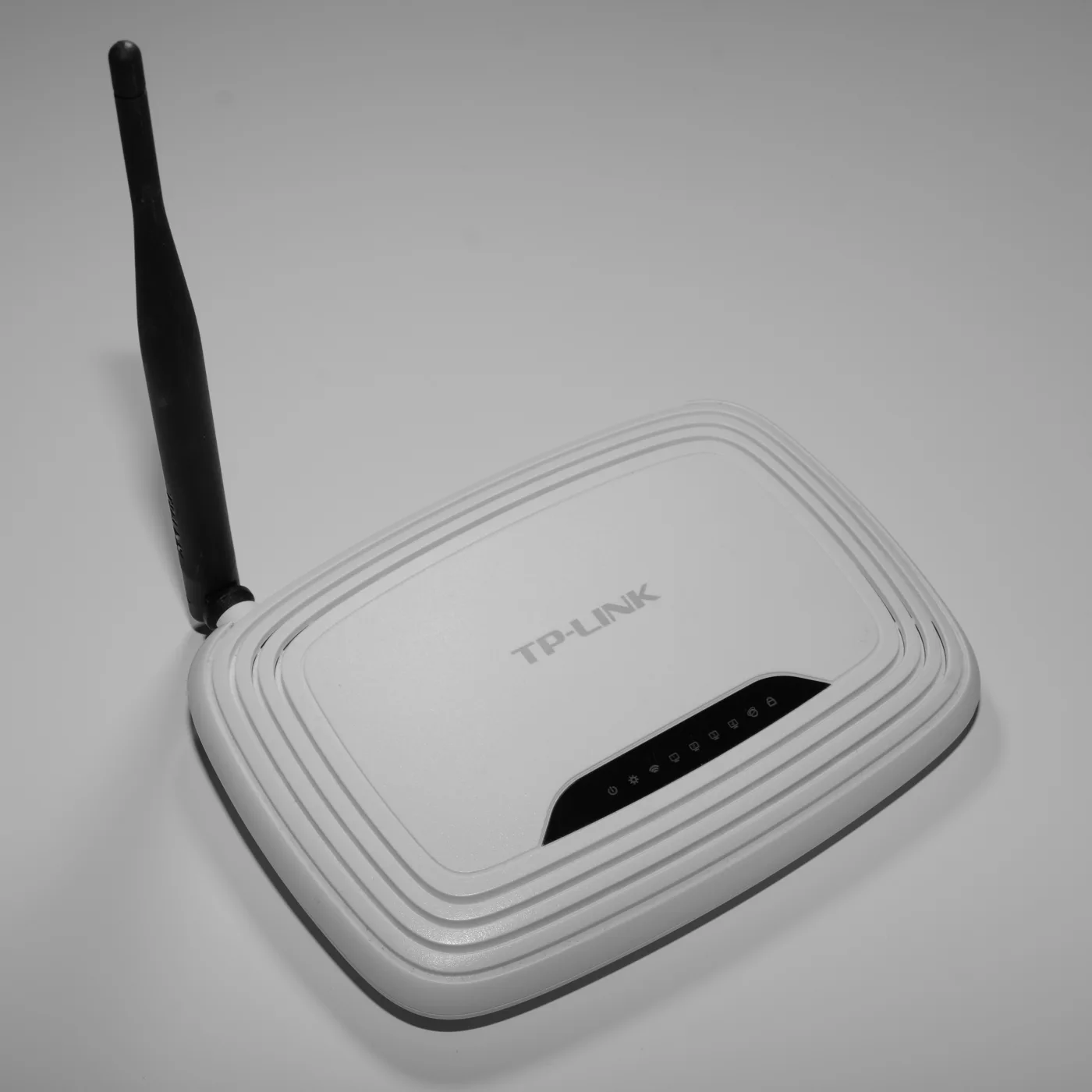
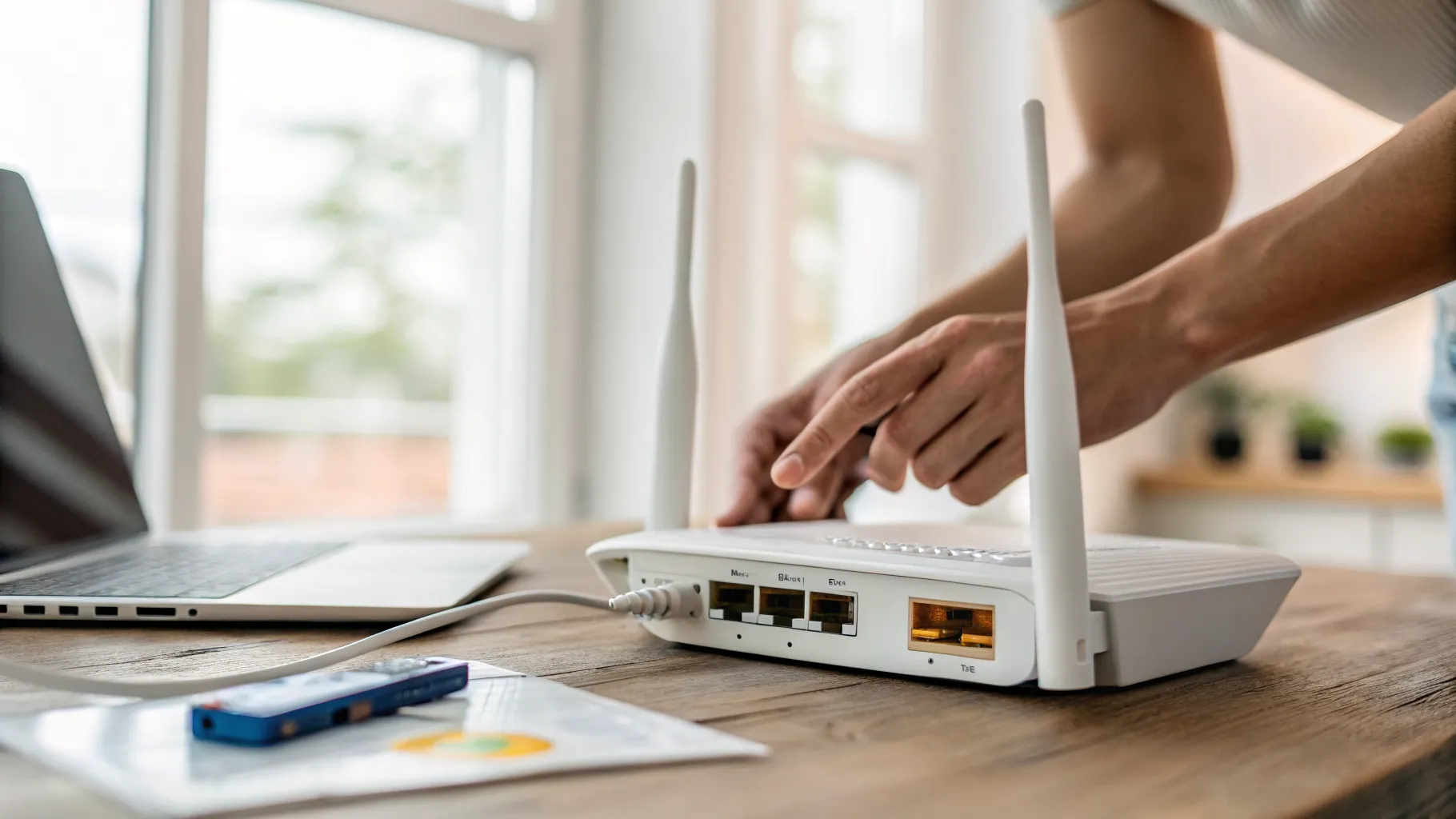
A router or firewall that understands VLANs and can filter between them. This is the piece that does the isolating. OPNsense or pfSense on a small box, a UniFi gateway, a MikroTik, or a Firewalla. Consumer mesh systems and standard ISP routers generally cannot do this.
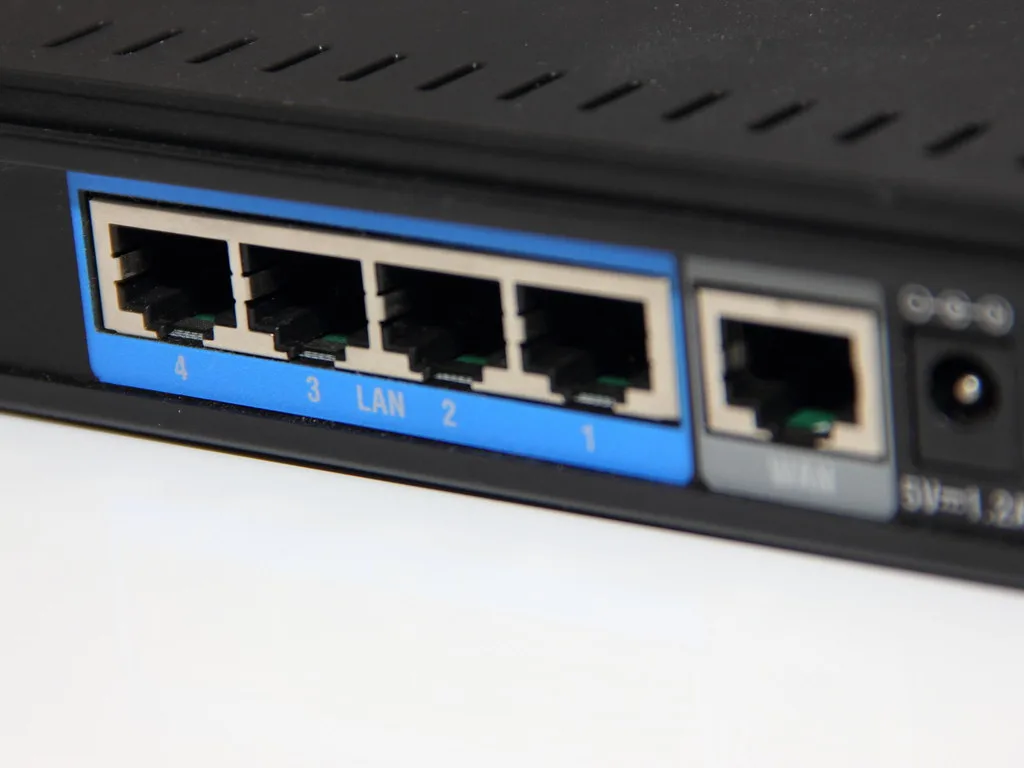
A managed switch with 802.1Q support. Cheap unmanaged switches cannot tag or separate anything; plugging one in the middle of a VLAN design silently merges everything passing through it. Smart or web-managed switches from the usual brands are inexpensive and sufficient. Our gigabit network switch guide covers the difference, and a PoE switch is worth considering if you are also feeding access points.
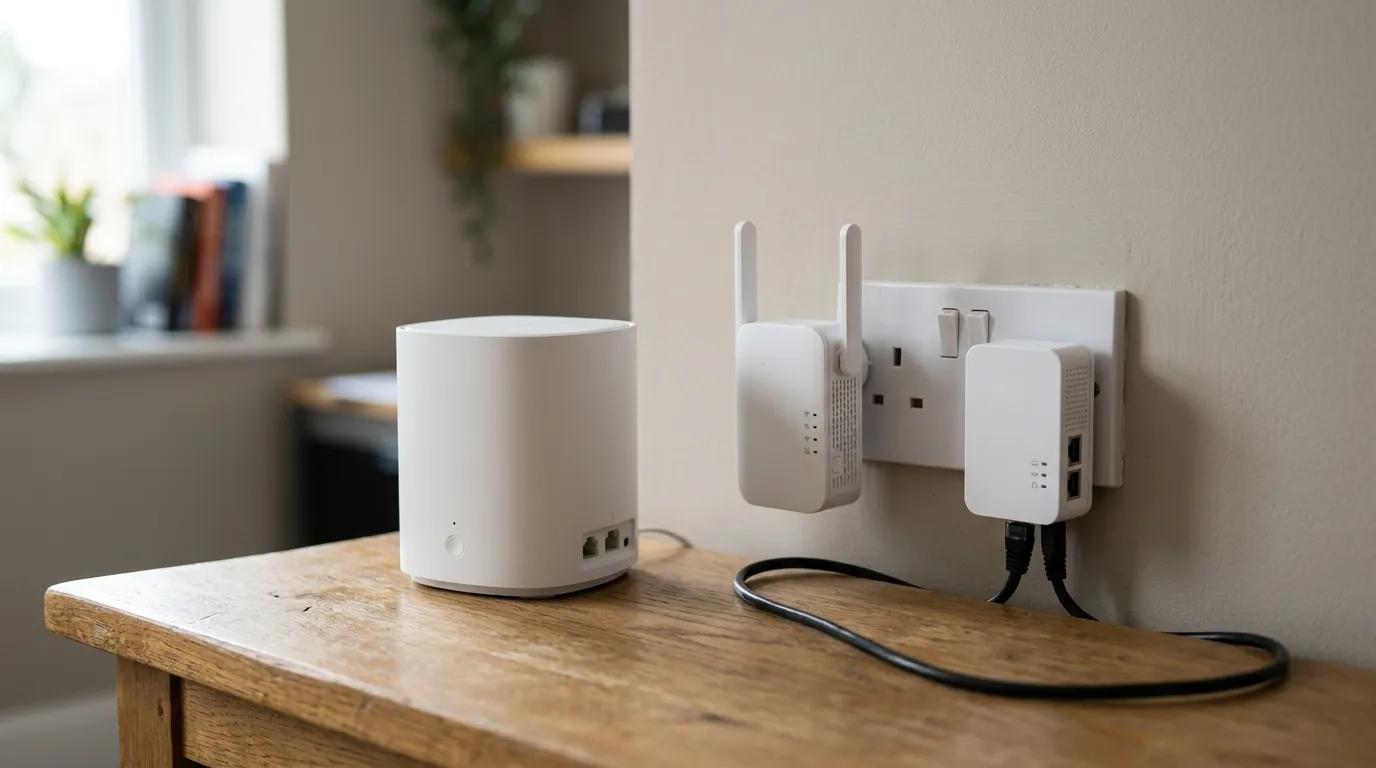
Access points that map SSIDs to VLANs. For wireless devices, isolation happens by putting each SSID on its own VLAN. An access point that can only broadcast one network cannot participate. This is where standalone access points beat a mesh kit; see wifi access points explained and mesh vs extender vs powerline.
The UK ISP router problem
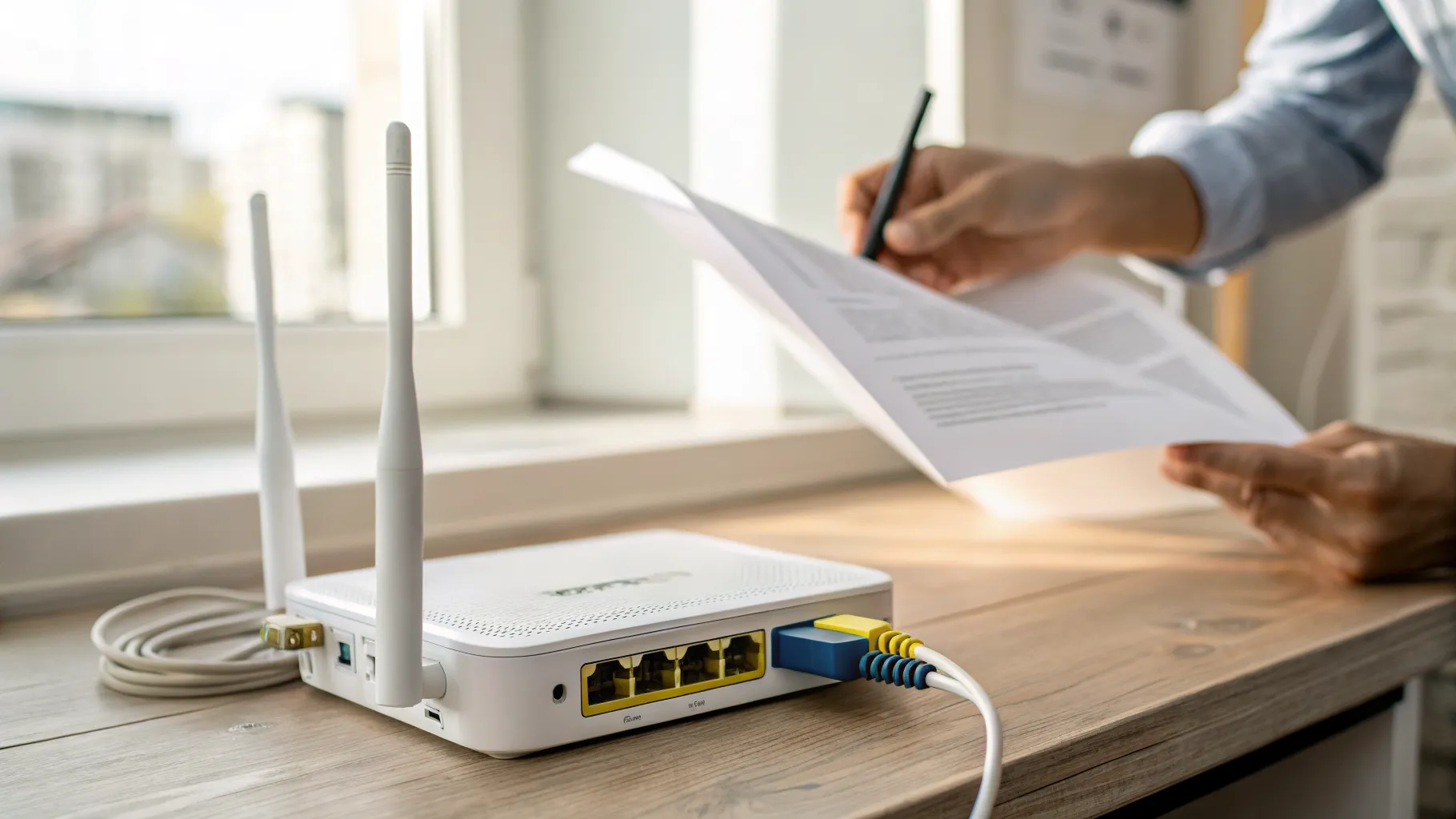
Here is the wall most British readers hit: the router your ISP supplied almost certainly cannot do any of this. BT, Sky and Virgin Media hubs are built to be simple, and VLAN configuration is not on the list.
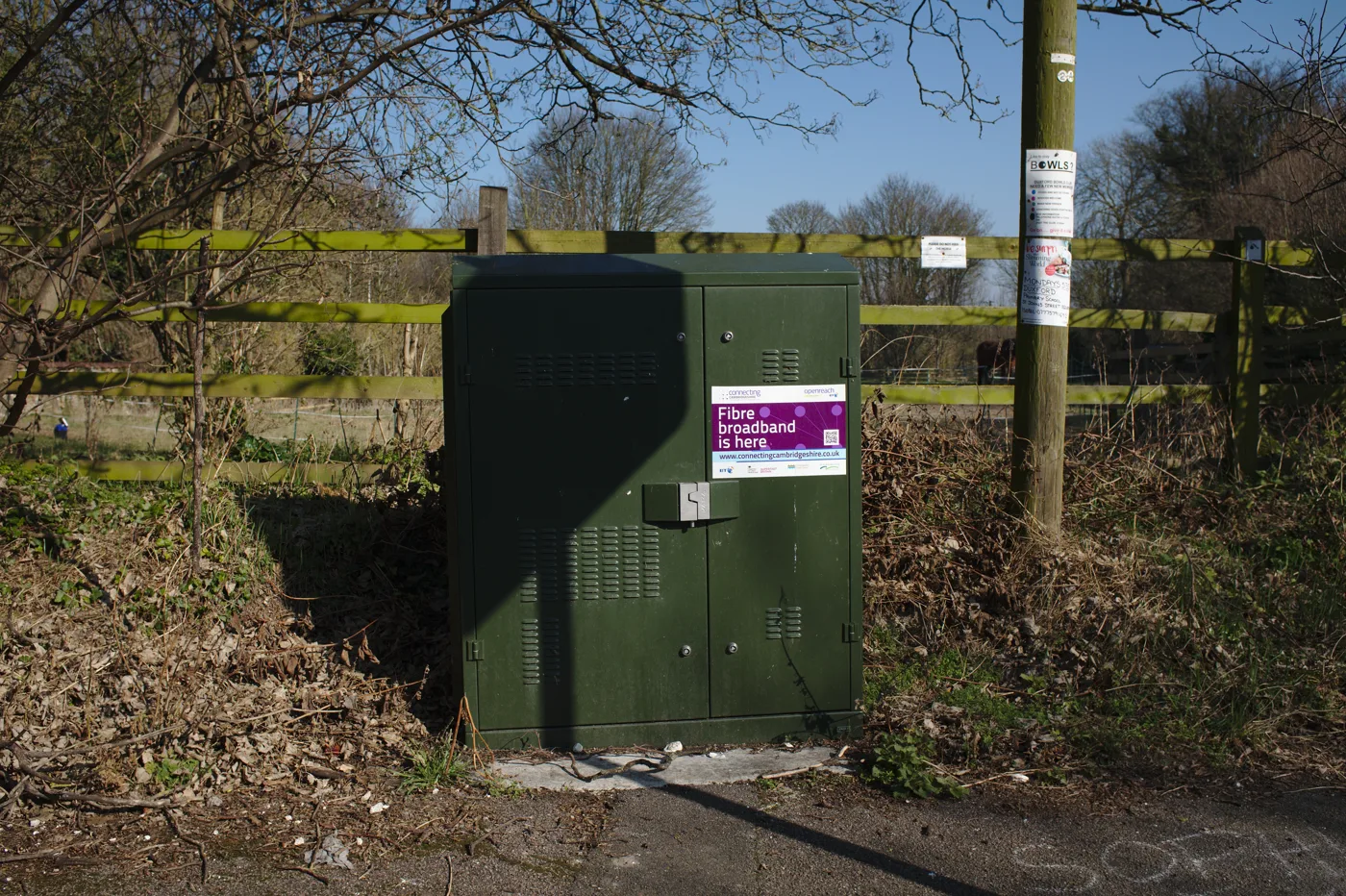
The usual route is to demote the ISP box to a modem and put your own router behind it. Virgin Media hubs have a modem mode that does exactly this. On an Openreach FTTP or FTTC line you can often replace the router entirely, provided you have the credentials.
One detail to check before you buy anything: some ISPs require a VLAN tag on the WAN side, and the required ID differs by provider and product. VLAN 101 is common on Openreach-based services, some alternative networks use their own IDs, and Sky’s authentication uses a DHCP option rather than PPPoE at all. Look up your specific provider’s third-party router documentation before ordering a firewall, because this is the step that turns a weekend project into a weekend with no internet.
What breaks, and this is the important part
Device discovery stops working. This is the number one complaint and it surprises people every time. Chromecast, AirPlay, Sonos, most network printers and many smart home hubs find each other using mDNS or SSDP, which are broadcast protocols that deliberately do not cross between networks. Put the phone on Trusted and the Chromecast on IoT and the phone will simply not see it.
The fixes, in order of how well they work:
- An mDNS repeater or reflector on the router, which forwards discovery traffic between chosen VLANs. OPNsense, pfSense and UniFi all offer this. It is the standard answer.
- Firewall rules allowing the specific traffic from Trusted to the device on IoT, once discovery is working.
- Keeping the casting devices on the same VLAN as the phones that control them, and accepting a slightly less pure design. Often the right call in a house with a Sonos system.
Firewall rules are the whole point. A VLAN with no rules restricting it is a flat network with extra configuration. Creating VLAN 20 does nothing on its own; the isolation comes from a rule on the router that blocks VLAN 20 from reaching the other internal subnets while allowing it out to the internet. Get this the wrong way round and you have done a lot of work for no security benefit.
Each VLAN needs its own DHCP scope and its own subnet. One VLAN, one subnet, one DHCP range.
A workable starting plan
| VLAN | Purpose | Wireless |
|---|---|---|
| 10 | Trusted: laptops, phones, NAS | Main SSID |
| 20 | IoT: cameras, plugs, TVs | IoT SSID |
| 30 | Guest: visitors, isolated from each other | Guest SSID |
| 40 | Lab or work laptop | Optional SSID |
Rules: 10 can reach everything. 20 and 30 get internet only and nothing internal. 40 gets internet and whatever specific thing you decide.
Build it in stages. Get one extra VLAN working with one device before you migrate the house, and keep the ability to plug a laptop into a trusted port while you work.
When not to bother
If you have an ISP router, a handful of devices and no NAS, VLANs are more machinery than the problem justifies. Turn on the guest network with client isolation for visitors and IoT devices, keep firmware updated, and change the router admin password. That gets you a meaningful share of the benefit for none of the effort, and our Wi-Fi password guide covers the basics.
VLANs earn their keep when you have something genuinely worth protecting on the network, a NAS, a work machine, a home lab, or when you have enough IoT devices that you have lost track of what they all are.
Frequently asked questions
What is a VLAN in simple terms? A way of splitting one physical network into several logically separate ones. Devices on different VLANs cannot reach each other directly even when connected to the same switch, and traffic between them has to pass through a router where you can allow or block it.
Do I need a managed switch for VLANs? Yes. Unmanaged switches cannot read or apply 802.1Q tags, so putting one in the path merges the VLANs passing through it. A web-managed or smart switch is inexpensive and enough for home use.
Can I set up VLANs on my BT, Sky or Virgin Media router? Generally no. ISP-supplied routers do not expose VLAN configuration. The usual approach is to put the ISP box into modem or bridge mode and run your own router or firewall behind it, checking first what your provider requires from a third-party device.
Why can my phone not see the Chromecast after setting up VLANs? Because device discovery uses mDNS and SSDP broadcasts, which do not cross between networks by design. Enable an mDNS repeater or reflector on your router for the VLANs concerned, or keep the casting devices on the same VLAN as the phones controlling them.
Do VLANs make my network faster? Not meaningfully at home. They reduce broadcast traffic, which matters on large networks with hundreds of devices but is irrelevant in a house. The benefit is isolation and control, not speed.
Is a guest Wi-Fi network the same as a VLAN? It is a simplified version of the same idea. Most guest networks put visitors on a separate subnet with internet-only access, which covers the common case. A VLAN setup gives you the same treatment for wired devices, more than one segment, and control over exactly what each one can reach.