HomeWire home network lab
Gear: Mesh, Extenders & Adapters

Gigabit and 2.5Gb Network Switches: Is the Upgrade Worth It?

By the HomeWire team Updated 2026 Tested in real UK homes

A network switch is one of the cheapest, most reliable upgrades you can make to a home network, and a gigabit switch is where most people should start. It does one simple job: it adds more wired ports and lets your devices talk to each other at full wired speed. The confusion usually comes from the newer 2.5Gb switches and the jargon around managed versus unmanaged. This guide explains what a switch actually does, when the jump to 2.5GbE is worth paying for, and which type to buy for your home.

What a network switch actually does

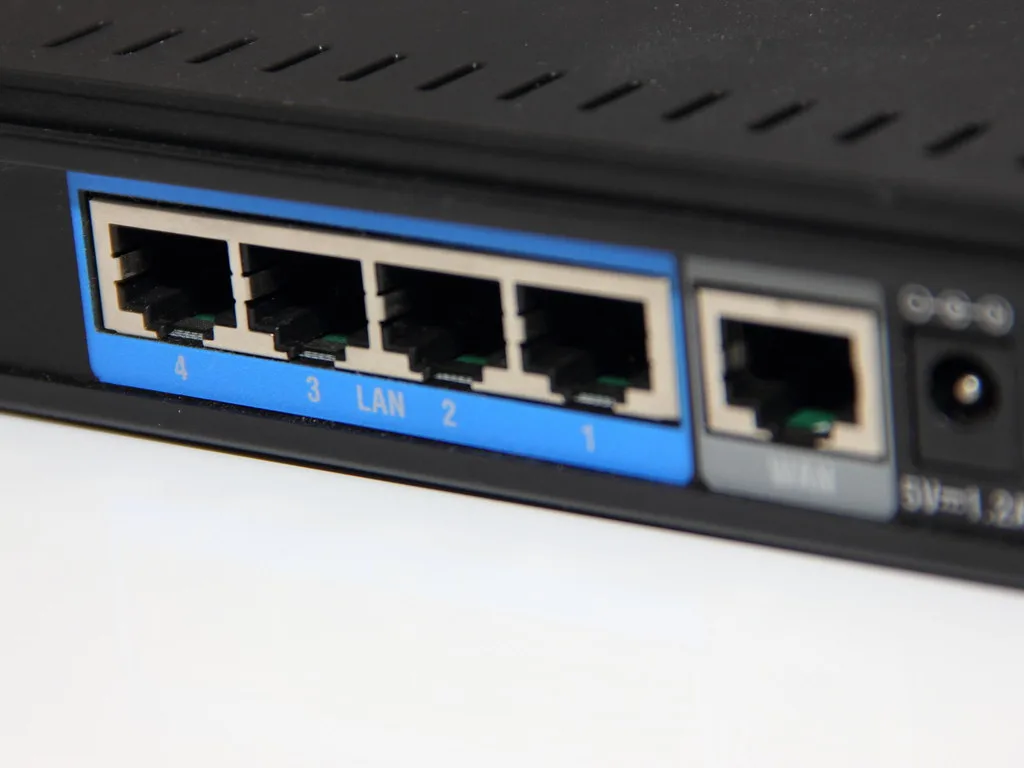
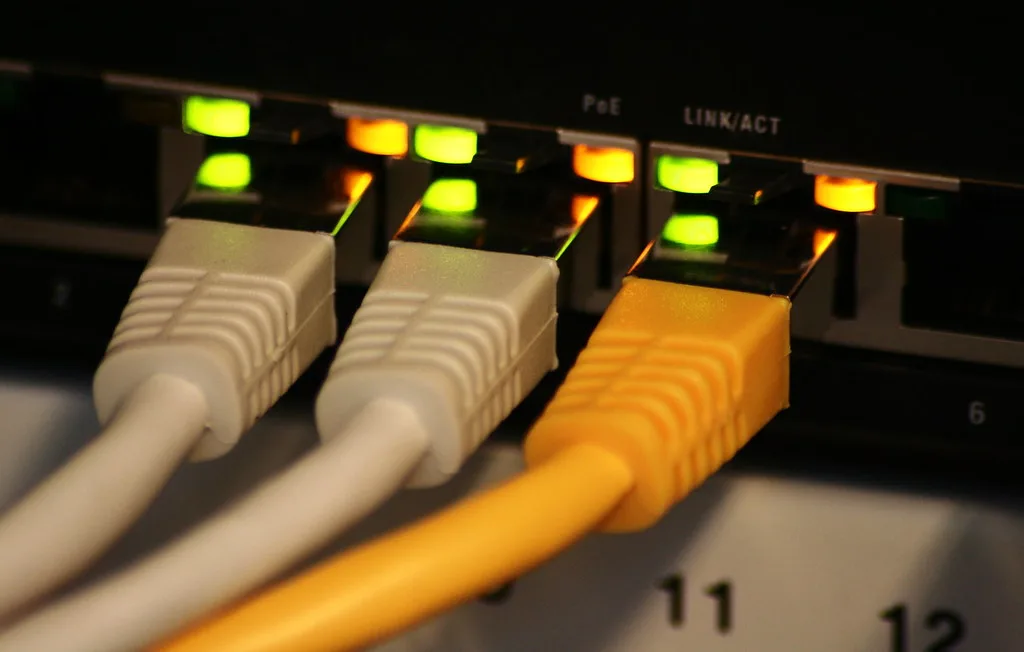
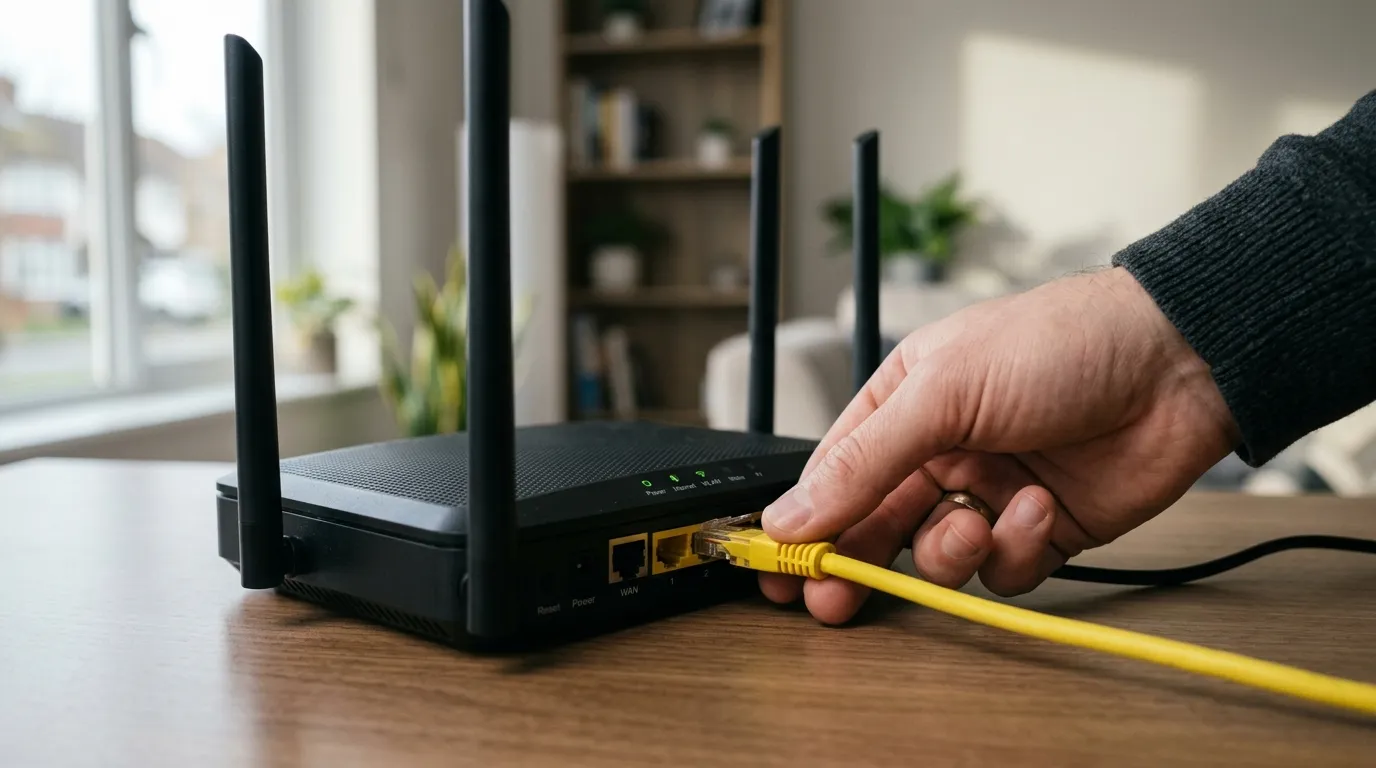
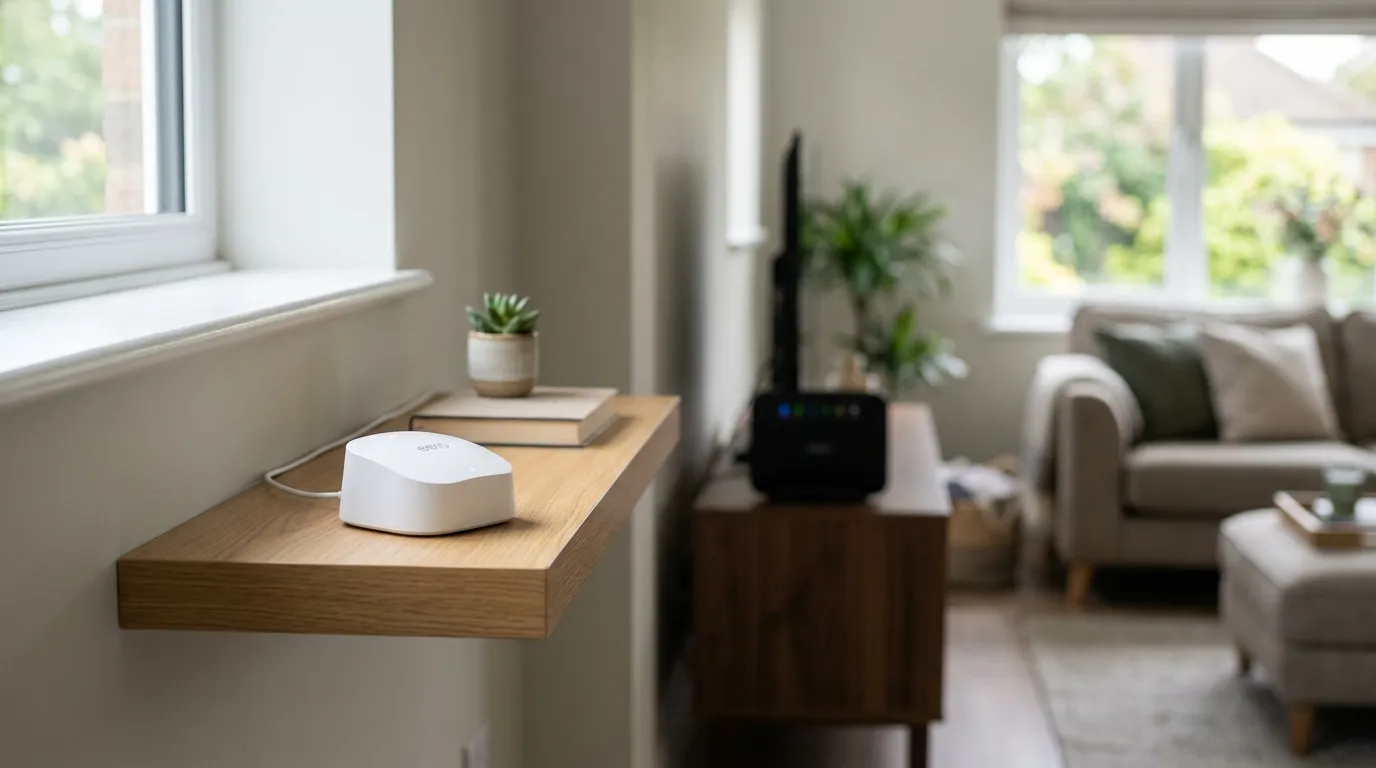
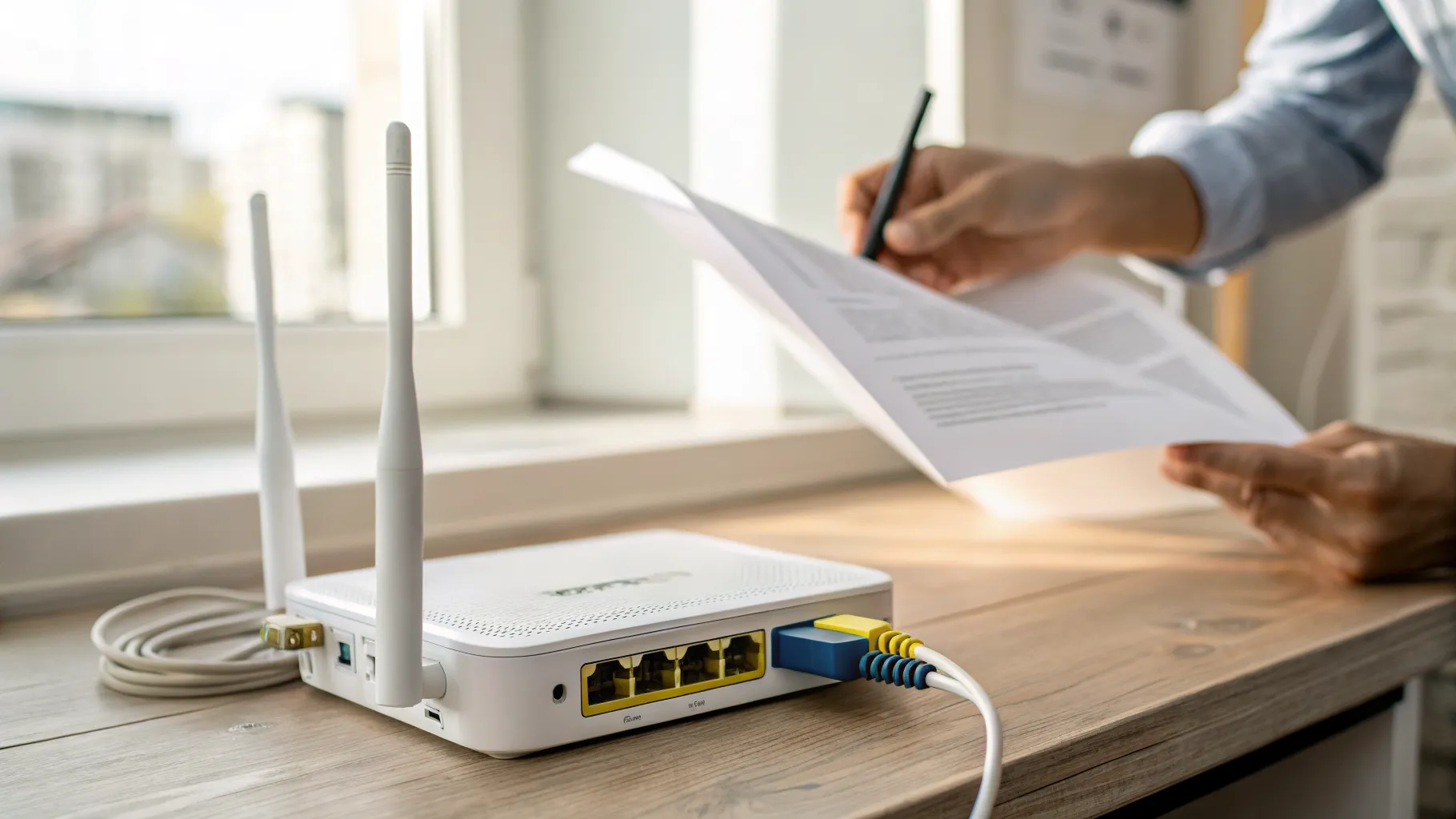
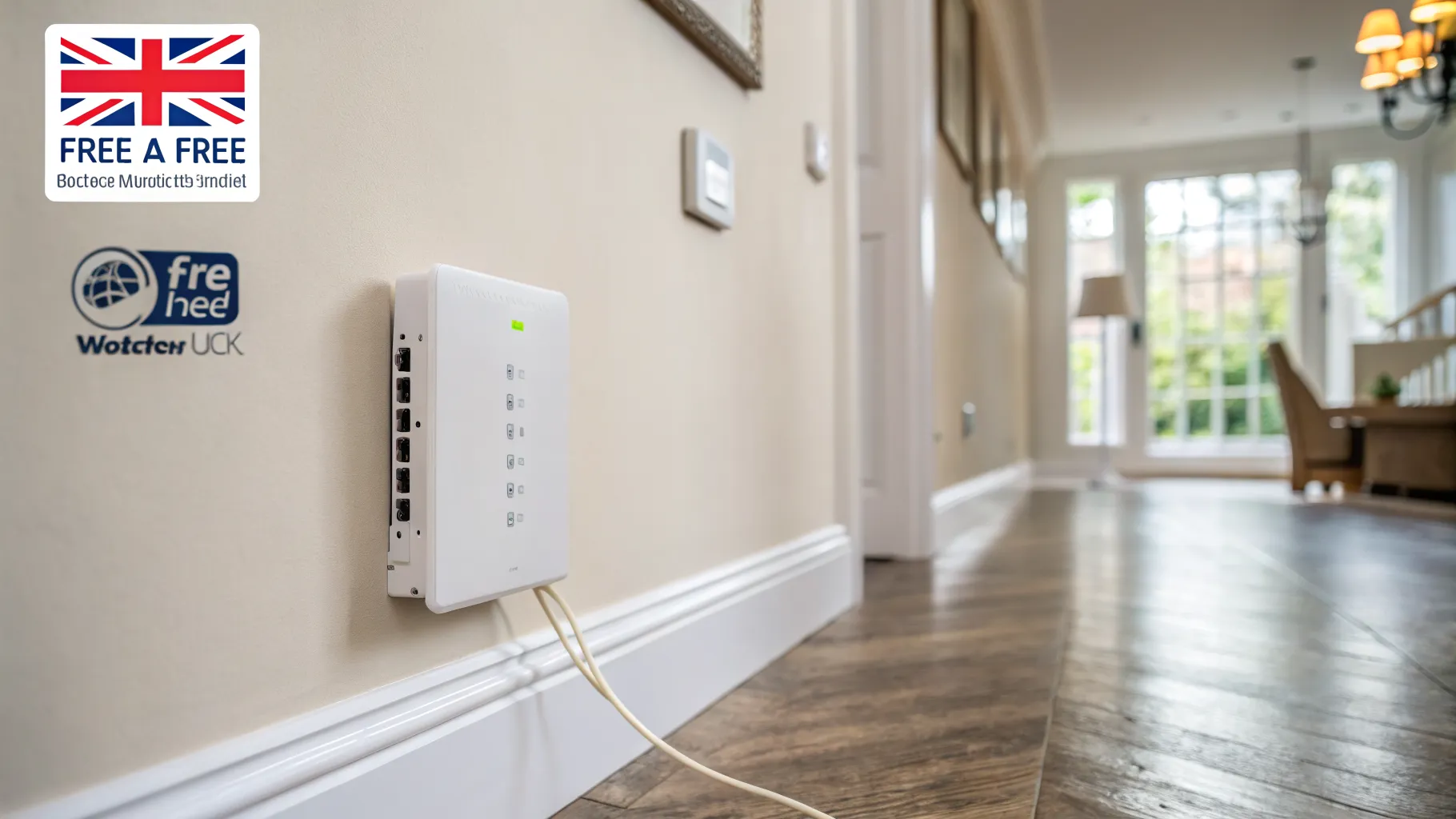
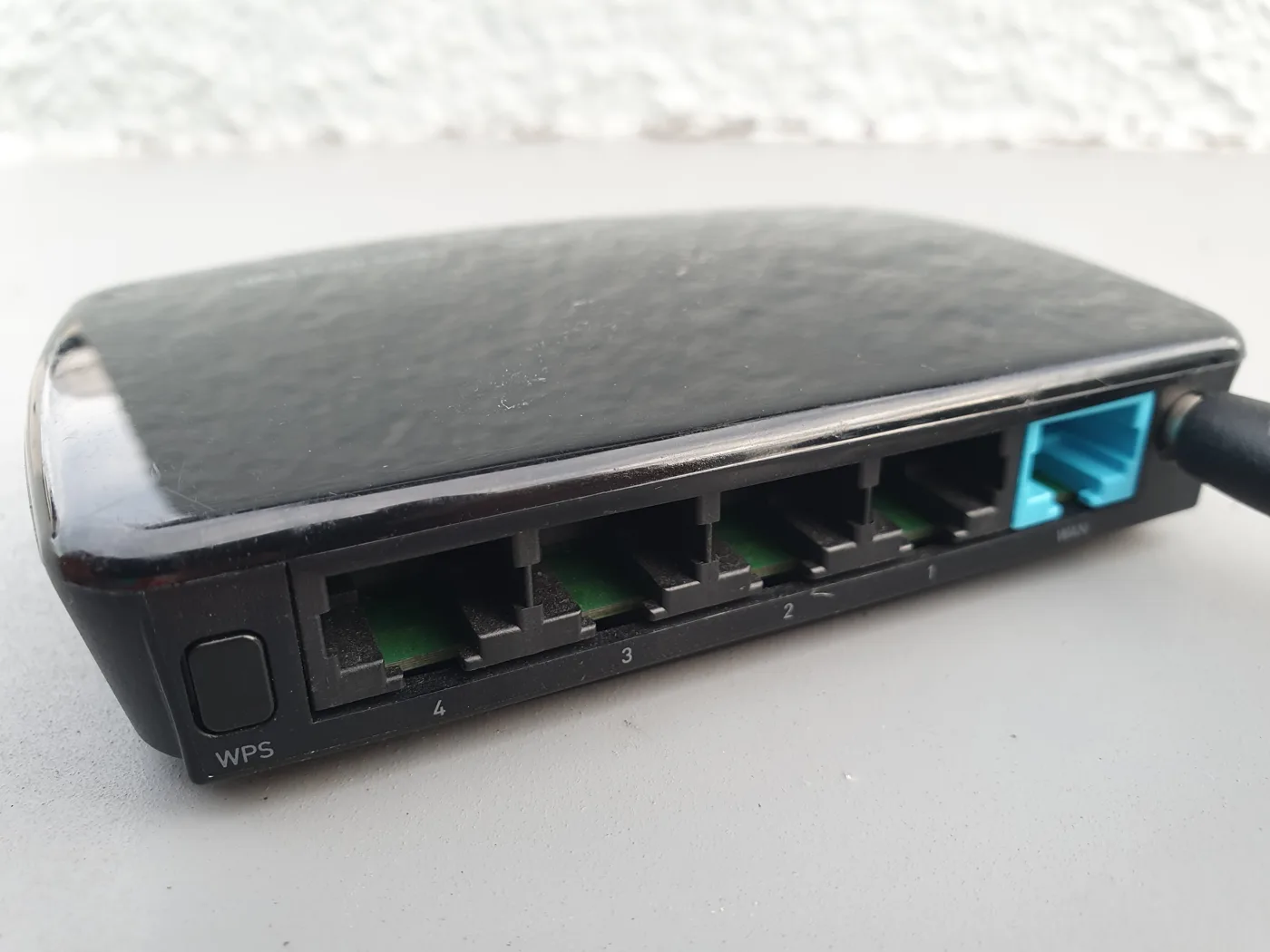
A switch is a box that turns one ethernet connection into many, and lets everything plugged into it communicate at full speed. You run one cable from a spare port on your router to the switch, and now you have several extra wired ports wherever you need them, behind the TV, in a home office, or feeding a set of wired access points.

Two things it is important to be clear about:

  • A switch does not increase your broadband speed. Your internet is still capped by your line. What a switch improves is wired capacity inside your home and the speed of transfers between your own devices.
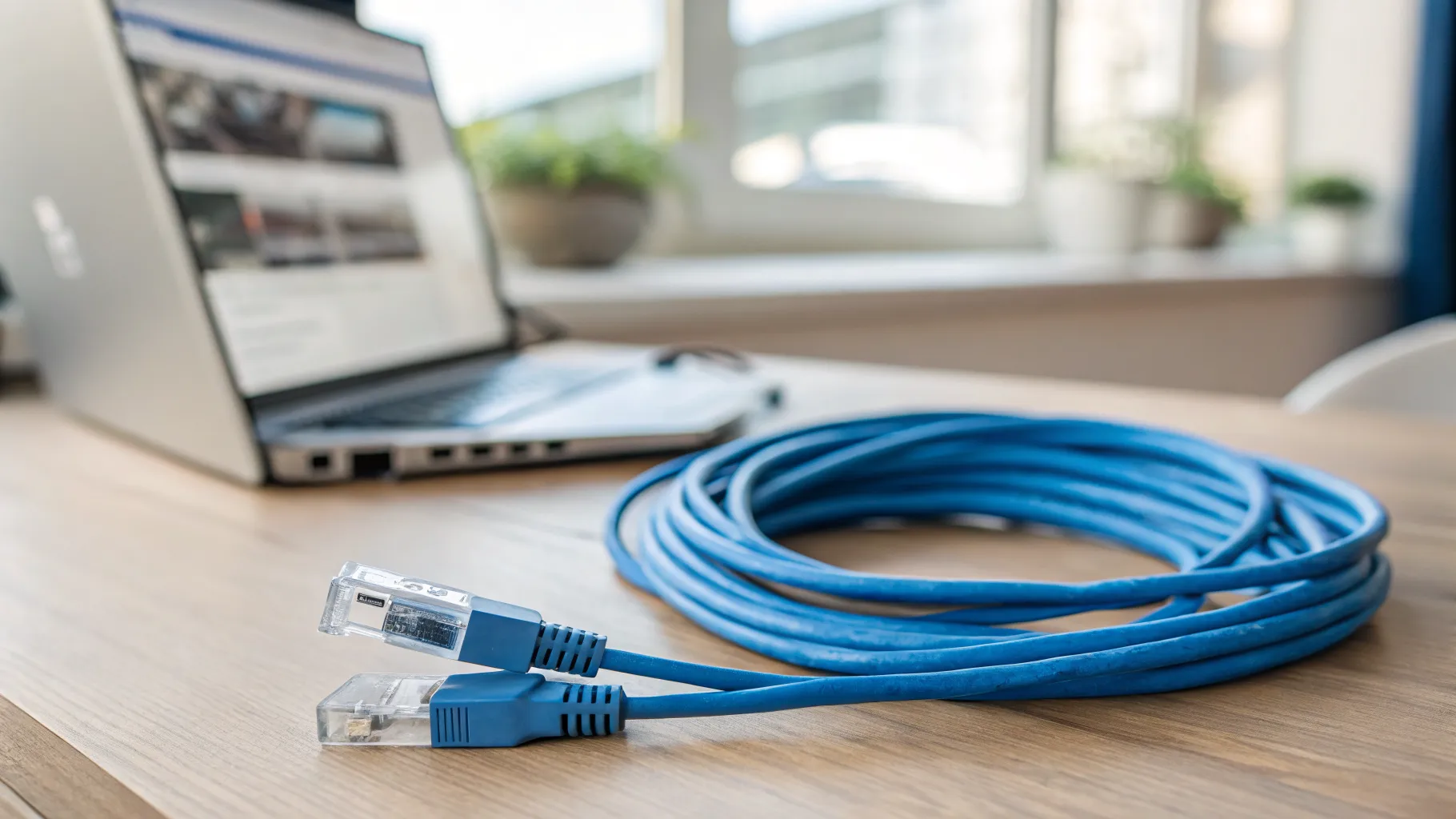
  • Wired is more stable than wireless. Anything that stays in one place, a TV, console, desktop PC or NAS, benefits from a wired connection over Wi-Fi. A switch is how you add those connections. Pair it with decent cabling; our guide to Cat 6 ethernet cable covers what to run.

Gigabit vs 2.5Gb: which do you need?

This is the real question. Gigabit (1000 Mbps) has been the home standard for years, and for most people it is still plenty. It comfortably handles 4K streaming, online gaming and everyday internet use with room to spare. If your broadband is 1Gb or slower and you do not move huge files around your own network, a gigabit switch is all you need and will save you money.

A 2.5Gb (2500 Mbps) switch, sometimes called multi-gig, is worth it when you have a specific reason to move data faster than gigabit inside your home:

  • You have multi-gig broadband (faster than 1Gb) and want wired devices to actually use it.
  • You back up or transfer large files to a NAS and want those transfers to fly.
  • You are feeding Wi-Fi 6E or Wi-Fi 7 access points that can exceed gigabit over the air and would otherwise be bottlenecked by a gigabit port.
  • You have a gaming or workstation PC on a fast local link.

A useful bonus: 2.5GbE was designed to run over the Cat5e and Cat6 cabling most homes already have, so in most cases you can upgrade the switch without rewiring. If none of the reasons above apply to you, gigabit is the sensible, cheaper choice. Skip 10Gb switches entirely unless you have a genuine high-end home lab; they are expensive and overkill for almost every household.

Managed vs unmanaged switches

The other choice is managed versus unmanaged, and for most homes it is easy.

  • Unmanaged switches are true plug-and-play. You connect them and they work, with nothing to configure. This is the right choice for the vast majority of homes.
  • Managed switches add features such as VLANs (separate virtual networks), traffic prioritisation and port monitoring. These are genuinely useful for enthusiasts and home labs, but they add complexity that most people neither need nor want.

Unless you already know you want VLANs or QoS, buy unmanaged and enjoy the simplicity.

Which switch to buy

You do not need to spend much. A good five or eight-port unmanaged switch is inexpensive and lasts for years, since there is little to go wrong.

  • For gigabit on a budget: compact unmanaged models like the TP-Link TL-SG105 or TL-SG108, or the Netgear GS308, give you five or eight gigabit ports in a fanless metal case. Check the current price.
  • For 2.5GbE: the TP-Link TL-SG105-M2 (five ports) and TL-SG108-M2 (eight ports), and the Netgear MS308, are popular multi-gig unmanaged switches with auto-sensing 1G/2.5G ports and silent fanless designs. Check the current price.

Look for a metal, fanless housing (quieter and cooler), enough ports for now plus a couple spare, and auto-sensing ports so it works with both gigabit and 2.5G devices. If some of your devices also need power over the cable, such as cameras or access points, consider a PoE switch instead.

Models and prices change often, so confirm the current specification and price before buying. You can check specifications on the manufacturer’s own pages, such as TP-Link’s home switch range.

Frequently asked questions

Will a gigabit switch make my internet faster? No. A switch cannot make your broadband faster than the line coming into your home. What a gigabit switch does is add reliable wired ports and let your own devices transfer data between each other at full gigabit speed, which is why wired connections feel more stable than Wi-Fi.

Do I need a 2.5Gb switch or is gigabit enough? Gigabit is enough for most homes, including 4K streaming and gaming. Choose 2.5Gb only if you have multi-gig broadband, move large files to a NAS, run Wi-Fi 6E or 7 access points, or otherwise need faster-than-gigabit transfers inside your home. If none of those apply, save your money.

Can I use my existing cables with a 2.5Gb switch? In most cases yes. 2.5GbE was designed to run over the Cat5e and Cat6 cabling that homes have used for years, so you can usually upgrade the switch without rewiring. Very old or damaged cabling is the exception.

What is the difference between a managed and unmanaged switch? An unmanaged switch is plug-and-play with nothing to set up, which suits almost every home. A managed switch adds advanced features like VLANs, traffic prioritisation and monitoring, useful for enthusiasts and home labs but unnecessary complexity for most people.

How many ports should a home network switch have? Count the wired devices you want to connect, then add a couple of spare ports for the future. Five-port switches suit a single room or a small cluster of devices, while eight-port models give more headroom for a home office or an entertainment setup.
// more from HomeWire
Why Is My Wi-Fi So Slow? 12 Fixes That Actually Work (UK)
Fix It: Wi-Fi & Network Troubleshooting

Why Is My Wi-Fi So Slow? 12 Fixes That Actually Work (UK)

Why is my Wi-Fi so slow? 12 tested UK fixes, from router placement and 5GHz to channel changes and your Ofcom minimum-speed rights.
Wi-Fi Keeps Dropping or Disconnecting? Step-by-Step Fix
Fix It: Wi-Fi & Network Troubleshooting

Wi-Fi Keeps Dropping or Disconnecting? Step-by-Step Fix

If your wifi keeps dropping, work through these UK fixes in order: restart the router, change the channel, split the bands and check for a line fault.

Ethernet Connected But No Internet? How to Fix It
Fix It: Wi-Fi & Network Troubleshooting

Ethernet Connected But No Internet? How to Fix It

Ethernet connected but no internet? Work through these ordered UK fixes, from a quick router reboot to DHCP, DNS and driver repairs that get you back online.

How to Log Into Your Router at 192.168.1.1 (UK Routers)
Set Up & Get Online

How to Log Into Your Router at 192.168.1.1 (UK Routers)

A step-by-step 192.168.1.1 router login guide for UK routers, plus the correct IP for BT, Sky, Virgin, TalkTalk, EE and Plusnet hubs.

How to Change Your Wi-Fi Channel to Stop Interference
Set Up & Get Online

How to Change Your Wi-Fi Channel to Stop Interference

How to change your Wi-Fi channel to stop interference: best 2.4GHz and 5GHz channels, plus steps for BT, Sky, Virgin and TalkTalk routers.

Mesh Wi-Fi vs Extender vs Powerline: Which Beats Dead Spots?
Gear: Mesh, Extenders & Adapters

Mesh Wi-Fi vs Extender vs Powerline: Which Beats Dead Spots?

Mesh vs extender vs powerline compared for UK homes: which one actually fixes Wi-Fi dead spots, with real speeds, costs and setup tips.

Wi-Fi Channel Finder
Tools

Wi-Fi Channel Finder

Best Wi-Fi channel finder for UK homes: read your phone's Wi-Fi scan and get the least-crowded 2.4GHz, 5GHz and 6GHz channel to switch to.

Broadband Speed Calculator: How Much Do You Actually Need?
Tools

Broadband Speed Calculator: How Much Do You Actually Need?

Free broadband speed calculator: tell us your household and we work out how much broadband speed you need, in Mbps, for the UK.

Mesh Node Planner
Tools

Mesh Node Planner

Free UK mesh node planner: answer how many mesh nodes do I need for your home's size, floors and walls, with a printable placement plan.

How to Fix Wi-Fi Dead Spots at Home: 9 Proven Fixes
Fix It: Wi-Fi & Network Troubleshooting

How to Fix Wi-Fi Dead Spots at Home: 9 Proven Fixes

Fix Wi-Fi dead spots at home with 9 proven steps, free fixes first: router placement, band, channel, mesh, wired backhaul and UK ISP kit explained.

Best Mesh Wi-Fi Systems UK 2026: Tested and Compared
Gear

Best Mesh Wi-Fi Systems UK 2026: Tested and Compared

The best mesh Wi-Fi systems for UK homes in 2026, ranked by coverage, value and backhaul. Wi-Fi 6, 6E and 7 picks for brick and stone walls.

How to Reset Your Router Without Losing Your Settings
Set Up & Get Online

How to Reset Your Router Without Losing Your Settings

Restart fixes most problems and keeps every setting. Factory reset wipes the lot. UK hub-by-hub steps for BT, Virgin, Sky and EE, plus what to save first.

What Is a Good Ping for Gaming and How to Lower It
Speed & Coverage

What Is a Good Ping for Gaming and How to Lower It

A good gaming ping is under 30ms for competitive play, under 50ms casual. Here is how to lower it: go wired, pick a near server, and fix Wi-Fi and QoS.

BT, Sky, Virgin and EE Router Default Passwords Explained
Set Up & Get Online

BT, Sky, Virgin and EE Router Default Passwords Explained

There is no master password for BT, Sky, Virgin or EE hubs. Where each default actually lives, Wi-Fi vs admin passwords, and what a reset restores.

Why Your Broadband Slows Down in the Evening (and What to Do)
Fix It: Wi-Fi & Network Troubleshooting

Why Your Broadband Slows Down in the Evening (and What to Do)

Broadband slow in the evening? Here's why UK speeds dip around 9pm, how to test if it's your line or Wi-Fi, and what actually fixes it.

2.4GHz vs 5GHz vs 6GHz: Which Band Should You Use and When
Speed & Coverage

2.4GHz vs 5GHz vs 6GHz: Which Band Should You Use and When

Which Wi-Fi band to join, when, for UK homes. A use-case table, the physics, Ofcom rules, plus 6GHz, WiFi 6E/7 and merge-vs-split SSID advice.

How to Run an Ethernet Cable Through Your House Tidily
Set Up & Get Online

How to Run an Ethernet Cable Through Your House Tidily

A practical UK guide to running Ethernet cable through your house tidily: planning routes, choosing cable, wall and floor runs, terminating and safety.

Long Ethernet Cable: Which Length and Category to Buy
Gear: Mesh, Extenders & Adapters

Long Ethernet Cable: Which Length and Category to Buy

Buying a long Ethernet cable for a UK home? Which length and category to pick, why length barely affects speed, and outdoor and in-wall rules.

What Is Broadband? A Plain-English Guide for UK Households
Set Up & Get Online

What Is Broadband? A Plain-English Guide for UK Households

What is broadband, in plain English: the UK types explained, real speeds vs the headline numbers, and what the 2027 copper switch-off means for you.

Smart Wi-Fi: What It Means and Why Your Next Router Needs It
Speed & Coverage

Smart Wi-Fi: What It Means and Why Your Next Router Needs It

What smart Wi-Fi actually means: band steering, mesh roaming, app control and device priority explained in plain English, and whether you really need it.

BT WiFi Hotspot: How to Use It When You're Away From Home
Speed & Coverage

BT WiFi Hotspot: How to Use It When You're Away From Home

How a BT Wi-Fi hotspot works, how to connect with your BT ID or the app, the BTWifi-with-Fon network, and how it now ties into EE Wi-Fi.

Cat 6 Ethernet Cable: What to Know Before You Buy
Gear: Mesh, Extenders & Adapters

Cat 6 Ethernet Cable: What to Know Before You Buy

A plain-English Cat 6 Ethernet cable guide for UK homes: how it compares to Cat5e and Cat6a, real speed limits, shielding, and which cable to actually buy.

Outdoor Wi-Fi Extender Guide: Garden, Garage and Outbuildings
Speed & Coverage

Outdoor Wi-Fi Extender Guide: Garden, Garage and Outbuildings

An outdoor wifi extender can push your network to the garden, garage or outbuilding. How they work, IP ratings, PoE, and how to choose the right one.

Gear: Mesh, Extenders & Adapters

HDMI Extender Guide: Send an HDMI Signal Over Long Distances

An HDMI extender sends video and audio far beyond a normal cable's limit. How the main types work, their real distances, and how to choose the right one.

Gear: Mesh, Extenders & Adapters

PoE Switch Explained: Power Over Ethernet for Home and Small Office

A PoE switch explained in plain English: how Power over Ethernet works, the PoE, PoE+ and PoE++ standards, what it powers, and whether you need one at home.

Home Wi-Fi News: June 2026
News

Home Wi-Fi News: June 2026

Wi-Fi 8 chipsets break cover, Lightning Fibre rolls out Wi-Fi 7 routers, and Community Fibre cuts 1Gbps with a Wi-Fi 7 router to £20 a month.

Home Wi-Fi News: June 2026
News

Home Wi-Fi News: June 2026

UK leads Europe on Wi-Fi 6 and 7 take-up, Openreach trials a fuller FTTP install, O2 Broadband may return, and the fastest UK ISPs for H1 2026 are named.

Home Wi-Fi News: June 2026
News

Home Wi-Fi News: June 2026

A speed-test study finds 18% of UK homes below 10Mbps, two altnets widen full fibre choice, and Brillband makes a Wi-Fi 7 router standard from 1 July.

// stay on the network

Fix one dead zone a week.

Plain-English fixes for British homes: router settings worth changing, mesh kit that actually works, and the speed-test results that matter. One email, no jargon, unsubscribe anytime.

● No spam. Roughly fortnightly. UK-focused.