WiFi Dongle Explained: What It Is and How to Choose One
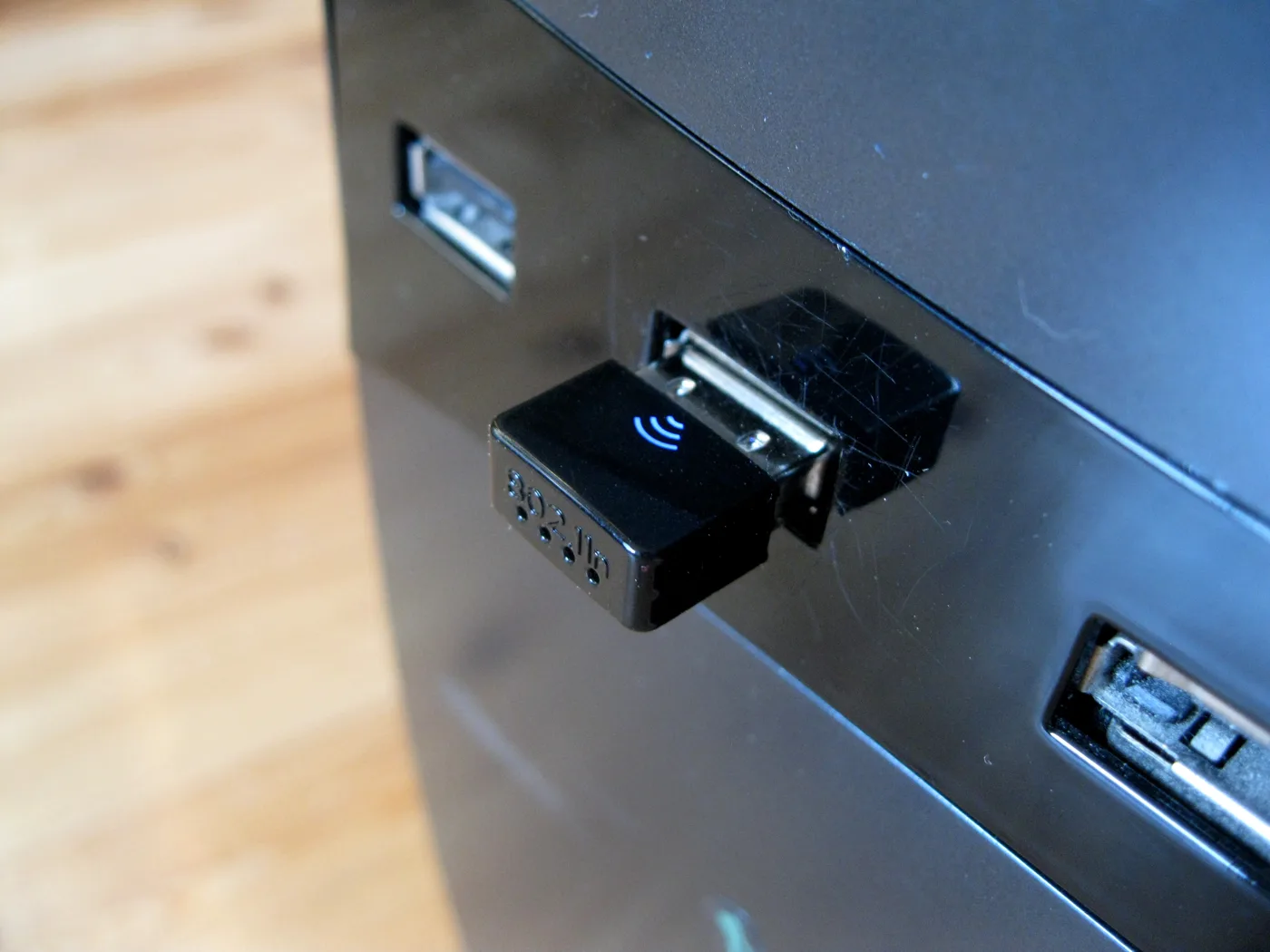
A WiFi dongle is the quickest, cheapest way to get a device online without a network cable. If your desktop PC has no wireless built in, or your laptop’s Wi-Fi has become slow and unreliable, a small USB adapter can fix it in minutes for very little money. This guide explains what a Wi-Fi dongle actually is, the specs that make the difference, and how to choose the right one for your PC or laptop, with real models worth shortlisting in the UK.
What a Wi-Fi dongle is
A Wi-Fi dongle (also called a USB Wi-Fi adapter) is a small device that plugs into a USB port and adds wireless networking to a computer that either has none or has a weak, ageing wireless card. Inside it is a tiny radio and antenna that do the same job as the Wi-Fi built into a phone or laptop. You plug it in, install the driver (many are plug-and-play on Windows 11 and macOS), and connect to your network as normal.
It is not the same as a mobile broadband or “4G/5G dongle”, which contains a SIM and creates its own internet connection. A Wi-Fi dongle simply lets your computer join a Wi-Fi network that already exists. If you want internet on the move with a SIM, that is a different product covered in our guides to mobile broadband and 4G routers.
USB dongle or PCIe card?
For desktops there are two routes: a USB dongle or an internal PCIe card. A USB dongle is simpler, portable and needs no case opening; a PCIe card usually gives better antennas and slightly more stable performance but has to be fitted inside the machine. For most people a good USB dongle is the right answer. Our Wi-Fi adapter for PC comparison weighs the two up in detail. For laptops, a USB dongle is the only practical upgrade.
The specs that actually matter
Ignore the box art and look at four things:
- Wi-Fi standard. Wi-Fi 5 (802.11ac) is the affordable baseline; Wi-Fi 6 (802.11ax) is the current sweet spot for speed and efficiency; Wi-Fi 6E adds the clean 6GHz band if your router supports it. Buy at least Wi-Fi 5, and Wi-Fi 6 if you can. There is no point buying Wi-Fi 6E unless your router is 6E too.
- Dual-band (2.4GHz and 5GHz). Essential. The 5GHz band is much faster over short range; 2.4GHz reaches further through walls. A single-band 2.4GHz-only dongle is a false economy. Our guide to 2.4GHz vs 5GHz vs 6GHz explains when to use each.
- USB version. For anything above about 400Mbps you want USB 3.0 (the blue port). A fast dongle in a slow USB 2.0 port will be throttled.
- Antenna type. A tiny “nano” dongle is neat and stays put in a laptop; a dongle with an external or extendable antenna reaches noticeably further, which matters if you are far from the router.
Recommended Wi-Fi dongles in the UK
These are real, widely available models. Confirm the current version and price with the retailer before buying, as ranges change.
- TP-Link Archer T2U Nano is the best tiny, leave-it-in dongle for a laptop. It is dual-band Wi-Fi 5, under an inch long, and stays plugged in without blocking nearby ports. Check current price.
- TP-Link Archer T2U Plus is the value pick, adding a high-gain external antenna for much better range than a nano, still on Wi-Fi 5. A strong choice for a desktop that sits a couple of rooms from the router. Check current price.
- TP-Link Archer AX1800 Nano (TX20U) is the sensible Wi-Fi 6 upgrade: faster and more efficient than the T2U range, with plug-and-play setup on Windows 11 and Mac. Check current price.
- TP-Link Archer TXE50UH is the performance option, a tri-band Wi-Fi 6E adapter for users who have a Wi-Fi 6E router and want maximum speed and stability. Check current price.
- Netgear Nighthawk AXE3000 is the alternative premium Wi-Fi 6E dongle if you prefer Netgear and have a compatible 6E router. Check current price.
For most homes, the Archer T2U Plus (value) or the AX1800 Nano (Wi-Fi 6) covers it. Only step up to 6E if your router is 6E.
When a dongle is not the answer
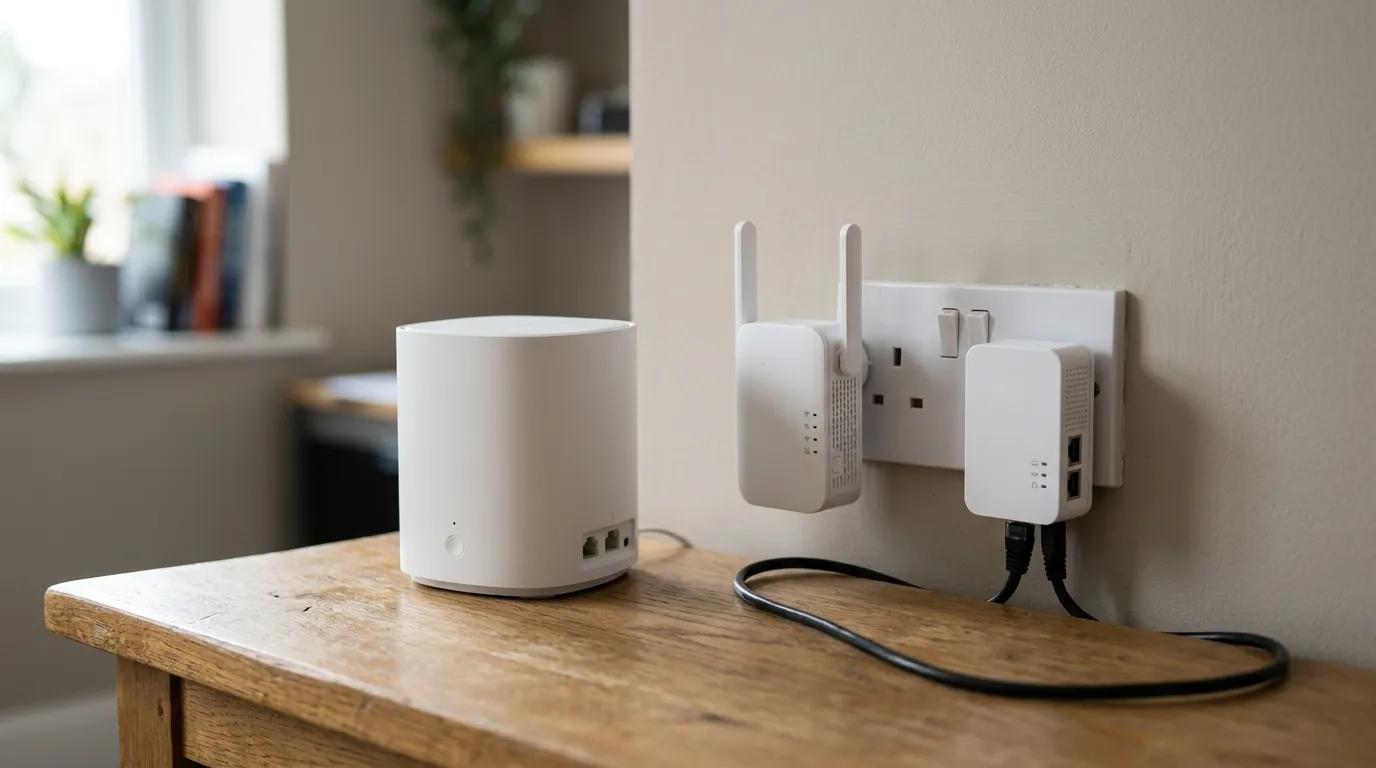
A dongle fixes a missing or weak adapter on one device. It will not fix a weak signal reaching that part of the house. If the Wi-Fi itself is patchy where you sit, no dongle will conjure signal that is not there, and you need to extend coverage instead, with a mesh Wi-Fi system, an extender, or powerline adapters. For a wired-quality connection with no port, a USB to Ethernet adapter plus a cable will always beat a dongle. And if your whole connection is slow, check first what broadband speed you actually need.
For the technical background on Wi-Fi standards, the Wi-Fi Alliance publishes the definitive explanations, and manufacturer support pages such as TP-Link’s list exact driver and compatibility details before you buy.
Frequently asked questions
What does a Wi-Fi dongle do? It plugs into a USB port and adds or upgrades wireless networking on a computer, letting it join a Wi-Fi network. It is ideal for a desktop with no built-in Wi-Fi, or a laptop whose wireless has become slow. It does not create its own internet connection, unlike a SIM-based mobile dongle.
Is a USB Wi-Fi dongle as good as built-in Wi-Fi? A good dual-band Wi-Fi 6 dongle can match or beat an older built-in card, especially one with an external antenna. Very cheap, single-band 2.4GHz dongles are worse. For the best desktop performance an internal PCIe card can edge ahead, but a quality USB dongle is enough for most people.
Which Wi-Fi dongle should I buy for a laptop? For a laptop, a small “nano” dongle like the TP-Link Archer T2U Nano is neat and can stay permanently plugged in. If you want more range or speed, the Archer AX1800 Nano adds Wi-Fi 6 in a similarly compact form.
Do I need Wi-Fi 6 or Wi-Fi 6E? Wi-Fi 6 is the current sweet spot and worth having. Wi-Fi 6E is only worthwhile if your router also supports the 6GHz band; otherwise you pay for a feature you cannot use. At minimum, buy dual-band Wi-Fi 5.
Why is my Wi-Fi dongle slow? Common causes are plugging a fast dongle into a slow USB 2.0 port, using the 2.4GHz band when 5GHz is available, being too far from the router, or an outdated driver. A dongle also cannot improve a weak signal that is not reaching the room, that needs a mesh system or extender.
Do Wi-Fi dongles work with Windows 11 and Mac? Many modern dongles are plug-and-play on Windows 11 and macOS, and others need a quick driver install from the manufacturer’s site. Always check the product’s stated OS compatibility before buying, especially for older or very new operating systems.