USB Extender Cable: Extend USB Beyond 5 Metres Without Signal Loss
A USB extender is the fix for a problem that trips up almost everyone eventually: you need to reach a webcam, printer, hard drive or wireless dongle that sits further from your computer than a normal USB cable will stretch. Plug in a cheap long lead and the device drops out, transfers at a crawl, or simply is not recognised. That is not bad luck, it is physics. USB has a built-in distance limit, and beating it means choosing the right kind of extender rather than just a longer cable. This guide explains the limit, then the three methods that genuinely work.
Why a normal USB cable stops working past 5 metres
USB was never designed for long runs. A standard passive USB 2.0 cable is reliable to roughly 5 metres; push much beyond that and the signal degrades to the point where the device becomes unstable or invisible. USB 3.0 and later are faster but even more distance-sensitive, with passive runs usually reliable only to around 3 metres. The specification behind these limits is set by the USB Implementers Forum, and no ordinary cable gets around it. So if you are more than a few metres away, a plain extension lead is the wrong tool, and buying a longer one just makes the problem worse.
The good news is there are three proper solutions, each suited to a different distance.
Method 1: an active (repeater) USB extension cable
For short overshoots, up to roughly 10 to 20 metres, an active USB extender cable is the simplest answer. Unlike a passive lead, an active cable contains a small chip that regenerates and boosts the USB signal partway along, so the data arrives clean.
The key word on the packaging is “active” or “repeater”. A passive cable will not do this, however expensive it looks. Active cables can often be chained, one after another, to add distance, though there is a limit to how many you can link before the signal gives out, so follow the manufacturer’s stated maximum. This is the neatest fix for a webcam on the far side of a room or a printer down a hallway. Always check the current price and read the length rating before you buy.
Method 2: a USB-over-Ethernet extender for long runs
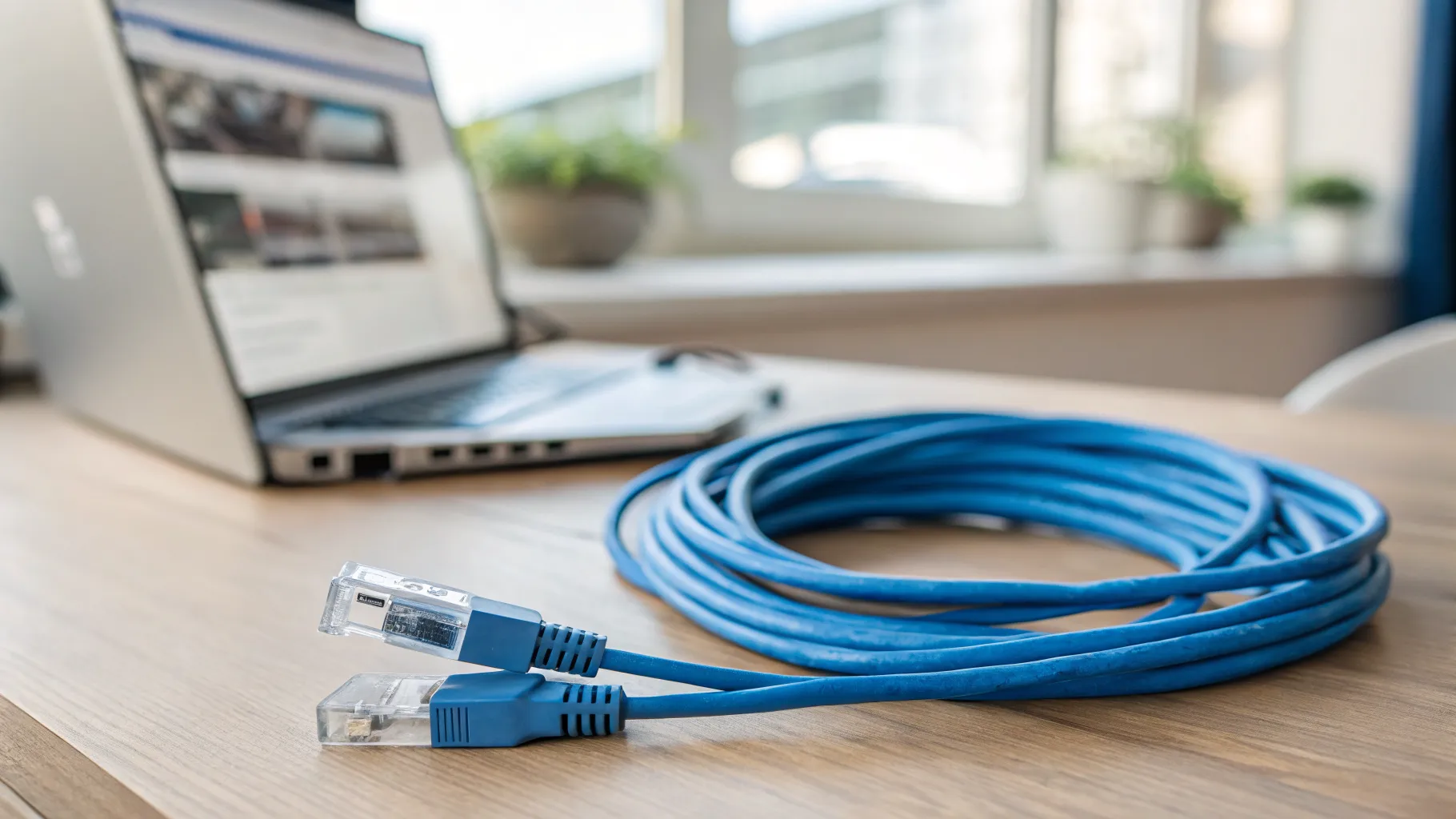
When you need to go much further, tens of metres, the answer is a USB extender kit that sends the signal over ordinary network cable. These come as a pair of small boxes, or baluns: one plugs into your computer’s USB port, the other sits by the device, and a run of Cat5e or Cat6 Ethernet cable connects the two.
This approach can carry USB 2.0 a long way, commonly up to around 50 metres over a single Cat5e or Cat6 cable, far beyond anything a normal lead manages. Because it uses standard network cable, it is ideal for running USB between rooms or floors where you may already have Ethernet in the walls. Many kits include a small power supply at the device end so it can still power the connected gadget, which matters for hungrier devices like external hard drives. If you are already running network cable, our Ethernet wiring diagram guide will help you get the run right.
Method 3: an active optical USB cable for the longest distances
For the longest single runs, an active optical USB cable carries the data over thin fibre rather than copper. These are typically directional (they have a marked computer end and device end), can stretch to very long lengths while keeping high speed, and are the go-to for things like a distant camera or a VR setup. They cost more than copper cables and are usually not chainable, but for one long, clean run they are hard to beat.
Quick tips that save a lot of frustration
- Match the extender to the USB version you need. A USB 2.0 extender will not deliver USB 3.0 speeds. If you are moving large files fast, buy an extender that explicitly states USB 3.0 or higher.
- Power matters. Devices that draw a lot of current, like portable hard drives, are more likely to work reliably on an extender that includes its own power supply.
- Buy for the distance, not a bit less. Give yourself margin. A cable rated close to your exact run length leaves no headroom if conditions are not ideal.
- Test before you tidy. Confirm the device works over the full length before you route cables through walls or under carpet.
Which one should you choose?
If you are only a little over the limit, an active USB extension cable is the cheapest and tidiest fix. For a run between rooms or floors, a USB-over-Ethernet extender over Cat5e or Cat6 is the reliable workhorse. For a single very long, high-speed run, an active optical cable earns its higher cost. Pick by distance first and everything else follows. For related connections, see our guide to the USB-C to USB adapter when the ports at each end do not match.
Frequently asked questions
How long can a USB cable be before it stops working? A standard passive USB 2.0 cable is reliable to about 5 metres, and USB 3.0 usually only to around 3 metres. Beyond that the signal degrades and the device may drop out or fail to be recognised. To go further you need an active extender rather than a longer passive cable.
What is the difference between a passive and an active USB extender? A passive extender is just a longer cable with no electronics, so it cannot beat USB’s distance limit. An active (repeater) extender contains a chip that regenerates and boosts the signal partway along, letting it carry data reliably over longer distances. Only active extenders work past about 5 metres.
Can you extend USB over an Ethernet cable? Yes. A USB-over-Ethernet extender kit uses two small adapters and a run of Cat5e or Cat6 cable to carry a USB signal, commonly up to around 50 metres for USB 2.0. It is the usual choice for running USB between rooms or floors, especially where network cable already exists.
Can I chain USB extension cables together? Active USB extension cables can often be chained to add distance, but only up to a limit set by the manufacturer, because each link adds a little delay and signal loss. Passive cables should not be chained at all. Always follow the stated maximum, and consider a USB-over-Ethernet kit for longer runs.
Will a USB extender slow down my connection? A quality extender that matches your USB version should not noticeably slow things down. Problems arise when you use a USB 2.0 extender for a device that needs USB 3.0 speeds, or a poor-quality cable. Buy an extender rated for the USB version and speed you actually need.
Do USB extenders need their own power supply? Not always, but it helps for power-hungry devices such as external hard drives. USB-over-Ethernet extenders often include a power supply at the device end so the gadget still gets enough current. For low-power devices like a mouse or dongle, a self-powered extender is usually unnecessary.