2.4GHz vs 5GHz vs 6GHz: Which Band Should You Use and When
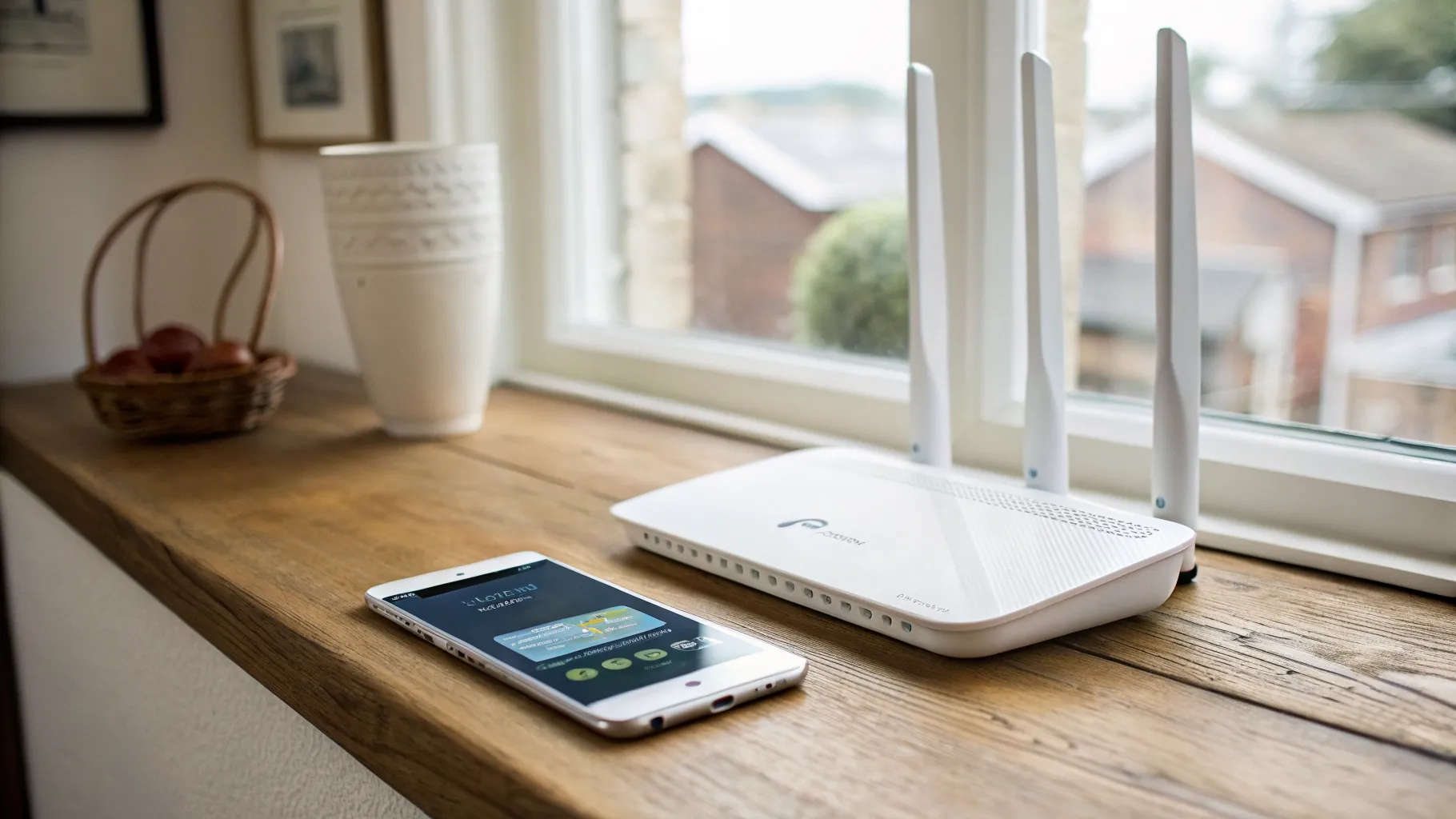
If your router shows two or three network names, or it lets you pick a band, the quick rule is this: join 5GHz for almost everything, drop to 2.4GHz when you are far from the router or in the garden, and only bother with 6GHz if both your router and your device are new enough to support it and you are sitting close by. The rest of this page explains why, what the bands actually do in a UK home, and how the Ofcom rules differ from the US-centric advice you will find on most manufacturer pages.
The 30-second answer
Lower frequency travels further but carries data more slowly. Higher frequency is faster but stops at walls and fades over distance. That single trade-off explains the whole topic.
| Use case | Best band | Why |
|---|---|---|
| Far-away bedroom, loft, garden | 2.4GHz | Travels furthest, gets through walls |
| Smart plugs, doorbells, sensors, robot vacuums | 2.4GHz | Most IoT kit is 2.4GHz only |
| Phone or laptop in the same or next room | 5GHz | Fast, plenty of range for daily use |
| TV streaming, video calls, most gaming | 5GHz | Saturates a typical broadband line easily |
| 8K streaming, VR, large local file transfers, gaming in a congested flat | 6GHz | Cleanest, fastest, lowest latency, short range |
| An older phone, cheap laptop, or any 2.4GHz-only gadget | 2.4GHz | It cannot see the faster bands anyway |
Repeat the rule of thumb as you go: lower frequency reaches further but slower, higher frequency is faster but stops sooner.
The physics, in one paragraph
A 2.4GHz signal has the longest wavelength of the three, so it bends around obstacles and pushes through brick and plasterboard better than the others. The cost is speed and crowding. 5GHz uses shorter waves: far more data, far more channels, but it scatters and weakens faster the moment a wall or a floor gets in the way. 6GHz pushes that further still: the most space and the cleanest air, but the worst wall penetration and the shortest reach of the lot. Distance and walls, not the band name, decide what you actually get.
2.4GHz: the long-range workhorse
2.4GHz runs roughly 2400 to 2483.5 MHz. It is the band that reaches the shed and the back bedroom, and it is also the most congested, because it is shared with Bluetooth, microwave ovens, baby monitors, cordless phones and a long list of smart-home gadgets.
The real problem in flats and terraces is channels. In the UK, 2.4GHz offers channels 1 to 13, but at the standard 20MHz width only three of them, channels 1, 6 and 11, do not overlap. Everyone on your street is squeezed onto those same three lanes, which is why 2.4GHz feels sluggish in dense housing even when nothing is wrong with your router. If a neighbour’s network is stamping on yours, our guide to changing your Wi-Fi channel walks through picking a clearer one.
Under Ofcom rules, 2.4GHz is capped at 20 dBm, which is 100 mW EIRP. Every router sold here obeys that, so you cannot buy your way to more range on this band.
5GHz: the everyday default
5GHz is where most of your devices should live. It is much faster than 2.4GHz, has far more spectrum, and is less crowded. The catch is range: it drops off quickly through walls and over distance, so a 5GHz signal that is brilliant in the lounge can be patchy upstairs.
UK 5GHz is split into bands with different Ofcom rules:
| Band | Frequencies | Use | Max power | DFS |
|---|---|---|---|---|
| A | 5150 to 5350 MHz | Indoor only | 23 dBm (200 mW) | On 5250 to 5350 |
| B | 5470 to 5725 MHz | Indoor and outdoor | 30 dBm (1 W) | Yes |
Home routers mostly use Band A indoors at up to 200 mW. Ofcom has also opened the 5.8GHz channels (the 149 to 165 range) for indoor Wi-Fi at up to 200 mW, which took the number of available 80MHz channels from four to six, giving routers more room to dodge interference.
DFS is worth knowing about. On certain 5GHz channels (52 to 144) a router must keep watching for radar, including weather radar, and is required to switch channel or briefly drop if it detects any. So if your 5GHz connection blips out for a moment and comes back, DFS, not a fault, is often the reason. The Ofcom power limits and DFS detail are set out in Ofcom’s 5GHz RLAN information sheet.
6GHz: the new, clean band
6GHz arrived with WiFi 6E. It is the newest, widest and cleanest of the three because no legacy devices are allowed on it, so there is nothing old to slow it down. The trade-off is blunt: it has the worst wall penetration and the shortest range of all three bands. Treat it as a same-room, line-of-sight band.
The two hard requirements catch a lot of people out. 6GHz only works if both ends support it, meaning a WiFi 6E or WiFi 7 router and a WiFi 6E or WiFi 7 device. A 6GHz-capable router does nothing for a phone that tops out at 5GHz.
Here is where UK advice has to part company with most of the internet. In the United States, regulators opened the full 1200 MHz from 5925 to 7125 MHz for Wi-Fi. The UK has not. Under Ofcom:
- The lower 6GHz band, 5925 to 6425 MHz (500 MHz), is licence-exempt for Wi-Fi.
- Low Power Indoor (LPI) use is allowed up to 250 mW (24 dBm) EIRP, with no coordination needed. This is what consumer WiFi 6E and WiFi 7 routers use today.
- Very Low Power (VLP) use is allowed up to 25 mW (14 dBm) outdoors and for portable kit.
- A later Ofcom decision now also permits higher-power and outdoor Wi-Fi up to 36 dBm in the lower band, but only under an Automated Frequency Coordination (AFC) system, so it depends on an approved AFC service being in place.
So yes, 6GHz Wi-Fi is legal in the UK, indoors, at up to 250 mW. More is coming: Ofcom confirmed in a statement published on 9 January 2026, alongside a further consultation that closed on 20 March 2026, that the upper 6GHz band (6425 to 7125 MHz) will be shared with mobile, splitting at 6585 MHz so Wi-Fi gets priority on the lower 160 MHz and mobile takes the upper 540 MHz. The detail sits in Ofcom’s 6GHz statement and consultation.
The practical consequence is specific and rarely mentioned: with only 500 MHz fully open today, the UK can fit just three clean 160MHz channels and effectively one clean 320MHz channel. The headline 320MHz width that WiFi 7 markets is partly bottlenecked by how much 6GHz spectrum the UK has released.
WiFi 6 vs 6E vs 7, and what MLO really does
The generation labels map onto bands like this:
| Standard | Marketing name | Bands |
|---|---|---|
| 802.11n | WiFi 4 | 2.4 and 5GHz |
| 802.11ac | WiFi 5 | 5GHz (2.4 on the older radio) |
| 802.11ax | WiFi 6 | 2.4 and 5GHz (not 6GHz) |
| 802.11ax | WiFi 6E | WiFi 6 plus 6GHz |
| 802.11be | WiFi 7 | 2.4, 5 and 6GHz |
The “E” in 6E simply means extended into 6GHz. WiFi 7 adds 320MHz channels, denser data coding (4096-QAM) and Multi-Link Operation (MLO). Its 46 Gbps figure is theoretical and you will never see it in a home.
MLO is the feature most worth understanding, and the one most pages oversell. In principle it lets a single WiFi 7 connection use more than one band at once, for example 5GHz and 6GHz together, either combining them for speed or picking the best link for lower latency and steadier connections. The honest caveat: many current WiFi 7 client devices use a lower-power form of MLO that switches quickly between bands rather than truly combining them. So MLO often means smart, fast band-switching that helps latency and reliability, not guaranteed doubled speed. That latency and reliability benefit is real even on a 1 Gbit/s line; the raw speed gains mostly show up above that.
One network name, or several?
Modern routers and mesh systems usually broadcast a single network name and use band steering to put each device on the band it judges best. For most households that is the right setting: one name, less hassle, and devices move between bands as you walk around. If your whole-home coverage is the actual problem rather than the band choice, that is a job for a mesh system rather than a single router.
Splitting into separate names (SSIDs) for each band still earns its keep in three cases:
- Band steering misbehaves and parks a device on the wrong band.
- You want to pin a particular device to a particular band by hand.
- A smart-home gadget refuses to set up unless it is on 2.4GHz. This is the common UK pain point: smart plugs, video doorbells and robot vacuums often expect a 2.4GHz network during setup, and their apps choke if your phone is on 5GHz at the time. A dedicated 2.4GHz SSID, even a temporary one, fixes setup every time.
Do you actually need 6GHz or WiFi 7 in the UK?
For most UK homes the honest answer is not yet. Most broadband lines here, anywhere from around 100 to 500 Mbit/s, sit well below what 5GHz already delivers at close to medium range. On those connections, 5GHz saturates your line and 6GHz’s headline speed buys you nothing extra, because the broadband, not the Wi-Fi, is the ceiling.
6GHz and WiFi 7 start to matter when one of these is true:
- You are on full fibre at 1 Gbit/s or more and want to use it.
- You live in a congested flat or terrace where 2.4GHz and 5GHz are both saturated by neighbours, and you want a clean band to escape to.
- You move large files between devices on your own network, where local speed beats your broadband speed.
WiFi 7’s MLO is the part worth wanting even at sub-gigabit, because steadier latency helps calls and gaming regardless of headline speed. If your speeds are disappointing across the board, start with our checklist on why your Wi-Fi is so slow before spending on new hardware.
Quick troubleshooting
The most common complaint is “my 5GHz is slower than my 2.4GHz”. Almost always the cause is range: you are too far from the router or too many walls away, and 5GHz fades faster than 2.4GHz. Other culprits are a device limited to a narrow 20 or 40MHz channel, or local interference. At distance, 2.4GHz genuinely can win even though it is slower on paper, which is exactly the trade-off this whole page is built on. If certain rooms are always weak, that is a coverage issue worth tackling directly; see fixing Wi-Fi dead spots.
Frequently asked questions
Why is my 5GHz slower than my 2.4GHz? Usually distance and walls. 5GHz carries more data but weakens far faster than 2.4GHz, so once you are a couple of rooms away the slower band can actually deliver a better connection. Other causes include the device being limited to a narrow channel width or local interference. Move closer to the router and check whether 5GHz pulls ahead again.
Should I use one network name for all bands or split them into separate SSIDs? For most people, one name with band steering is the least hassle and works well. Split into separate names when band steering keeps parking a device on the wrong band, when you want to force a device onto a specific band, or when a smart-home gadget will only set up on a dedicated 2.4GHz network, which is a frequent reason on its own.
Which band should I connect my phone, laptop or TV to? Use 5GHz in the same or next room for phones, laptops, TVs, streaming and most gaming. Fall back to 2.4GHz for far rooms, the garden, older devices and smart-home kit. Use 6GHz only if both the router and the device support WiFi 6E or WiFi 7 and you are close to the router.
Does 6GHz go through walls? Not well. It has the worst wall penetration of the three bands and the shortest range, so treat it as a same-room or line-of-sight band rather than something to rely on across the house.
Is 6GHz Wi-Fi legal in the UK? Yes. The lower 6GHz band (5925 to 6425 MHz) is licence-exempt for indoor Wi-Fi under Ofcom, at up to 250 mW for Low Power Indoor use, which is what consumer WiFi 6E and WiFi 7 routers use. More 6GHz spectrum and higher-power outdoor use are being introduced under coordination rules.
How do I know if my device supports 6GHz? It needs WiFi 6E or WiFi 7, on both the router and the device. Check the spec sheet for either label. On Apple, 6GHz arrived with WiFi 6E on the iPhone 15 Pro and WiFi 7 from the iPhone 16 Pro; on Samsung, the Galaxy S24 Ultra and the S25 and S26 series support WiFi 7. Many mid-range phones, budget laptops and most smart-home gadgets are 2.4GHz or 2.4/5GHz only.
Do I need WiFi 6E or WiFi 7 in the UK? For most homes on sub-gigabit broadband, not really, because 5GHz already saturates the line. It is worth it if you are on full fibre at 1 Gbit/s or more, if you live somewhere so congested that 2.4 and 5GHz are both swamped, or if you shift large files between your own devices. WiFi 7’s MLO also improves latency and reliability even at lower speeds.