Long Ethernet Cable: Which Length and Category to Buy
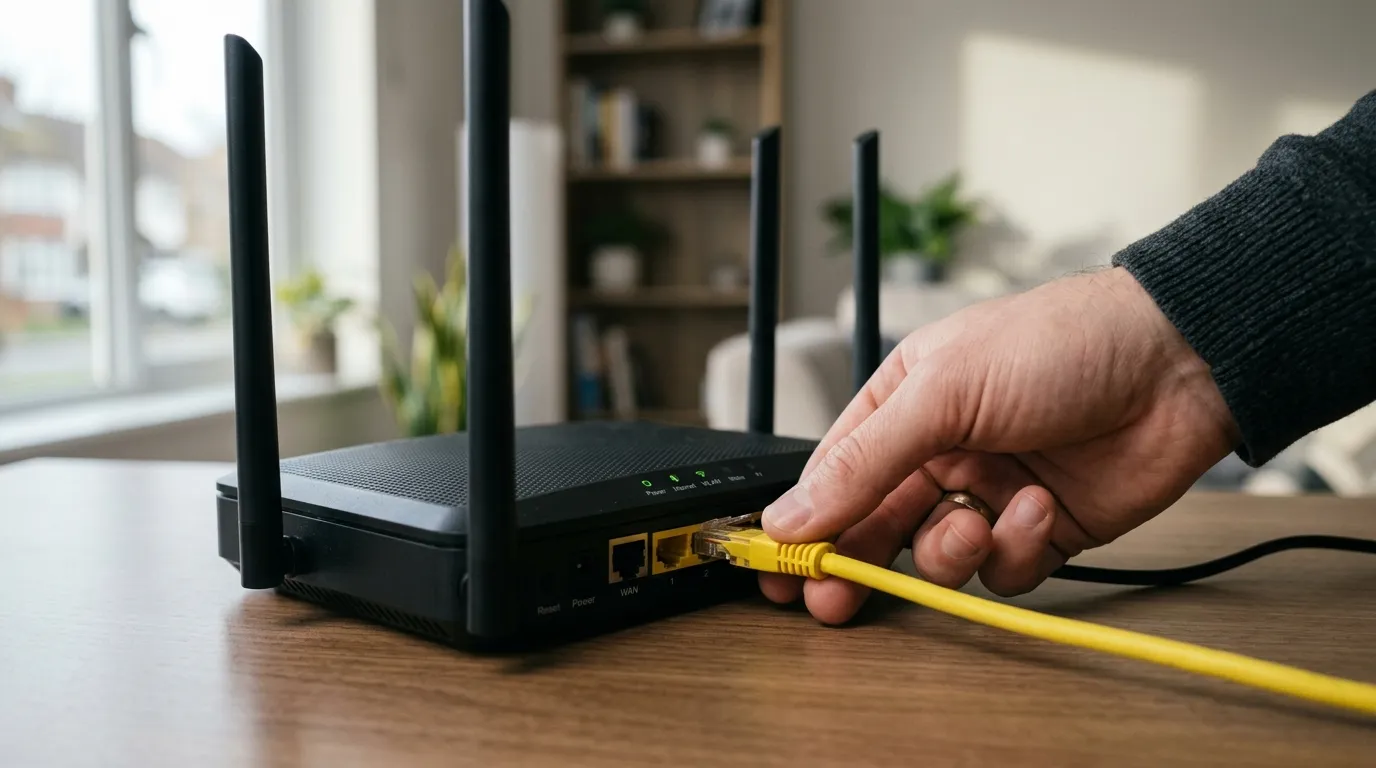
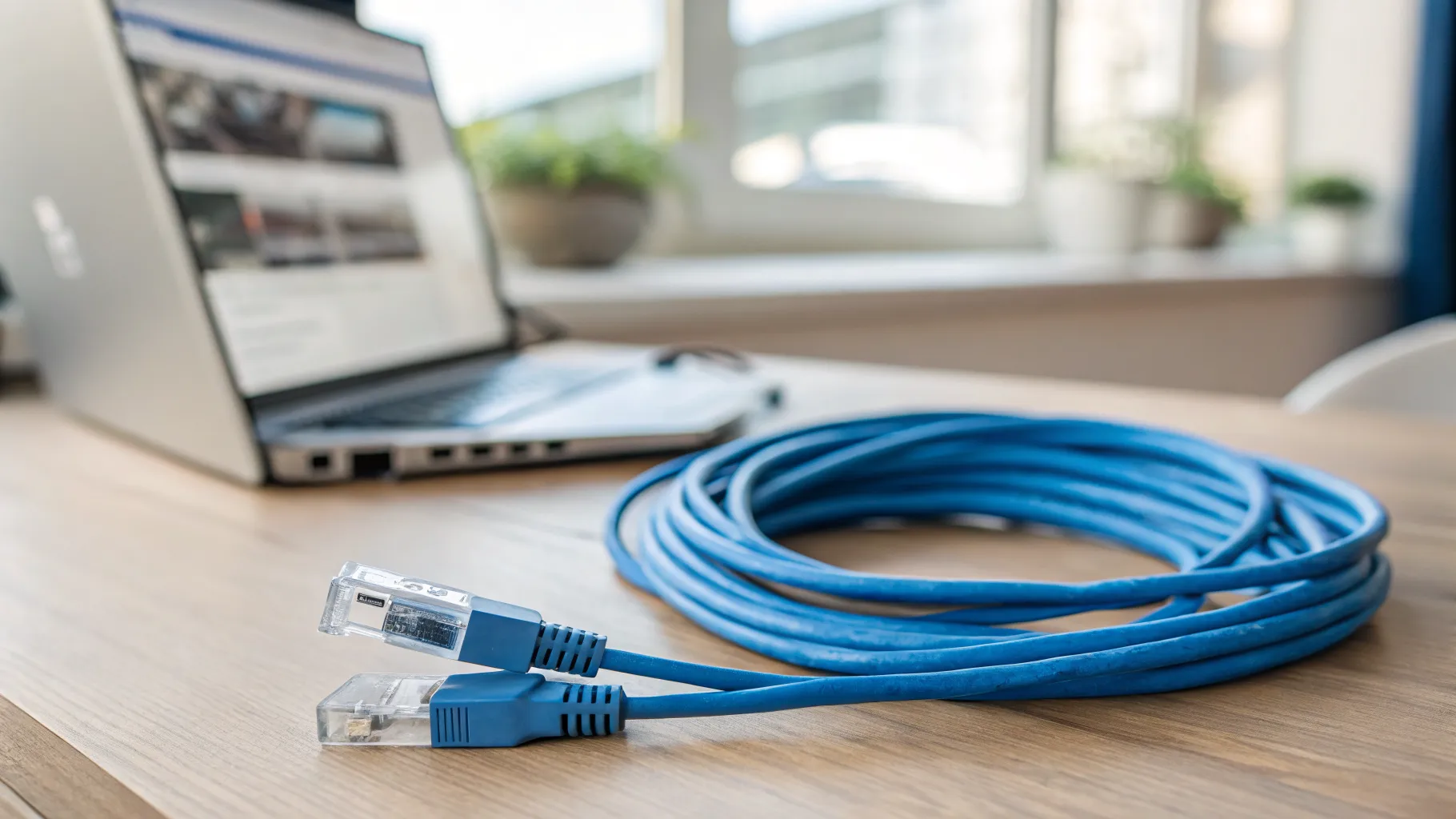
If you want a long Ethernet cable to wire up a desktop, a console or a TV in another room, the two questions that matter are which length to buy and which category. The good news is that both are easier than the marketing suggests. Almost no home run gets anywhere near the limit where length affects performance, and you do not need the most expensive cable on the shelf. For most UK homes a Cat6 lead between 10 and 30 metres does the job, and a Cat5e would cope too. This guide gives you the real numbers, the right UK products to look at, and the points the US-centric advice pages tend to skip.
How long can an Ethernet cable be?
There is one number worth remembering: 100 metres (about 328 feet). That is the maximum length for a single Ethernet run under the TIA/EIA 568 standard, and it applies to Cat5e, Cat6 and Cat6a alike. Stay inside it and the link works to spec; exceed it and you start seeing signal loss, retransmissions and higher latency.
The catch most pages bury is that the 100 metres is the total of the whole channel, not just the long cable. It includes the patch leads at each end, any couplers, and the cable inside a wall socket. So if you buy a 90 m drum and add two 3 m patch leads, you are already at 96 m before anything goes wrong.
For a house, this is almost academic. A run from a router on one floor to a bedroom upstairs is rarely more than 20 to 30 metres. You would have to be wiring a large detached home end to end, or reaching a garden office at the bottom of a long garden, to even approach the limit. The clear technical explanation is at trueCABLE’s Cable Academy.
Does a longer Ethernet cable slow down your connection?
No, not within that 100 m spec. A 50 m cable performs the same as a 5 m cable for everyday use. Attenuation only starts to cause measurable slowdowns and dropped packets once you go past the rated distance, so a 20 m or 30 m cable around the house will not throttle anything.
It helps to put this against UK broadband reality. Most full-fibre packages sold here run between 100 and 1,000 Mbps, and even Cat5e carries a full gigabit over the entire 100 m. So a Cat5e or Cat6 cable at 30 m comfortably saturates almost any home line. This is the reason the “you must buy Cat8” advice is wrong for homes: you cannot use the headroom. The UK retailer Maplin makes the same point in plain terms in its piece on whether a longer Ethernet cable affects speed.
Which length to buy: 10m, 15m, 20m or 30m?
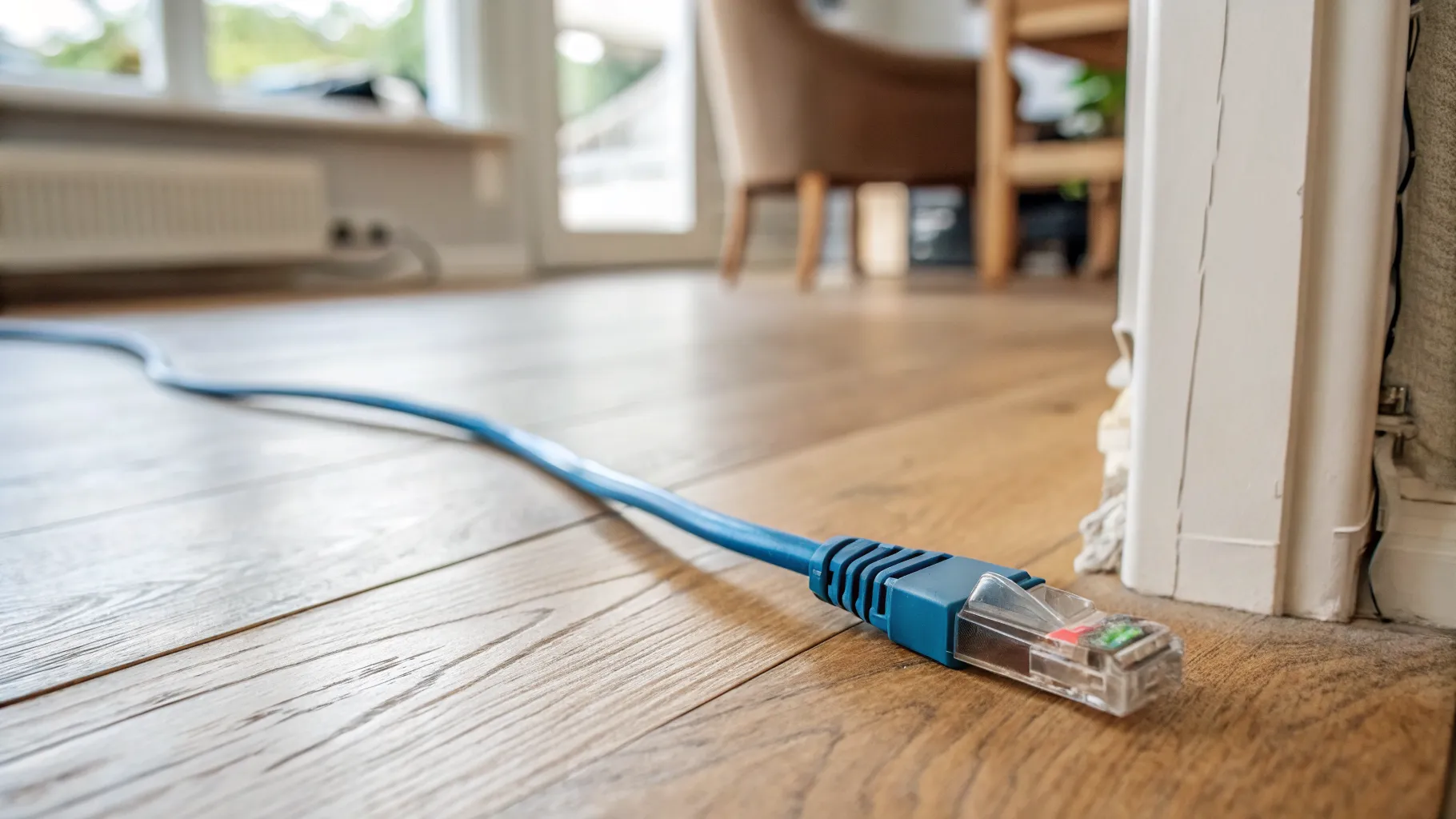
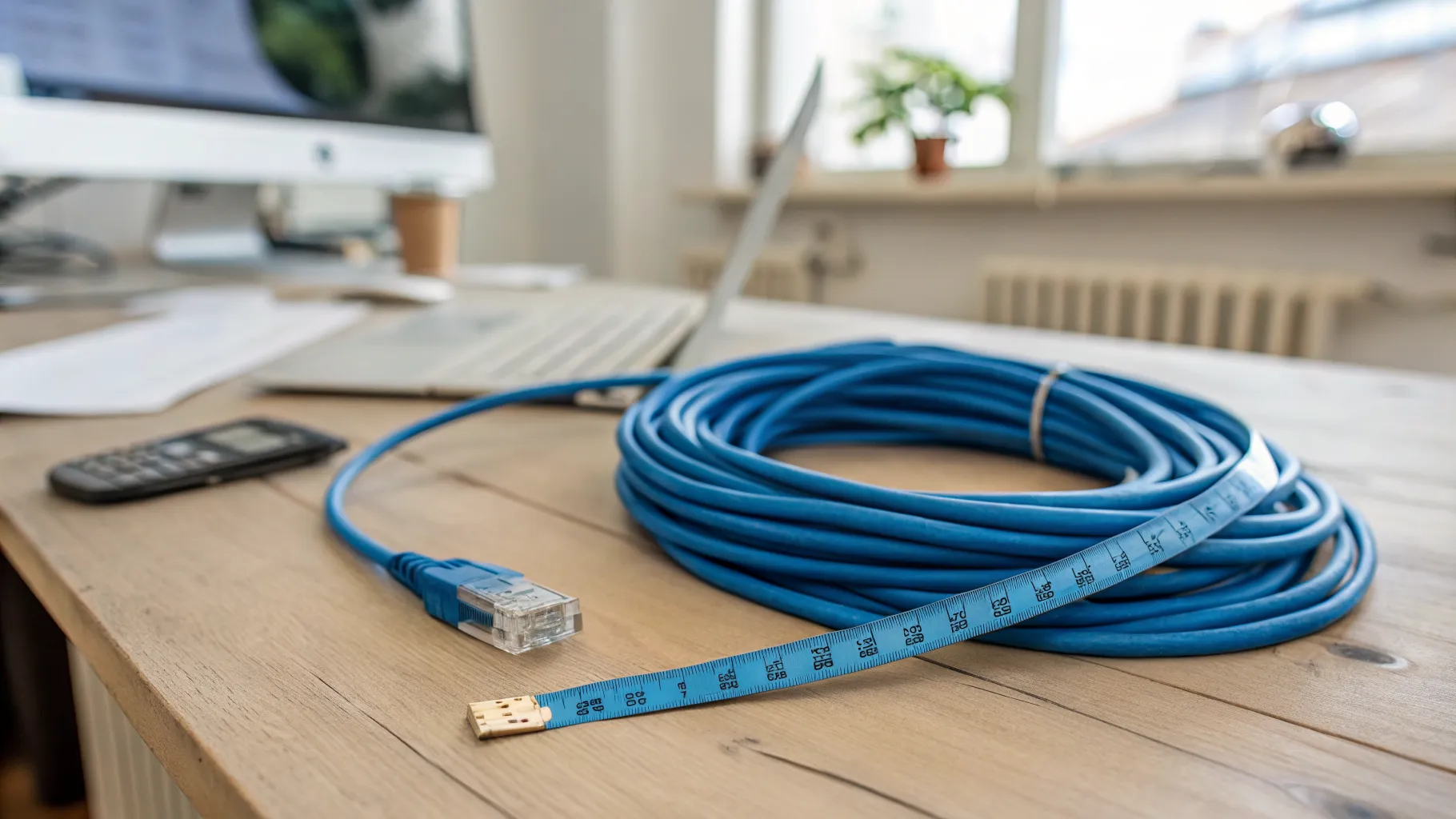
The mistake is buying off a round number rather than the route. Measure the path the cable will actually take, not the straight-line distance, then add 10 to 20 per cent of slack so you are not stretching a cable taut across a doorway or leaving no service loop at each end.
As a rough guide for a typical UK home:
| Length | What it suits |
|---|---|
| 10m ethernet cable | The same room or an adjacent room; router to a desk one wall away. |
| 15m ethernet cable | Across one floor, allowing for skirting and door-frame routing. |
| 20m ethernet cable | A longer run on one floor, or up a single flight with slack to spare. |
| 30m ethernet cable | Multi-storey runs, or reaching a garden room or outbuilding. |
Route the cable along skirting, around door frames and behind furniture, and the real distance is usually longer than you guess. If you plan to hide the cable in the building fabric rather than run it on the surface, read our companion guide on how to run an Ethernet cable through your house, which covers floors, walls and tidy trunking.
Which category: Cat5e, Cat6 or Cat6a?
| Category | Speed | Verdict for home |
|---|---|---|
| Cat5e | Full gigabit to 100 m | Cheapest. Fine for the vast majority of homes. |
| Cat6 | Gigabit easily; 2.5G and 5G with headroom; 10G to roughly 55 m | The practical baseline; best value. |
| Cat6a | 10 Gbps over the full 100 m | The genuine future-proof pick for permanent runs. |
The honest recommendation: for a pre-made long lead running around the home, buy Cat6. It is barely more than Cat5e, handles multi-gig speeds with room to spare, and is flexible enough to route. Step up to Cat6a only when the cable is going behind walls or under floors where you will not redo it for years, because that is where 10 Gbps headroom is worth the slightly stiffer cable.
Skip Cat7 and Cat8 for a home. Cat7 is not a recognised TIA standard and uses non-standard connectors, while Cat8 is data-centre kit capped at 30 m, too rigid and expensive for domestic use, and useless headroom against a sub-gigabit broadband line. The fs.com UK comparison of running 10GBASE-T over Cat6, Cat6a and Cat7 backs this up.
Where to buy a long Ethernet cable in the UK
For pre-terminated leads you can plug straight in, Screwfix stocks Cat6 RJ45 patch leads such as the Philex Black Unshielded range, though their ready-made leads top out around 10 m. For 15 m, 20 m and longer pre-made leads, Amazon UK is the usual source; searching “cat6 cable 20m” returns plenty of round leads with free UK delivery. Check current price on Amazon UK before buying, and confirm the listing says solid pure copper rather than copper-clad aluminium.
If you would rather wire sockets yourself, Screwfix and Toolstation sell bulk Cat6 on 50 m and 100 m drums and 305 m boxes (Time and Labgear are the common house brands). Bulk cable needs self-termination onto keystone jacks or crimped plugs, so it suits a fixed in-wall job rather than a quick plug-and-go link.
A note on prices: those listed on retailer pages move, so treat any figure you see as illustrative and check the live page before you commit.
Flat or round, and joining two cables together
Flat versus round. A flat Ethernet cable is fine for short indoor runs where you want to slide it under a door or carpet edge. For a long run, a round cable is the safer choice: it is more durable, and flat cable is usually not UV or water rated, so it is wrong for anything outdoors.
Joining two leads (an ethernet extension cable). You can join two cables with an RJ45 coupler to make a longer one. A single, category-matched coupler does not reduce speed on its own, but every junction is a potential failure point and the joined length still counts toward the 100 m limit. Keep it to one coupler, and match the coupler category to the cable; the detail on why is covered well by Romtronic on whether RJ45 couplers reduce speed.
When a long cable is not practical: extender or powerline?
If you genuinely cannot route a single cable, you have three options, and they are not equal.
- A network switch as a true ethernet extender. A switch regenerates the signal, so a fresh 100 m run can start from it. This is the correct fix for distances beyond 100 m, which a passive coupler cannot solve.
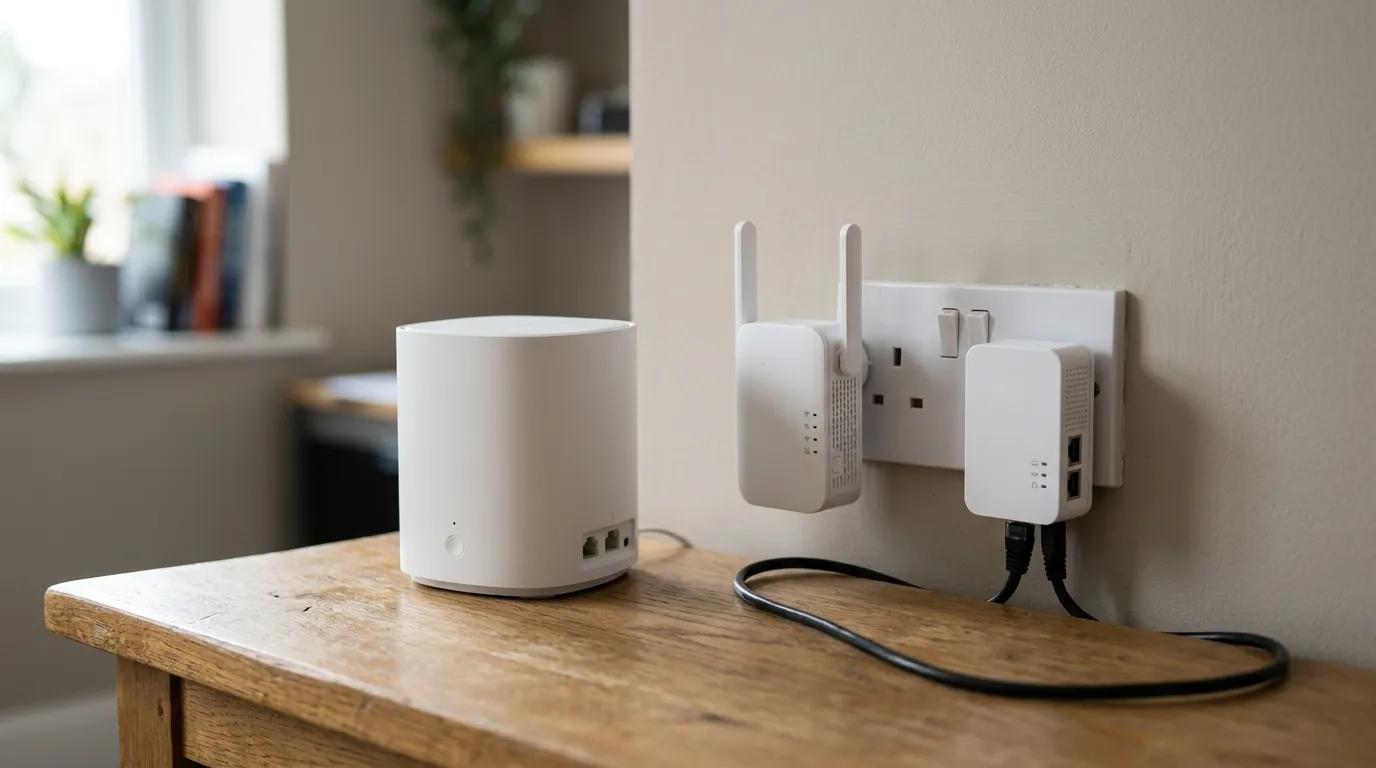
- An extender device or powerline adapter. Powerline sends data over your mains wiring, so it needs no drilling. Real-world speed depends heavily on the age and quality of your house wiring and drops near noisy appliances, and older 10/100 units cap at 100 Mbps. Useful as a fallback, not a first choice.
- Mesh Wi-Fi. When the device does not strictly need a wire, a good mesh often beats a heroic cable run.
For the full comparison, see mesh vs extender vs powerline, and if the real problem is patchy coverage rather than a missing wired link, why is my Wi-Fi so slow is the place to start.
Outdoor runs and in-wall fire safety
Two UK-specific points the US guides almost never raise.
Running cable outside (house to shed or garden office). Standard indoor PVC cable, and especially flat cable, is not UV or water resistant and will degrade outdoors. For any external stretch you need external-grade cable with a CMX or LLDPE jacket, ideally direct-burial or gel-filled for buried runs. trueCABLE’s guide to running Ethernet cable outside explains the jacket types.
Cable buried in the building fabric. Cable fixed permanently inside walls and floors in the UK should meet the CPR fire classes. BS 6701 (the 2016 standard with its 2017 amendment) specifies installation cables as a minimum of Cca s1b d2 a2, and an LSZH label on its own is no longer enough. Most pre-made long Amazon leads are PVC patch cable that is not in-wall rated, which is a real and widely ignored gap. If your run is going into the building fabric, buy cable rated for it; Cable Intelligence explains the framework in what are CPR rated cables.
Frequently asked questions
Does a longer Ethernet cable slow down your internet? No, not within the 100 m standard. A 30 m cable performs the same as a 3 m one for normal use. Slowdowns and dropped packets only appear once you exceed the rated distance, and even Cat5e carries a full gigabit over the whole 100 m, so a home run will not throttle a UK broadband line.
How long can an Ethernet cable be before it stops working? A single segment can run up to 100 metres under the TIA standard, and that total includes the patch leads, any couplers and wall sockets, not just the long cable. To go further you need a network switch to regenerate the signal, not a coupler.
Can I join two Ethernet cables to make a longer one? Yes, with an RJ45 coupler. A single category-matched coupler does not cut speed by itself, but each junction is a failure point and the joined length still counts toward the 100 m limit. Keep it to one coupler and match its category to the cable.
Which category should I buy for a home, Cat5e, Cat6 or Cat6a? Cat6 is the value baseline for most homes; it handles multi-gig speeds with headroom and routes easily. Choose Cat6a only for permanent in-wall runs where you want guaranteed 10 Gbps. Cat5e is fine on a budget, and Cat7 or Cat8 are a waste of money at home.
Can I run an Ethernet cable outside to a shed or garden office? Only with external-grade cable. Standard indoor and flat cables are not UV or water resistant and will fail outdoors. Use a CMX or LLDPE-jacketed cable, and a direct-burial, gel-filled type if it goes underground.
Is a flat Ethernet cable as good as a round one? For short indoor runs, yes, and it hides better under doors and carpet. For a long run a round cable is more durable, and flat cable is usually not rated for outdoor or UV exposure, so it is the wrong choice for anything beyond a tidy indoor link.