What Is a Wi-Fi Access Point (and When to Use One)?
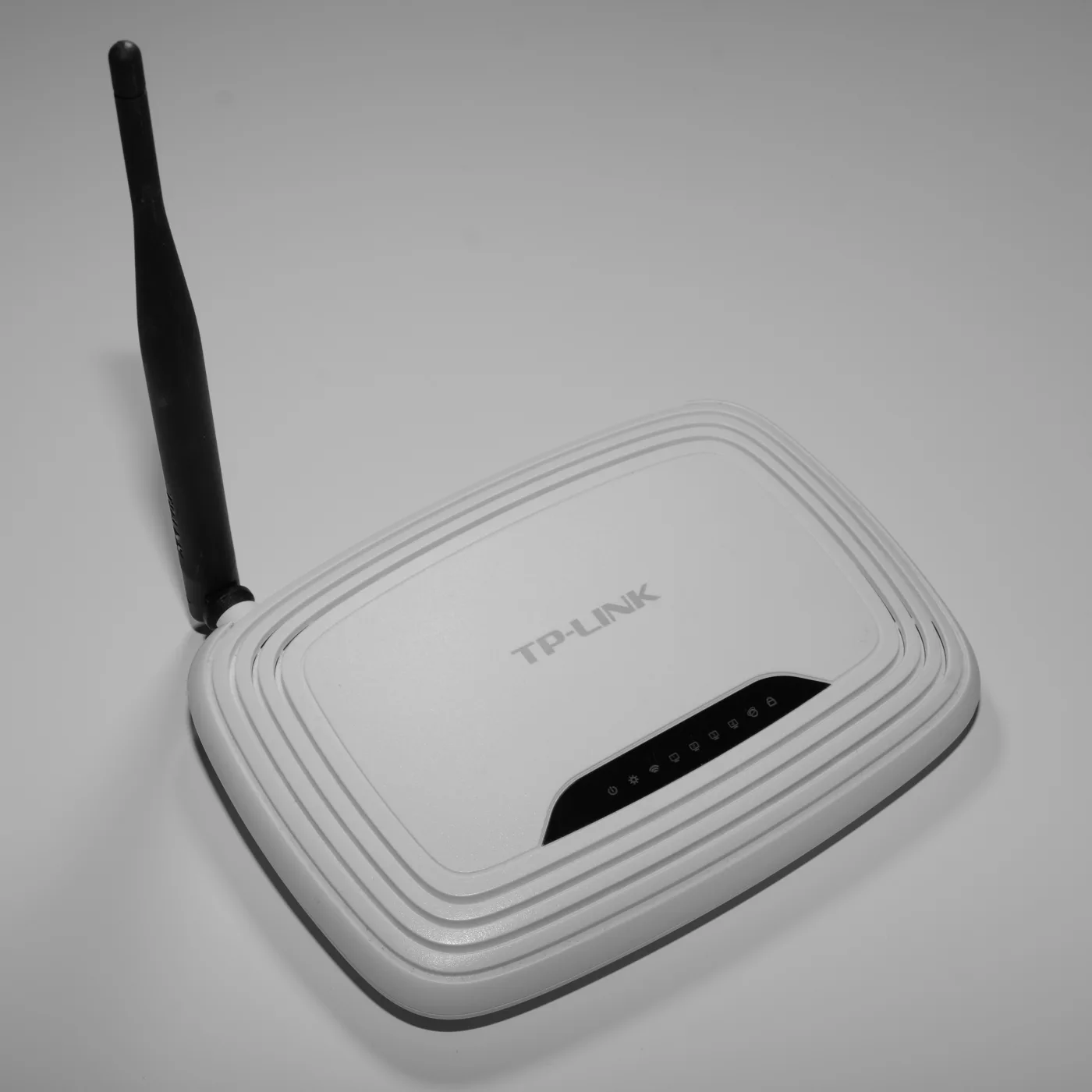
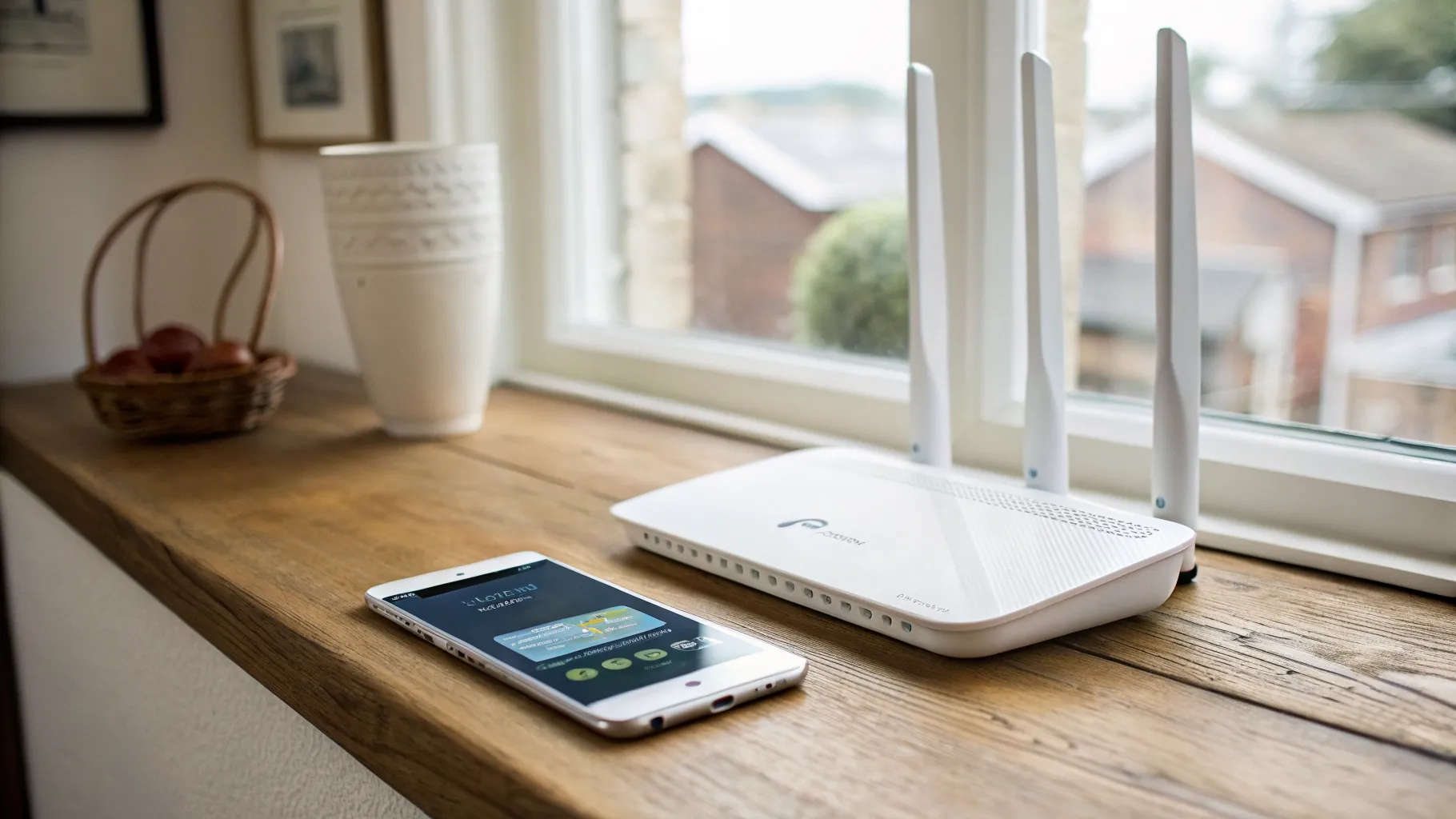
A Wi-Fi access point is a device that creates a wireless network by broadcasting Wi-Fi from a wired connection to your router. If part of your home has weak signal, an access point is one of three ways to fix it, and it is often the best one, yet it gets far less attention than extenders and mesh kits. The catch is that it needs an Ethernet cable running to where you want the signal. This guide explains what an access point actually does, how it compares to the alternatives, and how to tell whether it is the right choice for your dead zone before you spend anything.
What a Wi-Fi access point does
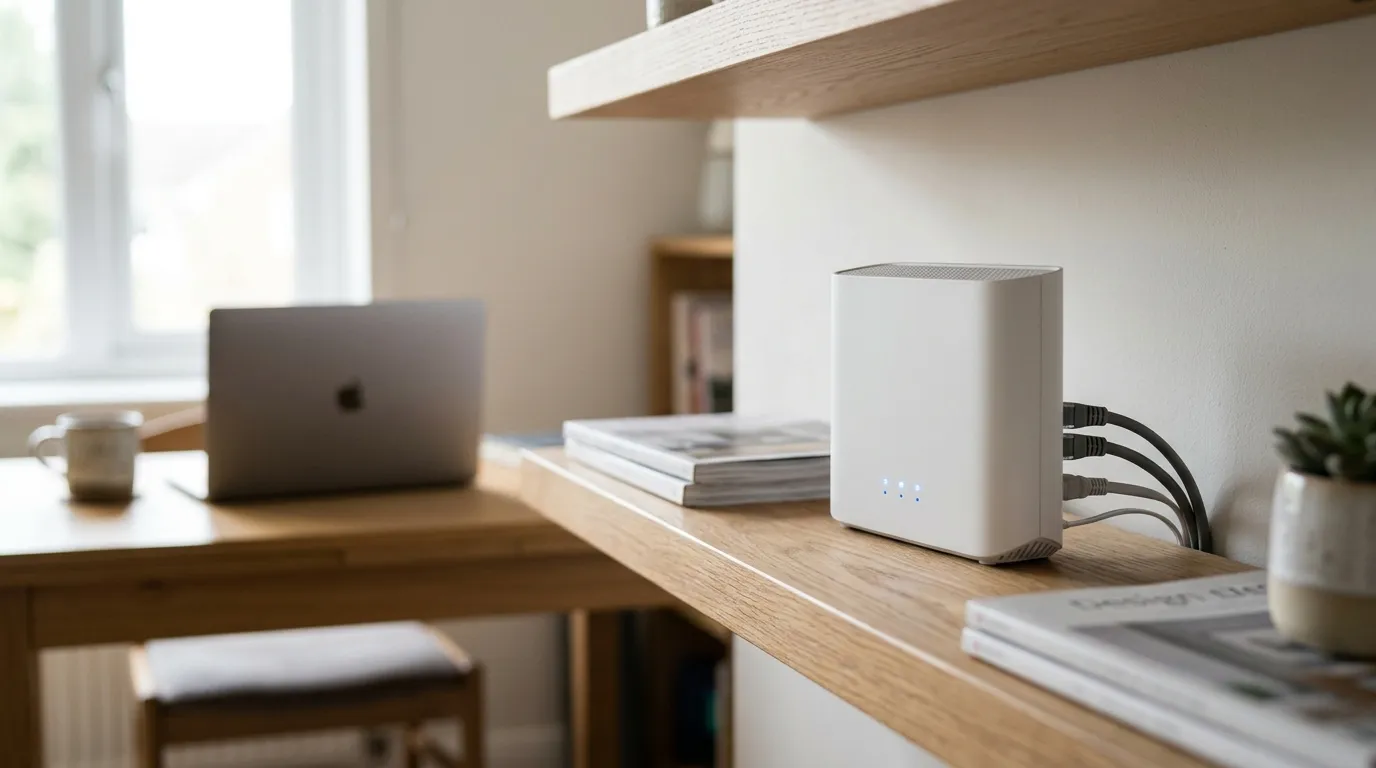
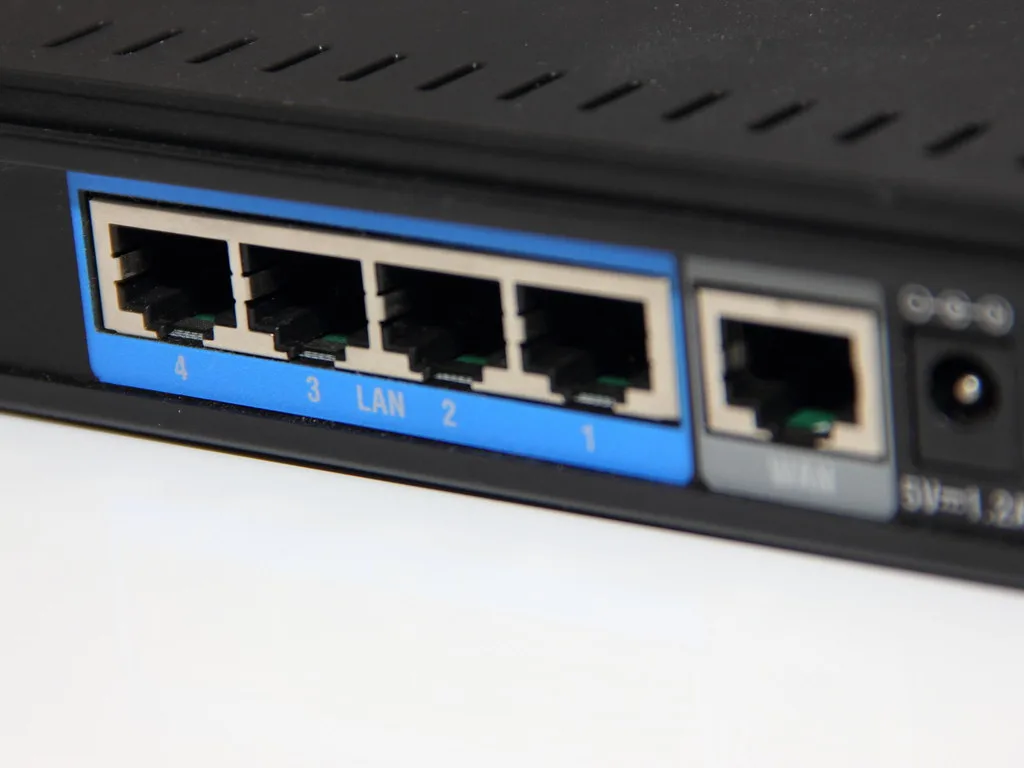
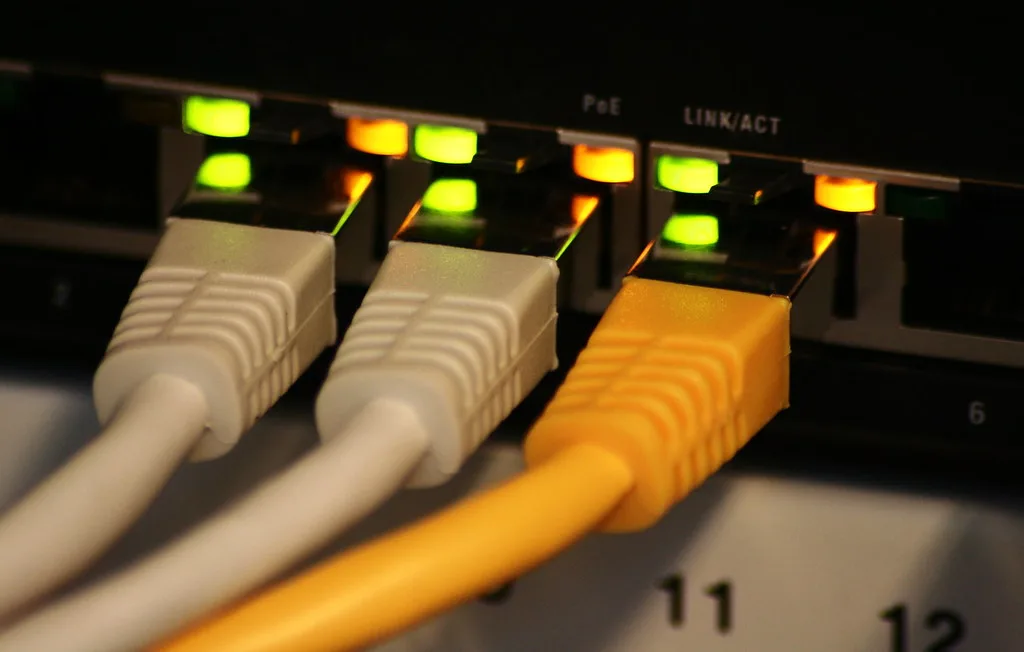
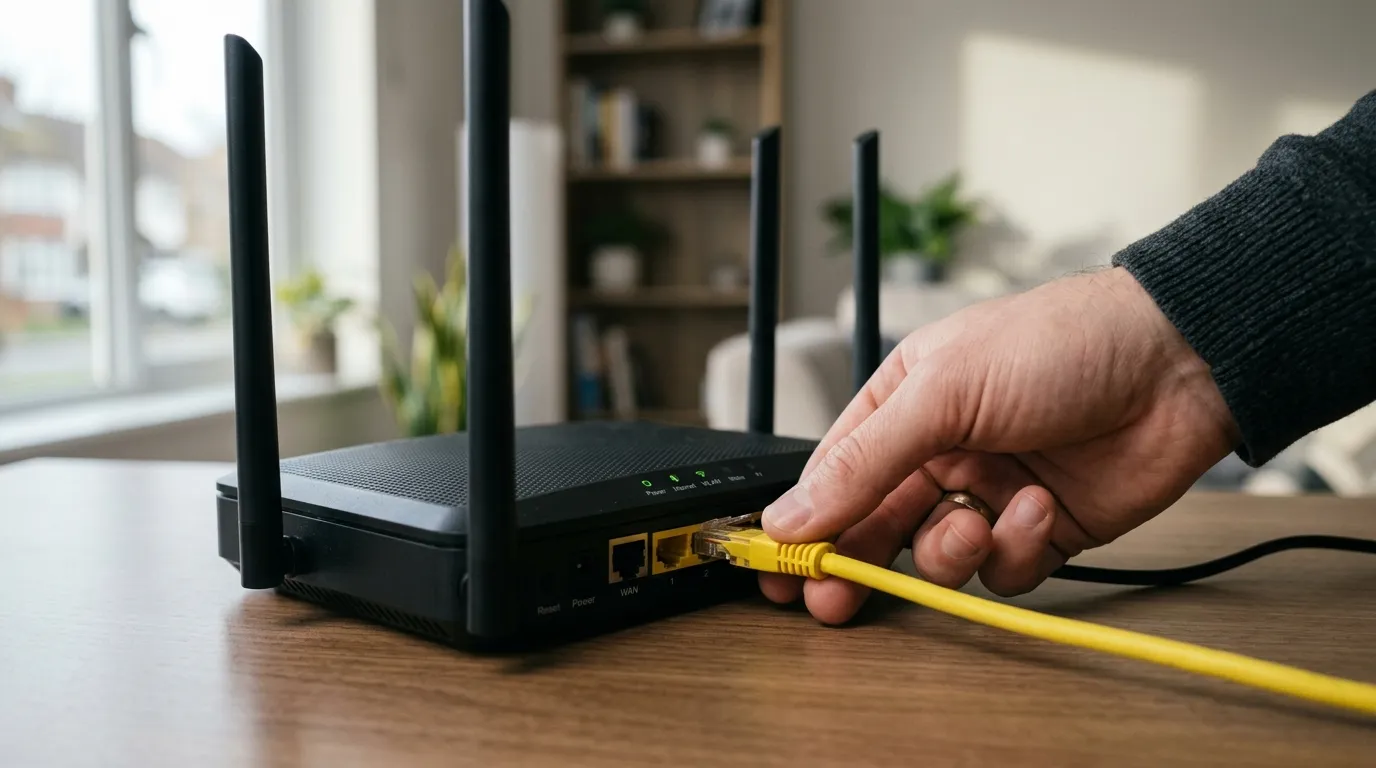
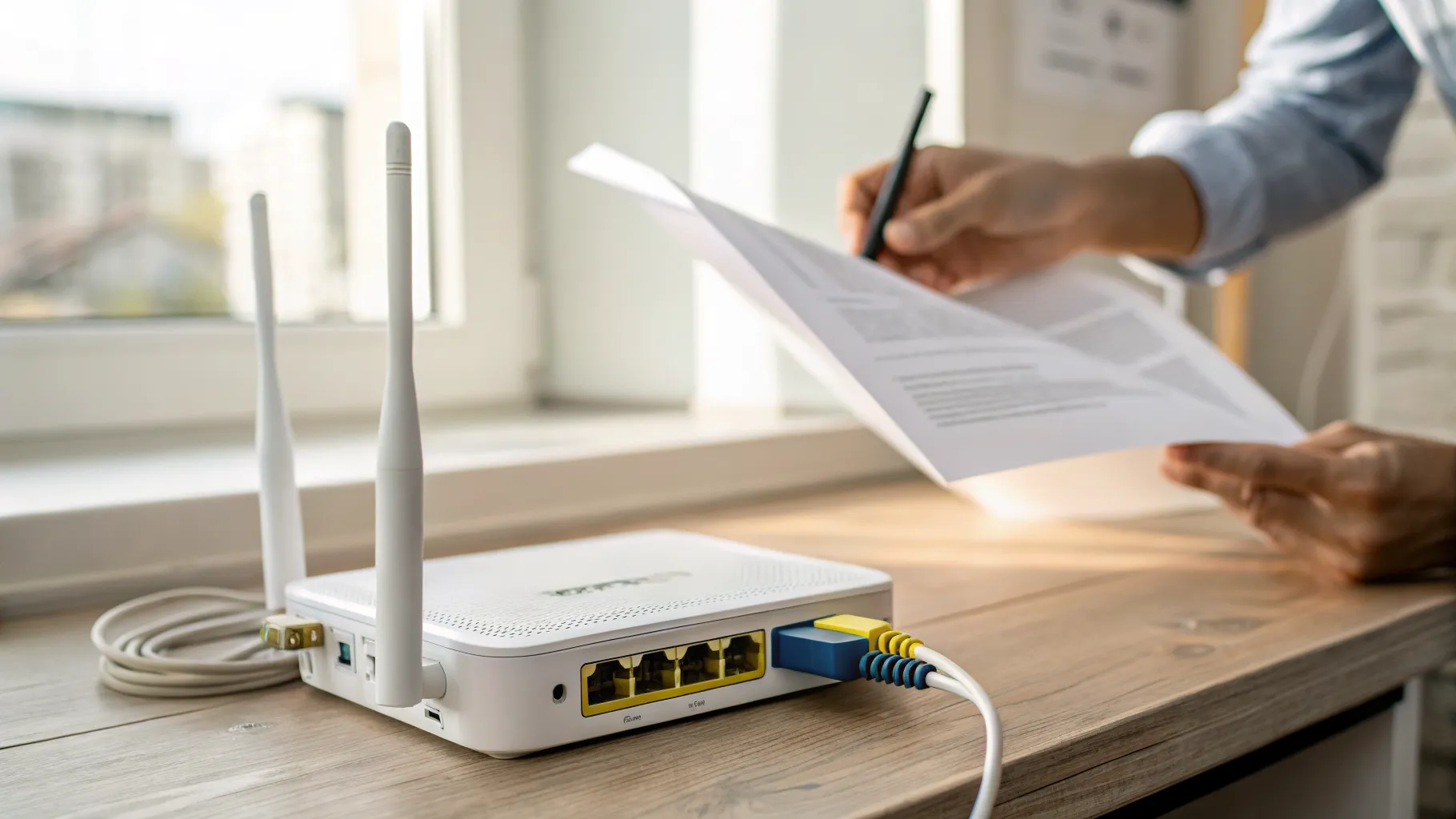
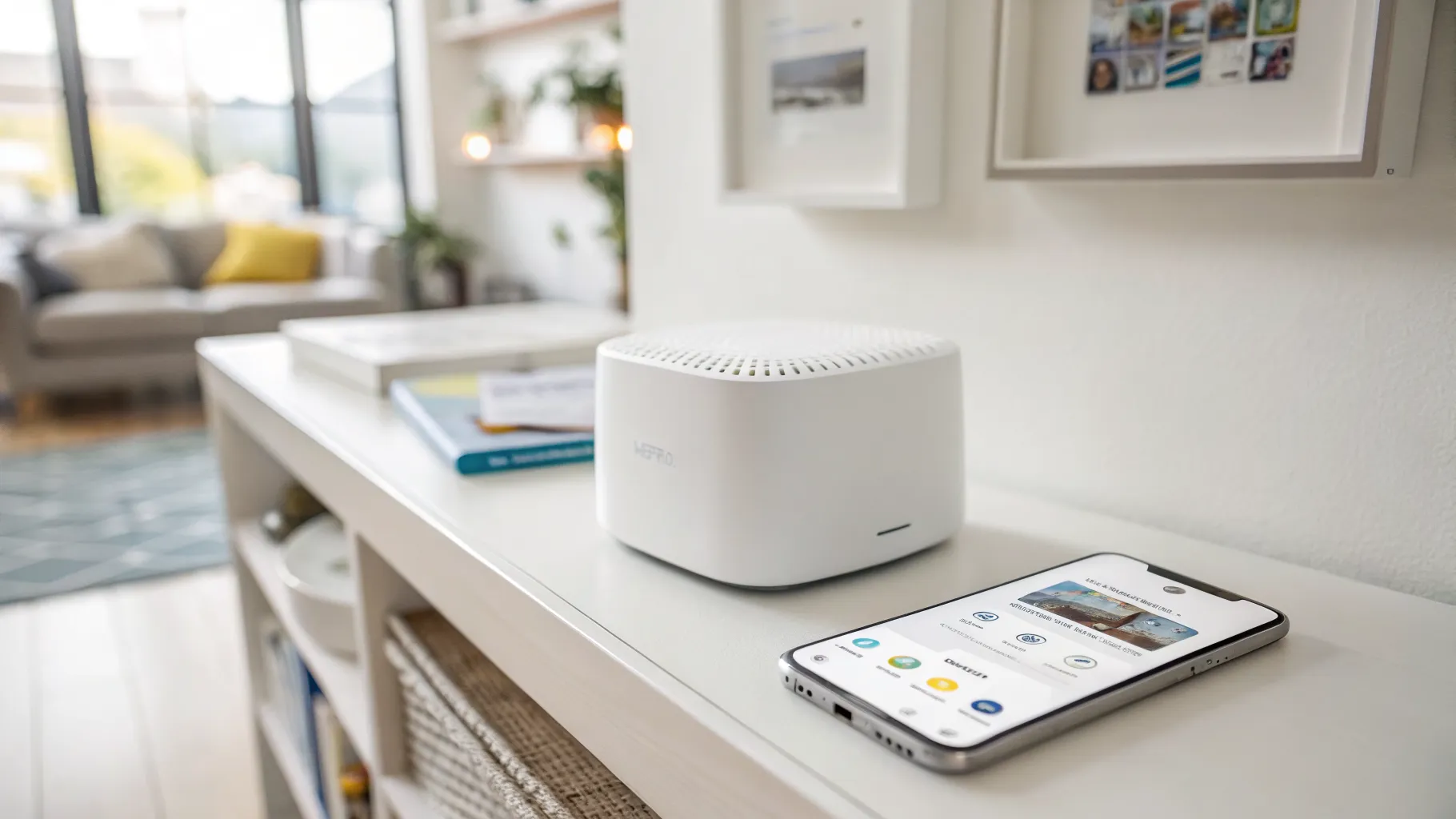
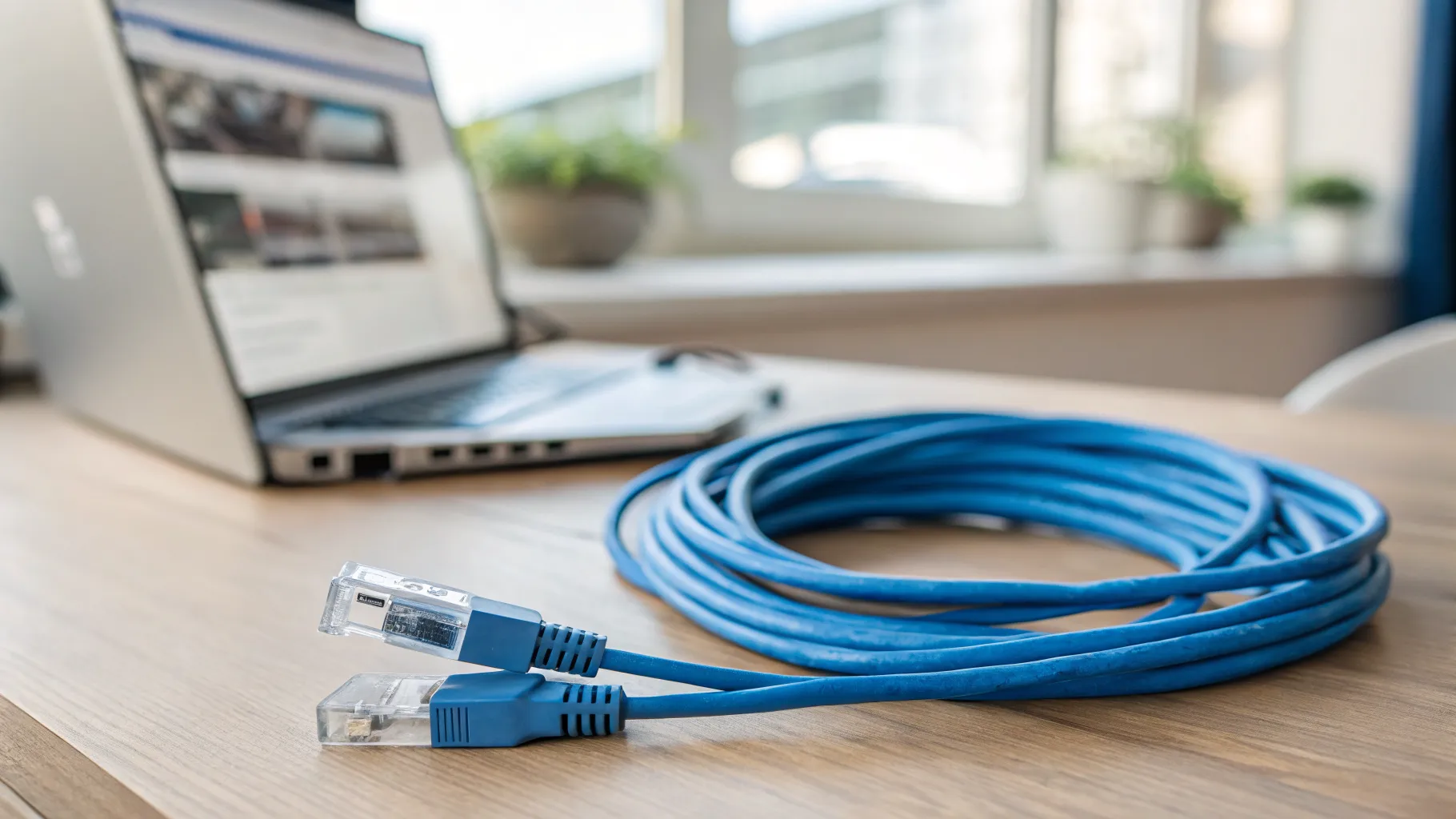
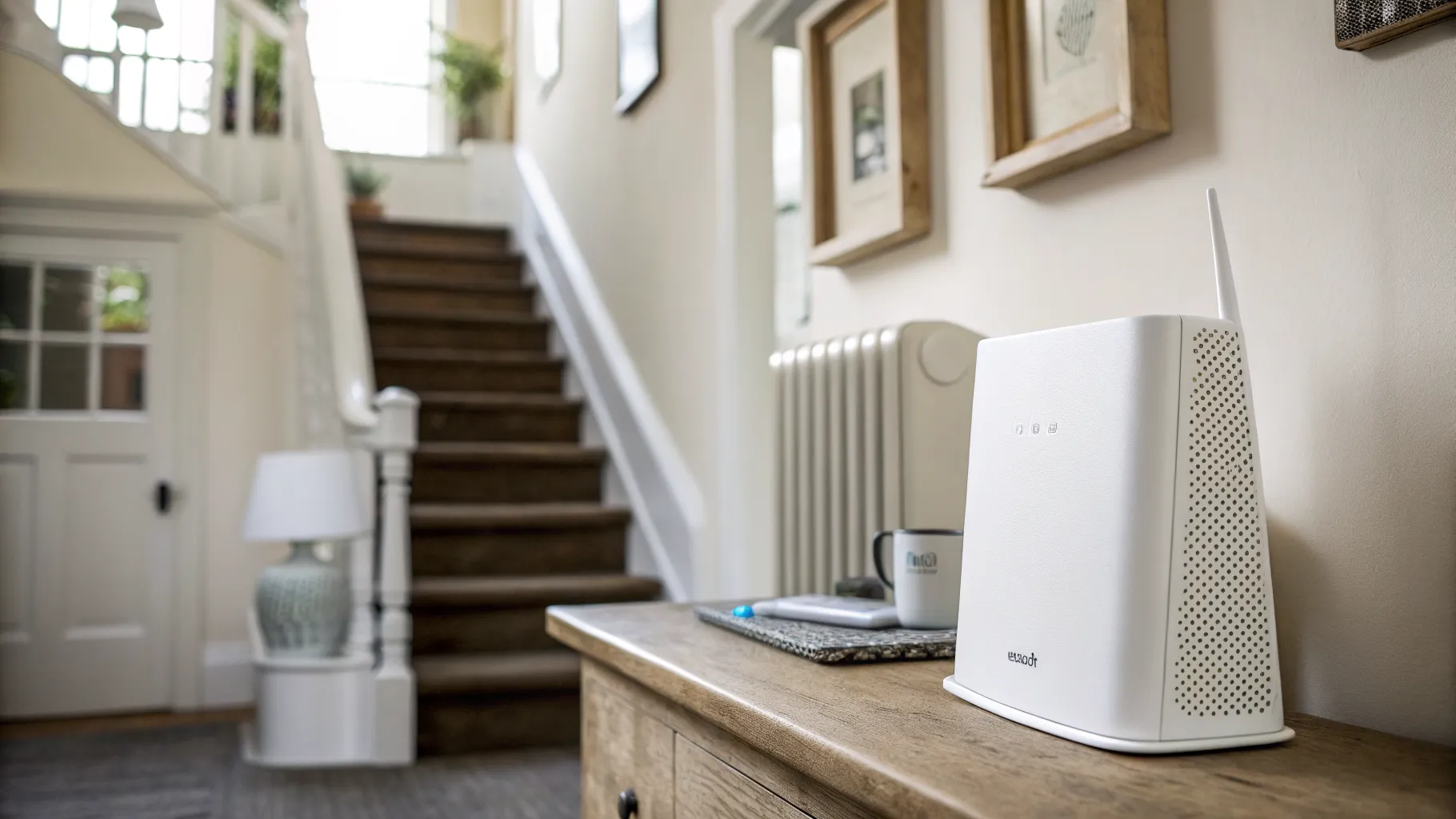
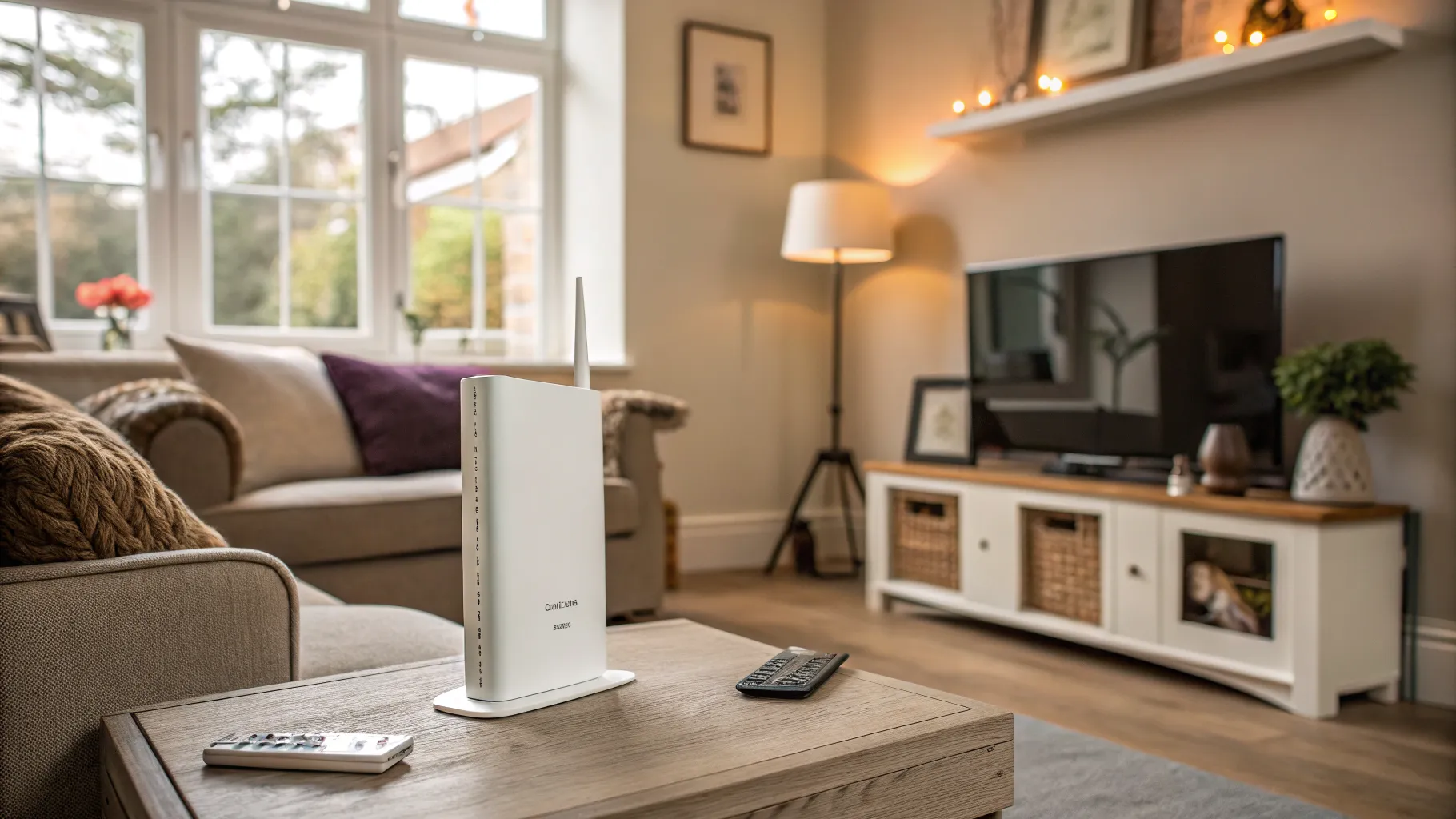
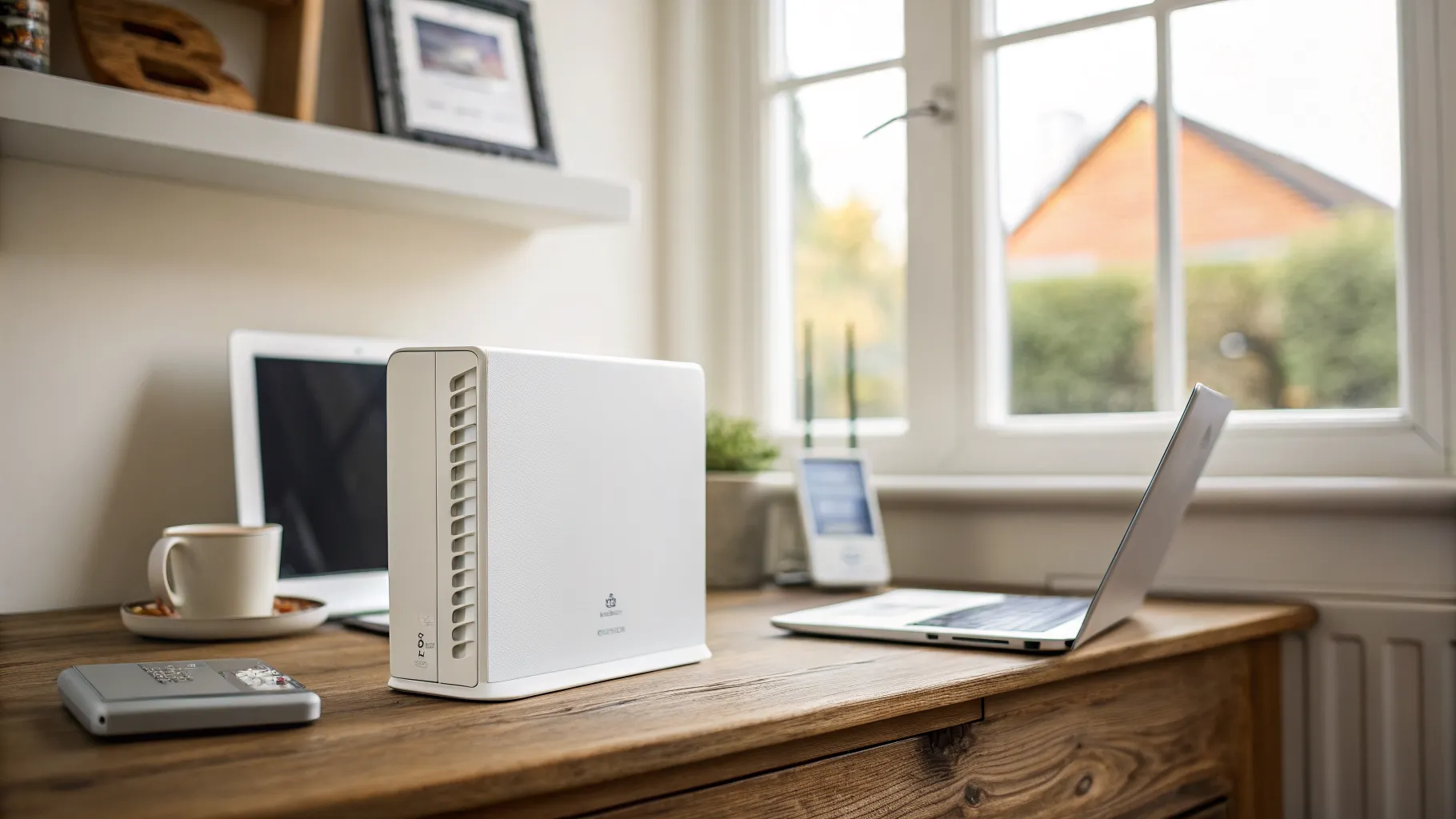
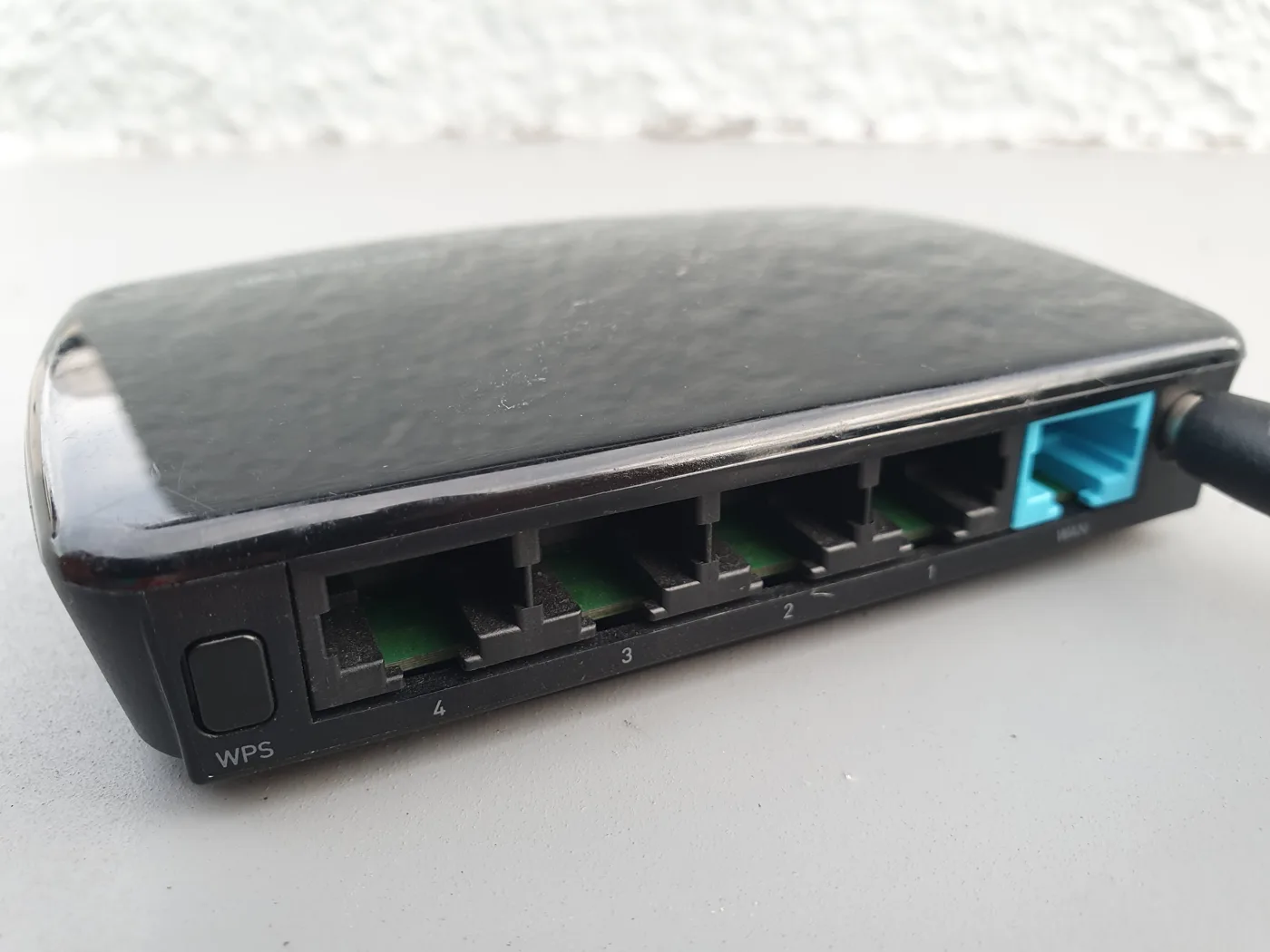
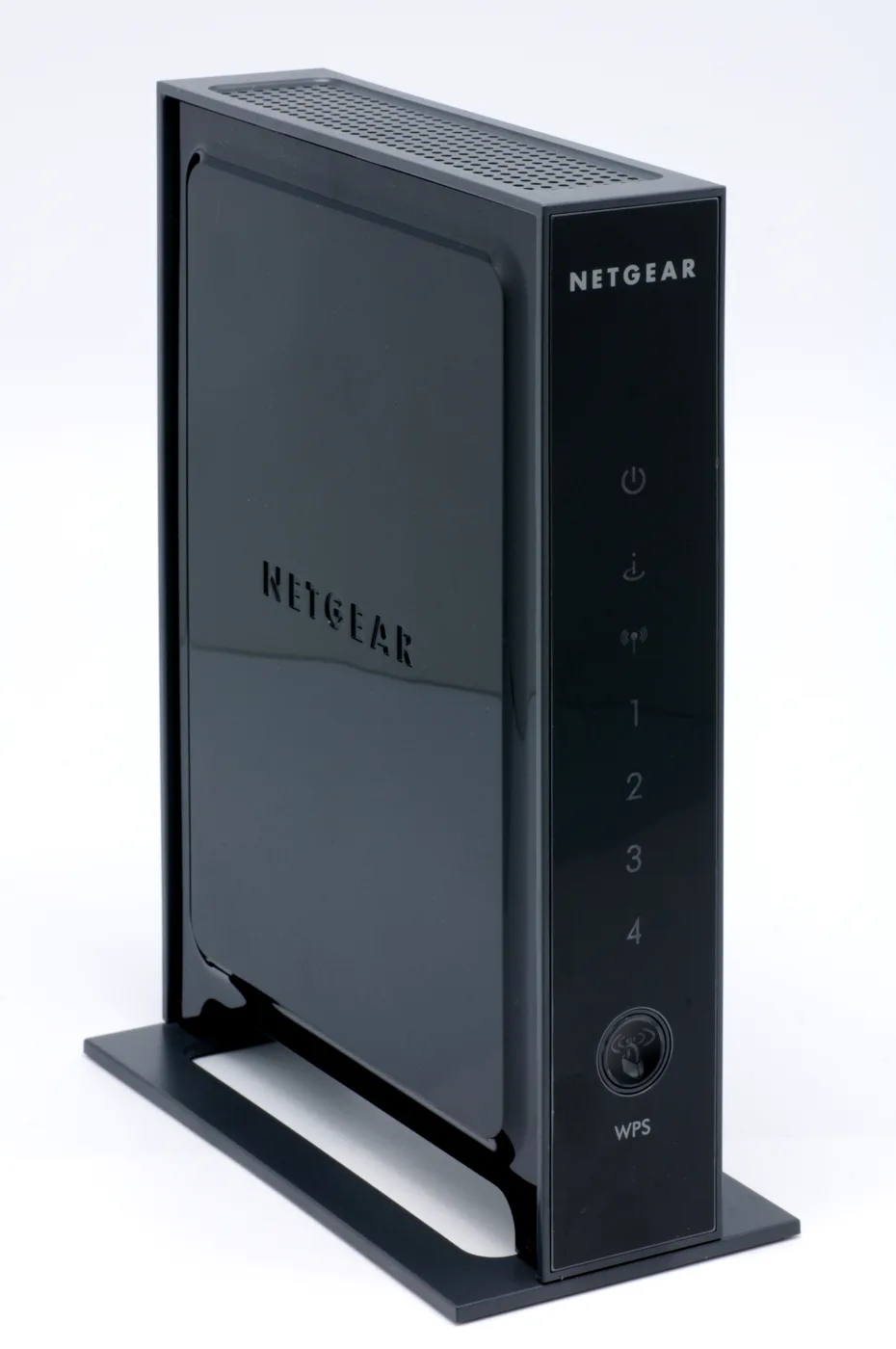
Your home router is really two things in one box: a router that manages your connection, and an access point that broadcasts the Wi-Fi. A standalone access point is just that second part. You run an Ethernet cable from your router (or a network switch) to the access point, place it wherever coverage is poor, and it puts out a strong, full-speed Wi-Fi signal in that spot.
The key detail is the wired link. Because the access point receives its data over a cable rather than over the air, it does not lose speed relaying the signal. That single fact is why an access point outperforms an extender or a wireless mesh node of the same grade almost every time.
Access point vs extender vs mesh
These three fix the same problem, weak Wi-Fi in part of the home, in very different ways.
- A Wi-Fi extender (or booster) picks up your existing Wi-Fi wirelessly and rebroadcasts it. It is cheap and plugs straight in with no cabling, but it typically halves the speed in the process and often creates a second network name you have to switch between. Best for a single small dead zone where you just need “some” signal.
- A mesh system uses several nodes that blanket the whole home in one seamless network you never have to switch between. It is the best all-round fix for a large or multi-storey home, especially one with thick walls. Mesh usually talks between nodes wirelessly, which costs some speed, unless you connect the nodes by cable.
- A wired access point gives the strongest, most reliable result of the three, because the wired connection removes the distance and rebroadcast problems entirely. Its only real requirement is an Ethernet cable to the spot.
Put simply: extenders are for small, quick fixes, mesh is the easiest whole-home answer, and access points are the performance choice when you can run a cable.
The wired backhaul point that ties it together
There is a useful overlap between mesh and access points, and it is worth understanding because it changes the advice. When you connect mesh nodes to each other with Ethernet cable instead of letting them talk wirelessly, that cable is called a wired backhaul, and each node effectively behaves like a full-speed access point. This gives you the seamless single-network convenience of mesh with the speed and reliability of wired access points.
So the real dividing line is not “access point versus mesh”. It is whether you can run Ethernet:
- If you can run a cable to the problem area, you get the best results, whether you call it a wired access point or a mesh node on wired backhaul.
- If you cannot run a cable, a wireless mesh system is usually the better answer than an extender for anything beyond one small dead zone.
When an access point is the right choice
An access point makes sense when several of these are true:
- You have, or are willing to run, an Ethernet cable to the area with poor signal (for example, an existing cable to an office, loft or garden room).
- You want maximum speed and reliability, not just “a bit more signal”.
- You are covering a specific location, such as a home office, a bedroom at the far end of the house, or an outbuilding.
- You are comfortable with a slightly more involved setup than plugging in an extender.
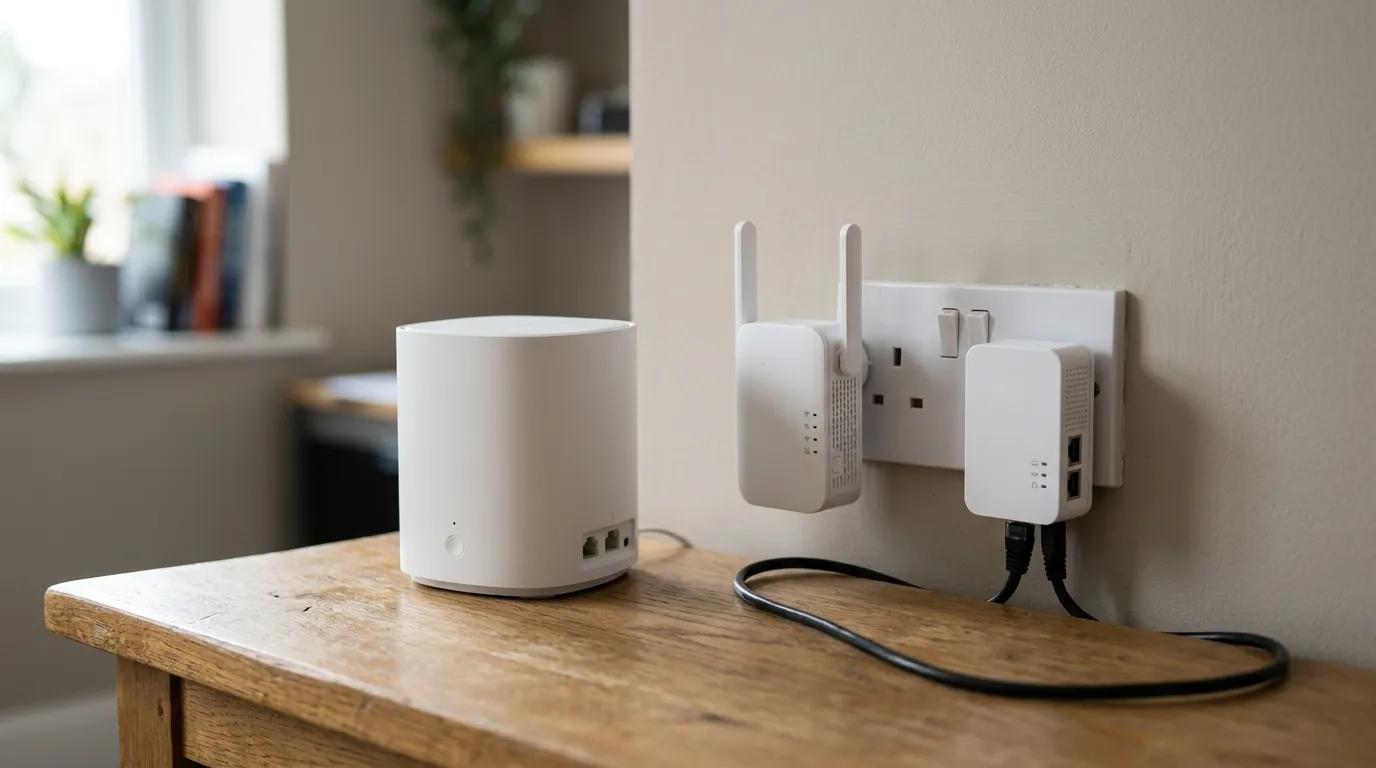
Running the cable is the hurdle. If you have coax or Ethernet points already, or your house is being renovated and you can run cable through walls, an access point is an easy win. If the thought of drilling and cabling puts you off, mesh is the friendlier route. Where a full cable run is impossible but you have electrical sockets, a powerline adapter can carry the network over your mains wiring to feed an access point, though it is less reliable than true Ethernet.
Setting one up, briefly
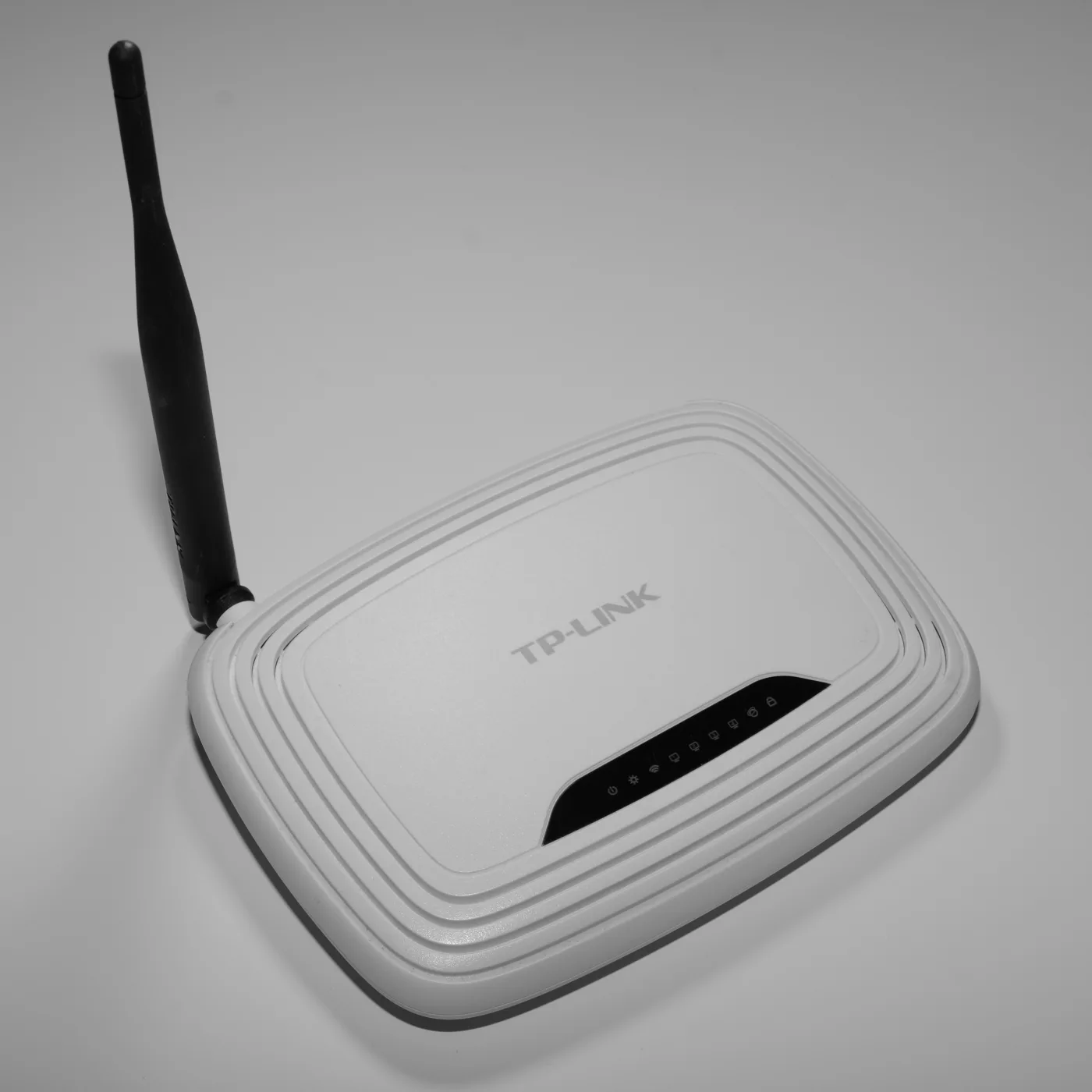
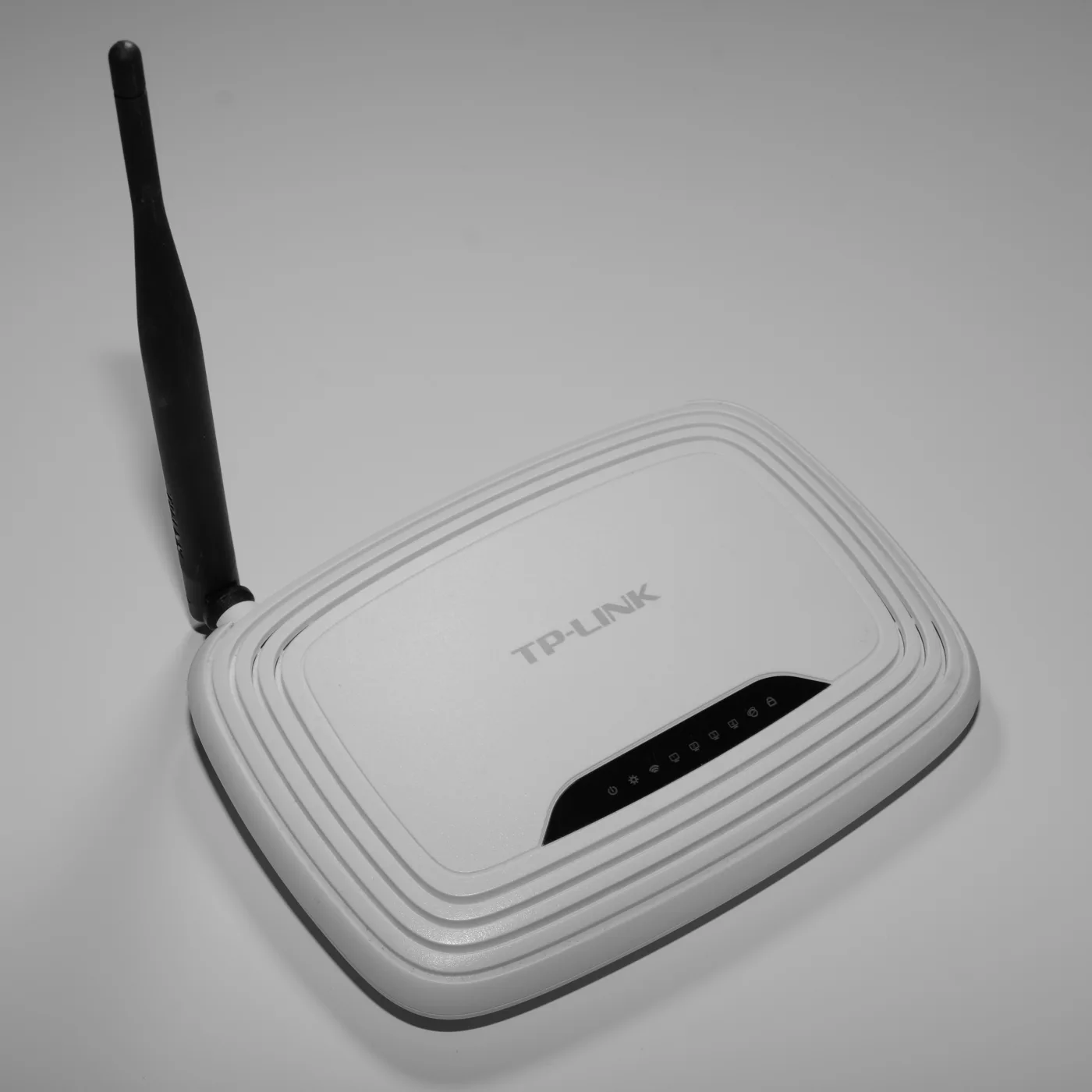
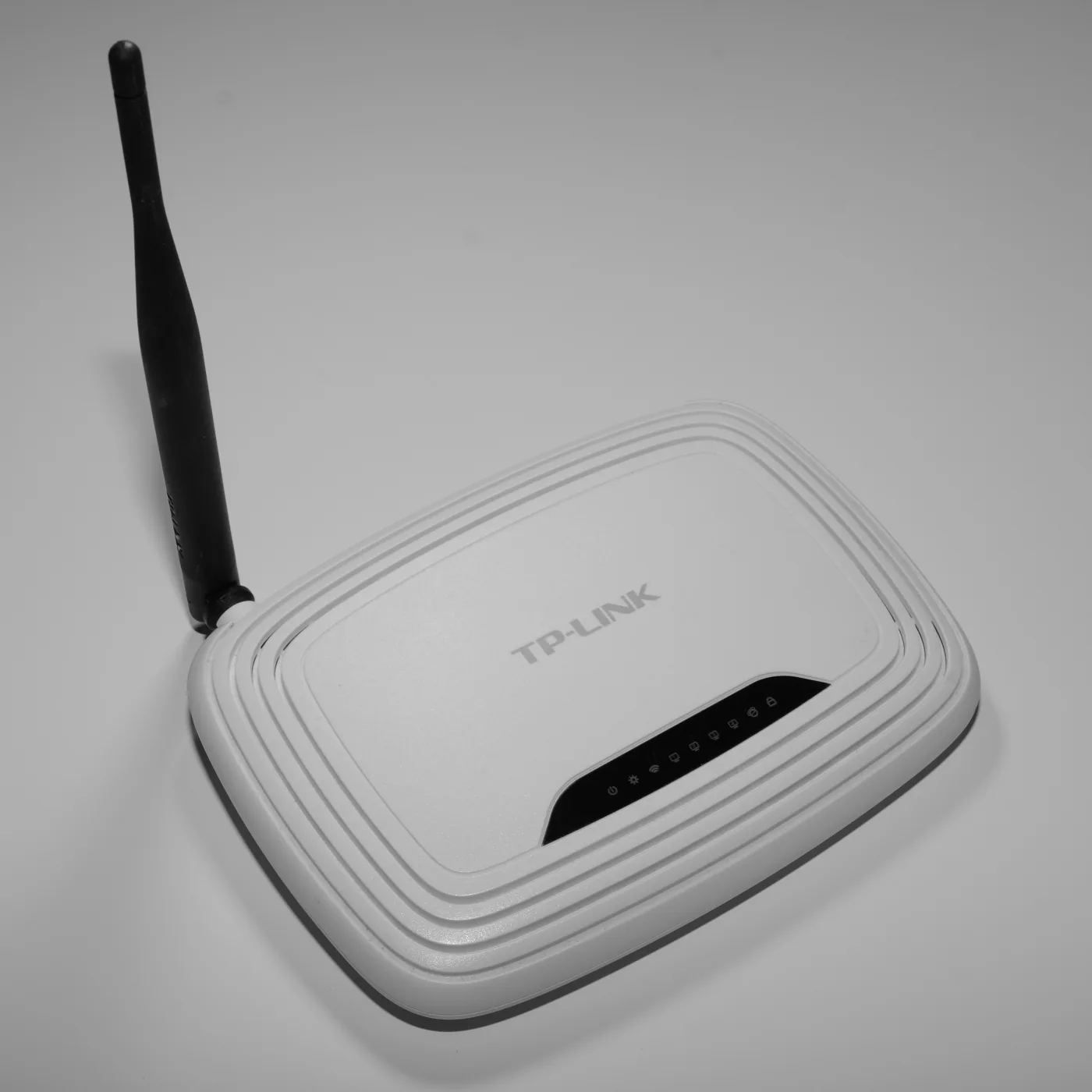
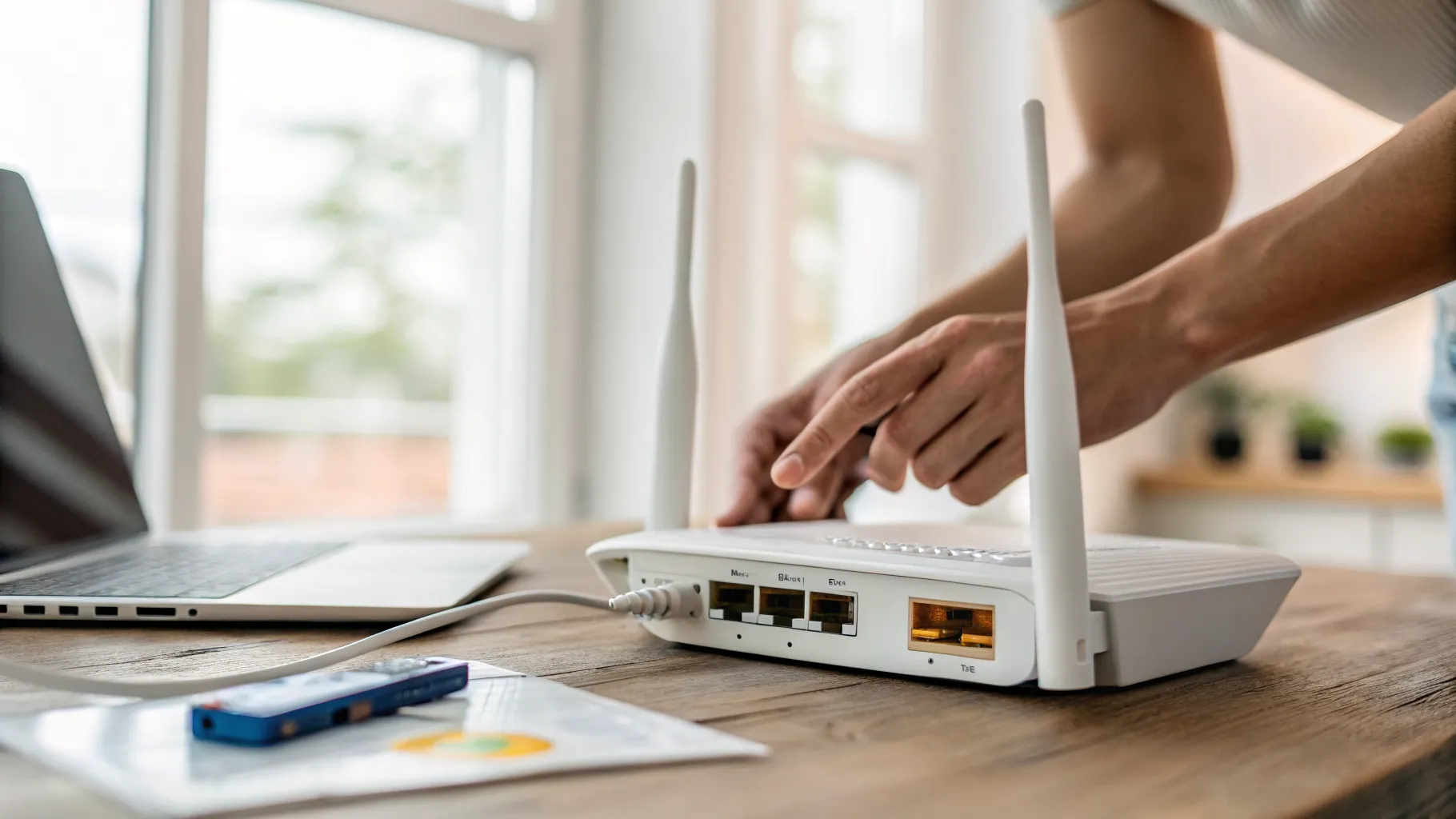
The general process is straightforward: connect the access point to your router by Ethernet, and set it to “access point” or “bridge” mode so it broadcasts Wi-Fi without trying to route traffic itself. Give it the same network name (SSID) and password as your main router so your devices roam onto it automatically without you switching networks. Manufacturers such as TP-Link publish step-by-step guides for their own hardware, and it is worth following the one for your exact model.
For the wider picture on covering a home, see our guides to mesh Wi-Fi explained and, if the issue is really a slow connection rather than coverage, Wi-Fi connected but no internet.
Frequently asked questions
What is a Wi-Fi access point? A Wi-Fi access point is a device that broadcasts a wireless network from a wired Ethernet connection to your router. It effectively adds a strong, full-speed Wi-Fi zone wherever you place it, provided you can run a cable to that spot.
Is an access point better than a Wi-Fi extender? Usually, yes. An access point receives its data over a cable, so it does not lose speed the way an extender does when it rebroadcasts your Wi-Fi over the air. The trade-off is that an access point needs an Ethernet cable, while an extender simply plugs in.
What is the difference between an access point and a mesh system? An access point is a single wired Wi-Fi source you place where you need coverage. A mesh system uses several nodes to blanket the whole home in one seamless network. If you connect mesh nodes by cable (wired backhaul), each behaves much like an access point, combining mesh convenience with wired speed.
Do I need an Ethernet cable for an access point? Yes. A wired connection is what gives an access point its speed and reliability advantage. If you cannot run Ethernet, a powerline adapter over your mains wiring is a fallback, or a wireless mesh system may suit you better.
Should the access point use the same network name as my router? Yes, in most home setups. Giving the access point the same SSID and password as your main router lets your devices move between them automatically, so you get seamless coverage without manually switching networks as you move around the house.
Can I use an old router as an access point? Often, yes. Many routers include an “access point” or “bridge” mode that disables their routing functions so they simply broadcast Wi-Fi from a wired connection. Check your router’s settings or manual for that mode before buying new hardware.