HomeWire home network lab
Speed & Coverage

Smart Wi-Fi: What It Means and Why Your Next Router Needs It
By the HomeWire team Updated 2026 Tested in real UK homes
Smart Wi-Fi: What It Means and Why Your Next Router Needs It

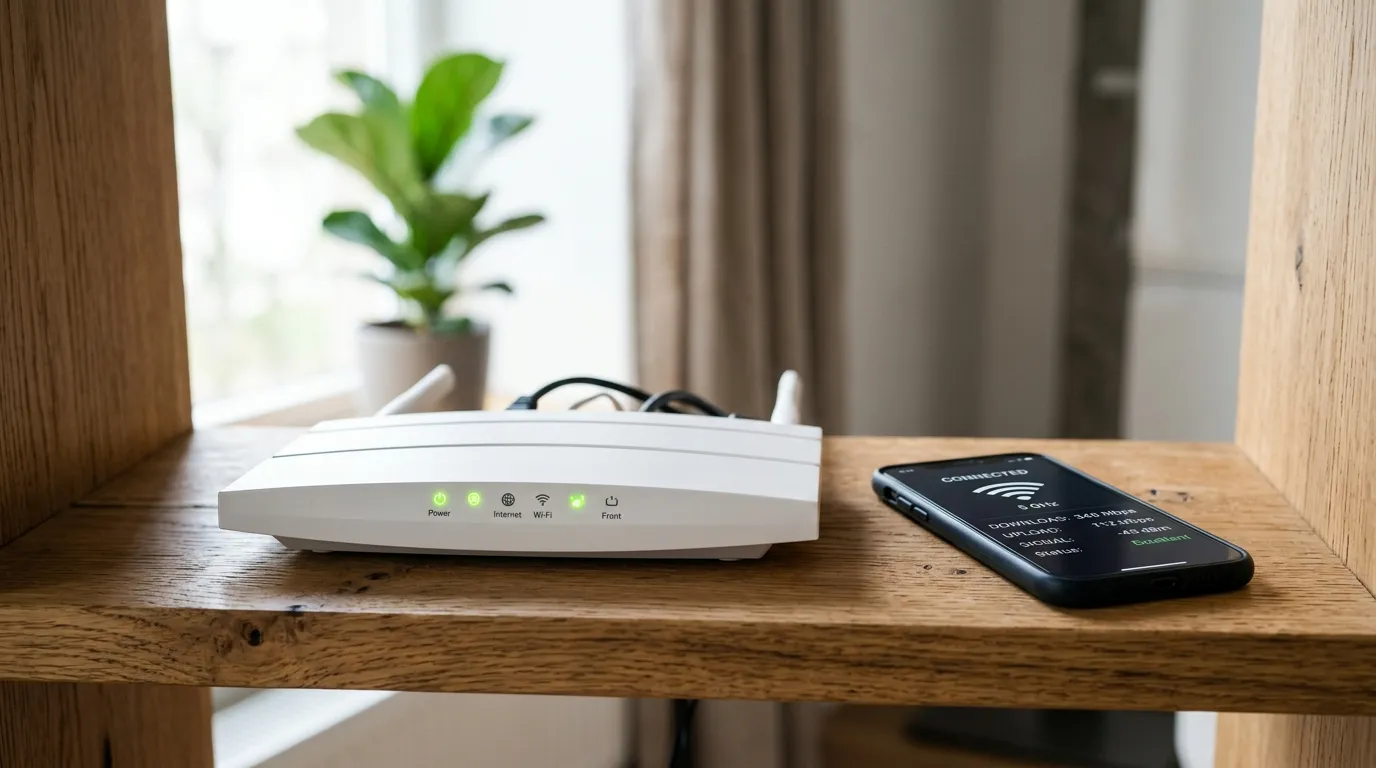
“Smart Wi-Fi” is one of those phrases that turns up on router boxes and broadband adverts without anyone explaining it. It is a marketing label rather than a fixed standard, but the features it usually points to are real and genuinely useful. This guide cuts through the smart wifi branding and tells you what the term actually covers, which parts matter, and whether your next router needs them.

What smart Wi-Fi really means

When a router maker or broadband provider says smart Wi-Fi, they almost always mean a bundle of automatic features that manage your network for you, instead of leaving you to fiddle with settings. The common ingredients are:

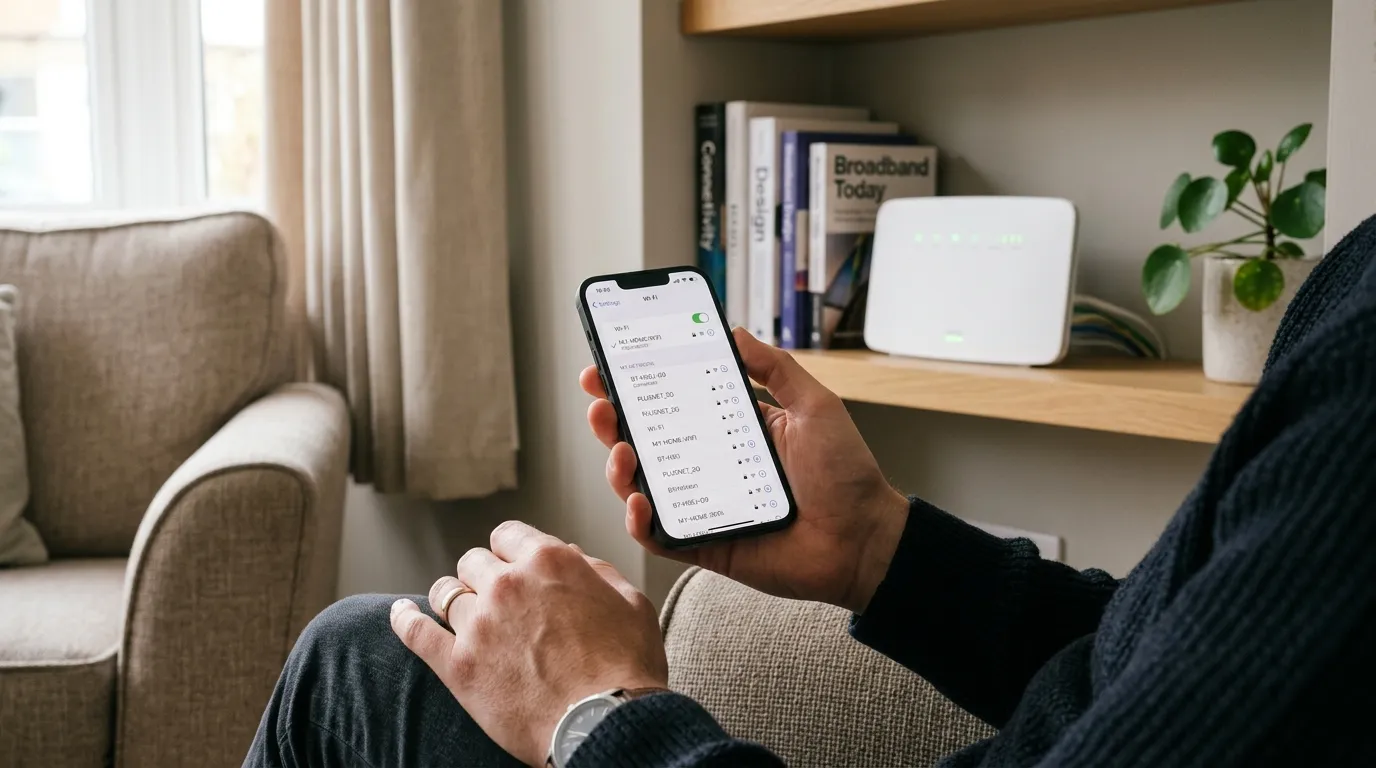
  • Band steering, which automatically puts each device on the best frequency band. Older smart-home gadgets that need range get the 2.4GHz band; phones, TVs and consoles that need speed get 5GHz or 6GHz. You do not pick; the router decides.
  • Automatic channel selection, where the router scans for the least congested channel and moves to it, instead of you doing it by hand. (If you ever do want to do it manually, our change Wi-Fi channel guide walks through it.)
  • Seamless roaming, so as you walk around the house your phone hands off between mesh nodes without dropping the connection or making you reconnect.
  • App control, which replaces the old web admin page with a phone app that guides setup, shows what is connected, and lets you change settings from anywhere.

None of these are magic. They are sensible automations that used to require a knowledgeable owner, now handled by the router itself.

The features worth caring about

Some smart Wi-Fi features earn their keep more than others.

Device prioritisation (QoS) lets you tell the network that your work laptop or the games console matters more than a background download, so the important thing stays fast when the network is busy. On a shared household connection this is one of the most useful settings there is.

A separate network for smart devices is increasingly common and quietly important. It puts your smart bulbs, plugs and cameras on their own segment, away from your phone and laptop, which is better for both performance and security. Cheap IoT gadgets are a common weak point, so isolating them is a real benefit.

Built-in security and parental controls handle threat filtering and screen-time limits at the network level, covering every device at once rather than app by app.

Smart Wi-Fi and mesh: the overlap

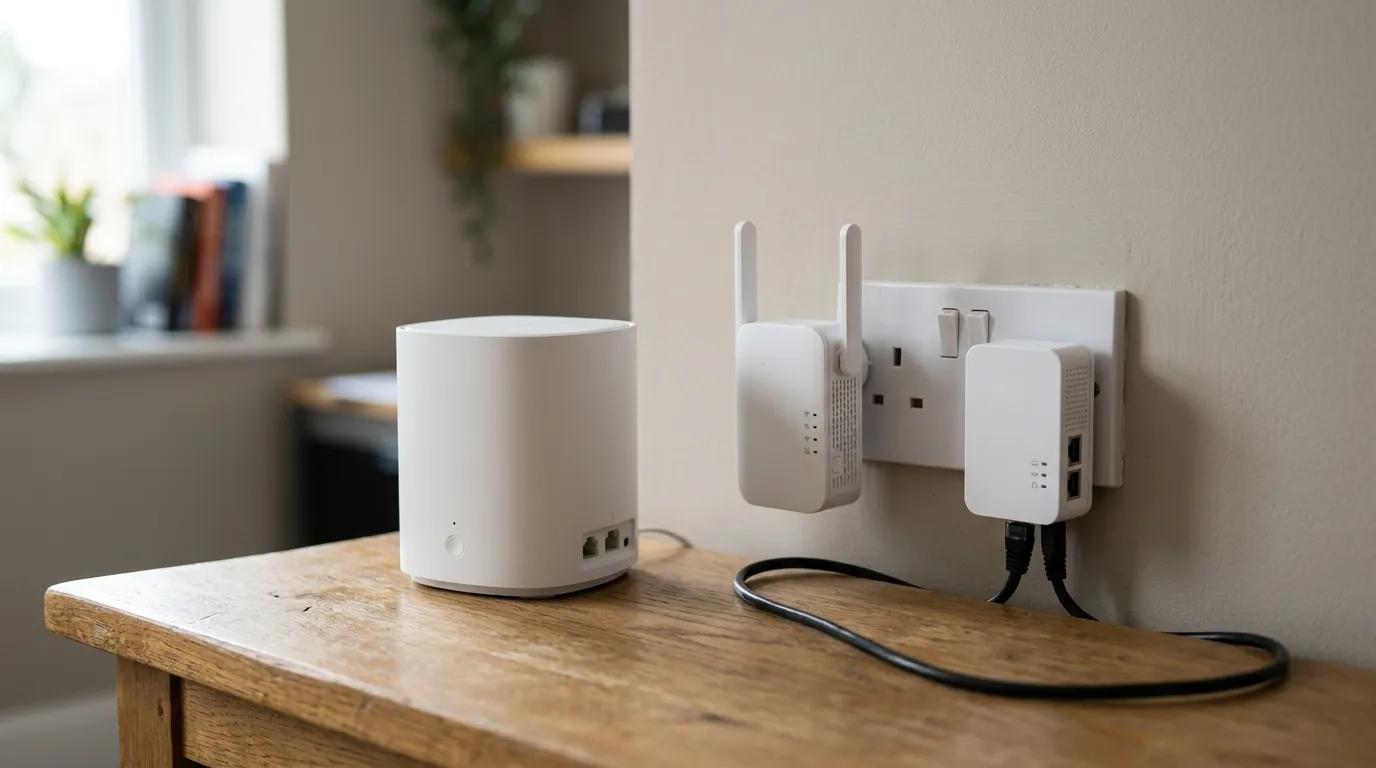
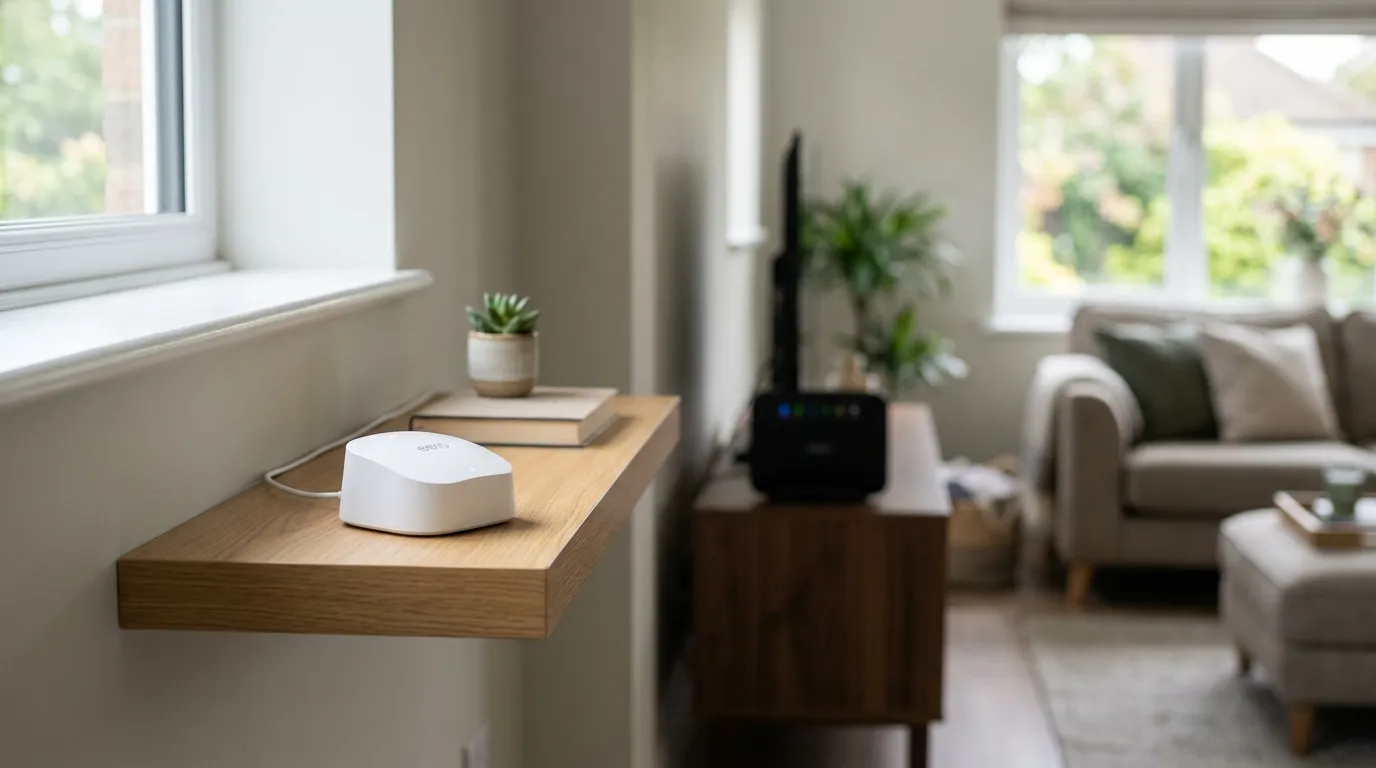
In practice, most smart Wi-Fi today arrives as part of a mesh system. A mesh uses a main unit plus satellite nodes that work together as one network with a single name, so your devices roam between them automatically. That is where band steering and seamless roaming actually shine, because there is more than one access point to steer between.

If a single router reaches every room in your home, you may not need mesh at all. If you have dead spots, mesh is usually the better fix than an old-style extender, which creates a clumsy second network. Our guides on mesh vs extender vs powerline and the best mesh Wi-Fi in the UK cover the choice in detail, and if it is dead spots you are chasing, start with fixing Wi-Fi dead spots.

It is worth knowing that a lot of “smart” mesh interoperability is built on an open standard called EasyMesh from the Wi-Fi Alliance, so it is not always proprietary lock-in.

Do you actually need it?

For most homes in 2026, yes, at least the basics. Band steering and automatic channel selection genuinely improve a busy household network with little downside, and app control makes the whole thing easier to live with. If you have a lot of devices, multiple floors, or smart-home gear, the device prioritisation and separate IoT network start to matter a lot.

What you do not need is to pay a premium for the word “smart” itself. The features are now standard on most decent mid-range routers and mesh systems, so judge a product on which of the above it actually includes, not on the badge. And remember that no amount of smart software fixes a slow line; if your broadband itself is the bottleneck, check the speed you are paying for first. Ofcom explains your rights on broadband speed in the UK.

Frequently asked questions

What does smart Wi-Fi mean? Smart Wi-Fi is a marketing term for a bundle of automatic network features, typically band steering, automatic channel selection, seamless roaming between mesh nodes, and control through a phone app. It is not a single standard, so what you get varies by product, but the core idea is a network that manages itself.

Is smart Wi-Fi the same as mesh Wi-Fi? Not exactly, but they overlap heavily. Mesh is the hardware setup of a main unit plus satellites acting as one network. Smart Wi-Fi is the set of automatic features, like band steering and roaming, that make a mesh work smoothly. Most smart Wi-Fi today comes as part of a mesh system.

Do I need a smart Wi-Fi router? For most homes the core features are worth having, as band steering and automatic channel selection improve a busy network with little downside. They matter more the more devices, floors and smart-home gadgets you have. You should not pay a premium just for the “smart” label, since these features are now standard on most decent routers.

What is band steering? Band steering automatically assigns each device to the best Wi-Fi frequency band. Devices that need range, like smart-home sensors, are kept on 2.4GHz, while devices that need speed, like phones and games consoles, are pushed to 5GHz or 6GHz, all without you choosing manually.

Can smart Wi-Fi make my internet faster? It can make better use of the speed you have by reducing congestion and putting devices on the right band, but it cannot exceed the speed of your actual broadband line. If your connection itself is slow, smart features help only at the margins, so check your line speed first.
// more from HomeWire
Why Is My Wi-Fi So Slow? 12 Fixes That Actually Work (UK)
Fix It: Wi-Fi & Network Troubleshooting

Why Is My Wi-Fi So Slow? 12 Fixes That Actually Work (UK)

Why is my Wi-Fi so slow? 12 tested UK fixes, from router placement and 5GHz to channel changes and your Ofcom minimum-speed rights.

Wi-Fi Keeps Dropping or Disconnecting? Step-by-Step Fix
Fix It: Wi-Fi & Network Troubleshooting

Wi-Fi Keeps Dropping or Disconnecting? Step-by-Step Fix

If your wifi keeps dropping, work through these UK fixes in order: restart the router, change the channel, split the bands and check for a line fault.

Ethernet Connected But No Internet? How to Fix It
Fix It: Wi-Fi & Network Troubleshooting

Ethernet Connected But No Internet? How to Fix It

Ethernet connected but no internet? Work through these ordered UK fixes, from a quick router reboot to DHCP, DNS and driver repairs that get you back online.

How to Log Into Your Router at 192.168.1.1 (UK Routers)
Set Up & Get Online

How to Log Into Your Router at 192.168.1.1 (UK Routers)

A step-by-step 192.168.1.1 router login guide for UK routers, plus the correct IP for BT, Sky, Virgin, TalkTalk, EE and Plusnet hubs.

How to Change Your Wi-Fi Channel to Stop Interference
Set Up & Get Online

How to Change Your Wi-Fi Channel to Stop Interference

How to change your Wi-Fi channel to stop interference: best 2.4GHz and 5GHz channels, plus steps for BT, Sky, Virgin and TalkTalk routers.

Mesh Wi-Fi vs Extender vs Powerline: Which Beats Dead Spots?
Gear: Mesh, Extenders & Adapters

Mesh Wi-Fi vs Extender vs Powerline: Which Beats Dead Spots?

Mesh vs extender vs powerline compared for UK homes: which one actually fixes Wi-Fi dead spots, with real speeds, costs and setup tips.

Wi-Fi Channel Finder
Tools

Wi-Fi Channel Finder

Best Wi-Fi channel finder for UK homes: read your phone's Wi-Fi scan and get the least-crowded 2.4GHz, 5GHz and 6GHz channel to switch to.

Broadband Speed Calculator: How Much Do You Actually Need?
Tools

Broadband Speed Calculator: How Much Do You Actually Need?

Free broadband speed calculator: tell us your household and we work out how much broadband speed you need, in Mbps, for the UK.

Mesh Node Planner
Tools

Mesh Node Planner

Free UK mesh node planner: answer how many mesh nodes do I need for your home's size, floors and walls, with a printable placement plan.

How to Fix Wi-Fi Dead Spots at Home: 9 Proven Fixes
Fix It: Wi-Fi & Network Troubleshooting

How to Fix Wi-Fi Dead Spots at Home: 9 Proven Fixes

Fix Wi-Fi dead spots at home with 9 proven steps, free fixes first: router placement, band, channel, mesh, wired backhaul and UK ISP kit explained.

Best Mesh Wi-Fi Systems UK 2026: Tested and Compared
Gear

Best Mesh Wi-Fi Systems UK 2026: Tested and Compared

The best mesh Wi-Fi systems for UK homes in 2026, ranked by coverage, value and backhaul. Wi-Fi 6, 6E and 7 picks for brick and stone walls.

How to Reset Your Router Without Losing Your Settings
Set Up & Get Online

How to Reset Your Router Without Losing Your Settings

Restart fixes most problems and keeps every setting. Factory reset wipes the lot. UK hub-by-hub steps for BT, Virgin, Sky and EE, plus what to save first.
What Is a Good Ping for Gaming and How to Lower It
Speed & Coverage

What Is a Good Ping for Gaming and How to Lower It

A good gaming ping is under 30ms for competitive play, under 50ms casual. Here is how to lower it: go wired, pick a near server, and fix Wi-Fi and QoS.

BT, Sky, Virgin and EE Router Default Passwords Explained
Set Up & Get Online

BT, Sky, Virgin and EE Router Default Passwords Explained

There is no master password for BT, Sky, Virgin or EE hubs. Where each default actually lives, Wi-Fi vs admin passwords, and what a reset restores.

Why Your Broadband Slows Down in the Evening (and What to Do)
Fix It: Wi-Fi & Network Troubleshooting

Why Your Broadband Slows Down in the Evening (and What to Do)

Broadband slow in the evening? Here's why UK speeds dip around 9pm, how to test if it's your line or Wi-Fi, and what actually fixes it.
2.4GHz vs 5GHz vs 6GHz: Which Band Should You Use and When
Speed & Coverage

2.4GHz vs 5GHz vs 6GHz: Which Band Should You Use and When

Which Wi-Fi band to join, when, for UK homes. A use-case table, the physics, Ofcom rules, plus 6GHz, WiFi 6E/7 and merge-vs-split SSID advice.
How to Run an Ethernet Cable Through Your House Tidily
Set Up & Get Online

How to Run an Ethernet Cable Through Your House Tidily

A practical UK guide to running Ethernet cable through your house tidily: planning routes, choosing cable, wall and floor runs, terminating and safety.

Long Ethernet Cable: Which Length and Category to Buy
Gear: Mesh, Extenders & Adapters

Long Ethernet Cable: Which Length and Category to Buy

Buying a long Ethernet cable for a UK home? Which length and category to pick, why length barely affects speed, and outdoor and in-wall rules.

What Is Broadband? A Plain-English Guide for UK Households
Set Up & Get Online

What Is Broadband? A Plain-English Guide for UK Households

What is broadband, in plain English: the UK types explained, real speeds vs the headline numbers, and what the 2027 copper switch-off means for you.

Home Wi-Fi News: June 2026
News

Home Wi-Fi News: June 2026

Wi-Fi 8 chipsets break cover, Lightning Fibre rolls out Wi-Fi 7 routers, and Community Fibre cuts 1Gbps with a Wi-Fi 7 router to £20 a month.

Home Wi-Fi News: June 2026
News

Home Wi-Fi News: June 2026

UK leads Europe on Wi-Fi 6 and 7 take-up, Openreach trials a fuller FTTP install, O2 Broadband may return, and the fastest UK ISPs for H1 2026 are named.

// stay on the network

Fix one dead zone a week.

Plain-English fixes for British homes: router settings worth changing, mesh kit that actually works, and the speed-test results that matter. One email, no jargon, unsubscribe anytime.

● No spam. Roughly fortnightly. UK-focused.