4G Router for Home: Best for Backup or Rural Broadband
4G Router for Home: Best Options for Backup Internet or Rural Broadband
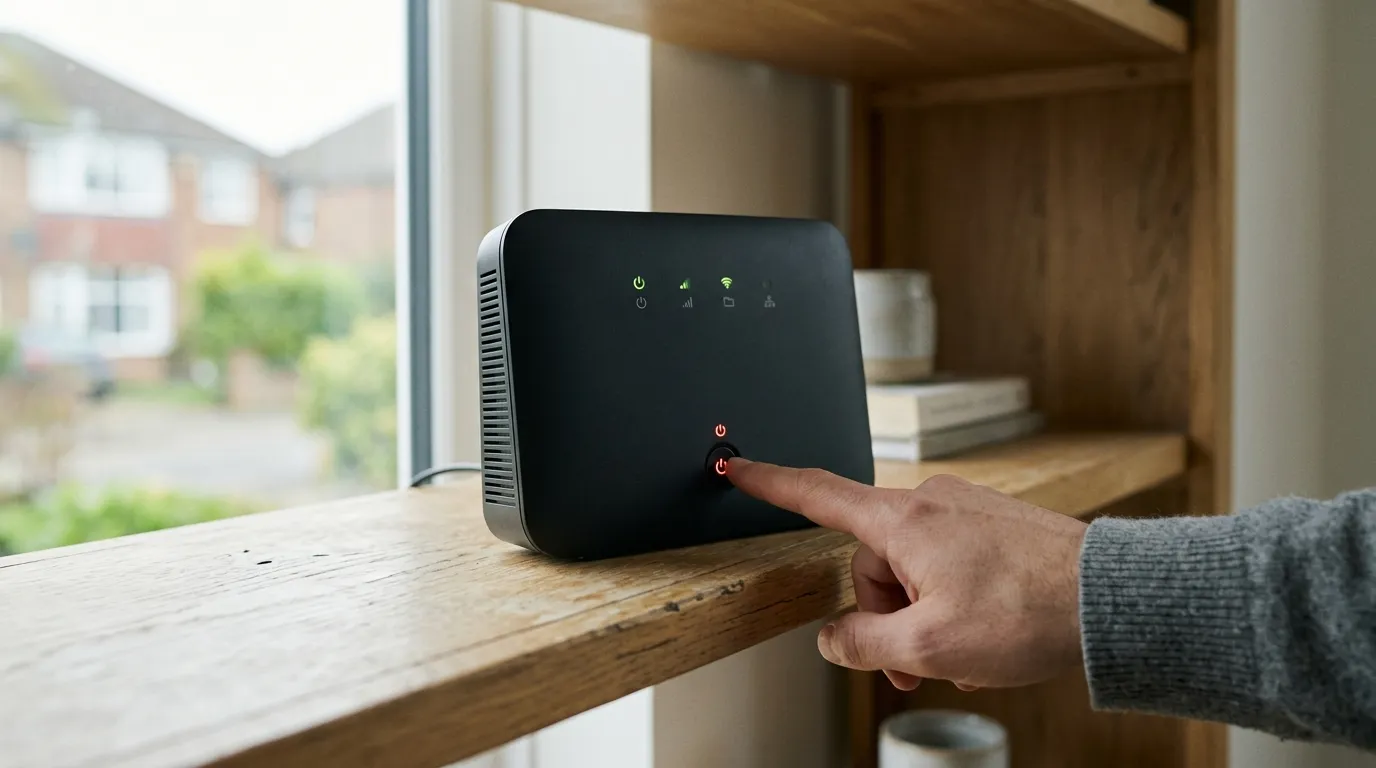
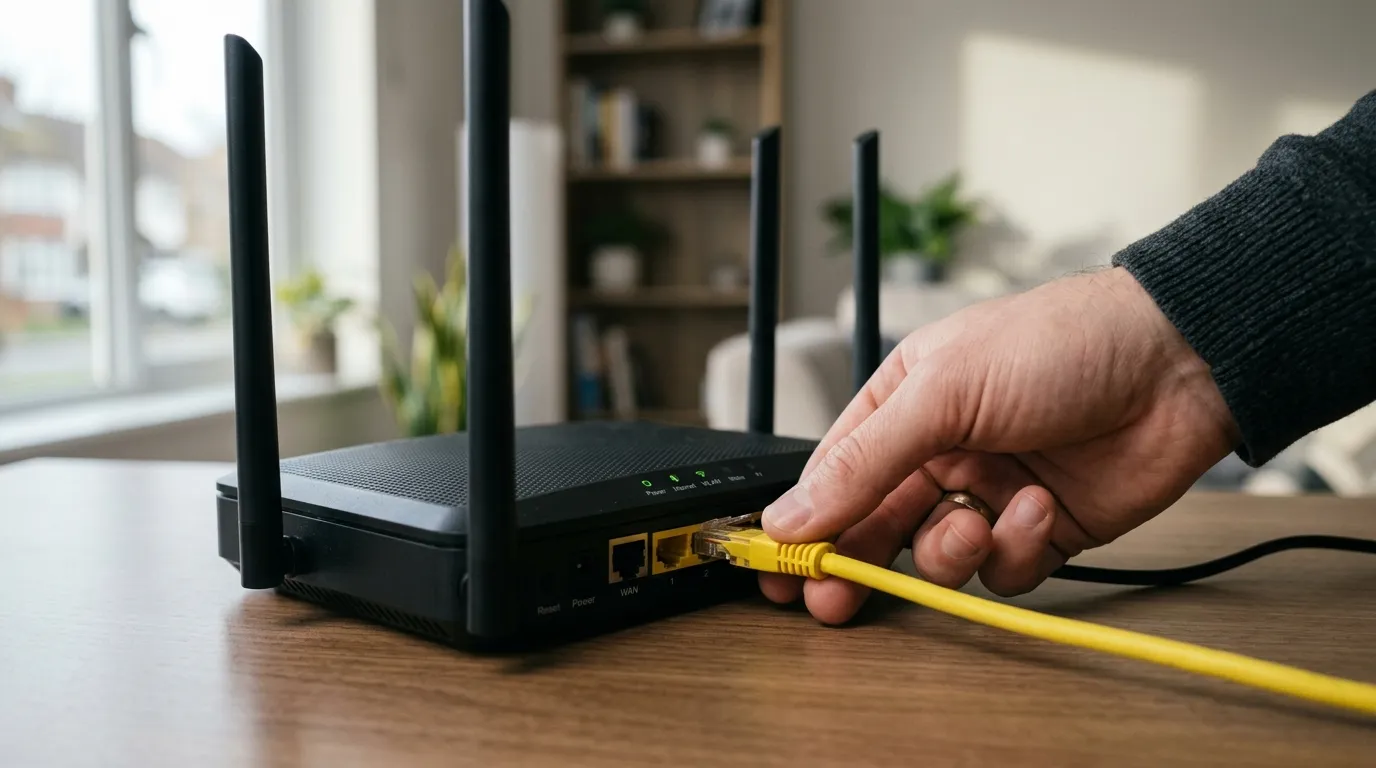
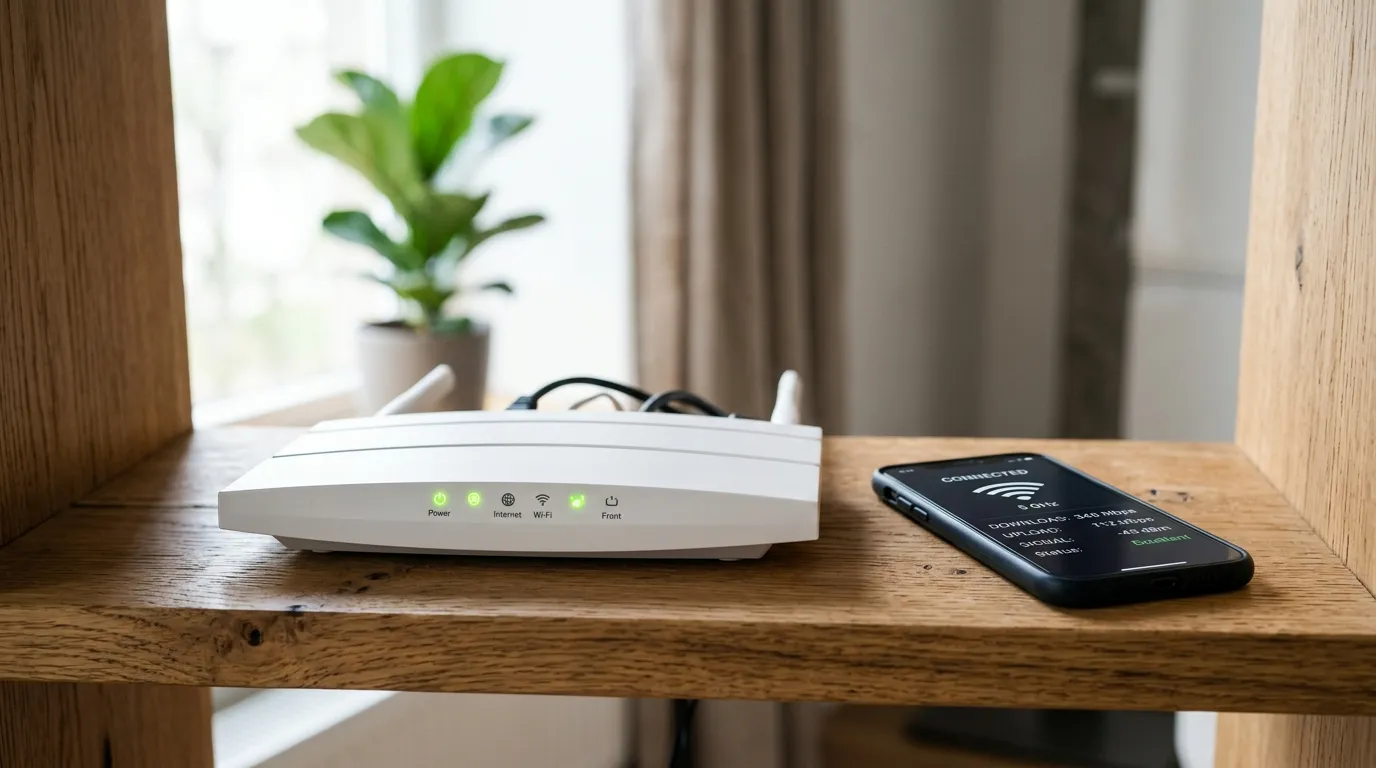
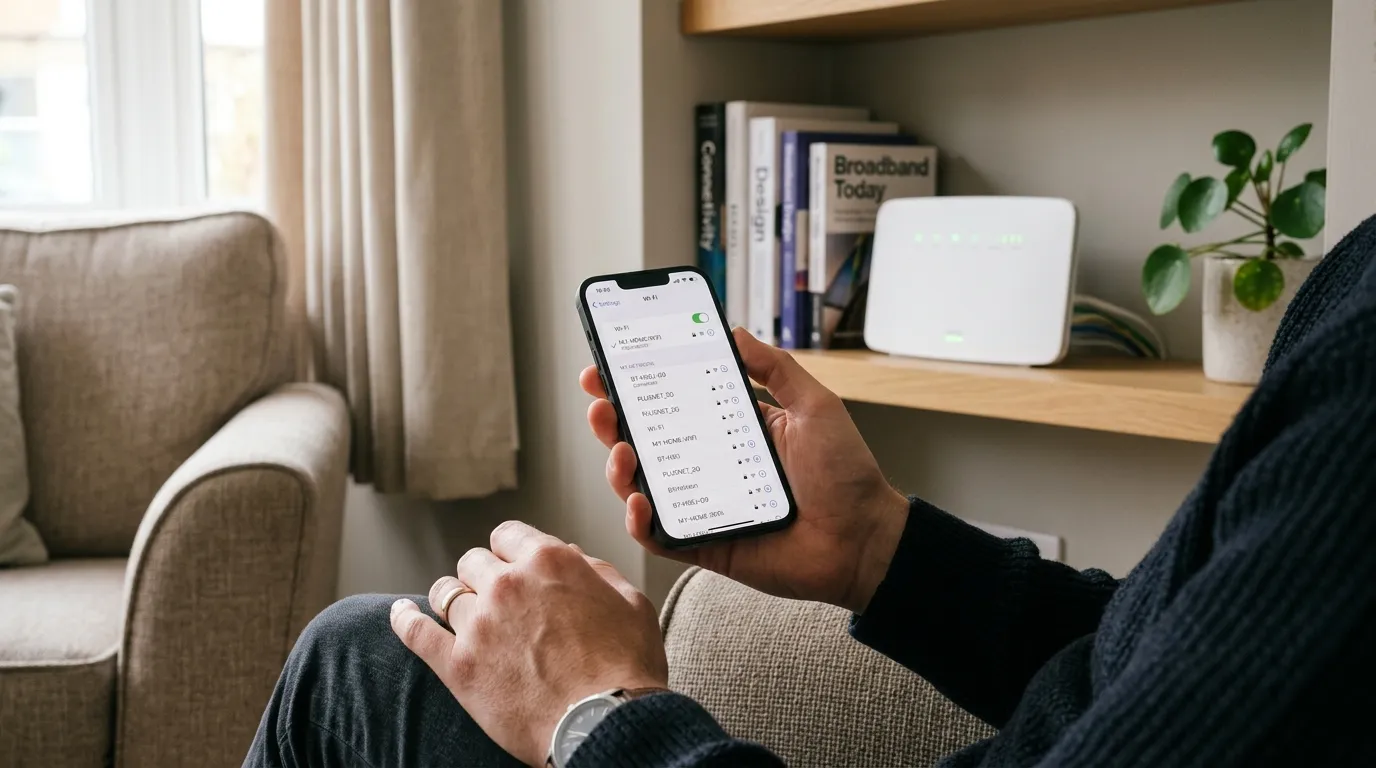
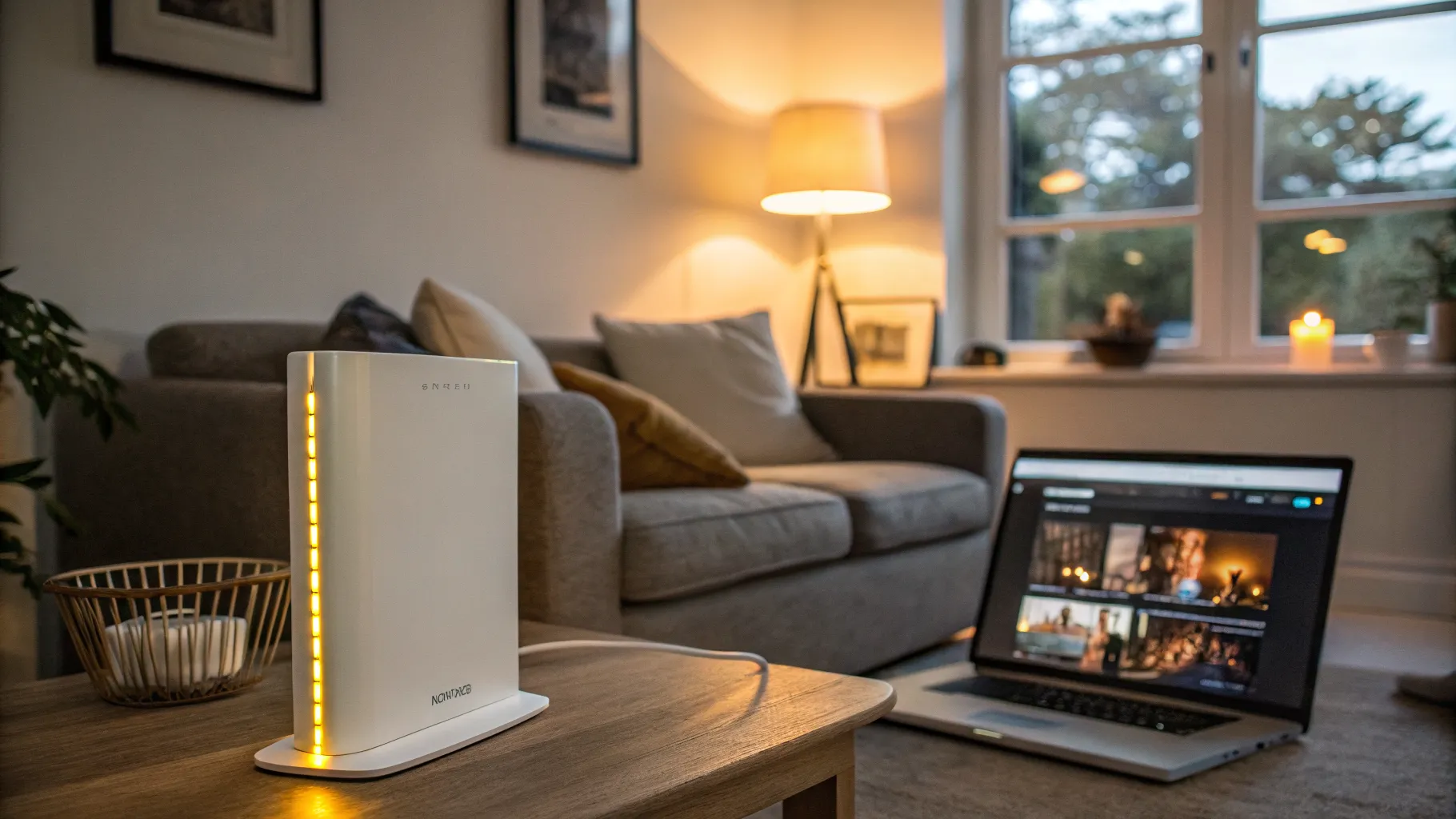
A 4G router turns a mobile data SIM into home Wi-Fi, which makes it the obvious fix when fixed-line broadband is slow, unavailable, or you just want a backup for when it goes down. Drop a SIM into the router, it connects to the mobile network the way your phone does, and it shares that connection over Wi-Fi and Ethernet to your whole house. This guide covers when a 4G router is the right call, which network gives the best chance of a solid signal, the models worth buying, and the one accessory that transforms performance in a weak-signal area.
If you are on a farm, a new-build estate waiting for fibre, or in a village where the copper line crawls, this may be the most useful page on the site. For the wider picture, see our explainer on broadband without a phone line.
When a 4G router makes sense
There are three classic reasons to use one:
- Rural or poorly-served areas. Where fixed broadband tops out at a few megabits, a good 4G connection can comfortably beat it. In areas with decent mobile coverage a 4G router can replace fixed-line broadband entirely.
- Backup or failover. If working from home means never losing connection, a 4G router as a second line keeps you online when the main broadband drops. Some models switch over automatically.
- Short-term or moving. Renting, between homes, or waiting on an install date? A 4G router needs no engineer and no line, just a SIM.
Realistically, expect download speeds in the region of 30 to 40 Mbps on a typical 4G connection, though a strong signal on a fast network can go well beyond that. That is plenty for streaming, video calls and general use across a household.
Which network should you use?
This matters more than the router. A 4G router is only as good as the signal it receives, and coverage varies by network and by exact location. As a rule of thumb, EE tends to have the strongest rural coverage, followed by Vodafone, then O2 and Three, but this is a generalisation and your postcode is what counts.
Before committing, check coverage for your exact address with the independent Ofcom coverage checker as well as each network’s own map, and if you can, borrow a SIM or use a friend’s phone on each network to test the real signal where the router will sit. Look for a data plan built for this: many providers offer unlimited-data SIMs aimed at home use, which is what you want, since a 4G router will chew through data far faster than a phone. A signal that struggles indoors can often be rescued with an antenna, covered below and in our mobile network booster guide.
The best 4G routers for home
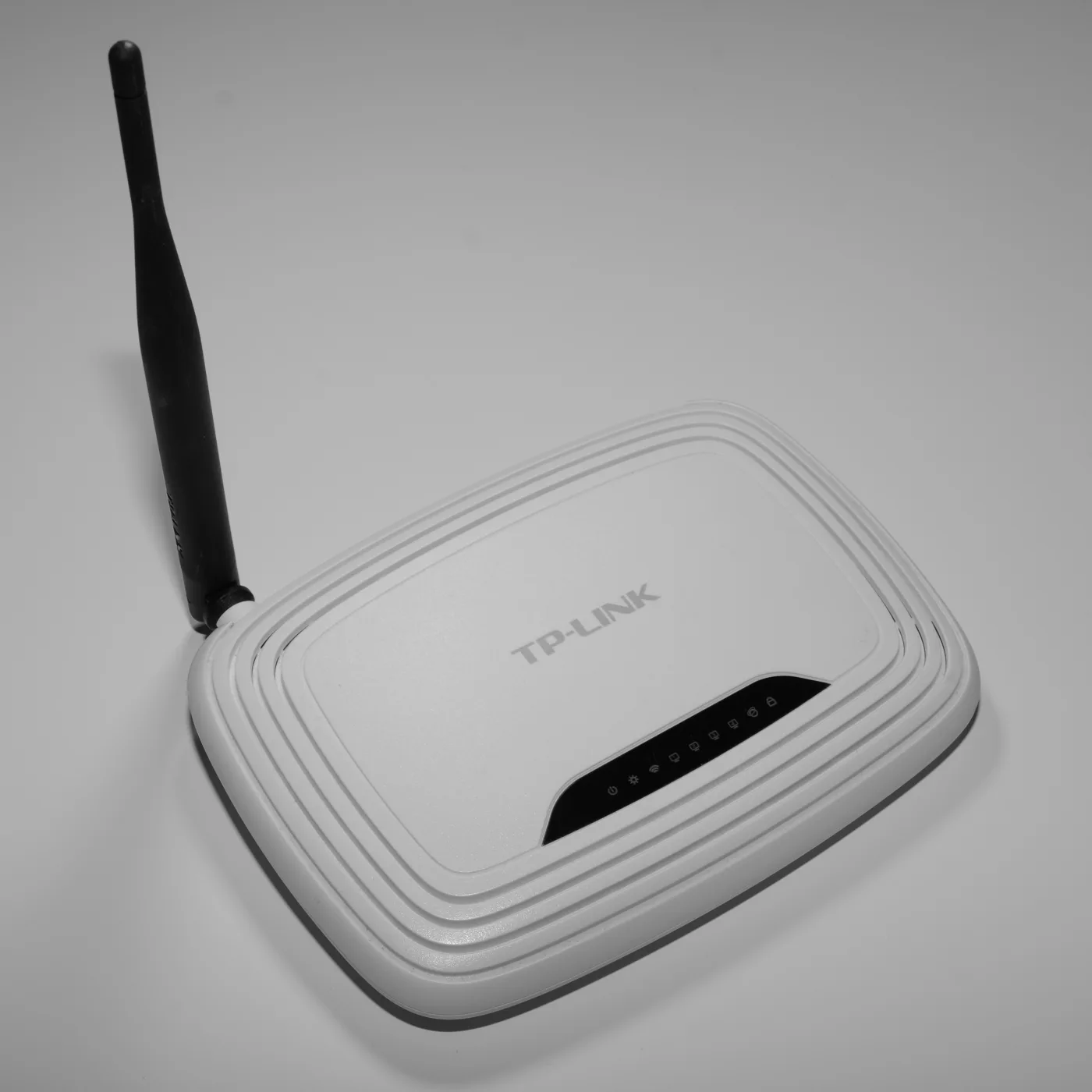
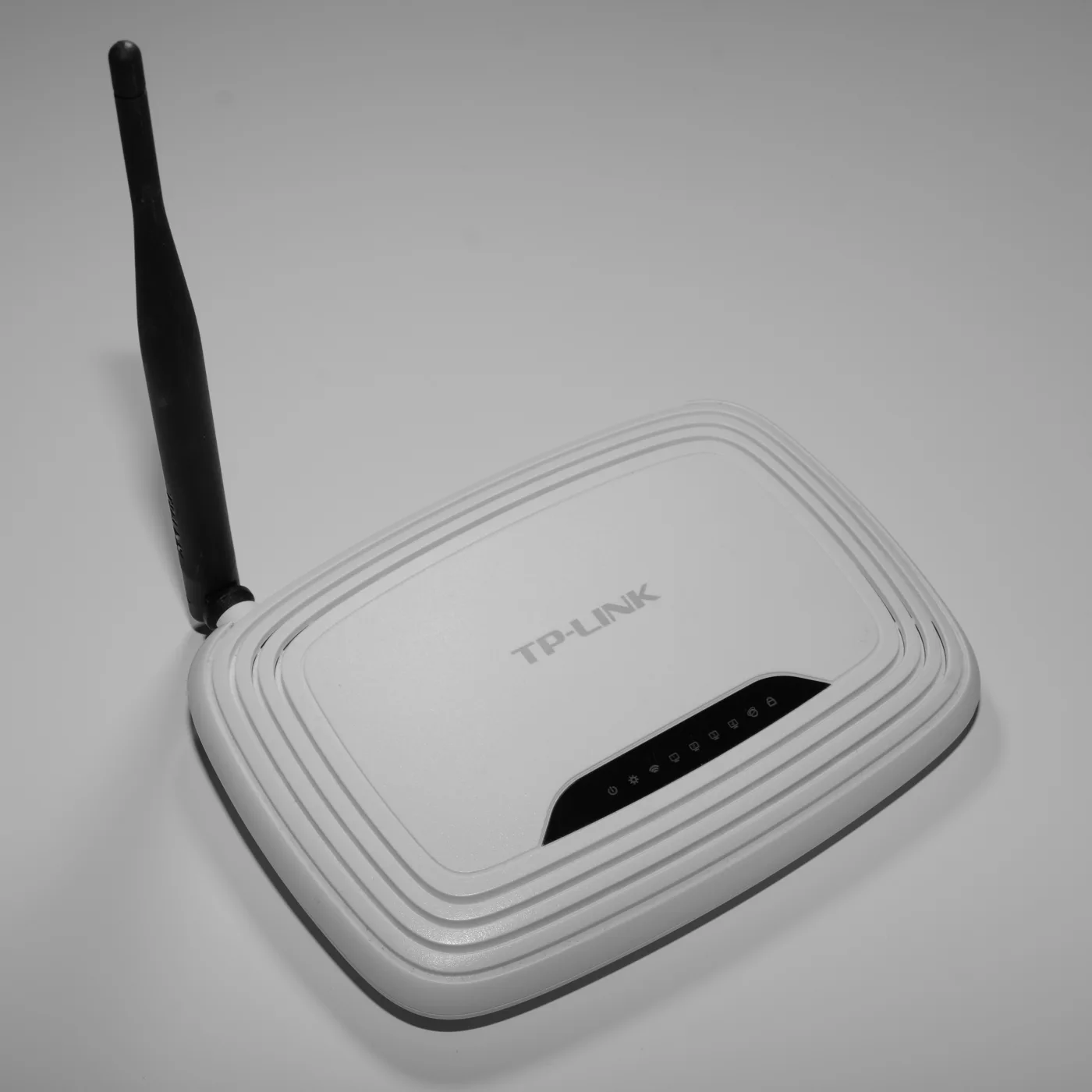
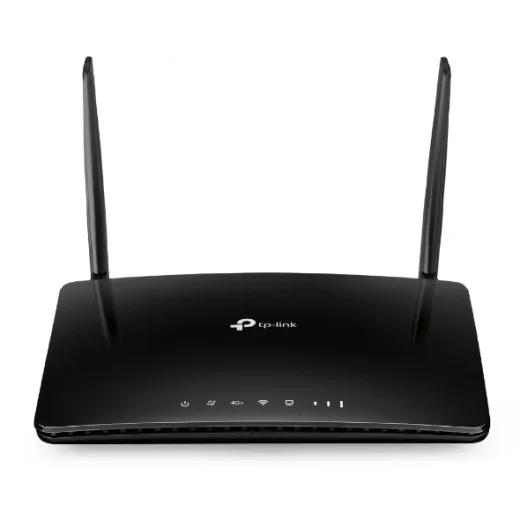
TP-Link Archer MR600 (best all-rounder)
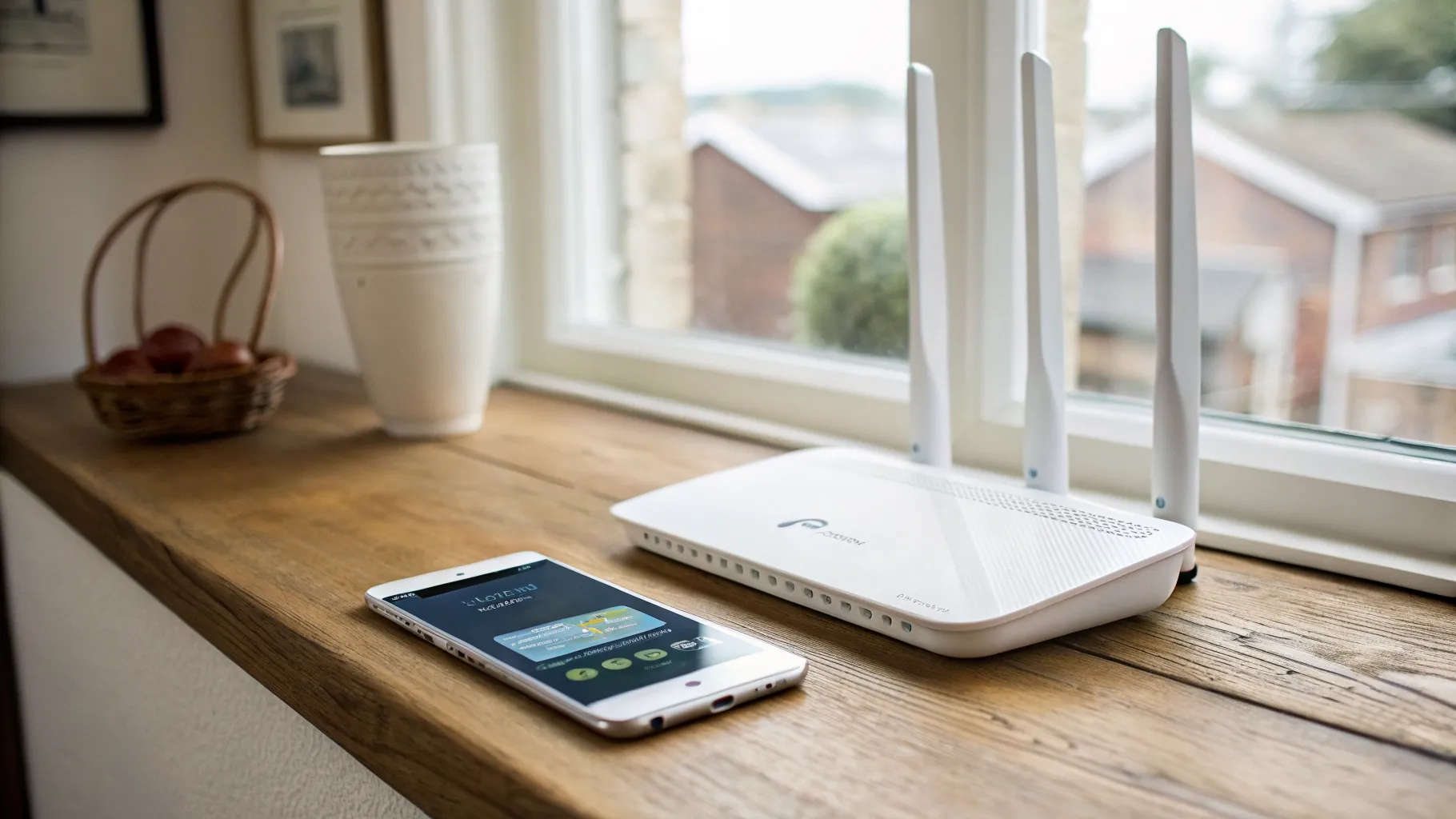
The MR600 is the sweet spot for most homes. It is a 4G+ Cat6 router supporting downloads up to 300 Mbps, with dual-band AC1200 Wi-Fi and gigabit Ethernet, so it is fast enough to serve a busy household. Crucially for rural users, its two 4G antennas are detachable, so you can swap in an external antenna to boost a weak signal, which is exactly what you need on the edge of coverage. It takes a standard SIM, needs almost no setup, and is priced sensibly. For most people asking about a 4G router, this is the one to buy first. Check current price on Amazon UK.
TP-Link Archer MR400 (budget pick)
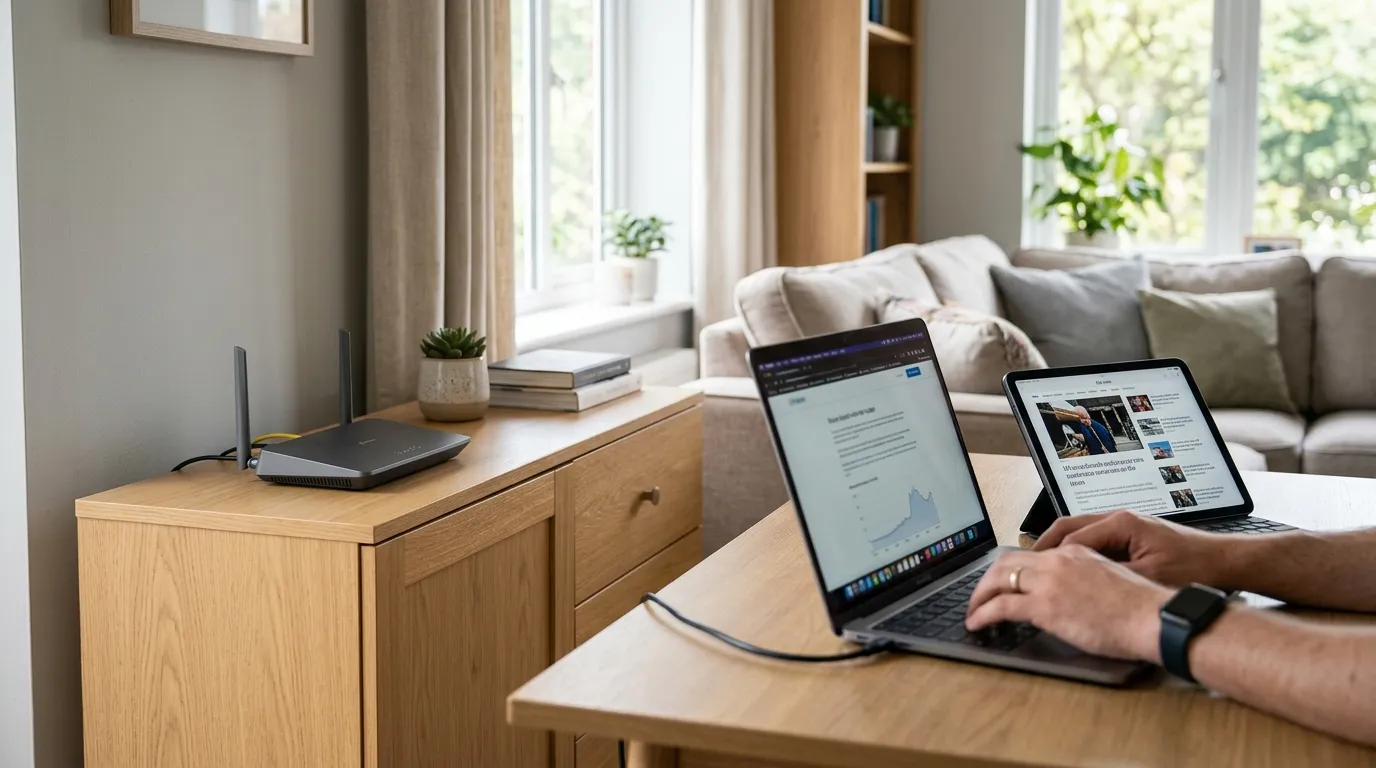
If your needs are lighter and the signal is reasonable, the cheaper Archer MR400 is a solid step down. It is a Cat4 router with downloads up to 150 Mbps, still with dual-band AC1200 Wi-Fi and, importantly, detachable external antenna sockets for boosting signal. It is the sensible choice when you want reliable 4G Wi-Fi without paying for the extra headroom of the MR600.
Netgear Orbi 4G LBR20 (premium, mesh built in)
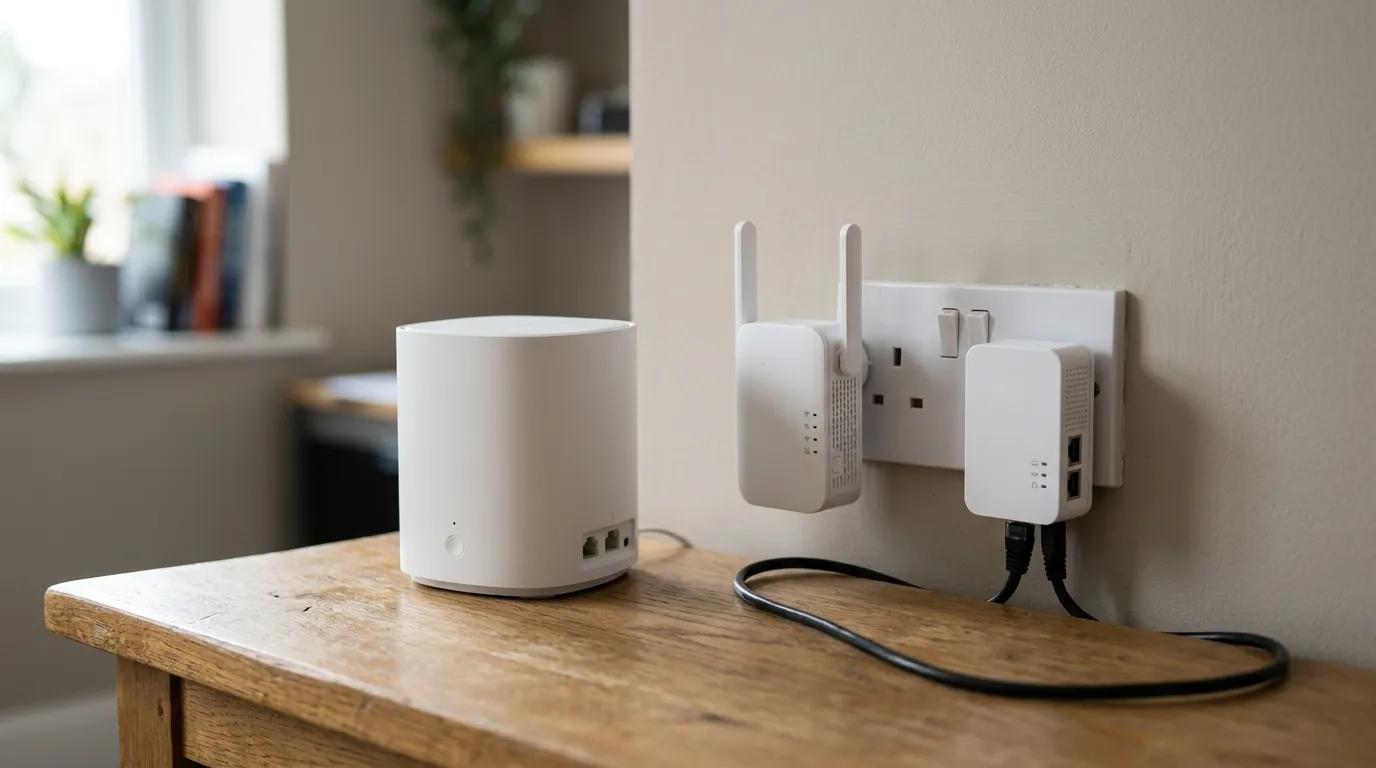
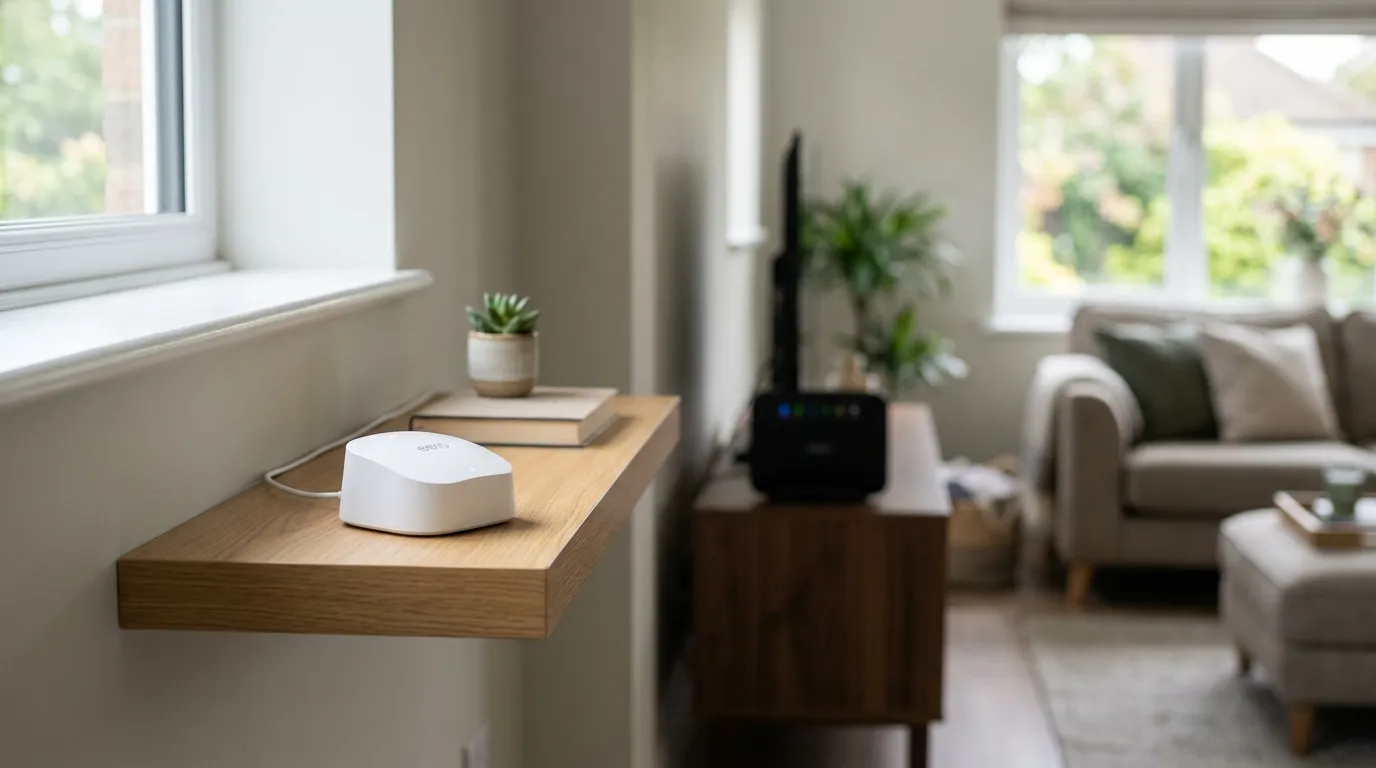
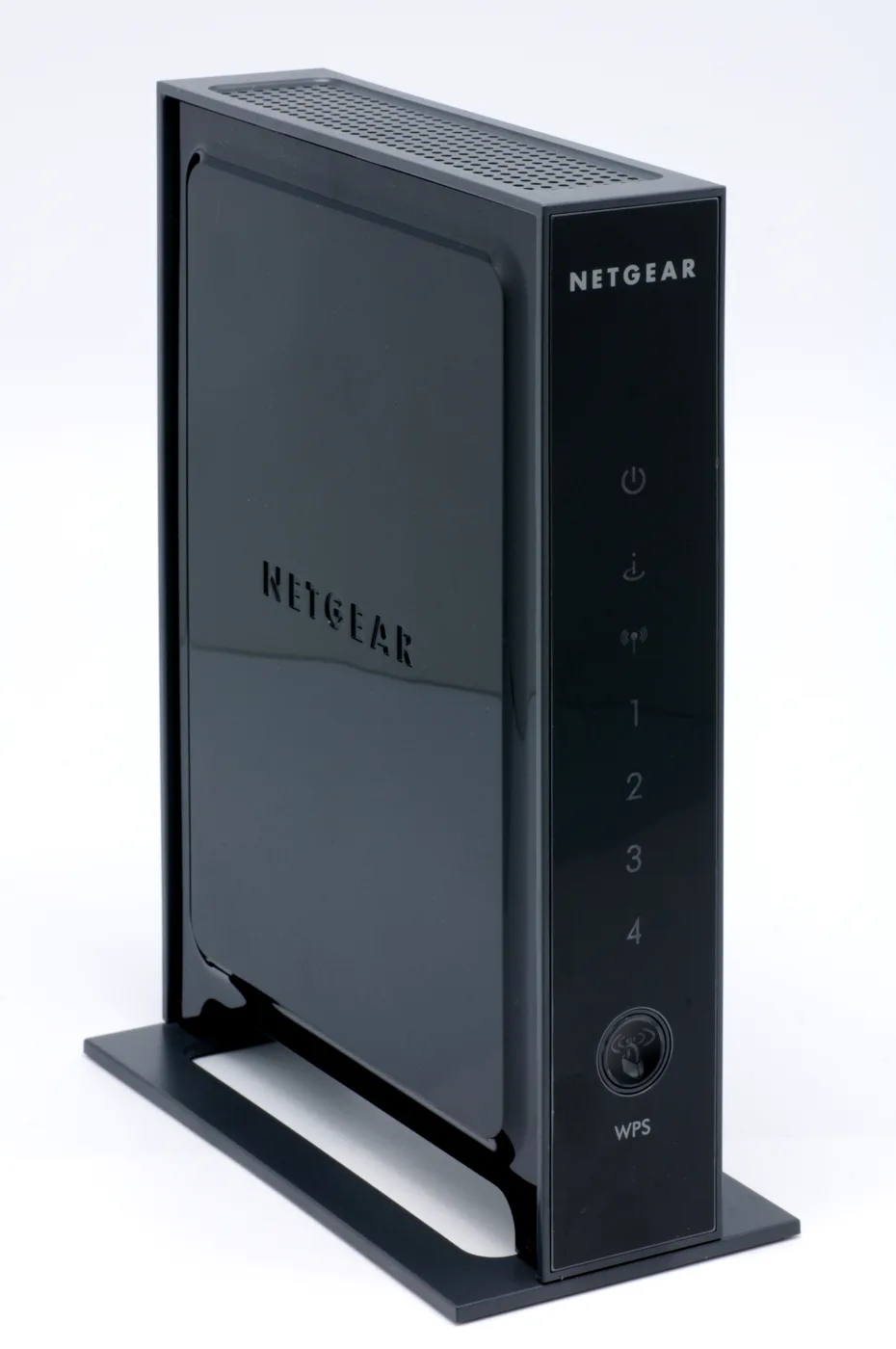
At the top end, the Netgear Orbi LBR20 pairs a high-spec 4G modem with Orbi mesh Wi-Fi built in, so it both connects over 4G and extends coverage across a larger property when you add Orbi satellites. It costs several times more than the TP-Link models, so it only makes sense for bigger homes that need serious whole-house coverage. If mesh is your real goal, compare it against fixed-line mesh systems in our best mesh Wi-Fi roundup first.
A MiFi for portable use
If you want something pocketable for travel, caravans or a temporary desk rather than a fixed home hub, a battery-powered MiFi device (such as TP-Link’s M7350 or a Netgear Nighthawk mobile router) does the same job on a smaller scale. It is not a replacement for a proper desktop 4G router at home, but it is handy as a roaming backup.
The accessory that changes everything: an external antenna
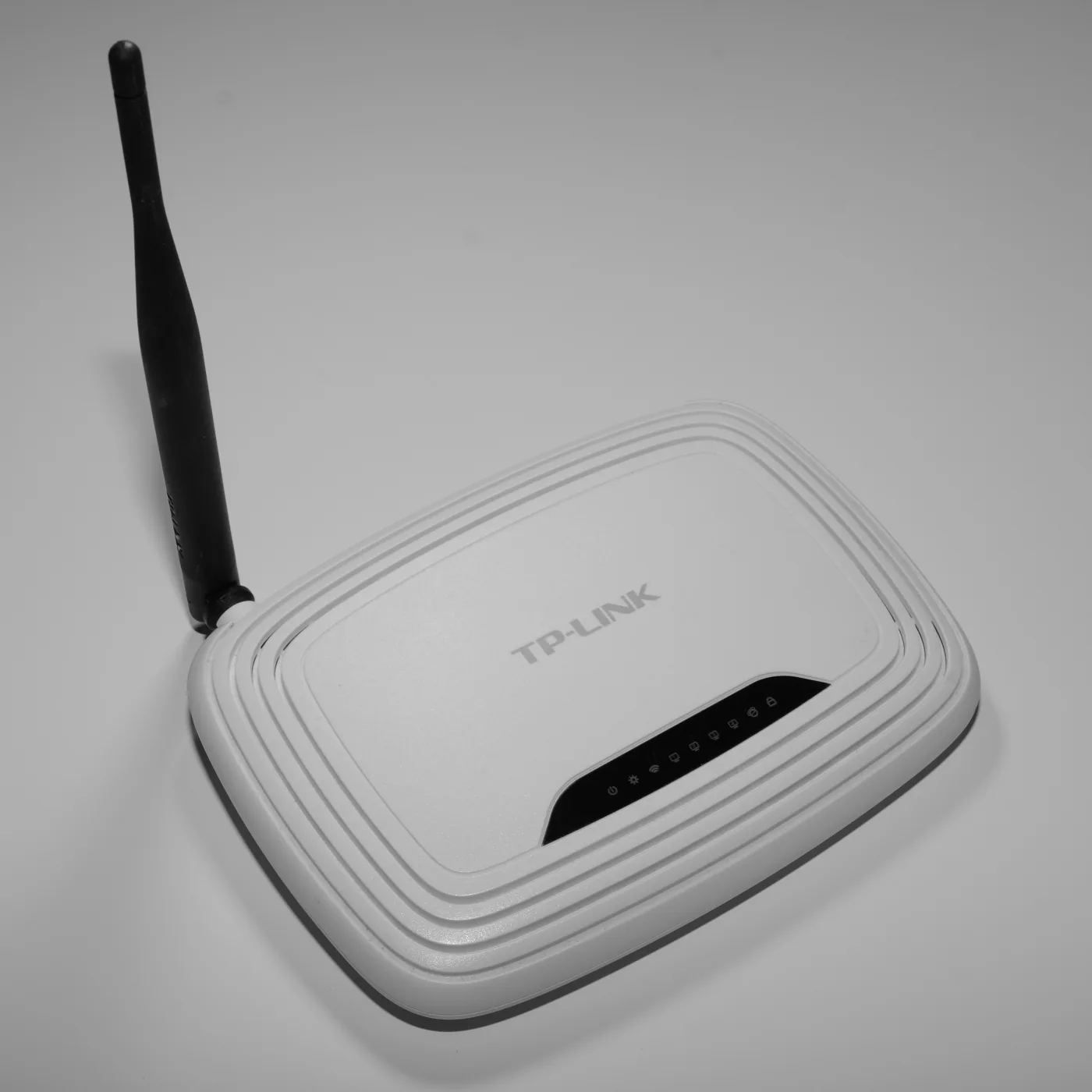
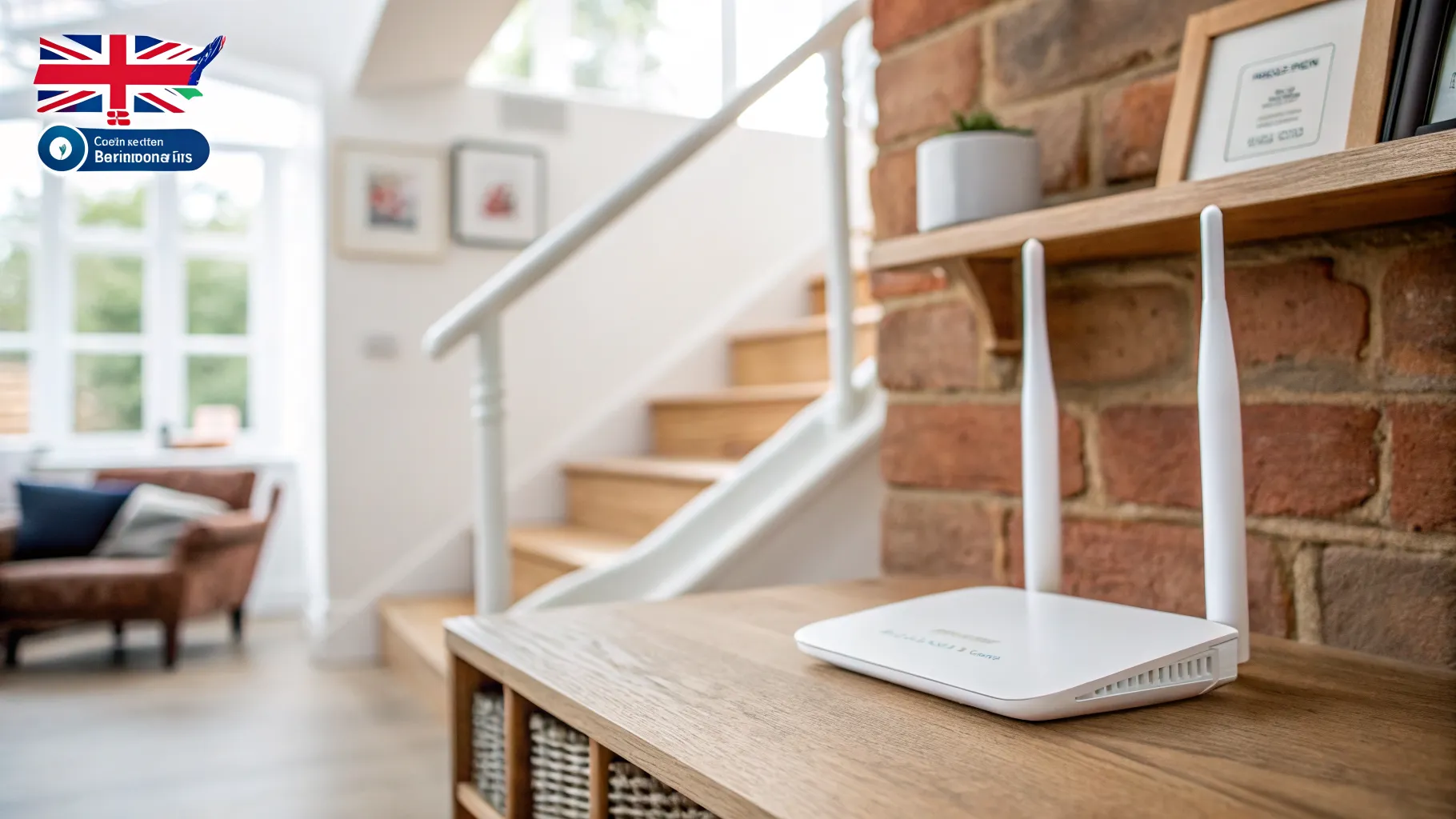
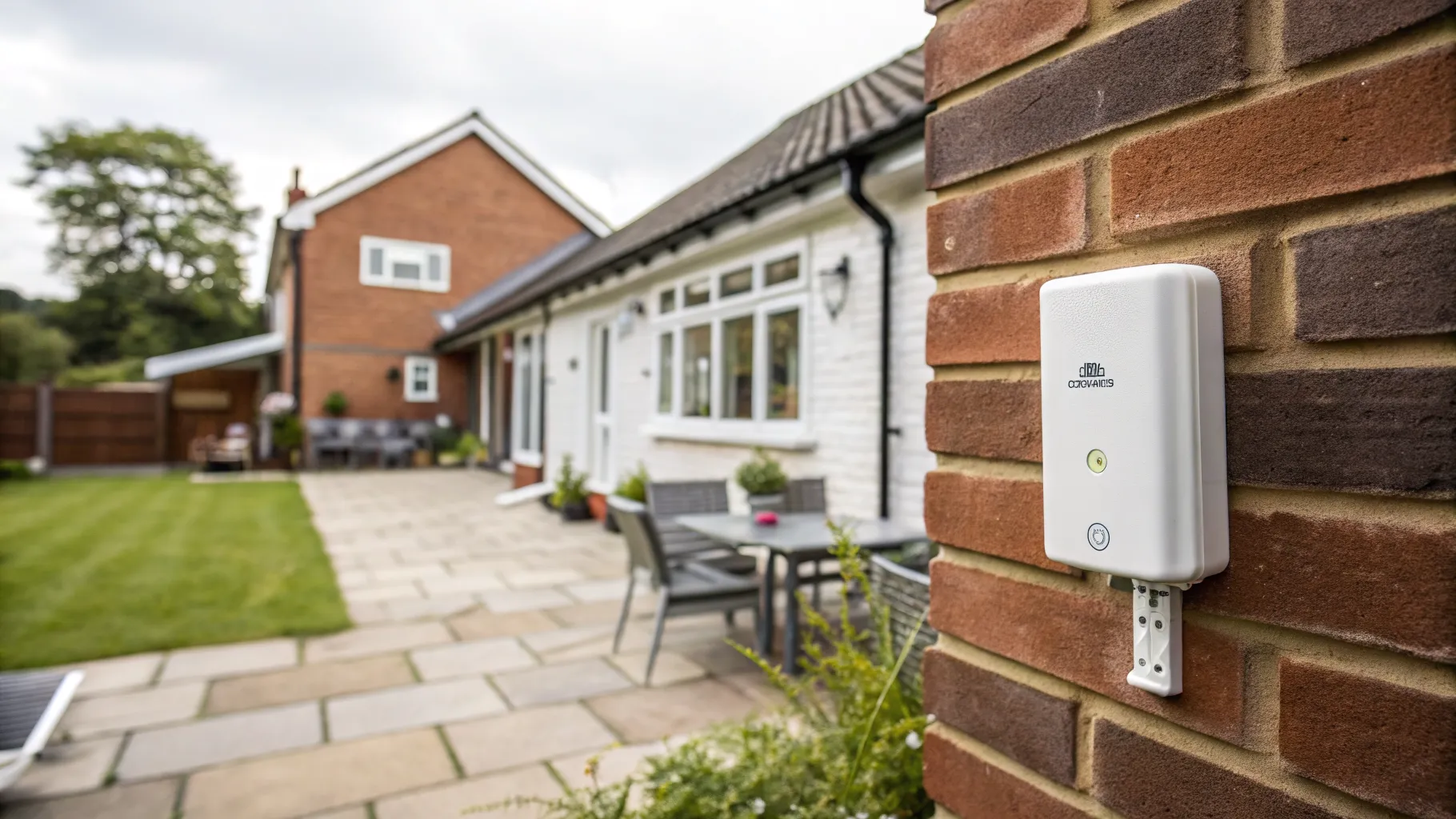
If your indoor signal is marginal, an external 4G antenna is the single biggest upgrade you can make, which is exactly why the routers above have detachable antennas. Mounting an antenna outside, or high up and near a window, where reception is stronger and cleaner, can lift speeds, cut latency and steady a flaky connection, especially at busy times when the network is congested. If you are in a weak-signal area, budget for an antenna from the start rather than hoping the bare router will cope. Our outdoor Wi-Fi extender guide covers spreading the resulting connection across a property.
4G or 5G router?
If you have 5G coverage at your address, a 5G router will go faster, but 5G home coverage is still patchy outside towns and the hardware costs more. For most rural and backup uses, a 4G router remains the practical, well-priced choice in 2026. Check whether 5G actually reaches your postcode before paying the premium; if it does not, 4G is the sensible pick.
Frequently asked questions
What is a 4G router and how does it work? A 4G router takes a mobile data SIM and shares that connection as home Wi-Fi and over Ethernet, just as your phone shares a hotspot but for the whole house. You insert a SIM, the router connects to the mobile network, and your devices connect to the router. No phone line or engineer visit is needed.
Is a 4G router good enough to replace home broadband? In areas with decent mobile coverage, yes. A good 4G connection often beats slow fixed-line broadband and comfortably handles streaming, video calls and everyday use, typically around 30 to 40 Mbps and sometimes much more. In poor-signal areas an external antenna is usually needed to make it reliable.
Which network is best for a 4G router in the UK? It depends entirely on your location, but EE generally has the strongest rural coverage, followed by Vodafone, then O2 and Three. Always check each network’s coverage map for your exact address, and test a SIM on site if you can before committing.
Do I need an unlimited data SIM for a 4G router? For home use, effectively yes. A router serving a whole household uses far more data than a phone, so an unlimited or very large data plan avoids nasty overage. Many providers sell unlimited SIMs aimed specifically at 4G home broadband.
Will a 4G router work as a broadband backup? Yes. Many people run a 4G router alongside their main broadband so they stay online if the fixed line drops, which is invaluable for home working. Some routers can fail over automatically, while with others you switch your devices to the 4G Wi-Fi manually.
Do I need an external antenna with a 4G router? Only if your indoor signal is weak. If reception is marginal, an external antenna mounted outside or high near a window is the biggest single improvement you can make, boosting speed and stability. This is why the recommended routers use detachable antennas.