Cat 6 Ethernet Cable: What to Know Before You Buy
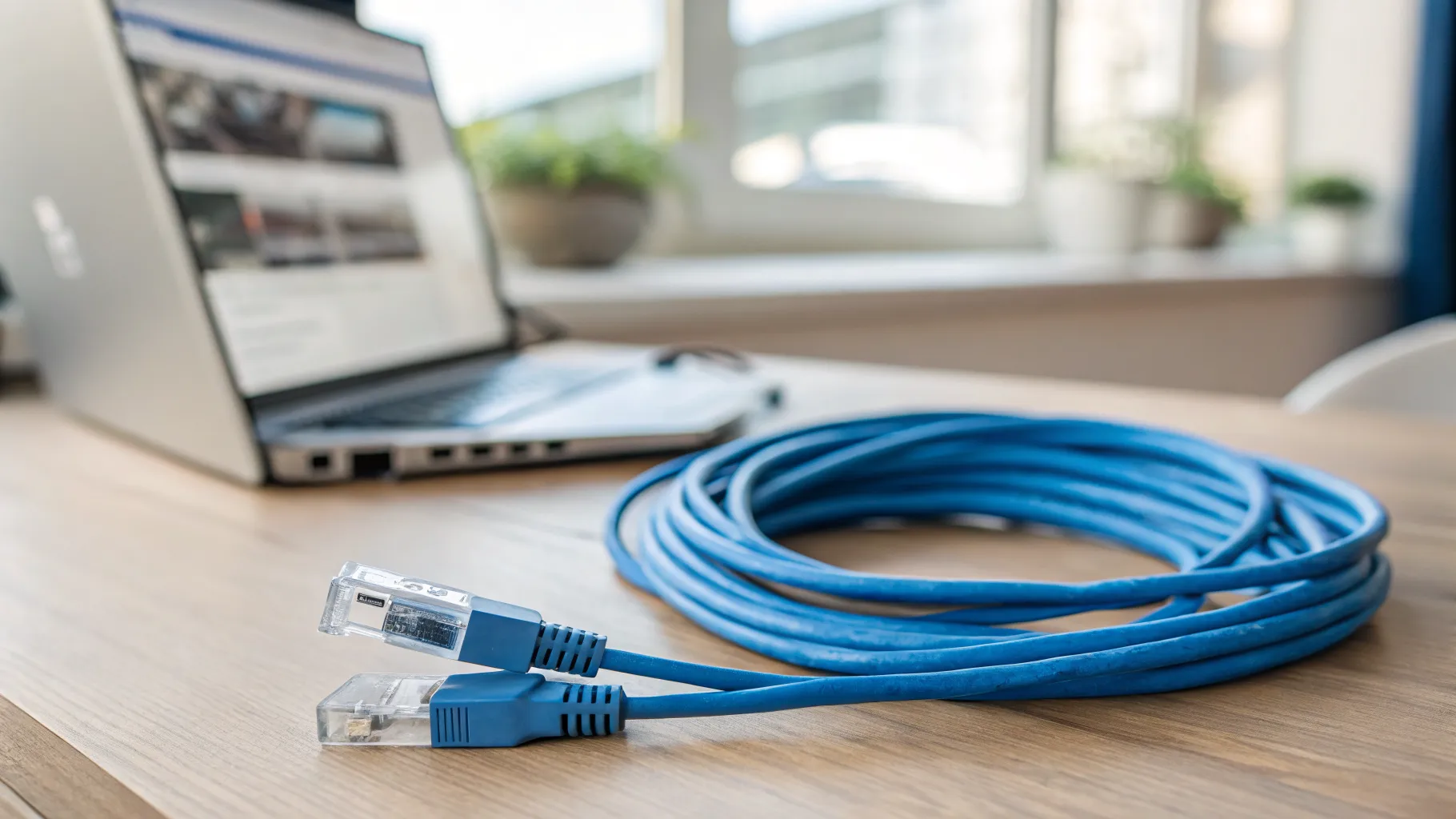
A Cat 6 Ethernet cable is the sensible default for wiring a UK home today: it carries gigabit broadband with room to spare, it is cheap, and it is built to resist the interference that drags down older cable. Before you buy one, it helps to know what the “6” actually means, where Cat 6 sits between Cat5e and Cat6a, and which small choices (length, shielding, flat vs round) matter in a real house. This guide keeps it plain and practical, and skips the over-spec advice that pushes people toward cable far beyond what home broadband needs.
What is an Ethernet cable, and what does Cat 6 mean?
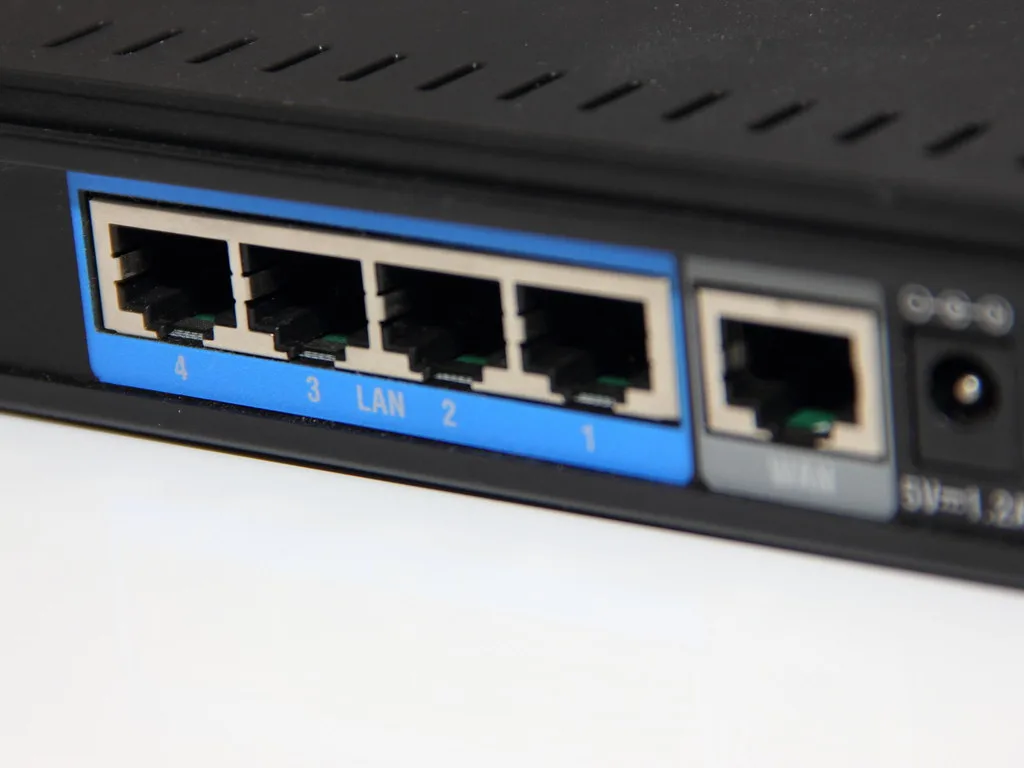
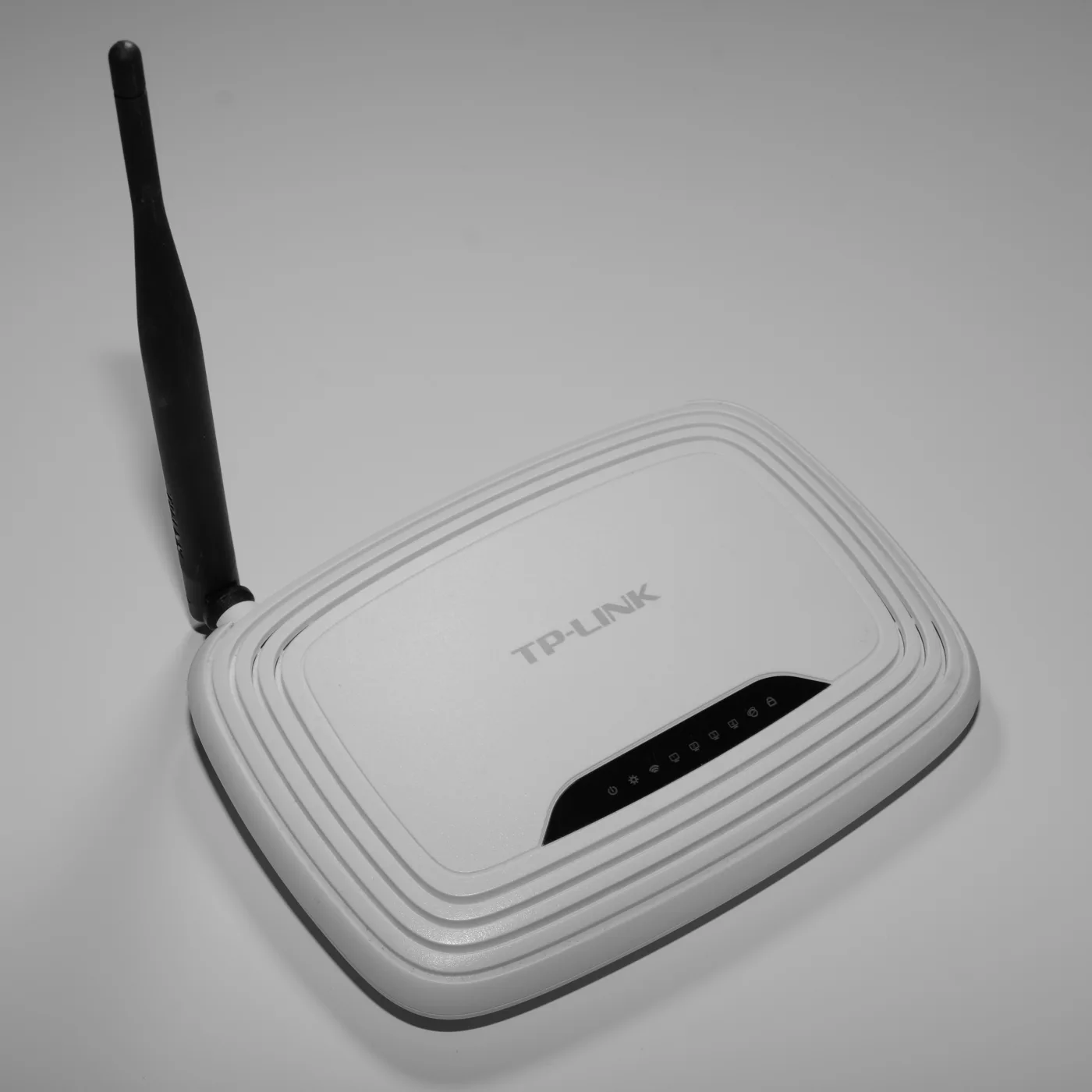
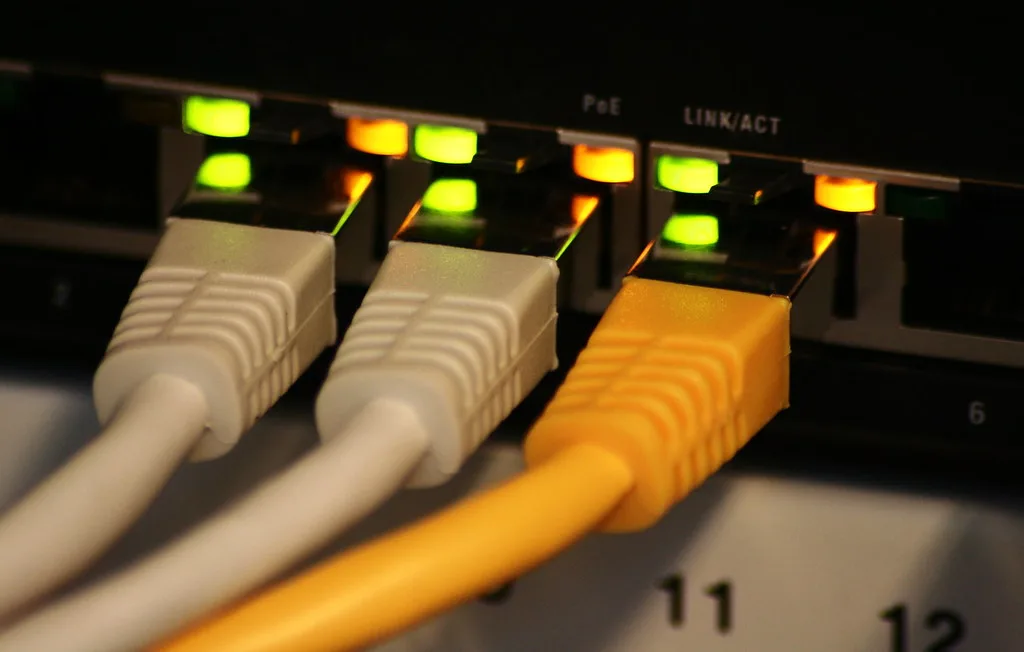
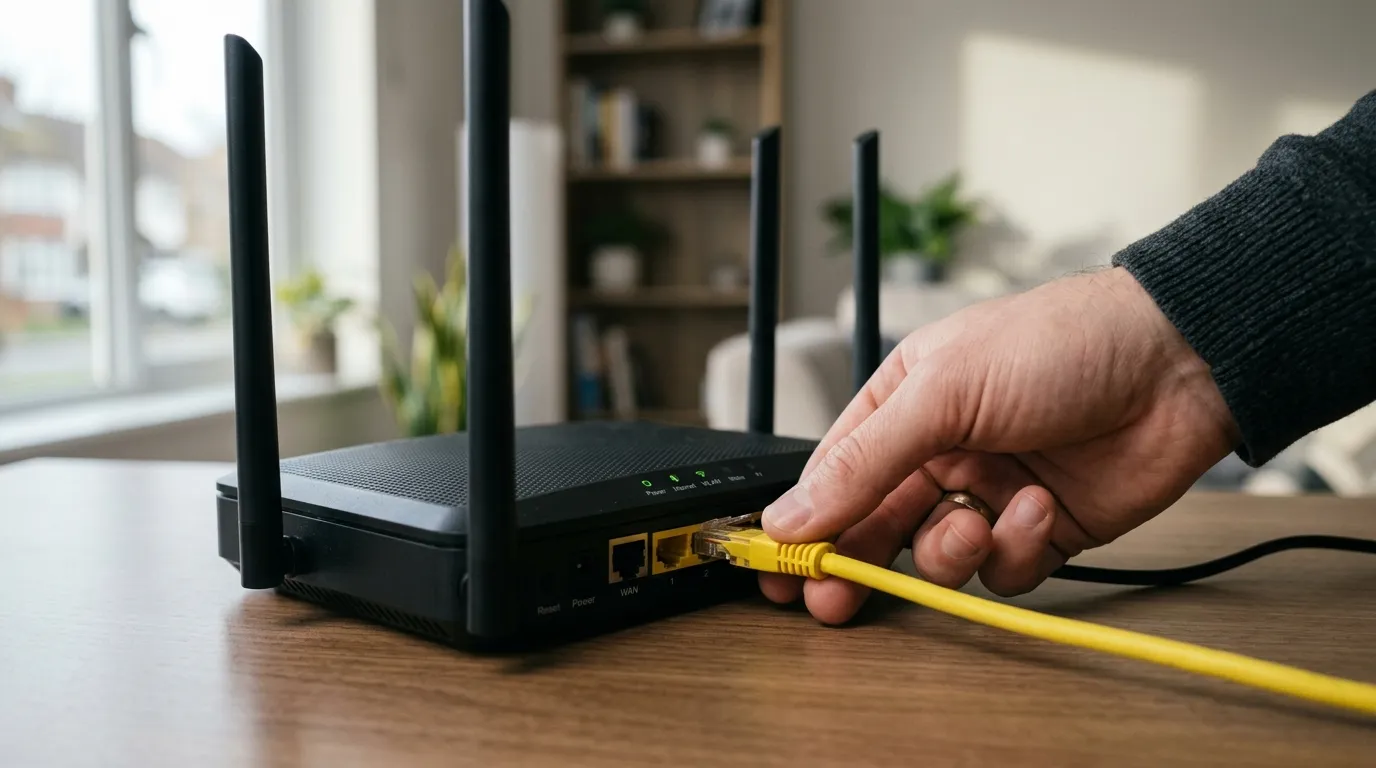
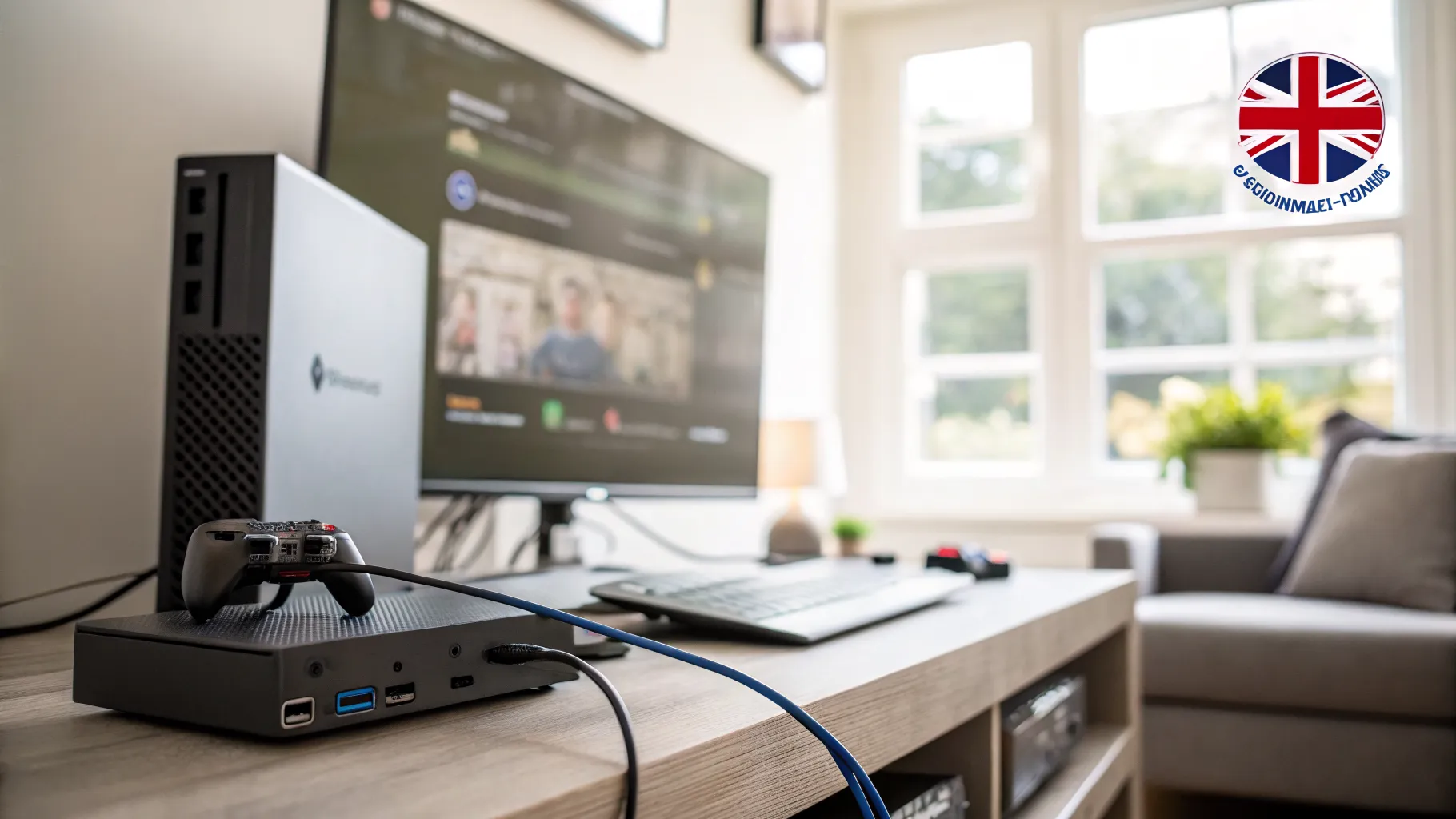
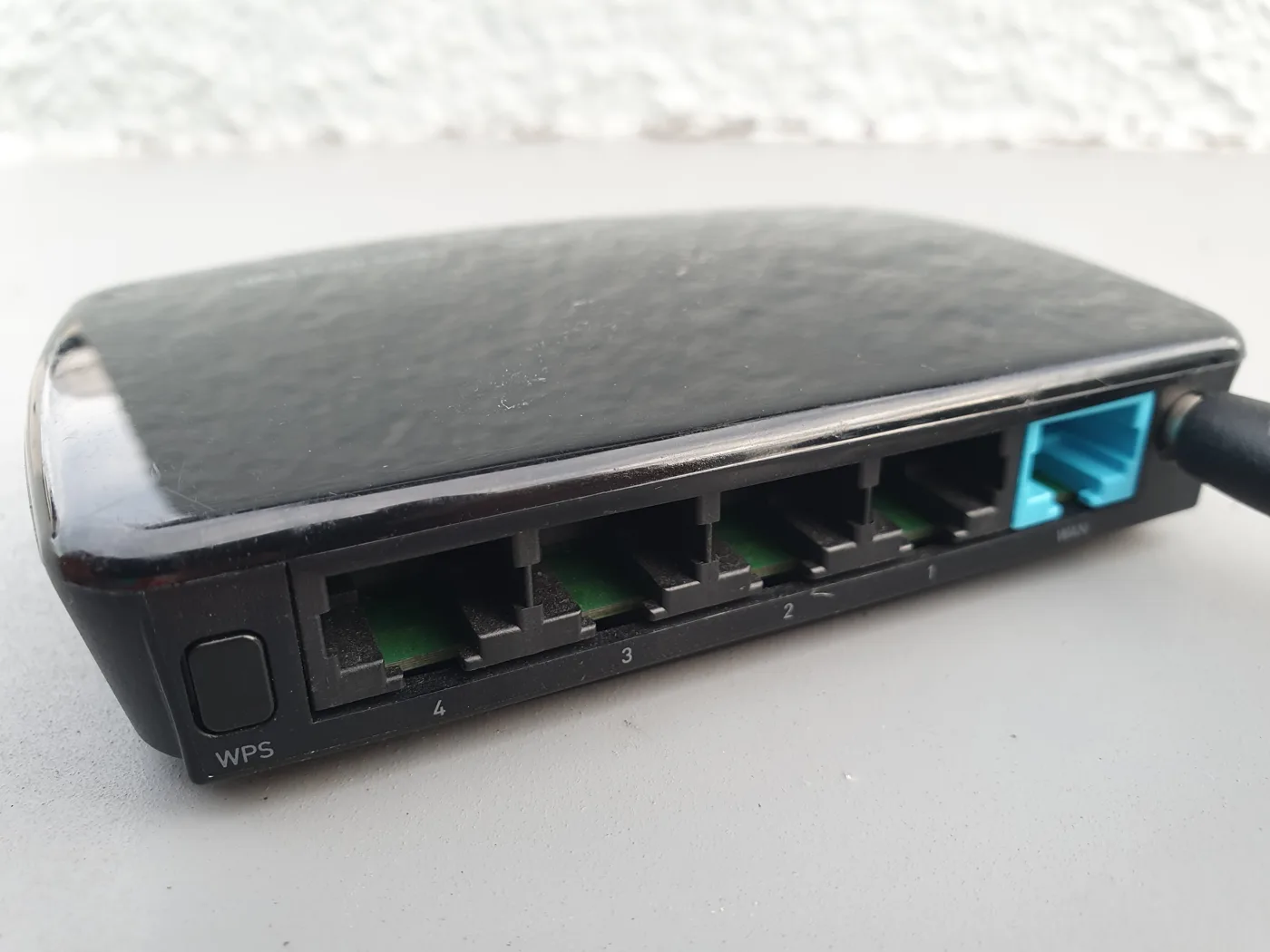
An Ethernet cable is the wired network lead that connects a device, a PC, console, TV or mesh node, to your router or a network socket, using an RJ45 plug at each end. “Cat” is short for category, a standard that defines how fast and how cleanly the cable can carry data. Higher categories handle more bandwidth and reject more interference.
Cat 6 is the category most worth buying now. Compared with the older Cat5e it has tighter internal construction, usually including a plastic spline (a cross-shaped separator) that keeps the four wire pairs apart and cuts crosstalk, the interference cable pairs cause each other. That is why Cat 6 can carry far more data cleanly than Cat5e.
Cat 6 vs Cat5e vs Cat6a: the real differences
The headline specs are simple once you see them side by side:
- Cat5e: up to 1 Gbps, 100 MHz bandwidth, over runs up to 100 metres.
- Cat 6: up to 10 Gbps over short runs (to about 55 metres), dropping to 1 Gbps over a full 100 metres, at 250 MHz bandwidth.
- Cat6a: up to 10 Gbps over the full 100 metres, at 500 MHz bandwidth.
The catch people miss: Cat 6 only hits 10 Gbps on shorter runs, up to roughly 55 metres. Past that it behaves like a gigabit cable. To guarantee 10 Gbps over a long 100-metre run you need Cat6a, which is why data centres and serious whole-home wiring use it.
For a UK home, here is the honest version: almost no domestic broadband is anywhere near 1 Gbps, and even the fastest full-fibre packages top out around 1 Gbps. So for connecting devices to your router, Cat5e is already enough and Cat 6 gives you headroom for nothing extra. Buying Cat6a for a normal home is rarely necessary unless you are running a 10 Gbps internal network between computers or future-proofing in-wall cabling you cannot easily replace.
Shielded or unshielded (UTP vs STP)?
Most cables come as UTP (unshielded twisted pair) or STP/FTP (shielded). For the typical home, unshielded Cat 6 is the right choice: it is cheaper, more flexible, and the twisting plus the spline already handle ordinary household interference. Shielded cable earns its place only in electrically noisy environments, or where the cable runs close alongside mains wiring for a distance. If you are tidying a desk or wiring a few rooms, unshielded is fine.
Flat vs round, and other shapes
- Round is the standard construction and the most robust. Use it for anything permanent or run through walls.
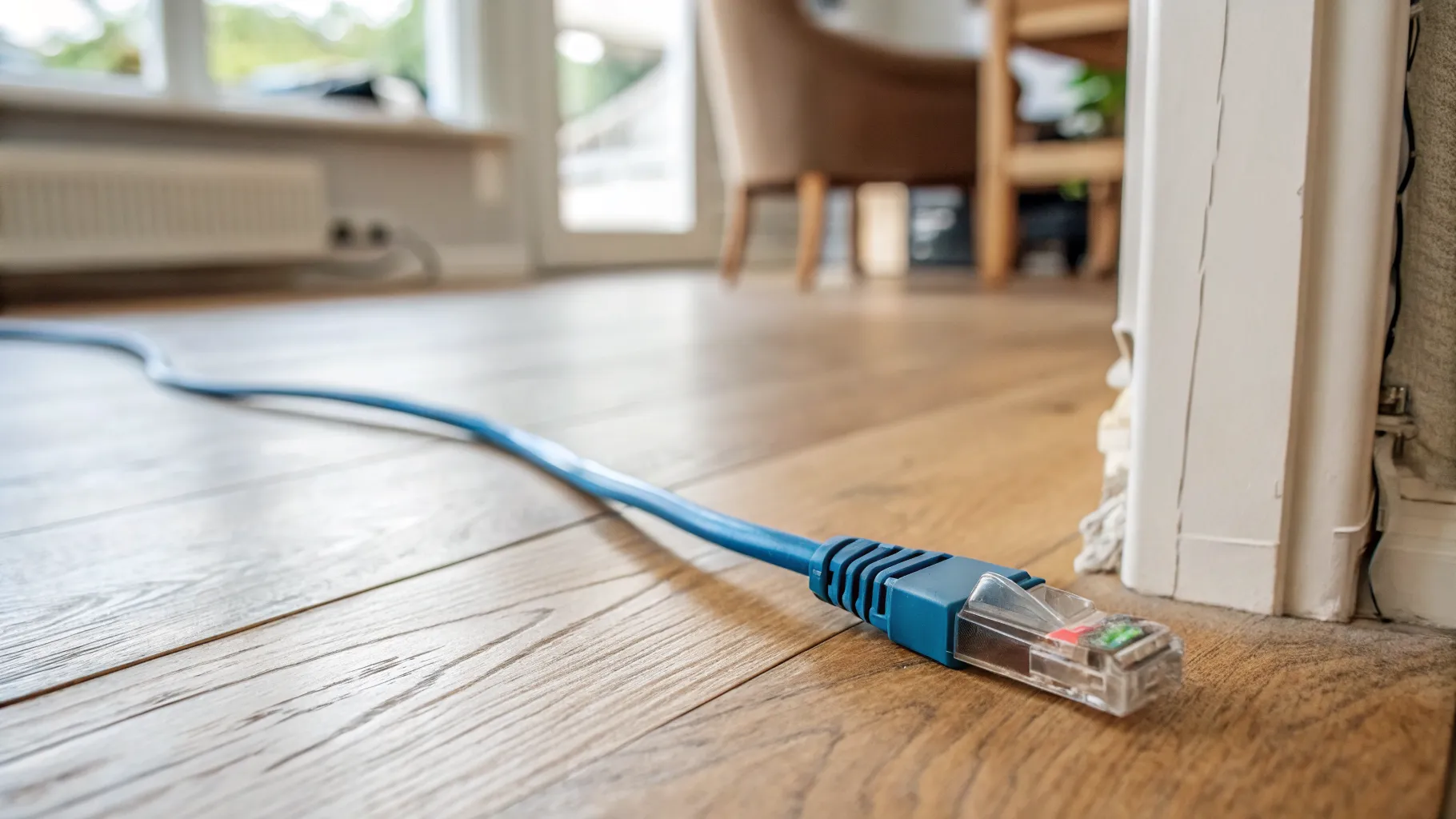
- Flat Ethernet cable is handy for slipping under a carpet edge, along skirting, or beneath a door. It is convenient for a tidy surface run, though it tends to be less rugged than round cable, so it is a finishing choice rather than a structural one.
Ignore exotic-sounding labels like “Cat 6e”, which is not a recognised standard. Stick to Cat5e, Cat 6 or Cat6a from a reputable maker.
What length and which cable to buy
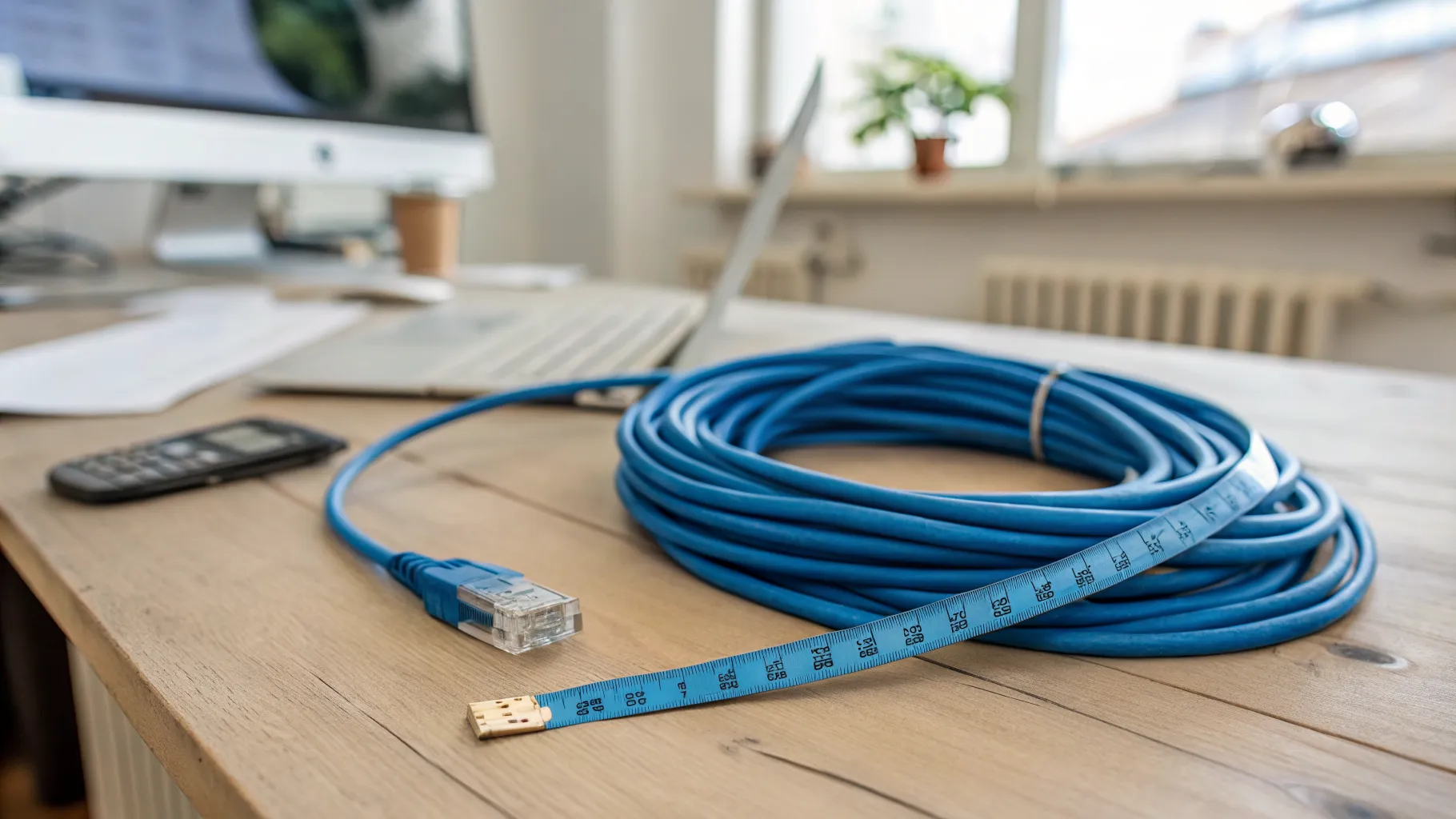
Length barely affects speed in a home: every practical run is far inside the limits above. Buy the length you need plus a little slack, not a 30-metre lead for a 2-metre gap, since excess cable is just clutter. For most jobs a pre-made (patch) Cat 6 lead is easiest, as the ends are already fitted and tested.
For the products themselves, well-reviewed UK options include cables from brands such as UGREEN, Amazon Basics, Jadaol and Duronic, all widely sold on Amazon UK in a range of lengths and colours. Look for Cat 6, RJ45 connectors, and the length you measured. Prices change often, so check the current price at the retailer. Check price on Amazon when you have your length.
If you are running a longer cable to another room, our long Ethernet cable guide covers length and category in more depth, and how to run Ethernet cable through a house walks through a tidy install. For why a wired link beats Wi-Fi for some devices, see what is broadband. The trade body CommScope and other cabling manufacturers publish the underlying category standards if you want the technical detail.
So, do you need Cat 6?
For nearly every UK home, yes, Cat 6 is the right buy: it costs the same as Cat5e in practice, comfortably carries any home broadband speed, and gives you 10 Gbps headroom on short runs if you ever network devices directly. Only step up to Cat6a if you specifically need guaranteed 10 Gbps over long runs or are wiring inside walls where replacing the cable later would be a pain. There is no reason to drop back to Cat5e for new purchases.
Frequently asked questions
What is a Cat 6 Ethernet cable used for? A Cat 6 Ethernet cable connects devices like PCs, games consoles, TVs and mesh nodes to your router or a network socket for a fast, stable wired connection. It is the modern default for home networking because it carries gigabit broadband easily and resists the interference that can slow older cable.
Is Cat 6 better than Cat5e for home use? Cat 6 has more bandwidth (250 MHz vs 100 MHz) and supports 10 Gbps on short runs, while Cat5e tops out at 1 Gbps. For typical UK broadband, which is well under 1 Gbps, both are fast enough, but Cat 6 costs about the same and gives useful headroom, so it is the better buy for new purchases.
How fast is a Cat 6 cable? Cat 6 supports up to 10 Gbps over shorter runs of around 55 metres, and 1 Gbps over a full 100-metre run, at 250 MHz bandwidth. In a home the run lengths are short enough that speed is never limited by the cable, so it will carry any current broadband package without trouble.
Do I need shielded Cat 6 cable at home? Usually not. Unshielded (UTP) Cat 6 is cheaper, more flexible, and its twisted pairs and spline already handle normal household interference. Shielded cable only helps in electrically noisy settings or where a cable runs alongside mains wiring for a distance, which is uncommon in a typical home.
What is the difference between Cat 6 and Cat6a? Both reach 10 Gbps, but Cat 6 only does so over short runs up to about 55 metres, while Cat6a sustains 10 Gbps over the full 100 metres and has double the bandwidth at 500 MHz. For a normal home Cat 6 is plenty; Cat6a is for long 10 Gbps runs or in-wall cabling you want to future-proof.