HomeWire home network lab
Gear: Mesh, Extenders & Adapters

USB to Ethernet Adapter: Get a Wired Connection With No Port

By the HomeWire team Updated 2026 Tested in real UK homes

Modern laptops keep getting thinner, and one of the first things to go is the Ethernet port. A USB to Ethernet adapter fixes that: it turns a spare USB socket into a full wired network port, so you can plug straight into your router or a wall socket and skip Wi-Fi entirely. For anything where a stable connection matters, video calls, big downloads, gaming, working from home, a cable still beats wireless. The catch is that these adapters are not all equal, and buying the wrong one quietly throttles your speed. Here is how to choose the right one.

When you actually need one

You need a USB to Ethernet adapter whenever a device you want to plug in with a cable has no Ethernet port of its own. That covers most slim laptops and ultrabooks, tablets, some mini PCs, and even a few desktops. It is also the simplest fix when your Wi-Fi is unreliable in one spot: run a cable from the router and plug in through the adapter, and the connection becomes rock solid.

If your issue is Wi-Fi coverage rather than a missing port, a wired adapter is only part of the answer. Our guides to fixing Wi-Fi dead spots and powerline adapters cover the wider options.

Step one: match the USB port

Before anything else, look at the socket on your device, because the adapter has to fit it.

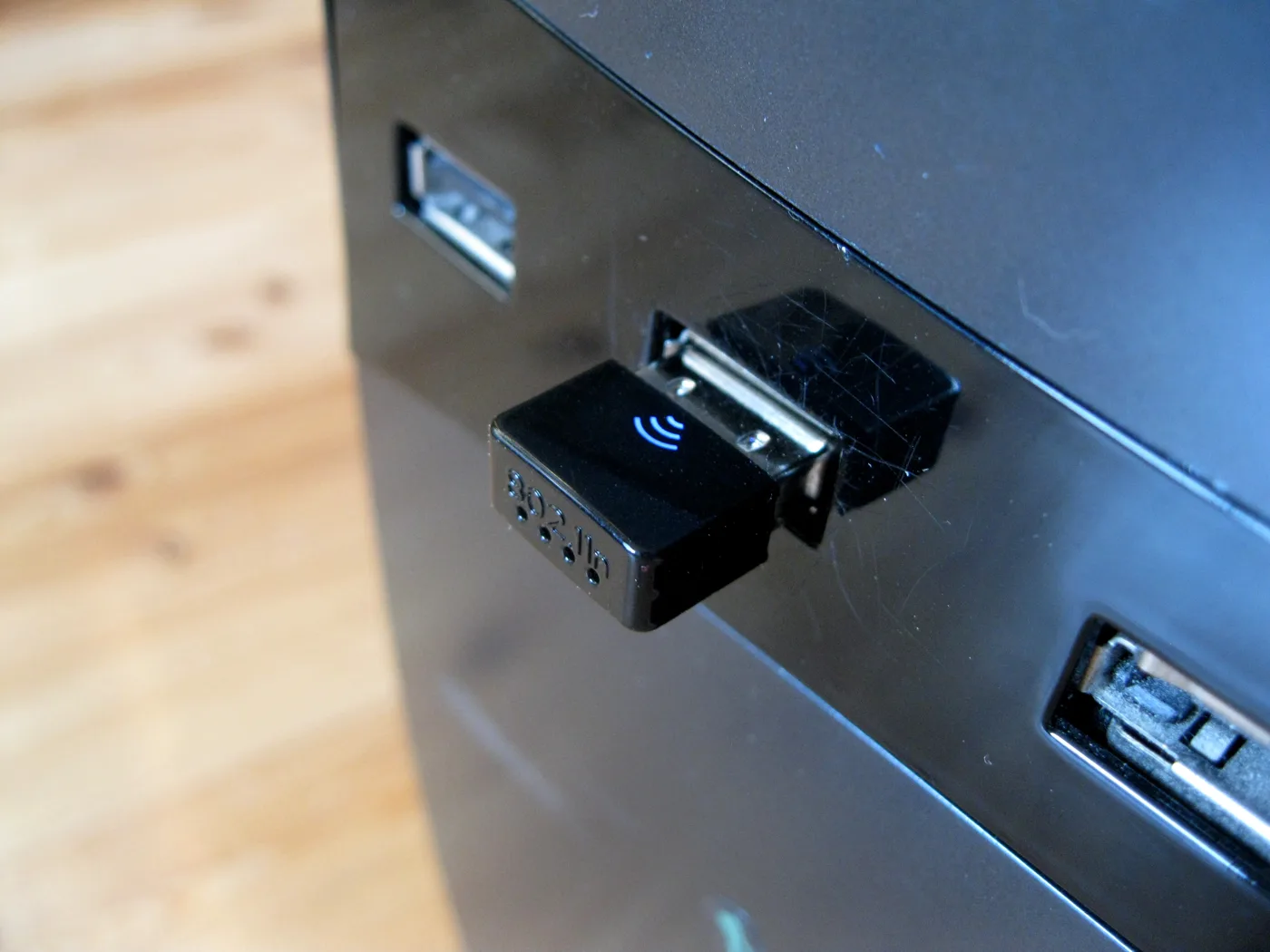
  • USB-A is the familiar flat, rectangular port found on most older and many current laptops and desktops.
  • USB-C is the smaller, oval, reversible port on modern laptops, tablets and phones.

Buy the adapter that matches your port. If your device only has USB-C, get a USB-C to Ethernet adapter; if it only has USB-A, get that version. Many adapters are sold in both formats, so this is just a case of checking before you order.

Step two: get gigabit, not a slow one

This is the mistake that costs people speed. Cheap adapters are often only USB 2.0, which caps real-world throughput at around 90 to 100 Mbps. If your broadband is faster than that, and most full-fibre packages are, you are throwing speed away.

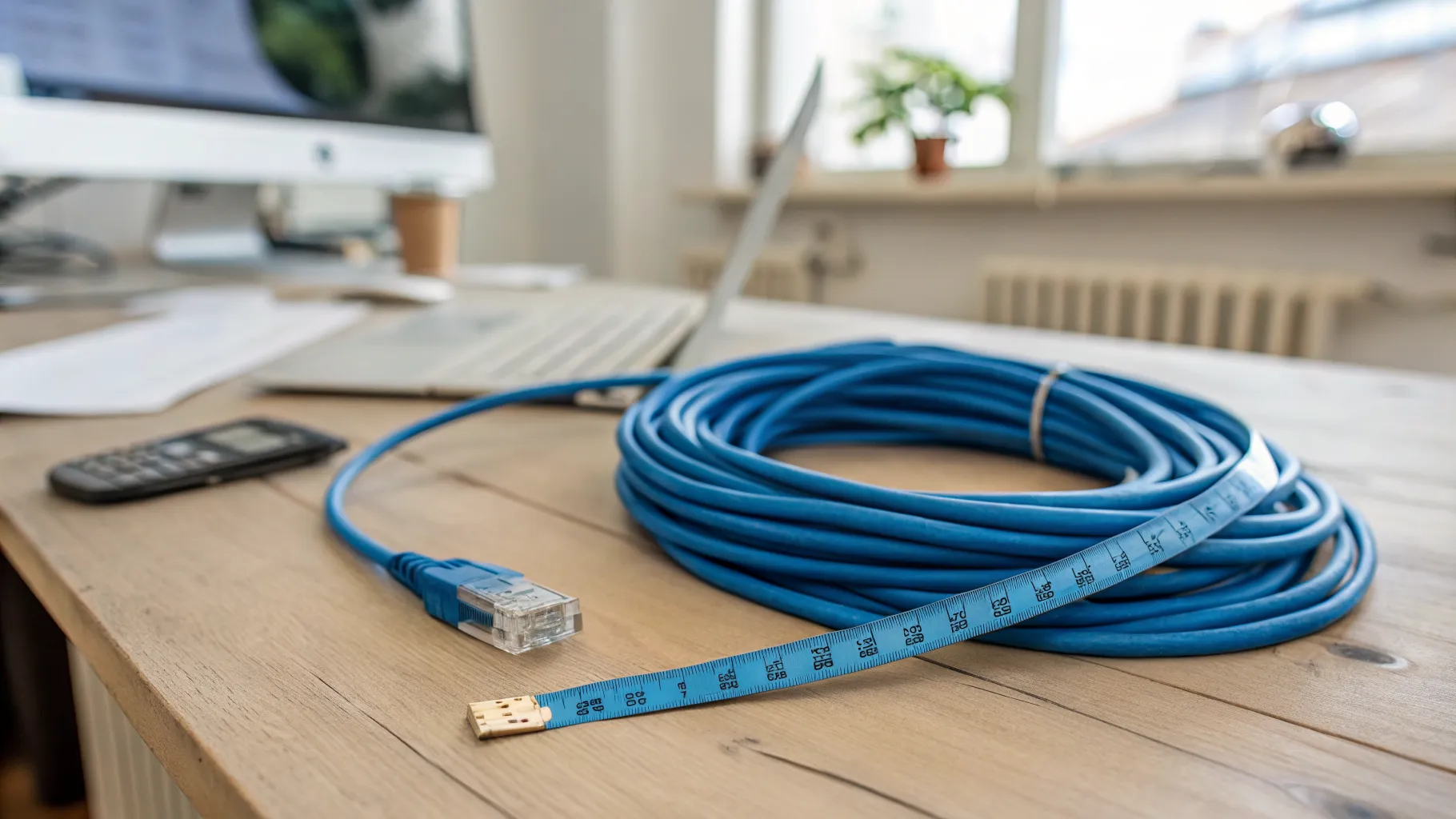
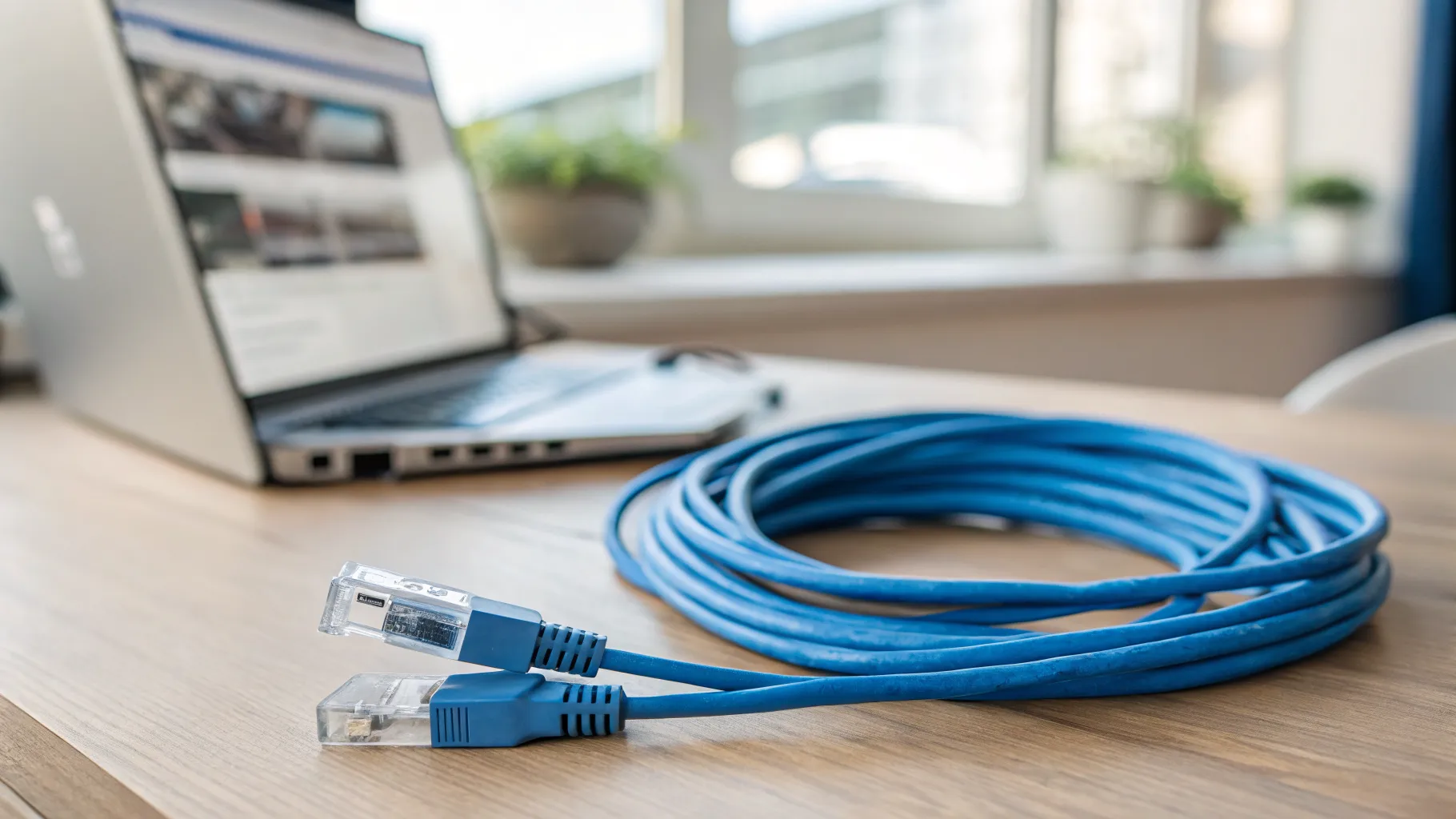
A proper USB 3.0 gigabit adapter runs close to the practical limit of a gigabit connection, roughly 900 Mbps and up. For nearly everyone, that is the one to buy. Look for the words “USB 3.0” (or 3.1/3.2) and “Gigabit” on the listing. If you have full-fibre faster than 1 Gbps and a USB-C laptop, a 2.5-gigabit (2.5GbE) adapter is worth it to make the most of the line. Whatever the adapter, pair it with a decent Cat 6 Ethernet cable so the cable is not the bottleneck.

Step three: check the chipset and driver support

The chip inside the adapter decides how reliable and plug-and-play it is. A handful of chipsets are the safe, widely supported choices: the Realtek RTL8153 for gigabit, the Realtek RTL8156 for 2.5-gigabit, and the ASIX AX88179A. Adapters built on these are typically plug-and-play on current Windows, macOS and ChromeOS, so you plug them in and they just work.

If you use a very new or a niche operating system version, or Linux, quickly check the product listing states support for your exact OS. Manufacturers like Plugable publish clear compatibility notes worth a look. One more thing to confirm: the adapter should draw its power from the USB port itself, with no separate mains plug needed, which keeps it small and portable.

How to set it up

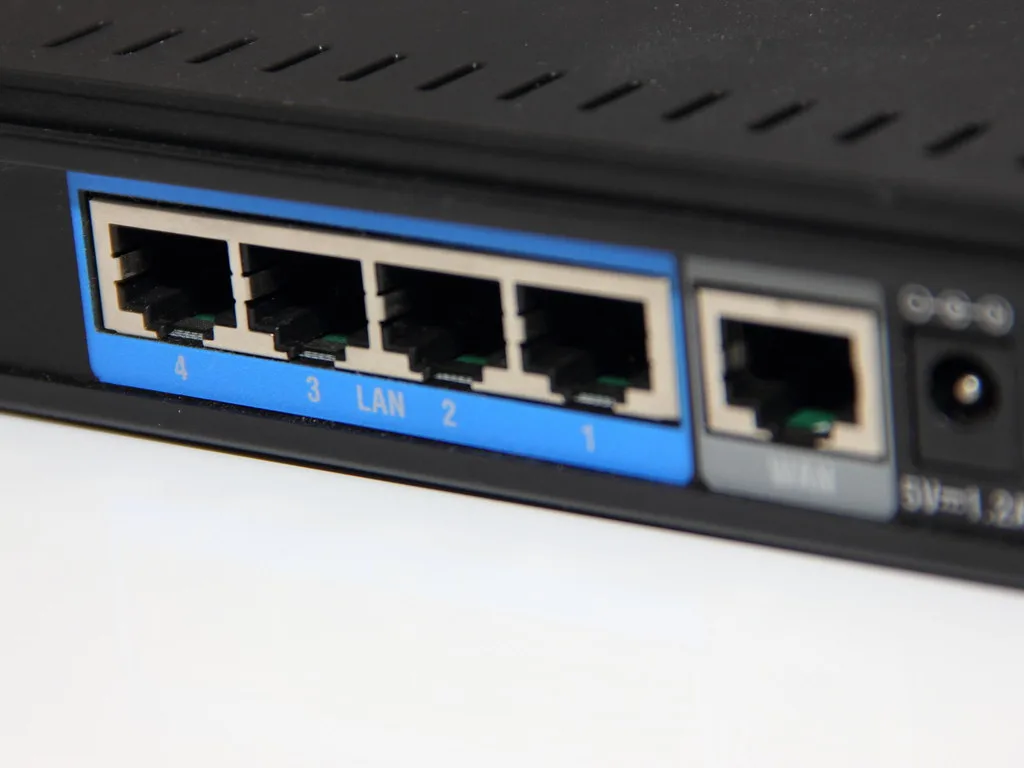
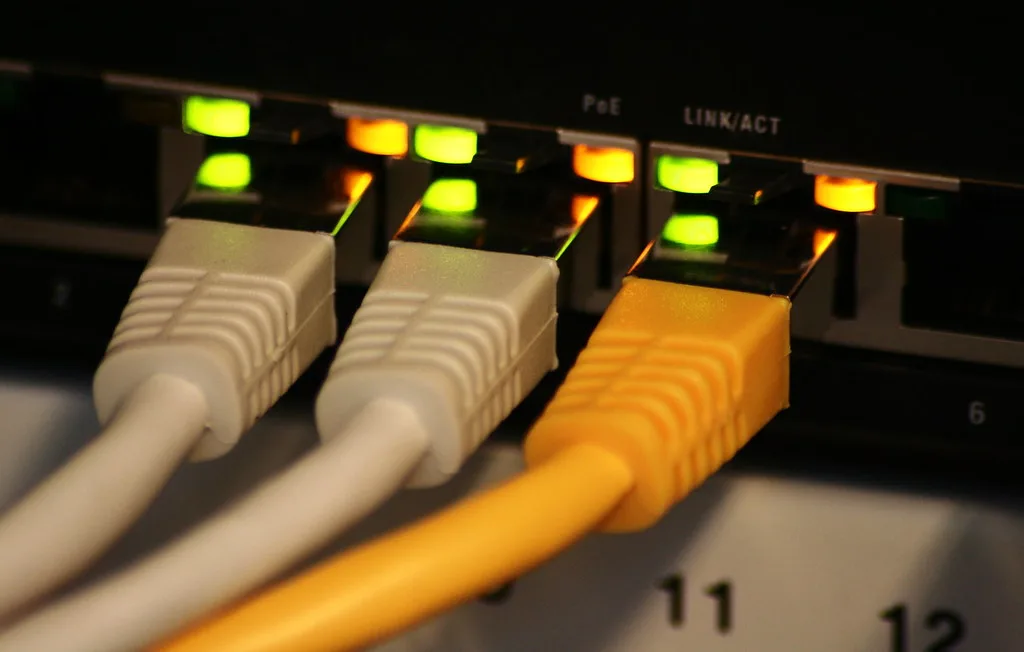
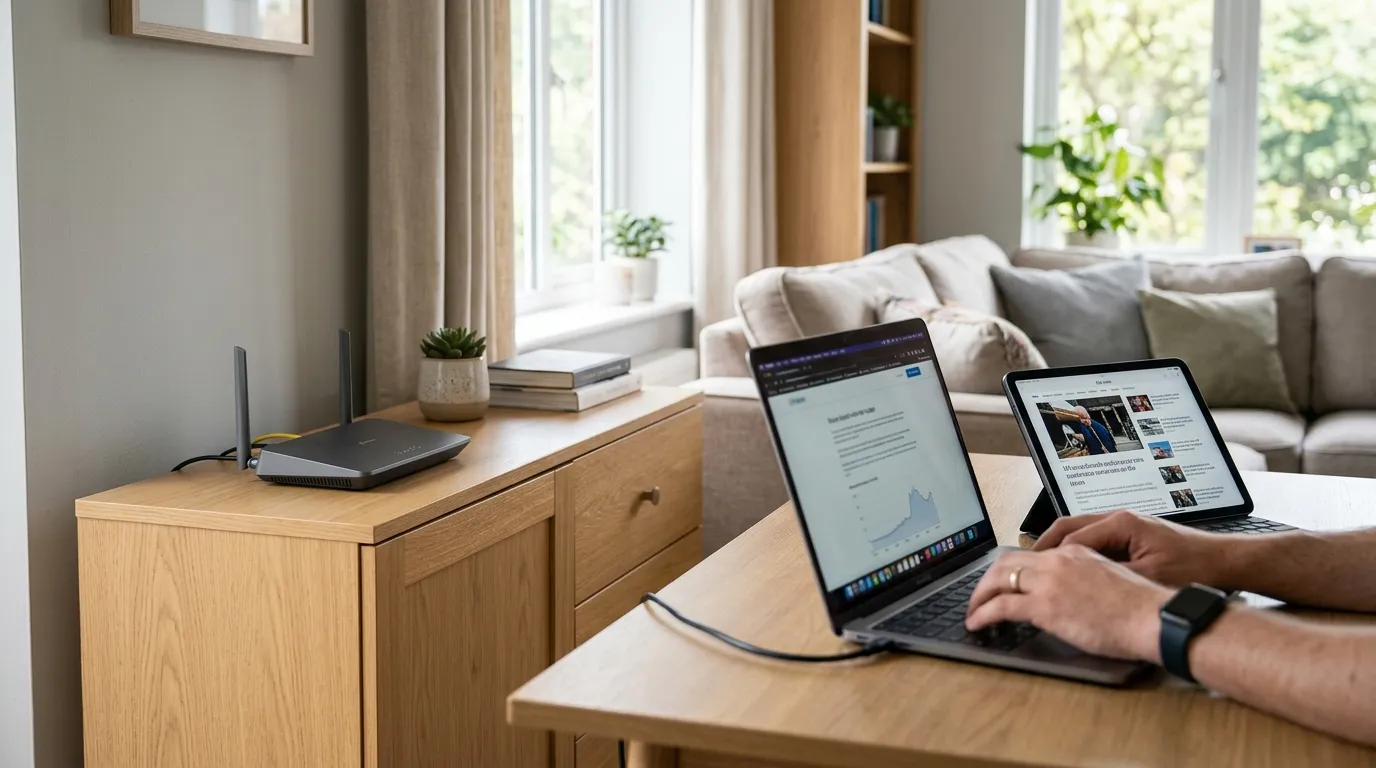
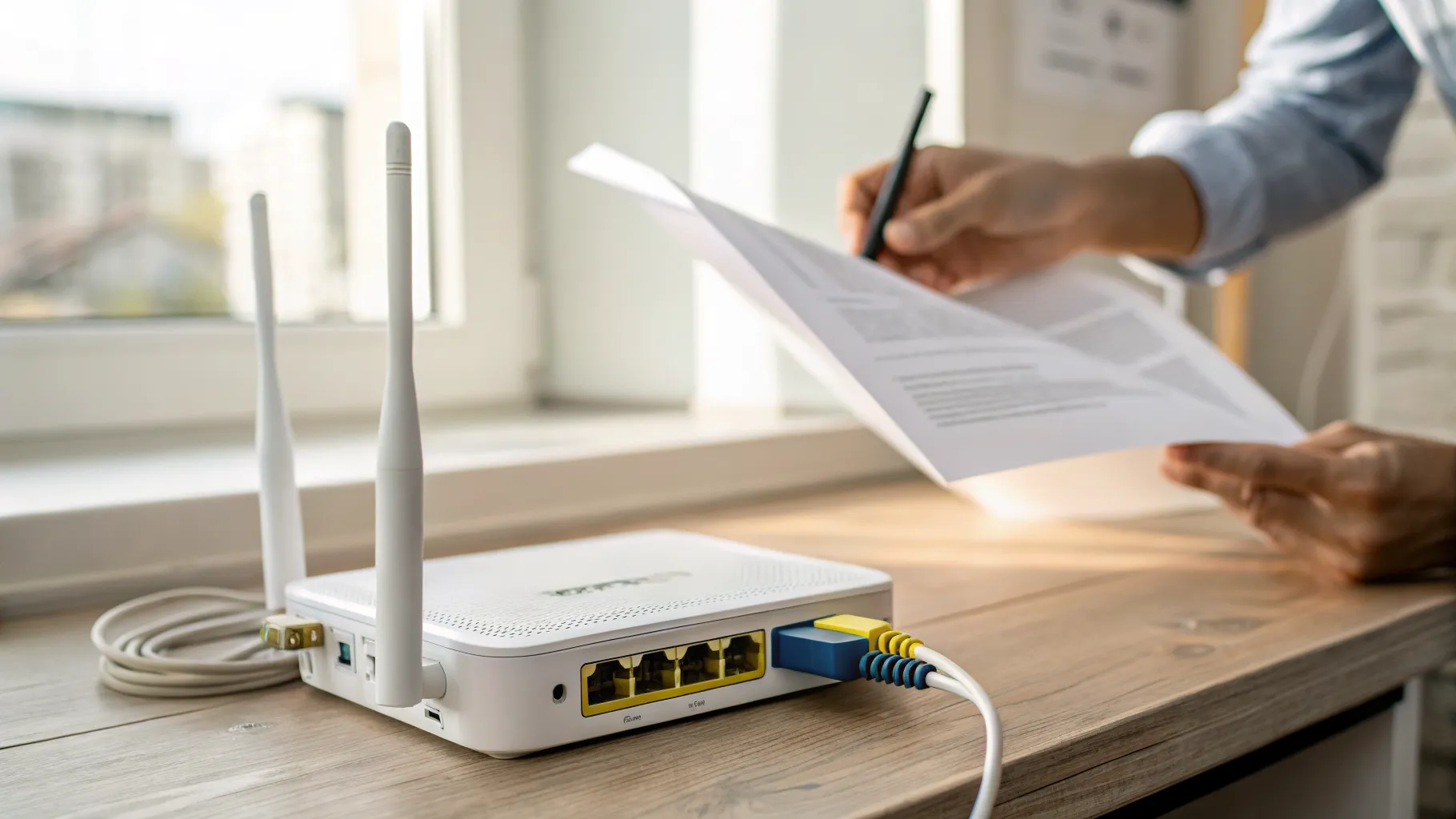
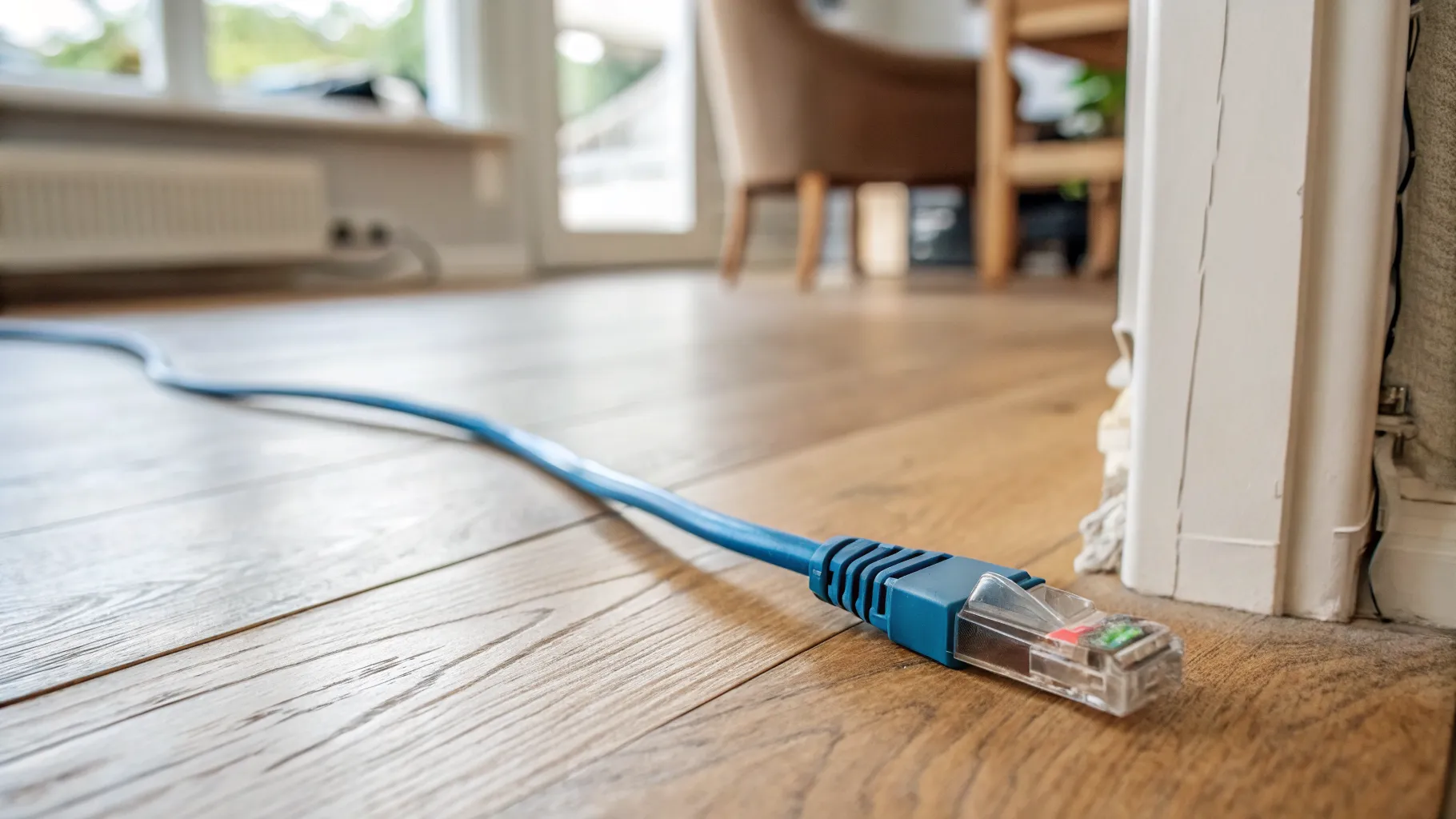
Setup is refreshingly simple. Plug the adapter into your device’s USB port, plug an Ethernet cable from the adapter into your router or a network wall socket, and on most modern systems the wired connection is recognised automatically within a few seconds. Your device will usually prefer the wired connection over Wi-Fi on its own. If you want to be sure you are on the cable, turn Wi-Fi off temporarily and run a speed test. If nothing happens, check the cable is fully clicked in at both ends and, if needed, install the driver for your operating system from the manufacturer’s site.

A quick word on expectations

A USB to Ethernet adapter gives you the stability and low latency of a wired connection, which is its real advantage over Wi-Fi. It does not make your broadband faster than the plan you pay for, and a USB 3.0 gigabit adapter cannot exceed what a gigabit port can carry. What it does do is deliver that connection consistently, without the drops and slowdowns that Wi-Fi suffers, which is exactly what you want for calls, gaming and working from home.

Frequently asked questions

Do USB to Ethernet adapters actually work well? Yes. A good USB 3.0 gigabit adapter delivers a stable, low-latency wired connection close to the full speed of a gigabit line. The key is buying a USB 3.0 (or faster) gigabit model rather than a cheap USB 2.0 one, which caps speeds at around 90 to 100 Mbps.

Will a USB to Ethernet adapter slow down my internet? Only if you buy the wrong one. A USB 2.0 adapter limits speeds to roughly 100 Mbps, which throttles faster broadband. A USB 3.0 gigabit adapter runs close to the practical gigabit limit, so it will not slow a connection of 1 Gbps or below. It never exceeds the speed of your broadband plan.

What is the difference between a USB-A and USB-C Ethernet adapter? Only the plug that connects to your device. USB-A is the flat rectangular port on most laptops and desktops; USB-C is the smaller oval port on modern devices. Buy the version that matches the socket on your computer. The Ethernet end is identical on both.

Do I need to install drivers for a USB Ethernet adapter? Usually not. Adapters using common chipsets like the Realtek RTL8153 or ASIX AX88179A are plug-and-play on current Windows, macOS and ChromeOS. If you use Linux or a very new OS version, check the listing states support for your system, and install the driver from the maker’s site if needed.

Can I use a USB to Ethernet adapter for gaming? Yes, and it is a good idea. A wired connection through a USB 3.0 gigabit adapter gives lower latency (ping) and far fewer dropouts than Wi-Fi, which is exactly what online gaming benefits from. Pair it with a Cat 6 cable straight to your router for the most stable connection.

Does a USB Ethernet adapter need its own power supply? The good ones do not. A quality adapter draws power from the USB port itself, so there is no separate mains plug to carry. Check the listing to confirm it is USB-powered, especially for larger multi-port hubs, which sometimes need external power.
// more from HomeWire
Why Is My Wi-Fi So Slow? 12 Fixes That Actually Work (UK)
Fix It: Wi-Fi & Network Troubleshooting

Why Is My Wi-Fi So Slow? 12 Fixes That Actually Work (UK)

Why is my Wi-Fi so slow? 12 tested UK fixes, from router placement and 5GHz to channel changes and your Ofcom minimum-speed rights.

Wi-Fi Keeps Dropping or Disconnecting? Step-by-Step Fix
Fix It: Wi-Fi & Network Troubleshooting

Wi-Fi Keeps Dropping or Disconnecting? Step-by-Step Fix

If your wifi keeps dropping, work through these UK fixes in order: restart the router, change the channel, split the bands and check for a line fault.

Ethernet Connected But No Internet? How to Fix It
Fix It: Wi-Fi & Network Troubleshooting

Ethernet Connected But No Internet? How to Fix It

Ethernet connected but no internet? Work through these ordered UK fixes, from a quick router reboot to DHCP, DNS and driver repairs that get you back online.

How to Log Into Your Router at 192.168.1.1 (UK Routers)
Set Up & Get Online

How to Log Into Your Router at 192.168.1.1 (UK Routers)

A step-by-step 192.168.1.1 router login guide for UK routers, plus the correct IP for BT, Sky, Virgin, TalkTalk, EE and Plusnet hubs.

How to Change Your Wi-Fi Channel to Stop Interference
Set Up & Get Online

How to Change Your Wi-Fi Channel to Stop Interference

How to change your Wi-Fi channel to stop interference: best 2.4GHz and 5GHz channels, plus steps for BT, Sky, Virgin and TalkTalk routers.

Mesh Wi-Fi vs Extender vs Powerline: Which Beats Dead Spots?
Gear: Mesh, Extenders & Adapters

Mesh Wi-Fi vs Extender vs Powerline: Which Beats Dead Spots?

Mesh vs extender vs powerline compared for UK homes: which one actually fixes Wi-Fi dead spots, with real speeds, costs and setup tips.

Wi-Fi Channel Finder
Tools

Wi-Fi Channel Finder

Best Wi-Fi channel finder for UK homes: read your phone's Wi-Fi scan and get the least-crowded 2.4GHz, 5GHz and 6GHz channel to switch to.

Broadband Speed Calculator: How Much Do You Actually Need?
Tools

Broadband Speed Calculator: How Much Do You Actually Need?

Free broadband speed calculator: tell us your household and we work out how much broadband speed you need, in Mbps, for the UK.

Mesh Node Planner
Tools

Mesh Node Planner

Free UK mesh node planner: answer how many mesh nodes do I need for your home's size, floors and walls, with a printable placement plan.

How to Fix Wi-Fi Dead Spots at Home: 9 Proven Fixes
Fix It: Wi-Fi & Network Troubleshooting

How to Fix Wi-Fi Dead Spots at Home: 9 Proven Fixes

Fix Wi-Fi dead spots at home with 9 proven steps, free fixes first: router placement, band, channel, mesh, wired backhaul and UK ISP kit explained.

Best Mesh Wi-Fi Systems UK 2026: Tested and Compared
Gear

Best Mesh Wi-Fi Systems UK 2026: Tested and Compared

The best mesh Wi-Fi systems for UK homes in 2026, ranked by coverage, value and backhaul. Wi-Fi 6, 6E and 7 picks for brick and stone walls.

How to Reset Your Router Without Losing Your Settings
Set Up & Get Online

How to Reset Your Router Without Losing Your Settings

Restart fixes most problems and keeps every setting. Factory reset wipes the lot. UK hub-by-hub steps for BT, Virgin, Sky and EE, plus what to save first.

What Is a Good Ping for Gaming and How to Lower It
Speed & Coverage

What Is a Good Ping for Gaming and How to Lower It

A good gaming ping is under 30ms for competitive play, under 50ms casual. Here is how to lower it: go wired, pick a near server, and fix Wi-Fi and QoS.

BT, Sky, Virgin and EE Router Default Passwords Explained
Set Up & Get Online

BT, Sky, Virgin and EE Router Default Passwords Explained

There is no master password for BT, Sky, Virgin or EE hubs. Where each default actually lives, Wi-Fi vs admin passwords, and what a reset restores.

Why Your Broadband Slows Down in the Evening (and What to Do)
Fix It: Wi-Fi & Network Troubleshooting

Why Your Broadband Slows Down in the Evening (and What to Do)

Broadband slow in the evening? Here's why UK speeds dip around 9pm, how to test if it's your line or Wi-Fi, and what actually fixes it.

2.4GHz vs 5GHz vs 6GHz: Which Band Should You Use and When
Speed & Coverage

2.4GHz vs 5GHz vs 6GHz: Which Band Should You Use and When

Which Wi-Fi band to join, when, for UK homes. A use-case table, the physics, Ofcom rules, plus 6GHz, WiFi 6E/7 and merge-vs-split SSID advice.

How to Run an Ethernet Cable Through Your House Tidily
Set Up & Get Online

How to Run an Ethernet Cable Through Your House Tidily

A practical UK guide to running Ethernet cable through your house tidily: planning routes, choosing cable, wall and floor runs, terminating and safety.

Long Ethernet Cable: Which Length and Category to Buy
Gear: Mesh, Extenders & Adapters

Long Ethernet Cable: Which Length and Category to Buy

Buying a long Ethernet cable for a UK home? Which length and category to pick, why length barely affects speed, and outdoor and in-wall rules.

What Is Broadband? A Plain-English Guide for UK Households
Set Up & Get Online

What Is Broadband? A Plain-English Guide for UK Households

What is broadband, in plain English: the UK types explained, real speeds vs the headline numbers, and what the 2027 copper switch-off means for you.

Smart Wi-Fi: What It Means and Why Your Next Router Needs It
Speed & Coverage

Smart Wi-Fi: What It Means and Why Your Next Router Needs It

What smart Wi-Fi actually means: band steering, mesh roaming, app control and device priority explained in plain English, and whether you really need it.

BT WiFi Hotspot: How to Use It When You're Away From Home
Speed & Coverage

BT WiFi Hotspot: How to Use It When You're Away From Home

How a BT Wi-Fi hotspot works, how to connect with your BT ID or the app, the BTWifi-with-Fon network, and how it now ties into EE Wi-Fi.

Cat 6 Ethernet Cable: What to Know Before You Buy
Gear: Mesh, Extenders & Adapters

Cat 6 Ethernet Cable: What to Know Before You Buy

A plain-English Cat 6 Ethernet cable guide for UK homes: how it compares to Cat5e and Cat6a, real speed limits, shielding, and which cable to actually buy.

Outdoor Wi-Fi Extender Guide: Garden, Garage and Outbuildings
Speed & Coverage

Outdoor Wi-Fi Extender Guide: Garden, Garage and Outbuildings

An outdoor wifi extender can push your network to the garden, garage or outbuilding. How they work, IP ratings, PoE, and how to choose the right one.

Gear: Mesh, Extenders & Adapters

HDMI Extender Guide: Send an HDMI Signal Over Long Distances

An HDMI extender sends video and audio far beyond a normal cable's limit. How the main types work, their real distances, and how to choose the right one.

Gear: Mesh, Extenders & Adapters

PoE Switch Explained: Power Over Ethernet for Home and Small Office

A PoE switch explained in plain English: how Power over Ethernet works, the PoE, PoE+ and PoE++ standards, what it powers, and whether you need one at home.

Gear: Mesh, Extenders & Adapters

Gigabit and 2.5Gb Network Switches: Is the Upgrade Worth It?

A plain guide to gigabit and 2.5Gb network switches for the home: what a switch does, when 2.5GbE is worth it, managed vs unmanaged, and which type to buy.

Gear: Mesh, Extenders & Adapters

VoIP Adapter Explained: Keep Your Landline When You Switch to Fibre

A VoIP adapter lets you keep your old landline phone on full fibre. Here is how an ATA works, when you need one, and the power-cut catch to plan for.

Set Up & Get Online

Wi-Fi Repeater Setup: Extend a Wireless Network Room by Room

A plain-English wireless Wi-Fi repeater setup guide: WPS and manual methods, where to place it, same or separate SSID, and fixes when it slows your speed.

Fix It: Wi-Fi & Network Troubleshooting

BT Router Flashing Purple or Pink? Meaning and How to Fix It

A BT router flashing purple or pink means no broadband connection. Here is what each BT Hub light colour means and the exact steps to get back online.

Set Up & Get Online

Ethernet Wiring Diagram: How to Wire an RJ45 Plug and Wall Socket

A clear ethernet wiring diagram for UK homes: the T568A and T568B colour order, how to wire an RJ45 plug and wall socket, and the one rule not to break.

Speed & Coverage

Network Booster for Mobile: How to Improve Phone Signal at Home

A network booster for mobile can help weak indoor signal, but UK rules matter. How to improve phone signal at home legally, with Wi-Fi Calling and Ofcom rules.
Gear: Mesh, Extenders & Adapters

USB-C to USB Adapter: When You Need One and What to Look For

A plain guide to the USB-A to USB-C adapter: which direction you need, the speed and power ratings that matter, OTG for phones, and how to avoid a bad one.

Gear: Mesh, Extenders & Adapters

USB Extender Cable: Extend USB Beyond 5 Metres Without Signal Loss

How to use a USB extender to run USB past its 5 metre limit: active repeater cables, USB-over-Ethernet extenders and optical cables, plus what actually works.

Home Wi-Fi News: June 2026
News

Home Wi-Fi News: June 2026

Wi-Fi 8 chipsets break cover, Lightning Fibre rolls out Wi-Fi 7 routers, and Community Fibre cuts 1Gbps with a Wi-Fi 7 router to £20 a month.

Home Wi-Fi News: June 2026
News

Home Wi-Fi News: June 2026

UK leads Europe on Wi-Fi 6 and 7 take-up, Openreach trials a fuller FTTP install, O2 Broadband may return, and the fastest UK ISPs for H1 2026 are named.

Home Wi-Fi News: June 2026
News

Home Wi-Fi News: June 2026

A speed-test study finds 18% of UK homes below 10Mbps, two altnets widen full fibre choice, and Brillband makes a Wi-Fi 7 router standard from 1 July.

News

UK Broadband News: July 2026

An Openreach fault froze ISP ordering systems, altnets launch Broadband Independents' Day, and an MP tables a bill to ban mid-contract price rises.

Speed & Coverage

WiFi Antenna Upgrade: When an External Antenna Improves Your Range

Does a wifi antenna upgrade improve your router's range? When a high-gain external antenna helps, when it cannot, and what to try instead.

// stay on the network

Fix one dead zone a week.

Plain-English fixes for British homes: router settings worth changing, mesh kit that actually works, and the speed-test results that matter. One email, no jargon, unsubscribe anytime.
● No spam. Roughly fortnightly. UK-focused.