BT Router Flashing Purple or Pink? Meaning and How to Fix It
BT Router Flashing Purple or Pink? Meaning and How to Fix It
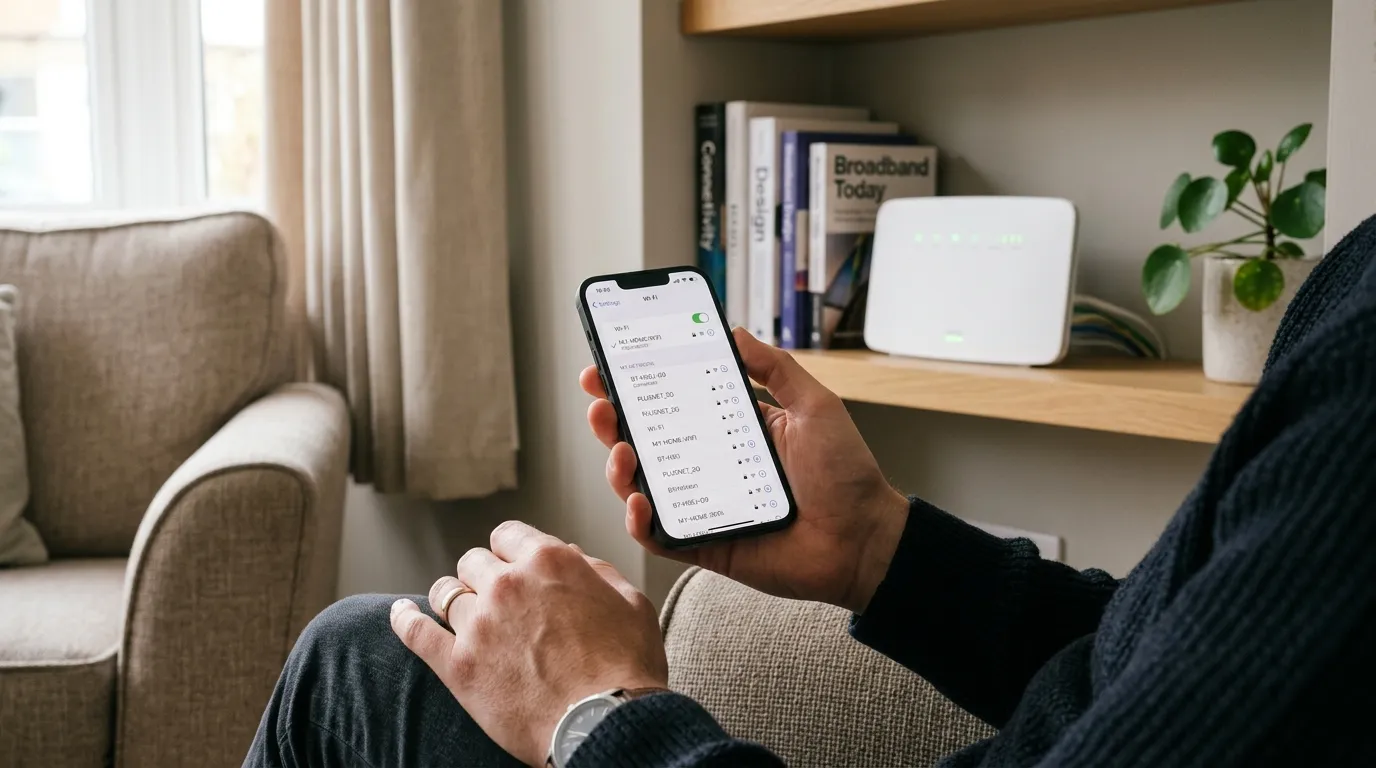
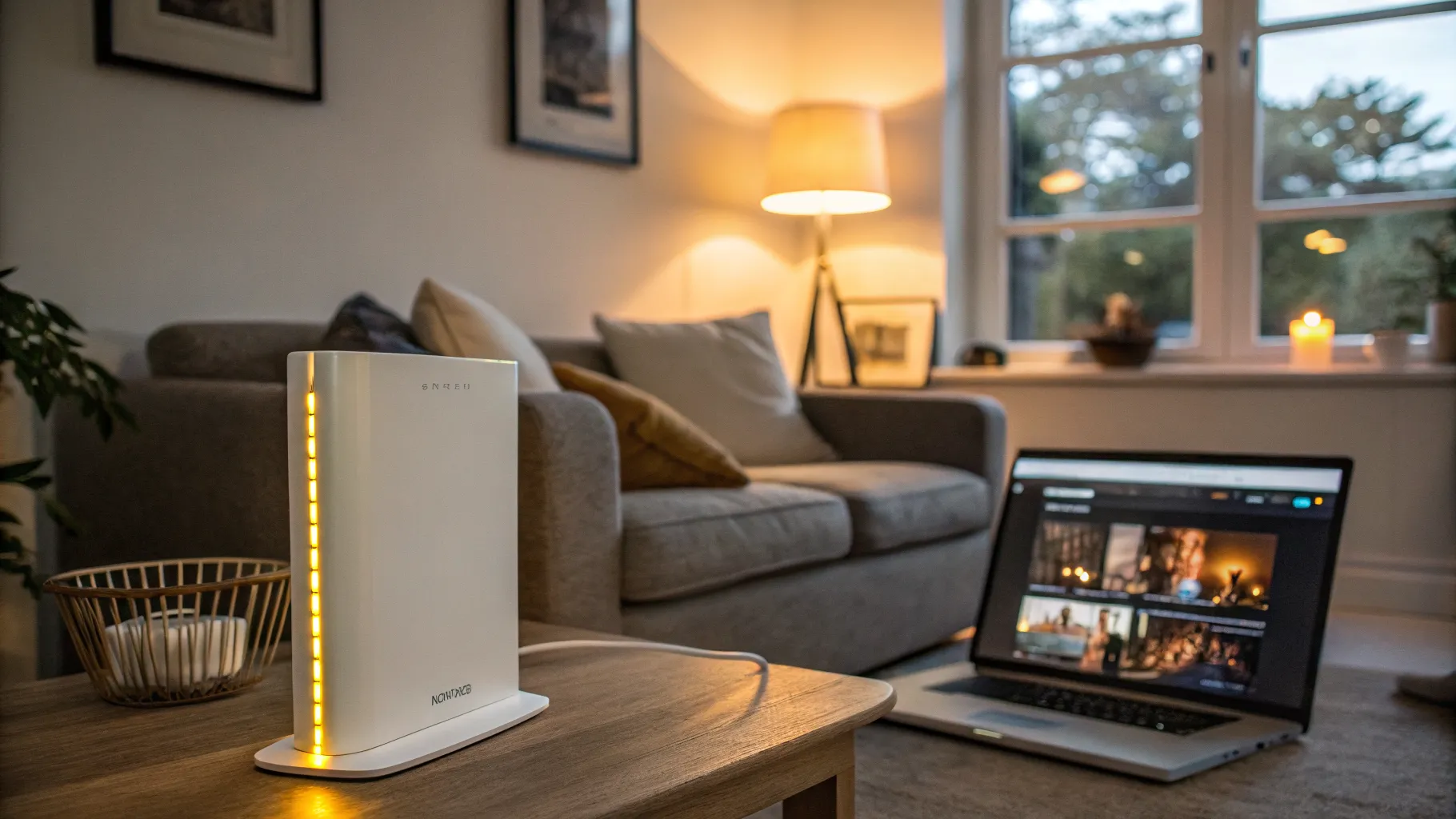
If your BT router is flashing purple, or a light you might read as pink, it is telling you one specific thing: it has power and is working, but it cannot find a broadband connection. In other words, the hub is fine, the line to the internet is not. That is actually good news, because a flashing purple light points you straight at the cause and there is a short list of fixes that clears it most of the time. This guide explains what each BT Hub light colour means, then walks through the exact steps to get back online.
What the BT Hub light colours mean
Before you fix anything, read the light, because the colour tells you where the problem is. On a BT Smart Hub or Complete Wi-Fi disc the common states are:
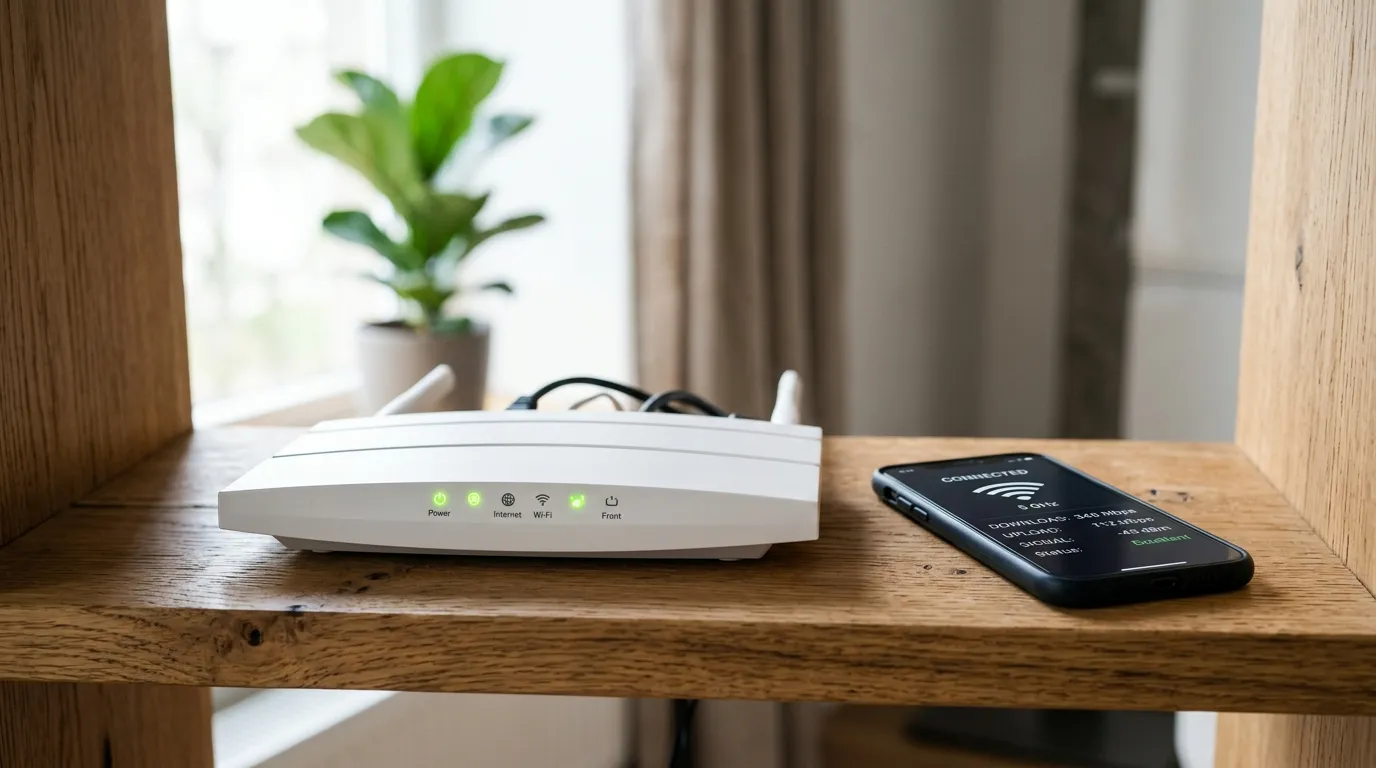
- Solid blue: everything is working and you are connected to broadband. This is the state you want.
- Flashing blue: the hub is starting up or connecting. Give it a few minutes to settle before doing anything.
- Flashing purple (or pink): the hub is working but there is no broadband connection. The line, not the hub, is the issue.
- Flashing orange: the hub is actively trying to connect to broadband. Normal for a short while after a restart; a problem if it never turns blue.
- Solid or flashing red: no connection and the hub cannot recover on its own, usually needing a restart or a fault report.
So a flashing purple light is a “no broadband signal reaching the hub” message. The steps below tackle that in order of how often they fix it.
Step 1: check the broadband cable
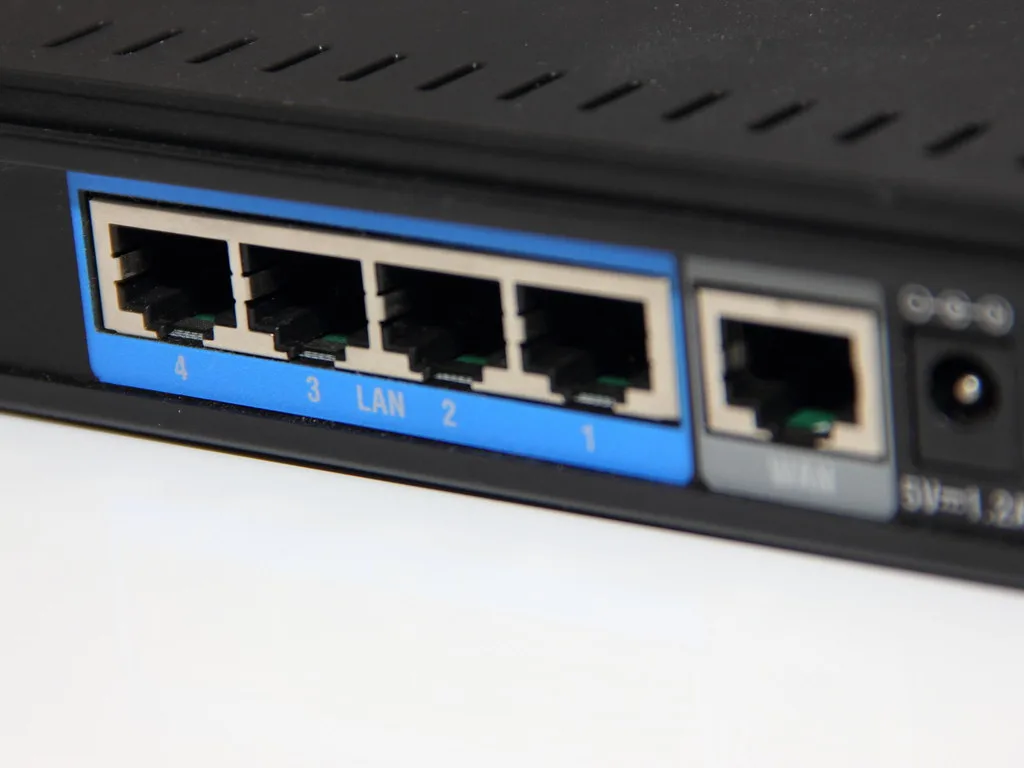
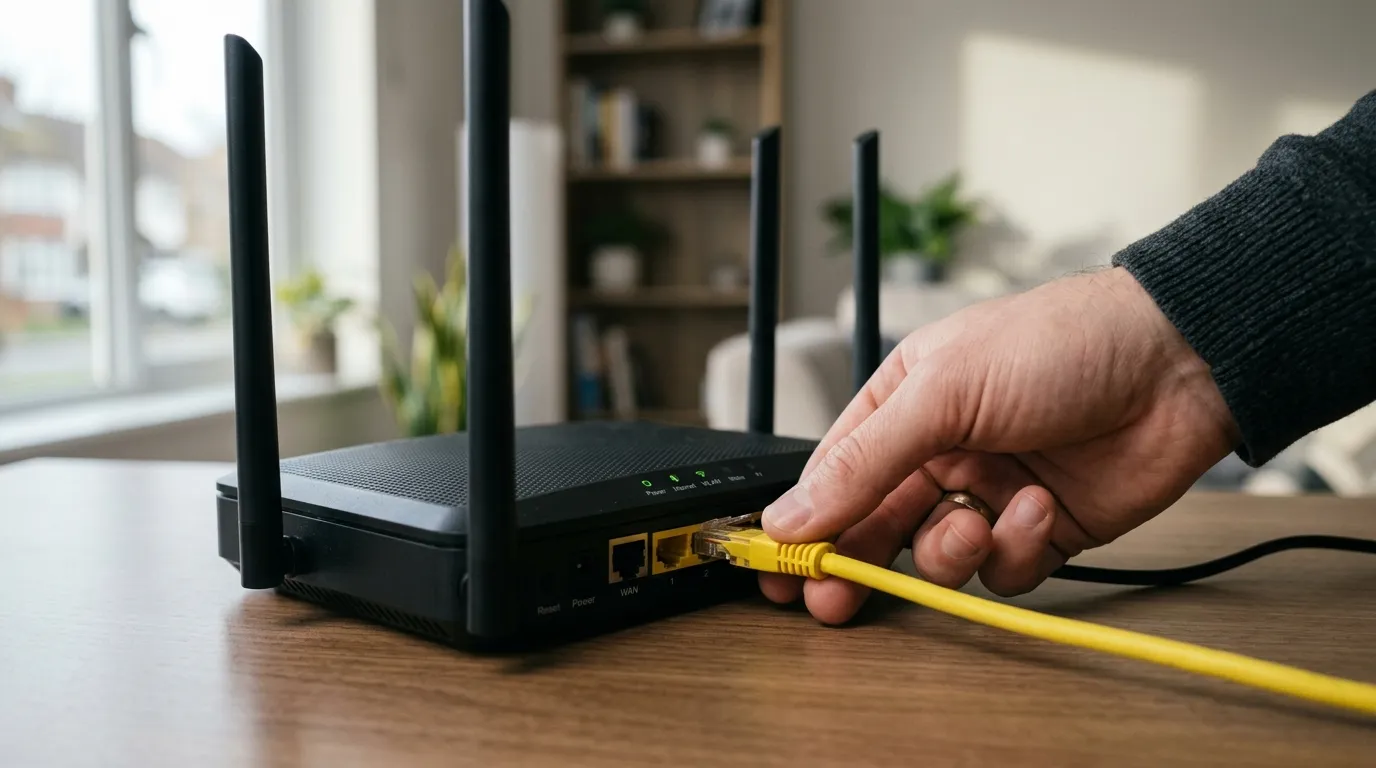
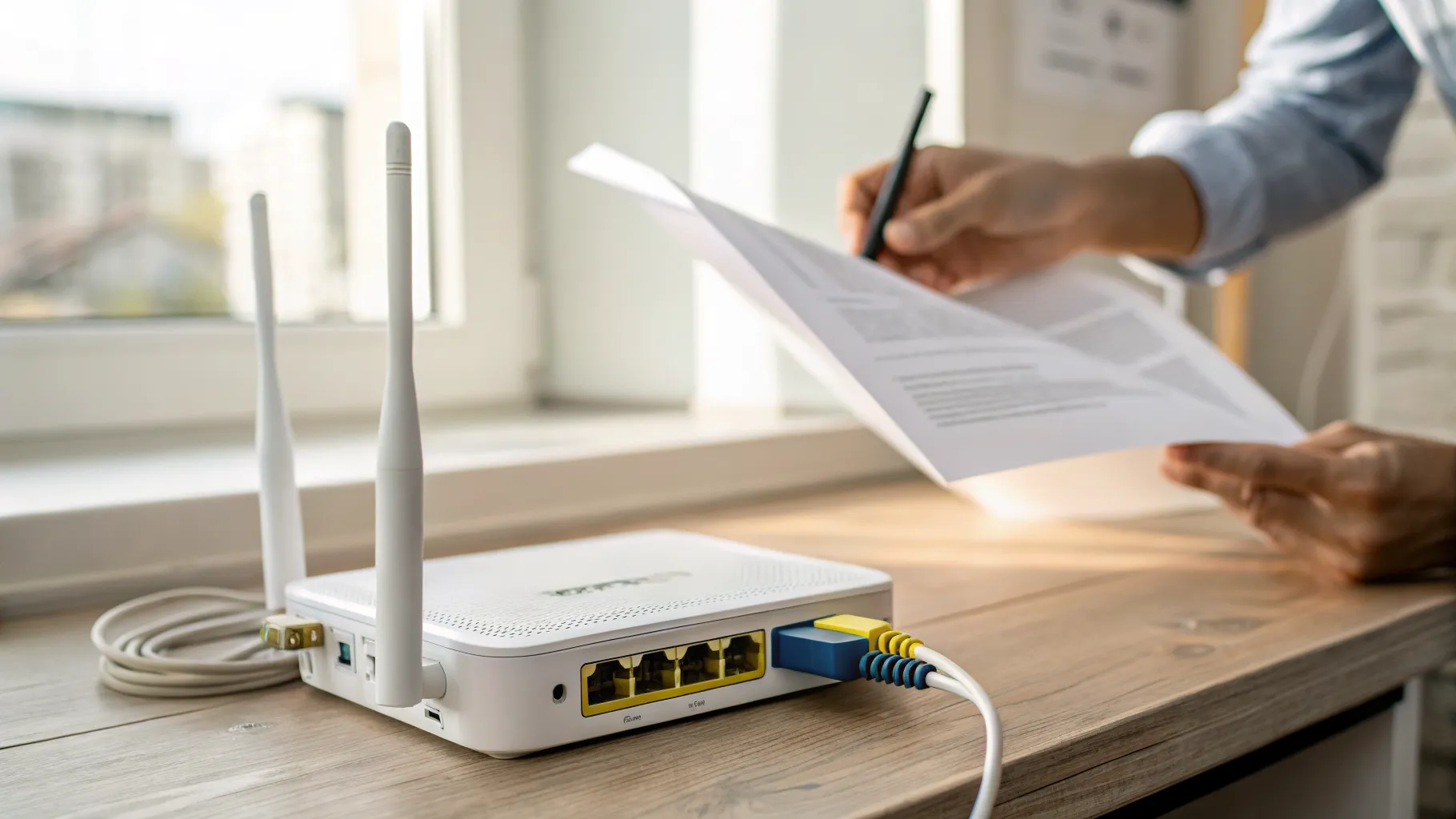
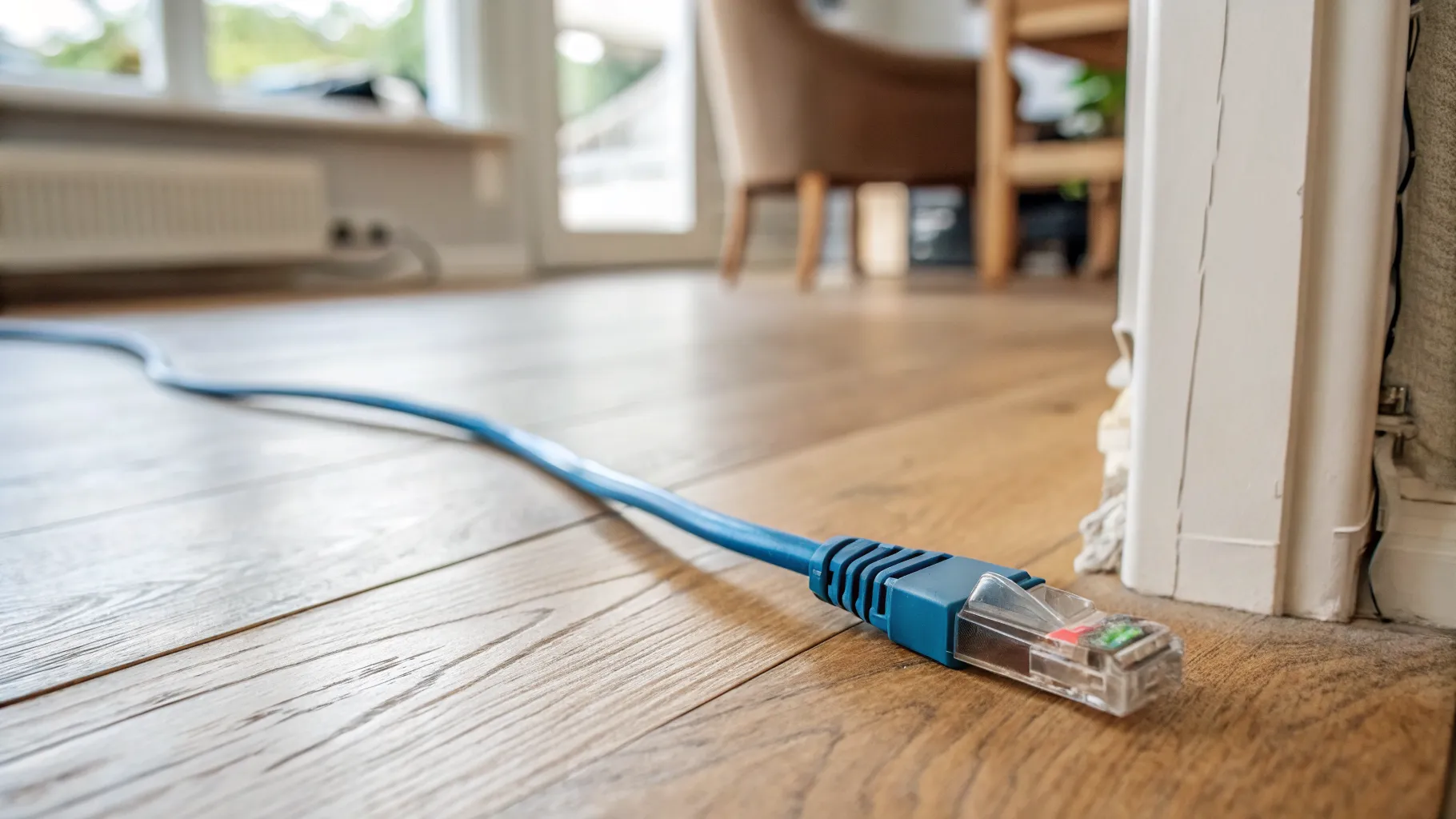
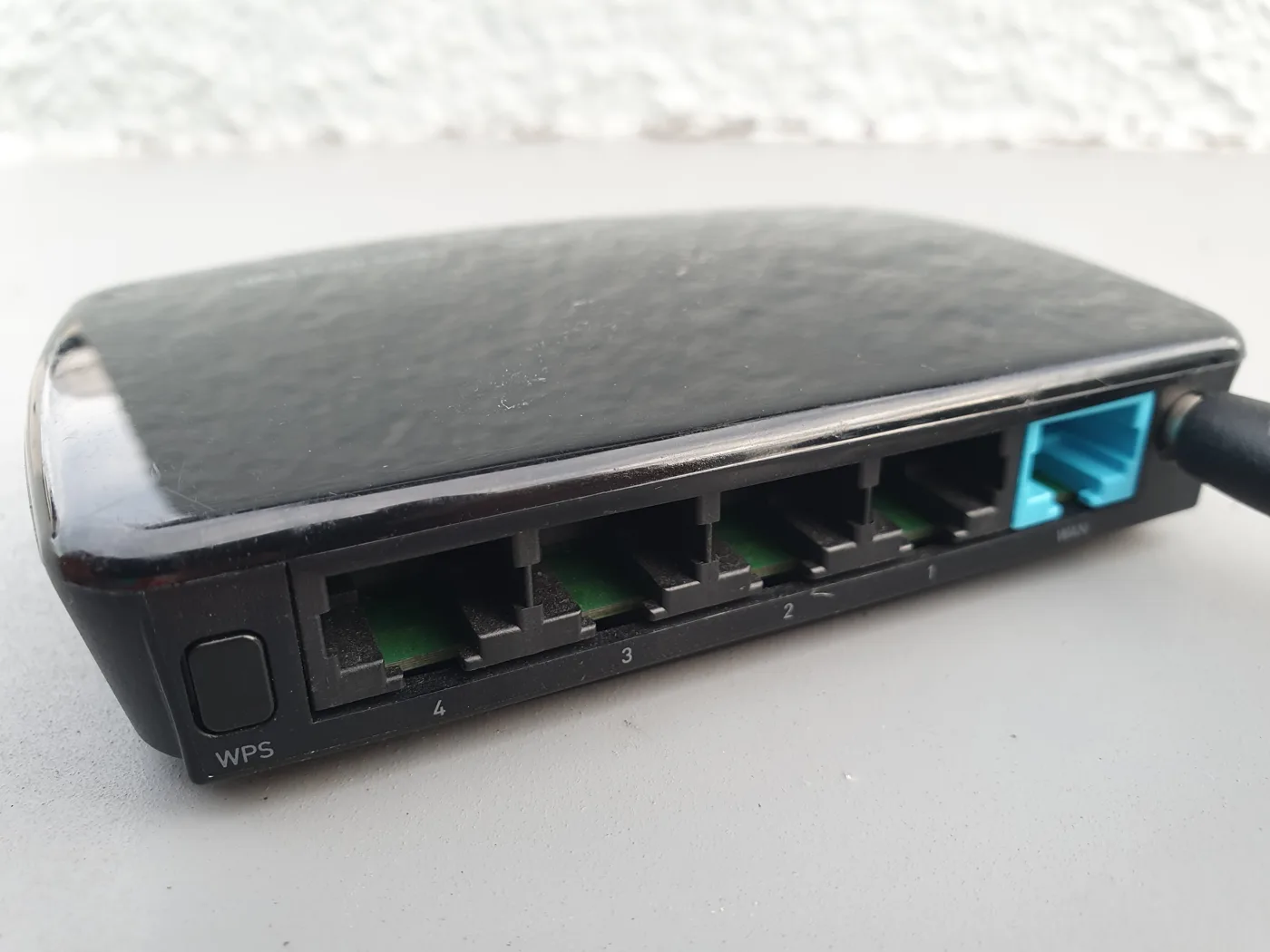
Nine times out of ten a purple light is a loose or wrong cable. Look at the back of your Smart Hub for the grey socket labelled “Broadband” and make sure the thin black cable with grey ends is pushed firmly into it. Pull it out and push it back until you hear a click.
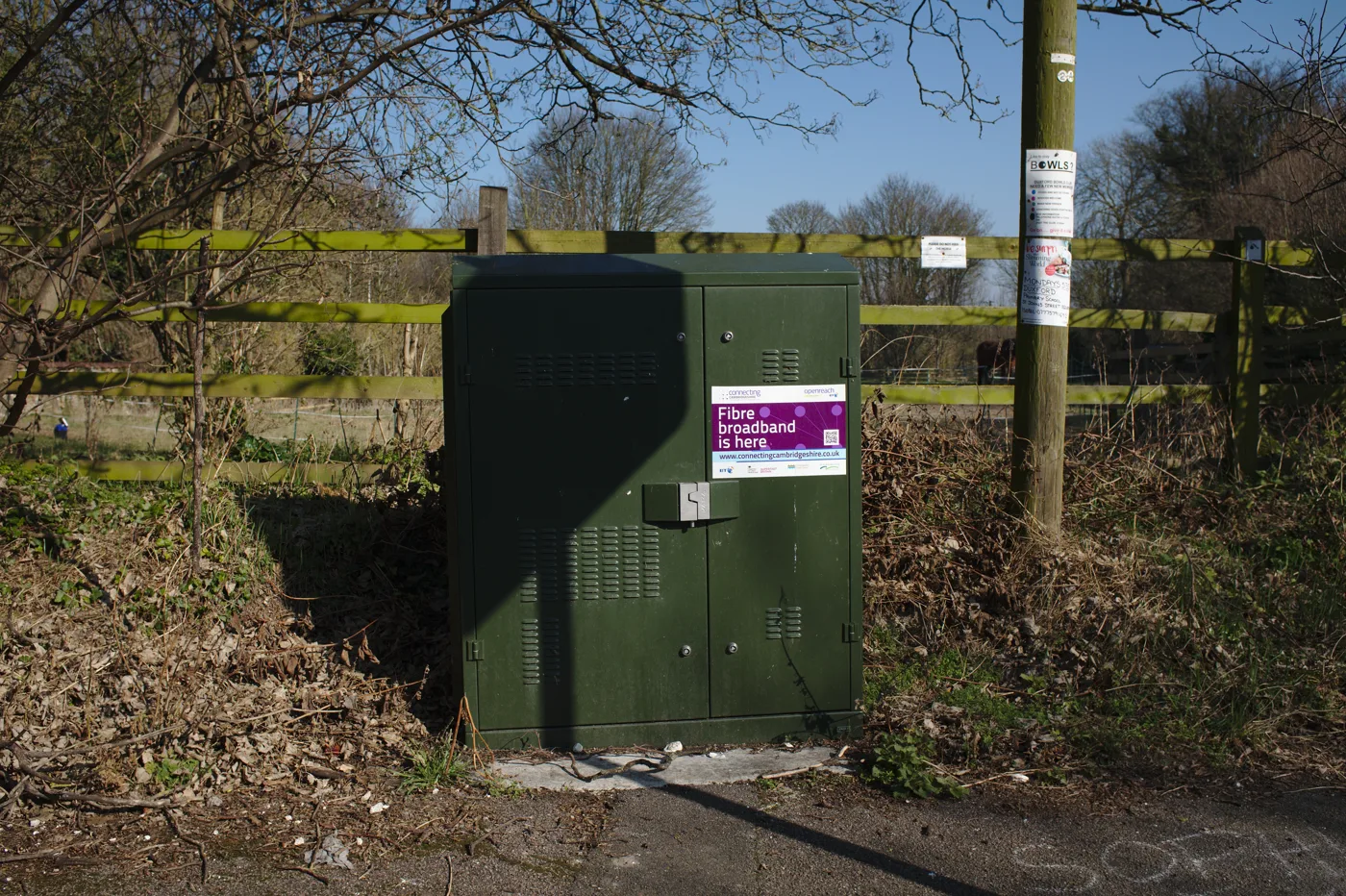
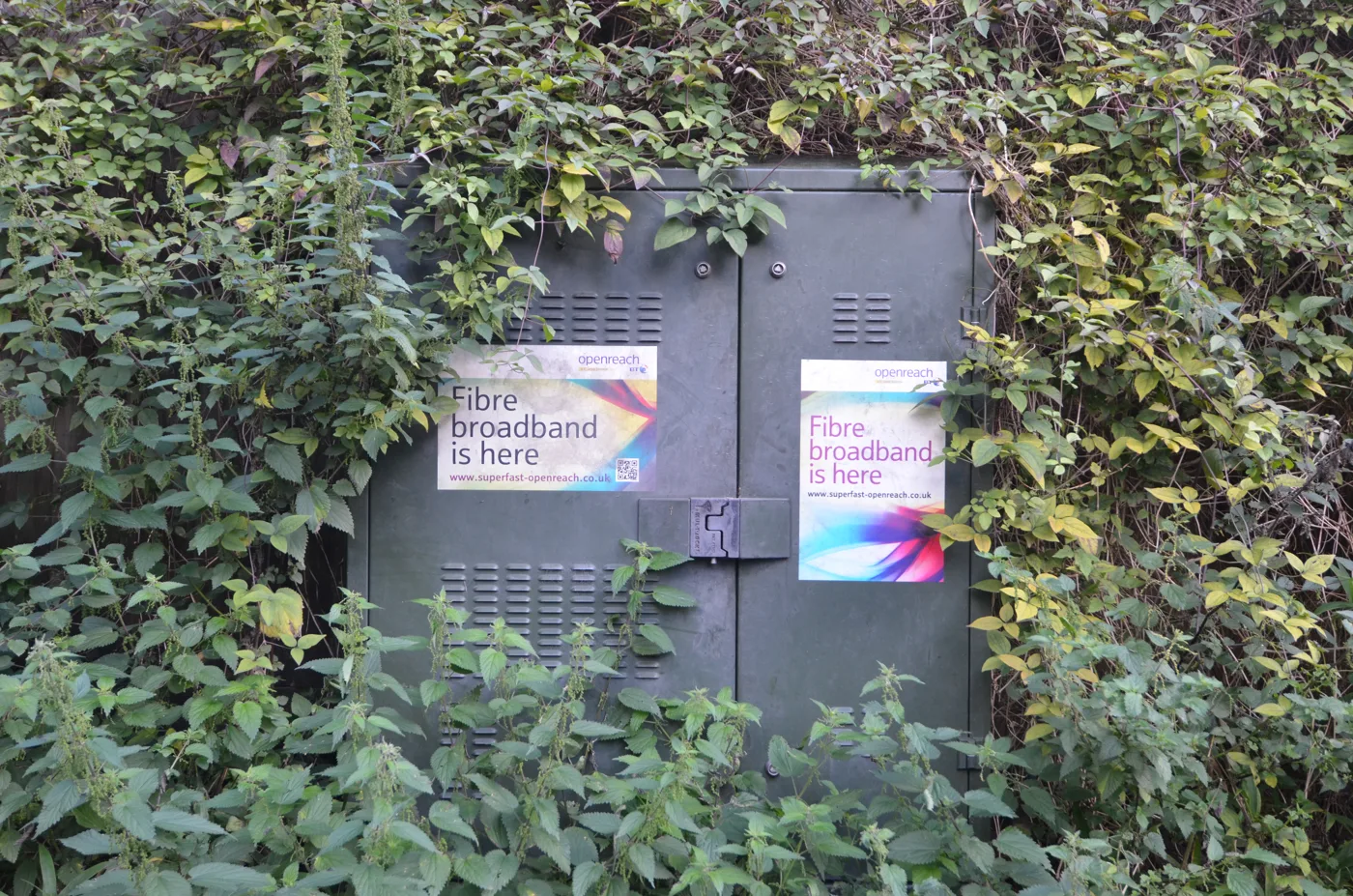
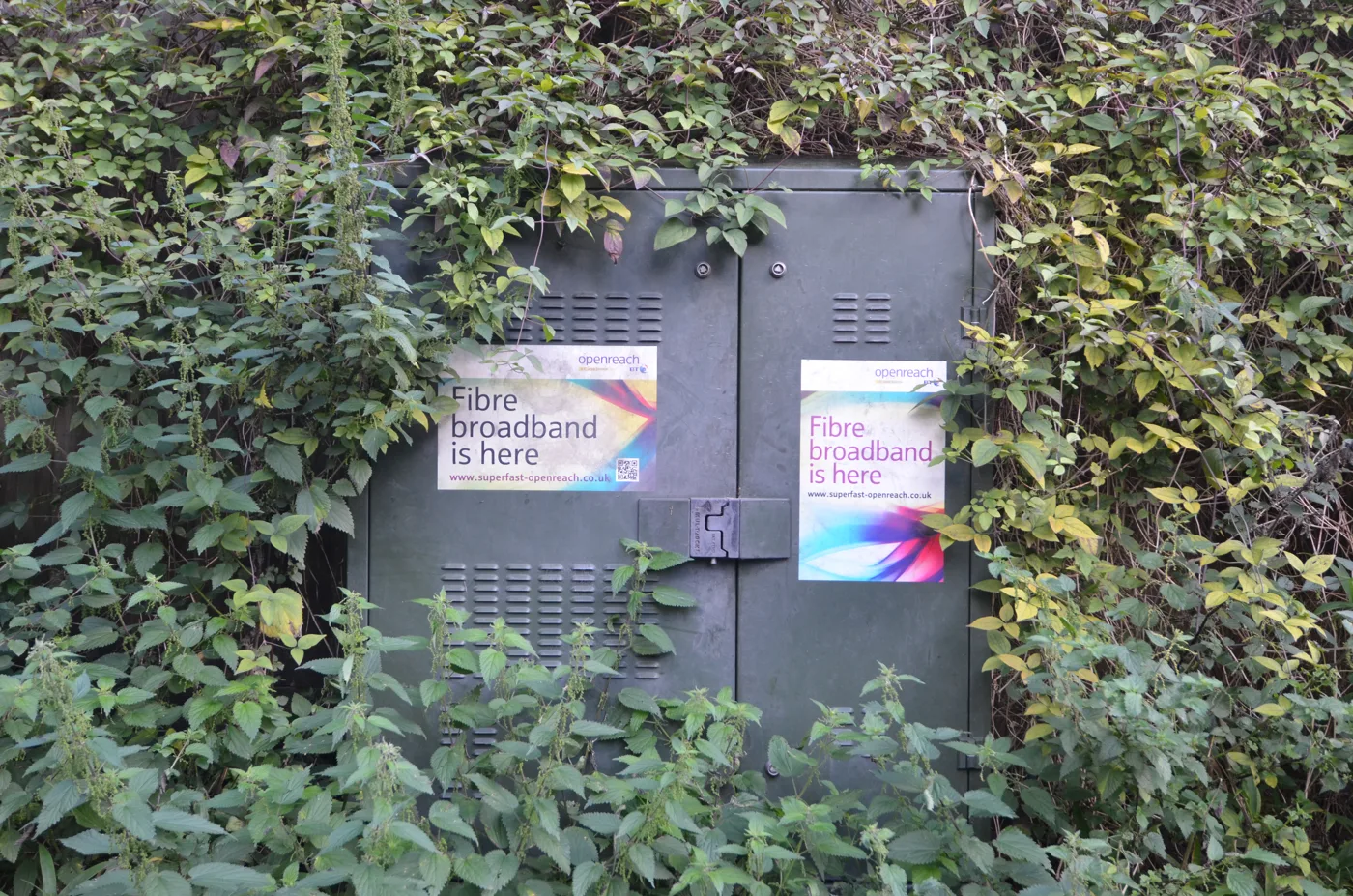
Then follow that cable to the wall. Check it is plugged securely into the master phone socket (or the Openreach fibre box, if you are on full fibre). This connection gets knocked out surprisingly often, especially with children, pets or a recent tidy-up behind the TV unit. Reseat both ends before anything else.
Step 2: remove any old modem
This one catches people who have recently upgraded. Modern BT Smart Hubs connect straight to the phone or fibre socket and do not need a separate modem. If you have left an old modem or a third-party router in line between the wall and the hub, the Smart Hub cannot authenticate and sits on a flashing purple light. Take the old device out of the chain and connect the hub directly to the socket.
Step 3: restart the hub properly
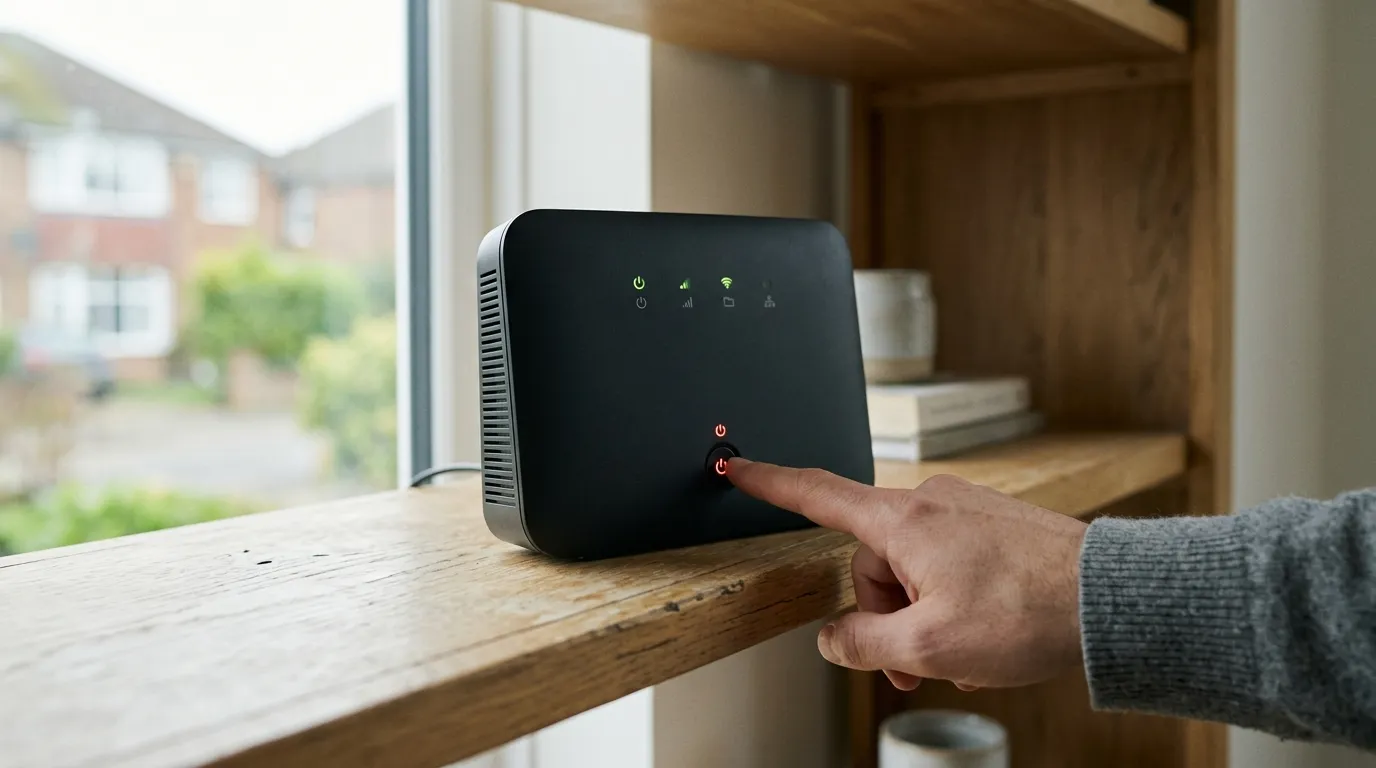
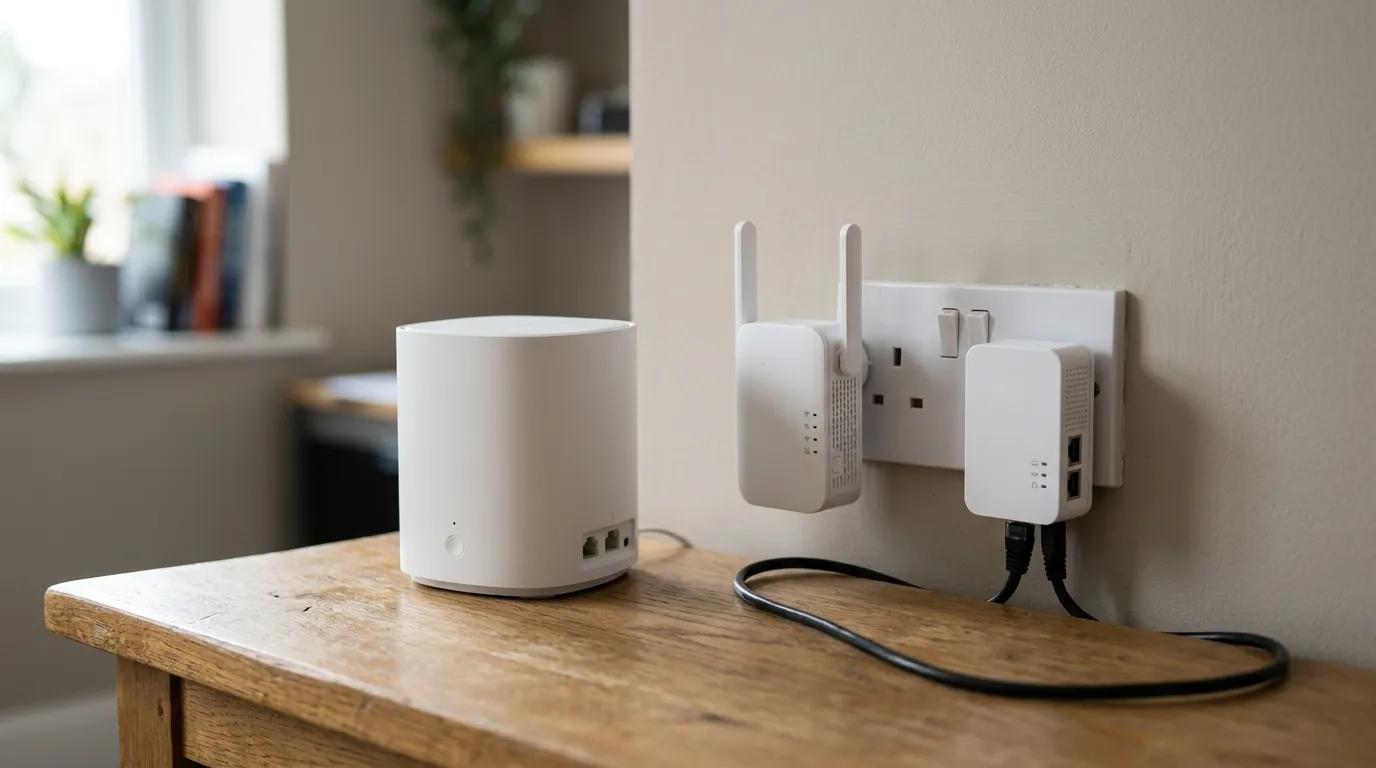
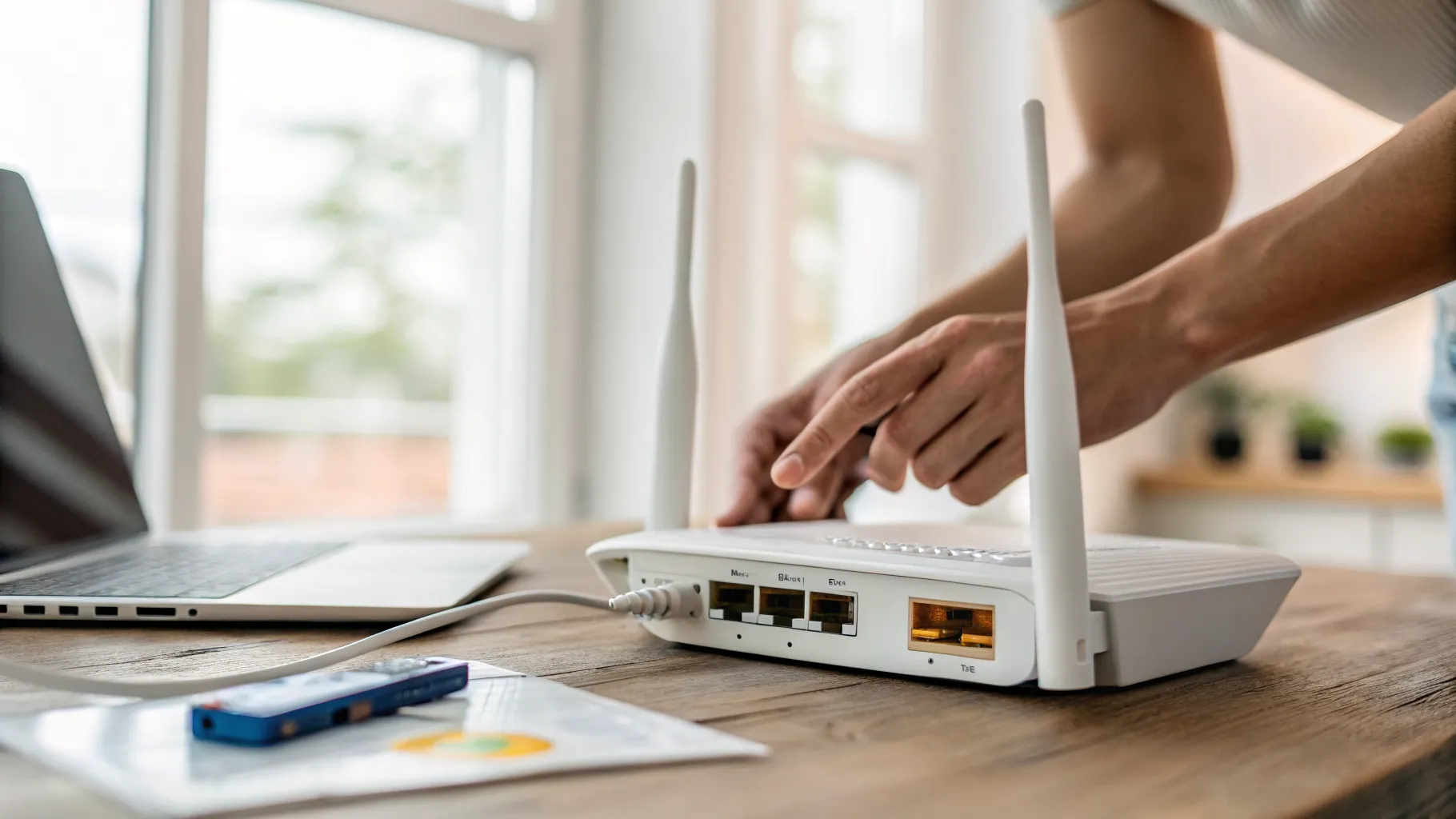
If the cabling is sound, restart the hub. Unplug the power at the back, wait a full 30 seconds so it fully powers down, then plug it back in. Now wait: the hub can take up to around 5 minutes to reconnect, cycling through flashing blue and flashing orange before it settles on solid blue. Do not keep unplugging it during this time, as you only restart the clock. A single, patient restart clears a lot of purple lights. Once you are back online, if Wi-Fi struggles to reach the whole house, our guide to setting up a Wi-Fi repeater can help.
Step 4: check for an outage in your area
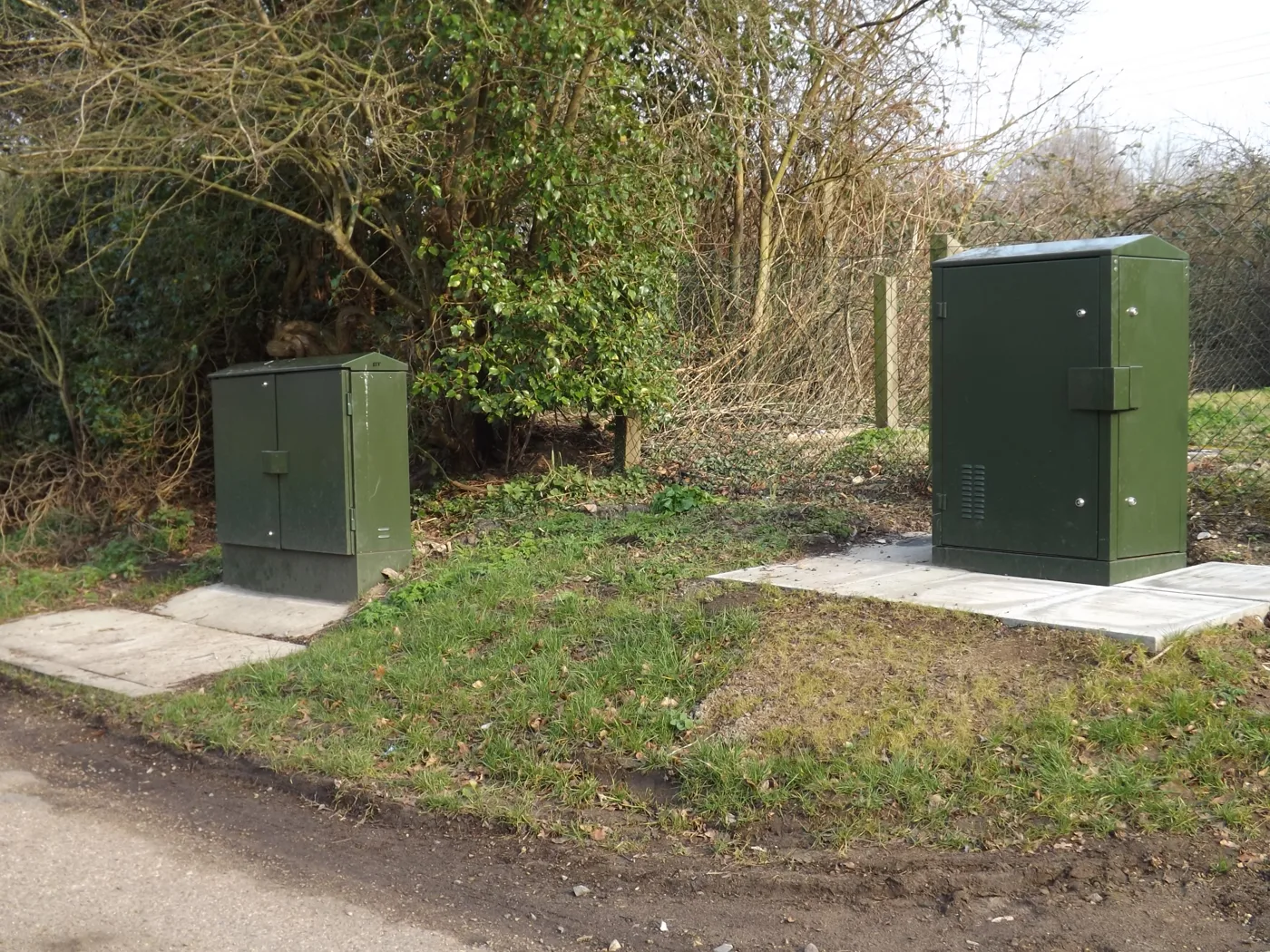
If the hub is cabled correctly and still flashing purple after a restart, the fault may not be in your home at all. Broadband providers have local outages, and a street-level fault will leave every hub in the area showing no connection. Check the BT service status page, where you enter your landline or account details to see reported problems in your area. If there is a known outage, there is nothing to fix at your end; you just have to wait for it to be resolved.
Step 5: factory reset, then call BT
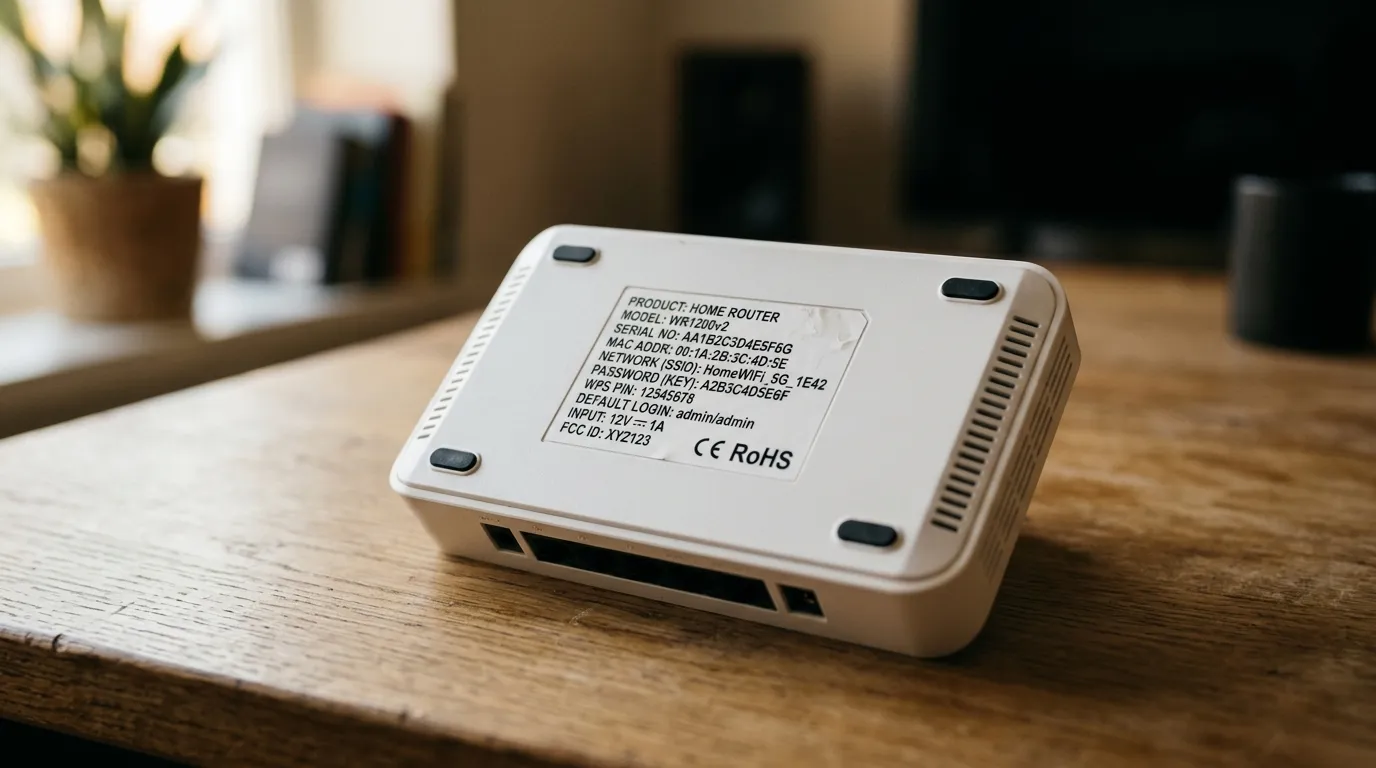
If none of the above works, a factory reset is the last self-help step. Press and hold the recessed reset button on the back of the hub with a paperclip for the time stated in your hub’s guide until it restarts. Be aware this wipes your custom Wi-Fi name and password back to the defaults printed on the hub card, so you will need to reconnect your devices.
If the light is still purple after a reset, the problem is almost certainly on the line and BT needs to look at it. Contact BT support with the details of what you have already tried; they can test the line remotely and book an engineer if there is a genuine fault. At that point you have done everything a customer can, and it is a line issue rather than a home-network one.
Frequently asked questions
What does a flashing purple light on a BT router mean? A flashing purple light means the BT Hub has power and is functioning, but it cannot detect a broadband connection. The hub itself is not broken; the signal from the line is not reaching it. The usual causes are a loose broadband cable, an old modem left in the chain, a hub that needs restarting, or a broadband outage in your area.
Why does my BT router show pink instead of purple? It is the same light. The BT Hub’s “no broadband connection” indicator is purple, but depending on your eyesight, the room lighting and the exact hub model, many people perceive it as pink. Treat a flashing pink light exactly as you would purple: it means there is no broadband connection, so work through the cable, restart and outage checks.
How long should I wait for a BT Hub to reconnect after a restart? Allow up to around 5 minutes. After you plug the power back in, the hub cycles through flashing blue while it starts up and flashing orange while it tries to connect to broadband, before settling on solid blue when it succeeds. Resist the urge to unplug it again during this time, because each restart makes it begin the whole process over.
Will resetting my BT Hub delete my Wi-Fi password? A full factory reset will, yes. It returns the hub to its factory settings, including the default Wi-Fi network name and password printed on the card that came with the hub or on a label on the hub itself. You will need to reconnect all your devices afterwards. A simple power restart, by contrast, keeps your settings and is what you should try first.
My BT router is still flashing purple after every step. What now? If the broadband cable is secure, no old modem is in the chain, a patient restart and a factory reset have not helped, and there is no reported outage, the fault is almost certainly on the line. Contact BT support, tell them the steps you have already taken, and ask them to test the line. They can diagnose it remotely and send an engineer if needed.