Best Mesh Wi-Fi Systems UK 2026: Tested and Compared
A mesh system fixes the problem a single router cannot: getting steady Wi-Fi into the back bedroom, the loft conversion and the kitchen extension of a typical UK house, where solid brick and the odd stone wall chew through signal. After testing and comparing the systems sold here, this is our ranked shortlist for 2026, with honest notes on which standard you actually need and where the marketing claims fall apart.
Before you spend, one rule saves most people money: buy on coverage and backhaul, not on the standard printed on the box. Most phones and laptops in UK homes in early 2026 are still Wi-Fi 6 or older, so a pricey Wi-Fi 7 router benefits almost nobody unless you also replace your client devices. We will come back to that.
Do you even need mesh?
If your home is under roughly 80 square metres with thin internal walls, one good router usually does the job, and mesh is wasted money. Mesh earns its place in two situations: thick Victorian or stone walls that block signal, and multiple floors where one router on the ground floor cannot reach the top. Terraced and semi-detached houses with party walls and chimney breasts are the classic case.
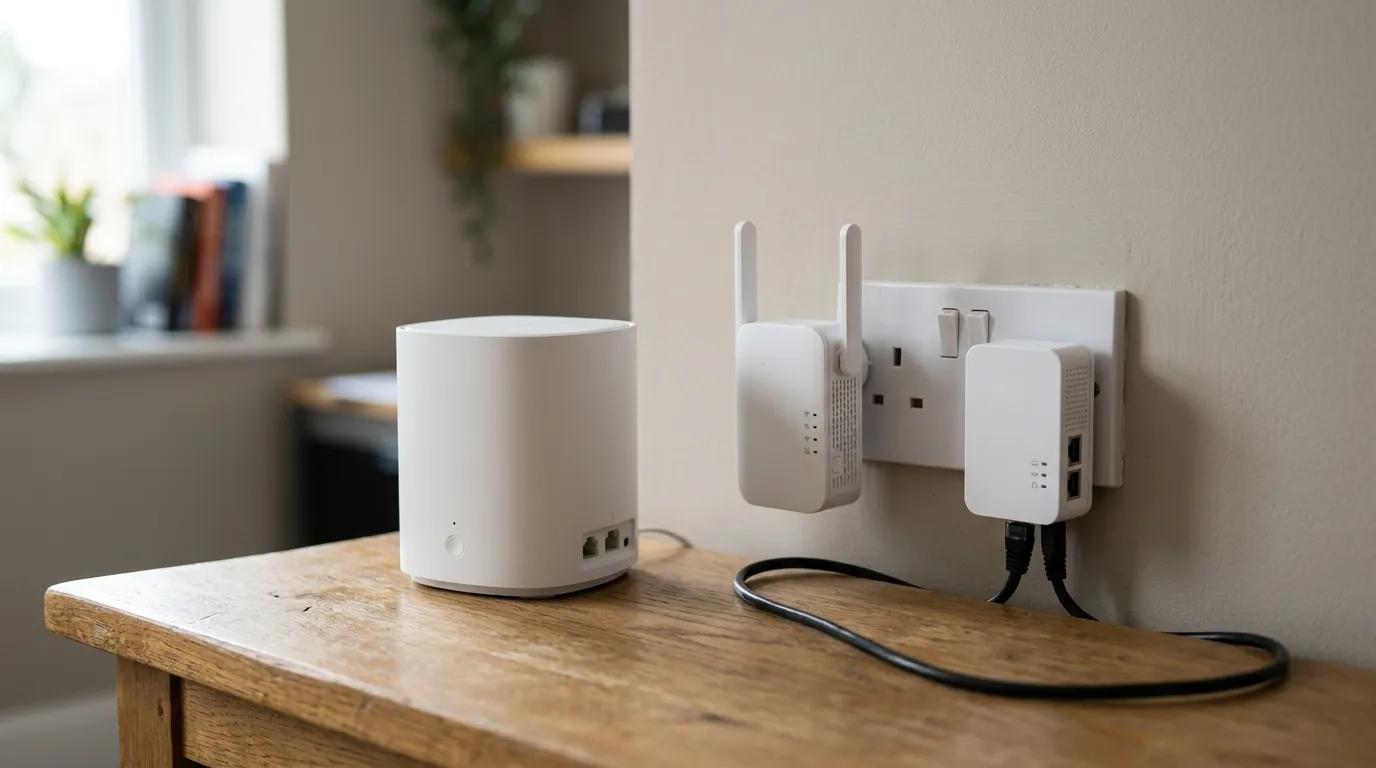
If your trouble is one specific room rather than the whole house, read mesh vs extender vs powerline first; you may not need a full mesh kit at all. And if you are not sure whether the problem is coverage or something else, our guides on fixing Wi-Fi dead spots and why your Wi-Fi is slow will tell you what you are actually dealing with.
Wi-Fi 6 vs 6E vs 7: what matters in the UK
Here is the part most ranking pages get wrong, so read this before you pay extra.
Wi-Fi 7’s headline trick is 320MHz channels and multi-link operation on the 6GHz band. In the UK that band depends on Ofcom spectrum rules, and as of early 2026 only the lower 6GHz range (5925 to 6425MHz) is licence-exempt, with the upper band still being shared and consulted on (see Ofcom’s 6GHz spectrum work). That alone limits how much 6GHz headroom you get here.
The bigger catch: several cheap “Wi-Fi 7” boxes sold in the UK, including the TP-Link Deco BE25 and ASUS ZenWiFi BD4, are dual-band and have no 6GHz radio at all. They carry the Wi-Fi 7 badge for features like MLO across 2.4 and 5GHz, but they physically cannot deliver the 6GHz experience the standard is famous for. If you buy one expecting Wi-Fi 7’s marquee speeds on 6GHz, you will not get them, no matter your broadband.
So the practical position for 2026:
- Wi-Fi 6 covers nearly everyone and saturates UK full fibre. It is the sensible default.
- Wi-Fi 6E adds a real 6GHz band and is worth it if you have lots of devices or want a clean, uncongested channel.
- Wi-Fi 7 is only worth paying for if you have 2Gbps+ broadband, a very busy network, and Wi-Fi 7 client devices to talk to it. For a 900Mbps line, a good Wi-Fi 6 mesh already maxes it out; one user measured 927Mbps over Wi-Fi on a 900Mbps Plusnet line.
A note on coverage claims and wired backhaul
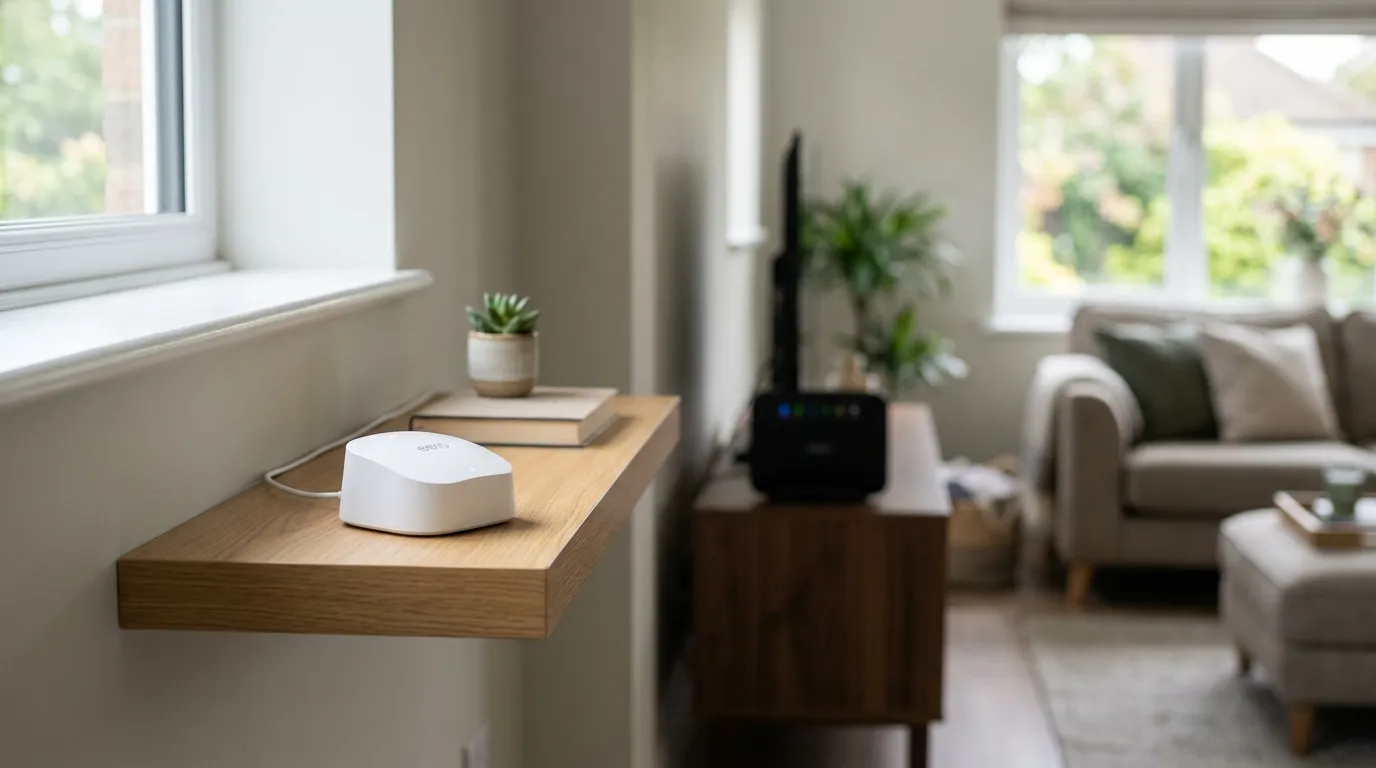
The “up to X square feet” figures on the box assume open American drywall. UK brick, stone and plaster cut those numbers down hard, so treat them as a best case, not a promise. Position units in line of sight where you can, and add nodes rather than stretching too far.
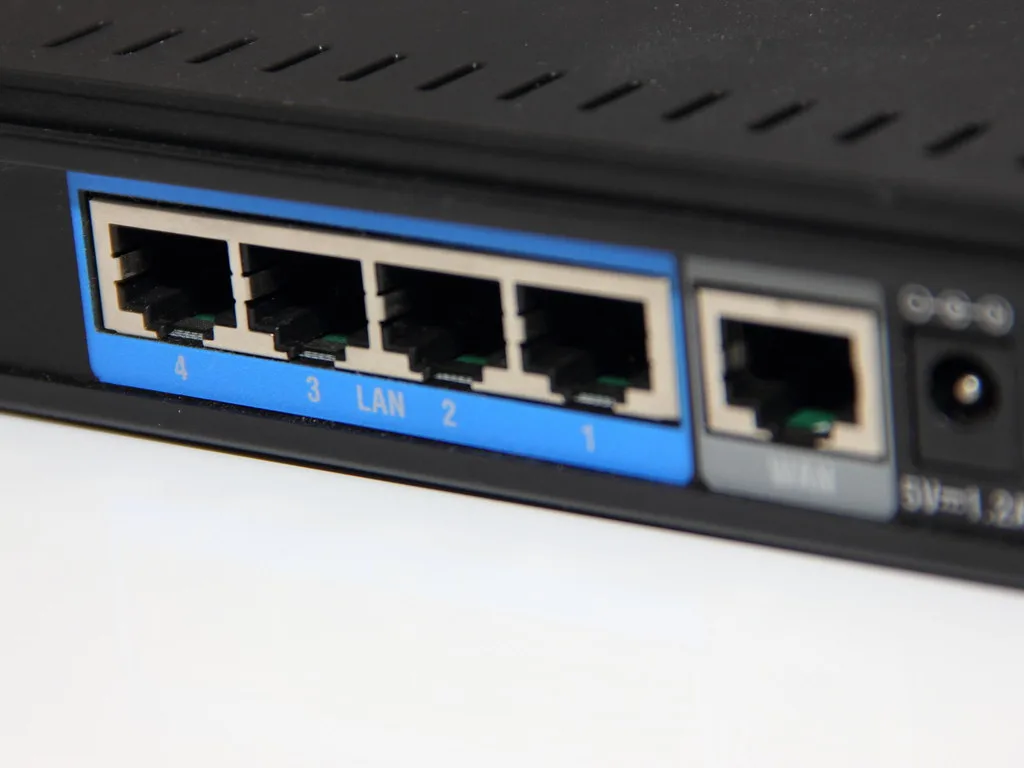
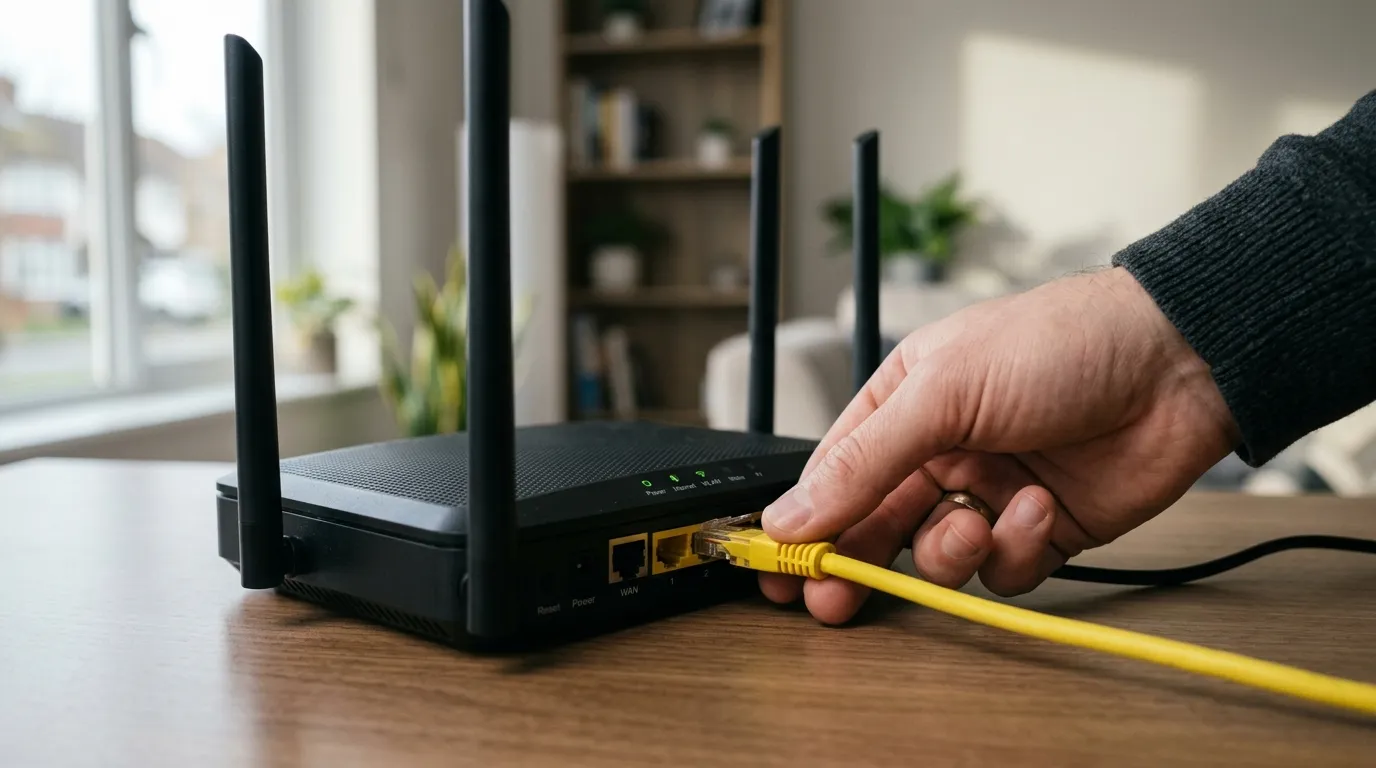
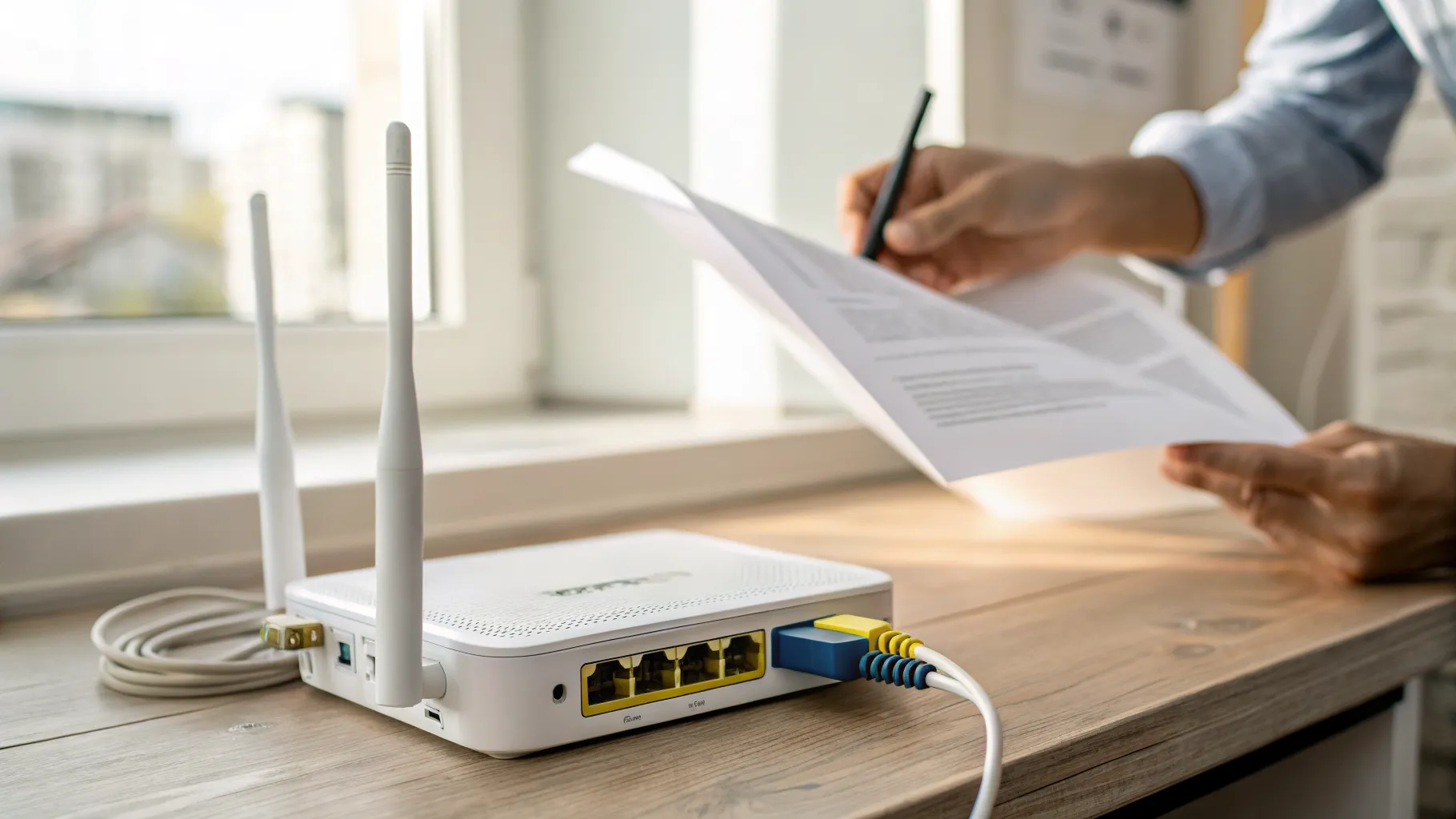
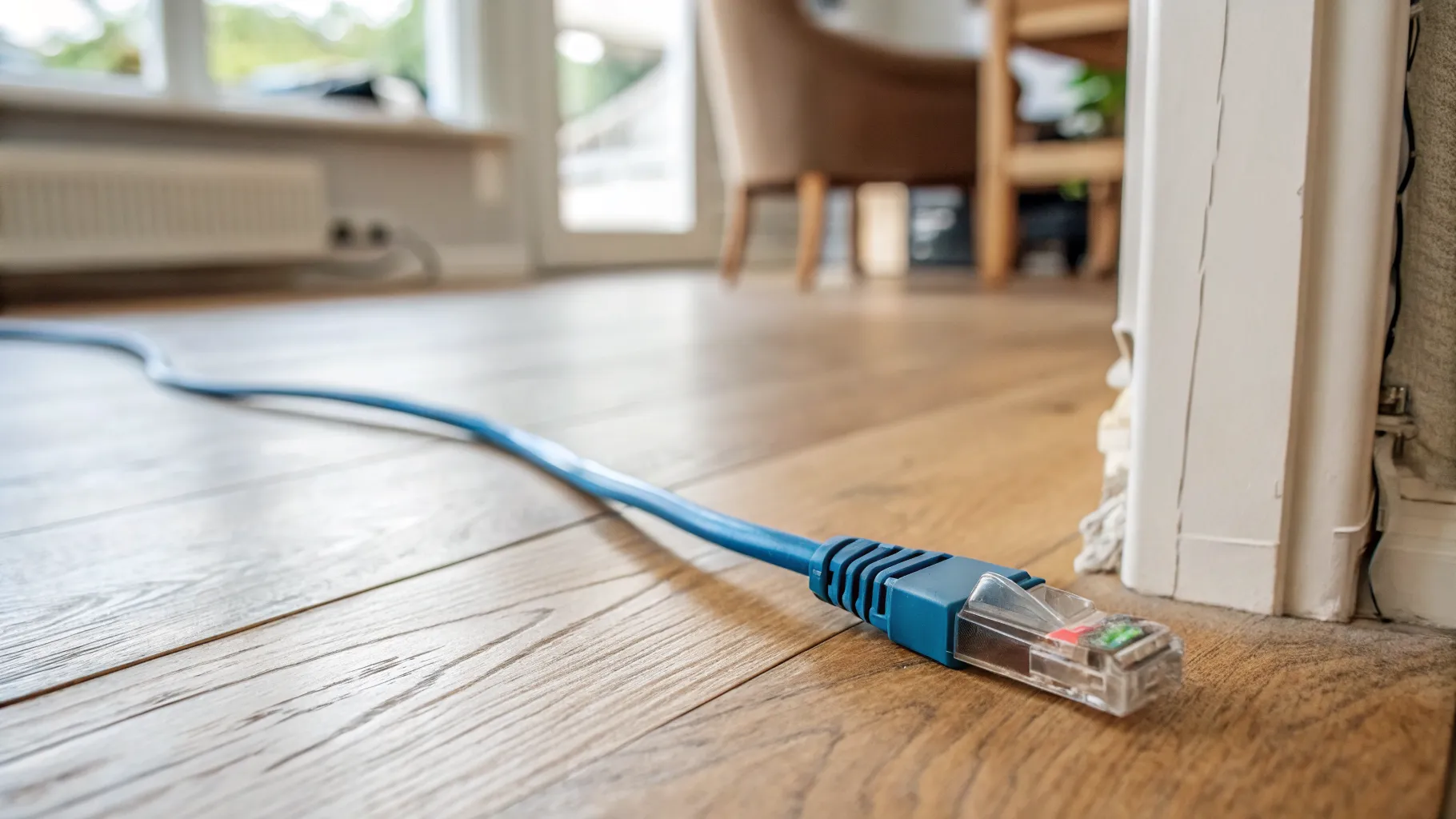
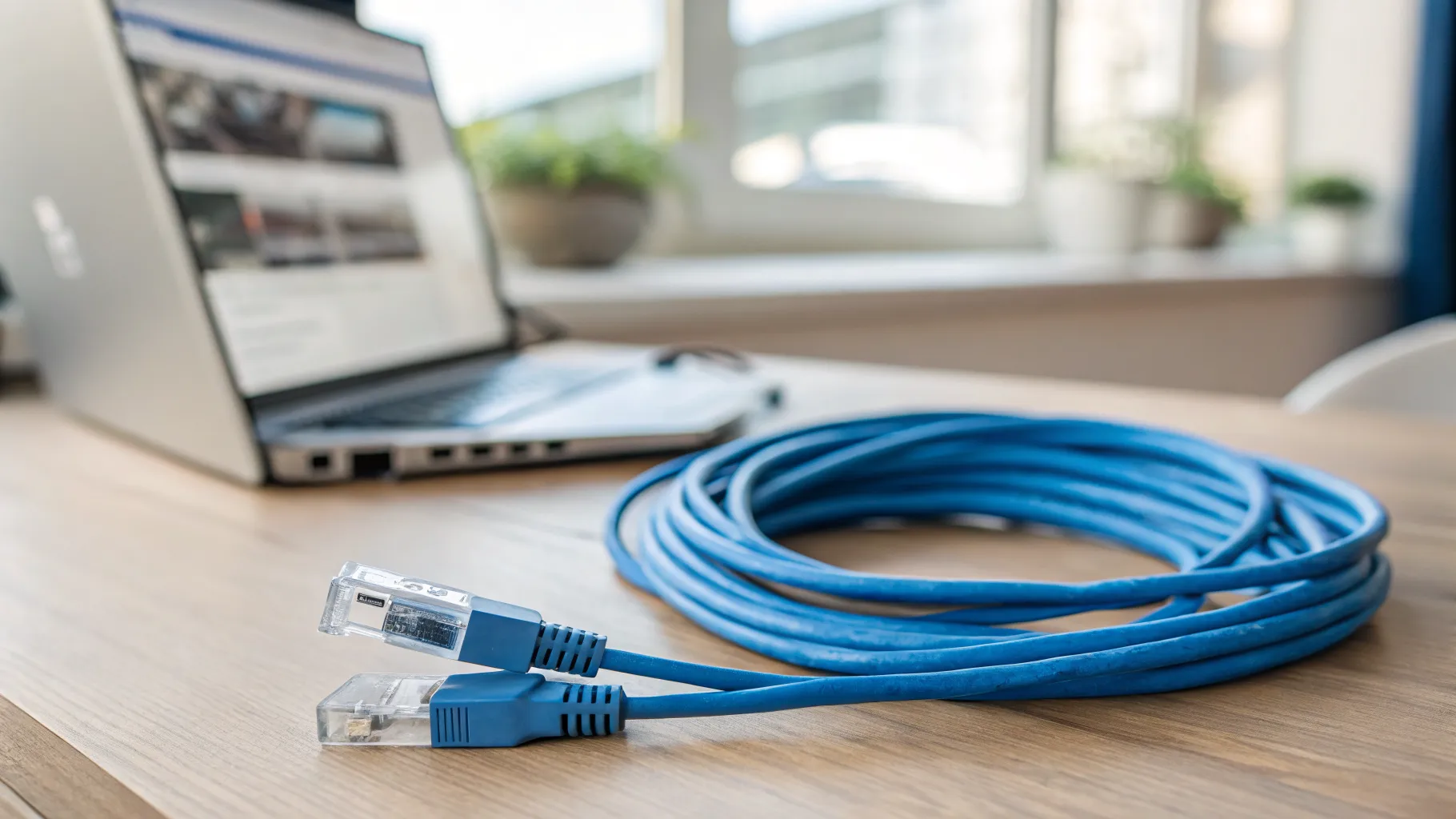
If you can run an Ethernet cable between nodes, do it. Wired (Ethernet) backhaul gives every node a clean link back to the router and is the single biggest upgrade to mesh reliability. For Wi-Fi 6E and 7 kit, a 2.5G port for backhaul is ideal. One common gotcha: eero’s smaller beacons and some extenders lack Ethernet ports, so check before you plan a wired setup.
The best mesh Wi-Fi systems, ranked
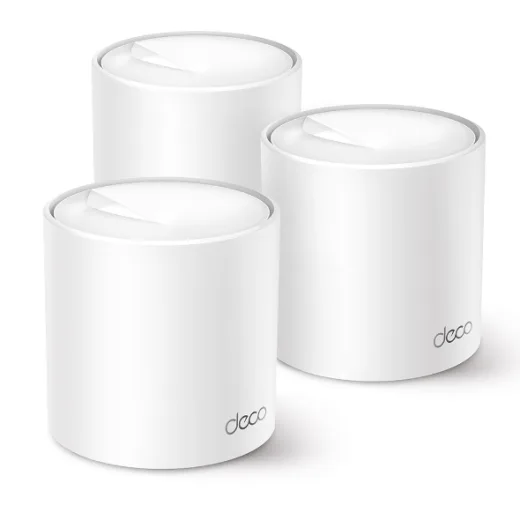
Best overall value: TP-Link Deco X50
For most UK homes this is the one to buy. It is a dual-band Wi-Fi 6 system (AX3000: 2402Mbps on 5GHz plus 574Mbps on 2.4GHz), handles 150+ devices, and a 3-pack covers up to roughly 6,500 square feet on paper. It has three Gigabit ports per unit, which is plenty unless you specifically want 2.5G. Crucially it saturates a typical UK full-fibre line without breaking a sweat, and it is the cheapest genuinely reliable whole-home mesh. Full specs are on the TP-Link Deco X50 page. Check the current price on Amazon.
Best budget Wi-Fi 7 (for the ports, not the speed): TP-Link Deco BE25
If you want the newest standard and future-proof wiring without paying flagship money, the Deco BE25 is the cheapest credible Wi-Fi 7 mesh in the UK. The reason to buy it is the two 2.5G ports per unit, which make for fast wired backhaul, plus MLO across 2.4 and 5GHz. The reason not to over-expect: it is dual-band with no 6GHz radio, so you are buying it for the ports and the price, not for Wi-Fi 7’s signature 6GHz performance. For a busy household planning a wired backbone, that trade can make sense.

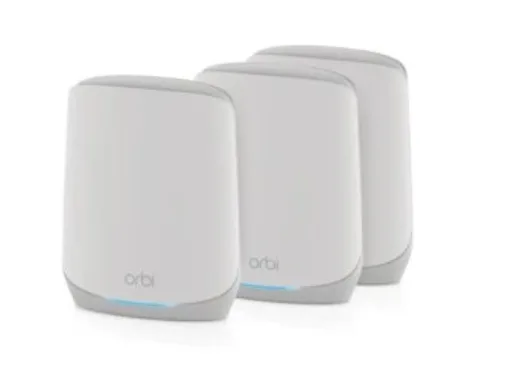
Best for large homes: Netgear Orbi RBK763S
For big or awkward properties, the Orbi RBK763S is tri-band Wi-Fi 6 (AX5400, up to 5.4Gbps) with a dedicated wireless backhaul band, so your nodes do not steal capacity from your devices. A 3-pack reaches up to around 6,000 square feet and the kit gives you a spread of Gigabit ports across the units. It handles up to 75 devices, fewer than the cheaper picks, so it suits larger homes rather than gadget-dense ones. Specs are on the Netgear Orbi RBK763S page. It can look expensive for a Wi-Fi 6 system, but it discounts heavily, so check the current price on Amazon before deciding.
Best Wi-Fi 6E and best for Alexa homes: eero Pro 6E
If you are in the Amazon ecosystem or want a true 6GHz band, the eero Pro 6E is the pick. It is genuinely tri-band (2.4, 5 and 6GHz, up to 2.3Gbps), with one 2.5GbE and one Gigabit port per unit, and covers around 6,000 square feet. The standout extra is a built-in Zigbee and Thread smart-home hub plus deep Alexa integration, so it doubles as your smart-home controller. The eero app is the easiest to set up of any system here. Specs are on the eero Pro 6E page. Check the current price on Amazon.

Best simple and budget: eero 6+
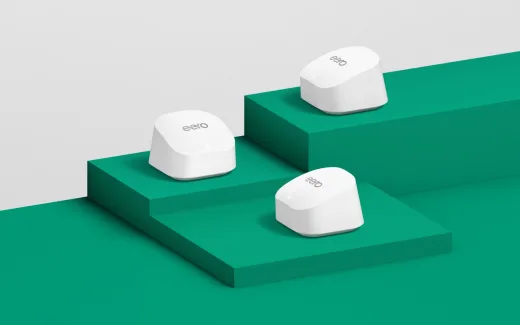
The eero 6+ is the entry point to the same easy app and the same built-in Zigbee hub, at a lower price. It is dual-band Wi-Fi 6 with 160MHz channels, up to gigabit speeds, covers around 420 square metres as a 3-pack, and supports wired backhaul on the router units. For a small or medium UK home where you want mesh that just works and plays nicely with Alexa, this is the easiest first step. Check the current price on Amazon, and confirm the pack size on the listing before you buy.
Best for power users: ASUS ZenWiFi XT9
If you like to tune things, the ZenWiFi XT9 gives you the most control. It is tri-band Wi-Fi 6 (AX7800, up to 7800Mbps) with a 2.5G WAN port and LAN aggregation up to around 2Gbps, and it expands through ASUS AiMesh if you add more units later. A 2-pack covers roughly 5,700 square feet. The real differentiator is cost of ownership: AiProtection Pro security is included for the lifetime of the device, with no subscription. Specs are on the ASUS ZenWiFi XT9 page. Check the current price on Amazon.

The hidden cost: subscriptions
Two of these brands charge extra for their best security and parental-control features. Netgear Armor and eero Plus are paid subscriptions; if those features matter to you, factor the annual fee into your decision. ASUS is the outlier here: AiProtection Pro on the ZenWiFi XT9 is free for the life of the device. Over a few years that gap adds up, so weigh it before you pick on sticker price alone.
Setup tips that prevent most problems
- Run a cable if you can. Wired backhaul is the biggest reliability upgrade, especially in brick-walled homes.
- Watch for double-NAT. If you keep your ISP router in front of the mesh, put one of them into bridge or access-point mode so you do not run two routers fighting each other.
- Place nodes in line of sight, roughly halfway to the dead zone, not at the far edge of it.
- Pick the right channel. If your neighbours’ networks are crowding yours, our guide on changing your Wi-Fi channel can help.
- If the connection keeps dropping after setup, that is usually a placement or firmware issue, not a faulty kit; see why your Wi-Fi keeps dropping.
Frequently asked questions
Do I really need mesh, or will one good router do? Under about 80 square metres with thin walls, a single quality router is usually enough and mesh is wasted spend. Mesh pays off with thick Victorian or stone walls and multiple floors, the classic UK terraced and semi situation, where one router cannot push signal through brick to the back of the house.
Is Wi-Fi 7 worth paying for in 2026? For most people, no. Wi-Fi 6 or 6E covers nearly everyone, and Wi-Fi 6 already saturates a 900Mbps full-fibre line. Wi-Fi 7 is only worth it if you have 2Gbps+ broadband, a very busy network, and Wi-Fi 7 client devices. Note too that the cheap “Wi-Fi 7” mesh kits sold here are dual-band with no 6GHz radio, so they cannot deliver Wi-Fi 7’s headline 6GHz speeds anyway.
Will a mesh system slow my full-fibre line? No, a good one will not. On a 900Mbps line a decent Wi-Fi 6 mesh saturates the connection; real-world users have measured 927Mbps over Wi-Fi. The limit is usually your client device or wall placement, not the mesh itself.
Should I use wired backhaul, and do I need 2.5G ports? If you can run an Ethernet cable between nodes, yes, every time; wired backhaul is the single biggest reliability gain. For Wi-Fi 6E and 7 systems, 2.5G ports for that backhaul are ideal. Watch out: eero’s smaller beacons and some extenders have no Ethernet ports, so check the spec before planning a wired layout.
Are the coverage square-footage claims accurate? Treat them as a best case. Those figures assume open, low-density walls. UK brick, stone and plaster cut real coverage well below the marketing number, so position nodes carefully and add units rather than overstretching.
Does a mesh system need a subscription? It depends on the brand. Netgear Armor and eero Plus are paid add-ons for advanced security and parental controls. ASUS AiProtection Pro on the ZenWiFi XT9 is free for the life of the device, which is a genuine saving over several years.
HomeWire is reader-supported. We may earn a commission from purchases made through links on this page, at no extra cost to you. We only recommend products we have researched against the live listings.