VoIP Adapter Explained: Keep Your Landline When You Switch to Fibre
VoIP Adapter Explained: Keep Your Landline When You Switch to Fibre
A VoIP adapter is the small box that lets you keep using your familiar corded or cordless home phone after your landline moves onto broadband. With the UK’s old copper phone network being switched off, millions of households are being moved to digital voice, and the question that worries people most is simple: do I have to bin my existing phone? Usually not. This guide explains what a VoIP adapter does, when you actually need one, how to set it up on full fibre, and the one power-cut catch that everyone should plan for before the switch.
What a VoIP adapter is
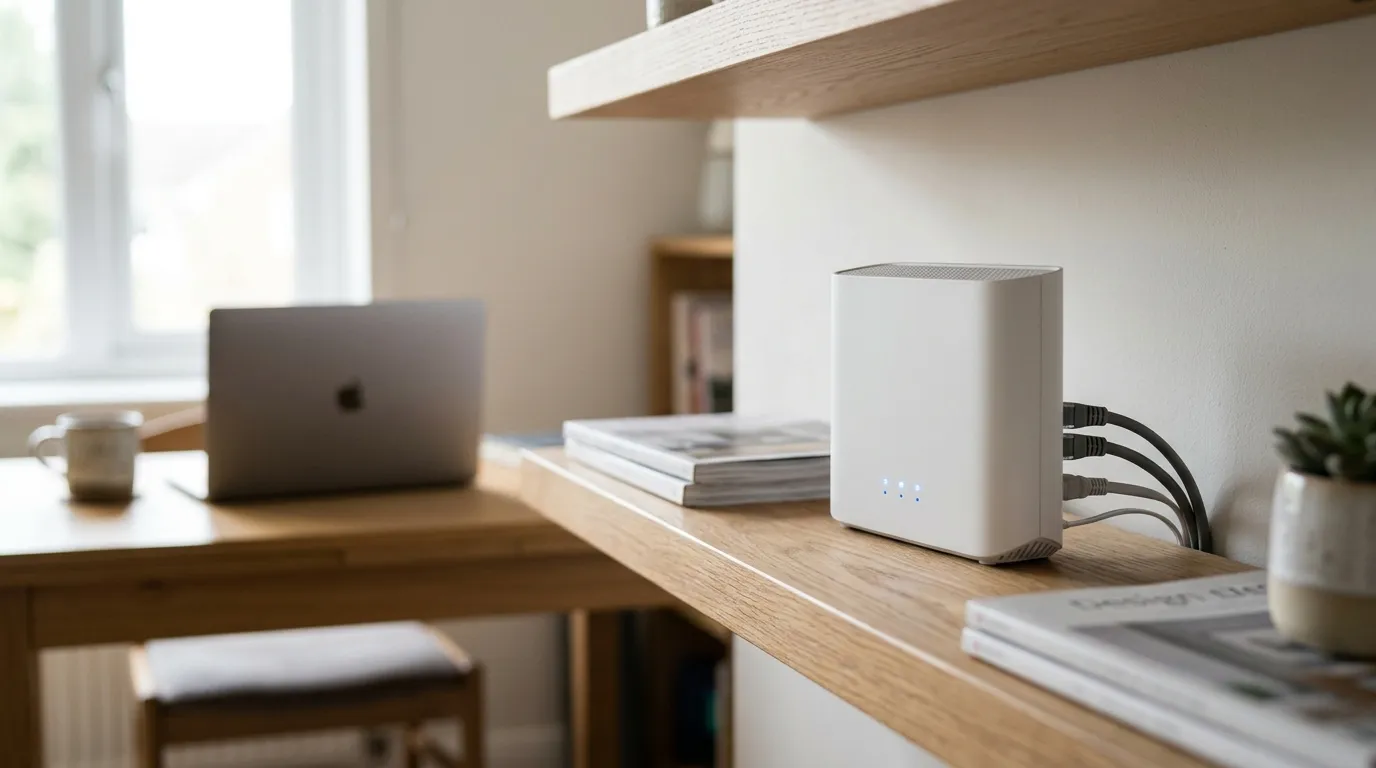
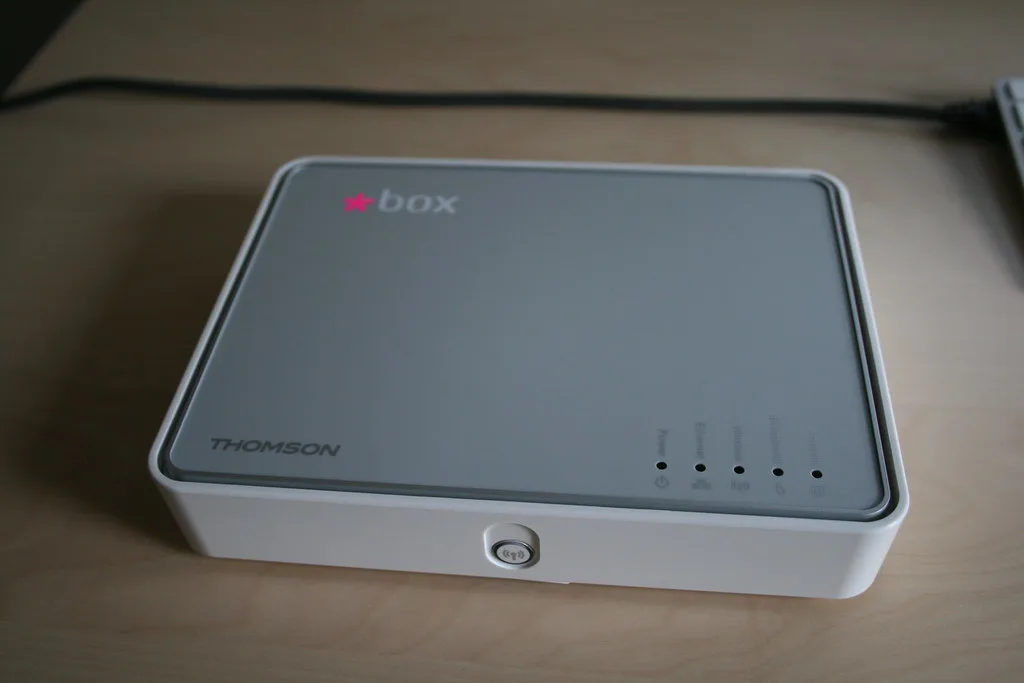
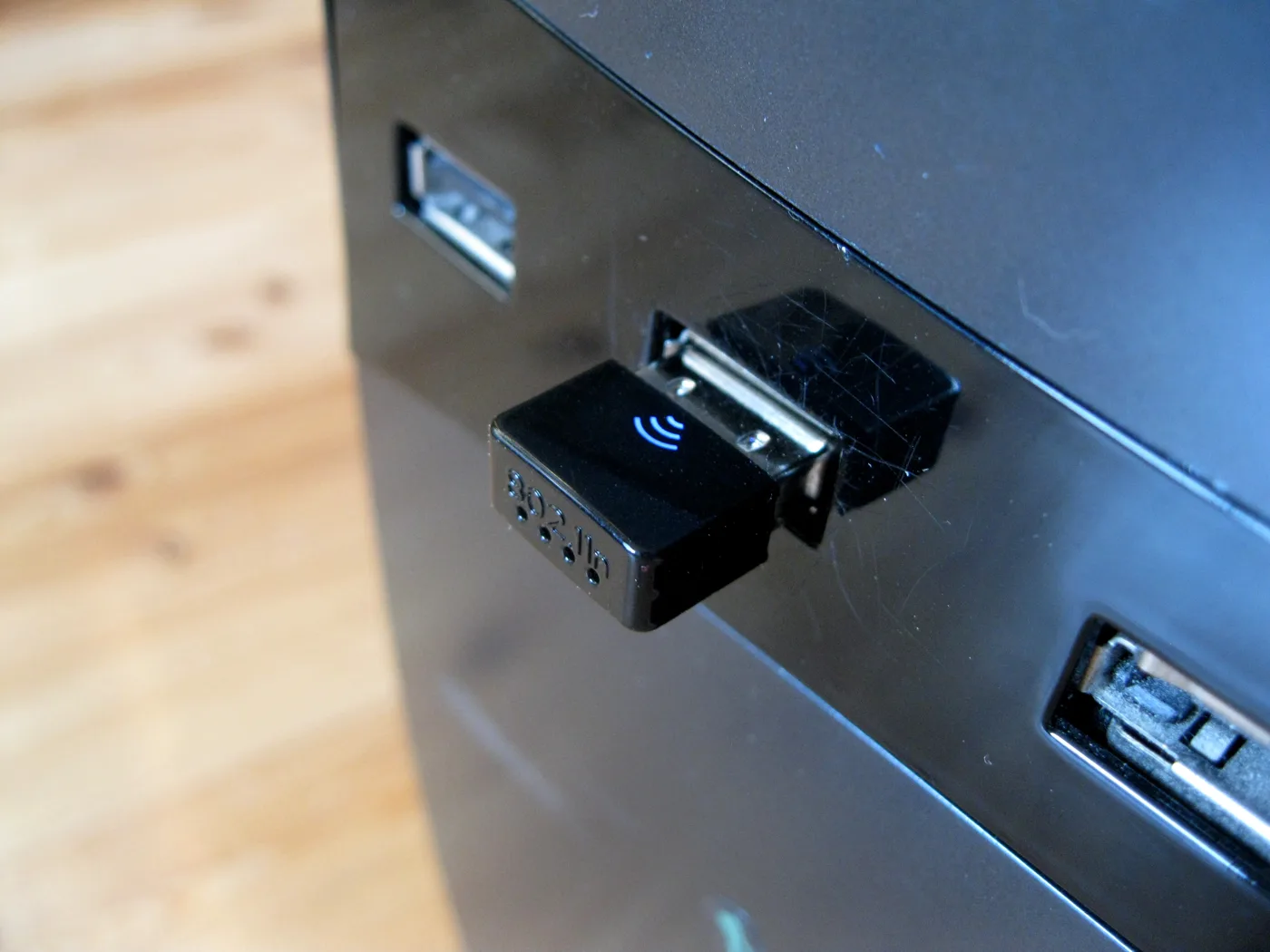
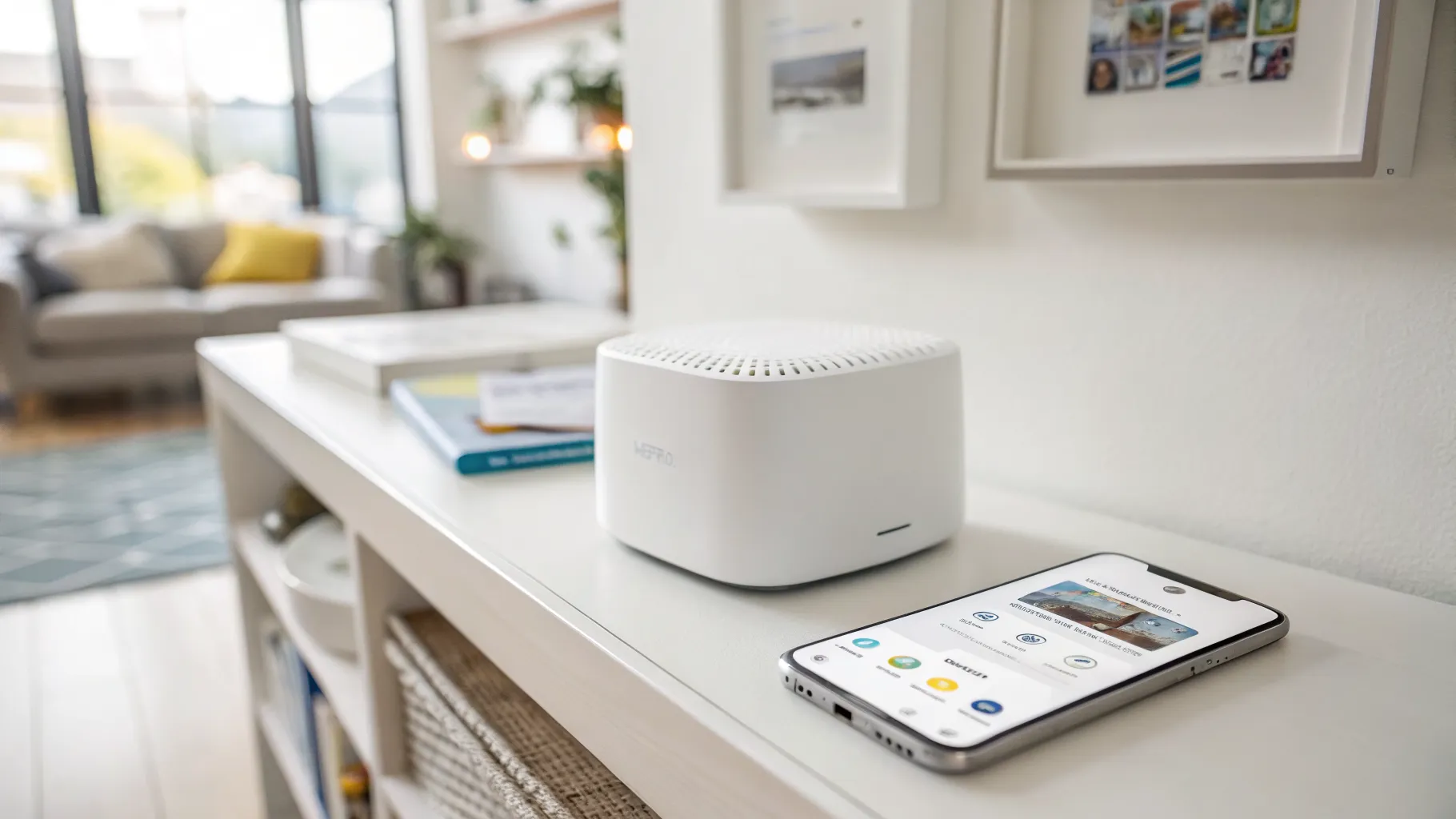
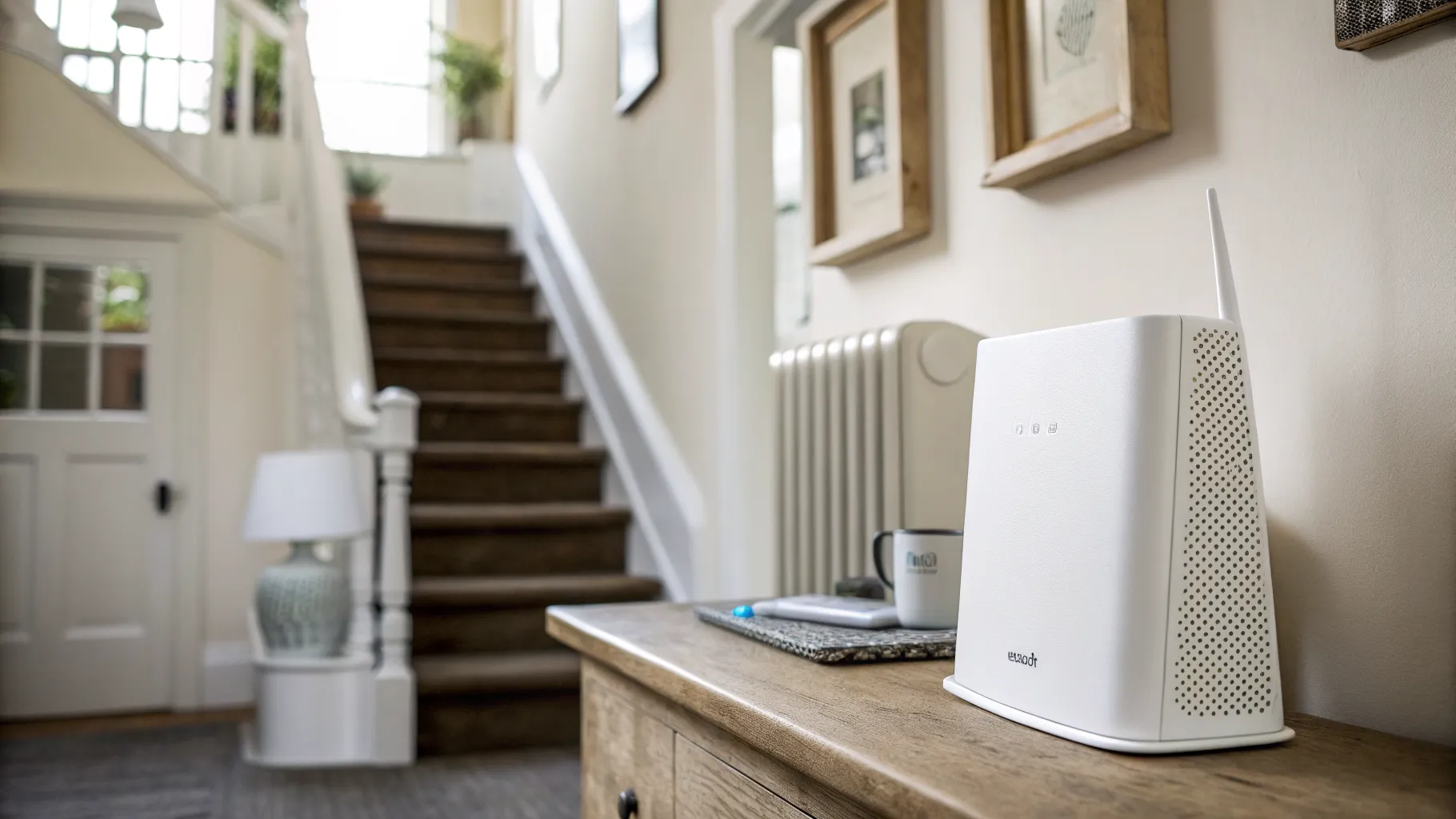
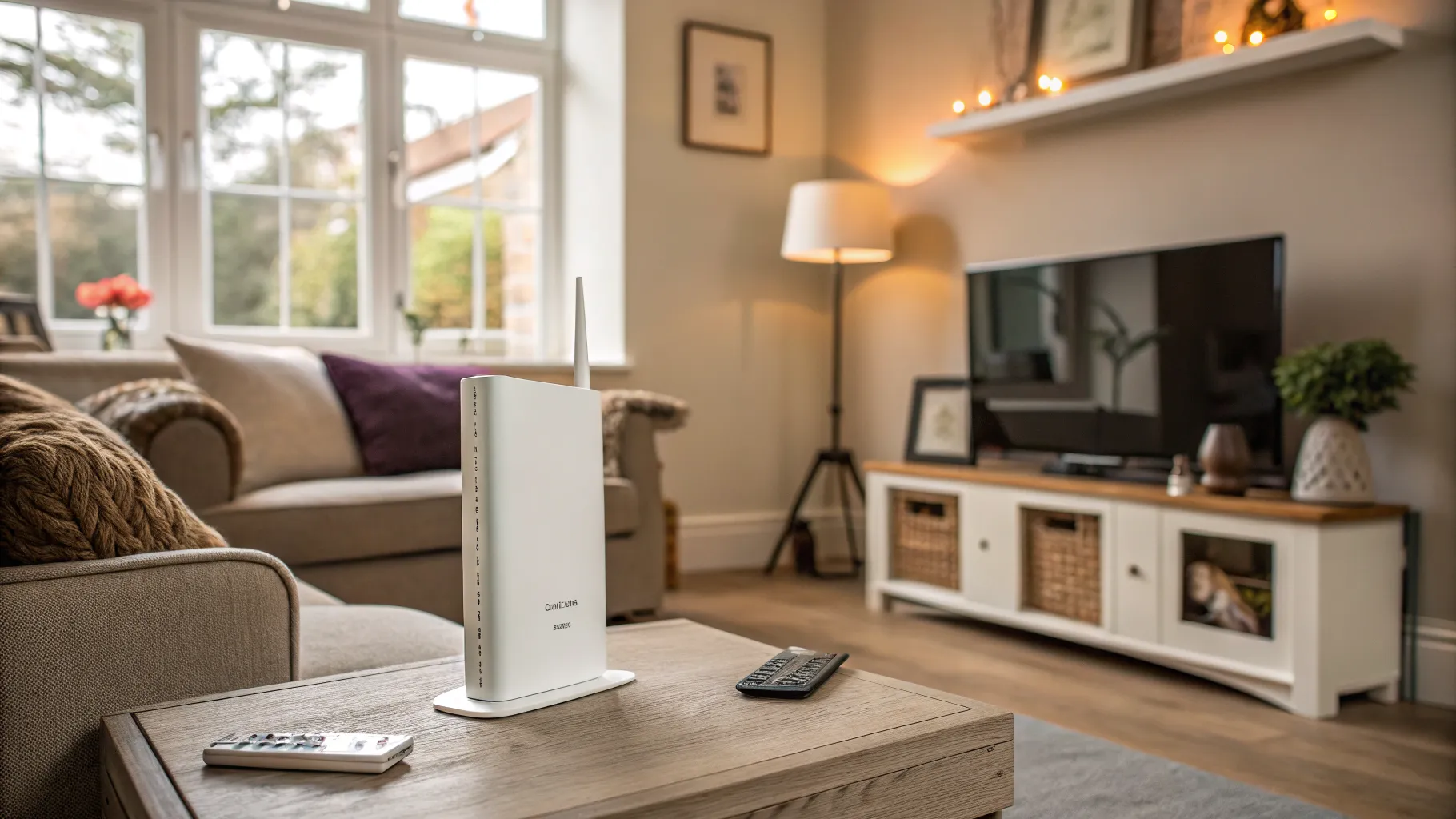
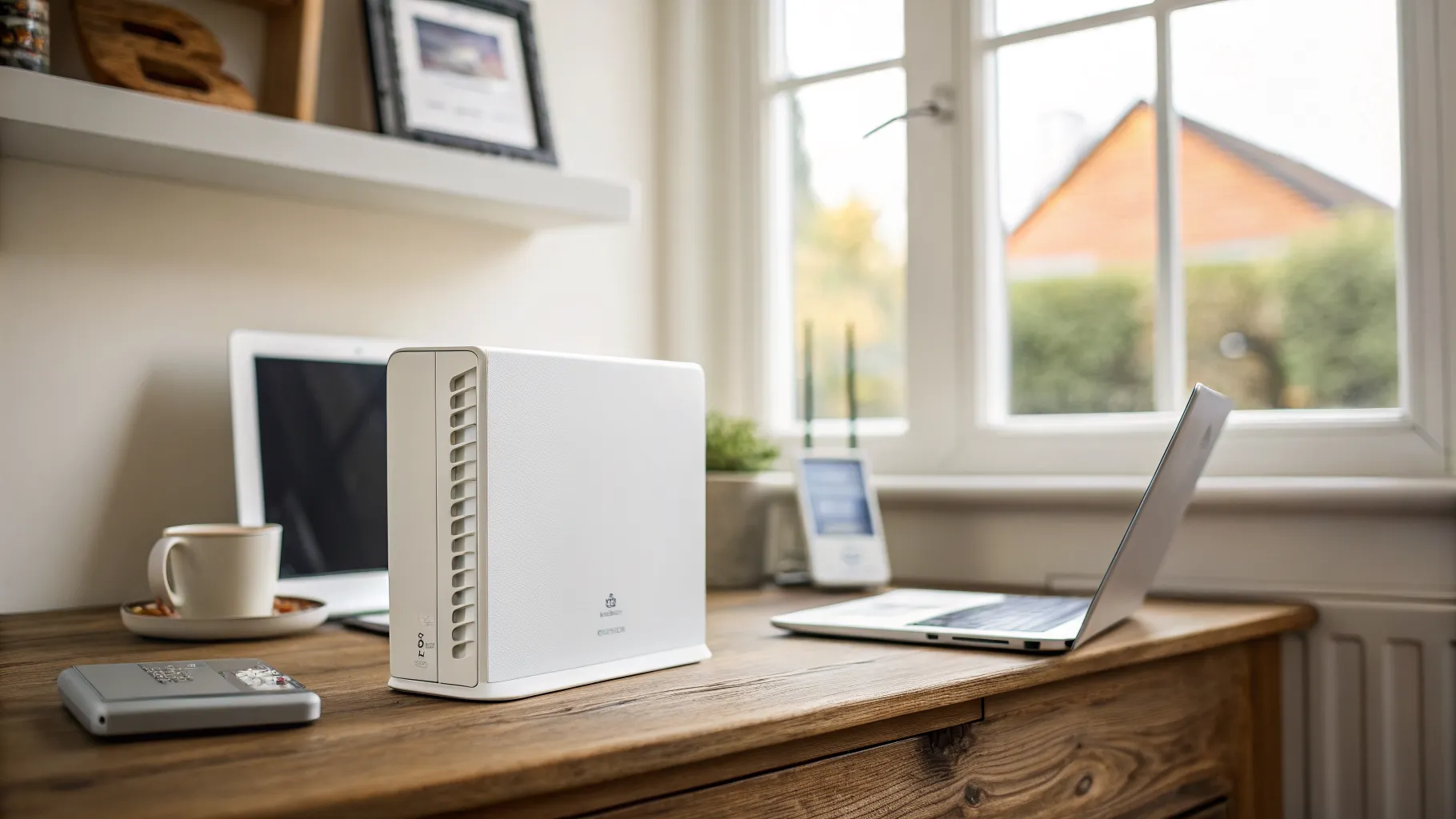
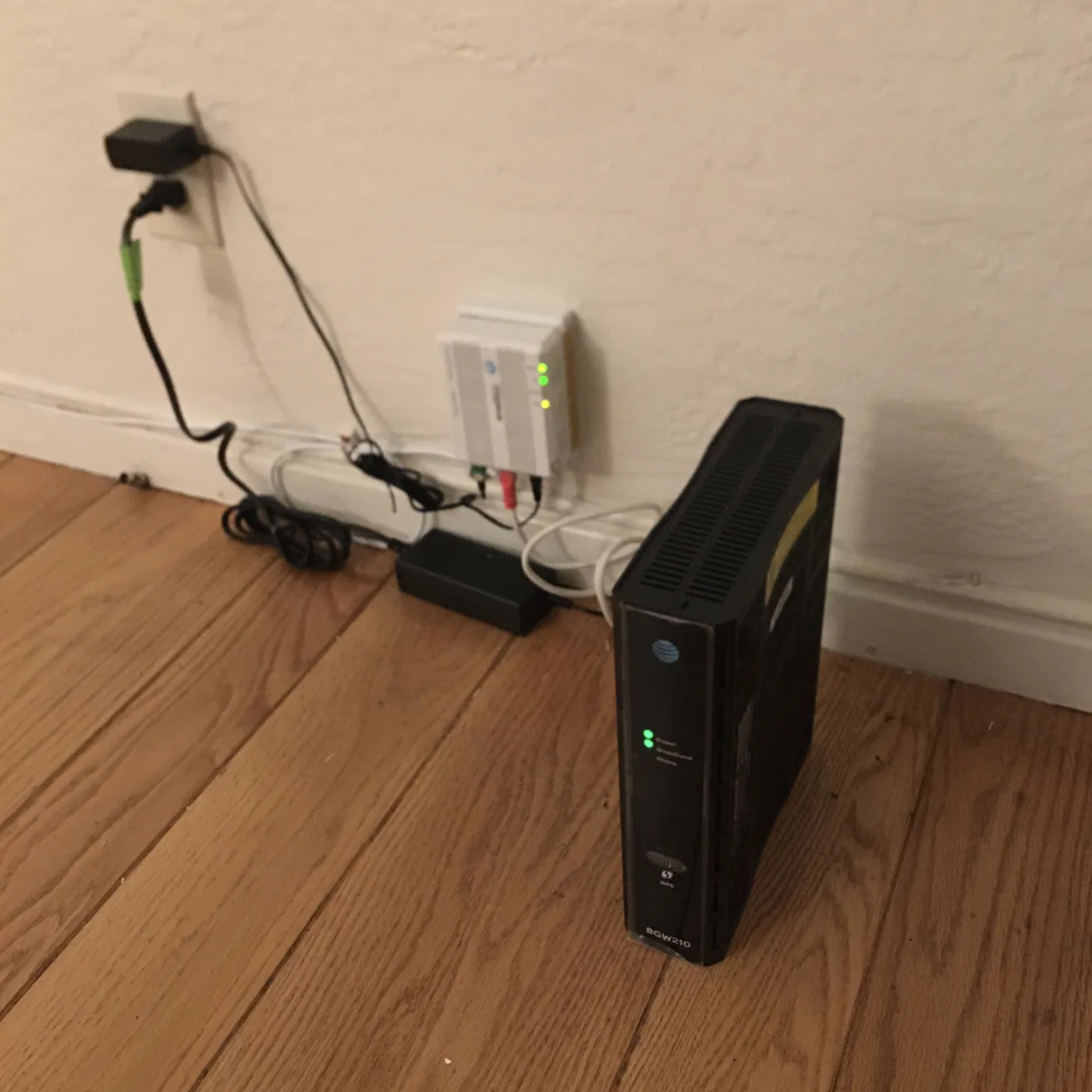
A VoIP adapter, properly called an Analogue Telephone Adapter or ATA, is a small device, roughly the size of a pack of cards, that connects a traditional analogue phone to your broadband. VoIP stands for Voice over Internet Protocol, which simply means your calls travel as digital data over your internet connection instead of down the old copper telephone line. The adapter sits between your handset and your router: it converts the analogue signal from your phone into the digital packets your broadband understands, and back again for incoming calls.
The point of it is continuity. Rather than replace a phone you like, or a cordless base station wired into your home, you plug it into the adapter and it works much as before, with a dial tone, your existing number and normal calling.
Why this is happening: the PSTN switch-off
The reason VoIP adapters have suddenly become relevant is the retirement of the Public Switched Telephone Network, the copper landline system the UK has used for over a century. It is being permanently switched off, with the industry now working to a deadline of January 2027. After that, every home phone that still uses the old network has to run over broadband instead, a change usually branded “Digital Voice” or “digital landline” by providers.
For most people the provider manages the move and may supply the equipment. But if you want to keep a specific analogue phone, or you have handsets around the house wired to a single line, a VoIP adapter is the device that bridges the old kit to the new system. The regulator Ofcom explains the switchover and your rights, and providers such as BT document their own Digital Voice rollout.
Do you actually need one?
Not everyone does, so check before you buy.
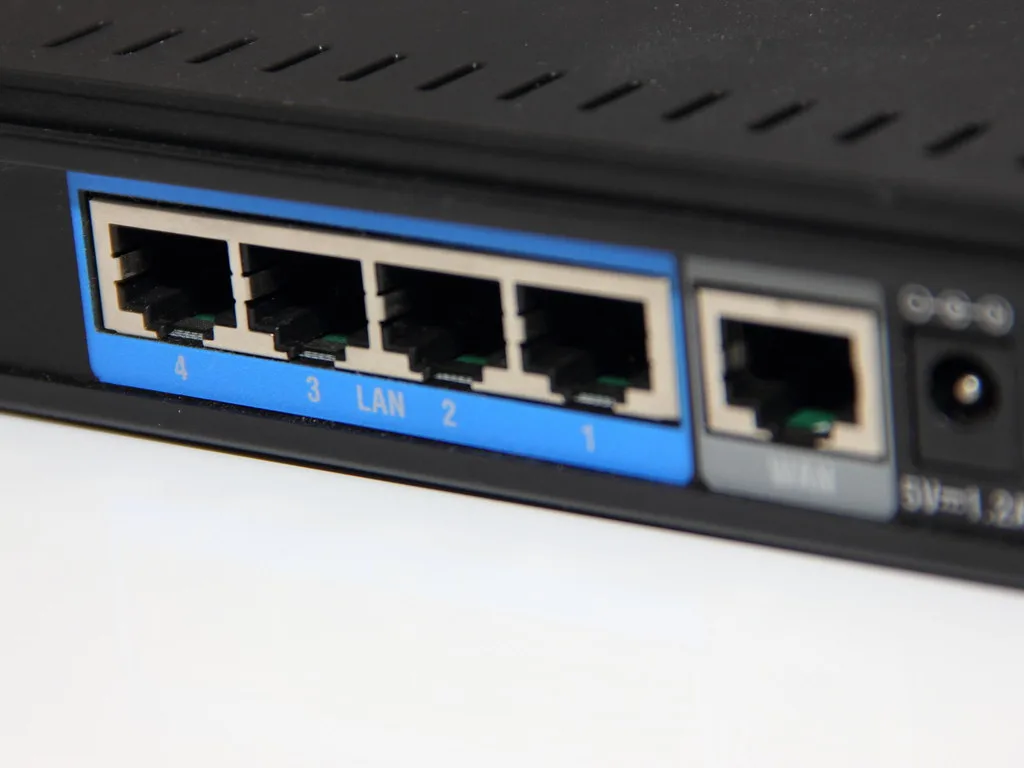
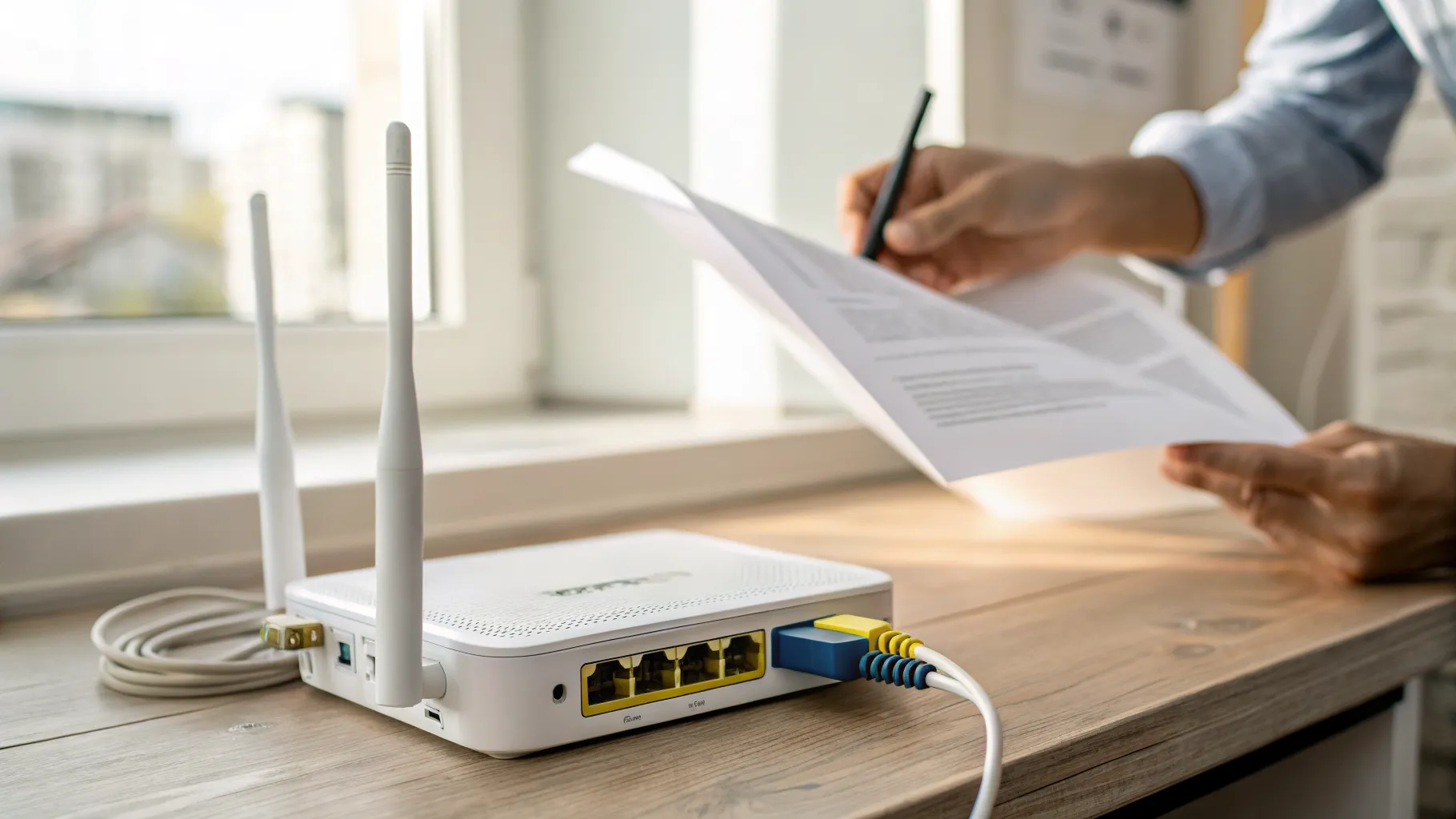
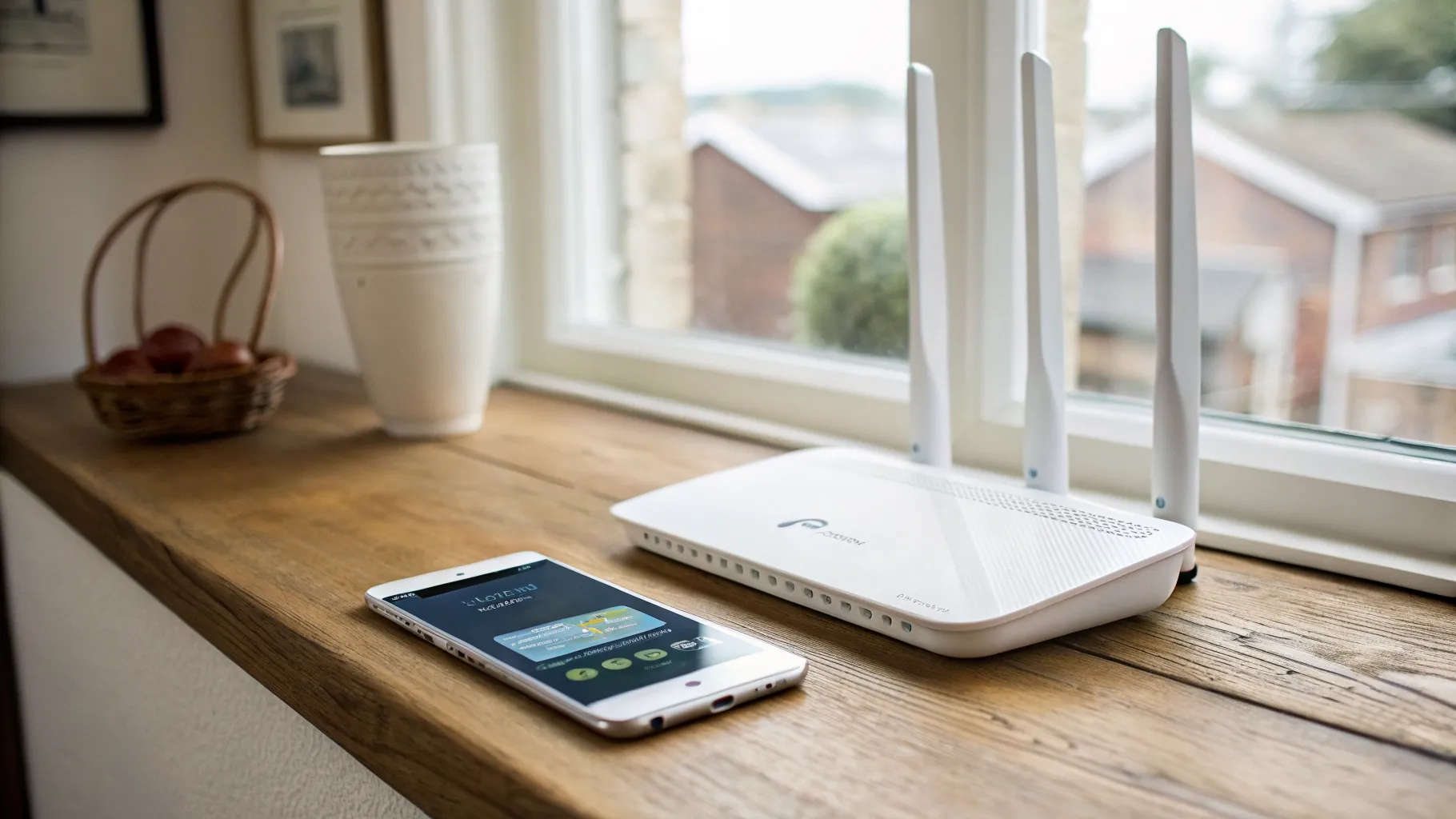
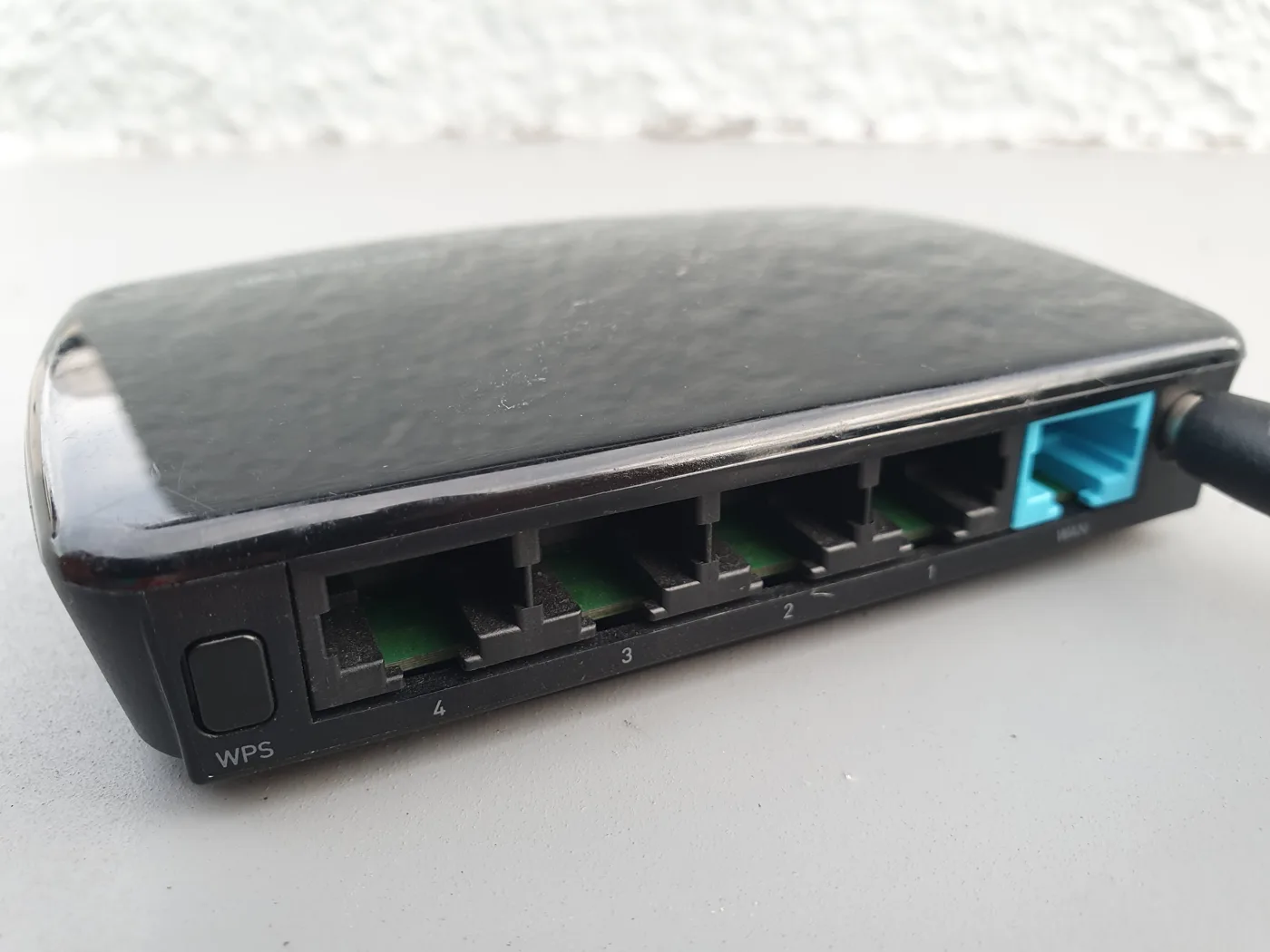
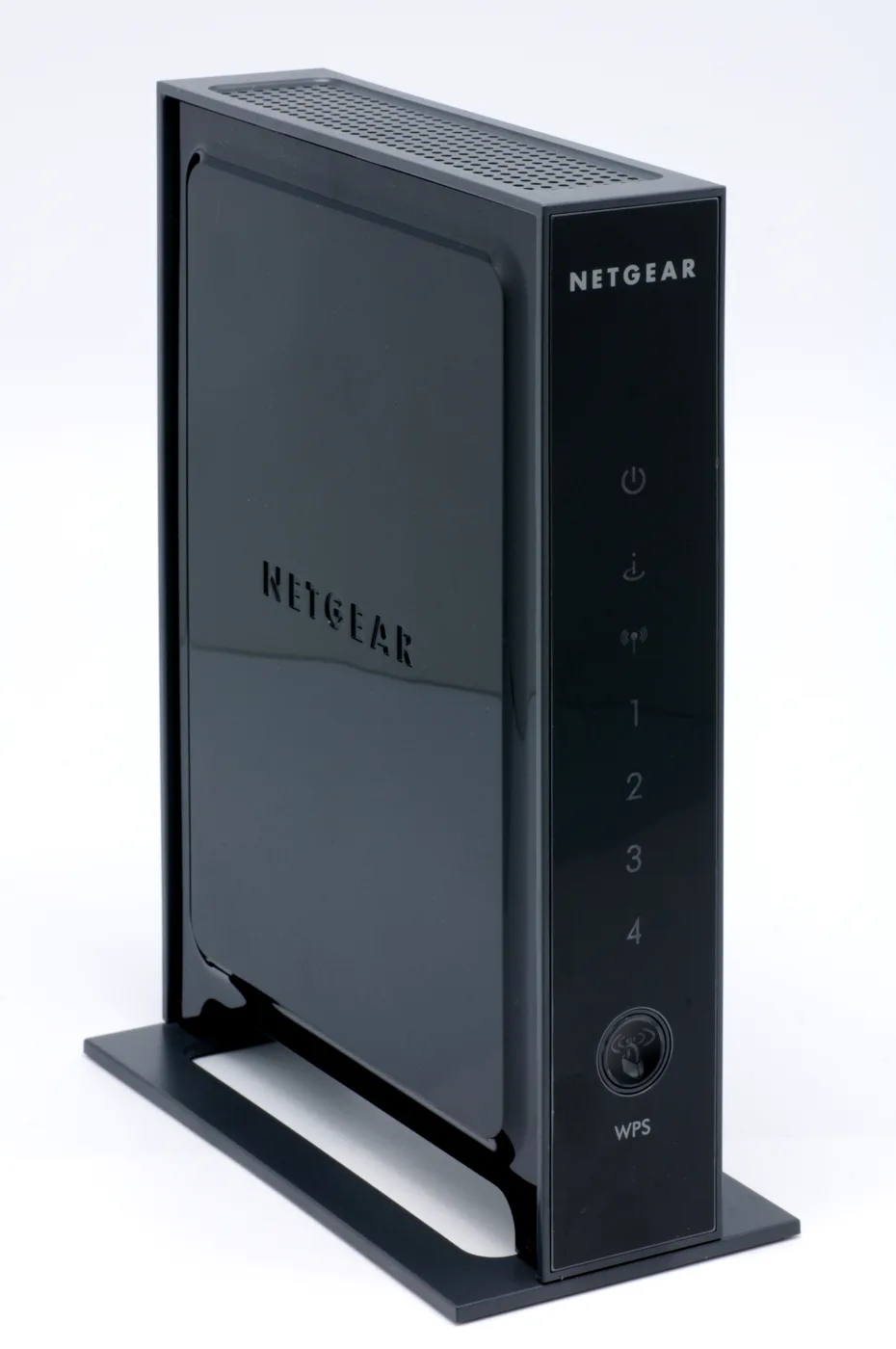
- Your provider may hand you the phone port. On many full-fibre setups the router itself has a telephone socket. You plug your existing phone straight into the back of the router and no separate adapter is needed.
- You want to keep a specific analogue phone or system. If your provider’s kit does not have a phone port, or you have multiple extensions or a cordless base you want to reuse, an ATA lets you keep them.
- You use a third-party VoIP service. If you are signing up to an independent internet-calling provider rather than your broadband company’s digital voice, they will usually tell you which adapter works with their service.
If you would rather cut the landline out entirely, that is also an option worth weighing, and our guide to broadband without a phone line covers it.
Setting up a VoIP adapter on full fibre
On a full-fibre (FTTP) connection the chain is straightforward once you know the order.
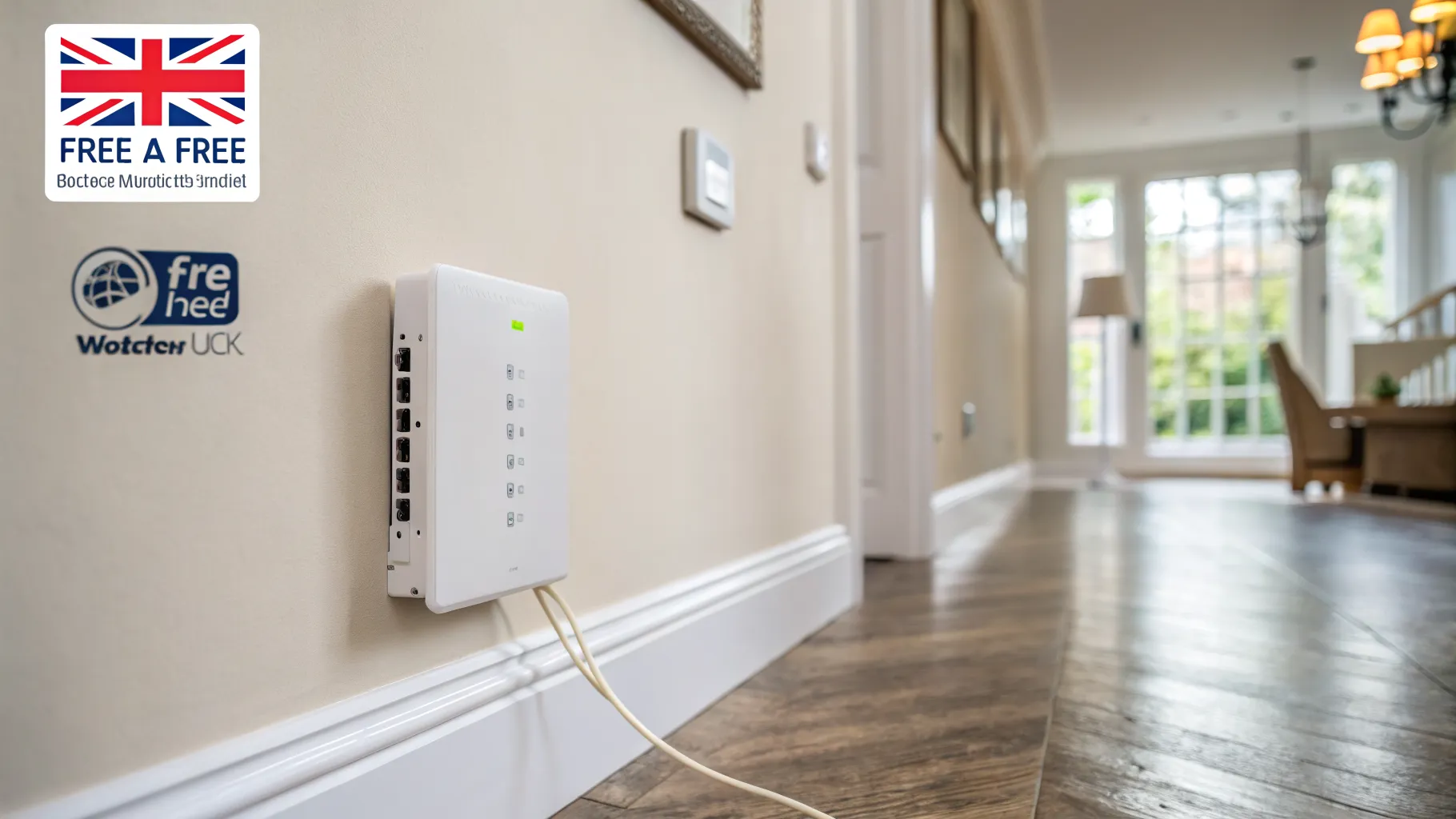
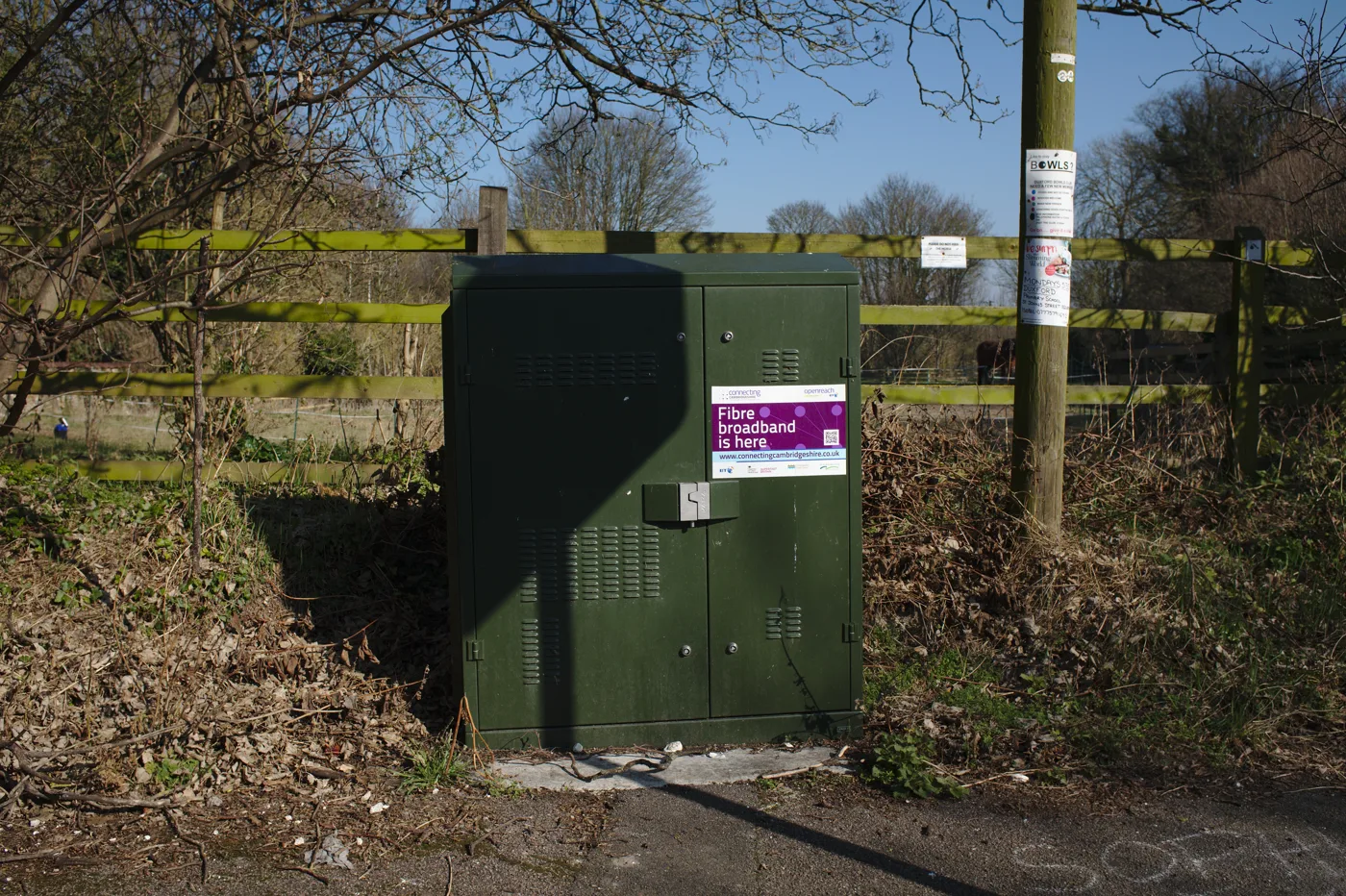
- Keep your wall-mounted fibre modem, the ONT, powered on. This is where the fibre enters your home.
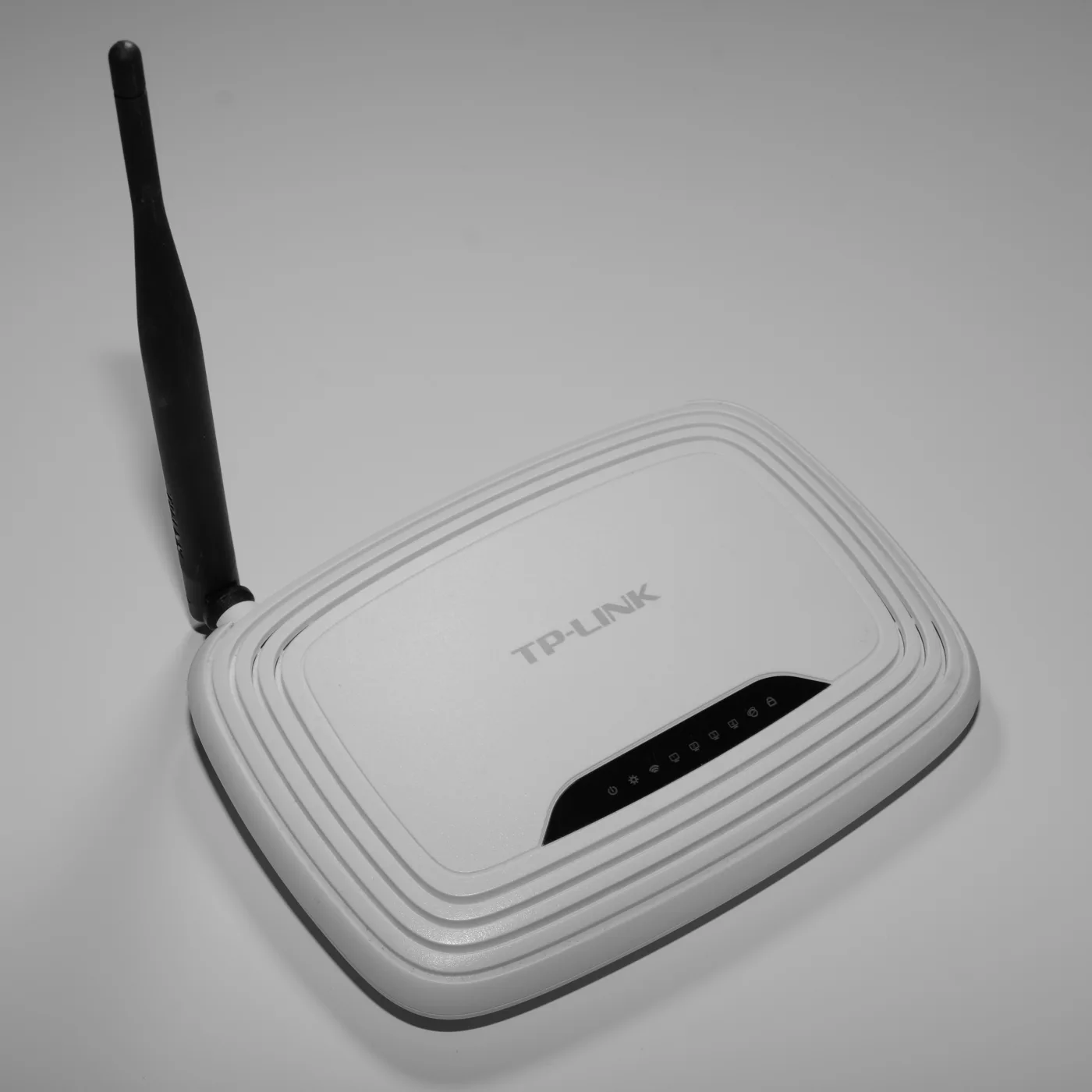
- Keep your router powered on and connected to the ONT as normal. If you are unsure what the router does in all this, see what is a router.
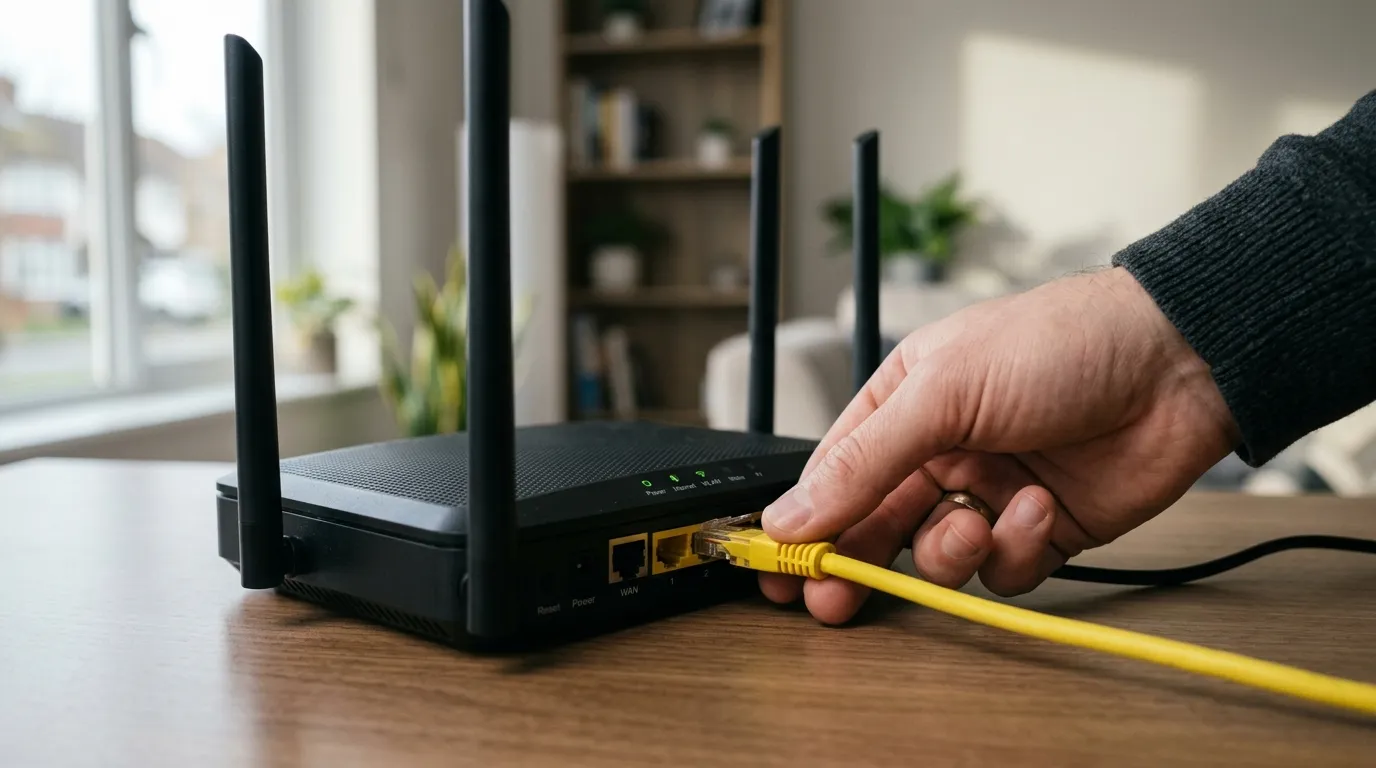
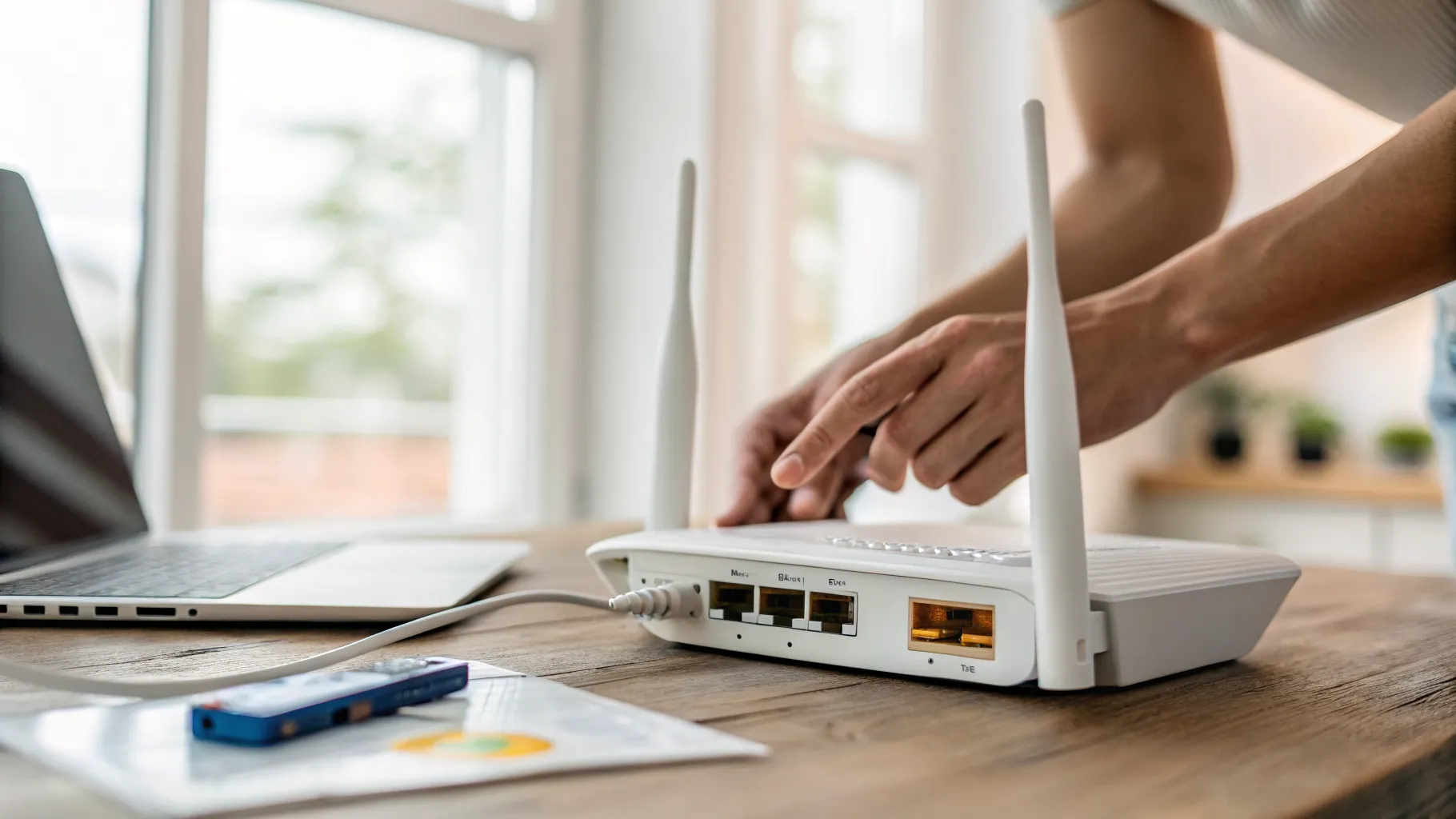
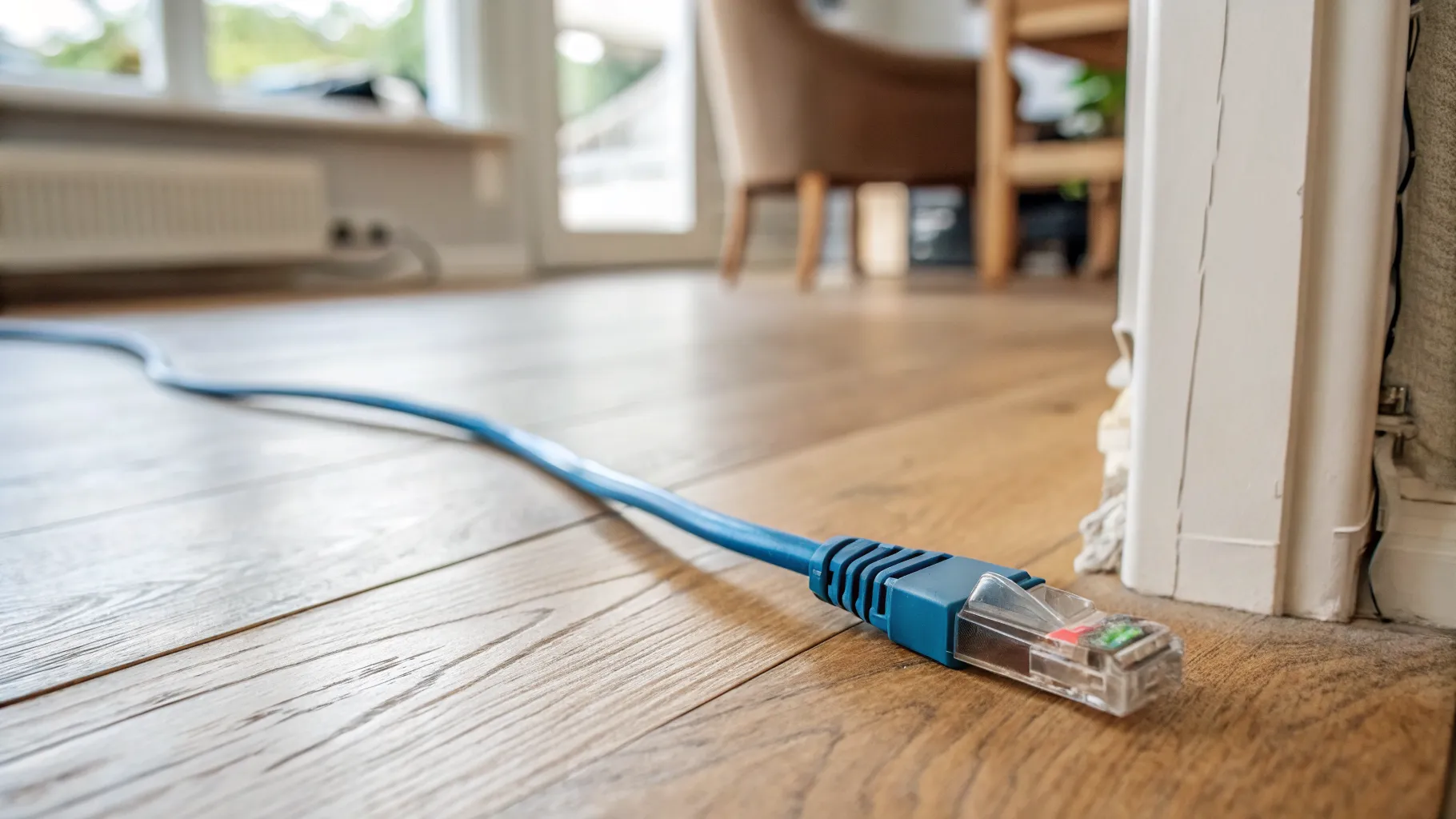
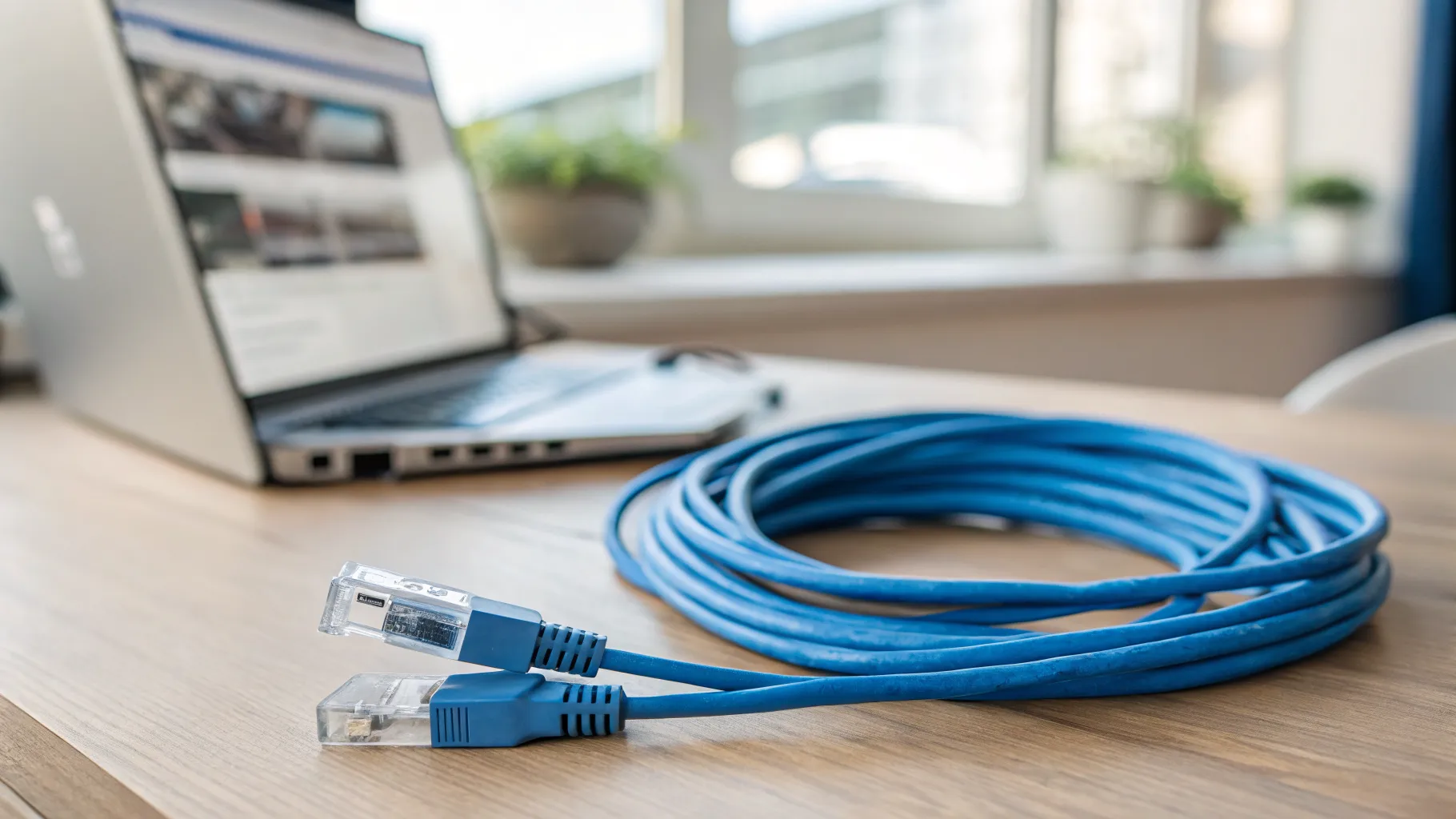
- Connect the VoIP adapter to the router, usually by an Ethernet cable, and to mains power.
- Once your number is active on the service, plug your handset into the adapter and you should have a dial tone.
In many cases the phone simply goes into the router and no separate adapter is involved. Only add an ATA if your provider has not fitted a voice port or you are using a separate VoIP service.
The power-cut catch everyone should plan for
This is the single most important thing to understand, and the thin guides skip it. The old copper line carried its own power, so a corded phone kept working in a blackout. A digital voice phone does not. If the electricity goes off, your router loses power, the adapter loses power, and your landline stops working until the power returns.
That matters most if you rely on the landline to call for help, have a telecare alarm, or have poor mobile coverage. The fix is a battery backup unit that keeps the router and adapter running during an outage. Providers are required to offer a free backup solution to customers who are vulnerable, medically dependent, use telecare, or have no mobile signal, so ask about it rather than assuming. Everyone else should at least have a charged mobile as a fallback, and Wi-Fi calling can help where mobile signal indoors is weak.
Frequently asked questions
What does a VoIP adapter do? A VoIP adapter, or ATA, connects a traditional analogue phone to your broadband so your calls travel over the internet instead of the old copper line. It converts your handset’s analogue signal into digital data for your router and back again, letting you keep an existing phone and number after your landline moves to digital voice.
Do I need a VoIP adapter to keep my landline? Only sometimes. Many full-fibre routers now include a phone socket, so you plug your handset straight in with no adapter needed. You need an ATA if your provider’s equipment has no voice port and you want to keep a specific analogue phone or multiple extensions, or if you use a separate third-party VoIP calling service.
Will my old phone still work after the PSTN switch-off? In most cases yes. Your existing analogue phone can keep working either by plugging into a router with a phone port or through a VoIP adapter that bridges it to the digital service. The handset itself does not usually need replacing; what changes is that the call now travels over your broadband rather than the copper network being retired by January 2027.
Does a VoIP adapter work in a power cut? No, not on its own. Because the phone now depends on your router and adapter, both of which need mains power, a power cut will stop the landline working. A battery backup unit can keep them running temporarily, and providers must offer a free backup to vulnerable, medically dependent or telecare customers, so ask if that applies to you.
How do I set up a VoIP adapter on full fibre? Keep the fibre modem (ONT) and router powered on, connect the adapter to the router with an Ethernet cable and to mains power, then plug your phone into the adapter once your number is live. On many setups the phone plugs directly into the router instead, so check whether your provider’s kit already has a voice port before adding an adapter.
Is digital voice compulsory in the UK? Effectively yes, because the copper PSTN it replaces is being switched off, with the industry working towards January 2027. You cannot keep using the old network indefinitely, but you can choose how you take the new service, whether through your broadband provider’s digital voice, a separate VoIP service, or dropping a landline altogether in favour of mobile.