Travel Router: Making Hotel and Airbnb Wi-Fi Usable
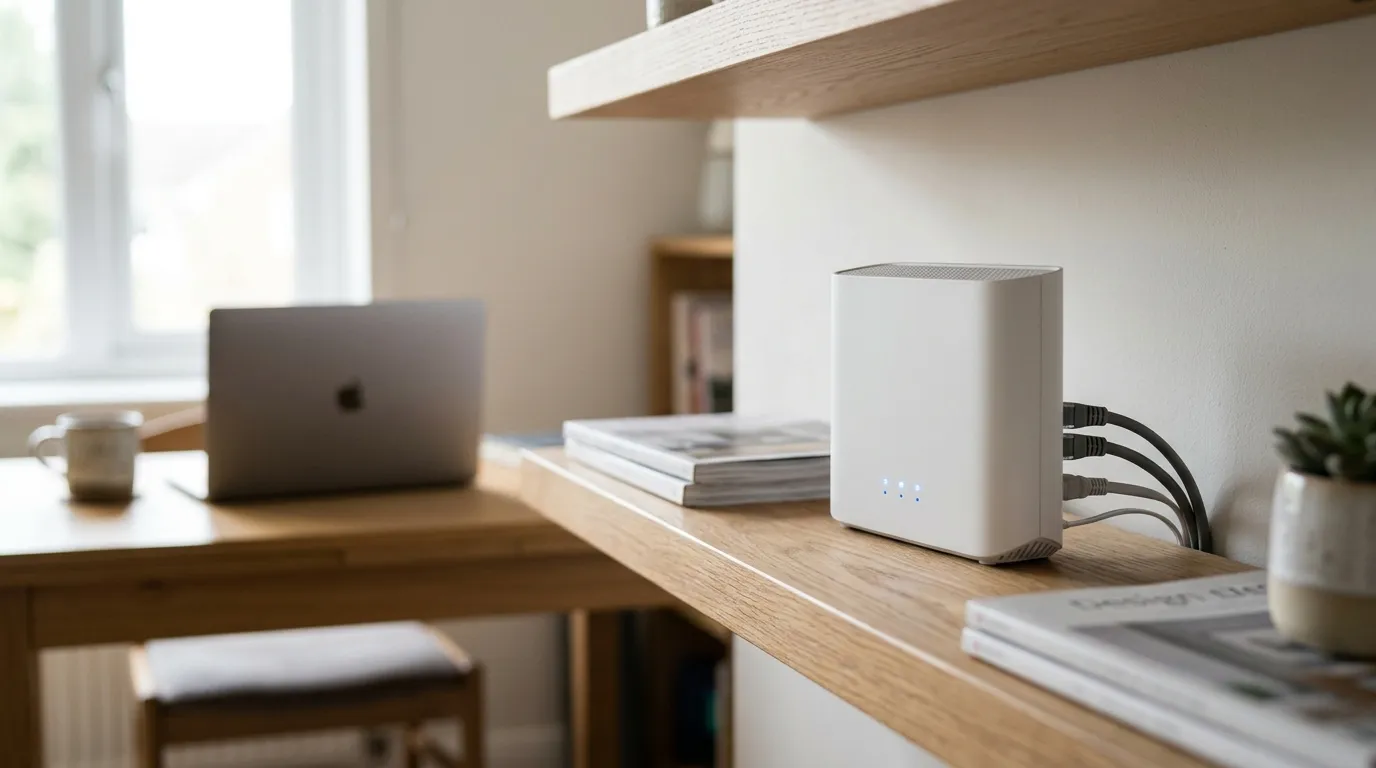
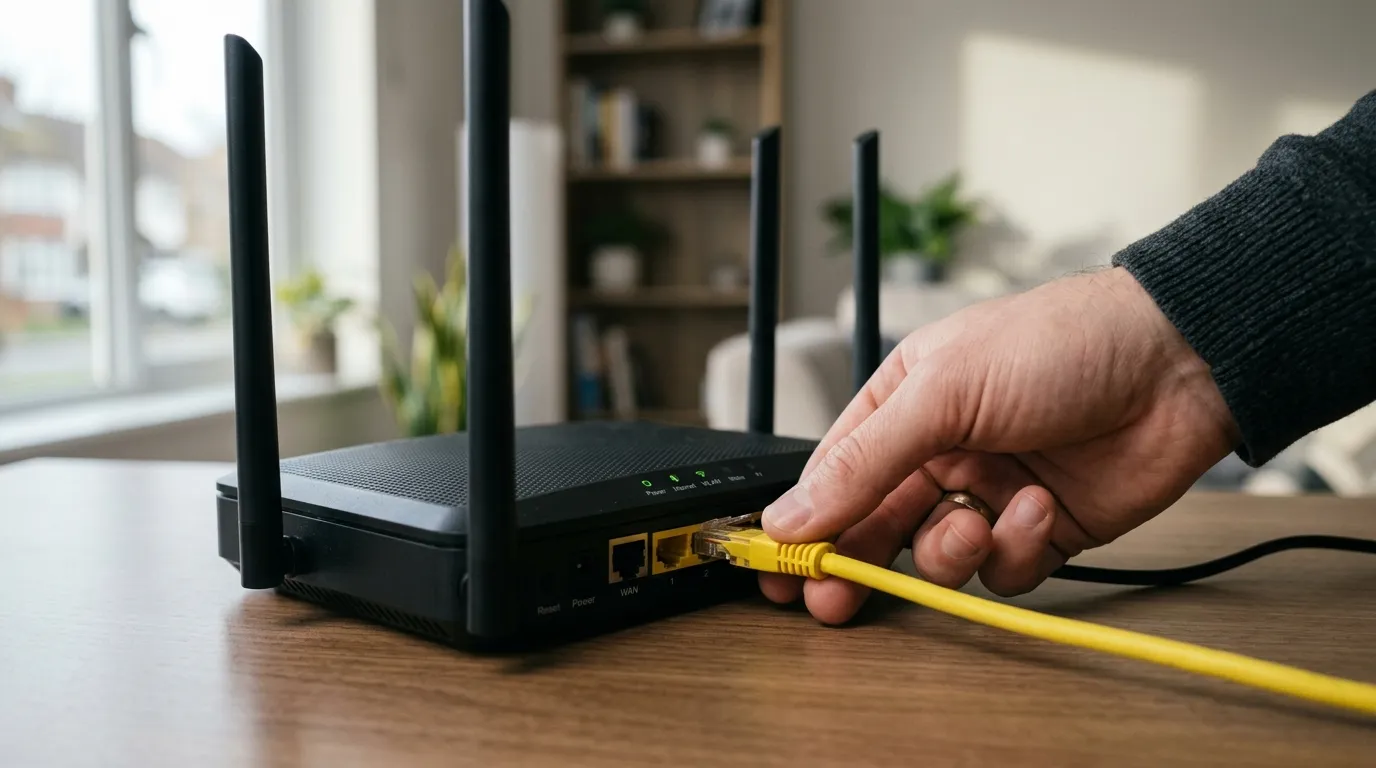
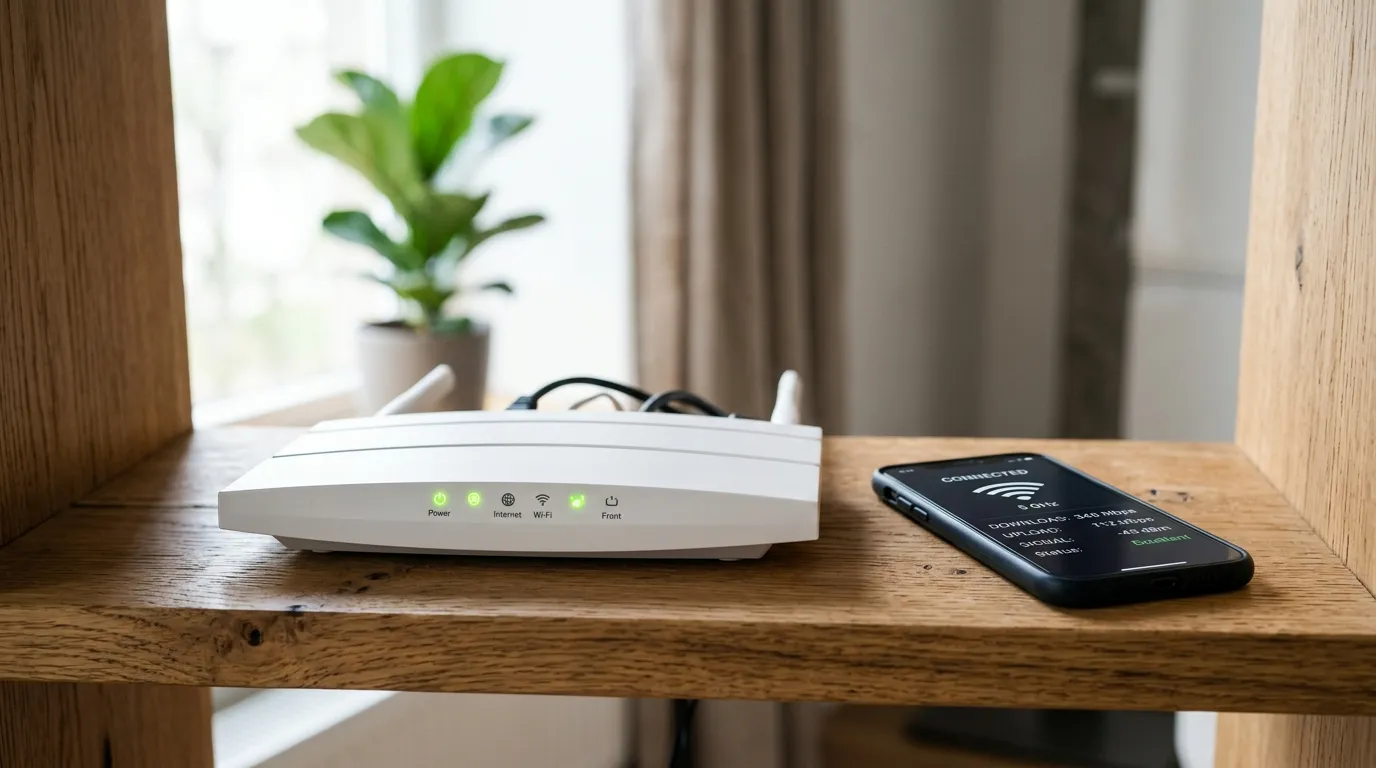
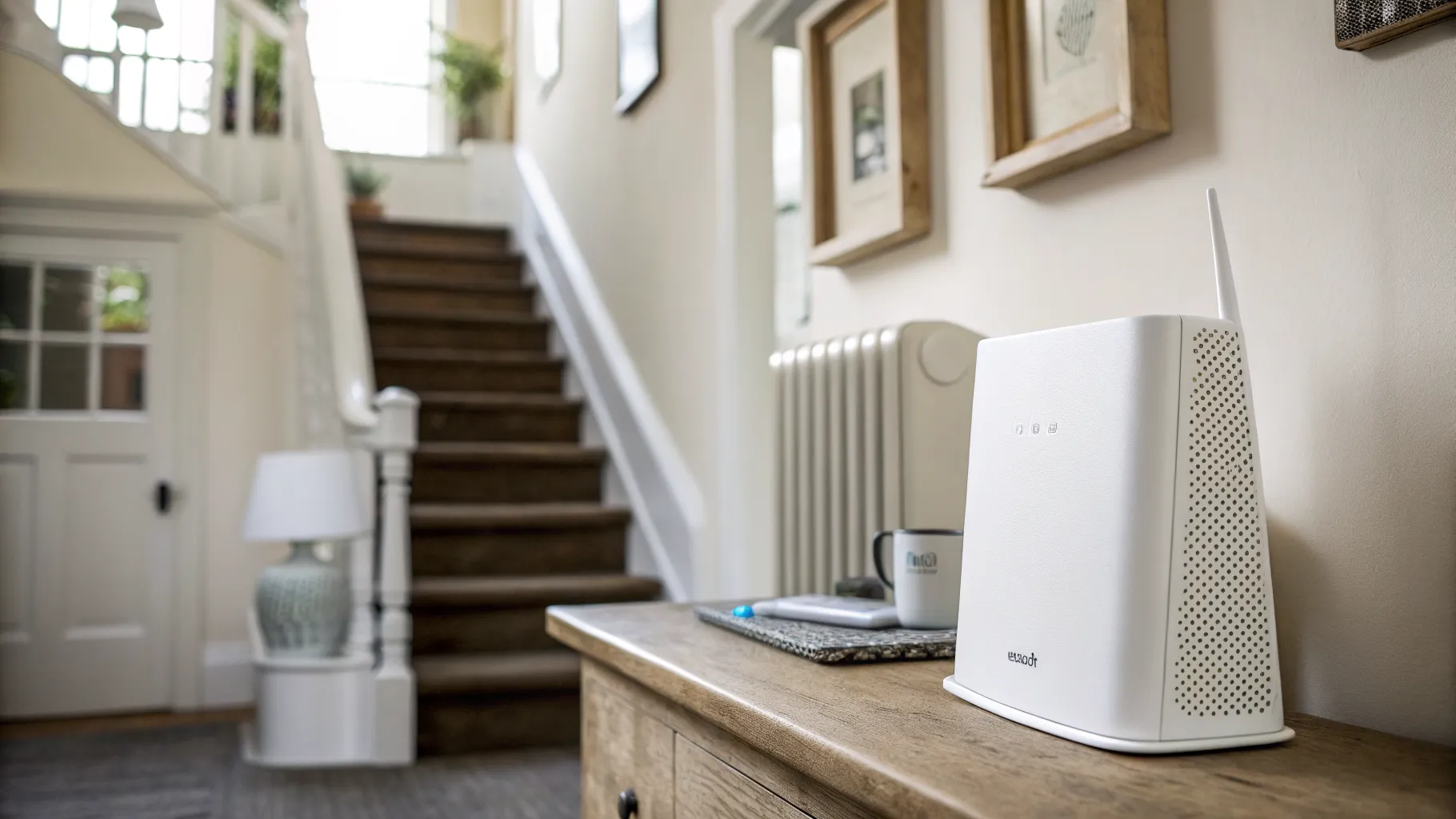
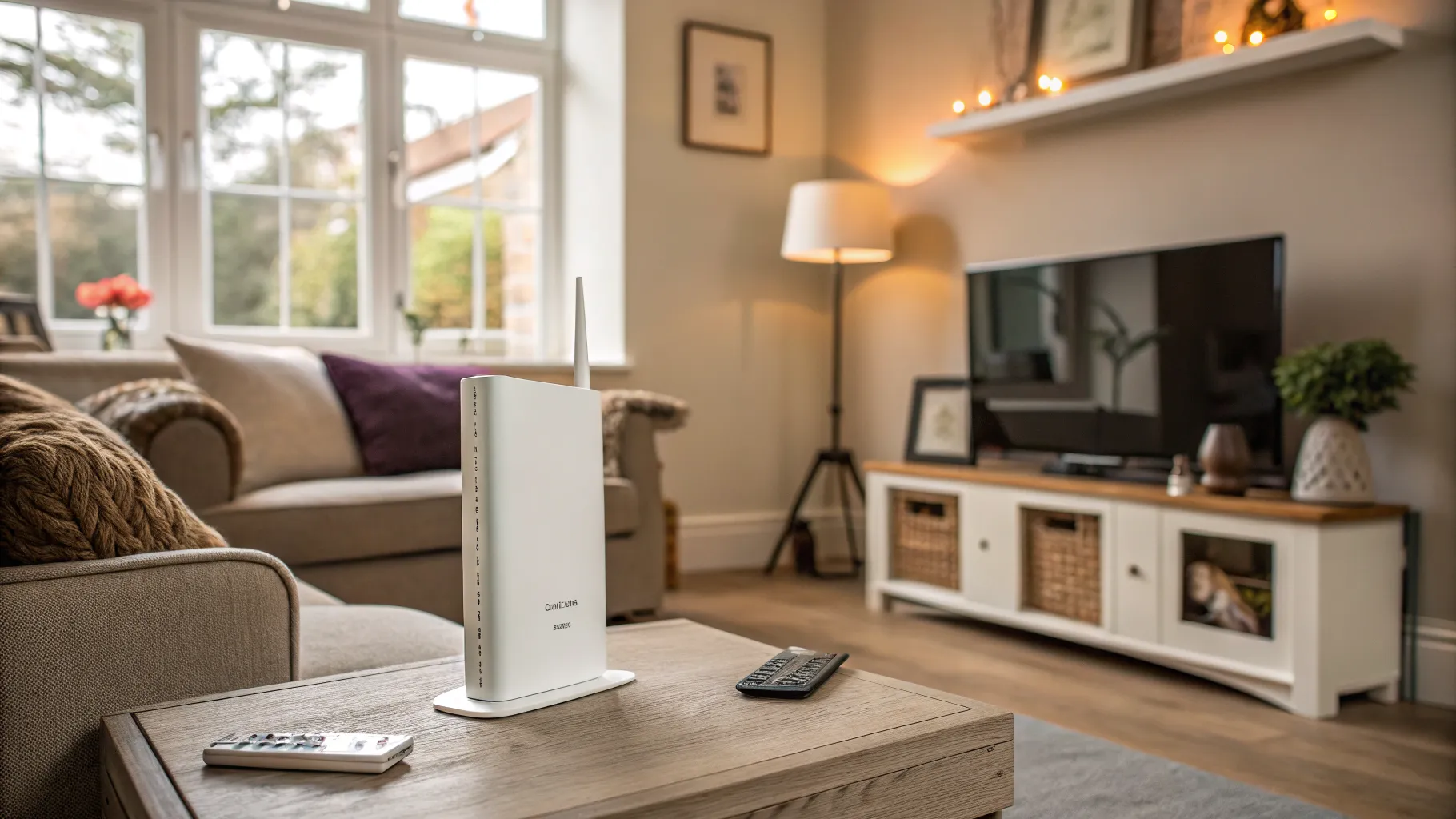
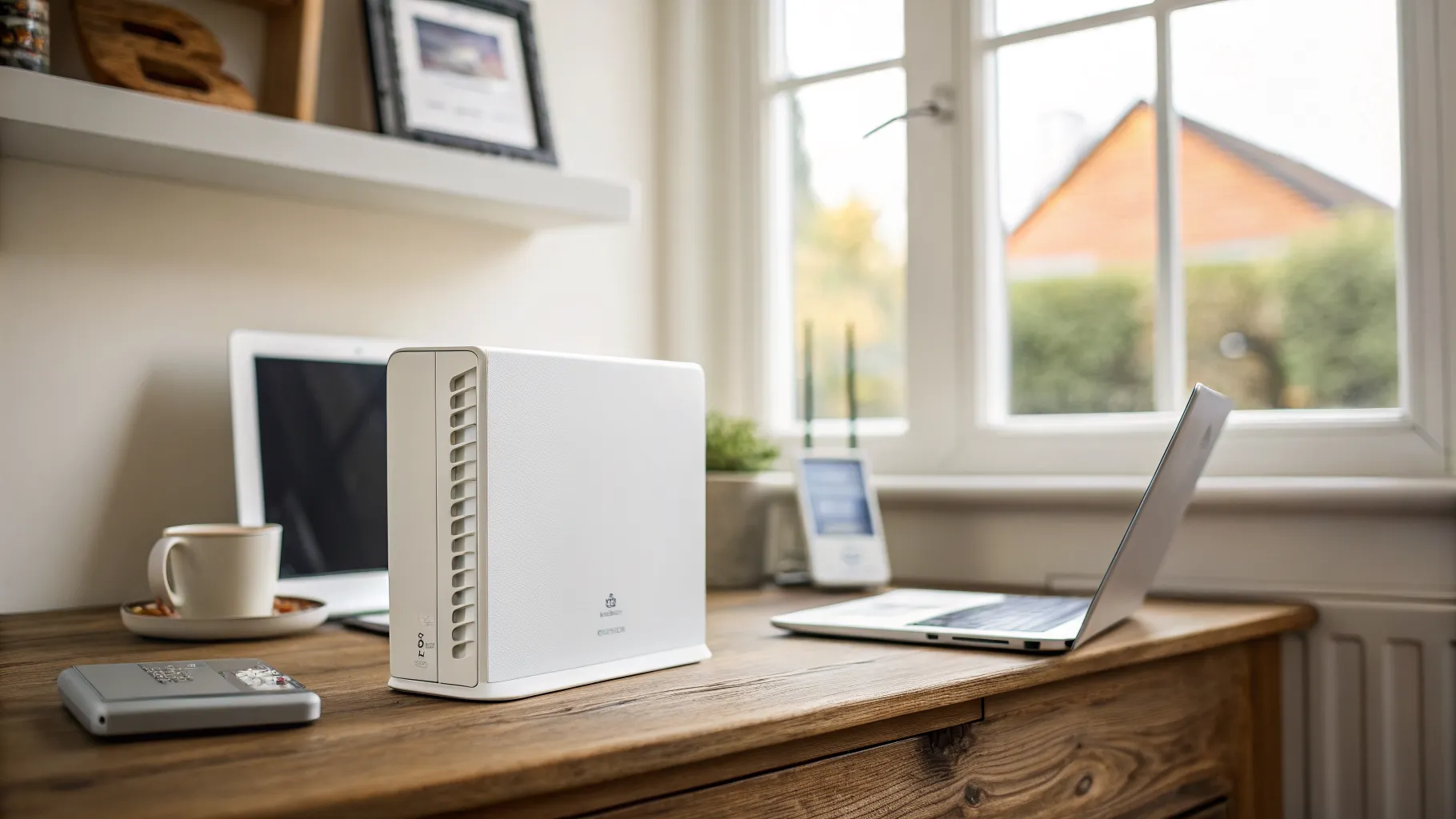
A travel router is a pocket-sized wireless router you take away with you, and it quietly solves several of the most annoying problems with hotel, Airbnb and campsite internet. Instead of joining a strange network directly with every device, you connect the travel router to that network once, and it broadcasts your own private Wi-Fi that all your gear joins as if you were at home. Your phone, laptop, tablet and even a smart TV stick see one familiar network name wherever you go, and everything behind the router can be protected in one move. If you travel with more than a phone, it is one of the most useful small gadgets you can own.
What a travel router actually does
At its simplest, a travel router sits between the public network and your devices and does three jobs. First, it creates your own Wi-Fi bubble, so you set up your devices once and never re-enter a hotel password on each one. Second, it lets you run a VPN on the router itself, encrypting every device’s traffic at a stroke rather than fiddling with apps on each. Third, and most underrated, it handles the login page that so many public networks throw at you.
That login page, the “accept the terms” screen you see in hotels, is called a captive portal, and it is where cheaper solutions fall over. A good travel router deals with the portal cleanly, then shares the authenticated connection with everything behind it, including devices like a Fire TV Stick or a games console that cannot show a captive portal themselves.
Why hotel and Airbnb Wi-Fi is the killer use case
Public Wi-Fi is built for one laptop per person and treats every new device with suspicion. That is exactly the situation a travel router fixes. Connect it once, log in through the portal once, and your streaming stick, work laptop and phone all pass through on a single authorised session. On networks that limit you to a set number of devices, the router counts as one, so your five gadgets no longer eat five slots.
There is a security angle too. On shared accommodation Wi-Fi you have no idea who else is on the network. Running a VPN on the travel router shields all your devices from the local network, which is why routers from GL.iNet in particular are popular with people who work while travelling. In 2026, GL.iNet devices are widely regarded as the most reliable at handling the captive portals used by big hotel chains, which is the single biggest practical differentiator.
Choosing one: the specs that matter
You do not need the most expensive model, but a few things are worth checking:
- Wi-Fi standard. Wi-Fi 6 is the sensible baseline in 2026; Wi-Fi 7 is available if you want headroom. Either is fine for travel, where the bottleneck is usually the venue’s connection, not your router.
- Built-in VPN client. This is the feature most travellers actually want. Look for WireGuard and OpenVPN support, ideally with a physical toggle switch.
- Captive-portal handling. The unglamorous spec that decides whether the thing works in a real hotel. This is where GL.iNet has the strongest reputation.
- Power and size. Most travel routers run off USB-C, so they charge from a power bank or laptop. Smaller is better for a carry-on.
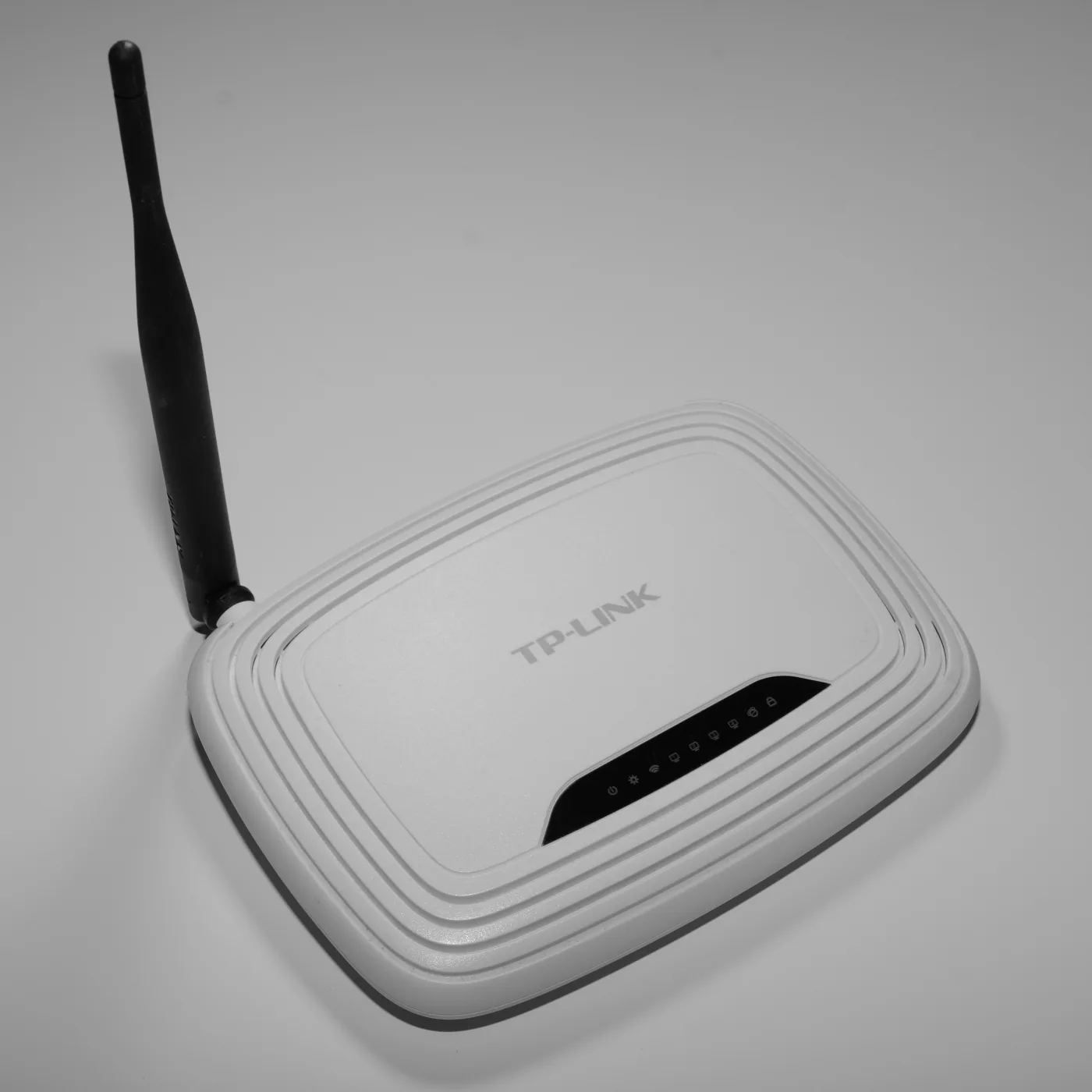
Real models worth shortlisting include the GL.iNet Beryl AX (model GL-MT3000), a long-standing favourite that balances price and performance with dual-band Wi-Fi 6 and a 2.5G port; the GL.iNet Slate AX (GL-AXT1800), essentially a larger Beryl with better cooling and an extra Ethernet port; and the newer Wi-Fi 7 Slate 7 for anyone who wants the latest standard. The TP-Link AX3000 travel router is well regarded specifically for its captive-portal handling in hotels. Check the current price on each before you buy, since these move around.
Travel router versus mobile hotspot
One common mix-up is worth clearing up. A travel router shares an existing internet connection, whether that is hotel Wi-Fi or a wired socket. It has no internet of its own. A mobile hotspot, such as a Netgear Nighthawk M-series unit, has a SIM inside and creates internet from the mobile network, like a phone’s personal hotspot. They are different tools: the travel router makes someone else’s connection usable and private, while the hotspot provides the connection itself. Many travellers carry a travel router and rely on their phone’s hotspot or a local SIM when there is no Wi-Fi to borrow.
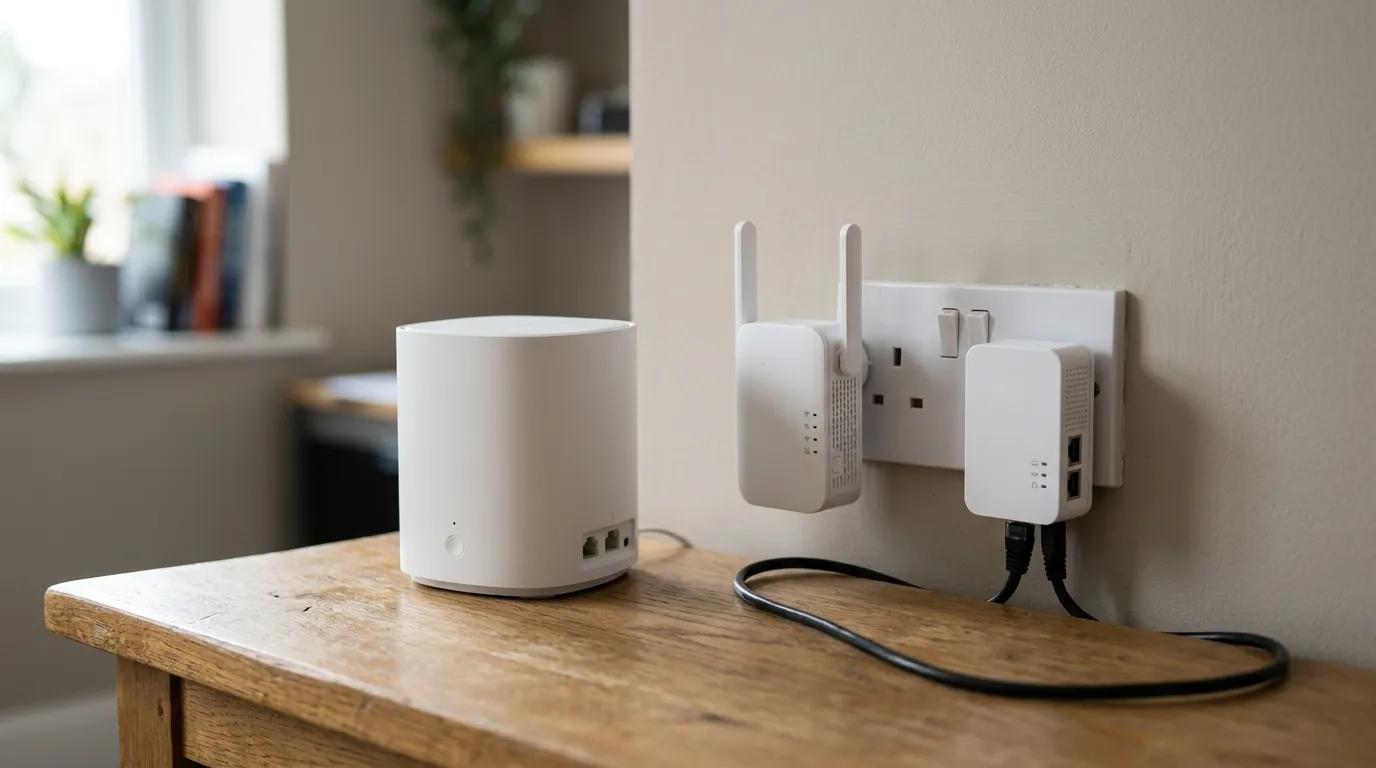
A quick note on brands: alongside GL.iNet and TP-Link, ASUS (ASUSTeK Computer Inc.) makes capable compact routers, though its main strength is full-size home routers rather than dedicated travel units. For home coverage rather than travel, our guide to the best mesh Wi-Fi in the UK is the better starting point, and if backup internet is the goal, see our 4G router for home explainer.
Getting the most from it
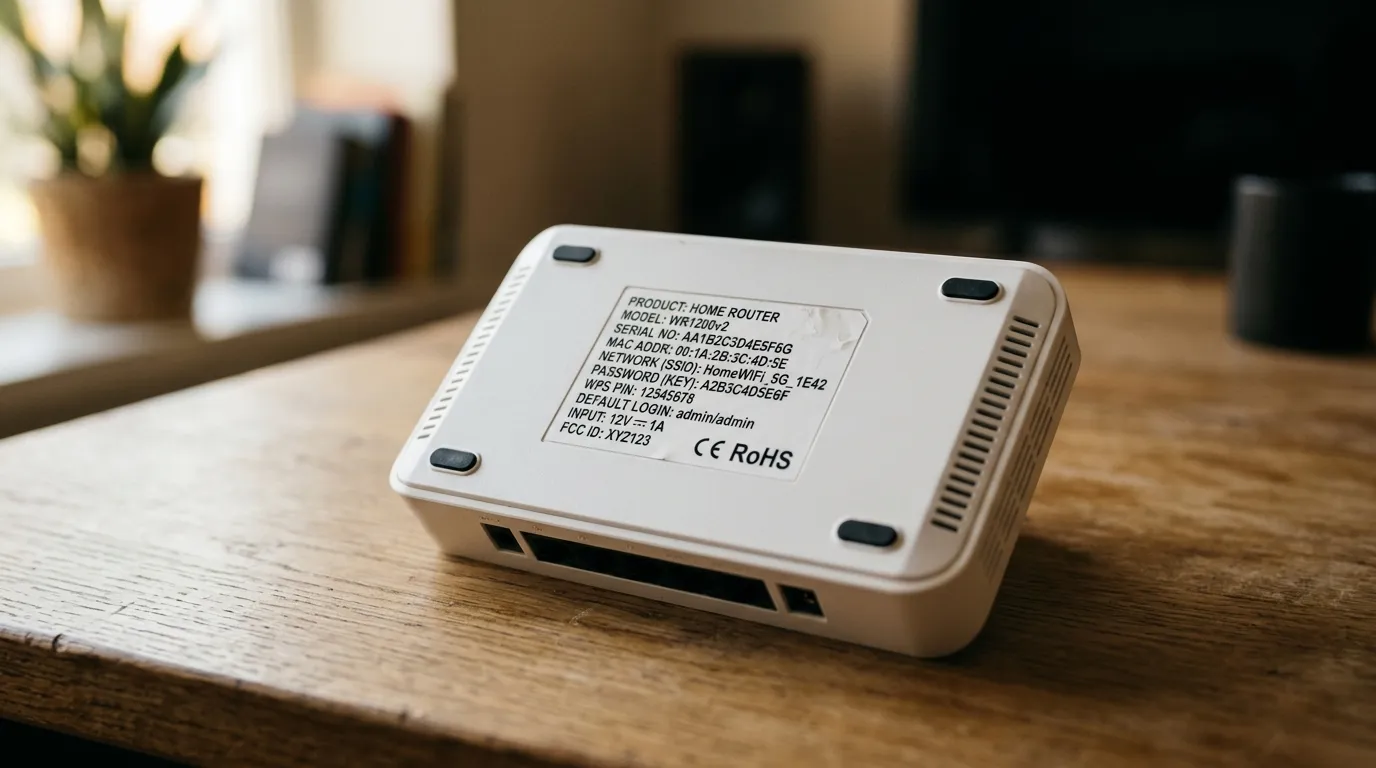
Set the router up at home before you travel, so you arrive with your network name and password already saved on every device. Preload your VPN configuration and test it. On arrival, connect the router to the venue Wi-Fi through its admin page, complete any captive-portal login there, and your devices will hop straight on. For a technical primer on how home and travel routers actually route traffic, the Wi-Fi Alliance’s overview of Wi-Fi technology is a solid, vendor-neutral reference.
Pack one once and you will wonder how you managed hotel Wi-Fi without it.
Frequently asked questions
What is a travel router used for? It connects to hotel, Airbnb or public Wi-Fi and rebroadcasts it as your own private network, so all your devices join one familiar network, you log in through the captive portal only once, and you can protect everything with a VPN running on the router itself.
Do I really need a travel router? If you travel with several devices, work away from home, or want to secure your connection on shared accommodation Wi-Fi, yes. If you only ever use a single phone, your phone’s own hotspot and VPN app may be enough.
What is the difference between a travel router and a mobile hotspot? A travel router shares an existing connection like hotel Wi-Fi and has no internet of its own. A mobile hotspot, such as a Netgear Nighthawk, contains a SIM and creates internet from the mobile network. One makes someone else’s Wi-Fi usable; the other supplies the connection.
Which travel router handles hotel Wi-Fi best? In 2026, GL.iNet models such as the Beryl AX and Slate AX have the strongest reputation for dealing with hotel captive portals reliably. The TP-Link AX3000 travel router is also well regarded for the same reason.
Can a travel router run a VPN? Yes, and it is one of the main reasons to own one. Models with a built-in VPN client, supporting WireGuard or OpenVPN, encrypt the traffic of every connected device at once, rather than needing a separate VPN app on each phone and laptop.