What Is a Good Ping for Gaming and How to Lower It
Online games need a ping under 30ms for fast competitive play, and under 50ms for casual gaming to feel smooth. Ping is the round trip time to the game server and back, measured in milliseconds, and it has almost nothing to do with your headline broadband speed. Most games use under 3 Mbps while you play, so a 1000 Mbps line and a 50 Mbps line can give identical ping. What actually decides your ping is your connection type, whether you are wired or on Wi-Fi, how busy your line is, and how far away the game server sits.
What counts as a good ping, in plain numbers
Here is the scale most players and game studios work to:
| Ping | Rating | What it feels like |
|---|---|---|
| 0 to 30ms | Excellent | Competitive and twitch shooters feel effectively lag-free |
| 31 to 50ms | Good | Most players notice nothing |
| 51 to 100ms | Playable | Fine for slower games, not ideal for fast competitive play |
| 100ms and over | Poor | Visible warping, lag, and possible disconnects |
For UK players on fast-paced FPS titles like Counter-Strike 2, Valorant or Warzone, under 30ms is the realistic target. Under 50ms is genuinely fine for casual play, and chasing single digits is usually wasted effort (more on why below). So yes, a 20ms ping is good: it puts you in the excellent band with headroom to spare.
Ping is not the only number that matters
Two other metrics decide whether a connection feels solid or laggy, and most pages skip them.
Jitter is how much your ping varies over time. A line that bounces between 20ms and 80ms feels worse than a steady 60ms, because the game cannot predict your timing. Aim to keep jitter under about 5ms.
Packet loss is data that never arrives. It should sit at or near 0%. Even around 0.5% loss is noticeable in competitive play: missed inputs, rubber-banding, shots that should have landed. A connection with low average ping but spiky jitter or occasional packet loss will feel worse than the headline number suggests, which is often why a “fast” line still plays badly.
Why your ping is high even on fast broadband
If you pay for a fast package and still get high ping, the cause is almost never your download speed. The usual suspects:
- You are on Wi-Fi, not Ethernet. This is the big one (see below).
- The game server is far away. A UK player connecting to a US server can add 70 to 100ms of unavoidable delay. No router setting beats physics.
- Your line is congested. A big download, a console update, or someone streaming 4K in another room eats into your connection during play.
- Your connection type sets a floor. Full fibre, part-fibre, cable and 5G home broadband all behave differently, and no in-game tweak gets you below what the technology allows.
Connection type sets your minimum ping
Your broadband technology decides the lowest ping you can ever reach. Ofcom’s last UK Home Broadband Performance report (published 14 September 2023, using March 2023 data) measured the gap clearly:
| Connection type | Typical latency | Notes |
|---|---|---|
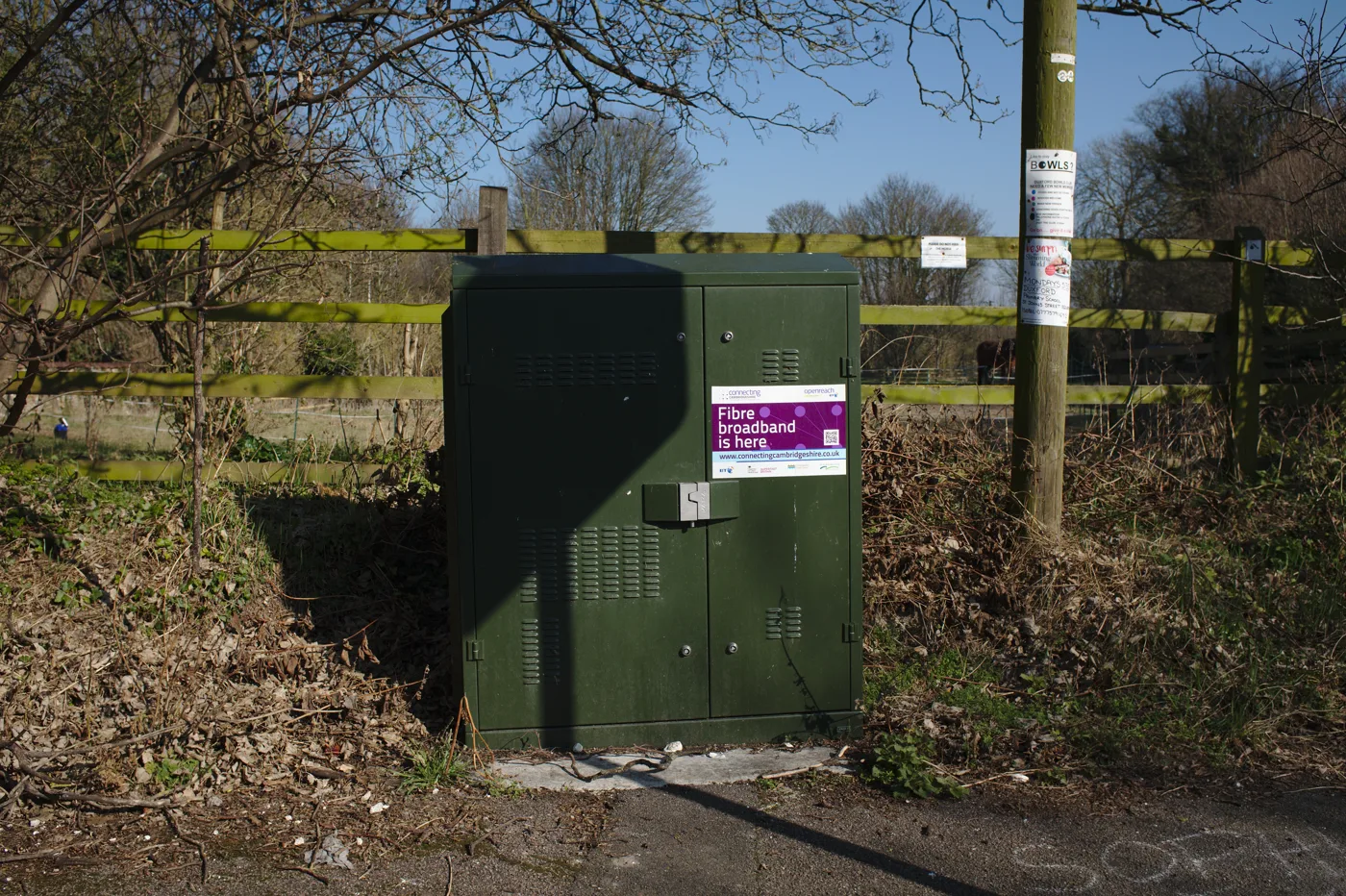
| Full fibre (FTTP) | Generally below 8ms | Lowest and most stable; congestion effects smallest |
| FTTC (part-fibre) | Around 12.5ms median | Solid for most gaming |
| Virgin Media cable (HFC) | Around 12.5ms at best | Tends to run slightly worse than FTTC, with more jitter and spikes |
| ADSL copper | Around 24ms | The slowest mainstream option |
Full fibre wins for gaming, and it wins most on stability, not just the average. London full-fibre providers such as Hyperoptic and Community Fibre often post single-figure to low-teens ms on symmetrical FTTP. 5G home broadband and older FTTC run higher and more variable. If you are choosing a provider mainly for gaming, the connection type matters far more than the advertised download number.
The single biggest fix: go wired
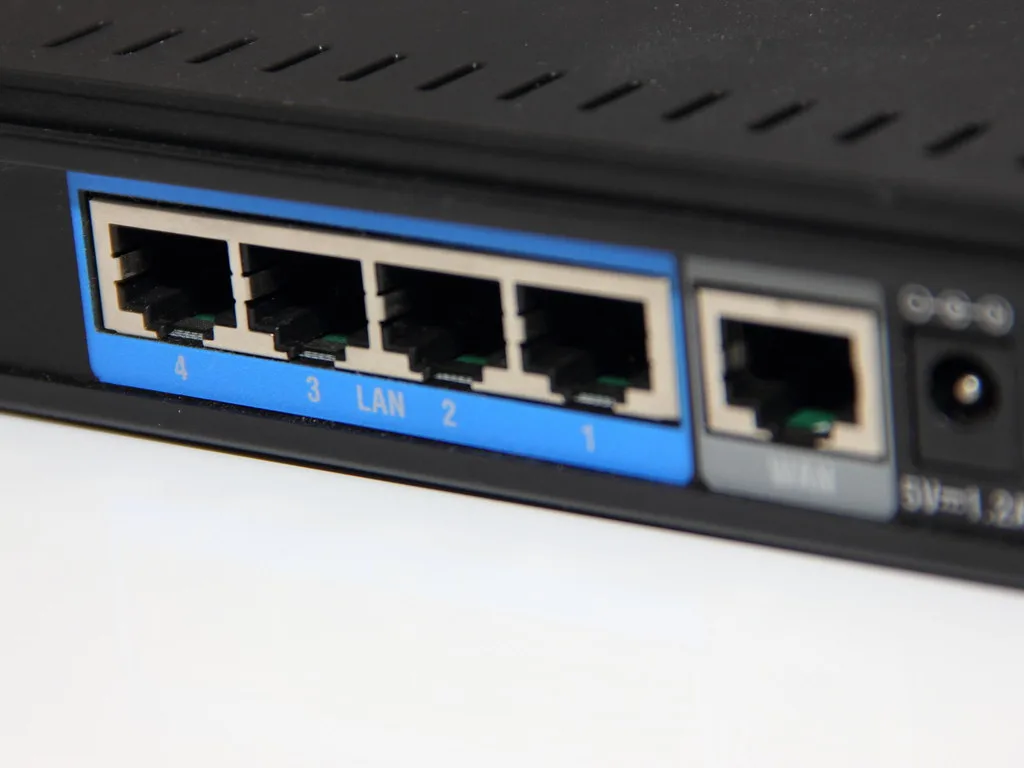
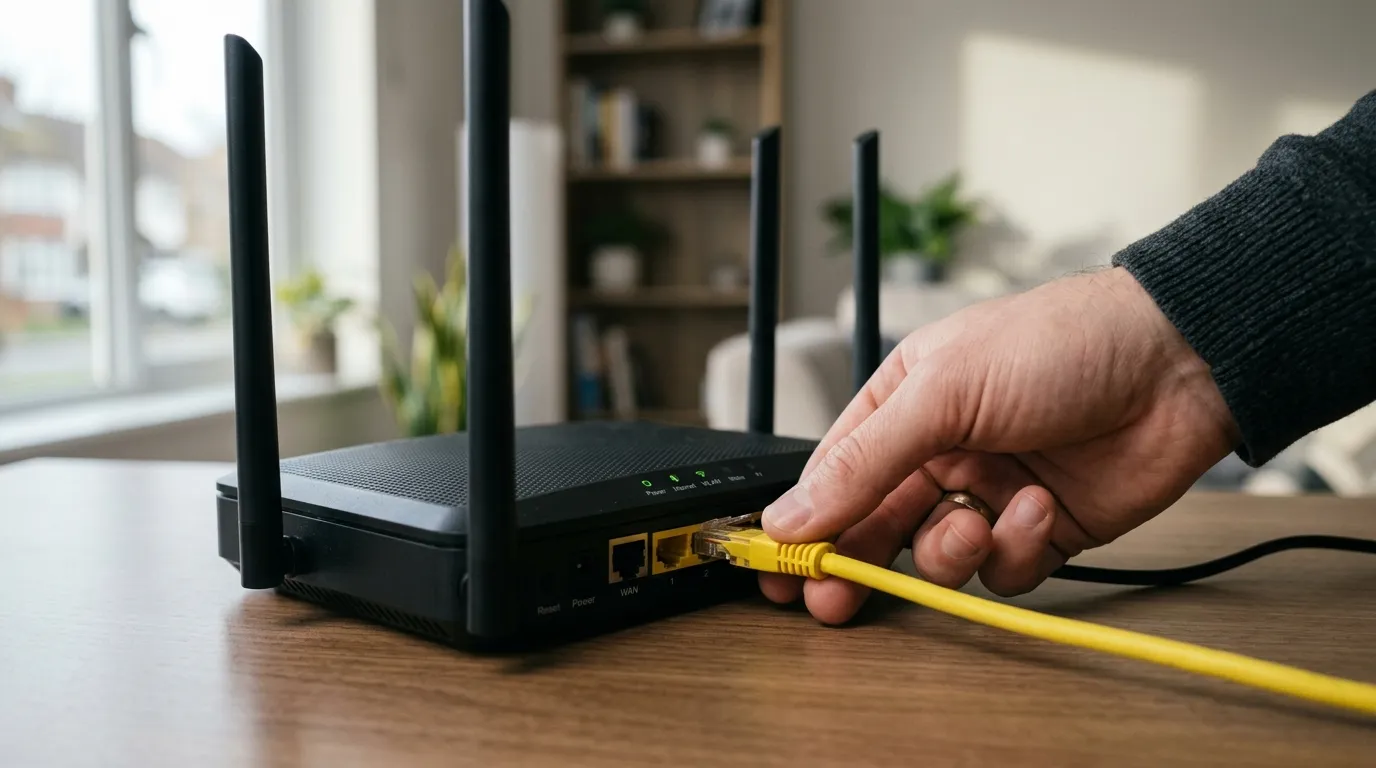
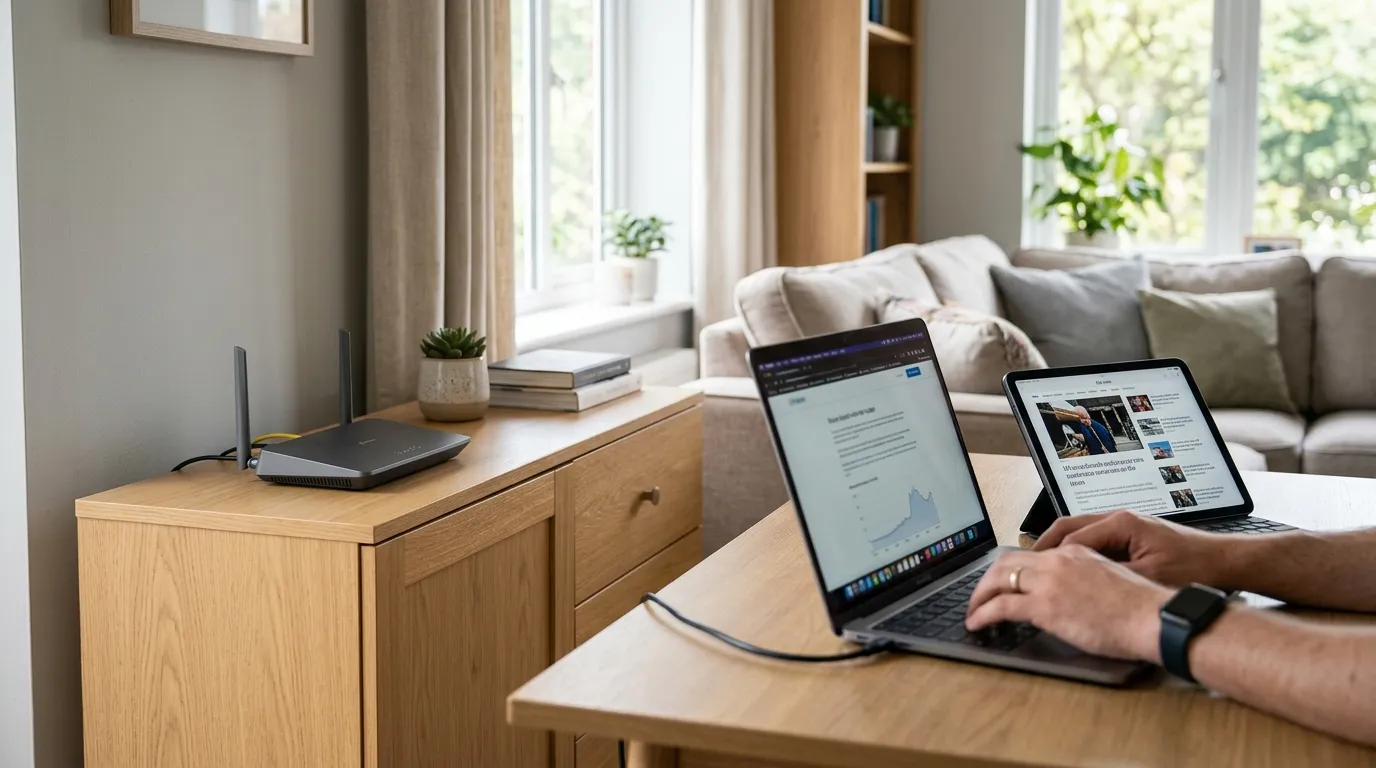
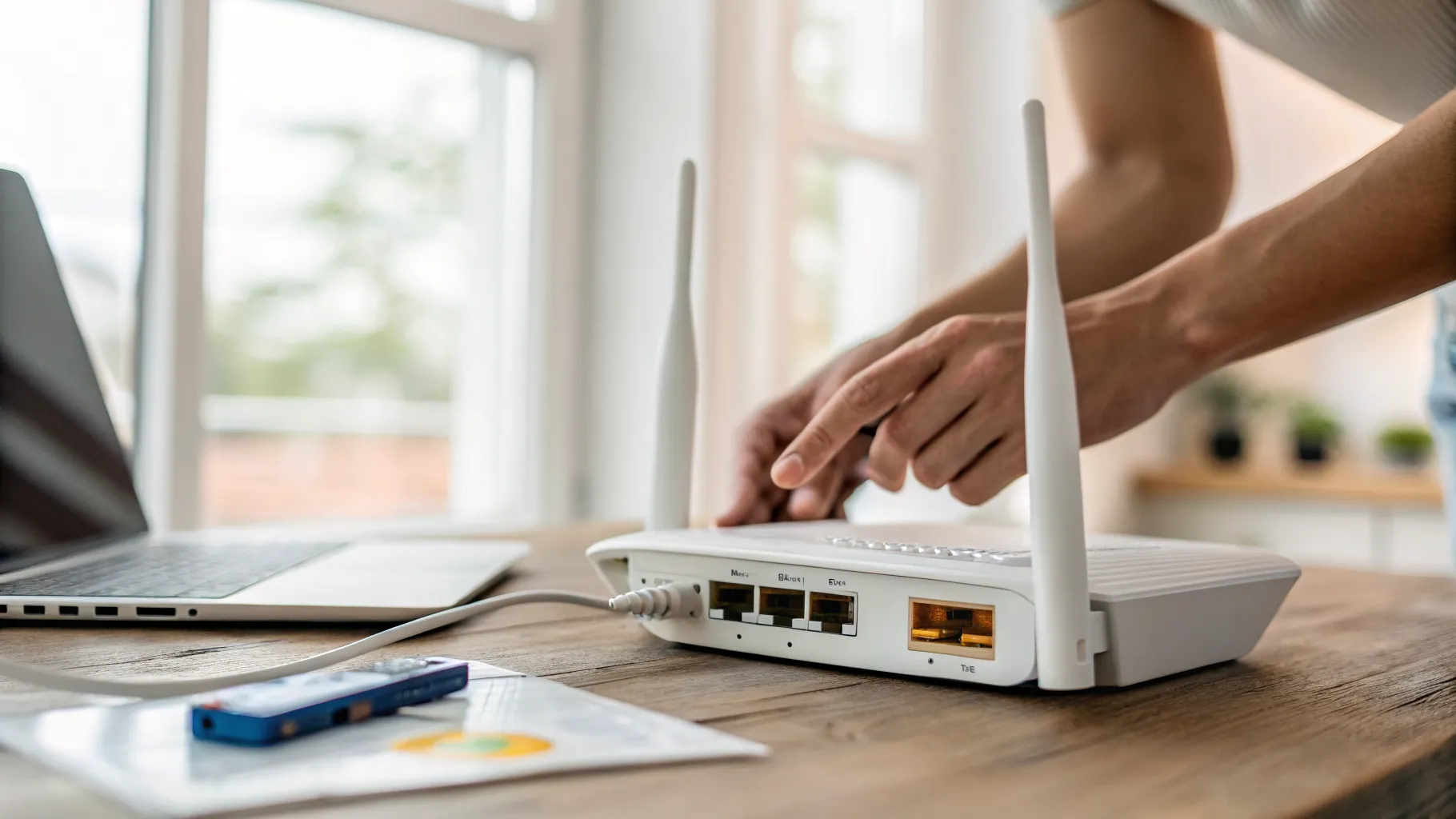
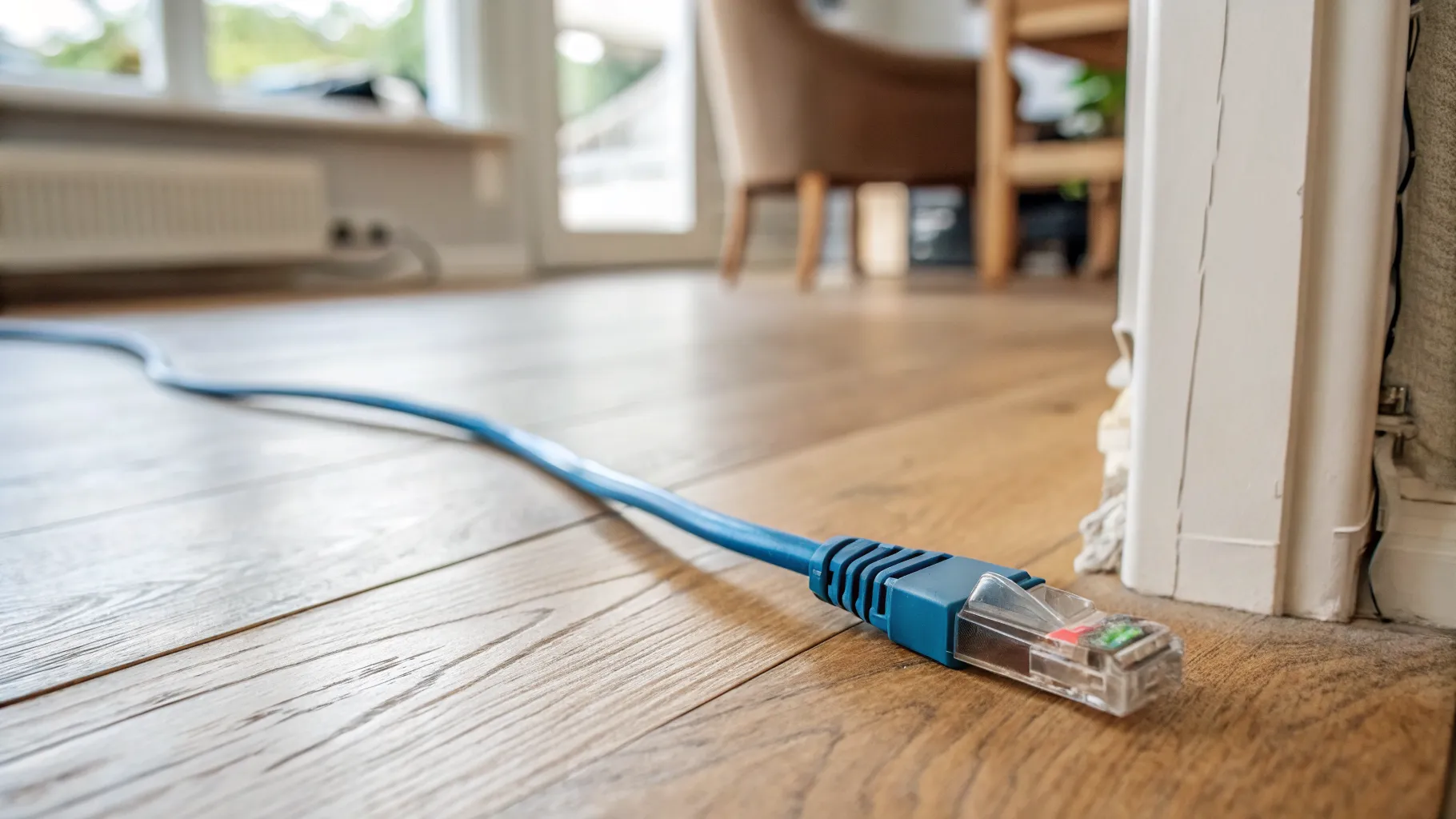
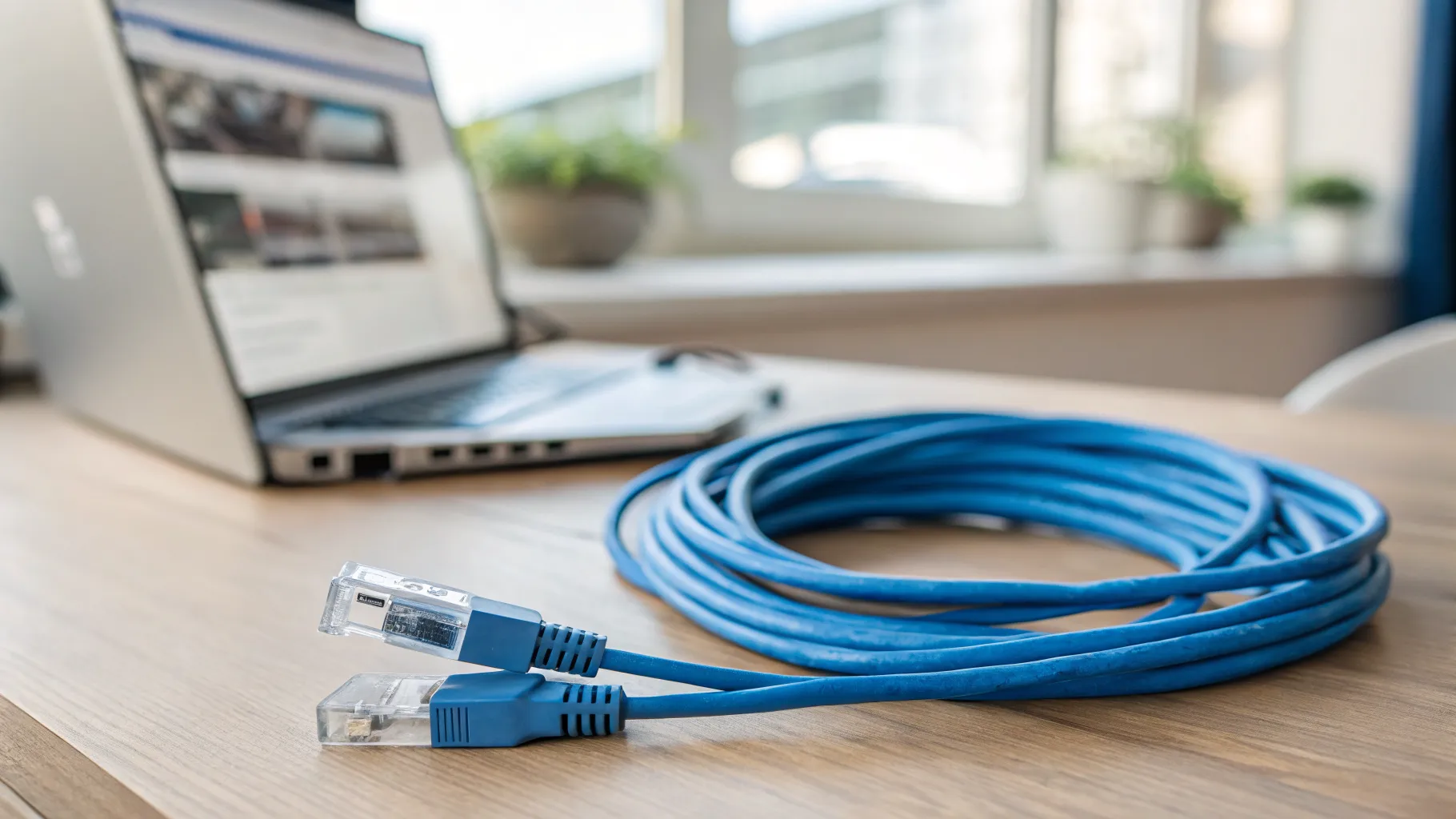
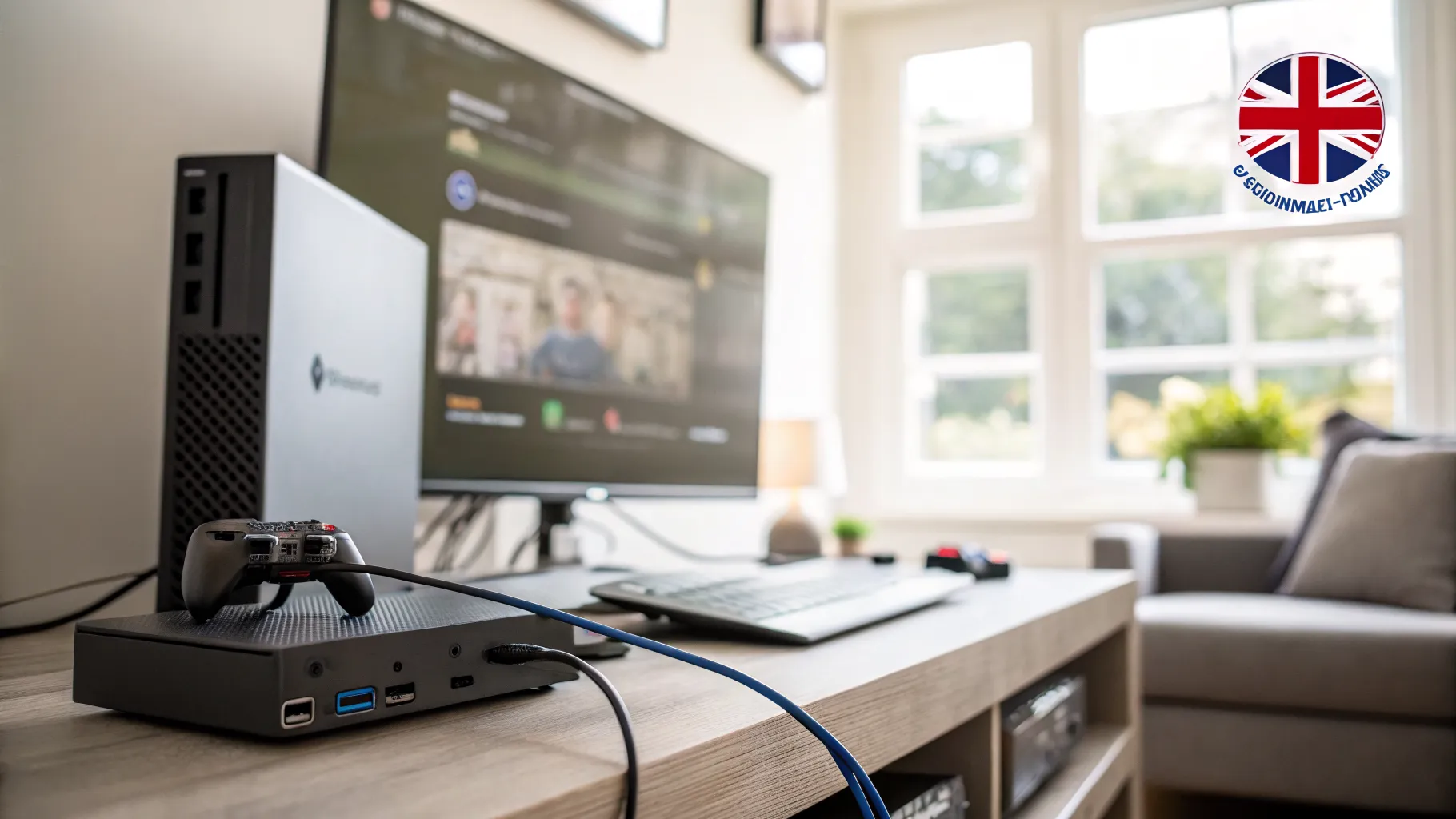
Switching from Wi-Fi to a wired Ethernet connection is the most effective thing most people can do. Virgin Media’s own guide to reducing ping puts the saving at 10 to 30ms or more, and it removes the jitter and dropouts that walls, distance and interference cause on Wi-Fi.
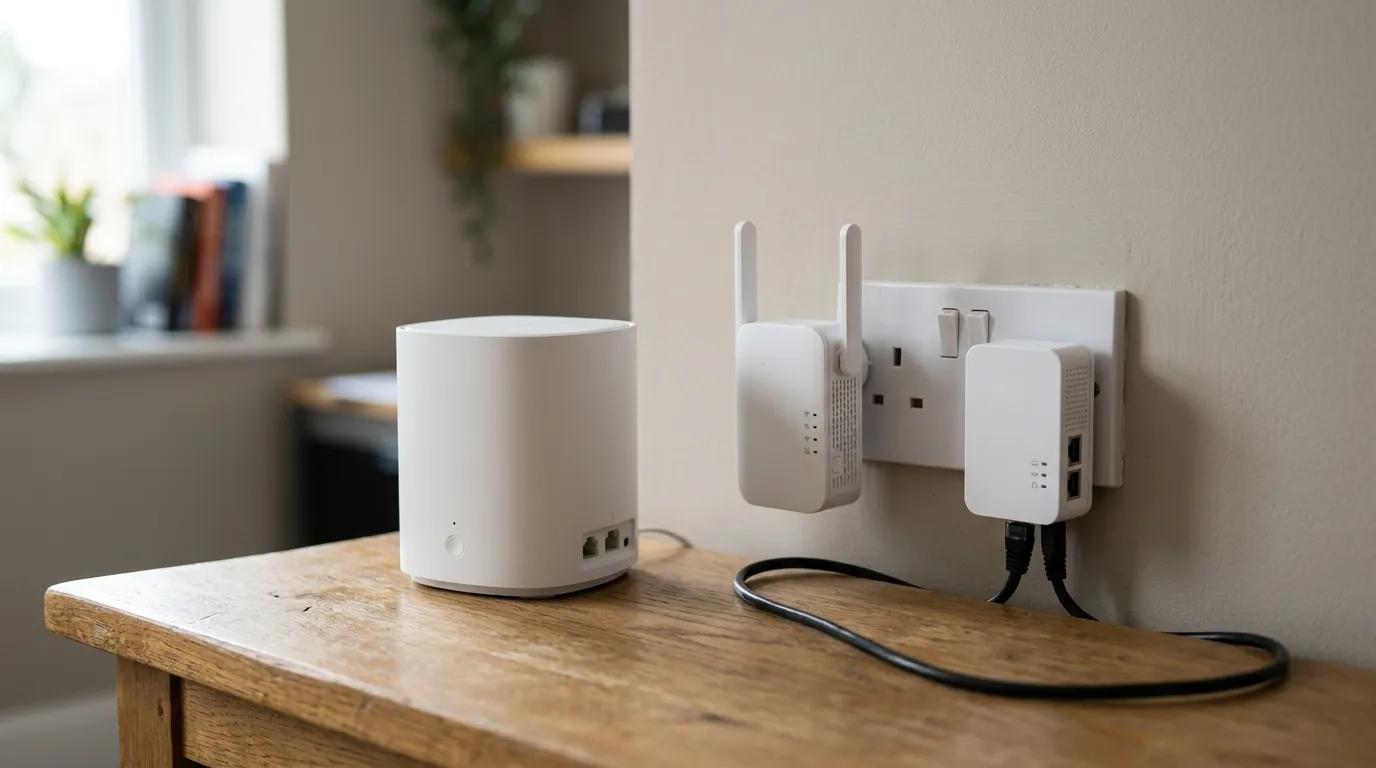
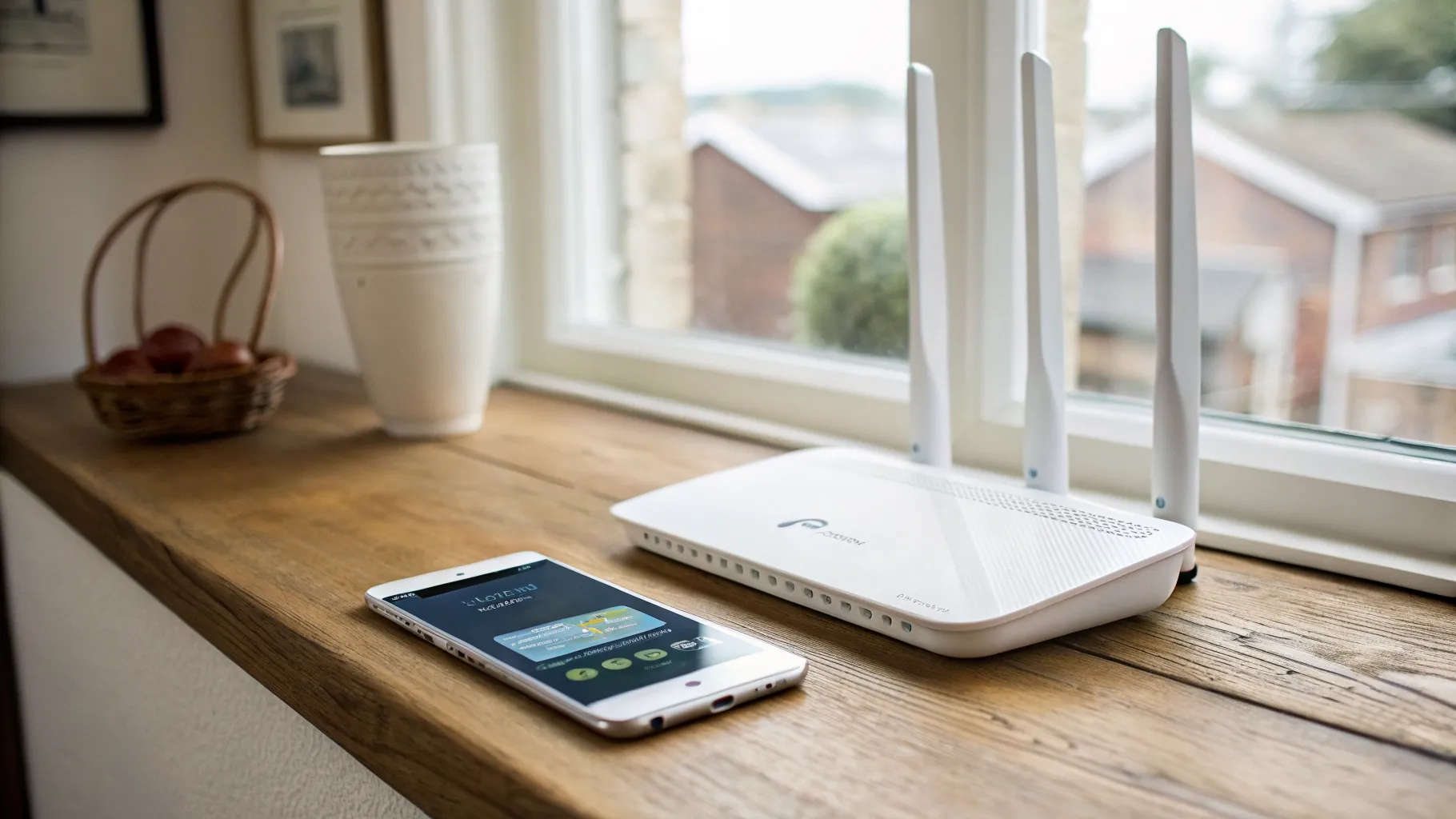
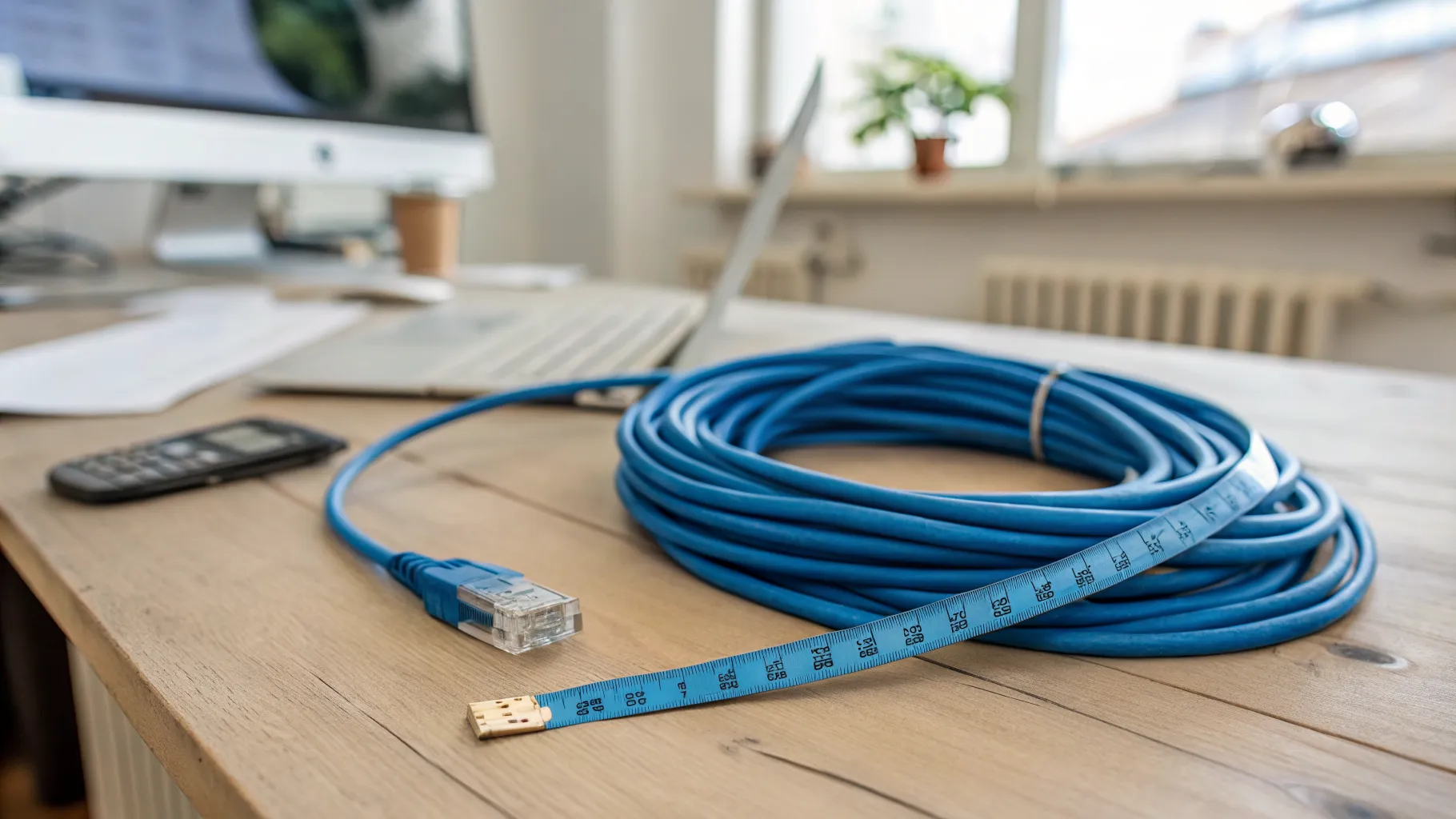
Run a Cat5e, Cat6 or Cat7 cable, under about 20m, straight from your console or PC to the router or hub. If running a cable across the house is not realistic, the next best move is improving your wireless setup. A modern mesh system holds a steadier signal than a single old router, so it is worth reading our guides on the best mesh Wi-Fi for UK homes and how to fix Wi-Fi dead spots before you give up on wireless. Moving the console closer to the router, or removing obstacles between them, also helps.
Practical steps that actually lower ping
These are the changes that make a measurable difference in a UK home:
- Go wired with Ethernet wherever you can.
- Pause big downloads and updates during play: Steam, Epic, PS5 and Xbox updates, and Windows Update all flood the line.
- Stop other devices streaming or backing up while you game.
- Pick the nearest server. In the in-game server list, choose the UK or EU option with the lowest ms. This is the single most overlooked fix and it costs nothing.
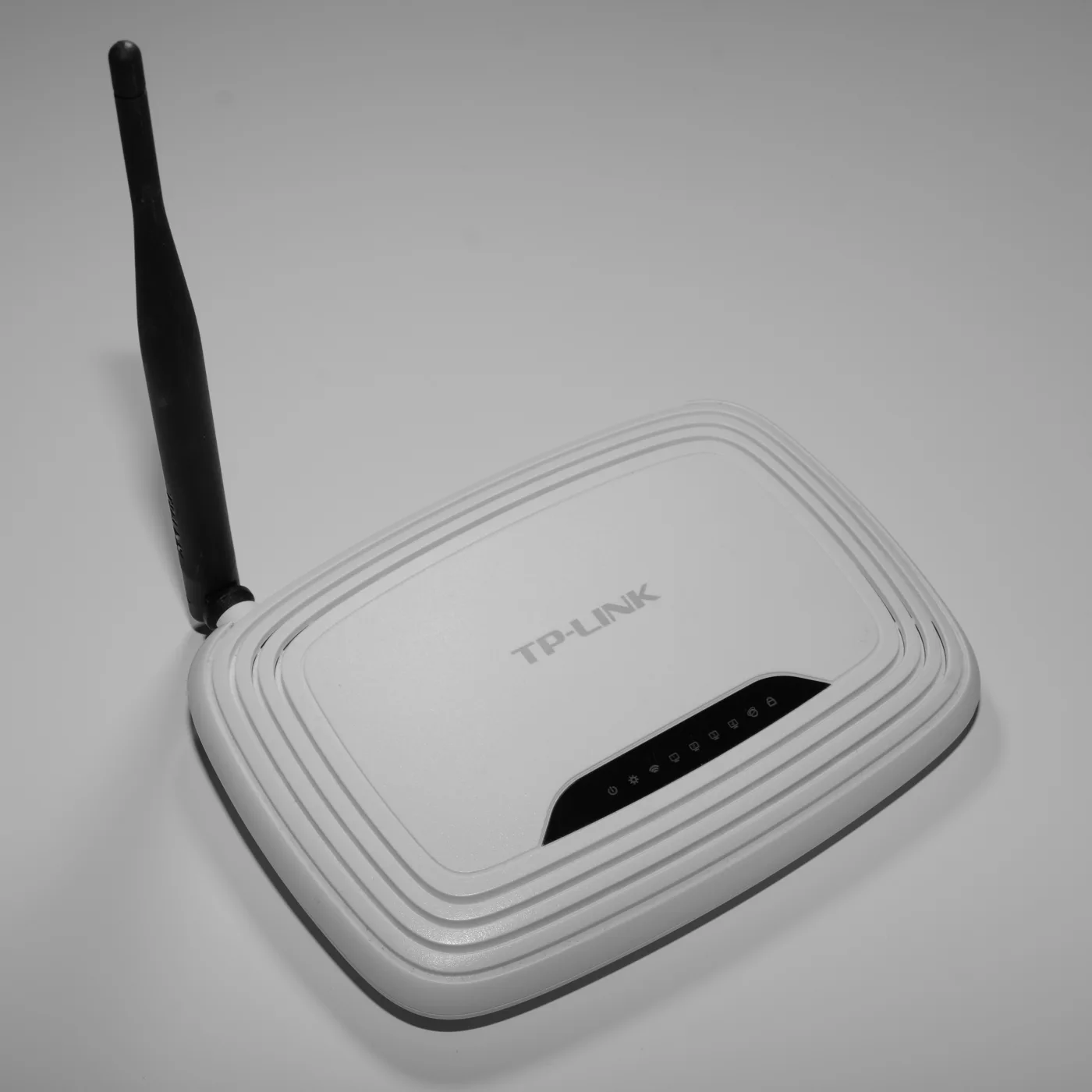
- Restart your router now and then: power it off for about 30 seconds, then back on. If you worry about losing your settings, our guide on how to reset a router without losing settings explains the safe way.
- Keep firmware updated on the router and your devices.
- Replace very old Wi-Fi kit with Wi-Fi 6 or a mesh system.
Does QoS help, and what about VPNs?
Quality of Service (QoS) can help when several people share one line, because it lets the router prioritise game traffic. Set it to roughly 80 to 90% of your real measured speed so the router keeps some headroom; capping it too low can actually raise your ping. One catch for BT customers: the BT Smart Hub 2 does not have full per-game QoS. It only offers a basic device “Prioritise” option under Smart setup, then Devices, then Prioritise, which is why BT gamers often raise this on the BT Community forums. Sky’s WiFi Max (formerly Sky Broadband Boost) is a whole-home Wi-Fi add-on rather than a gaming QoS tool, so treat it as a coverage feature, not a ping fix.
VPNs do not reliably lower ping. A VPN only helps in the narrow case where your ISP’s default routing to a server is poor and the VPN happens to take a shorter path. Connect to a random or overseas node and your ping gets worse. A VPN will never turn a genuine 200ms connection into 20ms, and most “ping booster” apps make the same promise they cannot keep.
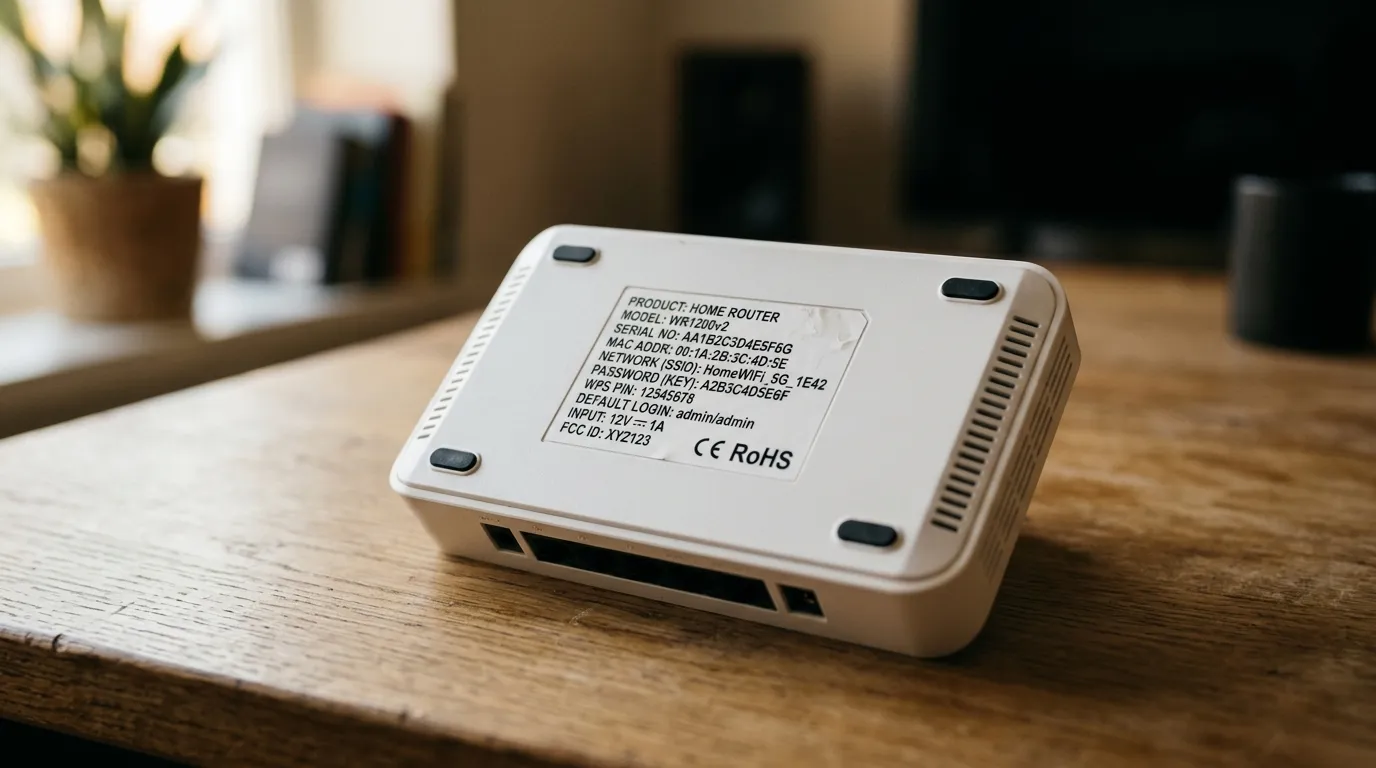
While you are tightening up your network, it is also worth checking your router is not running on factory credentials: see our list of UK ISP router default passwords.
Why chasing single-digit ping has limits
There is a point where lower ping stops helping. Counter-Strike 2 servers run a 64-tick update cycle, which means one server tick roughly every 15.6ms. CS2 adds a sub-tick system that timestamps your inputs to the exact moment between ticks, so your clicks register precisely, but the underlying server cadence is still about 15 to 16ms. The practical result: getting your ping from 18ms down to 8ms gives you very little real advantage, because the server only updates so often. Effort is better spent removing jitter and packet loss than grinding for single digits.
Frequently asked questions
Is 100ms ping playable? It is playable, but it is on the edge. At 100ms and above you can see warping and lag, and competitive shooters feel sluggish. Slower games like turn-based titles or many co-op games are fine, but for fast FPS play you want to get well under it.
Is download speed or ping more important for gaming? Ping, by a wide margin. Most games use under 3 Mbps during play, so 100 Mbps is far more than enough, and anything past about 50 Mbps gives diminishing returns for gaming unless other people are streaming or downloading at the same time. Buy for low, stable latency, not headline speed.
Does Ethernet really lower ping compared to Wi-Fi? Yes. Switching to a wired Ethernet connection commonly cuts ping by 10 to 30ms or more and removes the jitter and dropouts caused by walls, distance and interference. It is the most reliable single fix for most homes.
How do I lower my ping on PS5 or Xbox? The same steps apply as on PC: connect by Ethernet rather than Wi-Fi, pause any console or game downloads, stop other devices hogging the line, pick the nearest UK or EU server in the game, and restart your router occasionally. Moving the console closer to the router also helps if you must stay wireless.
Does a VPN reduce ping for gaming? Usually not. A VPN only helps in the rare case where your ISP’s routing to a particular server is poor and the VPN takes a shorter path. In most cases it adds delay, and it can never overcome real distance to a far server.
Is full fibre better for gaming than Virgin Media cable? Generally yes. Ofcom’s figures put full fibre (FTTP) latency below 8ms with the smallest congestion effects, while Virgin Media cable sits around 12.5ms at best and tends to show more jitter and latency spikes. Both are far better than ADSL copper, but FTTP is the most stable choice for competitive play.