What Is Broadband? A Plain-English Guide for UK Households
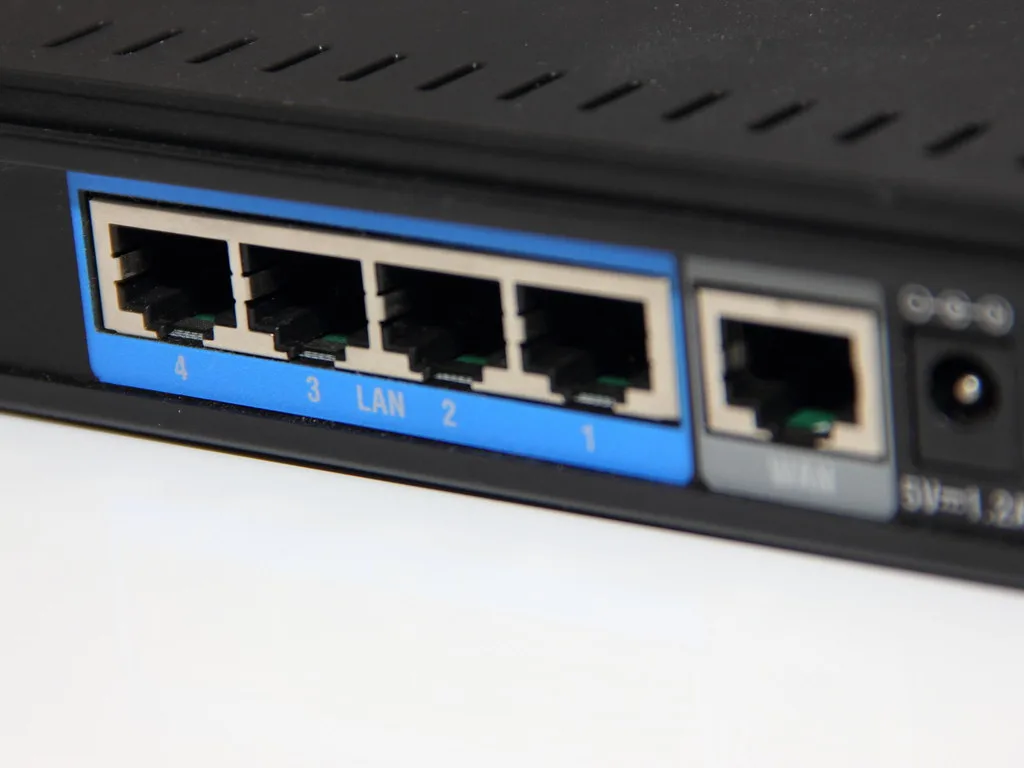
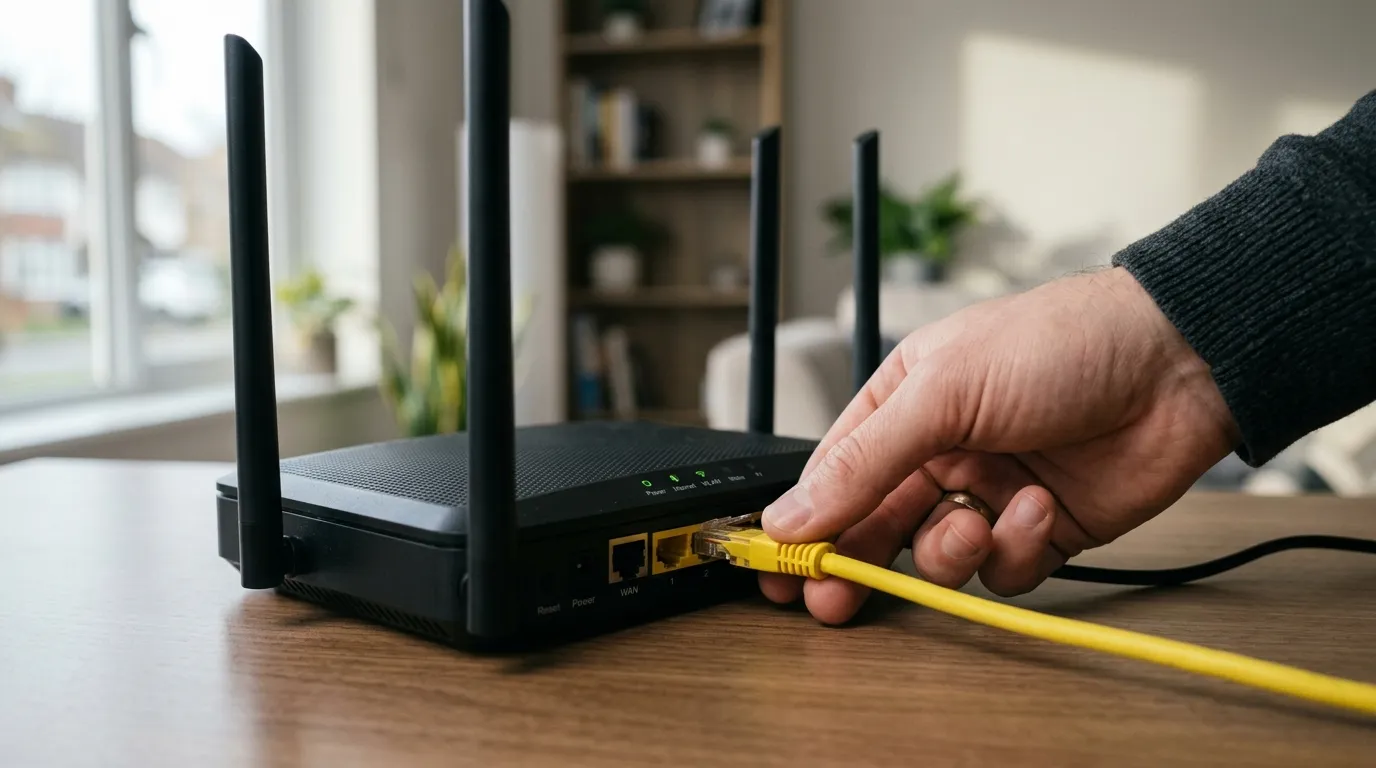
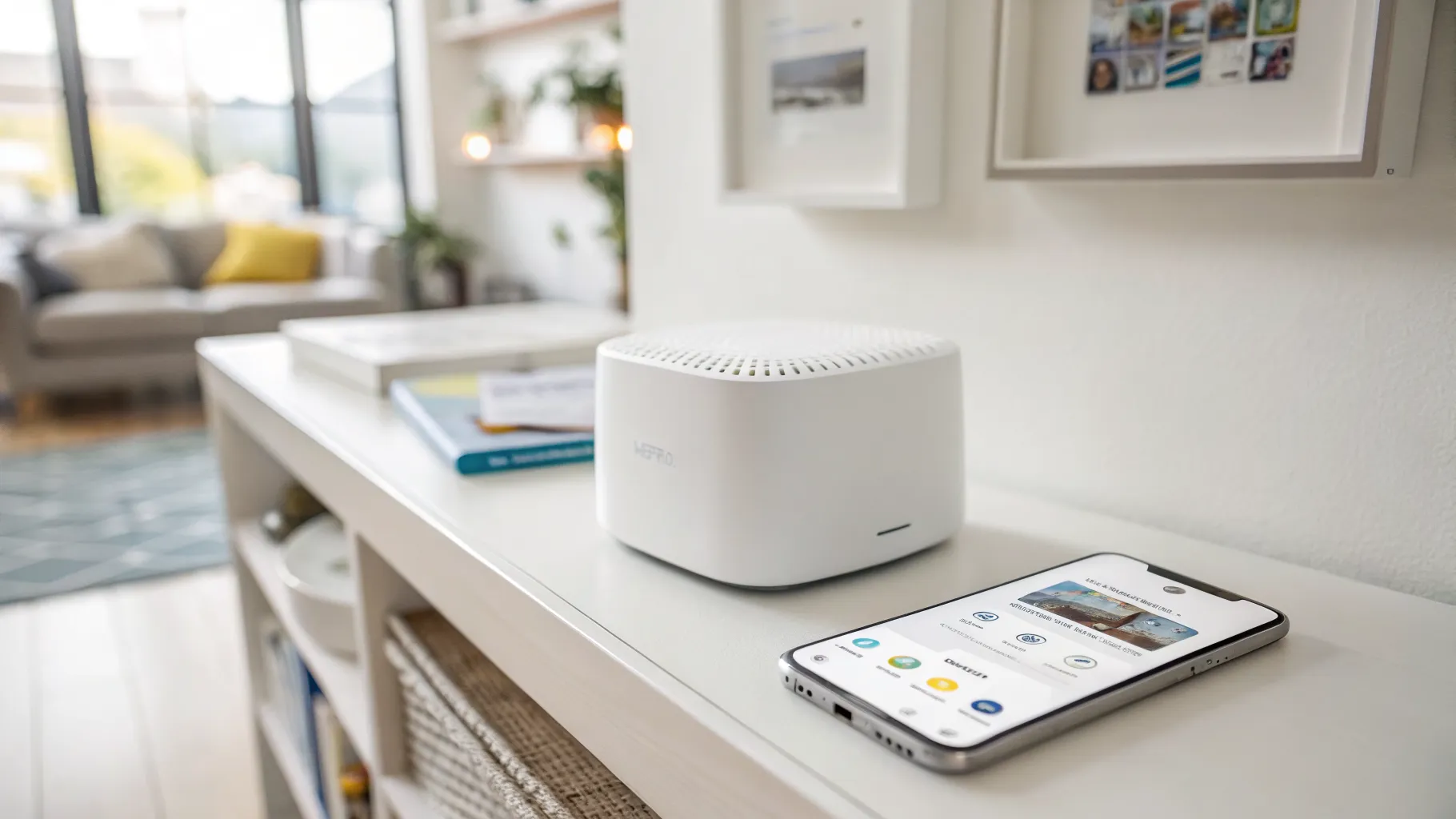
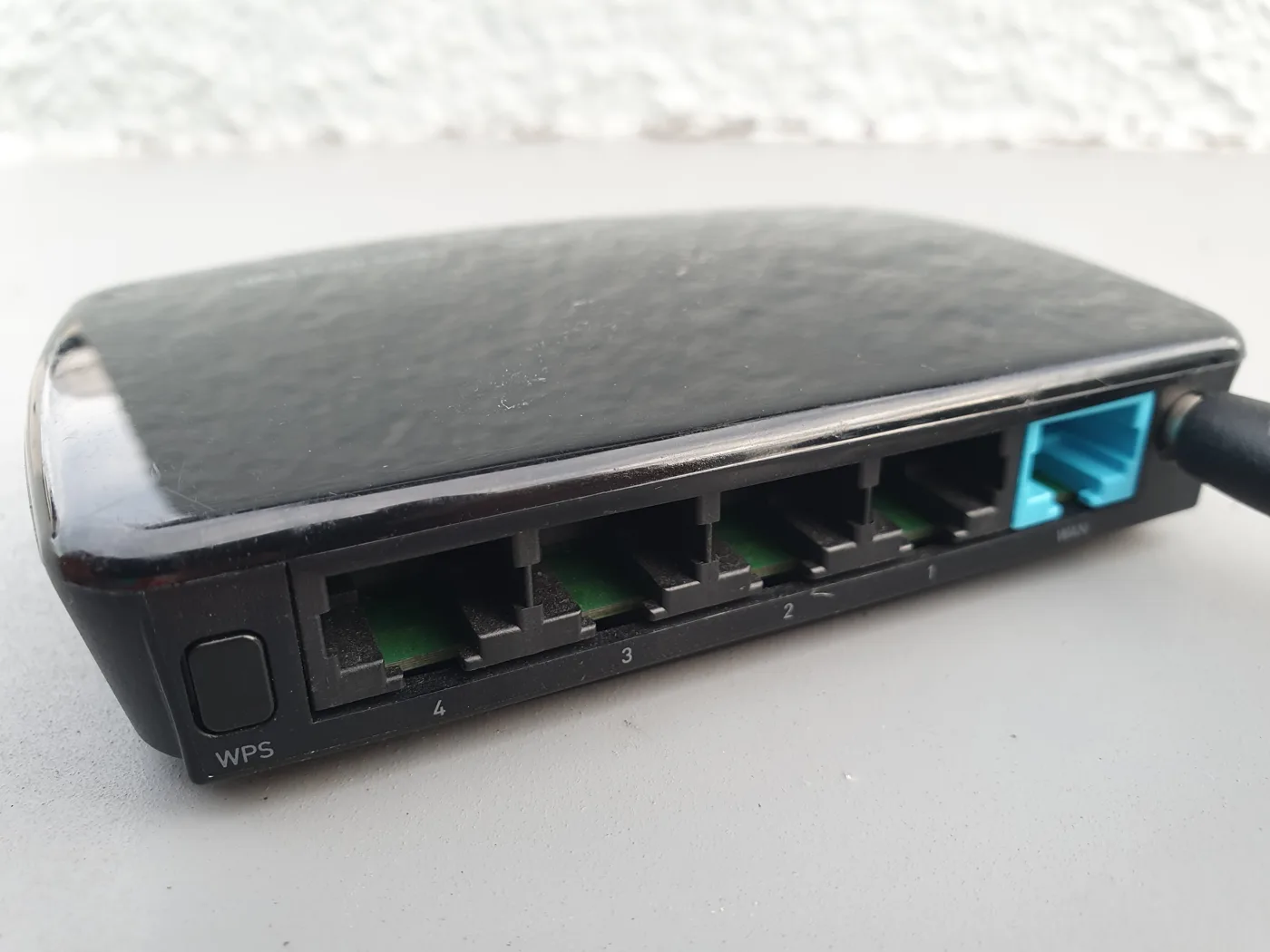
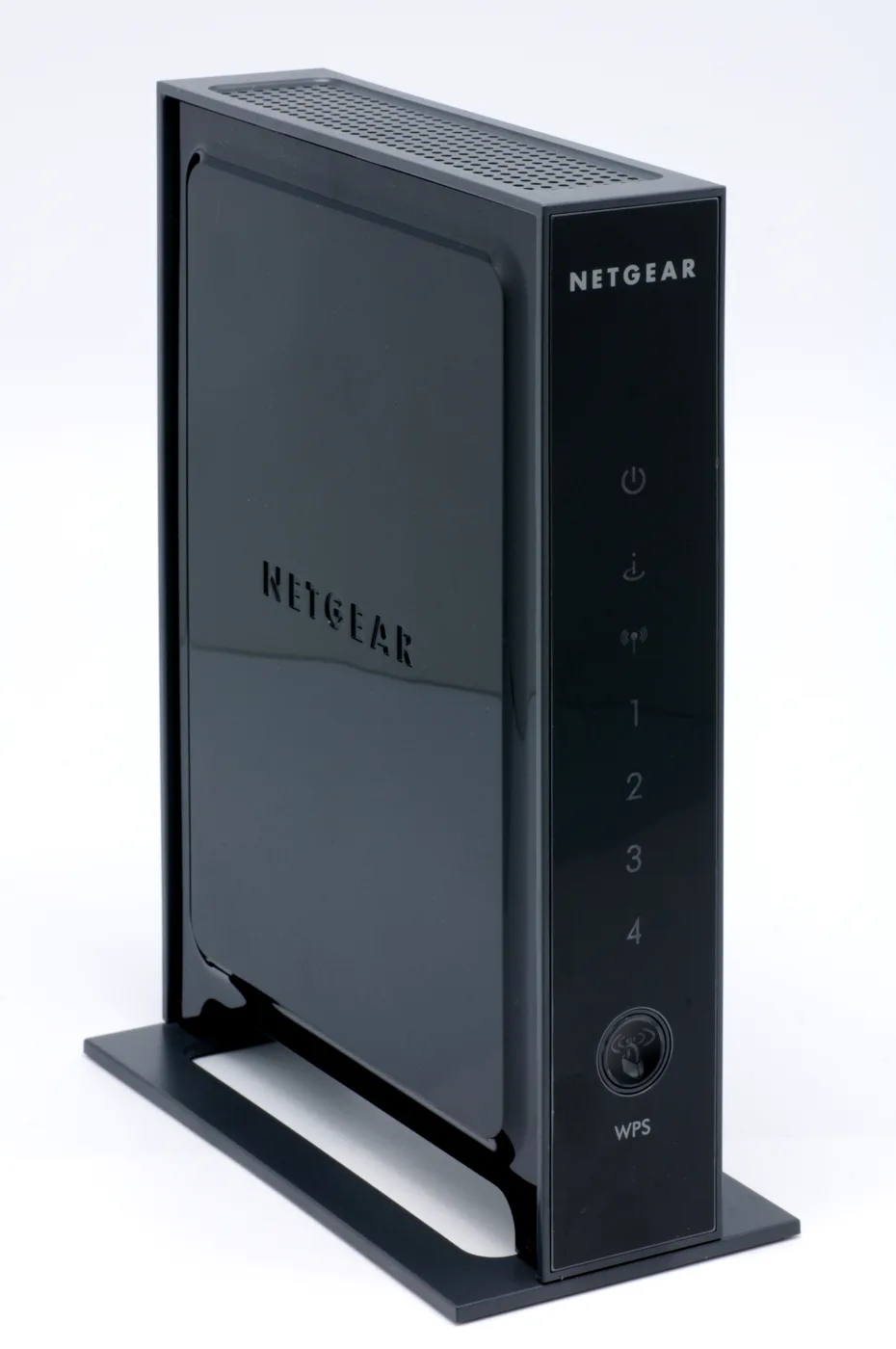
So what is broadband? In plain terms, broadband is the always-on, high-speed internet connection that comes into your home from your provider. It is the line that carries data to and from the wider internet, whether that line is copper, fibre, or coaxial cable. When people ask what is broadband, they often mean the whole package: the connection itself, the box on the wall, and the Wi-Fi that spreads it around the house. Those are separate things, and telling them apart is the first step to picking the right deal and fixing problems when they happen.
This guide keeps the marketing language out of it. It explains the connection types you can actually buy in the UK, how fast they really go versus the numbers on the advert, and one date that matters for everyone: the copper phone network is being switched off, and that changes how landlines work.
Broadband vs Wi-Fi: not the same thing
This is the single biggest mix-up, and industry surveys confirm a lot of UK households use the two words as if they mean the same thing. They don’t.
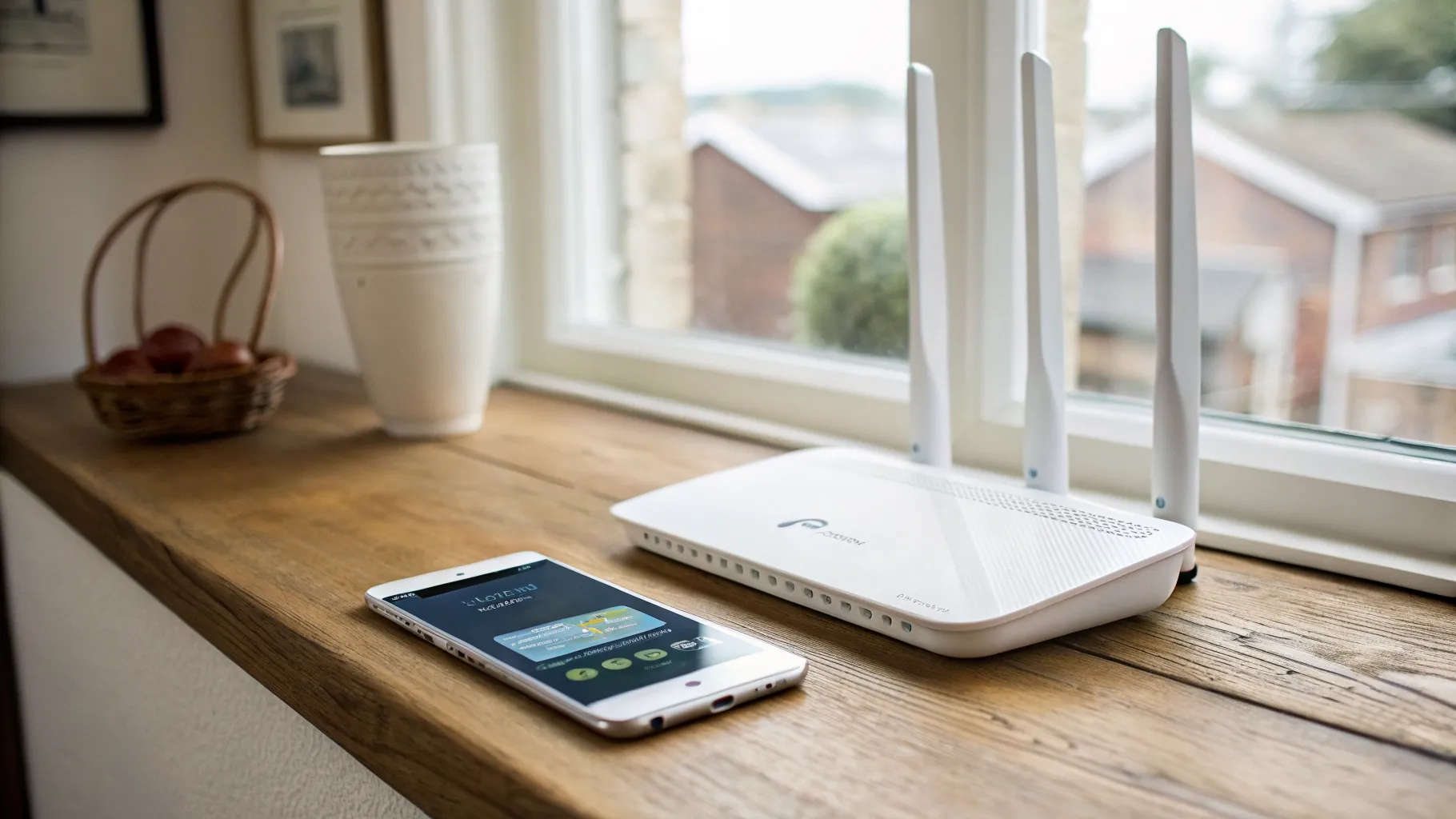
Think of it like the water supply. Broadband is the mains pipe coming into your house. Wi-Fi is the shower head spraying that water around. If the pipe into your home is weak, no shower head will fix it. If the pipe is strong but the shower head is old, you still get a poor spray in the back bedroom even though plenty of water is arriving at the house.
In practical terms:
- Broadband is the connection from your provider to your home. You can only change it by switching package or technology.
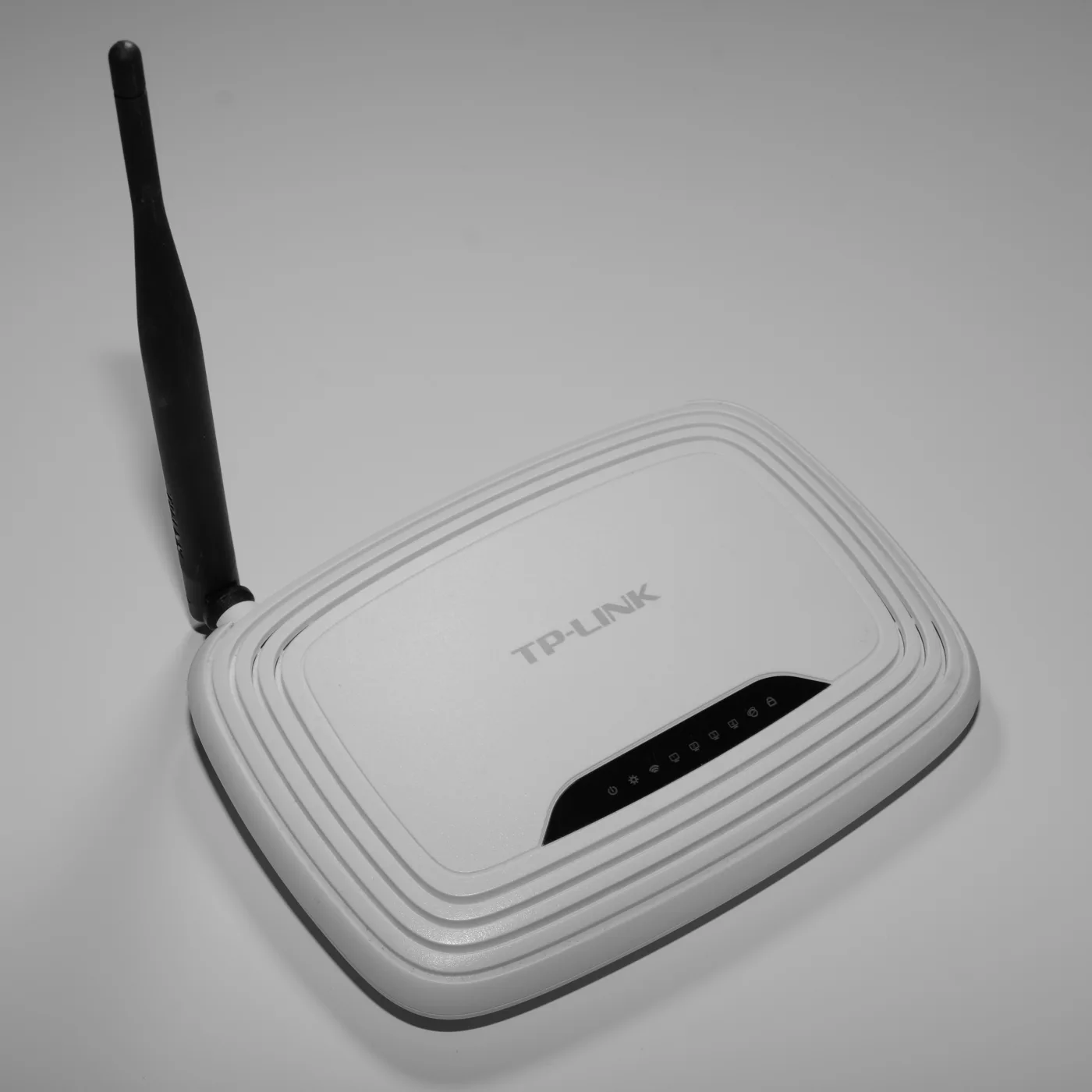
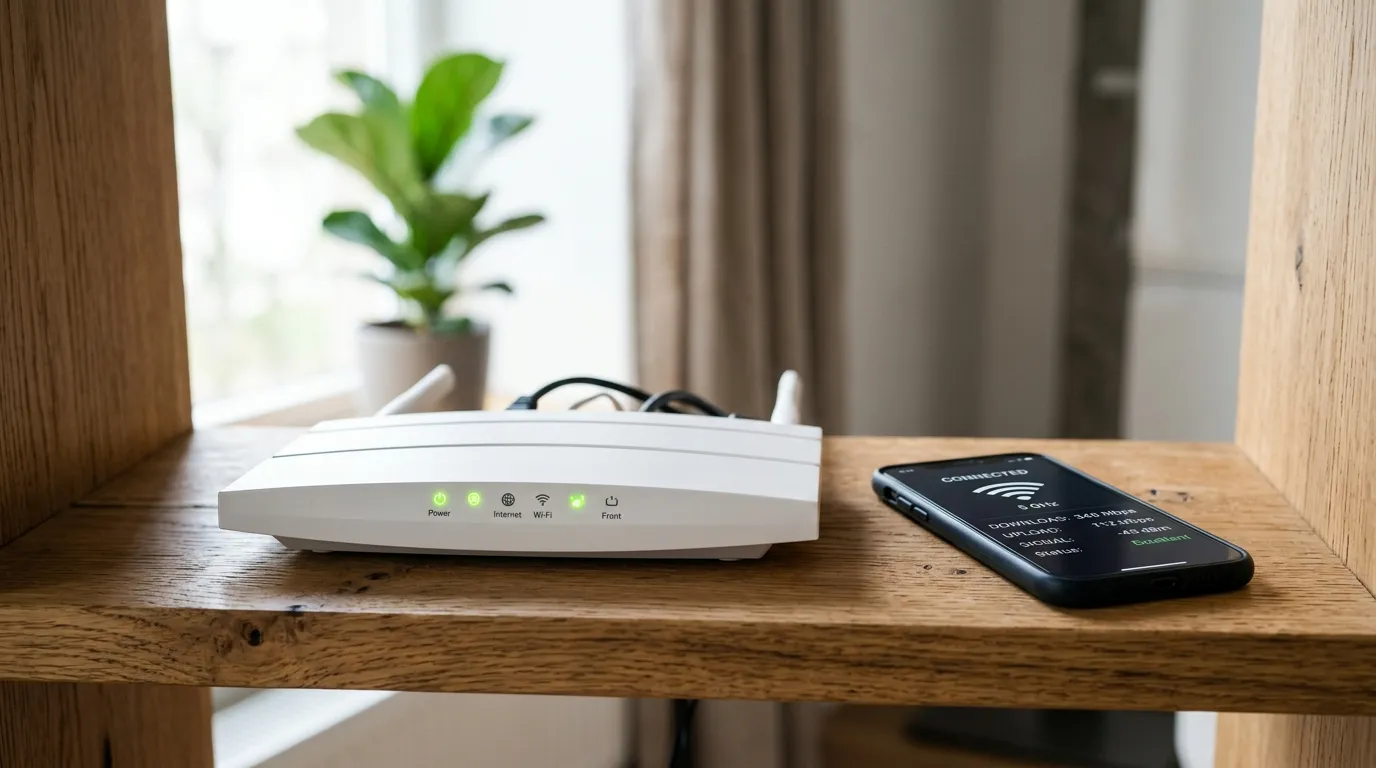
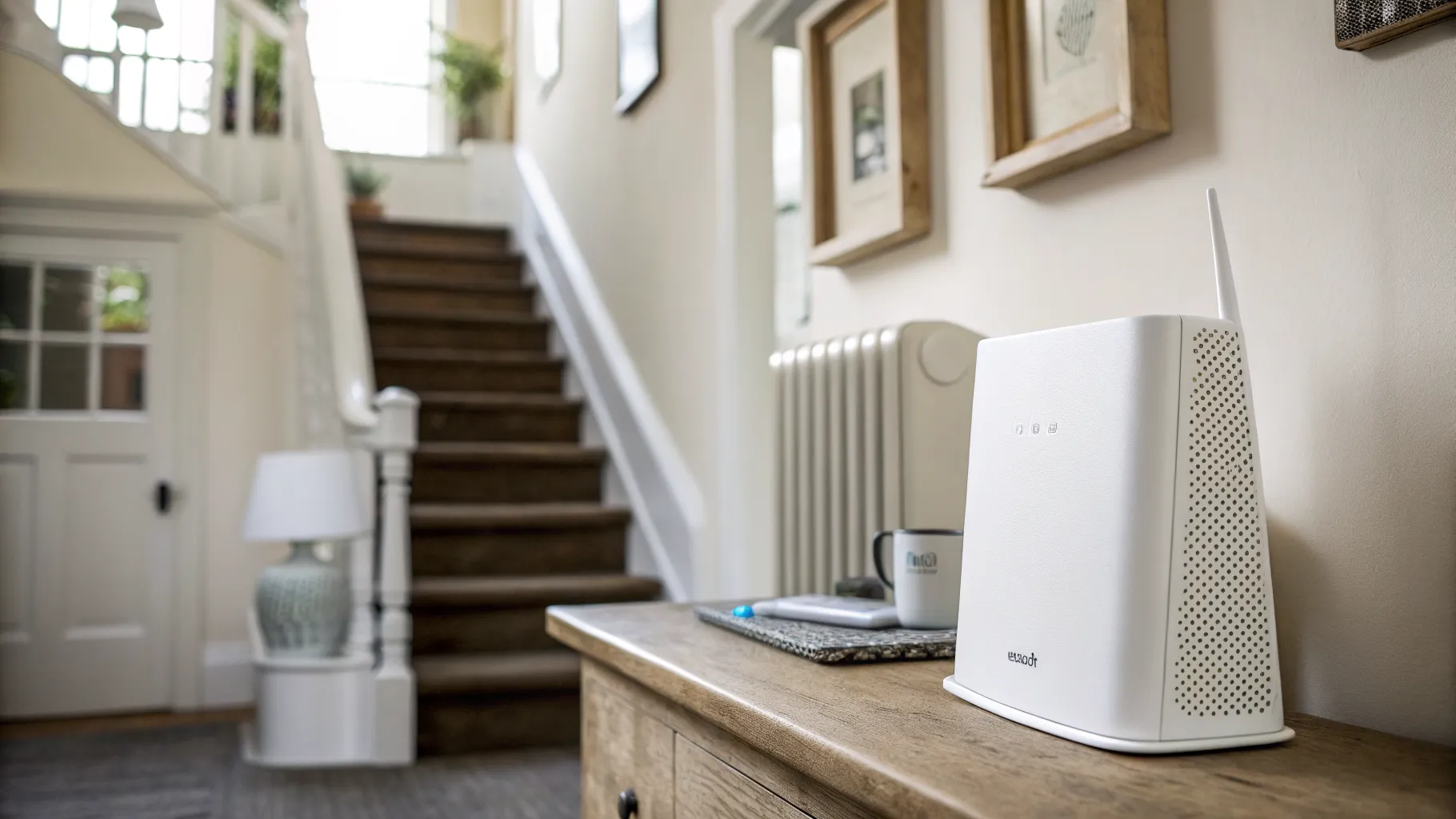
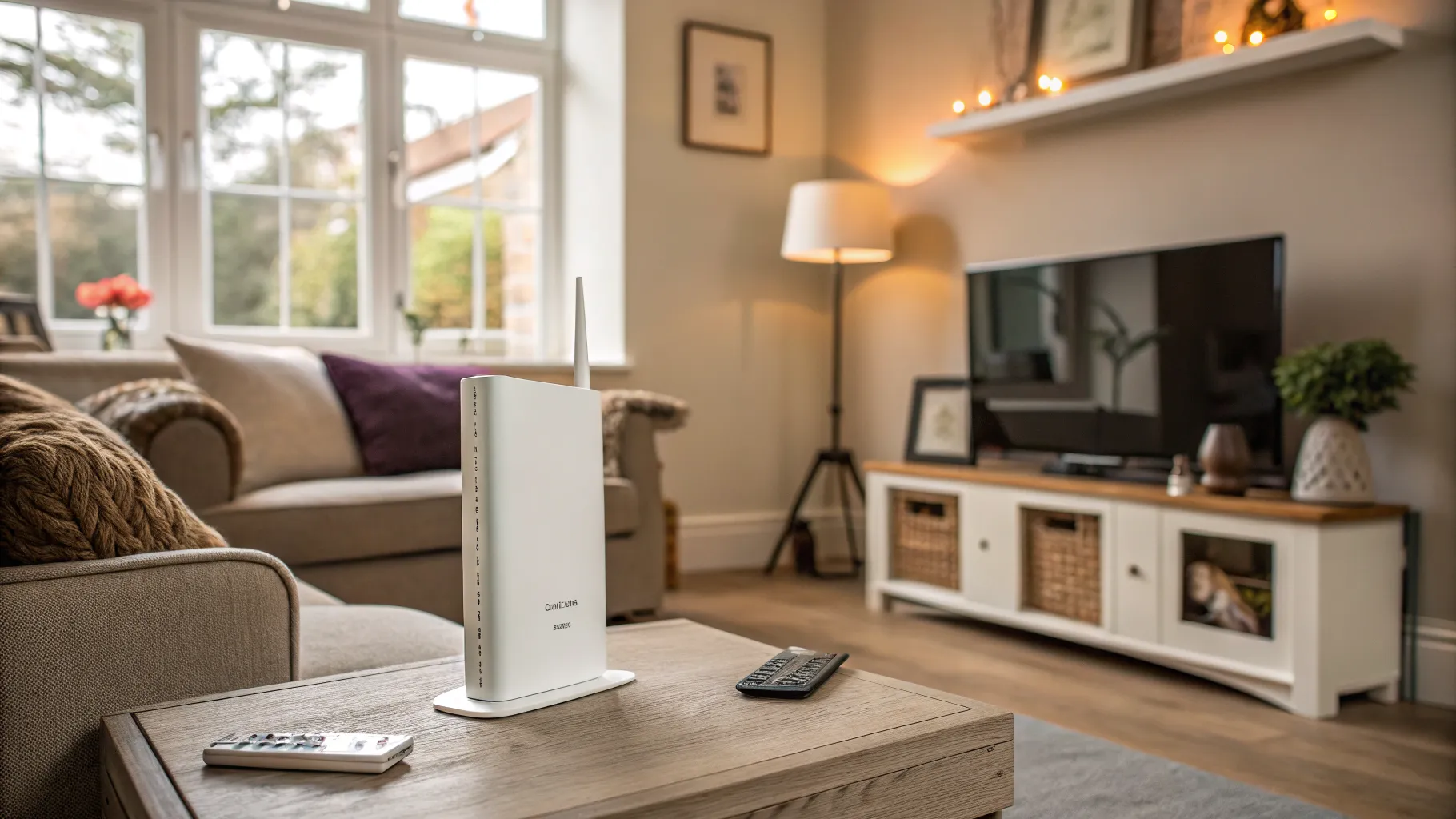
- Wi-Fi is the wireless signal your router broadcasts inside the house. Walls, distance, and interference all weaken it.
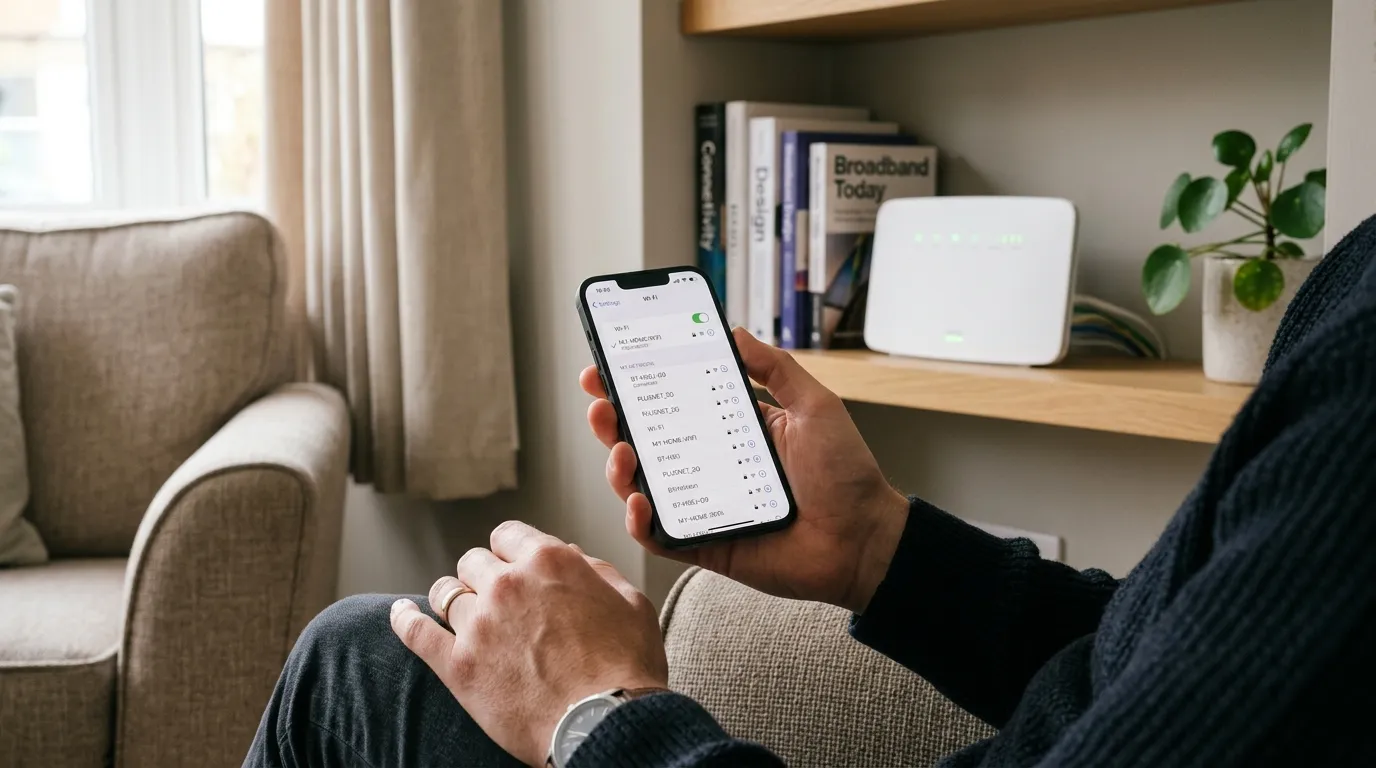
If your speed test is fast next to the router but slow upstairs, your broadband is fine and your Wi-Fi coverage is the problem. We cover that in why is my Wi-Fi so slow and fix Wi-Fi dead spots.
The five types of UK broadband, in order of age
There are five connection types you are likely to come across. Here they are with the speeds that actually matter.
- ADSL (copper): the oldest type, running entirely over the old phone wires. Slow by modern standards, typically well under 24 Mbps. It is being phased out and is expected to be retired around 2027.
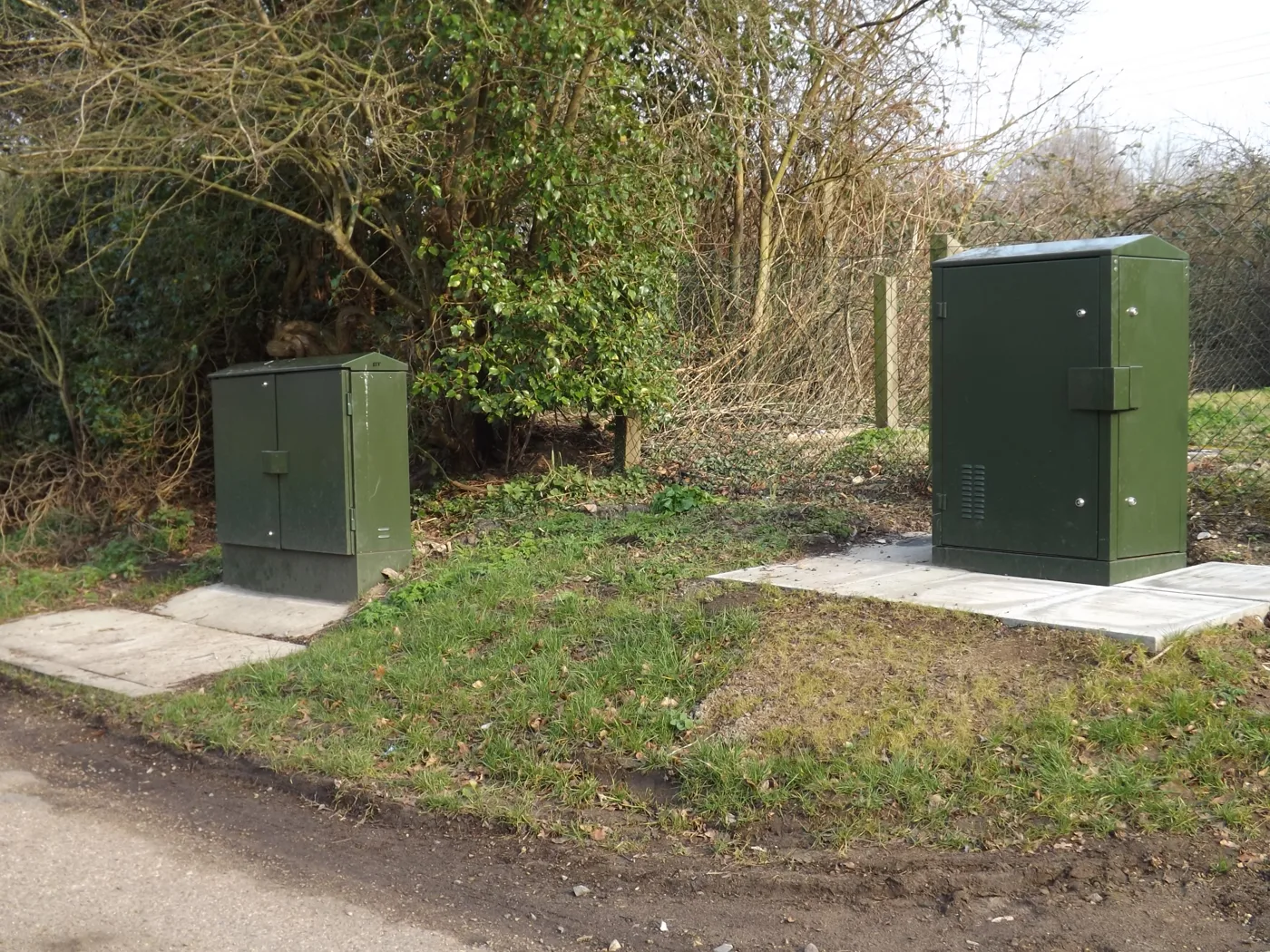
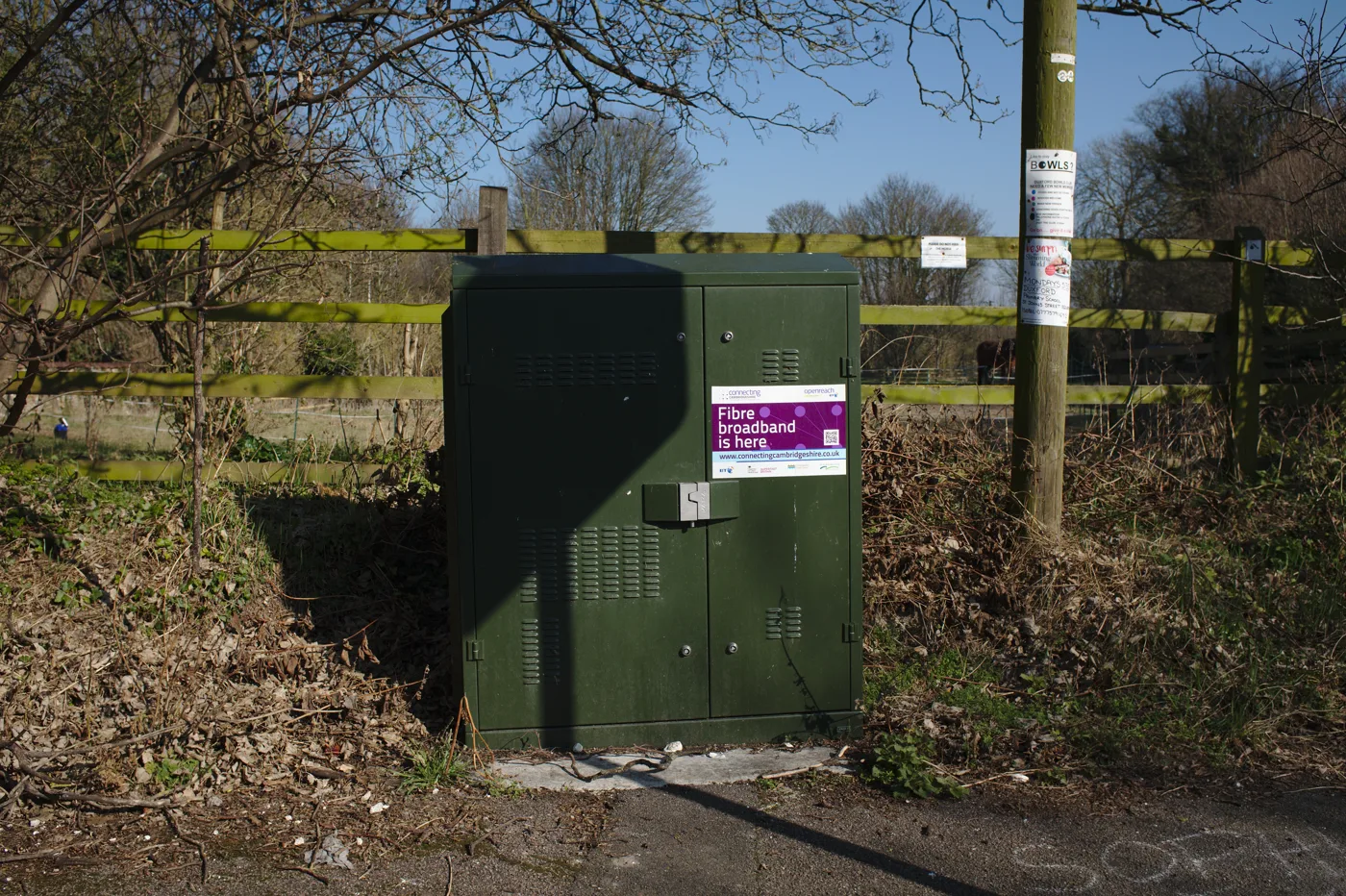
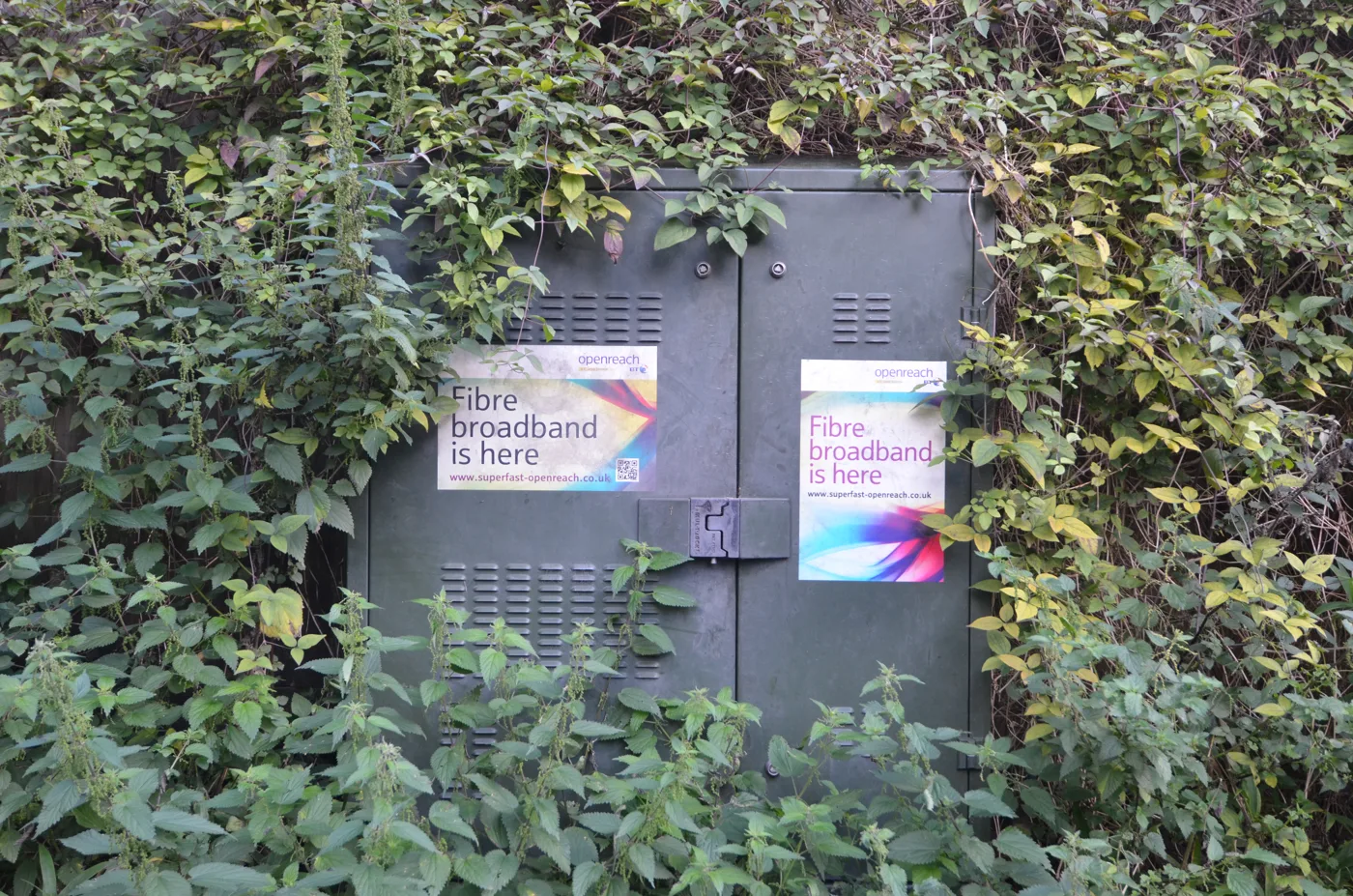
- FTTC (fibre to the cabinet): fibre runs to the green street cabinet, then copper phone line covers the last stretch to your house. Openreach quotes speeds up to 76 Mbps. This is what most “fibre” deals actually are. It is expected to stay available until roughly 2030.
- Cable (hybrid fibre-coaxial): Virgin Media’s network. Fibre runs to the cabinet, then coaxial cable covers the last mile, usually on a standard called DOCSIS 3.1. It is fast, but it is not full fibre even though fibre is part of the path.
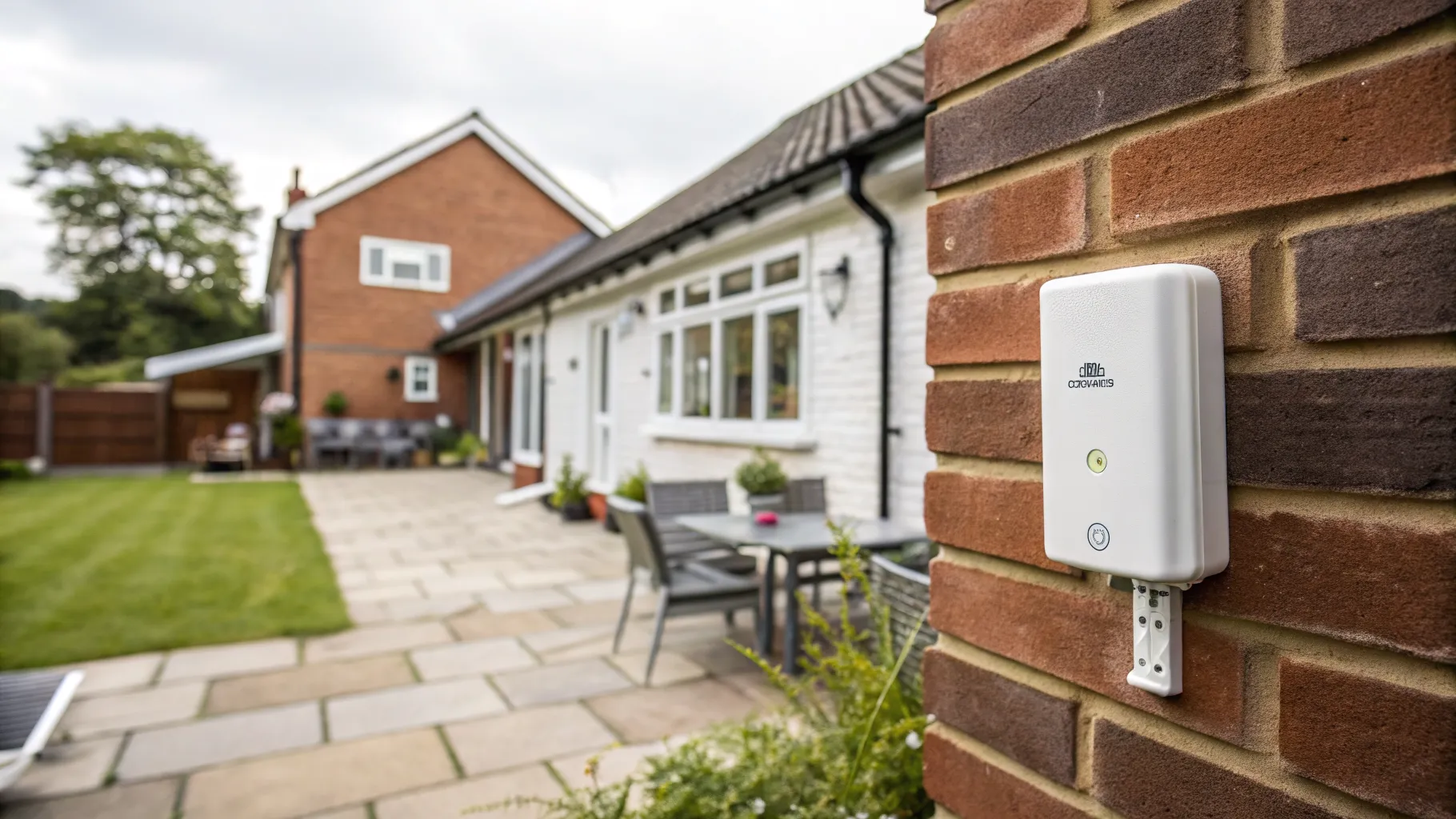
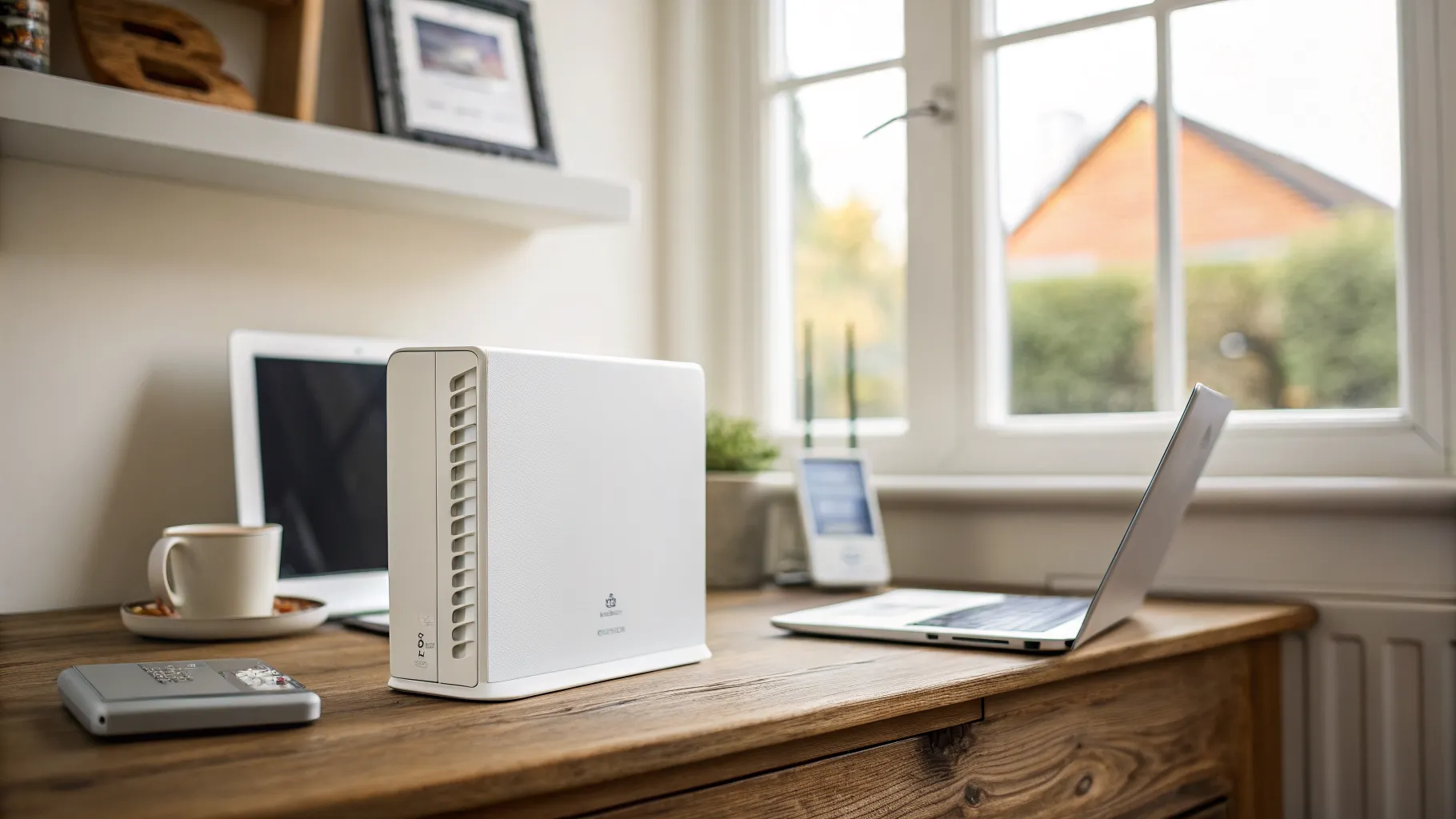
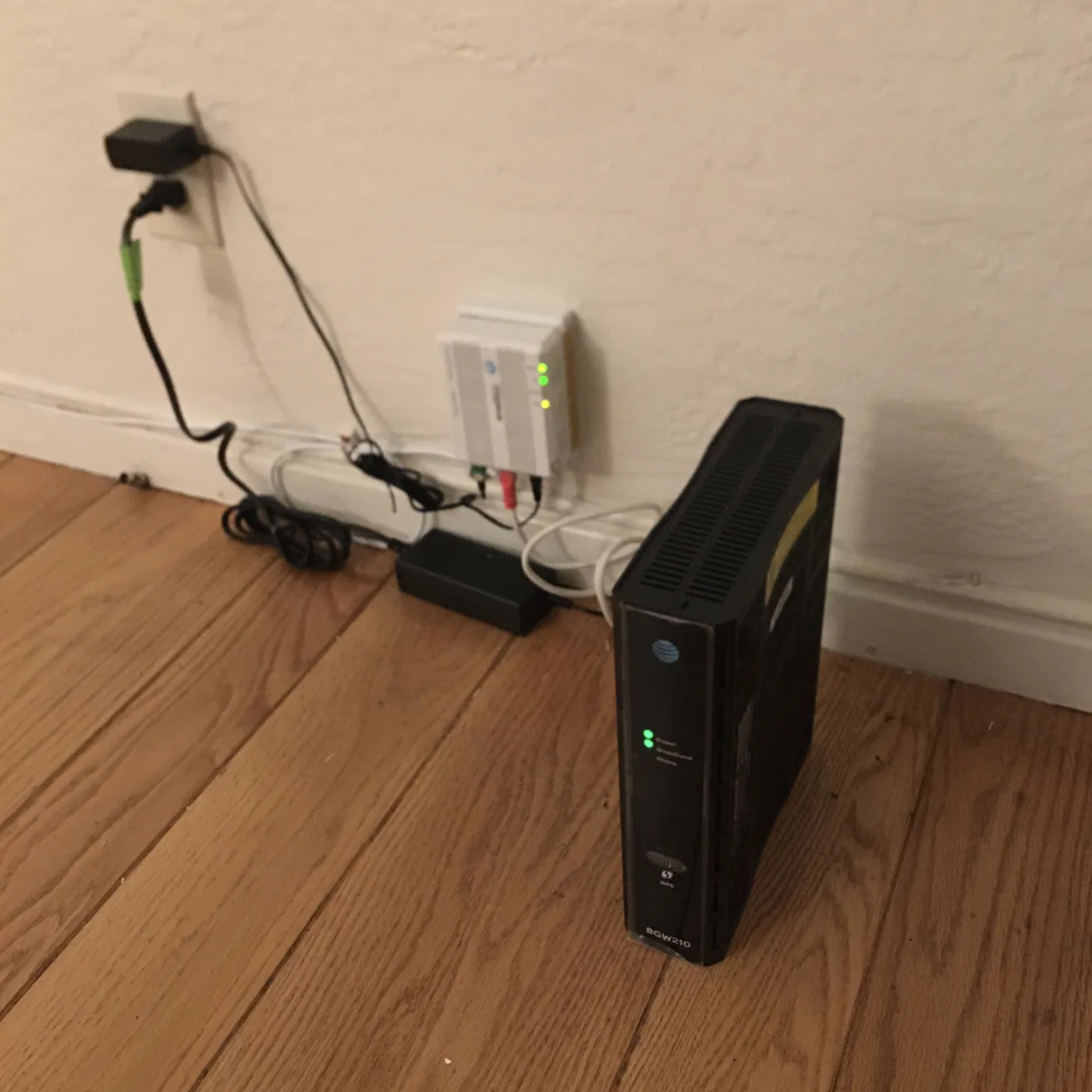
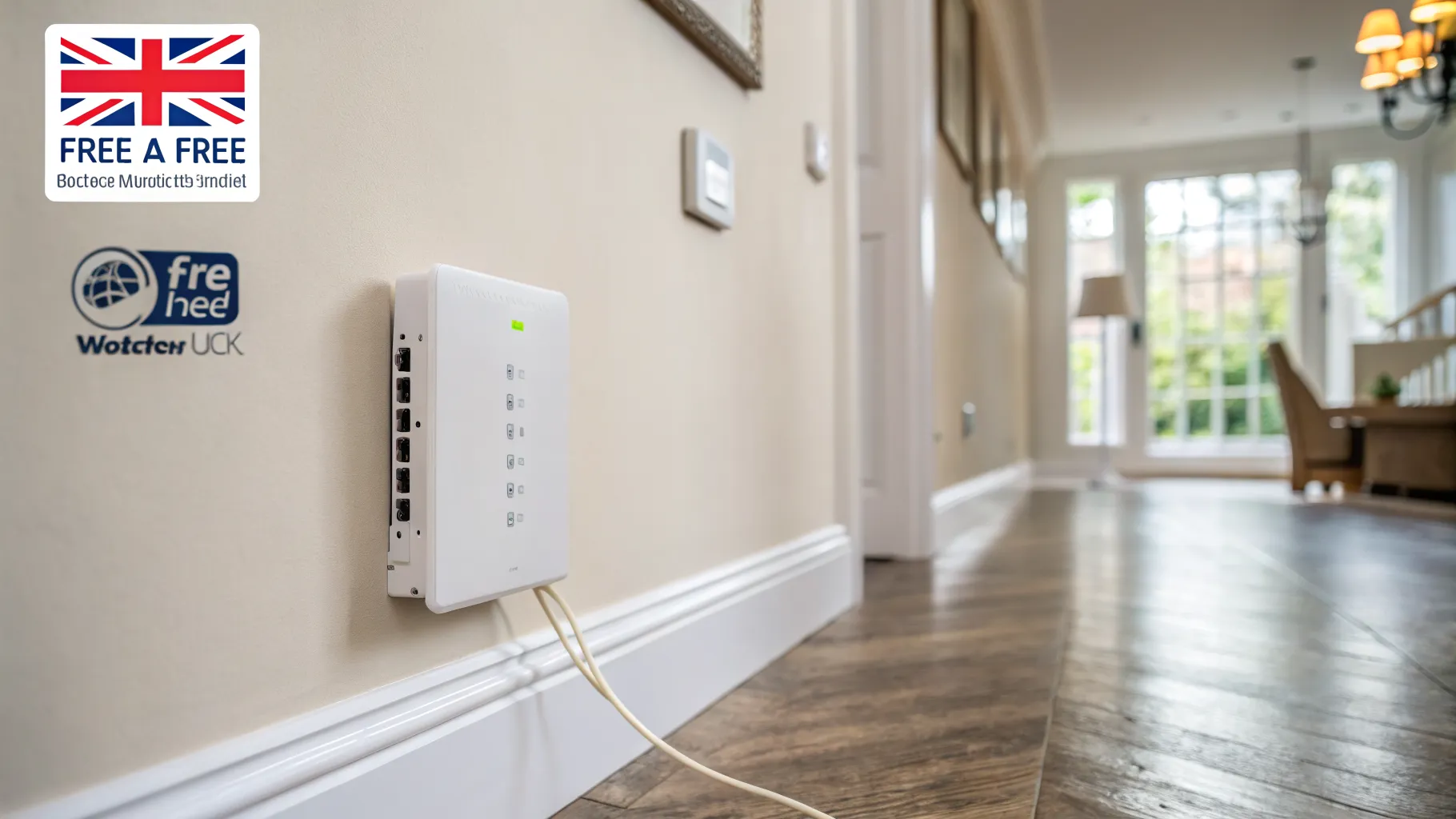
- Full fibre (FTTP, fibre to the premises): fibre all the way into your home, no copper anywhere in the path. Openreach quotes speeds up to 1,600 Mbps. The fibre ends at a small box on your wall called an ONT (optical network terminal), which your router plugs into.
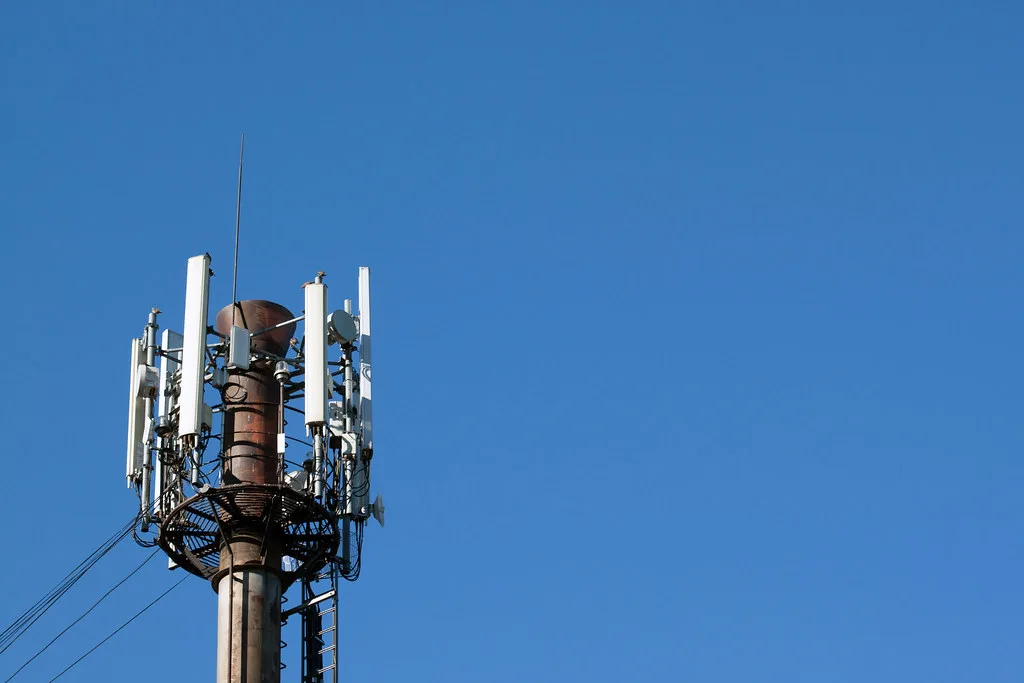
- 5G and fixed wireless: broadband delivered over a mobile or radio signal rather than a wire, useful where fixed lines are poor.
The headline to take away: “fibre” on a deal does not always mean full fibre. FTTC and cable are routinely marketed as fibre, and only FTTP is fibre from end to end.
What “fibre” really means on a deal
Because the word fibre sells, providers use it loosely. FTTC has fibre to the cabinet, then copper. Cable has fibre to the cabinet, then coax. Both are legitimately faster than old ADSL, but neither is full fibre.
Why does it matter? Distance. On FTTC, the copper run from the cabinet to your home weakens the signal, so a house far from the cabinet gets less than the advertised “up to” figure. Full fibre and cable do not lose speed over that last stretch the way copper does, so the number you are sold is far closer to what you get. If you want the version that does not slow with distance, look for the words “full fibre” or “FTTP”, not just “fibre”.
Why your real speed is slower than the headline
You will see a national “average” download speed quoted around 157 Mbps in recent Ofcom-era figures. Treat that with caution. The average is pulled up by a minority of homes on very fast full fibre. The median, meaning the speed a typical household actually sits at, is closer to 80 Mbps, because millions of homes are still on older FTTC lines. Average upload sits around 27 Mbps and typical latency around 14 ms.
There is also the “up to” problem. When a provider says “up to 76 Mbps”, that is the best case. On copper-based FTTC, the further you are from the cabinet, the lower your real figure. Full fibre and cable do not depend on that copper distance, so their advertised speeds are far more honest.
For the legal floor, the UK’s Universal Service Obligation gives most homes the right to request a “decent” connection of at least 10 Mbps download and 1 Mbps upload, with BT and KCOM as the universal service providers and a cost cap of £3,400 per premises. That is a backstop, not a target. To work out what you actually need, try our broadband speed calculator.
How much speed do you actually need?
More is not always worth paying for. A rough guide:
- One person, light use (email, browsing, one stream): around 15 Mbps is enough.
- A typical household: “superfast”, meaning 30 Mbps and above, is fine for most. Note the definitions differ, with Ofcom using 30 Mbps and the government using 24 Mbps.
- A busy home with 4K streaming on several screens and gaming: aim for 100 Mbps or more, the “ultrafast” tier.
- Heavy uploaders or large households wanting headroom: gigabit (1,000 Mbps) full fibre or cable.
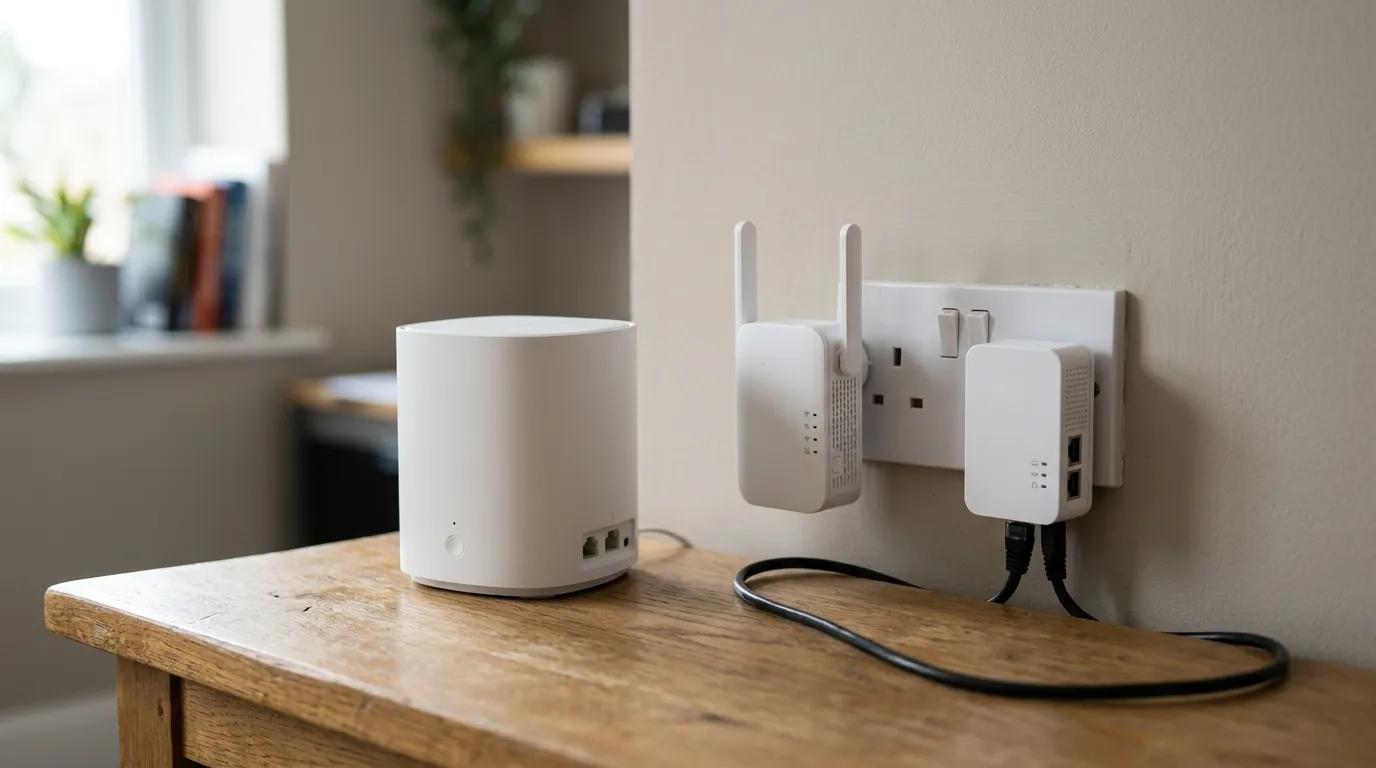
If your house struggles only in certain rooms, the answer is usually better coverage, not a faster line. See mesh vs extender vs powerline.
Where the UK is up to with full fibre
Coverage has moved fast. Ofcom’s Connected Nations 2025 report, published in November 2025, found full fibre available to 78% of UK homes, about 23.7 million premises, up nine points in a year. Gigabit-capable broadband reached around 87% of premises, heading towards 89% in 2026.
By nation, full fibre coverage is highest in Northern Ireland at 95%, then England at 79%, Wales at 78%, and Scotland at 71%. Yet take-up where full fibre is available is only around 41%, so most households who could switch to it still haven’t. If full fibre has reached your street and you are still on FTTC, you are probably leaving speed on the table.
To check what is available at your exact address, use the Ofcom checker or the Openreach checker rather than relying on a provider’s coverage claim.
The 2027 copper switch-off: what changes
This is the part most evergreen guides skip. The old analogue phone network, the PSTN, is being retired. Openreach’s final stop-sell and withdrawal date is 31 January 2027. Landline calls are moving to Digital Voice, which means your home phone plugs into your broadband router instead of the phone socket in the wall.
Migration is already well underway: PSTN landline customers fell from 5.2 million in July 2024 to 3.2 million by July 2025. ADSL is expected to be retired around the same 2027 window, while FTTC is expected to remain available until roughly 2030.
What it means if you are choosing a connection now:
- If you still rely on a copper phone line, your provider will move you to Digital Voice over broadband before the switch-off.
- Full fibre (FTTP) and Virgin cable do not need a separate phone line at all.
- FTTC still uses a phone line for the last stretch, so it depends on the copper that is being wound down over the following years.
If you are picking a new package, choosing full fibre where it is available future-proofs you against all of this.
Quick check: which type do I have?
- Speeds under about 24 Mbps and a deal that does not mention fibre: likely ADSL.
- A “fibre” deal up to roughly 76 Mbps, plus a phone line: likely FTTC.
- Virgin Media, fast speeds, no Openreach line: cable (HFC).
- A small white box (the ONT) on the wall and no copper involved: full fibre (FTTP).
Frequently asked questions
Is broadband the same as Wi-Fi? No. Broadband is the connection coming into your home from your provider. Wi-Fi is the wireless signal your router creates to share that connection around the house. You can have fast broadband and still get weak Wi-Fi in distant rooms.
Is “fibre” broadband always full fibre? No. FTTC and cable are both marketed as fibre, but only FTTP (fibre to the premises) is fibre the whole way into your home. FTTC uses copper for the last stretch, and cable uses coaxial cable, so neither is full fibre.
Do I need a phone line for broadband? It depends on the technology. Full fibre (FTTP) and Virgin cable do not need a phone line. FTTC does, because the last stretch from the street cabinet to your house runs over the copper phone line.
Why is my speed slower than advertised? Advertised “up to” figures are best case. On copper-based FTTC, speed drops the further you are from the street cabinet. Full fibre and cable do not lose speed over that last stretch, so their advertised numbers are far closer to reality.
What happens to my landline when the copper network switches off in 2027? Calls move to Digital Voice, where your phone plugs into your broadband router instead of the wall socket. Openreach’s final withdrawal date is 31 January 2027, and your provider will move you across before then.
Can I get full fibre at my address? Full fibre now reaches about 78% of UK homes, but coverage varies street by street. Check the Ofcom availability checker or the Openreach checker using your postcode, rather than trusting a provider’s general coverage claim.
Sources
- Openreach, FTTC vs FTTP
- House of Commons Library, broadband briefing