WiFi Antenna Upgrade: When an External Antenna Improves Your Range
A wifi antenna upgrade is one of the cheapest ways to squeeze more range out of a router, but it only works in specific circumstances, and for a lot of homes it is the wrong fix entirely. Swap the stock antennas on the right router and you can push a weak signal out to the garage or patio for the price of a takeaway. Try it on a sealed ISP hub with no removable antennas and you achieve nothing. This guide explains when a bigger wifi antenna genuinely helps, when it cannot, and what to do instead if your router will not take one.
First: can your router even take one?
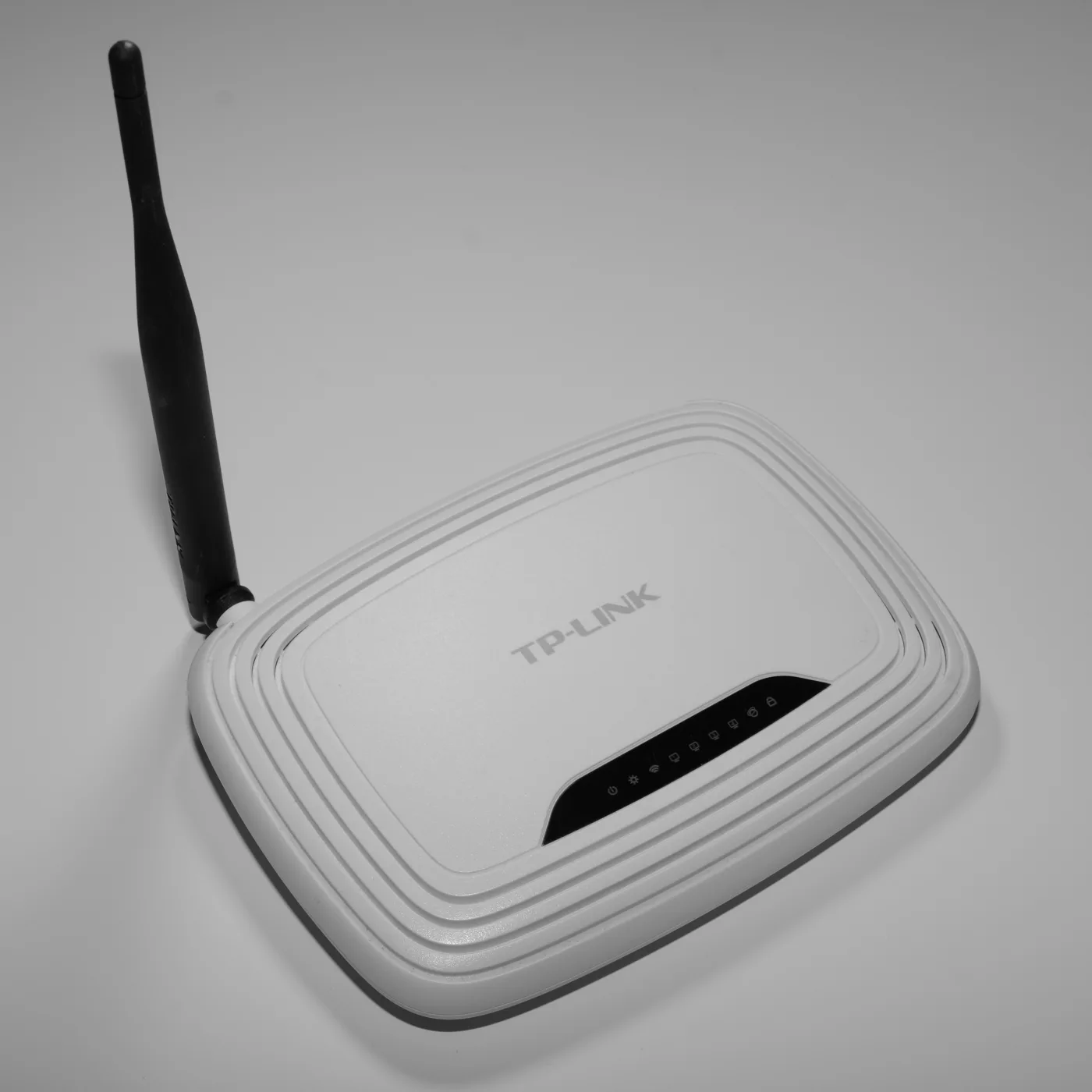
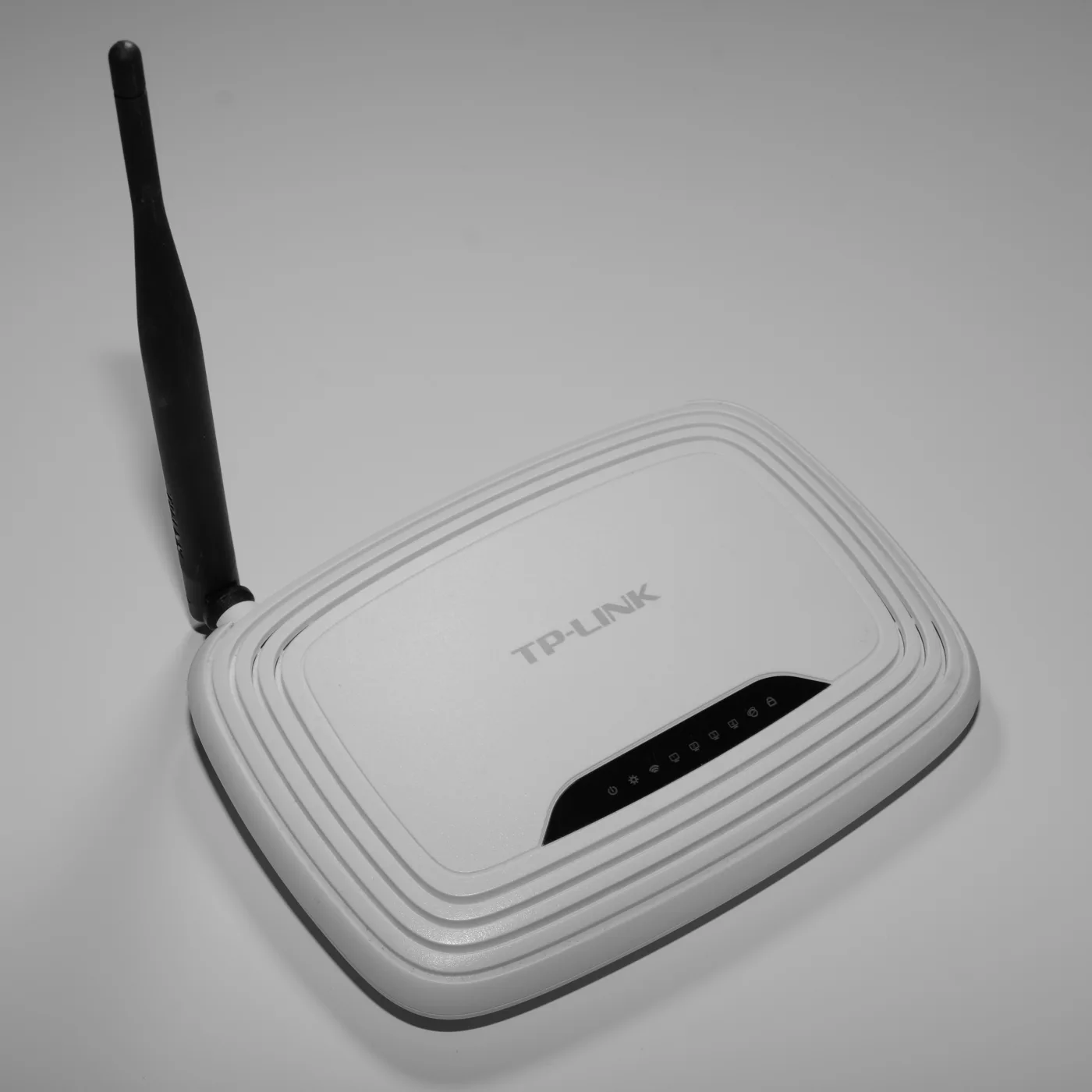
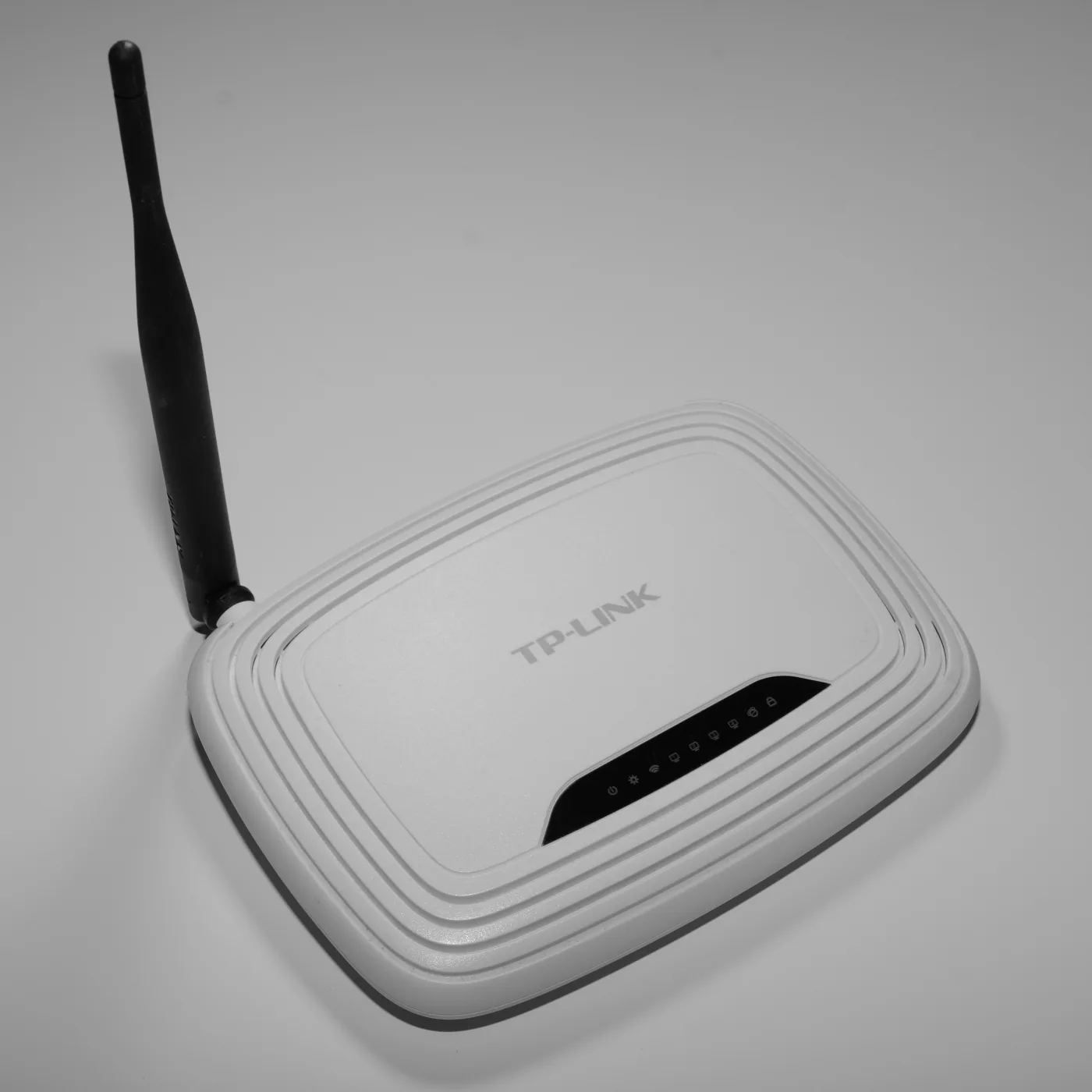
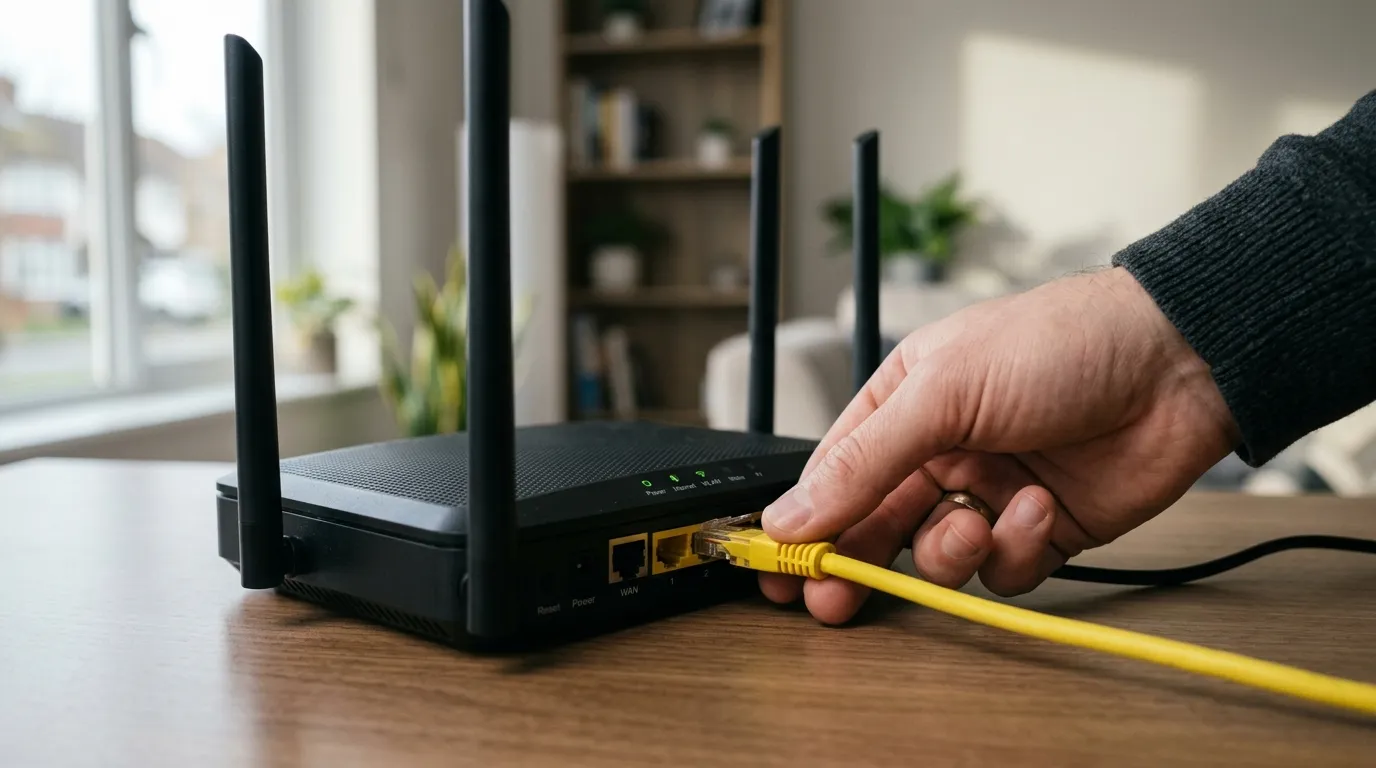
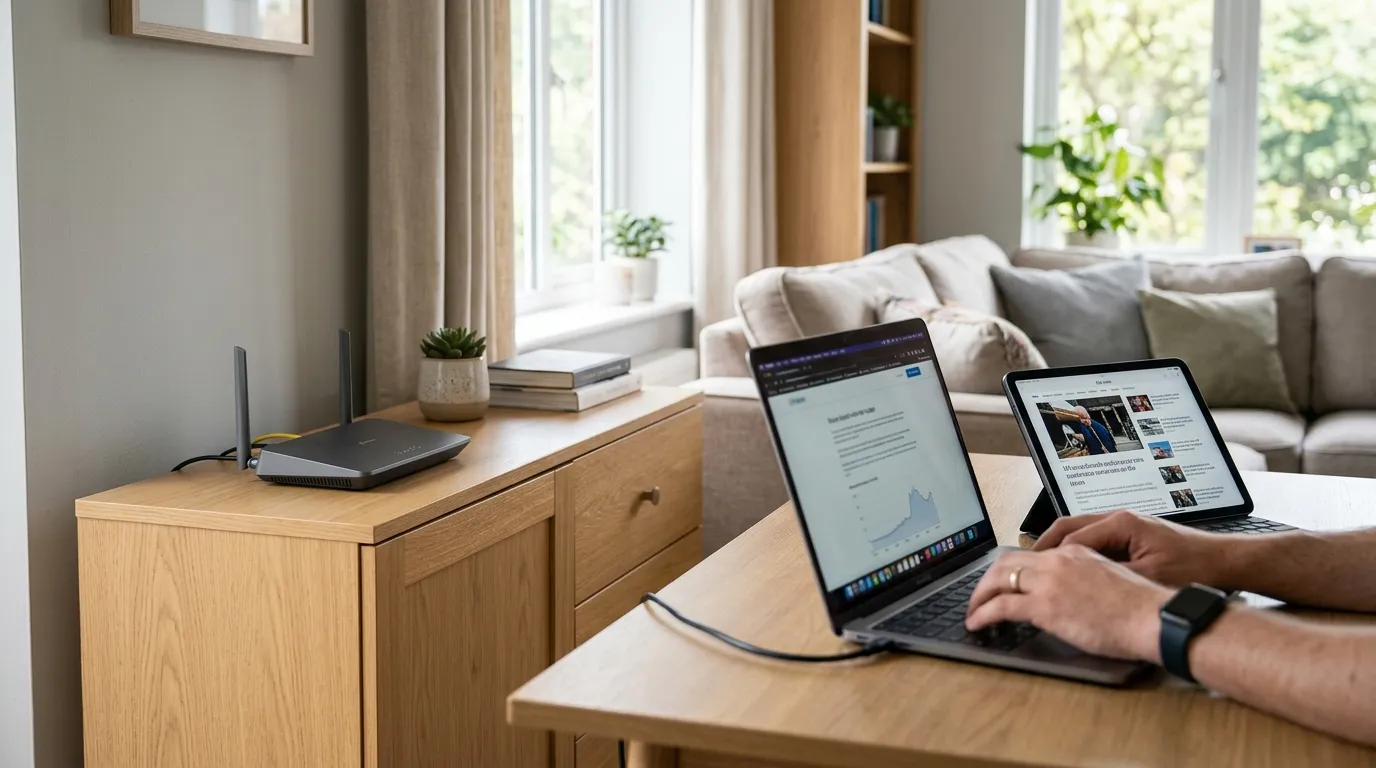
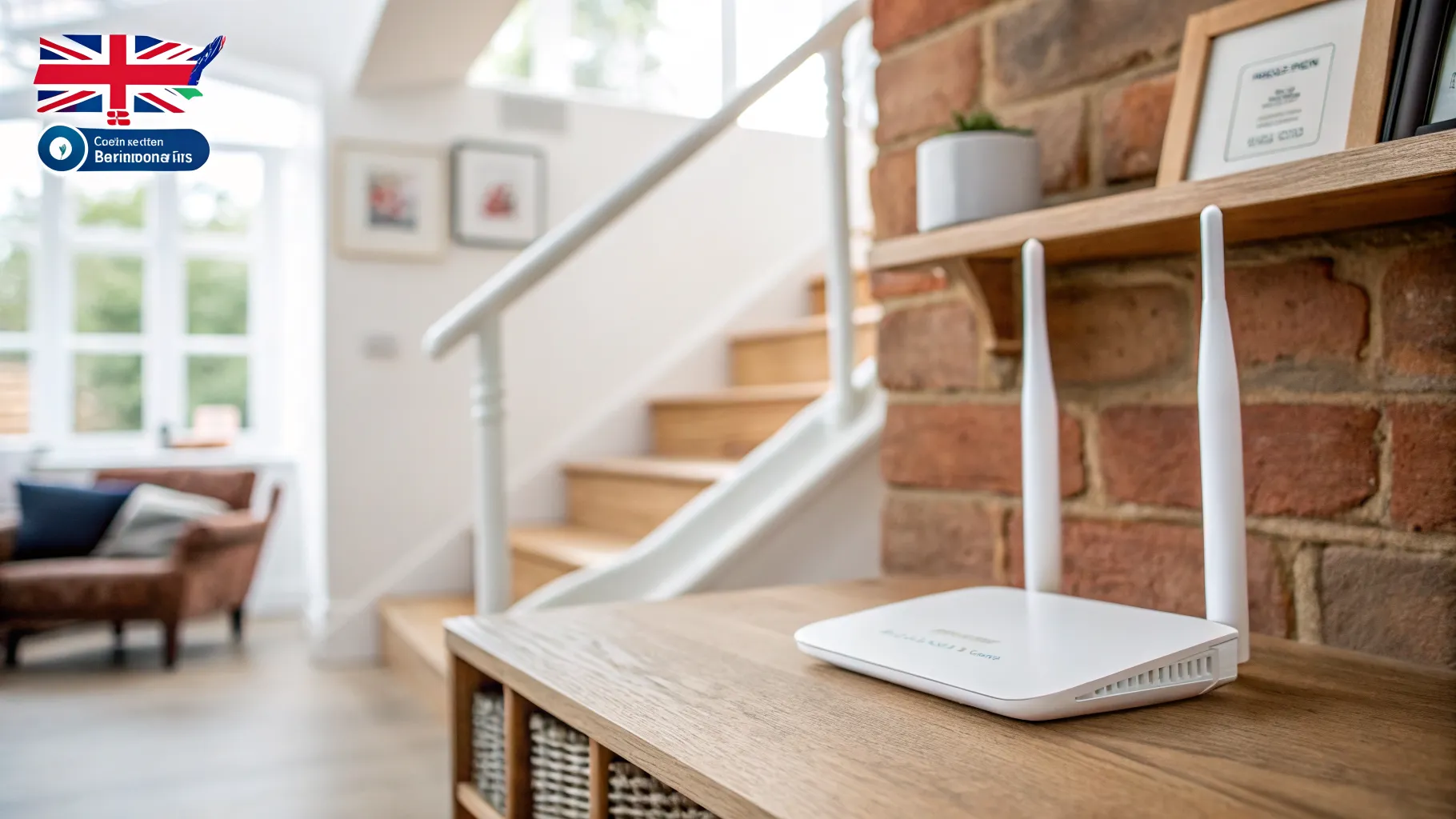
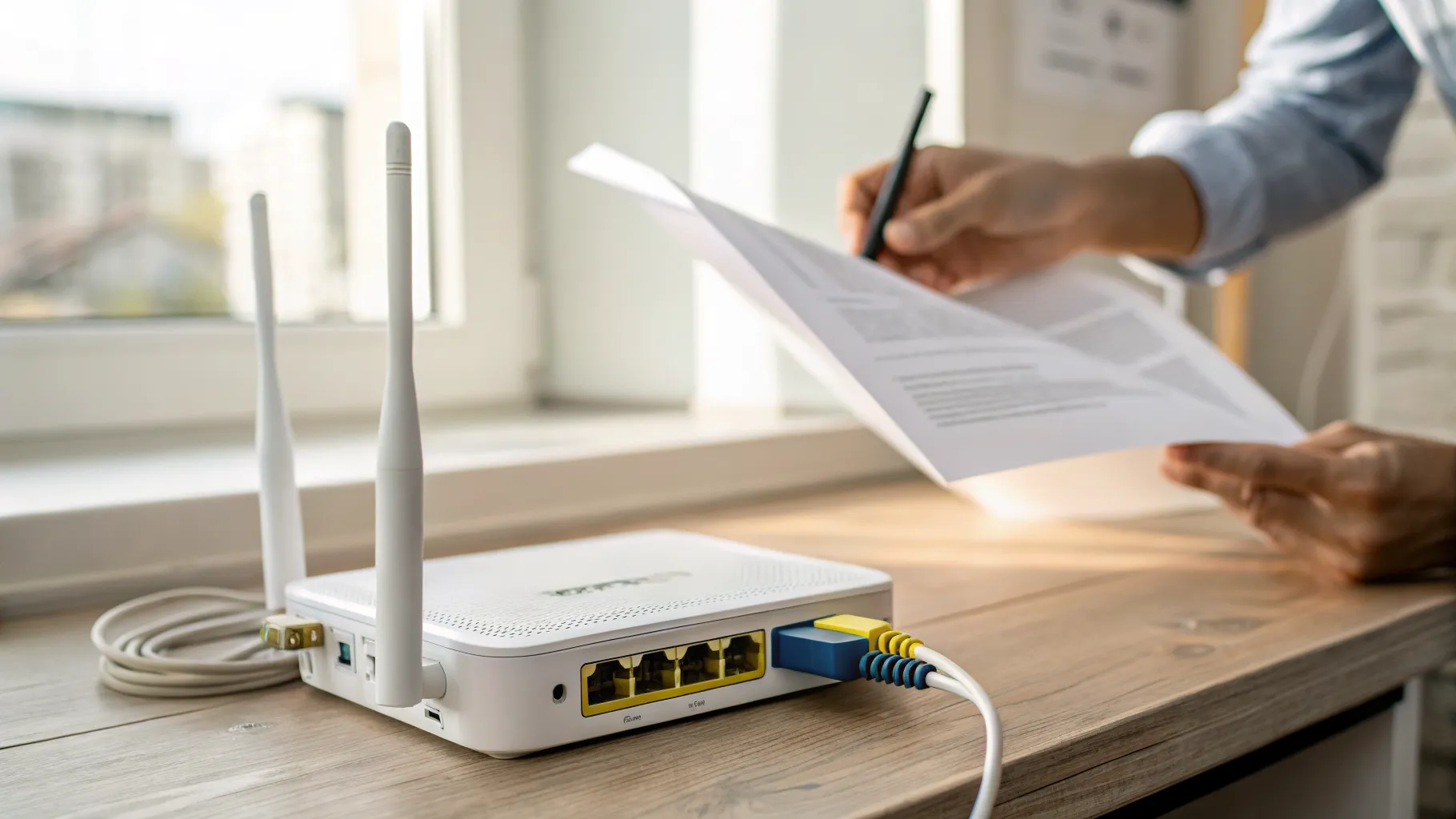
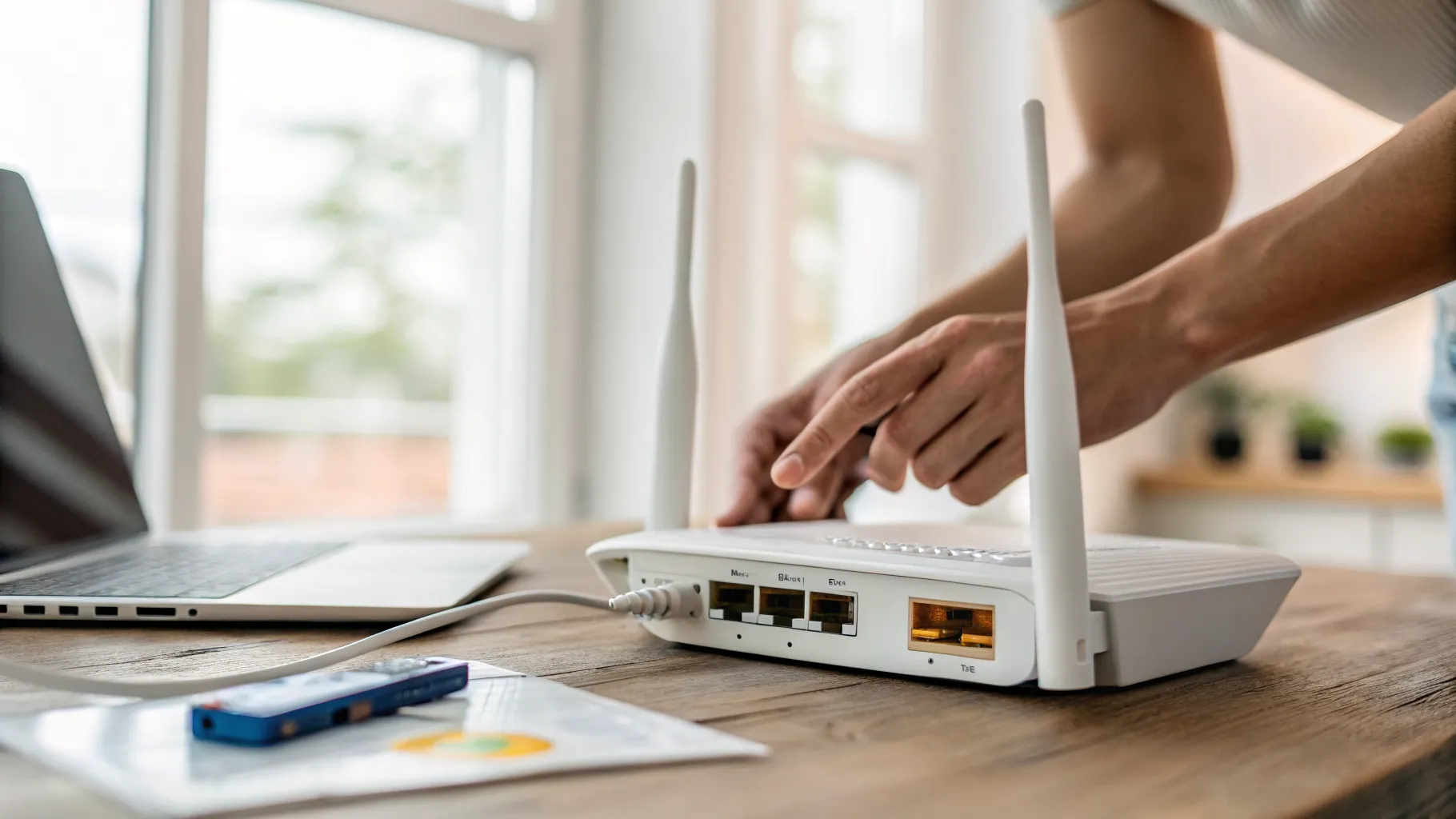
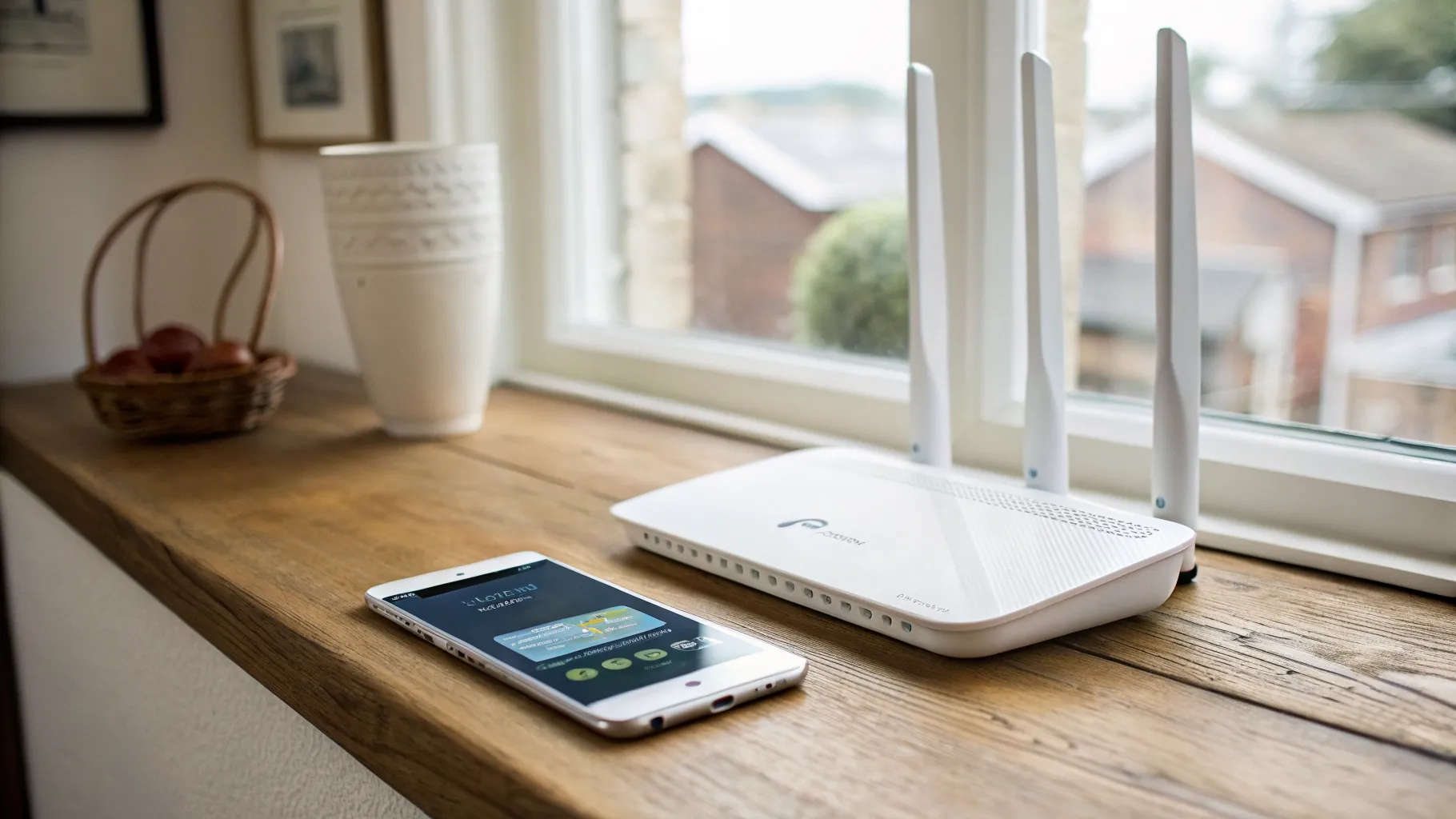
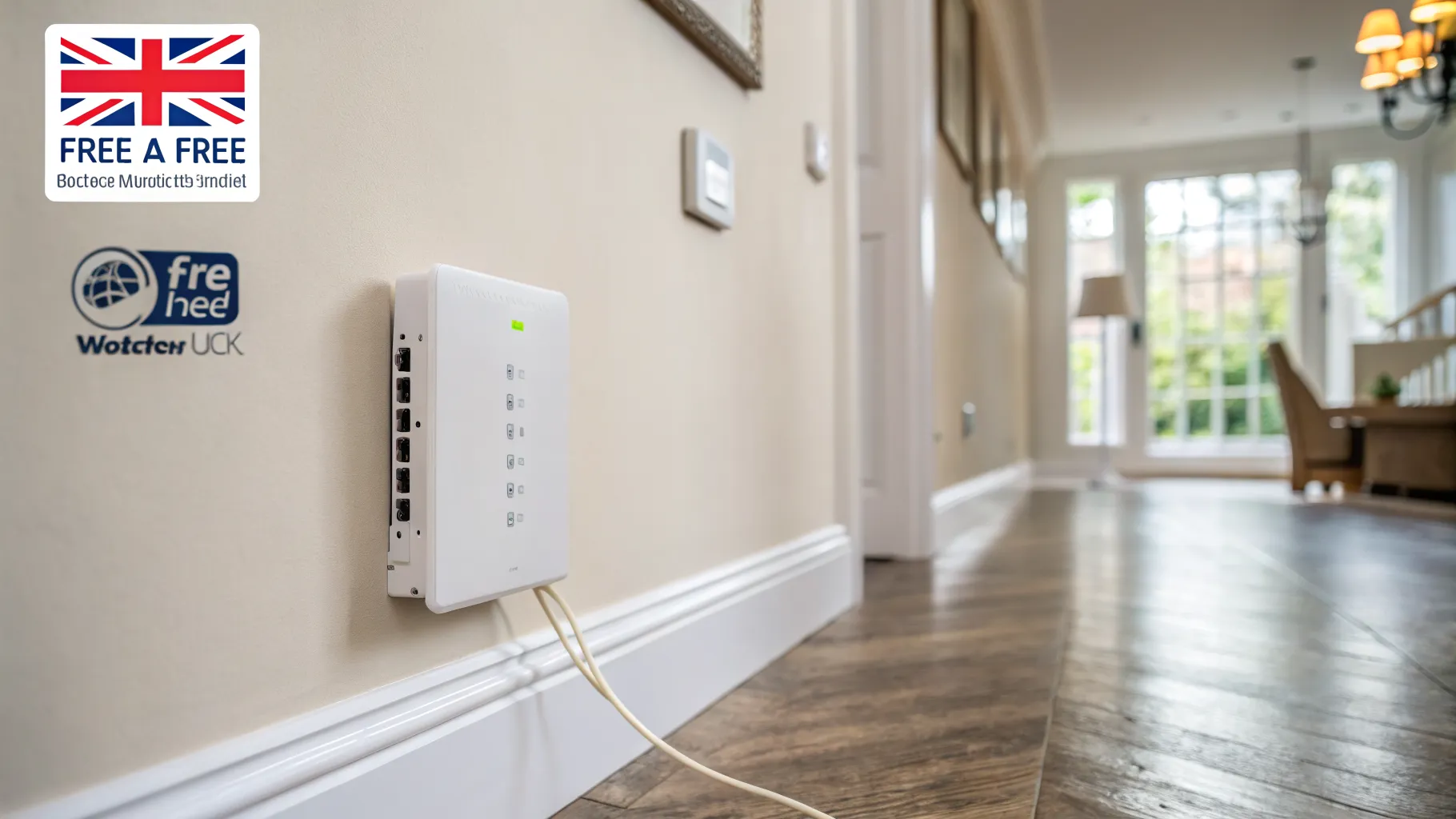
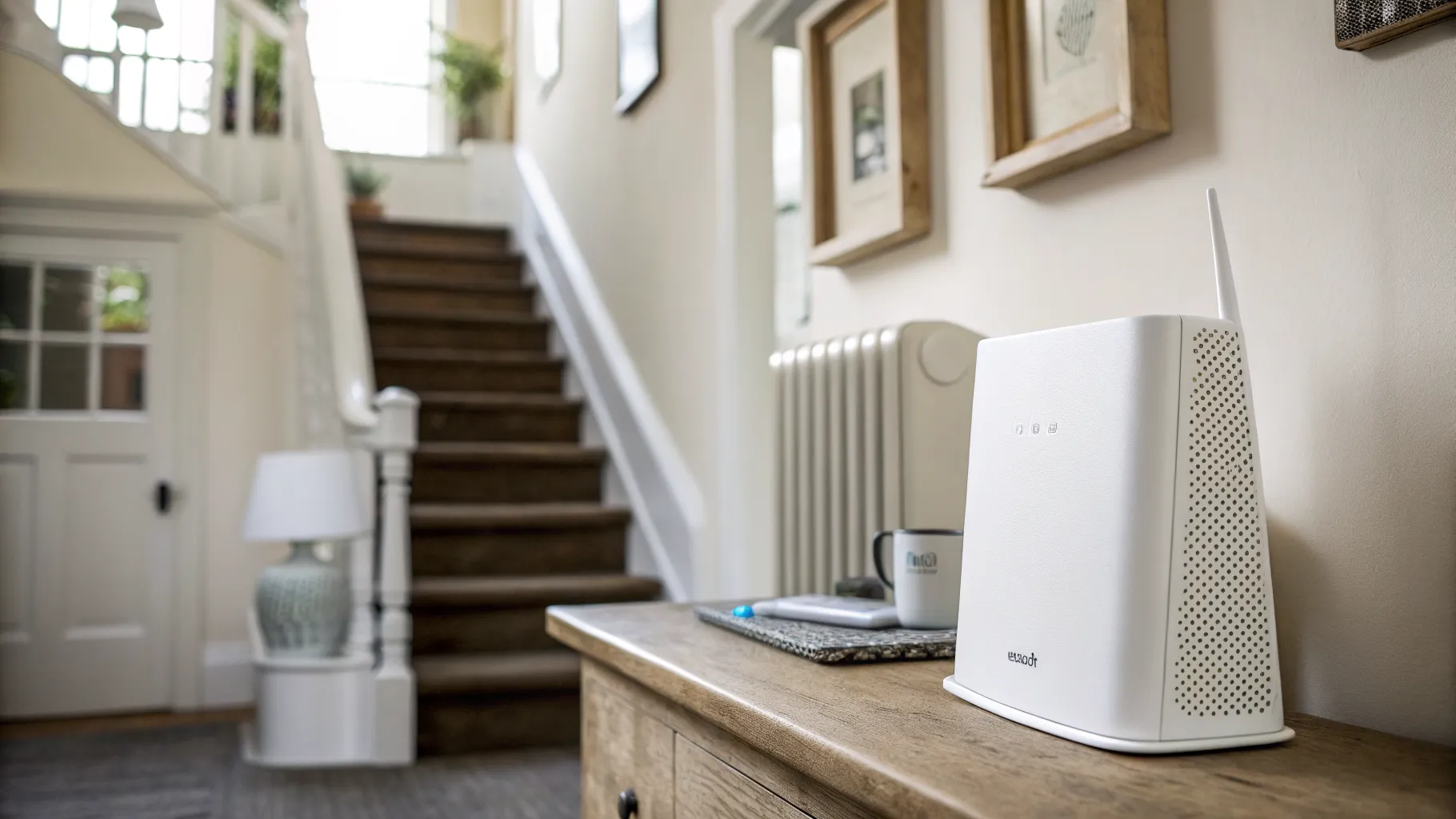
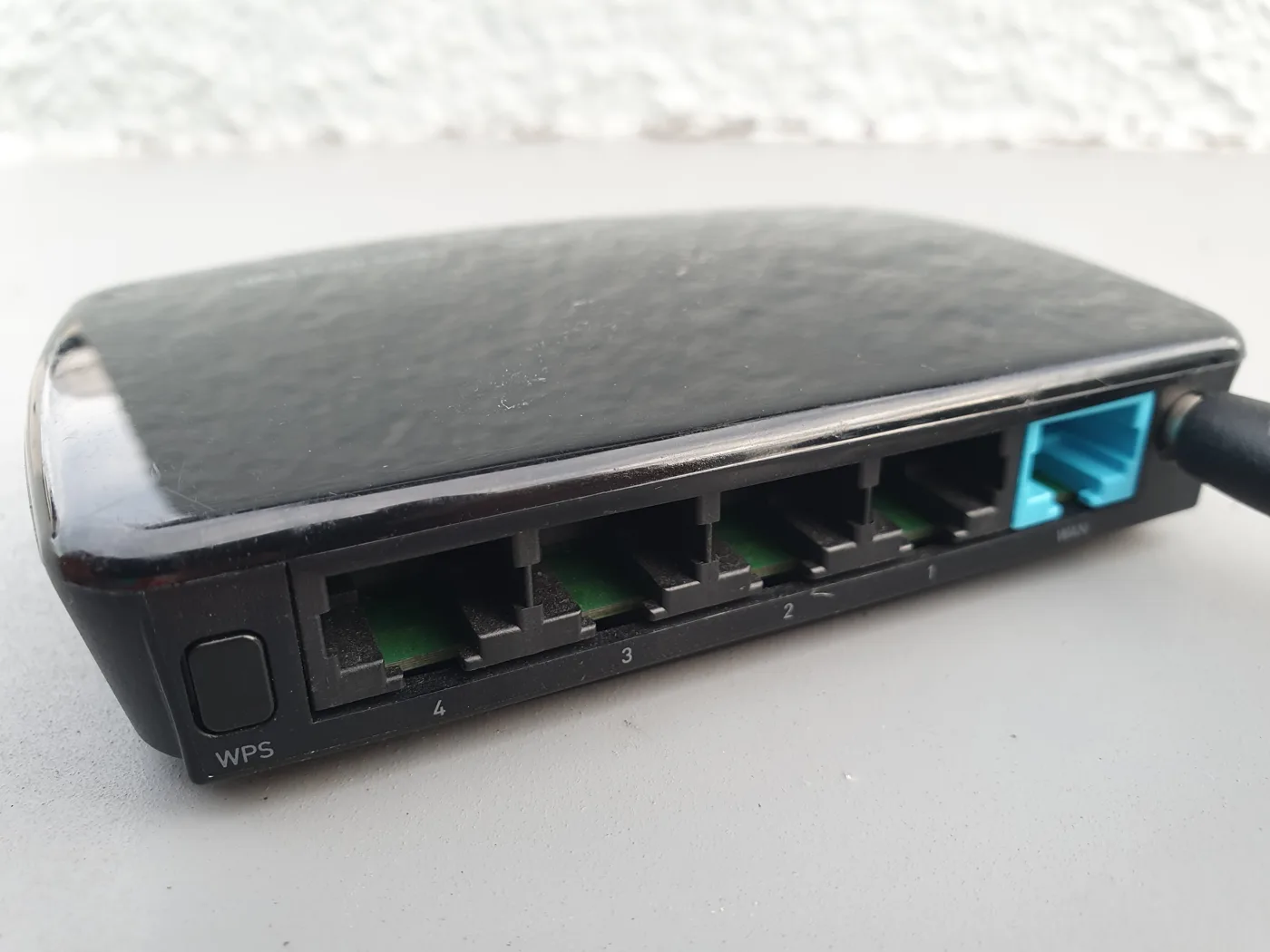
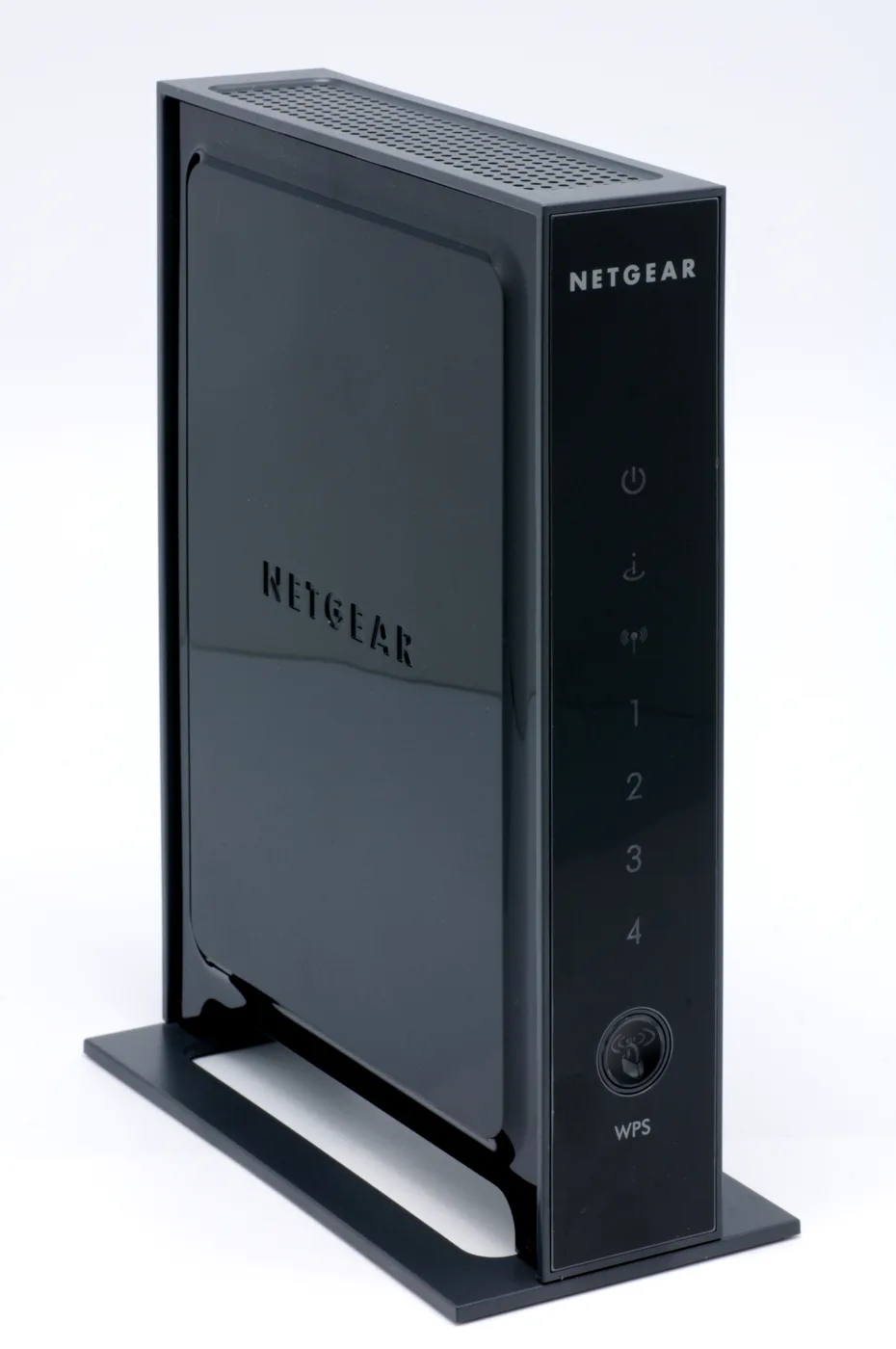
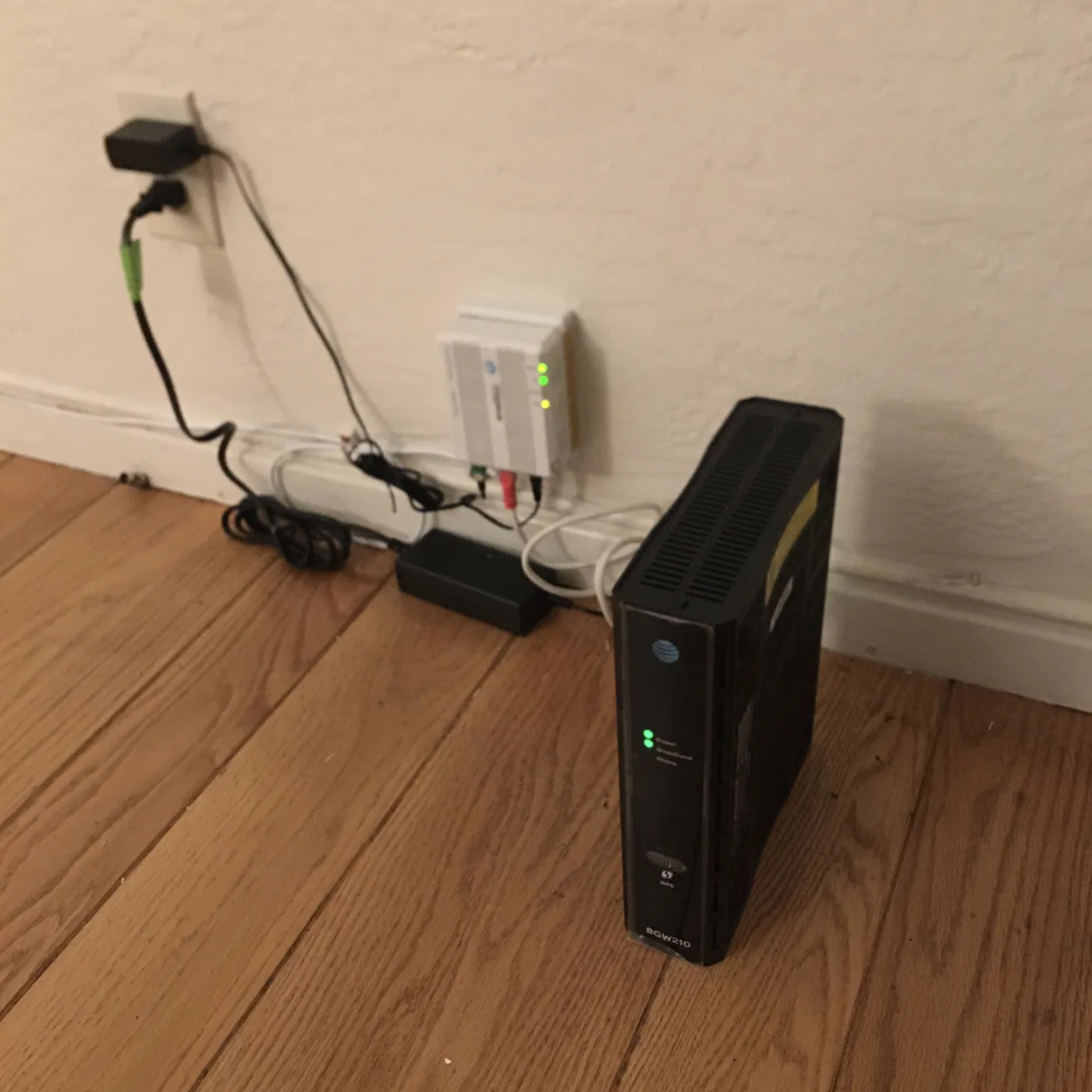
This is the make-or-break question. Only routers with detachable external antennas can be upgraded. Look at the back of the unit: if the antennas unscrew, usually via an RP-SMA connector, you can replace them. If the antennas are fixed, folded inside, or the router is a smooth sealed box, you cannot.
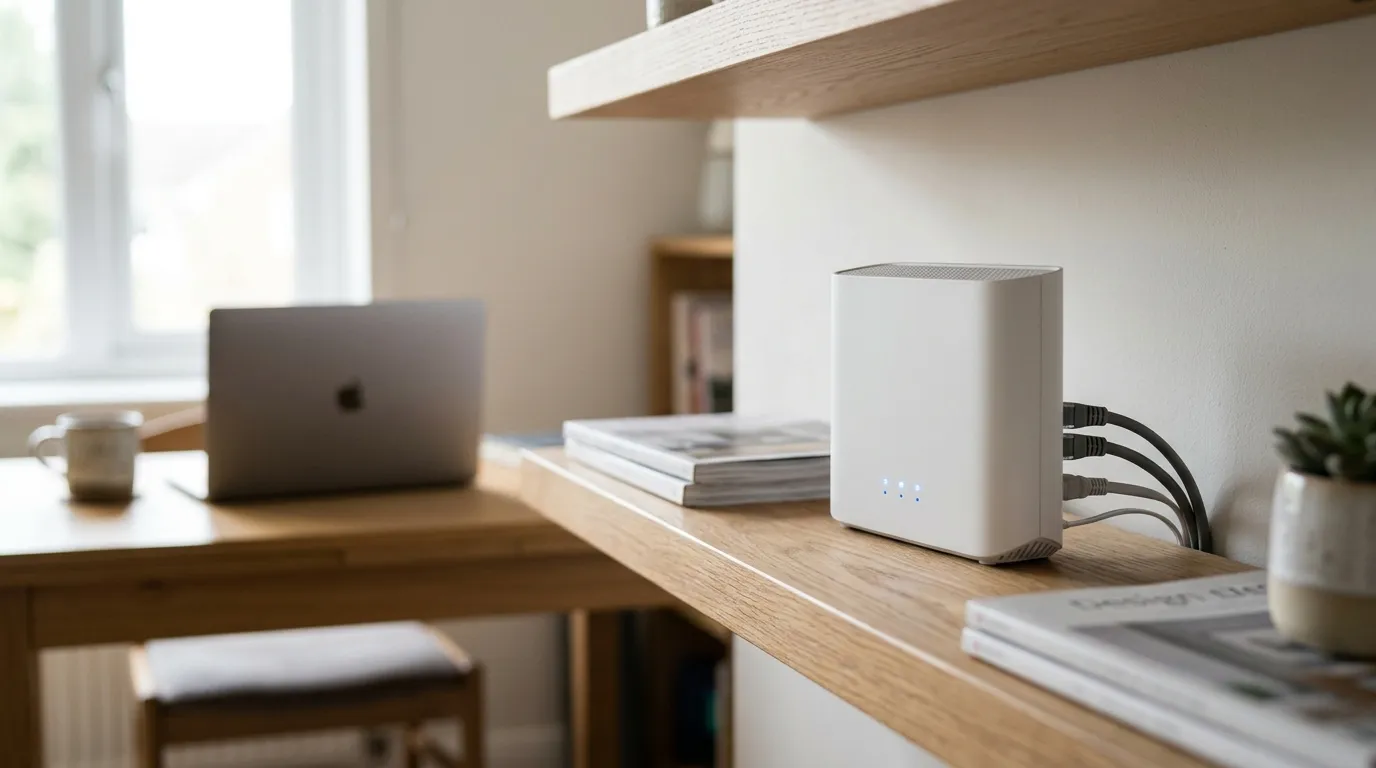
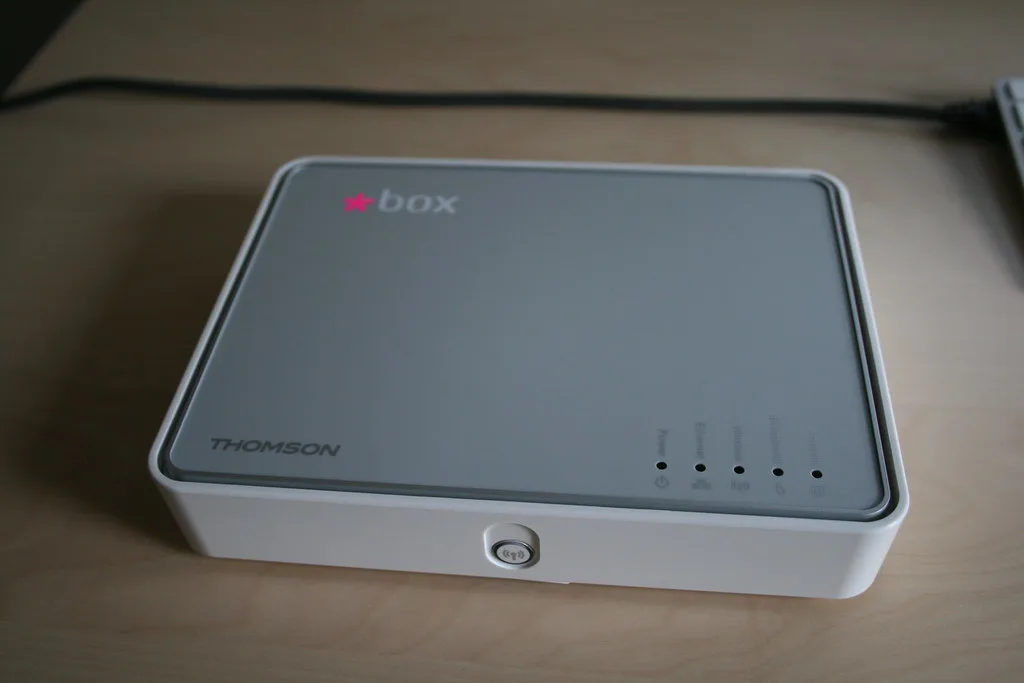
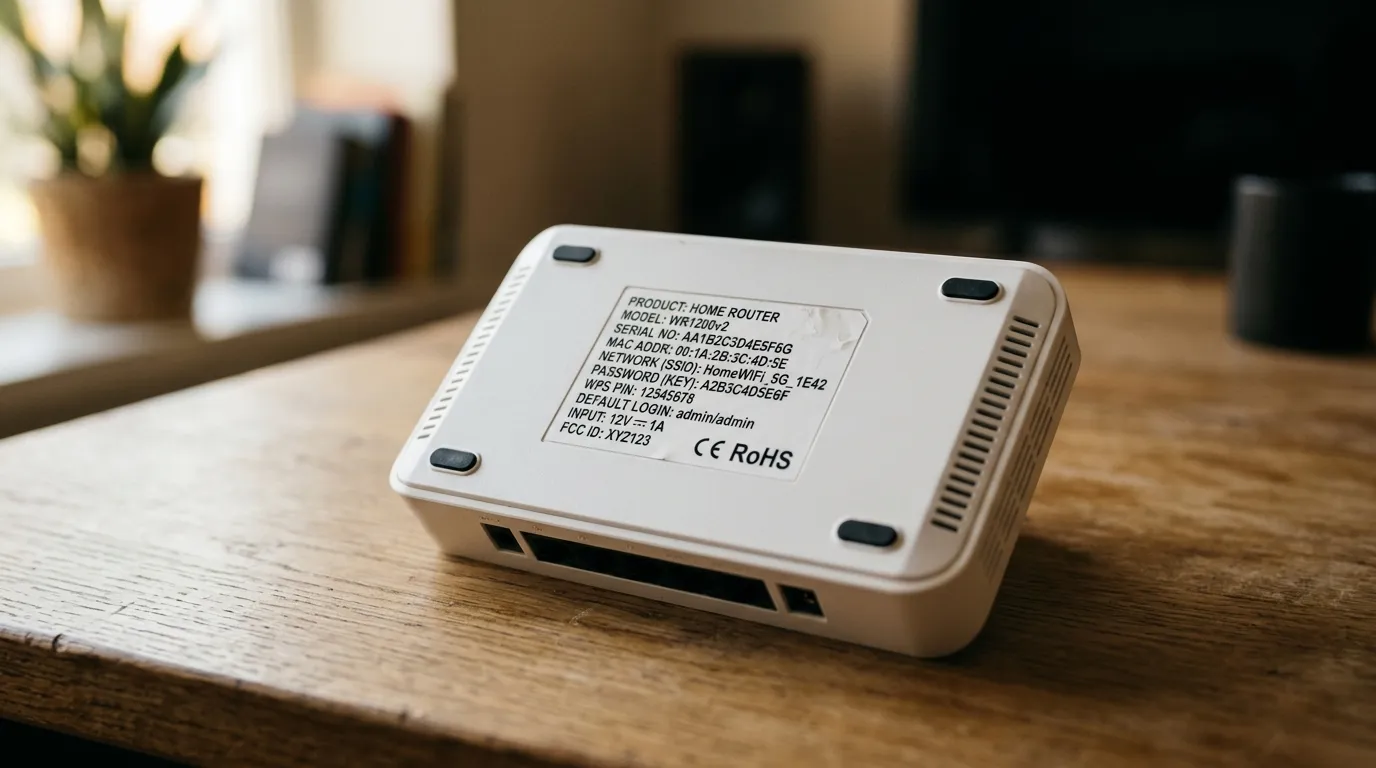
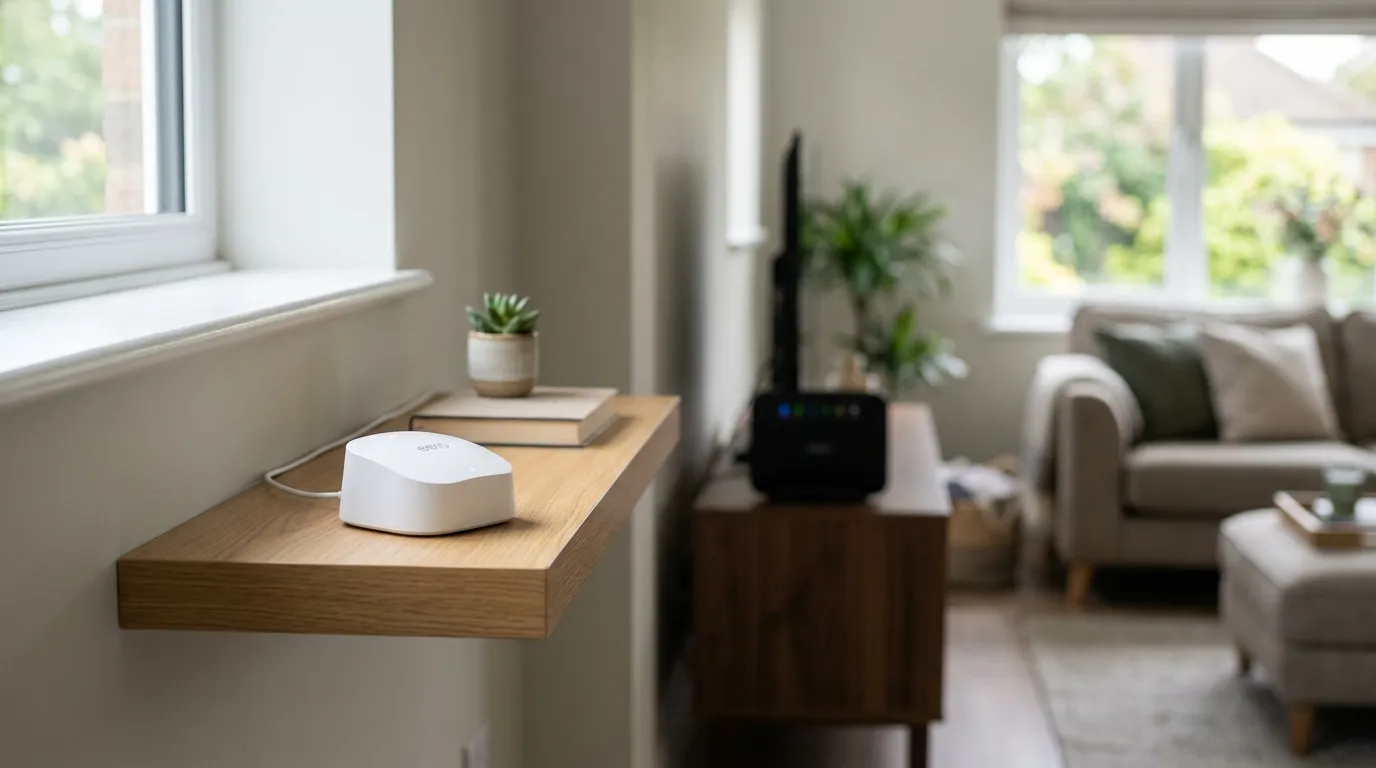
Most standalone gaming and enthusiast routers have removable antennas. Many ISP-supplied hubs, and mesh units such as those with internal aerials, do not. Check your exact model before buying anything, because a high-gain antenna is useless if there is nowhere to screw it in.
What a high-gain antenna actually does
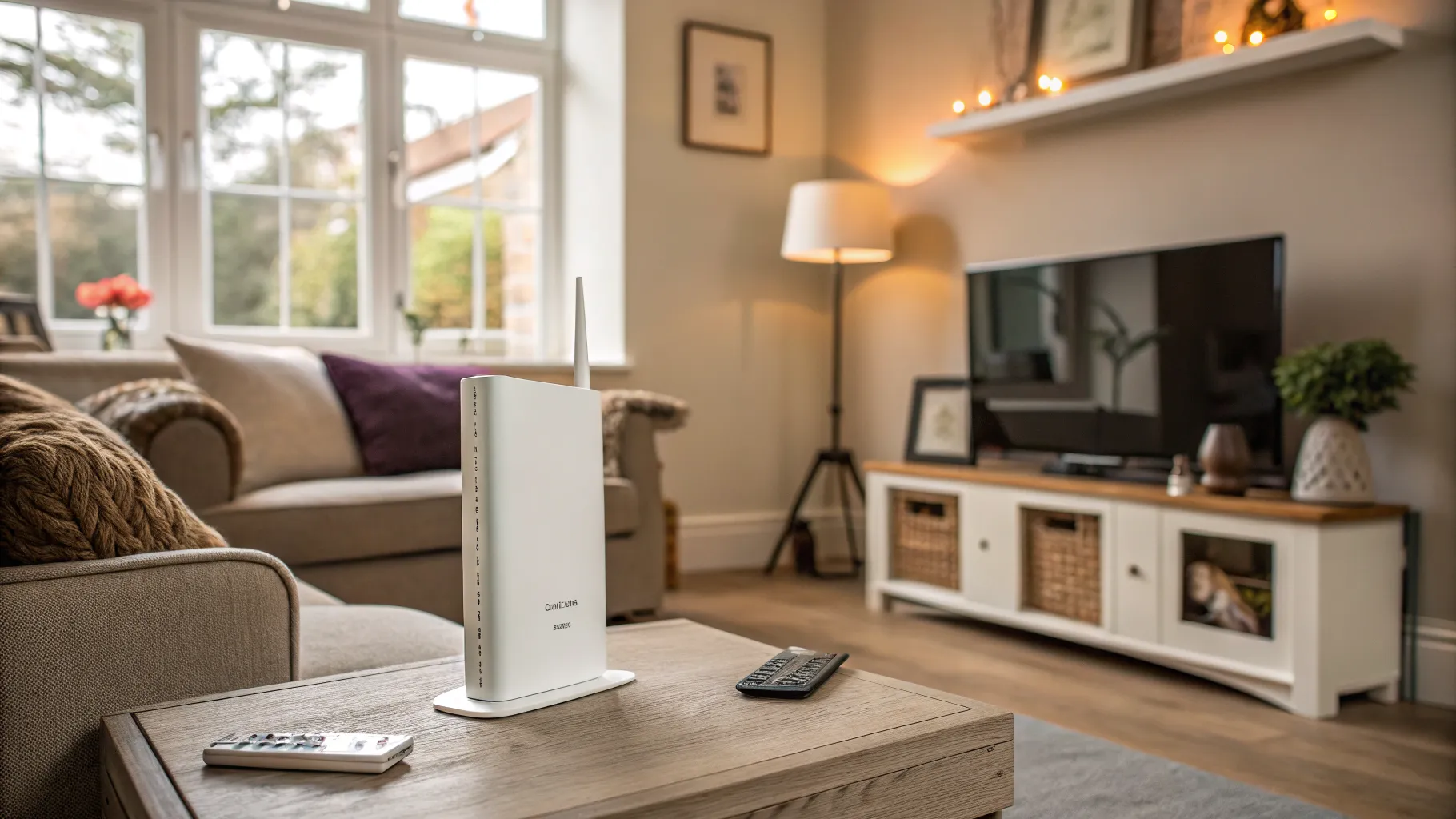
Antenna “gain”, measured in dBi, does not create extra power out of nothing. It reshapes where the existing signal goes. A higher-gain omnidirectional antenna flattens the coverage sphere: it reaches further horizontally, across a single floor, at the expense of the signal going up and down. So it can help a bungalow or a long single-storey layout more than a tall, narrow house.
- Omnidirectional antennas spread signal in all directions on one plane. Best when devices sit around the router on the same level.
- Directional (panel) antennas focus the signal one way. Ideal if your router sits at one end of the house or you want to reach a specific room, garden office or outbuilding.
Swapping stock antennas for a good pair can turn a marginal signal in a far room into a usable one. But it will not punch through thick walls, chimney breasts or a garden full of trees, because obstructions absorb signal no matter how the antenna is shaped.
When an antenna upgrade is worth it
An upgrade is worth trying if all of these are true:
- Your router has removable antennas you can unscrew.
- The weak spot is roughly in line with the router, on the same floor or in one direction.
- The problem is distance, not obstruction: an open-plan reach across a level home, not a signal fighting through several solid walls.
In that situation, a 9dBi omnidirectional pair, or a directional panel aimed at the trouble area, is a genuinely cheap win worth trying before you spend on new hardware.
When it will not help (and what to do instead)
If your router has no removable antennas, or the dead zone is upstairs, behind thick walls, or in a detached building, an antenna is not the answer. Reshaping the signal cannot beat physics. In those cases:
- Move the router to a more central, open, elevated spot first. It is free and often the biggest single improvement.
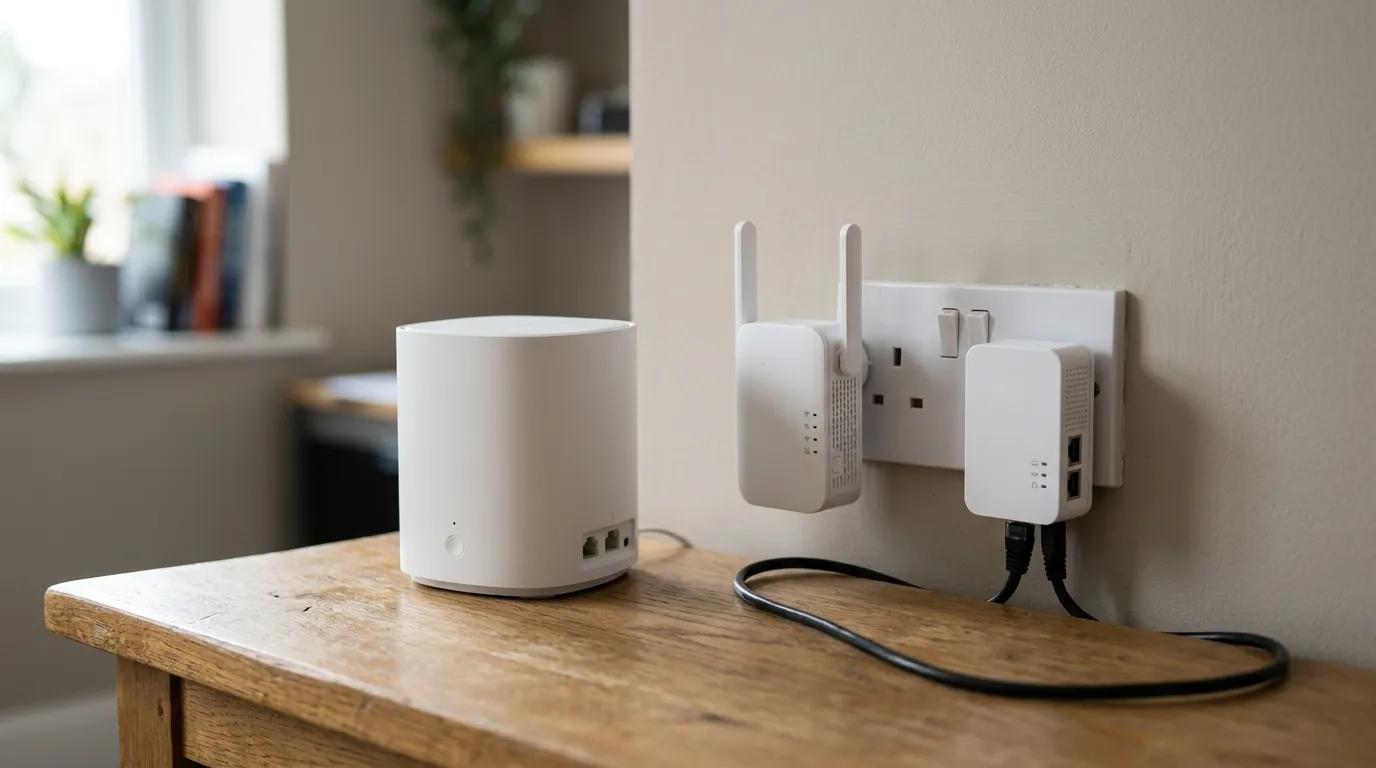
- Fit a mesh system to blanket a multi-storey or awkward home with several nodes. See our best mesh wifi in the UK guide and our mesh vs extender vs powerline comparison.
- Run a wired access point where you can, by far the most reliable way to cover a distant room.
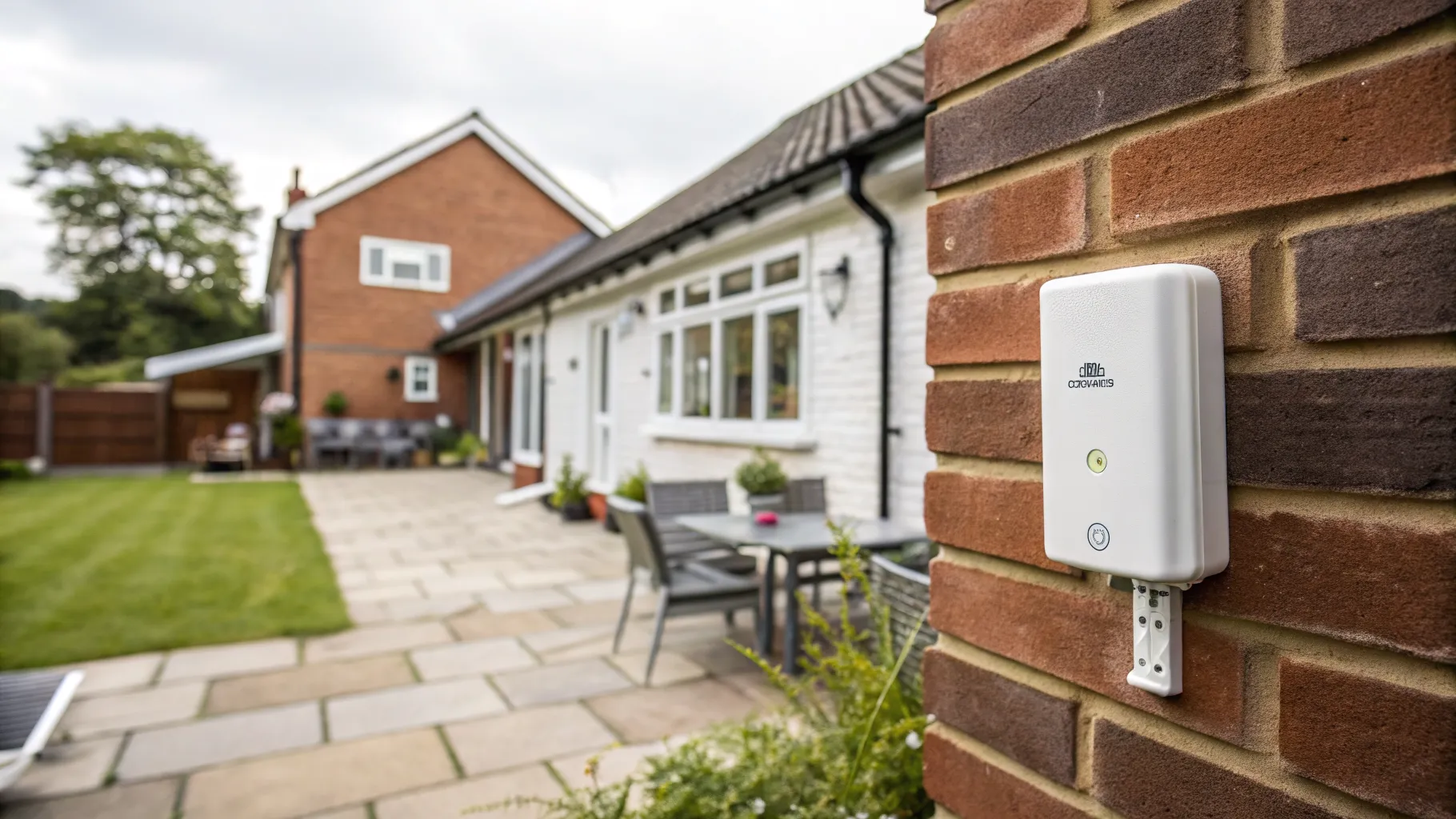
- Use an outdoor unit for a garden office or outbuilding, as covered in our outdoor wifi extender guide.
For general layout and interference fixes, our fix wifi dead spots guide runs through the free tweaks to try first.
A wifi antenna for a PC is a different thing
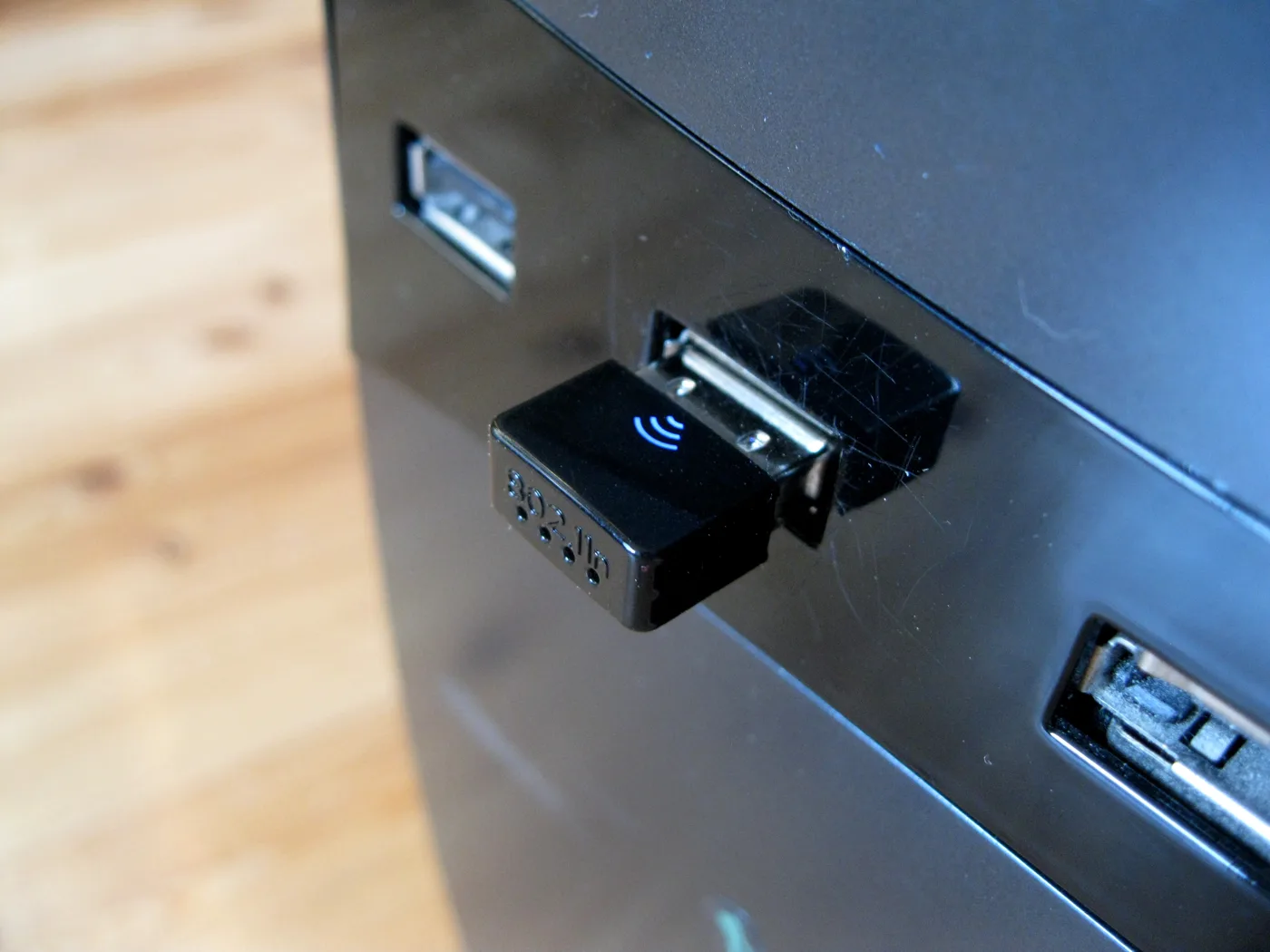
If you searched for a “wifi antenna for pc”, you are probably after a USB wifi adapter or a PCIe card with its own external aerial, which is a separate upgrade. That improves the receiving end, the computer, rather than the broadcasting end, the router. A desktop tucked under a metal desk far from the router often benefits more from a decent adapter with an external antenna than from anything you do to the router itself.
The honest summary
A wifi antenna upgrade is a cheap, satisfying fix for the narrow case it suits: a router with removable antennas and a weak spot on the same level, in roughly one direction. If your router antennas do not unscrew, or your dead zone is upstairs or behind thick walls, skip the antenna and move the router, add a mesh node, or run a cable. Ofcom’s advice on improving home broadband and wifi covers the free steps worth doing first.
Frequently asked questions
Does upgrading a wifi antenna improve range? It can, if your router has removable antennas and the weak spot is on the same level and roughly in line with the router. A higher-gain antenna reshapes where the signal goes rather than adding power, so it extends horizontal reach. It will not push through thick walls or reach a different floor well.
How do I know if my router antennas can be replaced? Look at the back of the router. If the antennas unscrew, usually via an RP-SMA connector, they can be replaced. If they are fixed, fold inside, or the router is a sealed box with no visible aerials, they cannot be upgraded, and many ISP hubs fall into this group.
What is the difference between omnidirectional and directional wifi antennas? An omnidirectional antenna spreads signal in all directions on one plane, best when devices surround the router on the same level. A directional or panel antenna focuses the signal one way, which suits reaching a specific room, a garden office or an outbuilding when the router sits at one end of the home.
Is a wifi antenna upgrade better than a mesh system? For a level, open home with a router that takes antennas, an upgrade is a cheap first try. For a multi-storey house, thick walls, or a detached building, a mesh system or a wired access point is far more effective because it places coverage where you need it rather than just reshaping one router’s signal.
Will a high-gain antenna fix wifi through thick walls? No. A larger or higher-gain antenna cannot overcome solid obstructions such as thick walls, chimney breasts or floors, which absorb the signal. For those, relocate the router, add a mesh node, or run an Ethernet cable to a distant access point instead.
What is a wifi antenna for a PC? It usually means a USB wifi adapter or PCIe card with its own external aerial that improves the computer’s ability to receive signal. It upgrades the receiving end rather than the router, and it often helps a desktop that sits far from the router or is boxed in by metal furniture.