Why Your Broadband Slows Down in the Evening (and What to Do)
You sit down at 9pm, hit play on something, and the spinning wheel appears. The same line that streamed in 4K all afternoon now struggles. You are not imagining it, and you are not alone: the UK has a genuine “internet rush hour”, and the evening is when it bites hardest.
This guide explains exactly why it happens, how to tell whether the problem is your line, your Wi-Fi, or genuine network congestion, and what you can actually do about each one. It also covers your rights if your provider can never deliver what you pay for.
When UK broadband is slowest
Ofcom and the major ISPs treat the evening as the broadband “peak” or “busy” period. The window most often quoted is 8pm to 10pm, though some measurement work widens it to 7pm to 11pm. Speeds are typically at their lowest around 9pm and at their fastest overnight, when most homes are asleep and the network is quiet.
So if your connection feels worst between dinner and bedtime, that fits the national pattern precisely. The question is how much worse, and why.
How much slower? Real UK figures
A May 2026 study by Broadband Genie analysed 144,509 speed tests over a full year, comparing peak hours (7pm to 11pm) against off-peak (overnight, 11pm to 7am). The findings were corroborated independently by ISPreview, Advanced Television and other trade press, so the numbers are solid rather than marketing spin.
The drop varies enormously by location. Some towns barely notice it; others lose more than half their speed.
| Town | Off-peak (Mbps) | Peak (Mbps) | Drop |
|---|---|---|---|
| Wigan | 167 | 75 | -55% |
| Galashiels | 135 | 77 | -43% |
| Harrogate | 133 | 81 | -39% |
| Exeter | 55 | 34 | -37% |
| Rochester | 195 | 127 | -35% |
It varies by provider too. In the same study, some networks sagged badly at peak while others actually ran faster in the evening:
| Provider | Off-peak (Mbps) | Peak (Mbps) | Change |
|---|---|---|---|
| Airband | 87 | 47 | -45% |
| Brsk | 282 | 182 | -36% |
| Boundless | 154 | 115 | -25% |
| YouFibre | 311 | 341 | +10% |
| Zen Internet | 139 | 171 | +23% |
| Cuckoo | 136 | 246 | +81% |
The takeaway: a big evening drop is not inevitable. It depends heavily on who supplies your line and what technology it runs on.
Why it happens: contention, not conspiracy
Residential broadband is shared. You are not the only home connected to the kit in your street; you share capacity with your neighbours. Think of it like a road. At 3pm it is empty and you cruise. At 9pm everyone is driving home at once and the same road crawls. Engineers call this contention.
This is why the type of connection you have matters so much:
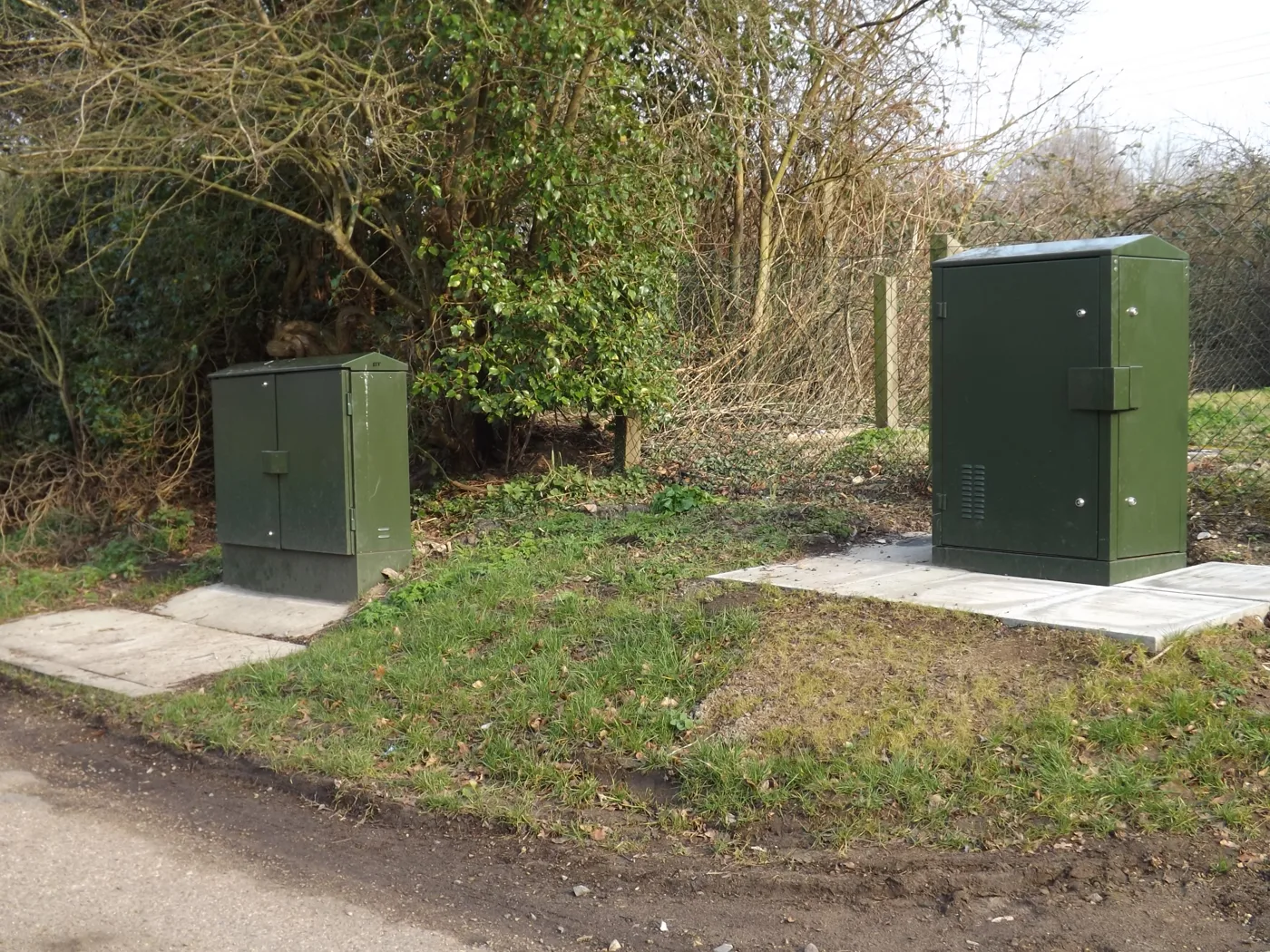
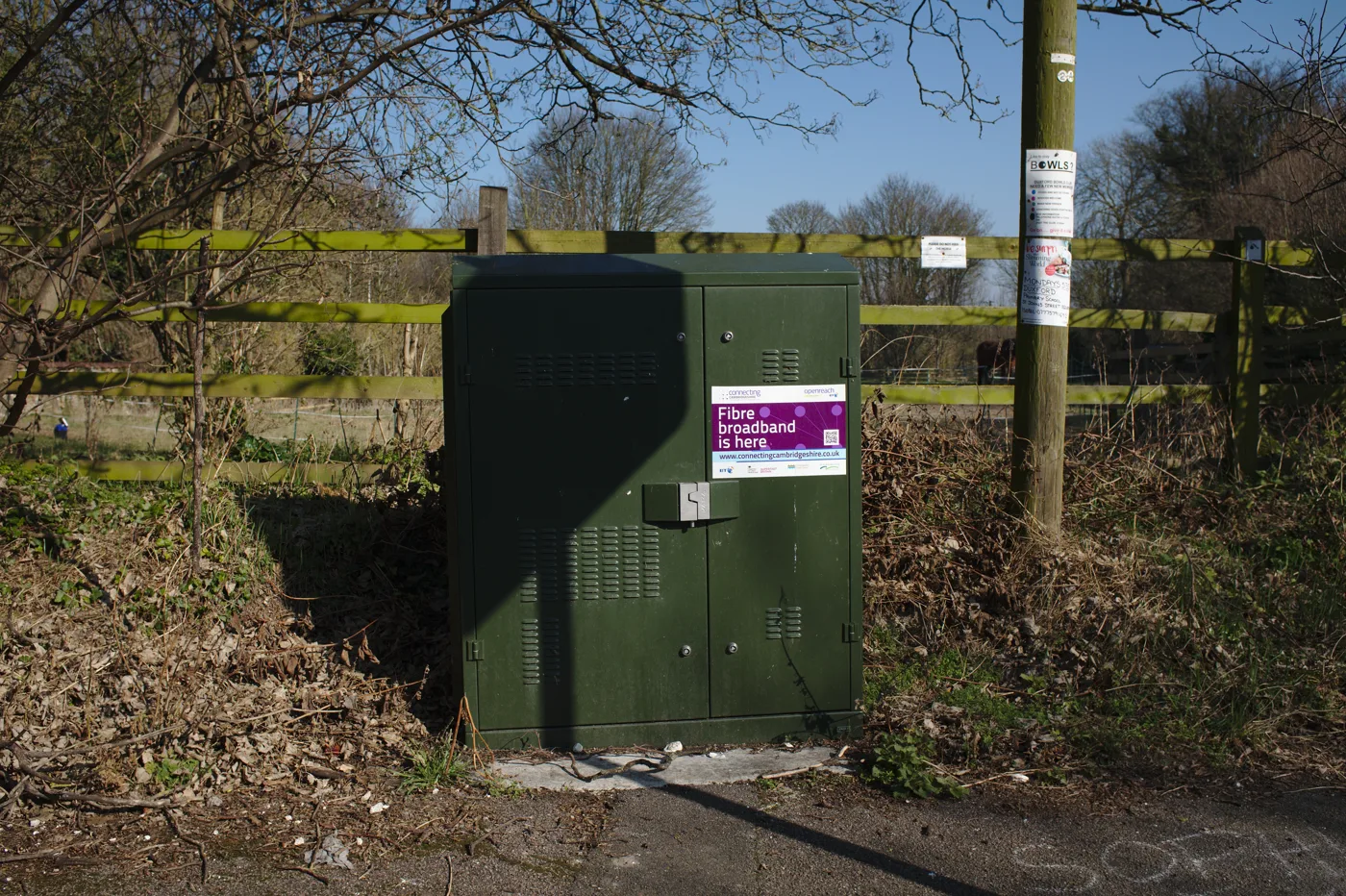
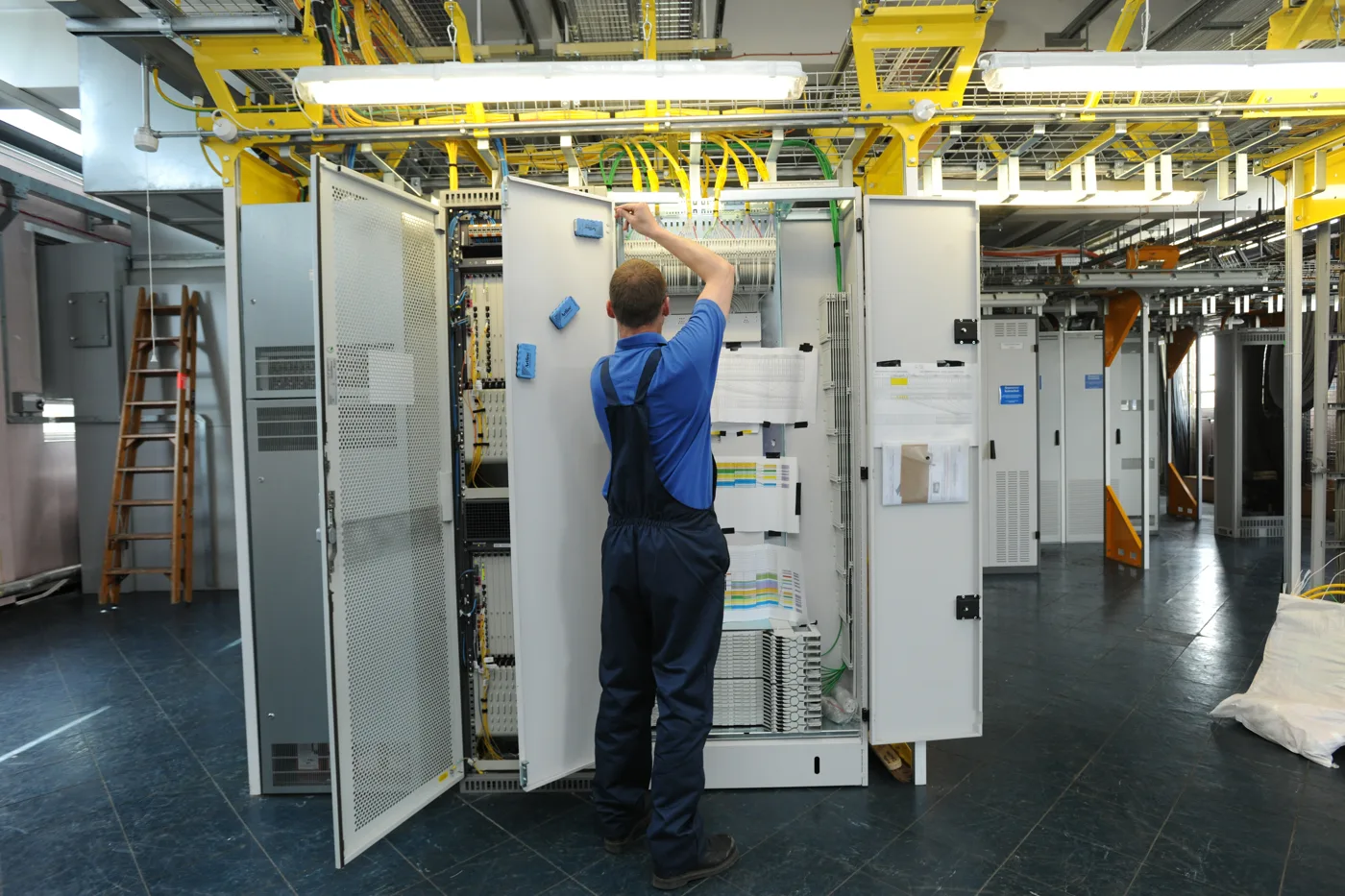
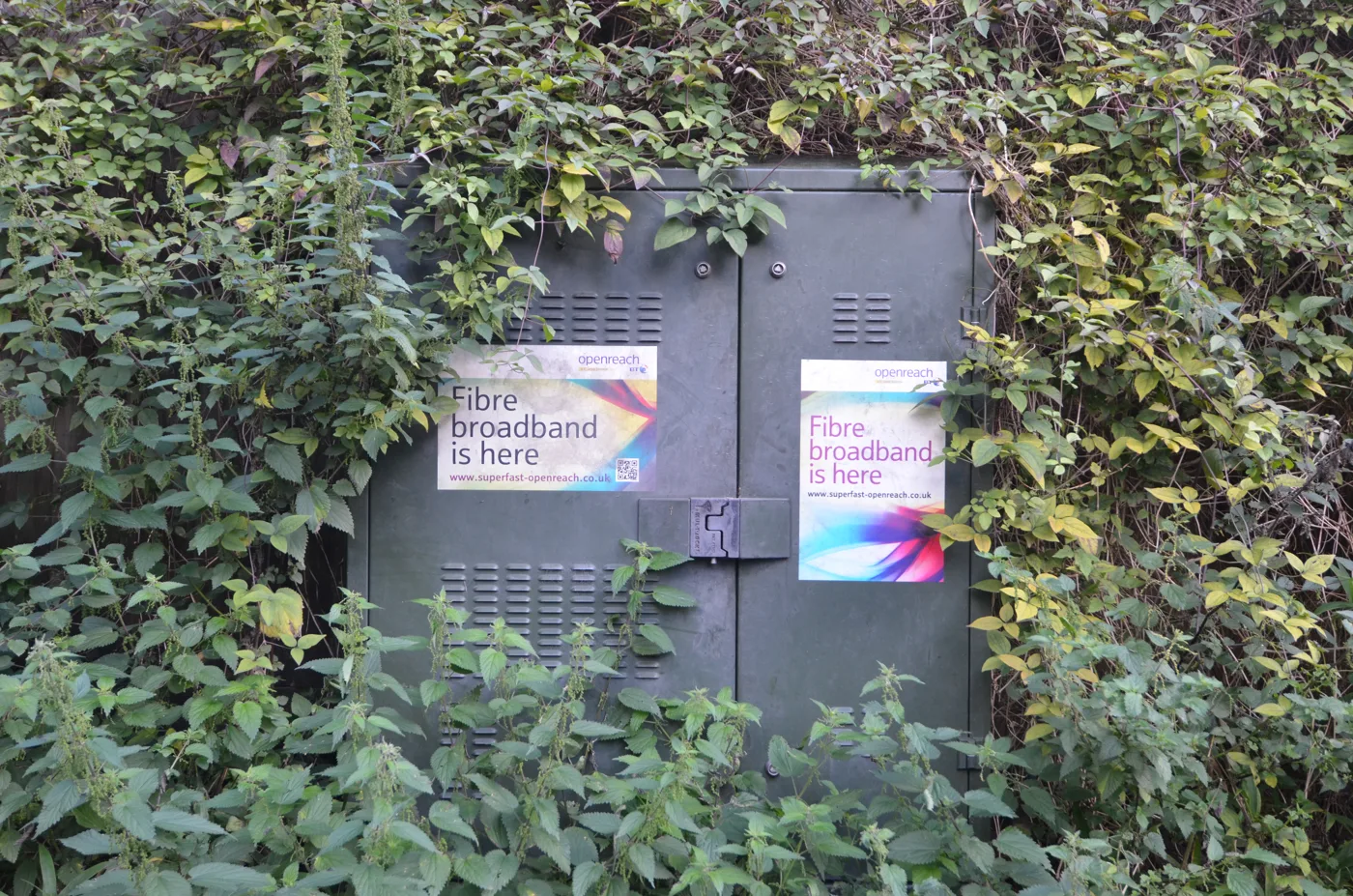
- FTTC (fibre to the cabinet) runs fibre to a green street cabinet, then copper to many homes from there. More homes sharing that copper means higher contention and bigger evening dips.
- Cable and older ADSL can also see large proportional drops at peak.
- FTTP (full fibre to the premises) gives you a dedicated fibre line into the house. It shows the smallest peak-time degradation by far, which is why the providers that “held up” in the data tend to be full-fibre networks.
On top of the shared line, the evening stacks up other load. Every device in the house wakes up: phones, tablets, smart TVs, consoles. Cloud backups and software updates often run in the background. And crucially, the airwaves get busier too.
The part most people miss: it might be your Wi-Fi
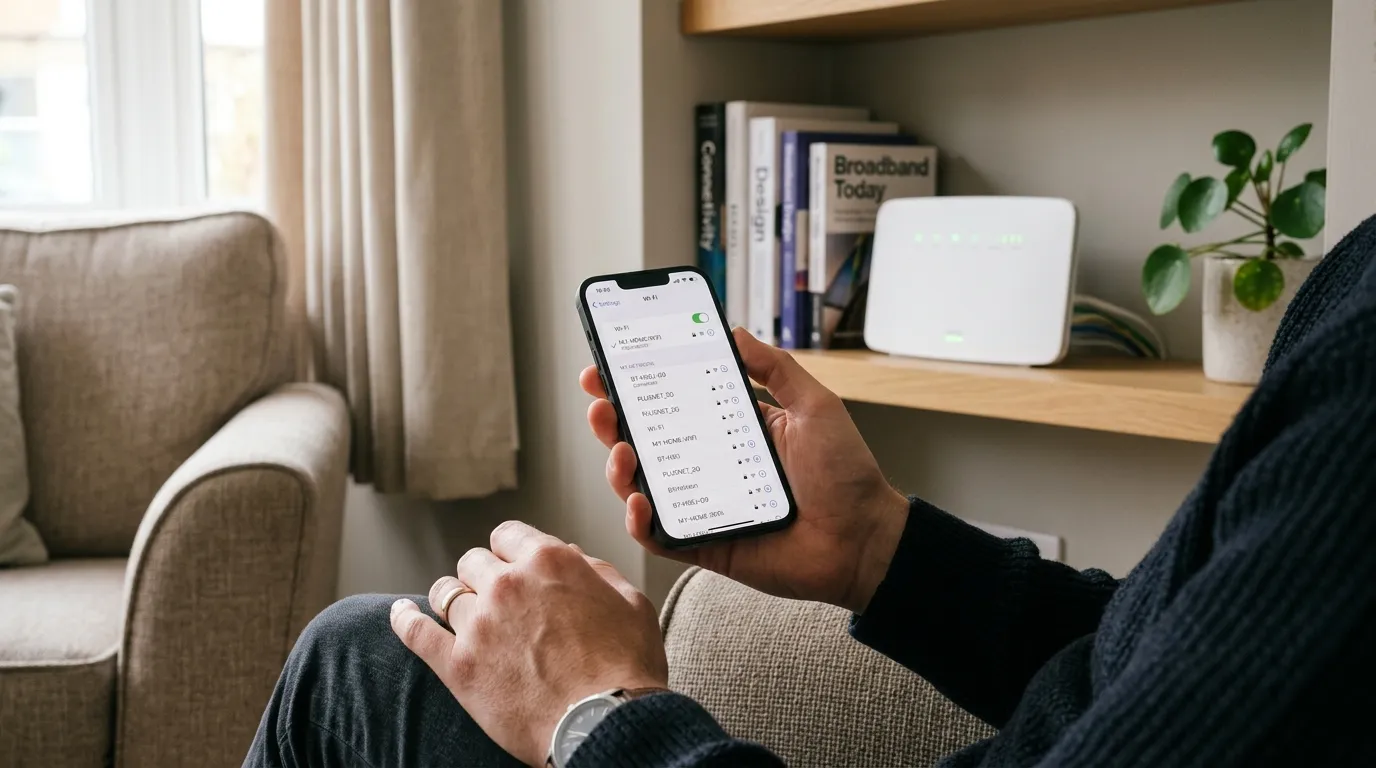
Here is the uncomfortable truth. Much of what people blame on “the line” is actually in-home Wi-Fi, and Wi-Fi gets worse in the evening for its own reasons.
The 2.4GHz band is crowded. In the evening, every neighbour’s router and gadget lights up on the same handful of channels. Add interference from microwaves, baby monitors, cordless phones and Bluetooth speakers, and your wireless signal degrades even if the broadband line into your home is perfectly healthy.
Ofcom’s own measurement work has found that the line itself dips only modestly at peak, on average around 5% below its top speed in the 8pm to 10pm window. The dramatic slowdowns people feel are frequently happening between your router and your device, not between your house and the exchange.
That is why the single most useful thing you can do is a diagnostic split test.
Diagnose it: is it the line, the Wi-Fi, or real congestion?
Run three quick speed tests. This tells you which problem you actually have, so you do not waste time on the wrong fix.
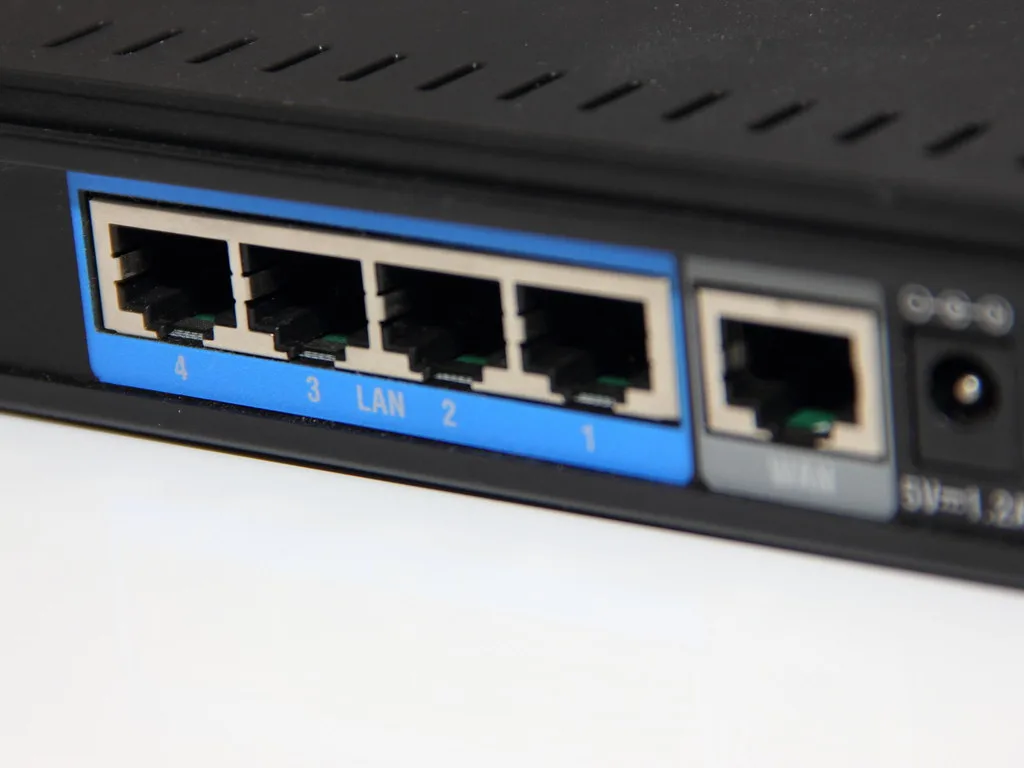
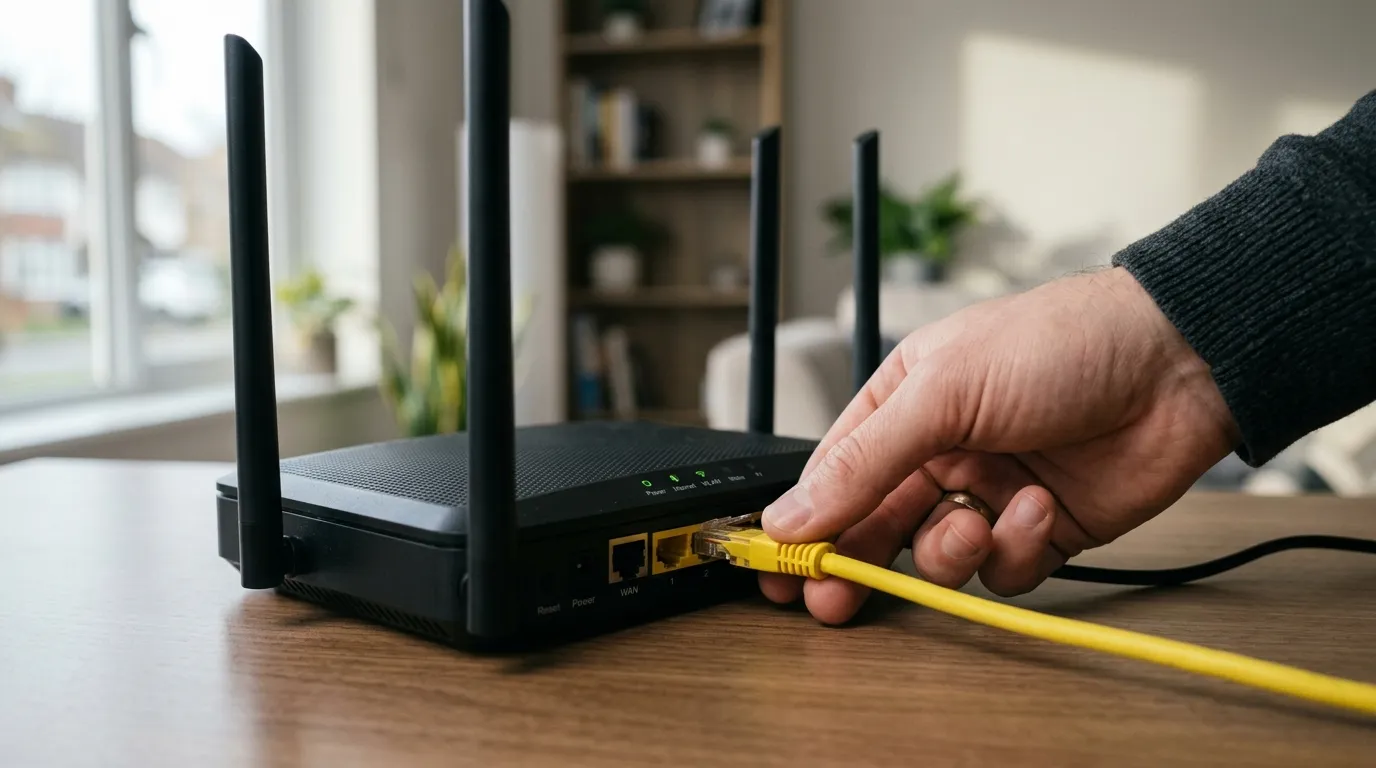
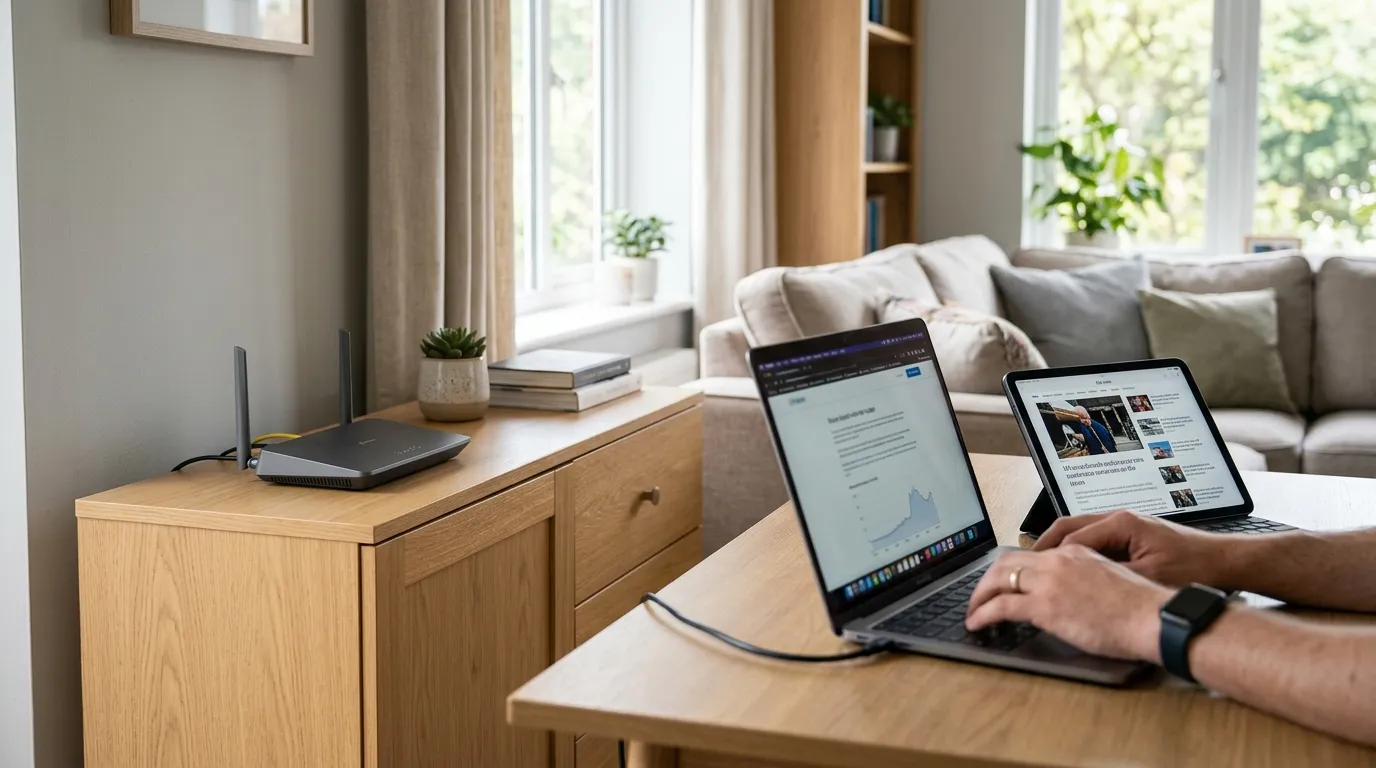
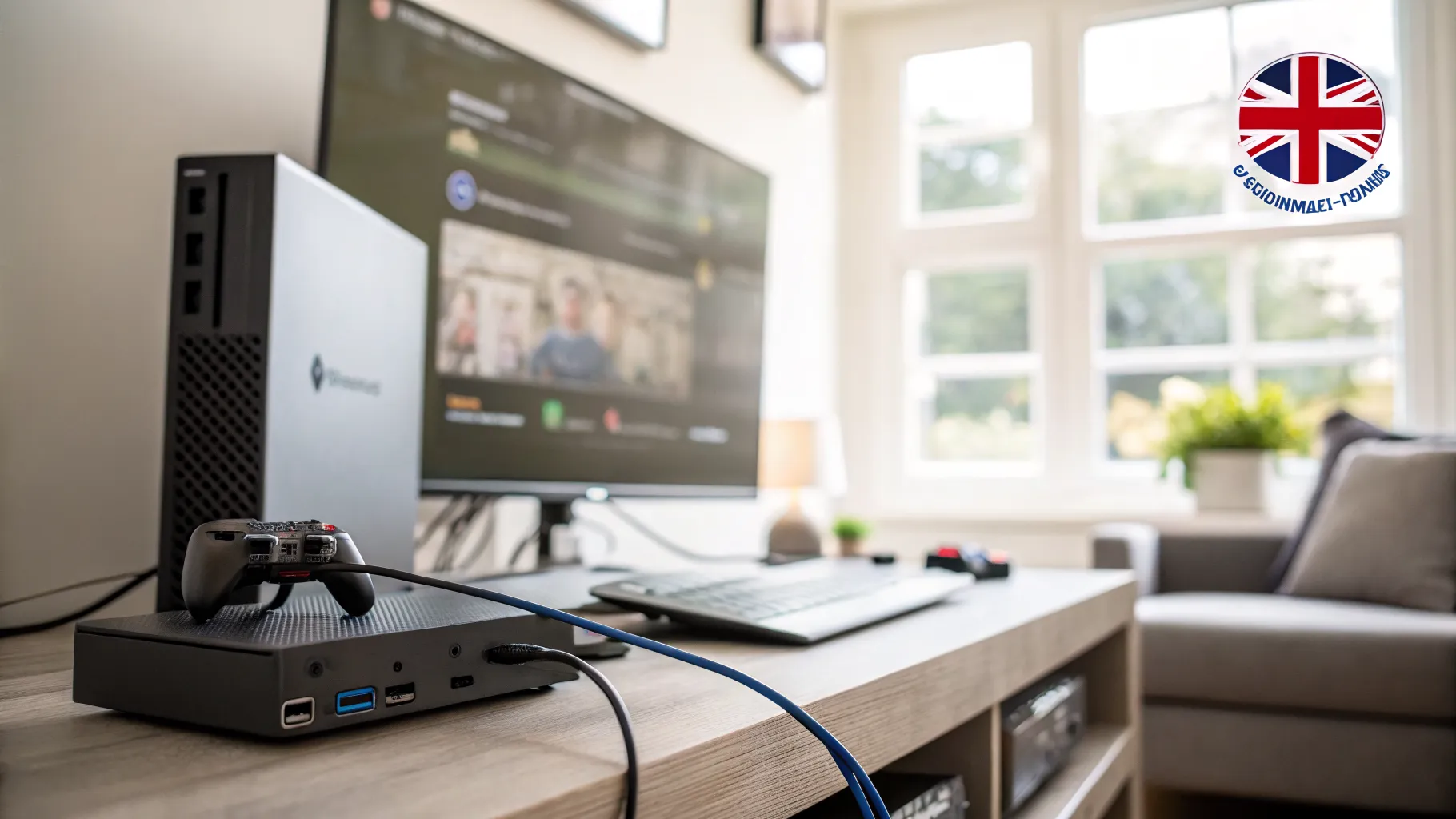
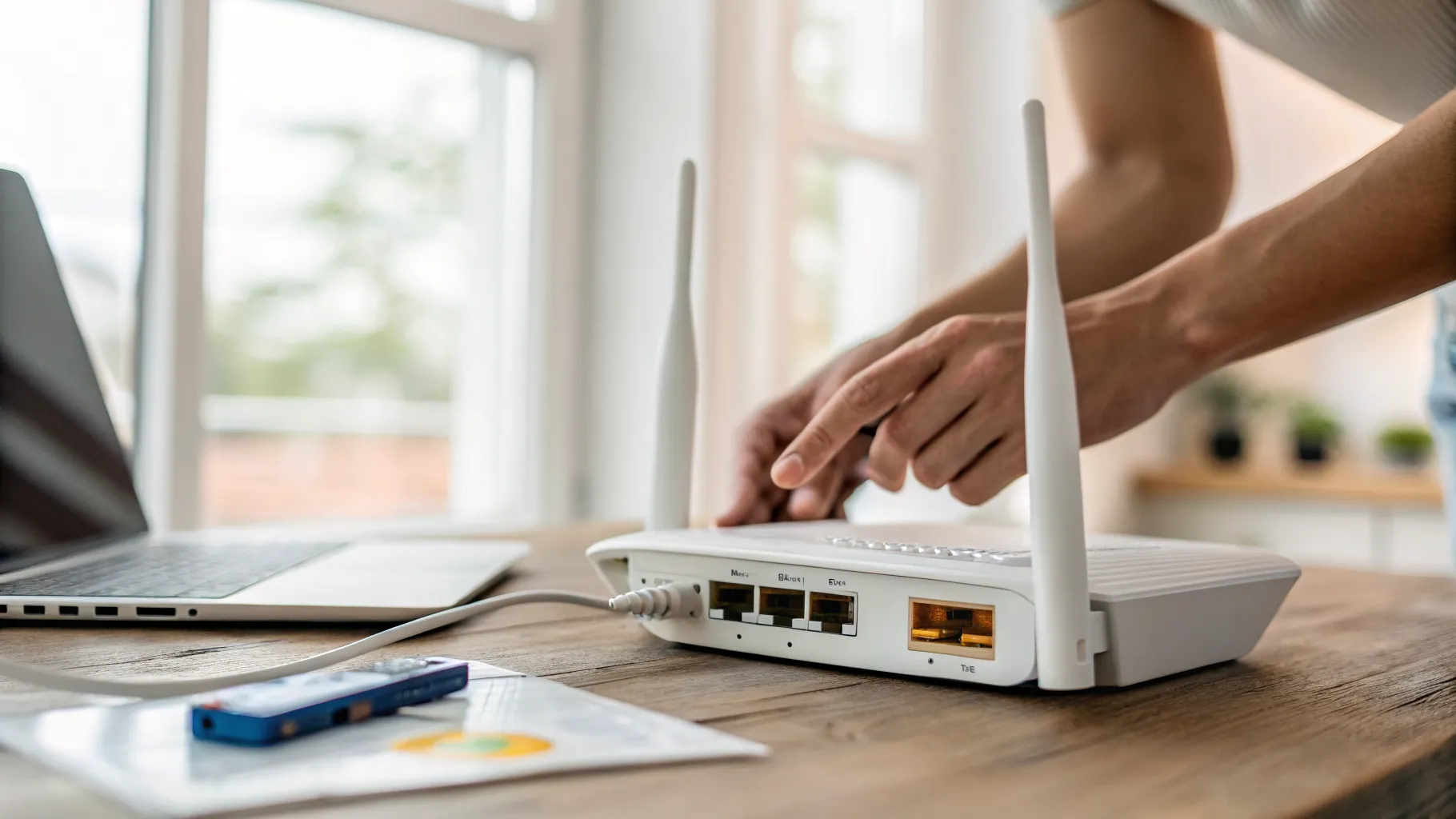
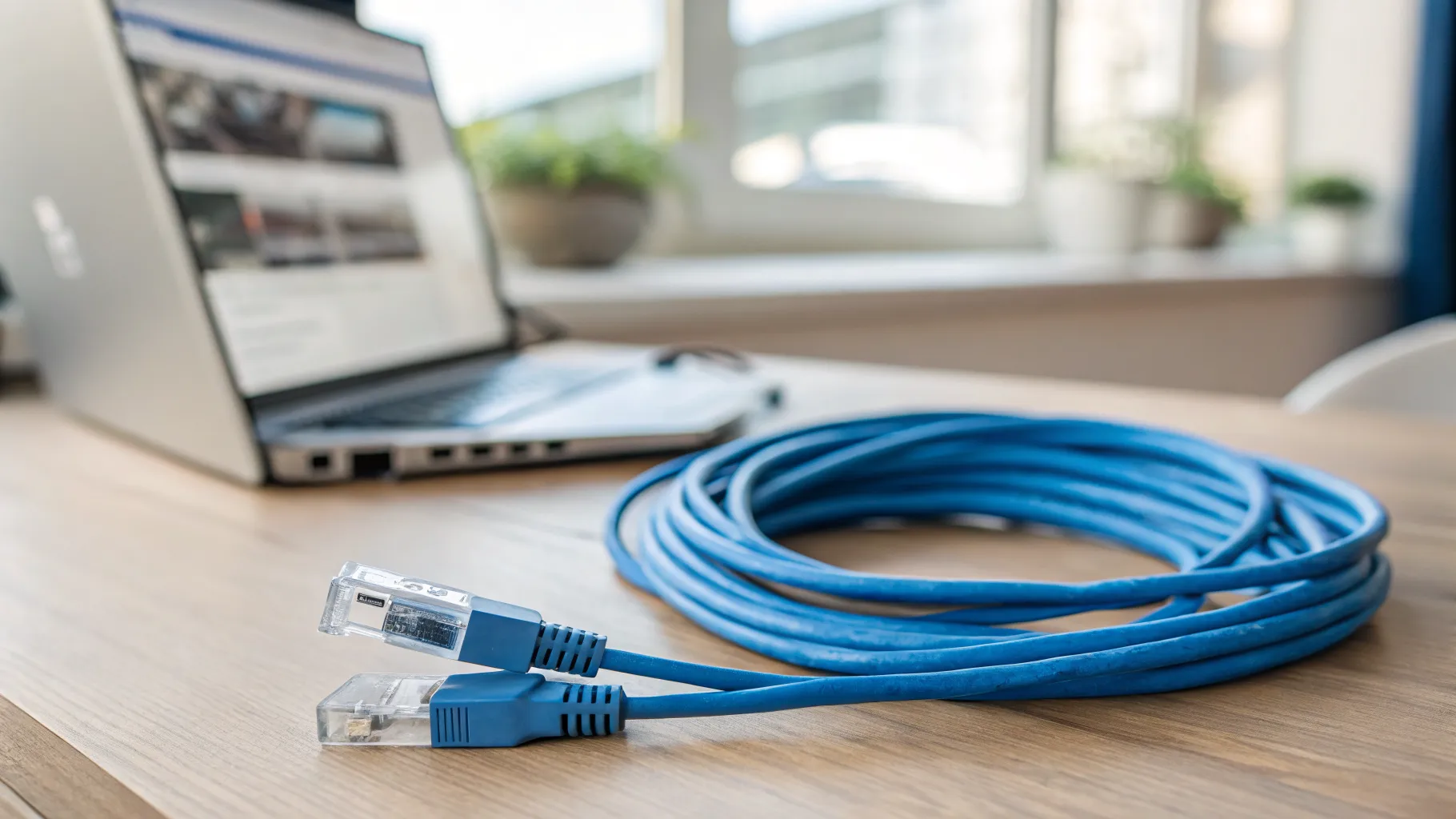
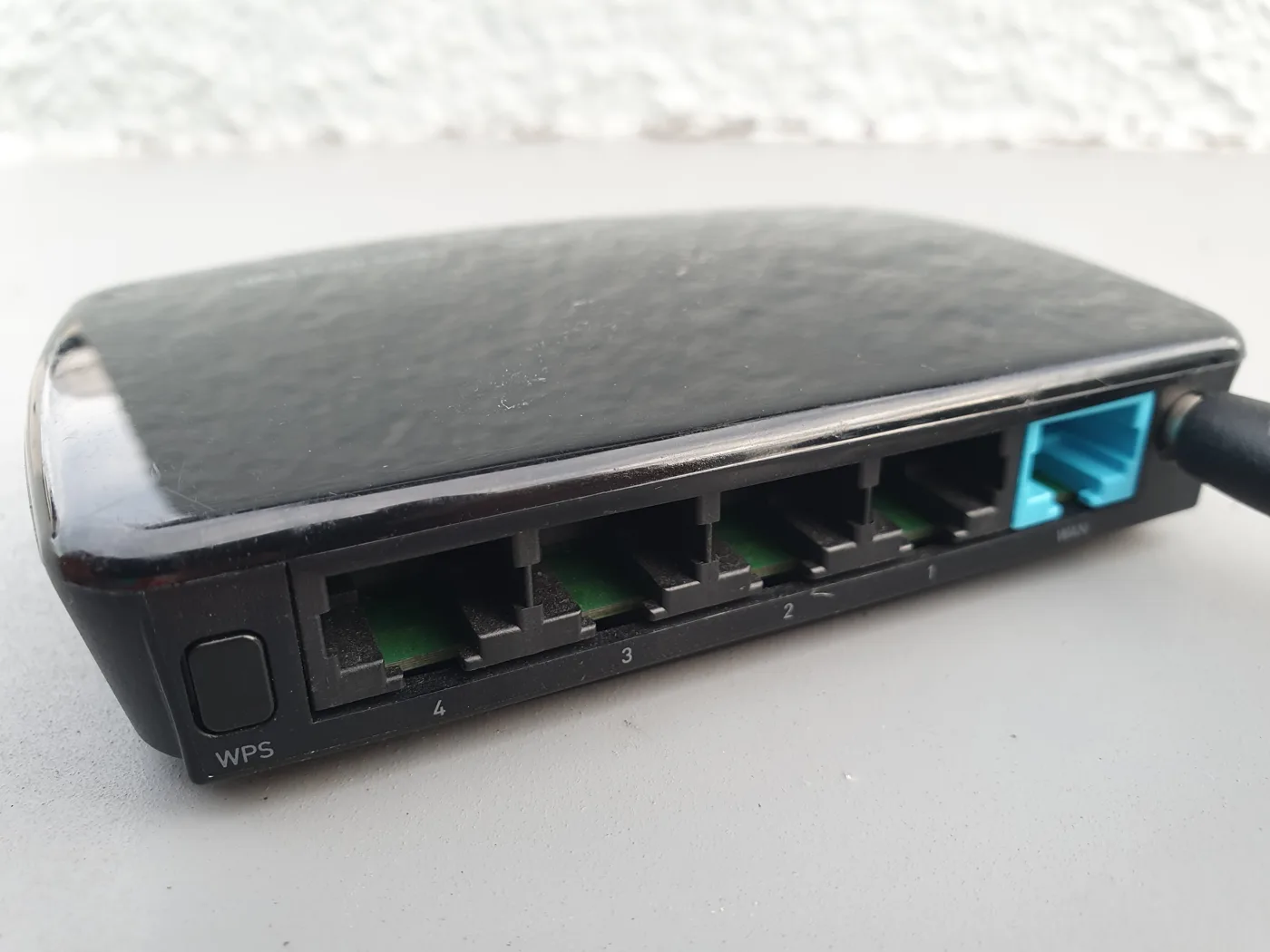
- Evening, wired. At around 9pm, plug a laptop directly into your router with an Ethernet cable and run a speed test. This bypasses Wi-Fi entirely and shows what your line is doing at peak.
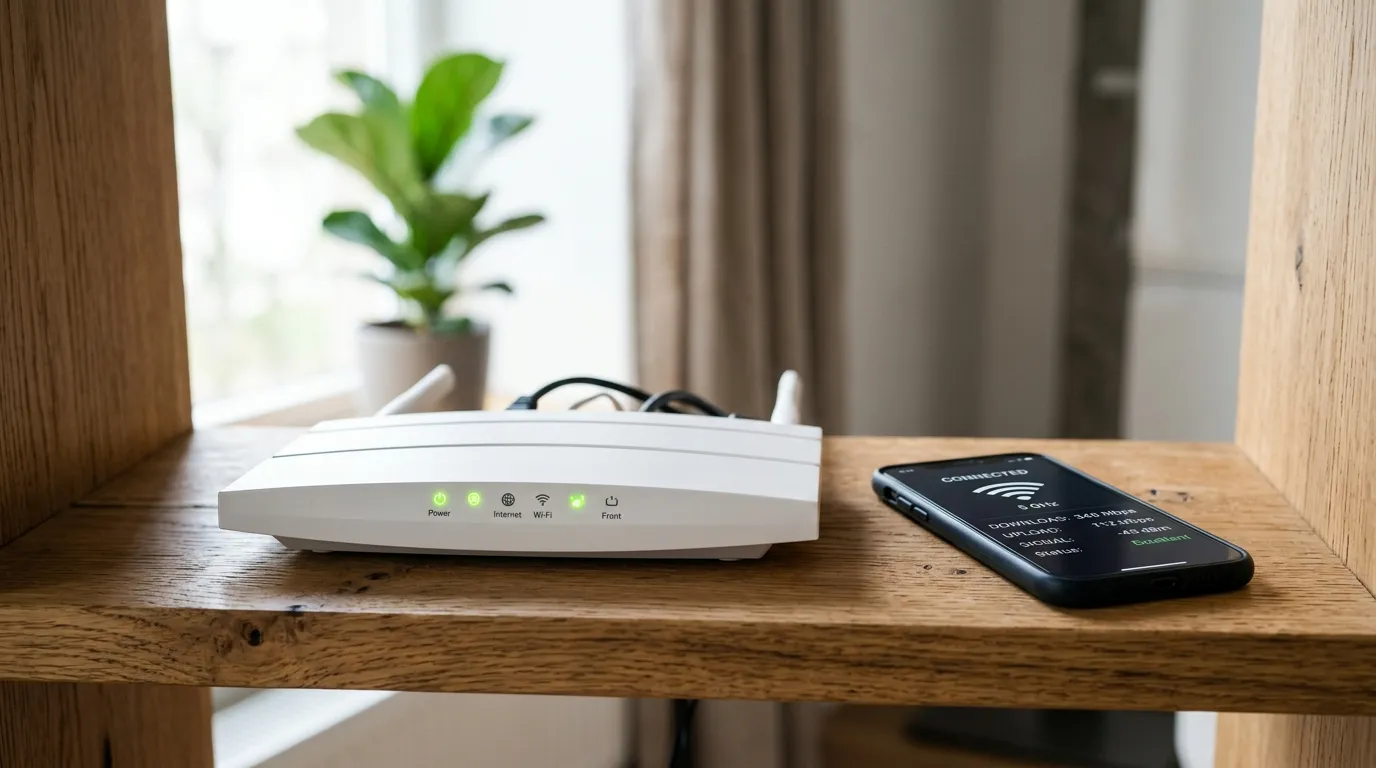
- Evening, Wi-Fi. Immediately after, run the same test over Wi-Fi from the same room.
- Off-peak, wired. The next morning (or after midnight), repeat the wired test.
Now read the results:
- Wired evening is much slower than wired off-peak: your line is genuinely congested. This is a provider or technology problem, covered below.
- Wired evening is fine but Wi-Fi is slow: the line is healthy; your Wi-Fi is the bottleneck. Fix the wireless side.
- Both wired and Wi-Fi are slow at all hours: this is a different fault, not an evening congestion issue.
If it points at Wi-Fi, our deeper walkthrough on why your Wi-Fi is so slow covers placement, bands and channels step by step.
What to do about it
If it is Wi-Fi congestion (most common)
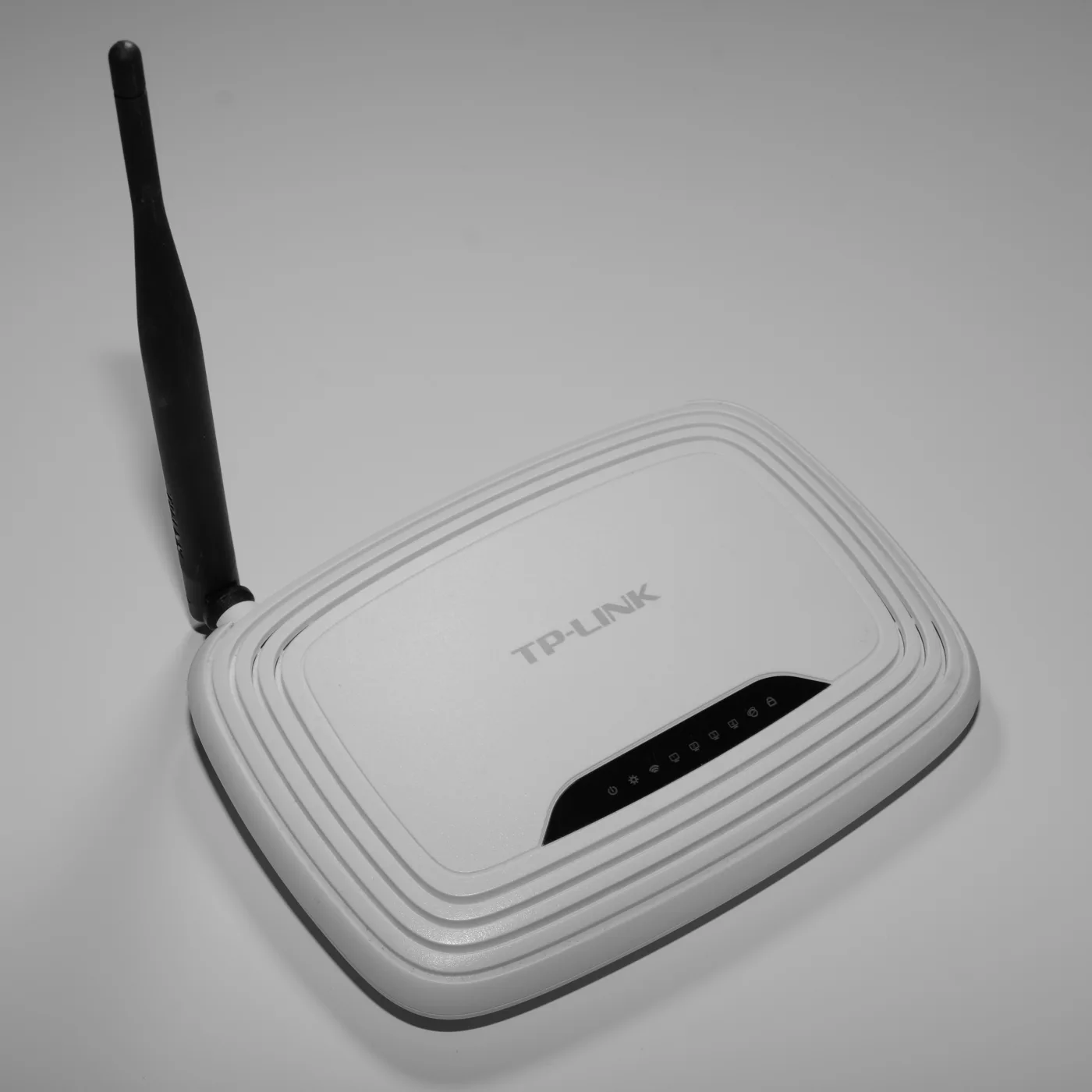
- Change your Wi-Fi channel. Evening congestion on 2.4GHz often clears up by moving to a quieter channel. Our Wi-Fi channel finder shows which channels your neighbours are crowding, and the guide on how to change your Wi-Fi channel walks through doing it on a UK router.
- Use the 5GHz band for nearby devices like the TV and your laptop. It is far less congested in the evening and much faster over short distances.
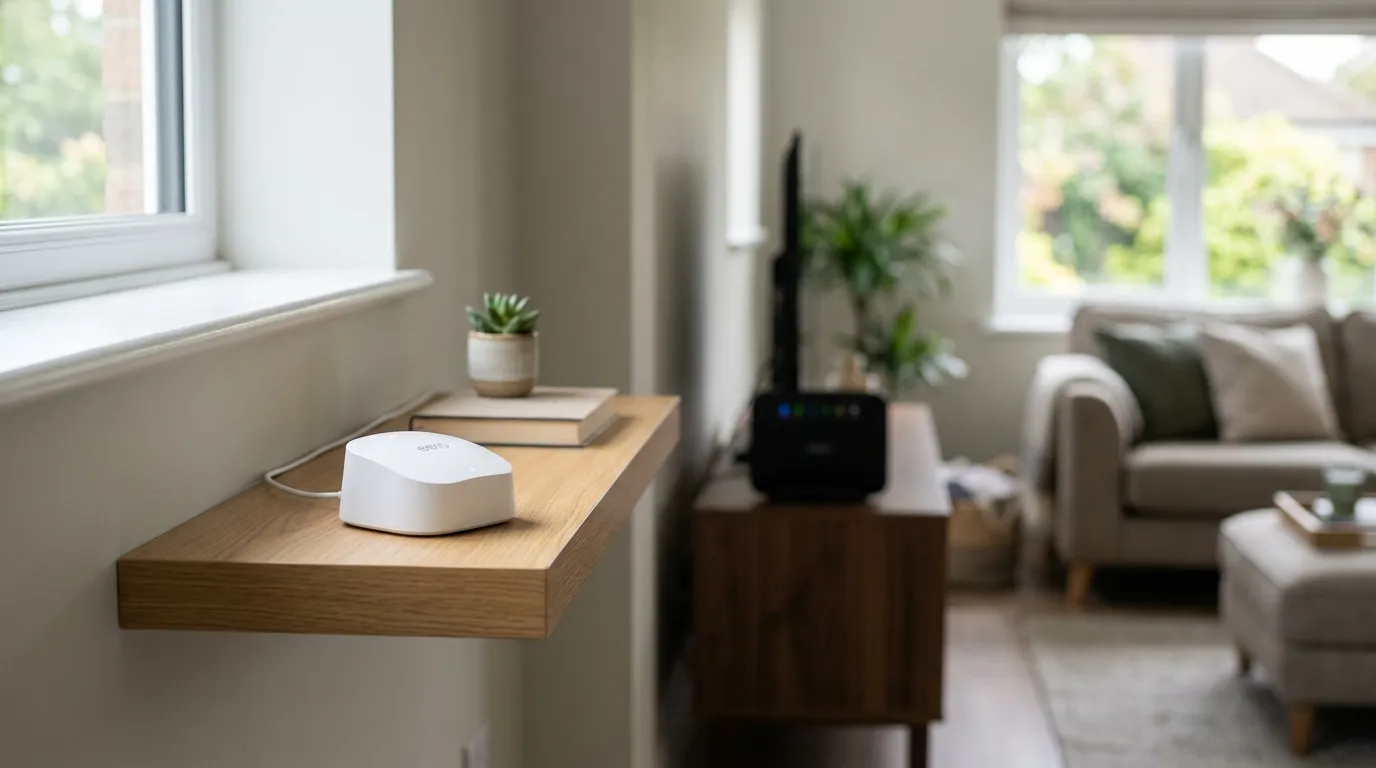
- Move the router out into the open, off the floor and away from the microwave and other electronics.
If your line is genuinely congested at peak
- Check your package is big enough. If you have outgrown your speed tier, a busy evening will expose it first. Our broadband speed calculator helps you work out how much speed your household actually needs across simultaneous streams, calls and downloads.
- Move heavy tasks off-peak. Schedule large downloads, console updates and cloud backups for overnight, when the network is quiet and fast.
- Consider full fibre (FTTP). If your area has it, this is the single most effective fix for evening slowdowns, because a dedicated line sidesteps the contention that drags FTTC and cable down. The provider data above makes the gap clear.
- Switch provider. Two homes on the same street can get very different evening performance depending on the network behind the line. If your provider is one of the poor performers at peak, switching is a legitimate fix.
Gamers feeling evening lag rather than slow downloads should also read our notes on what counts as a good ping for gaming, since congestion shows up as latency before it shows up as raw speed.
What about throttling?
It is tempting to assume your provider is deliberately slowing you down at 9pm. Some providers do shape traffic under fair-usage policies, but deliberate throttling is the exception, not the rule. For the vast majority of homes, evening slowdown is ordinary congestion plus in-home Wi-Fi, not a provider squeezing you on purpose. Your split test above will usually settle the argument: real throttling and real congestion both show up on the wired evening test, while a healthy wired result points firmly at your own Wi-Fi.
Your rights if it never gets fast enough
If your evening speeds are persistently below what you were promised, you may have a way out. Most major UK providers sign up to Ofcom’s voluntary codes of practice, which give you a minimum guaranteed speed and, if they cannot fix a line that falls below it, the right to leave your contract without penalty.
The detail of how that works, including the windows providers get to repair the fault, is on Ofcom’s official page: Ofcom broadband speeds codes of practice. Before you invoke it, gather evidence: a run of dated wired speed tests at peak makes a far stronger case than a vague complaint.
Frequently asked questions
What time is broadband slowest in the UK? The evening peak runs roughly 8pm to 10pm, with the slowest point usually around 9pm. Speeds are at their fastest overnight when most homes are offline.
Does full fibre (FTTP) slow down in the evening too? Far less than older connections. FTTP gives your home a dedicated line rather than copper shared with neighbours, so it shows the smallest peak-time drop. It can still dip a little, but it holds up much better than FTTC, cable or ADSL.
How do I know if it is my line or my Wi-Fi? Run a wired speed test (laptop plugged into the router) at 9pm, then a Wi-Fi test in the same room, then a wired test off-peak. If the wired evening test is slow, it is the line; if only Wi-Fi is slow, it is your wireless setup.
Is my ISP throttling me at peak times? Usually not. Some providers shape traffic under fair-usage rules, but most evening slowdown is shared-network congestion and crowded Wi-Fi, not deliberate throttling. A wired evening speed test will show whether the line itself is actually being held back.
Can I leave my contract if evening speeds are too low? Often yes. Under Ofcom’s voluntary codes of practice, most major providers give a minimum guaranteed speed and let you exit penalty-free if they cannot fix a line that falls below it. Keep dated speed-test evidence to support your case.
Will upgrading my package fix evening slowdowns? Only if your current tier is genuinely too small for your household. If the problem is contention or Wi-Fi, a bigger package will not help. Run the split test first, and check your real needs with a broadband speed calculator.