Outdoor Wi-Fi Extender Guide: Garden, Garage and Outbuildings
Outdoor Wi-Fi Extender Guide: Garden, Garage and Outbuildings
An outdoor wifi extender is how you finally get a usable signal in the garden, the garage, or the home office at the bottom of the lawn, the places your router was never going to reach through two brick walls. The problem is that “outdoor extender” covers several quite different devices, and picking the wrong type leaves you with a weak, frustrating connection. This guide explains how they work, the ratings that actually matter, and how to choose the right approach for your space.
If your trouble is patchy coverage indoors first, start with our guide to fixing Wi-Fi dead spots, then come back here for outdoors.
What an outdoor Wi-Fi extender actually does
There are three broad ways to get Wi-Fi outside, and they are not equal.
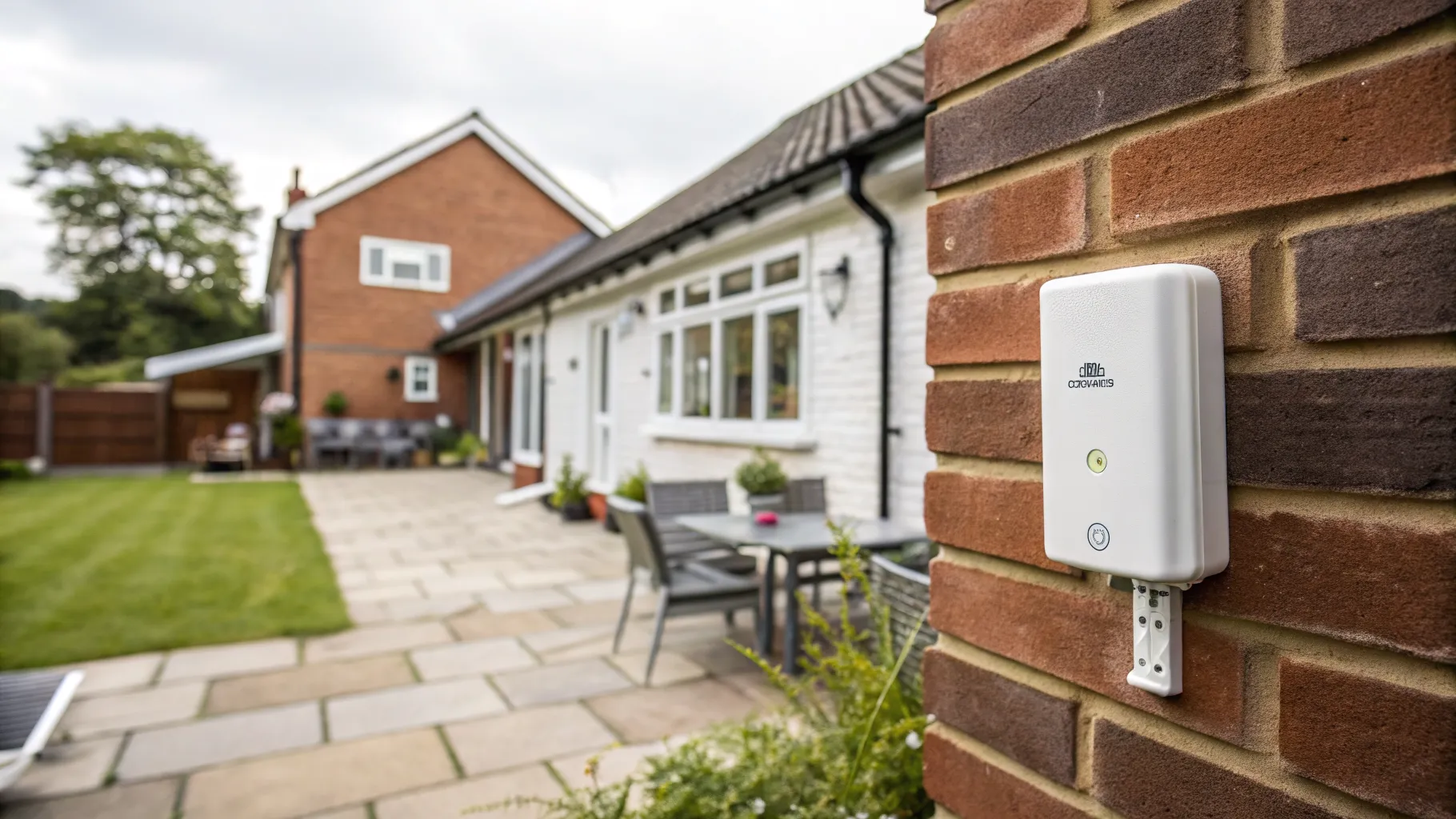
An outdoor access point (the best option). This is a weatherproof unit mounted on an outside wall and connected back to your router with an Ethernet cable, usually powered over that same cable (PoE, Power over Ethernet). Because its link to the network is wired, it broadcasts a strong, full-speed signal outdoors rather than rebroadcasting a weak one. If you can run a cable, this is almost always the right choice.
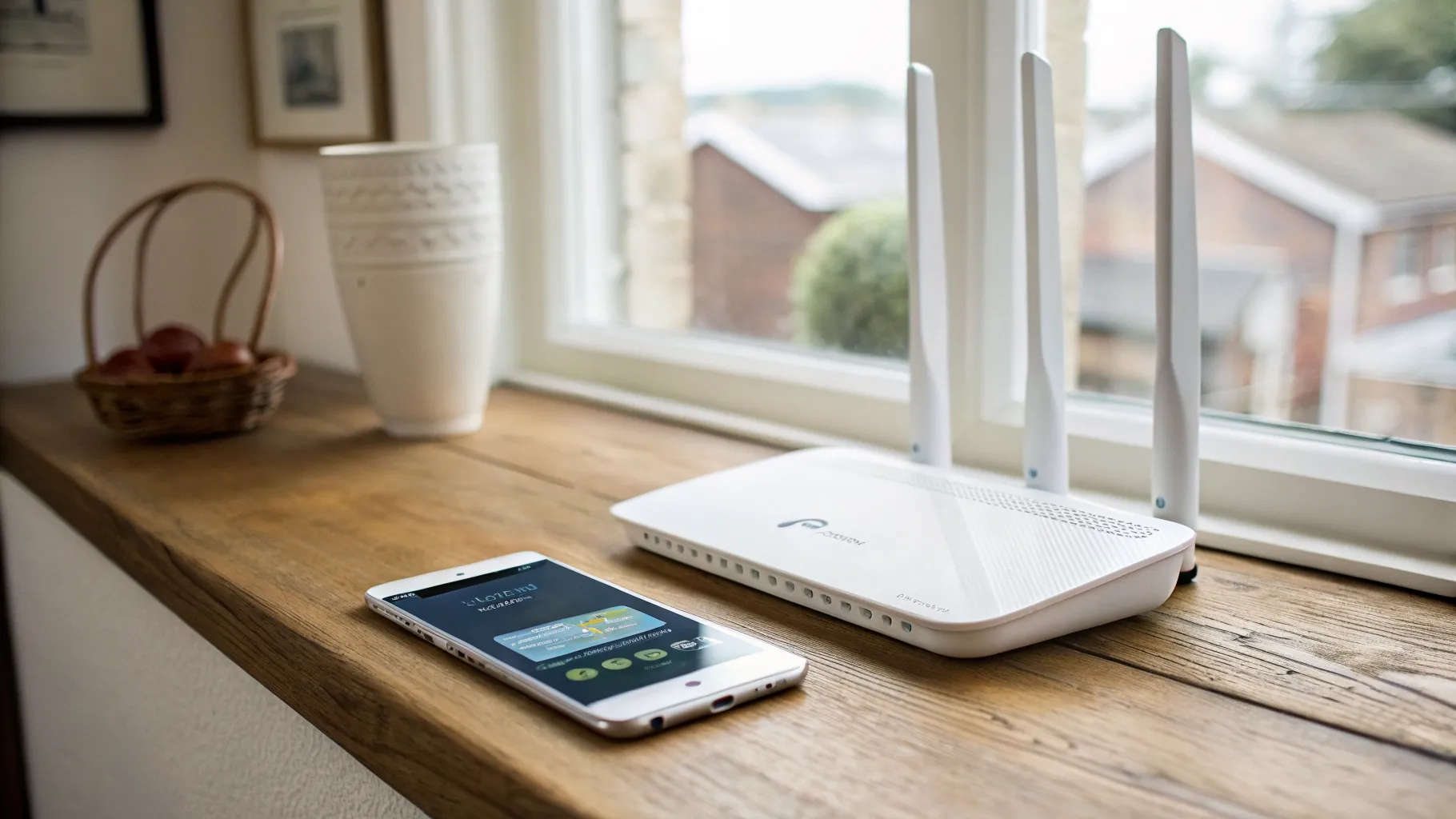
An outdoor wireless extender or repeater. This catches your existing Wi-Fi and rebroadcasts it further out. It needs no cable to the router, which makes it simpler, but it inherits whatever signal it receives, so its performance depends entirely on getting a decent signal where you mount it. A wireless outdoor repeater extender is the easy retrofit, but it will never beat a wired access point.
A point-to-point bridge. For a far outbuilding, two small dish units (one on the house, one on the building) beam a link across the gap, and you put a normal router or access point at the far end. This is the answer for a workshop or annexe tens or hundreds of metres away where Wi-Fi simply will not carry.
For most gardens and attached garages, an outdoor access point or a good wireless extender does the job. For a detached office or distant outbuilding, think wired access point or a bridge.
The ratings and features that matter
Outdoor gear lives in the rain, so a few specifications are not optional.
- Weatherproofing (IP rating). Look for an IP65 to IP67 rating. The higher the number, the better the protection against dust and water; IP67 units are sealed for proper year-round British weather, including driving rain. Anything without a clear IP rating should not go outside.
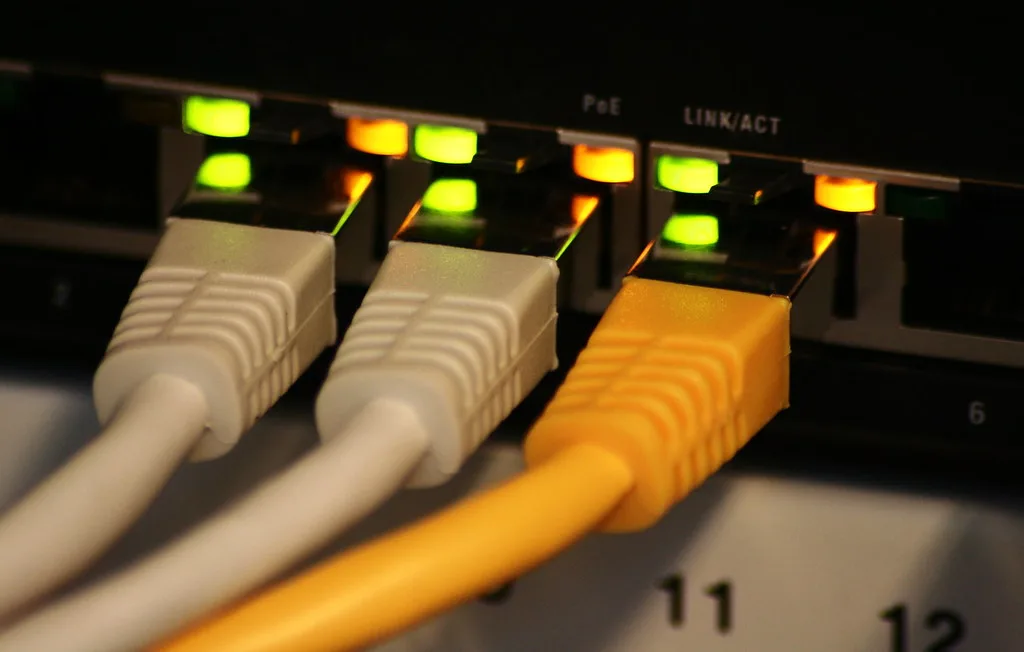
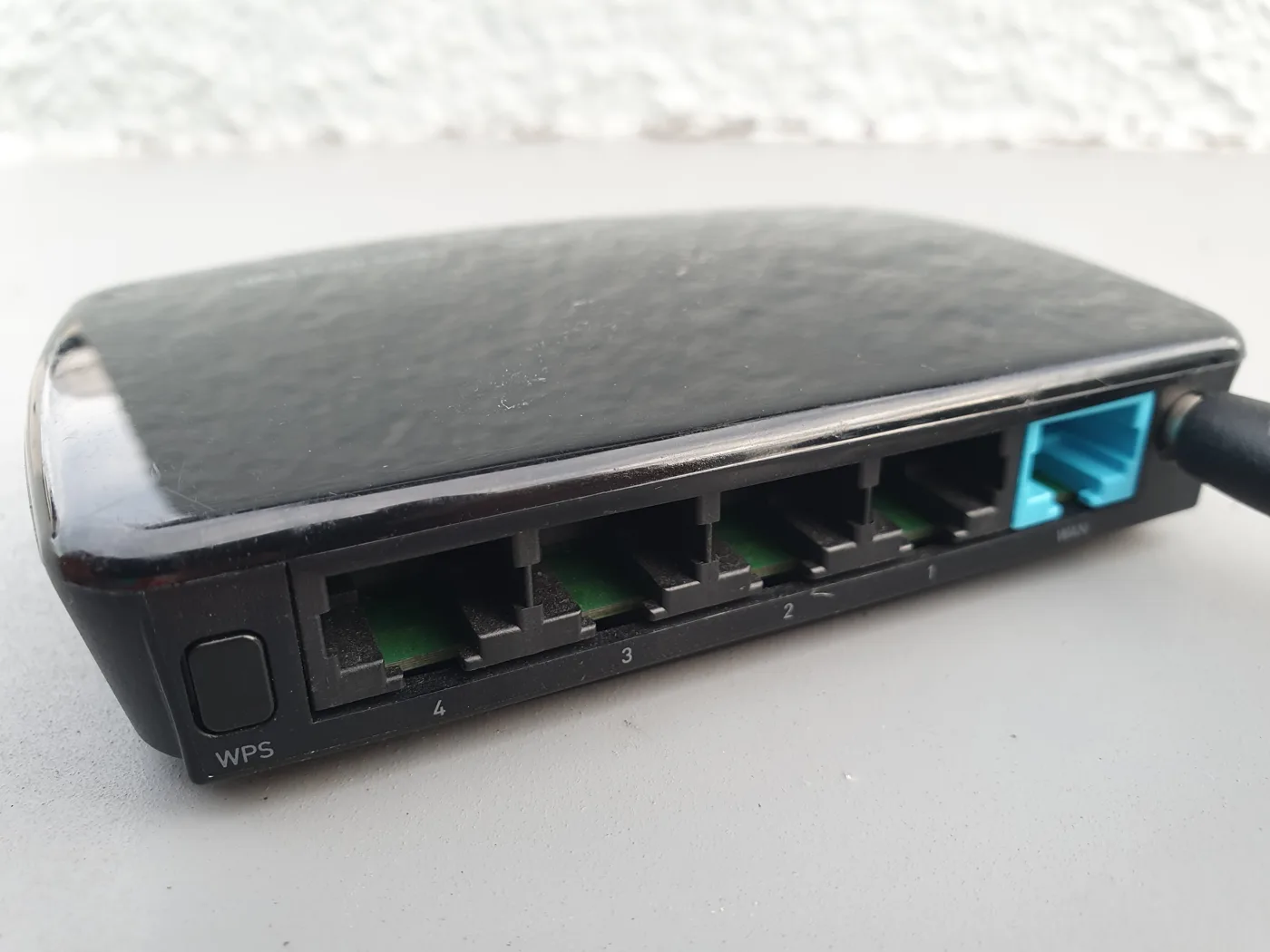
- PoE (Power over Ethernet). This carries power and data down a single Ethernet cable, so you do not need a power socket outside. It makes installation far tidier and is standard on outdoor access points.
- Wi-Fi standard. Wi-Fi 6 (and newer) units handle more devices and are more efficient than older models. If you are buying new, do not buy old Wi-Fi 5 stock to save a little.
- Antennas and real range. High-gain antennas push the signal further. Treat manufacturer range figures as best-case: real-world range is strong with clear line of sight but drops sharply through walls, fences and trees.
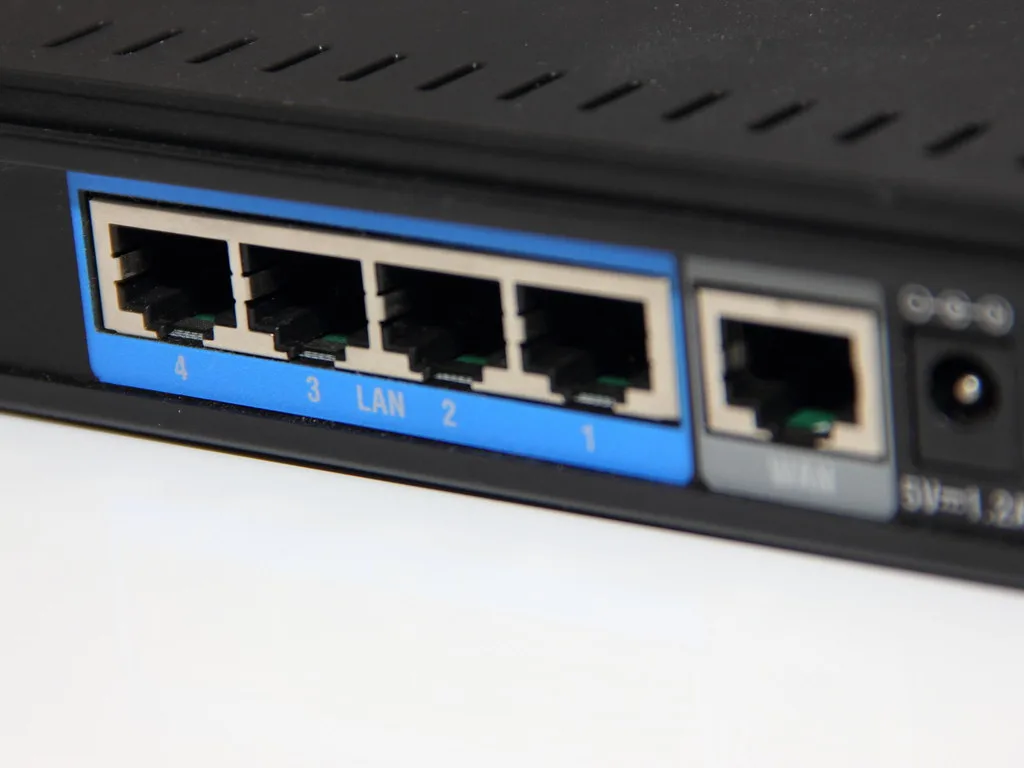
- An Ethernet port at the far end. A unit with a spare Ethernet socket lets you plug in a games console, camera or a second access point, which is handy in a garden office.
Choosing by where you need coverage
A garden or patio close to the house. A wireless outdoor extender mounted on the house wall, or an outdoor access point if you can run a short cable, will blanket the area. Mount it as high and as clear of obstructions as you can.
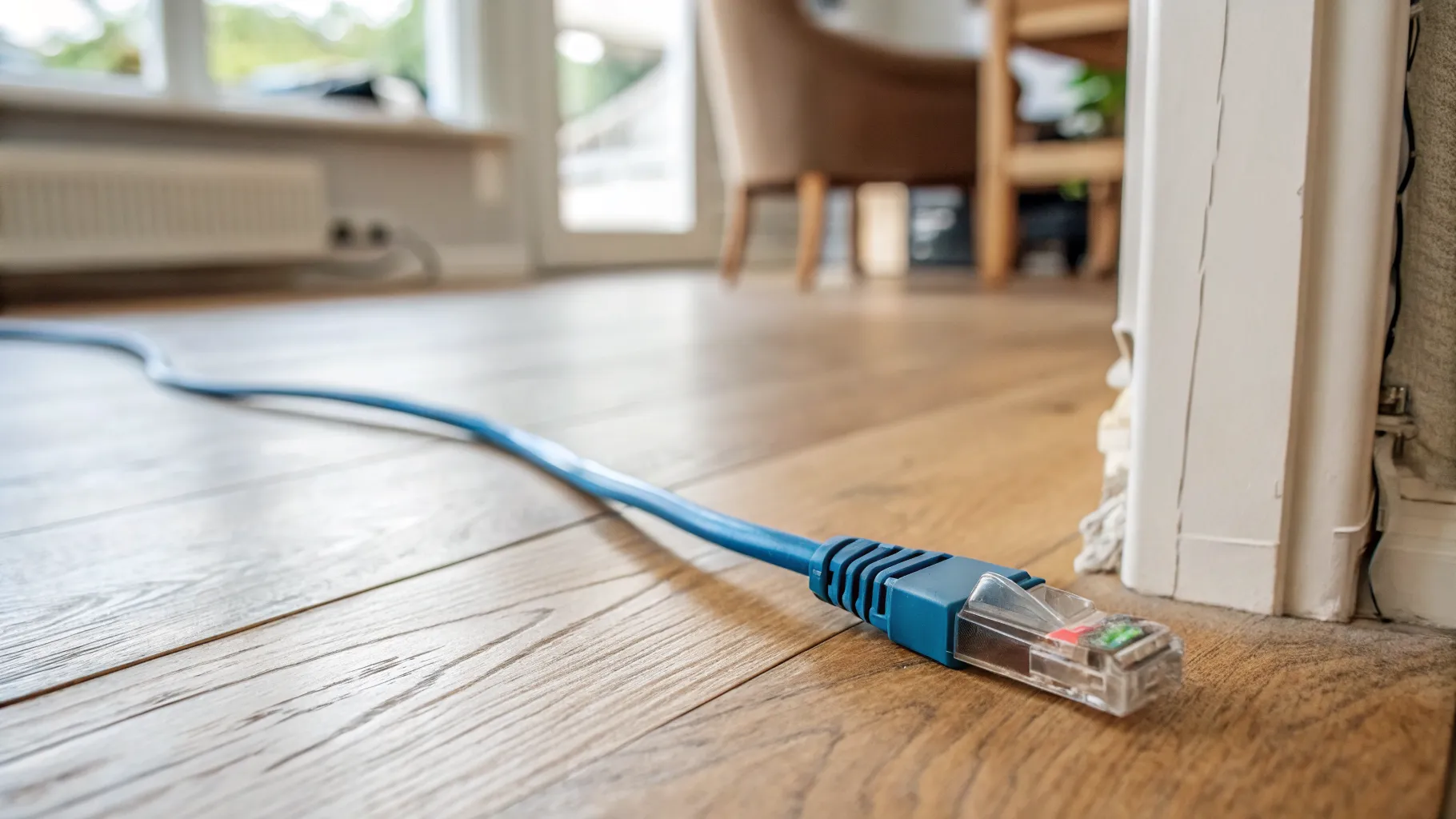
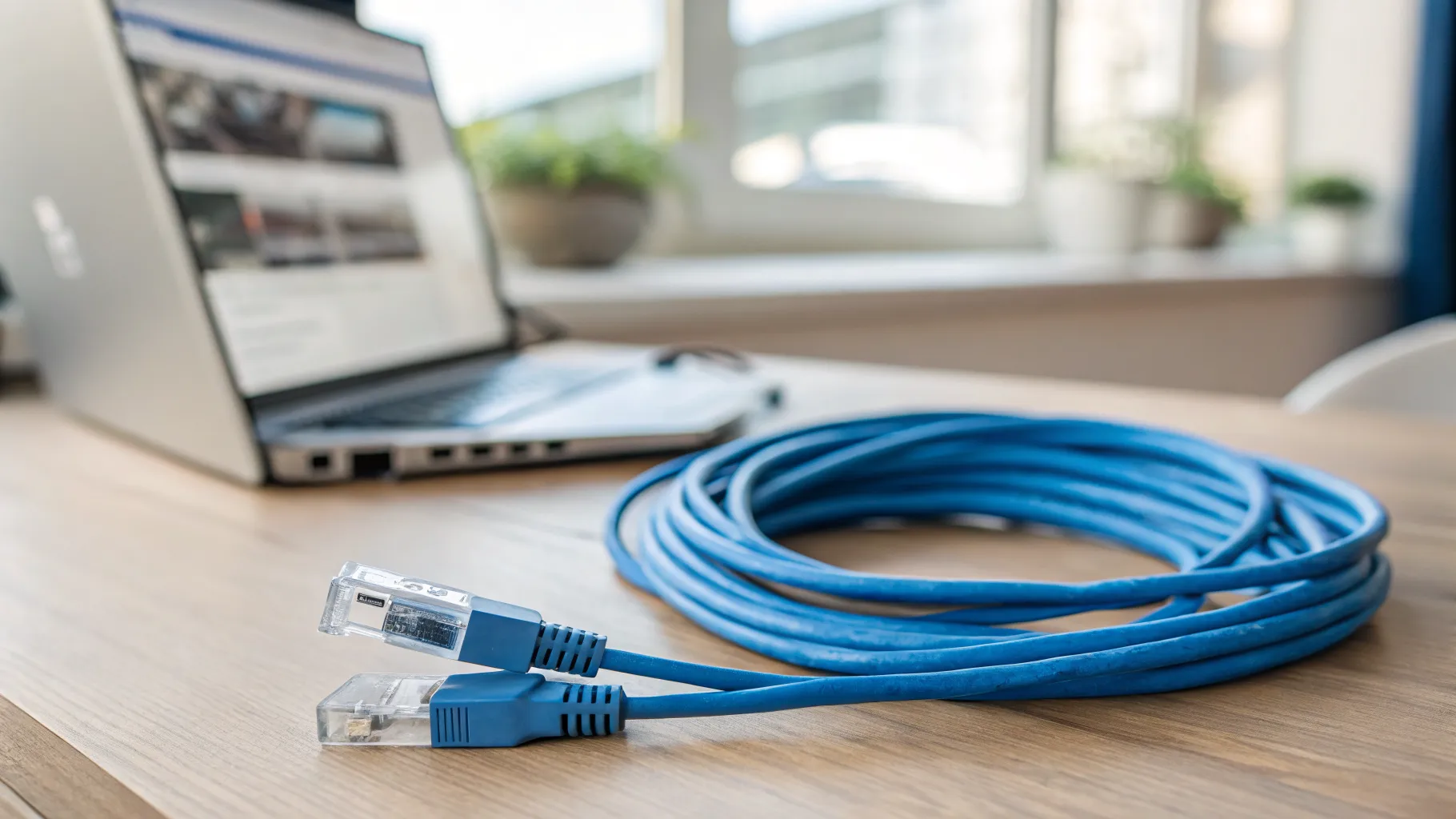
An attached or nearby garage. Run an Ethernet cable from the router to an outdoor or even indoor access point on the garage. Our guides to running Ethernet cable through the house and choosing a long Ethernet cable cover the wiring.
A detached garden office or outbuilding. This is where wireless extenders usually disappoint. Run an external-grade Ethernet cable to the building and fit an access point inside, or use a point-to-point bridge if a cable run is impractical. A wired link is what makes a garden office feel like part of the house network.
Brands and products worth knowing
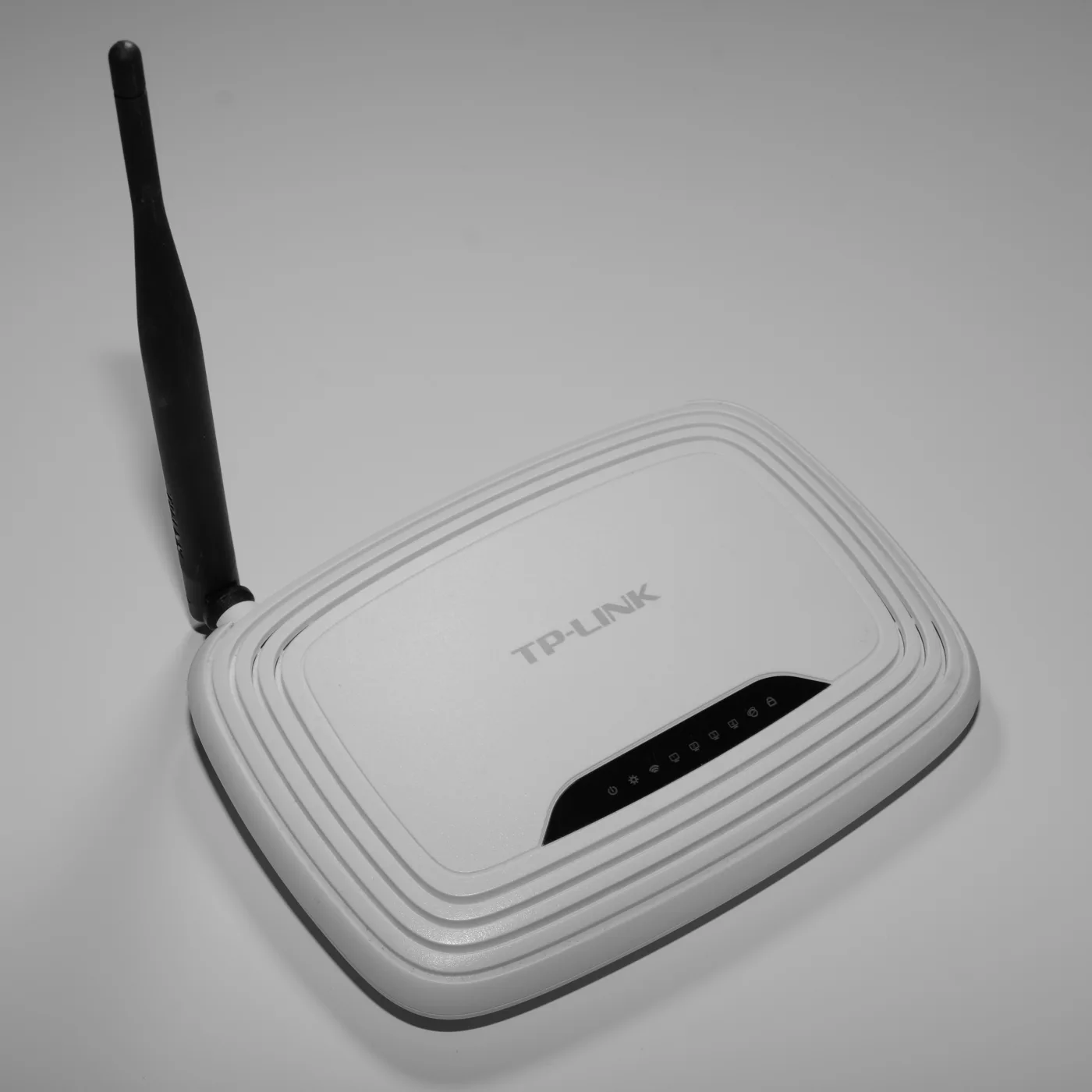
Several manufacturers make reliable outdoor gear. TP-Link’s outdoor EAP range (such as the weatherproof EAP610-Outdoor and the budget EAP110-Outdoor) is popular and well supported; Netgear offers outdoor Orbi units that pair with an existing Orbi mesh; Ubiquiti’s UniFi outdoor access points are a favourite for larger gardens and offices; and brands like Wavlink make rugged IP67 outdoor extenders. Any of these can work well, the right pick depends on whether you are going wired (access point) or wireless (extender) and how far you need to reach. Compare options on the TP-Link outdoor solutions and Netgear sites, and check the current price before you buy.
Installation tips that make the difference
- Mount high and clear. Signal hates obstructions. Higher up and away from metal, downpipes and dense foliage always helps.
- Point it where you need coverage, and aim antennas roughly towards the target area.
- Use the wired backhaul if you possibly can. A cable to an outdoor access point beats any wireless rebroadcast for speed and stability.
- Mind the power. PoE removes the need for an outdoor socket; if you use a mains-powered unit, it must be in a properly weatherproof enclosure.
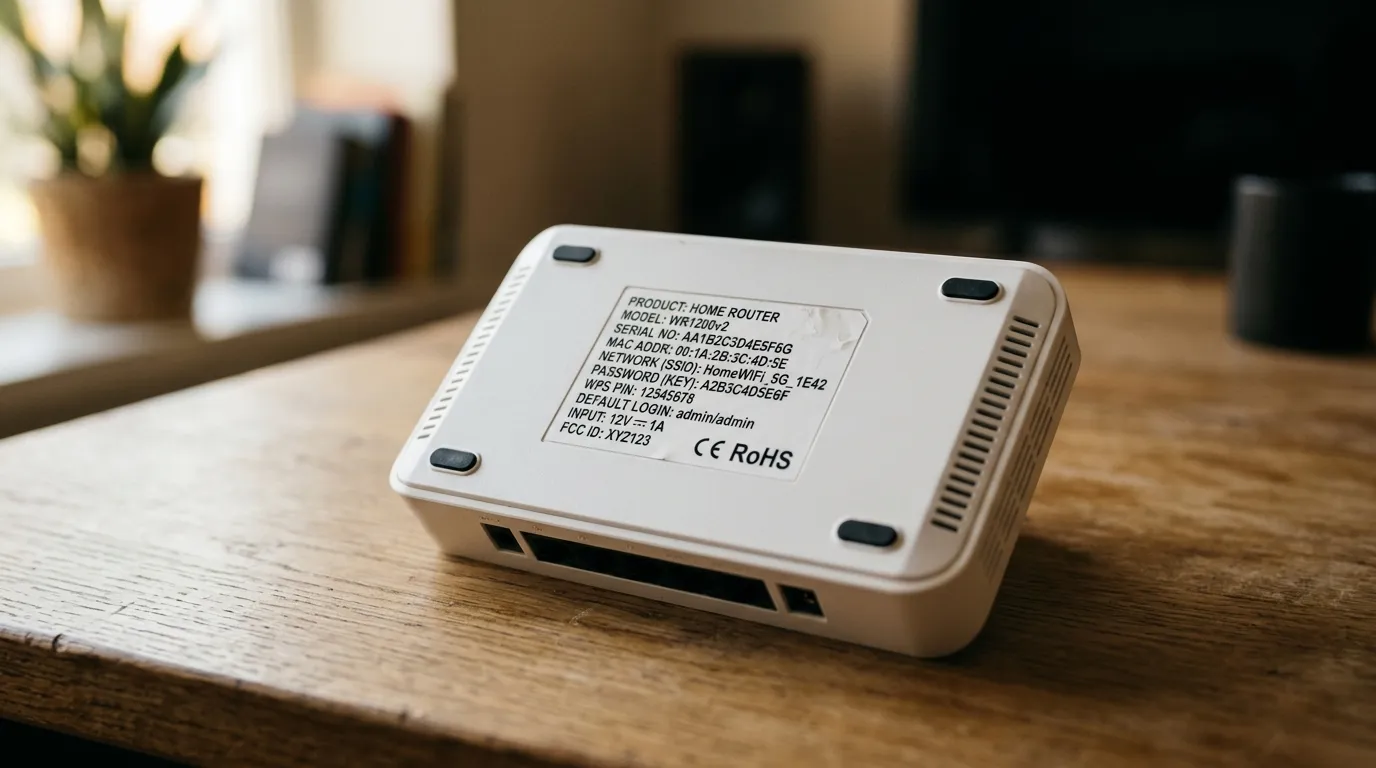
- Secure it. Use the same Wi-Fi security as the rest of your network, and change any default admin password, as covered in our router default passwords guide.
Get the type right for your distance, choose a properly weatherproofed unit, and prefer a wired link wherever you can, and the garden, garage or office stops being a Wi-Fi black hole. For whole-home coverage indoors, our best mesh Wi-Fi guide is the companion to this one.
Frequently asked questions
What is the best way to extend Wi-Fi to a garden office? A wired outdoor access point, or a point-to-point bridge if you cannot run a cable. Run external-grade Ethernet to the building and fit an access point inside. Wireless extenders often struggle over the distance and through walls, so a wired link is far more reliable.
Do outdoor Wi-Fi extenders need to be weatherproof? Yes. Any unit mounted outside should have an IP rating of at least IP65, ideally IP67, to survive rain and dust. A device without a clear weatherproof rating will fail outdoors, so never use an indoor extender outside.
What is the difference between an outdoor access point and an outdoor extender? An access point connects to your router by Ethernet cable and broadcasts a strong, full-speed signal. An extender catches existing Wi-Fi wirelessly and rebroadcasts it, so its performance depends on the signal it receives. Access points perform better wherever you can run a cable.
How far will an outdoor Wi-Fi extender reach? With clear line of sight, strong models reach a long way, but walls, fences and trees cut range sharply. Treat manufacturer figures as best-case and plan for much less through obstacles. For long distances to an outbuilding, use a wired link or a point-to-point bridge.
What is PoE and do I need it? PoE (Power over Ethernet) sends power and data down one Ethernet cable, so an outdoor access point needs no separate power socket outside. It makes installation cleaner and is standard on outdoor access points, so it is worth choosing.
Can I just put a normal Wi-Fi extender outside? No. Indoor extenders are not weatherproof and will be damaged by moisture. Use a unit specifically rated for outdoor use with an IP65 to IP67 enclosure, mounted and powered appropriately.