HDMI Extender Guide: Send an HDMI Signal Over Long Distances
An HDMI extender lets you send a video and audio signal far beyond the point where an ordinary HDMI cable gives up, which is usually around 15 metres before the picture starts to drop out. If you want to feed a TV in another room, mount a projector across a hall, or hide a media player in a cupboard, an HDMI extender is the tidy, reliable way to do it. This guide explains how the main types of HDMI extender work, the real distances each one reaches, and how to choose the right one without overspending. It is written for the home, not the broadcast studio, so the focus is on what actually matters for a TV or projector run.
If your plan involves running cable through the house anyway, our guide to running ethernet cable through a house pairs naturally with this one.
Why a plain HDMI cable runs out of road
HDMI was designed for short hops, like a set-top box to the telly beside it. Push a passive HDMI cable past roughly 15 metres and the signal weakens, which shows up as sparkle, flicker, dropouts or no picture at all. Higher resolutions make it worse: a cable that just manages 1080p over a long run may fail completely at 4K. That is the problem an HDMI extender solves: it converts the signal into something that survives a long journey, then converts it back at the far end.
The main types of HDMI extender
There are four common approaches. The right one depends on distance, how many screens you are feeding, and how much cabling you can run.
HDMI over a single network cable (HDBaseT)
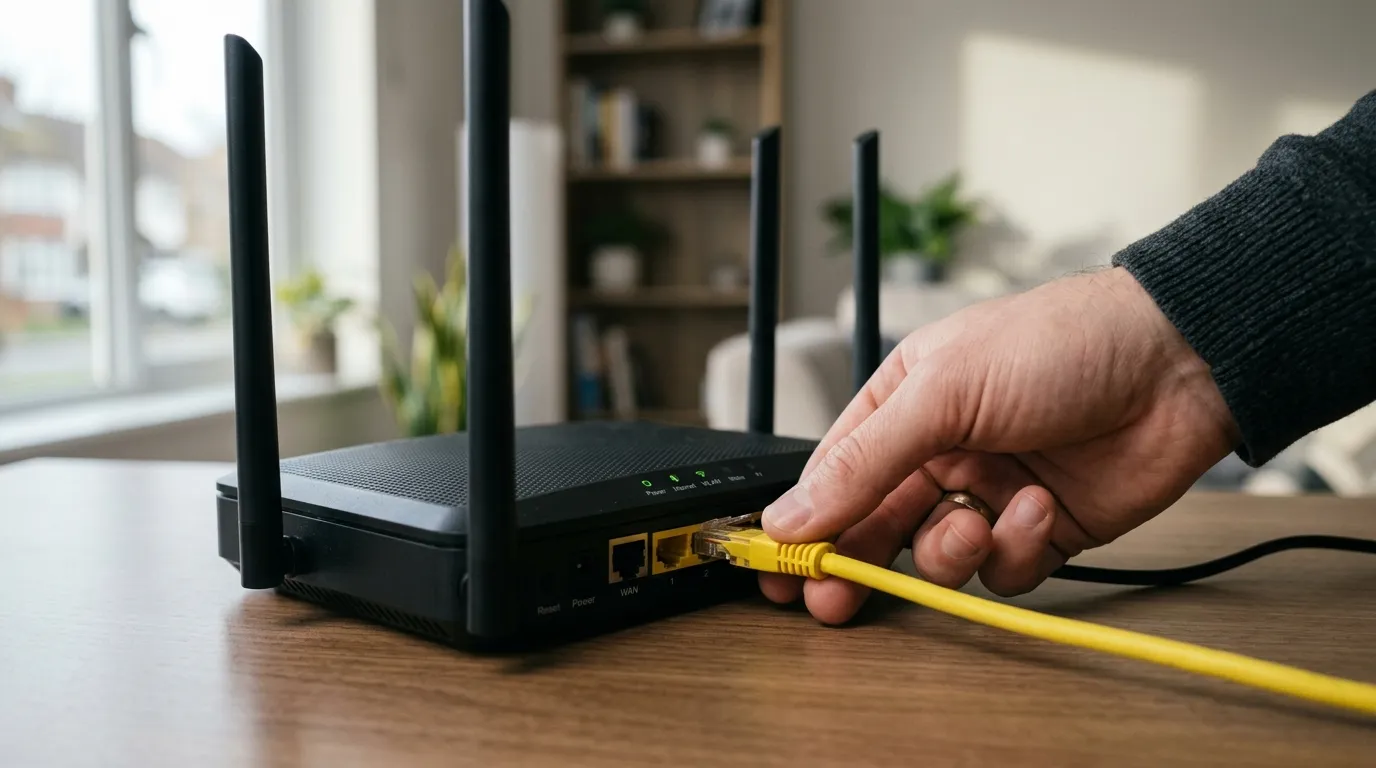
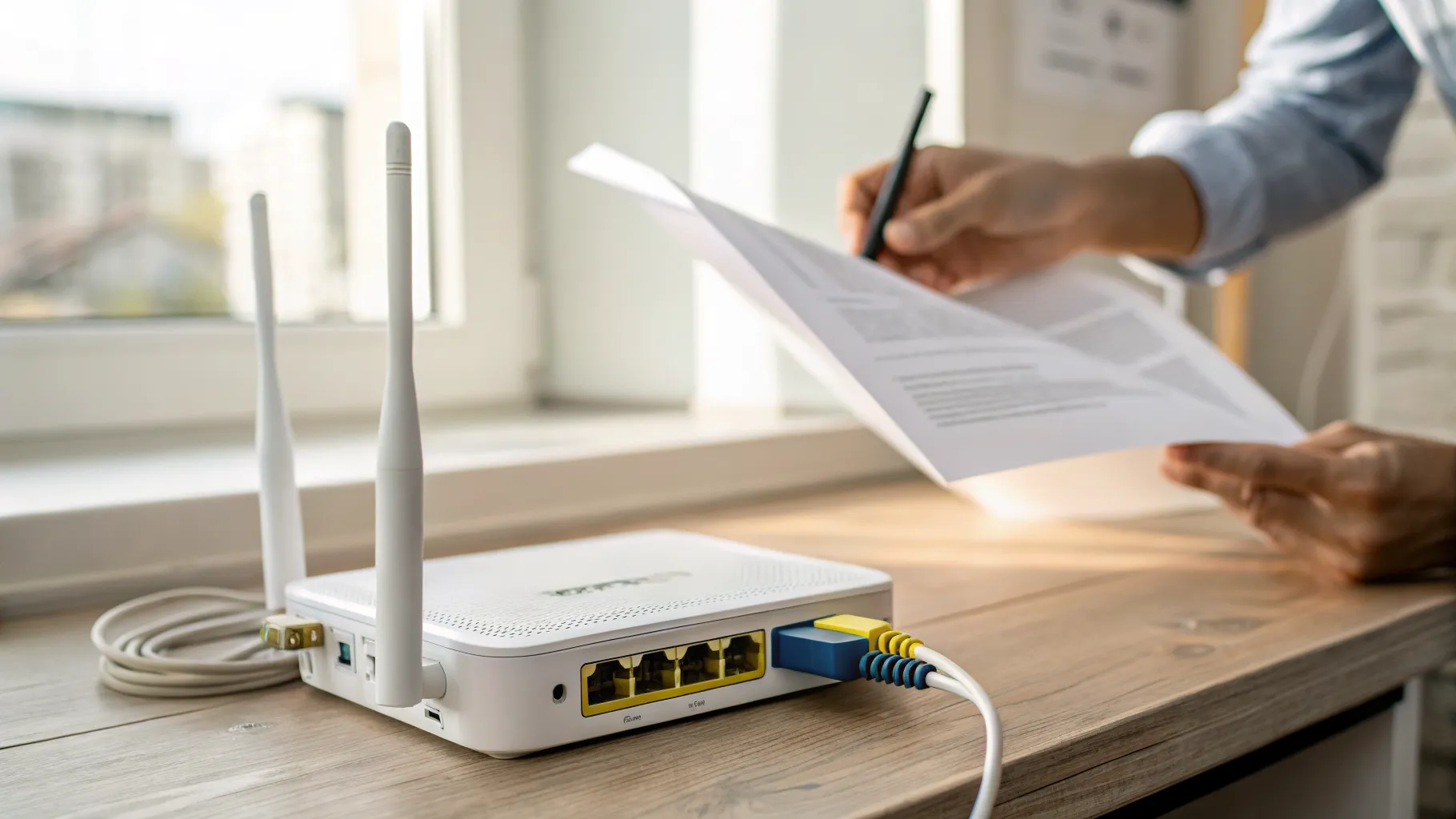
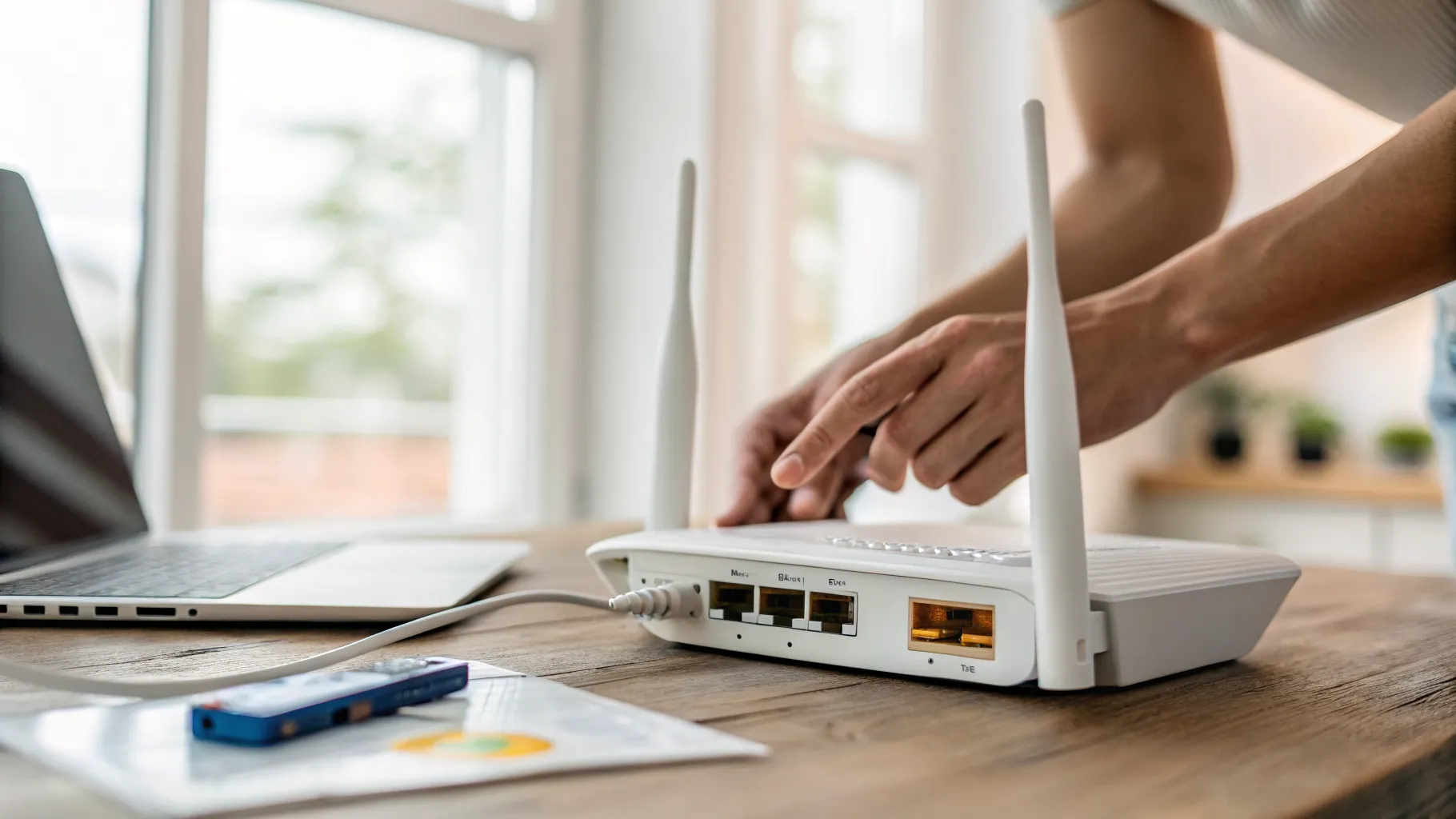
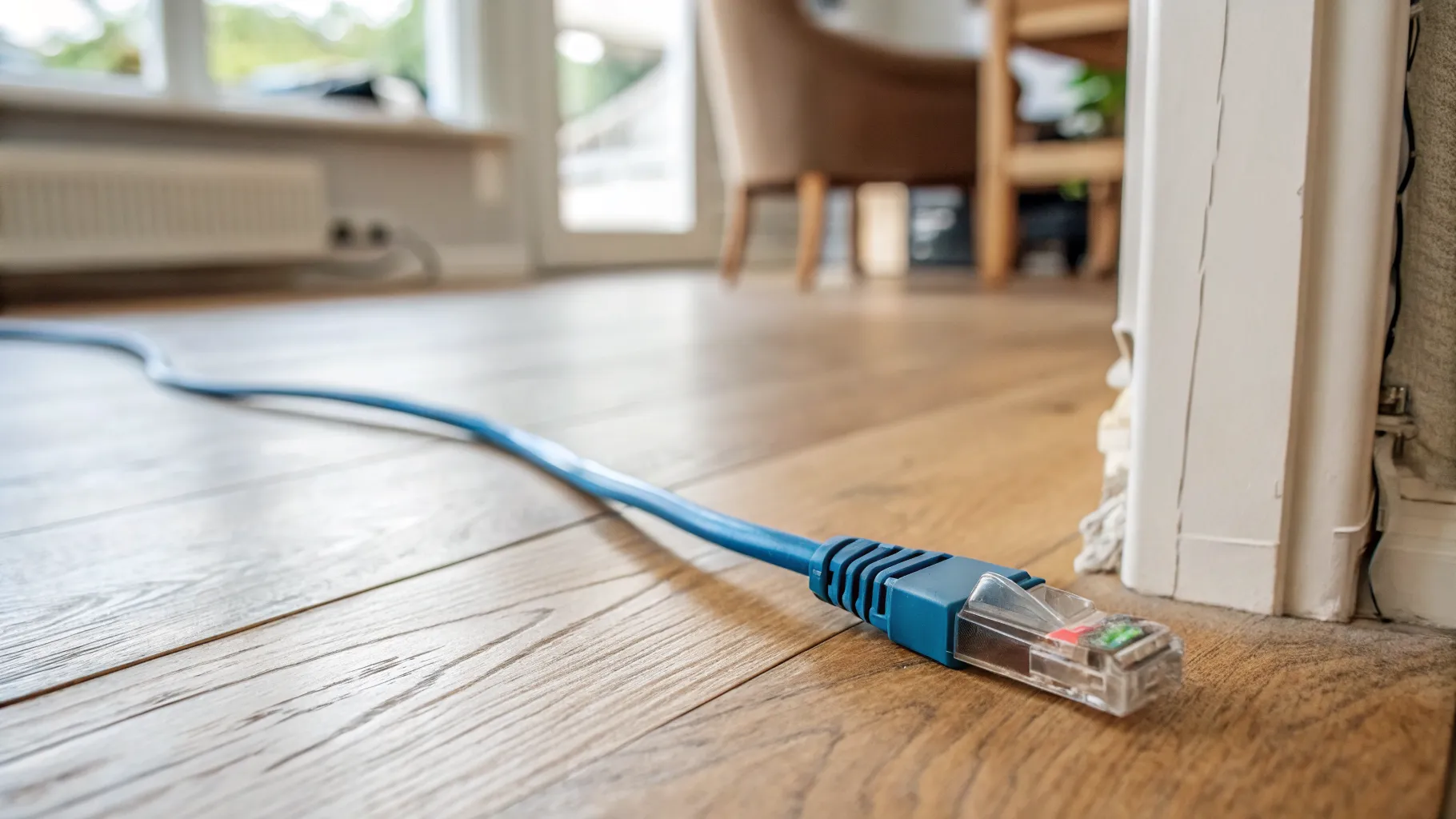
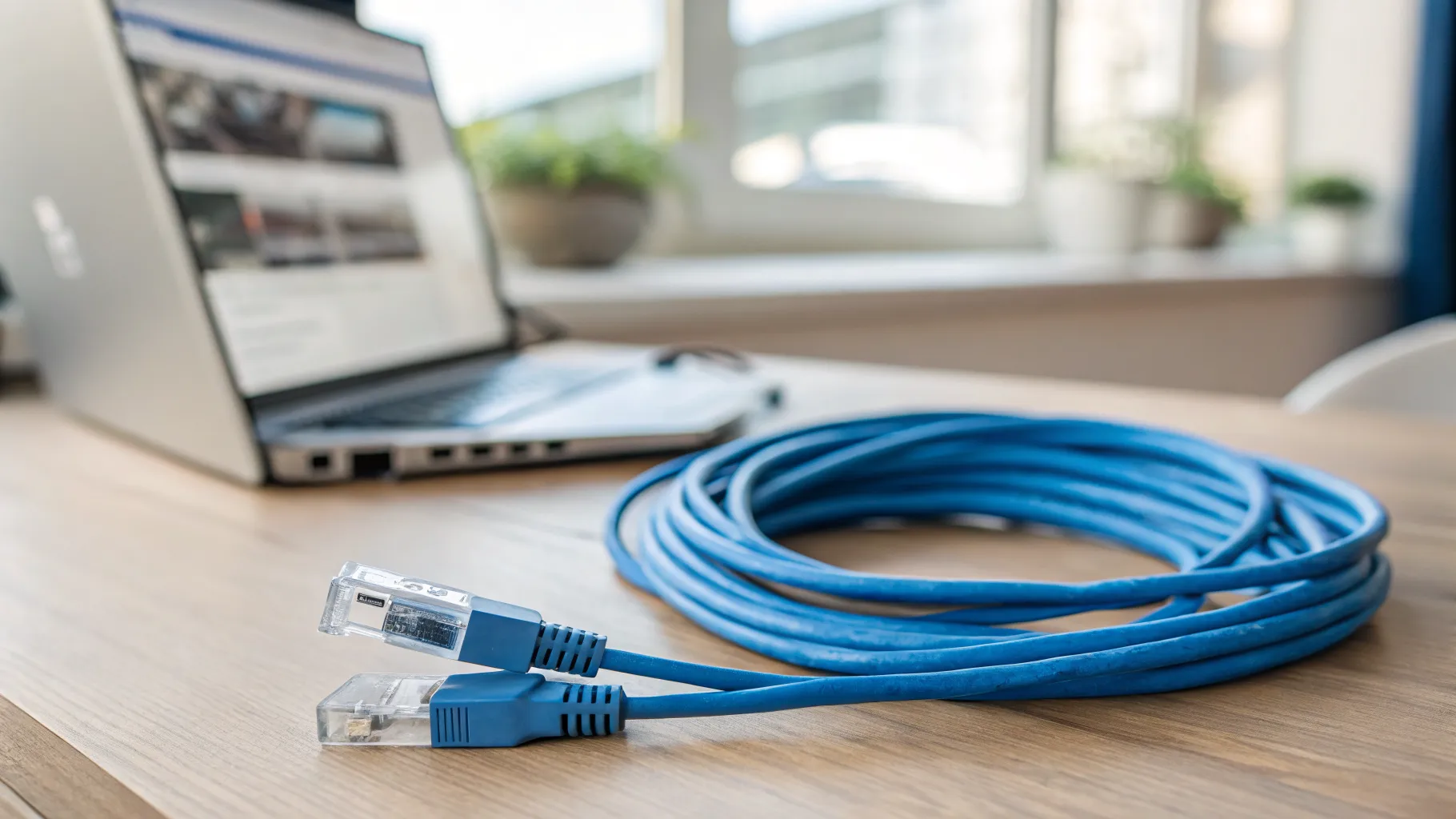
The most popular choice for a single long run. A transmitter sits by your source and a receiver sits by the screen, joined by one Cat6 (or Cat6a) network cable. It carries uncompressed video, audio and often control signals down that single run. Reach is the big draw: good HDBaseT kit handles 4K over distances far beyond any HDMI cable, and 1080p further still. The HDBaseT Alliance sets the standard these devices follow.
This is the sensible default for getting a clean 4K picture to one room a long way from the source. You will get the most reliable result with proper solid-core Cat6, the same cable our Cat6 guide covers.
HDMI over IP (across your network)
HDMI over IP sends the signal through a normal network switch rather than a single point-to-point cable. Its strength is flexibility: one source can reach many screens, and you can add more displays by plugging another receiver into the network. The trade-off is that it usually compresses the signal and adds a little latency, and it needs a capable switch. For most homes feeding a couple of screens, HDBaseT is simpler; HDMI over IP earns its place when you want one source on several TVs.
Wireless HDMI
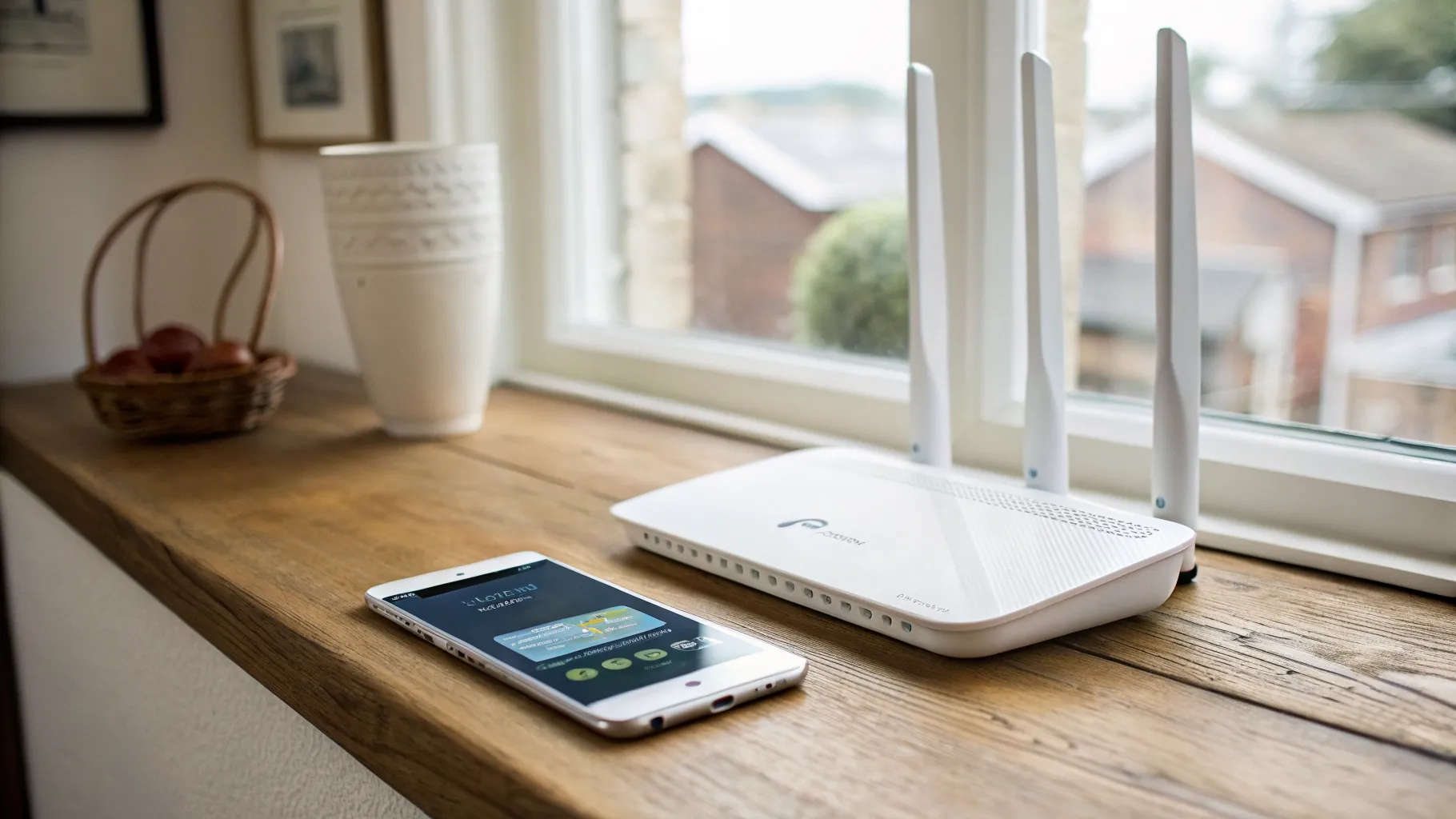
A wireless HDMI kit skips cabling entirely, beaming the signal between a transmitter and receiver across a room. It is the quickest fix when running any cable is impractical, such as a projector on the far wall. The limits are honest ones: range is shorter, walls and interference degrade it, and there is some latency, so it is less suited to fast gaming. For a living room where pulling cable is out of the question, it is a genuinely useful option.
HDMI over fibre
For the longest runs, well beyond what copper manages, HDMI over fibre carries the signal as light and resists the interference that troubles long copper cables. It is overkill for most homes but the right answer for very long distances or runs near heavy electrical noise.
How distance and resolution interact
The single most important thing to understand before buying: the headline distance on an extender assumes a lower resolution. The same device that carries 4K at 60Hz over one distance will carry 1080p considerably further. So always check the distance figure at the resolution you actually need. If you are running 4K to a modern TV, read the 4K rating, not the bigger 1080p number on the front of the box.
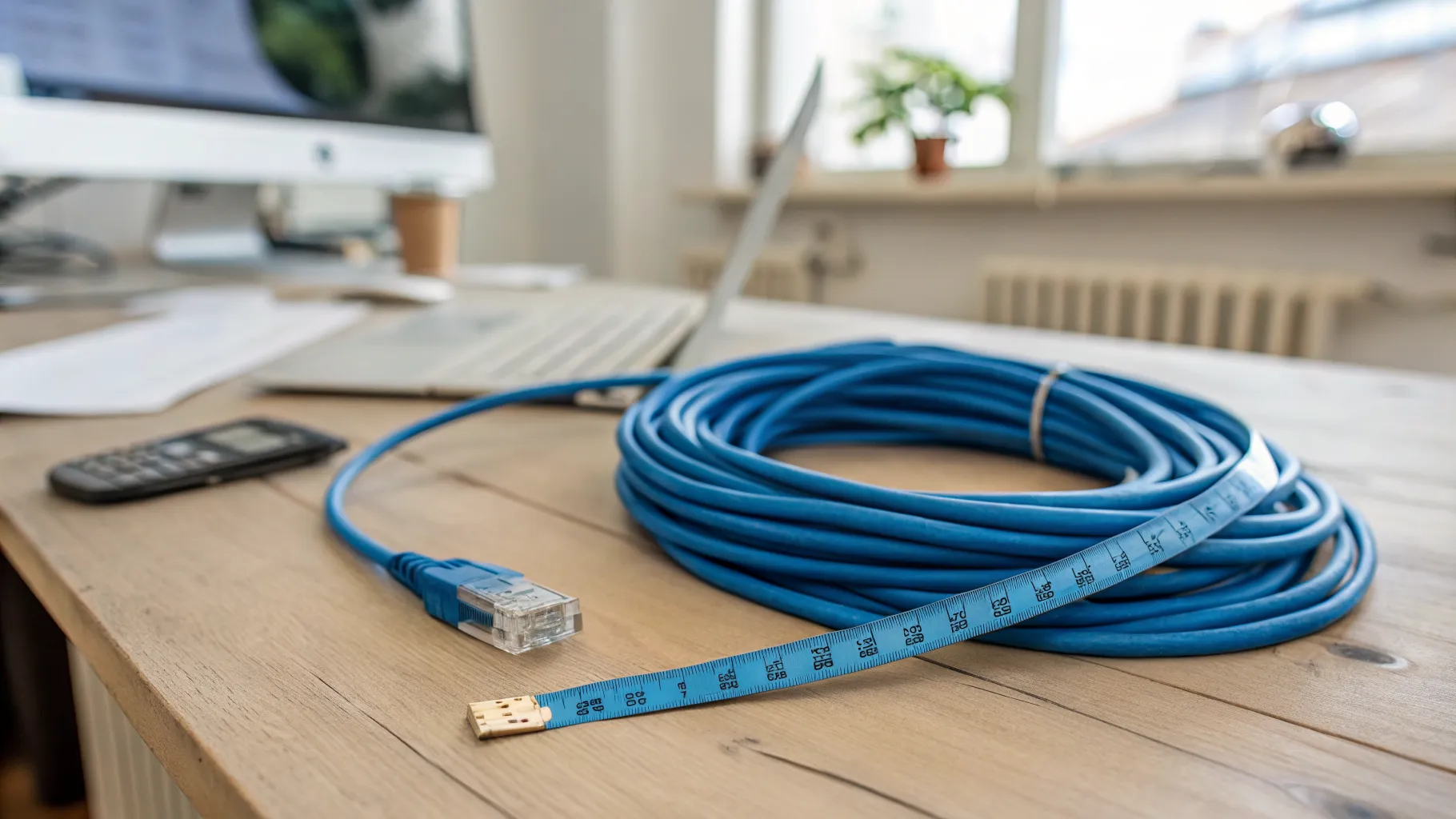
A practical rule: measure your real cable run first, add a little slack, then buy an extender comfortably rated for that distance at your resolution. Buying far more reach than you need just wastes money; buying too little gives you the dropouts you were trying to escape.
How to choose the right HDMI extender
Work through these in order:
- Measure the run. Know the real distance from source to screen, with slack for going around corners and walls.
- Fix your resolution. 4K at 60Hz is demanding; 1080p is forgiving. Match the extender’s rating at that resolution.
- Count your screens. One screen, one run: HDBaseT. Several screens from one source: consider HDMI over IP.
- Check the cable. Single-cable extenders want good Cat6 or Cat6a. Do not pair a quality extender with thin, cheap cable.
- Consider control and power. Look for IR or CEC pass-through if you need to control the source from the screen end, and Power over Cable so you only need one mains socket.
- Mind latency for gaming. If you game, favour low-latency wired kit over wireless.
You will see prices vary widely; choose on distance, resolution and features rather than the headline figure, and check current pricing at the point of sale.
Frequently asked questions
What does an HDMI extender do? An HDMI extender sends a video and audio signal much further than an ordinary HDMI cable can manage, which is around 15 metres before quality drops. It converts the signal at one end so it survives a long run, usually over a network cable, fibre or wirelessly, then converts it back at the screen. It is how you reach a TV or projector in another room.
How far can an HDMI extender reach? It depends on the type and the resolution. A single-cable HDBaseT extender can carry 4K well beyond any HDMI cable, and 1080p further still, while fibre extenders go further again. The key point is that distance ratings assume a resolution, so a device reaches less far at 4K than at 1080p. Always check the figure at the resolution you need.
Can I use a normal network cable for an HDMI extender? For HDBaseT-style extenders, yes: they run over a single Cat6 or Cat6a network cable, which is one reason they are popular. Use good quality solid-core cable rather than thin patch cable, because the extender can only be as reliable as the cable feeding it. HDMI over IP versions run through a network switch instead.
Will an HDMI extender add lag for gaming? Wired HDBaseT and fibre extenders add very little latency and are fine for gaming. Wireless HDMI and some HDMI over IP setups can add noticeable delay because they compress the signal, which matters for fast games. If low lag is important, choose a low-latency wired extender.
Do I need an HDMI extender or just a longer cable? If your run is under about 15 metres, a good quality HDMI cable rated for your resolution may be enough. Beyond that, or if you are running 4K over a long distance, a cable alone tends to fail and an extender is the reliable answer. Measure the run and match it to your resolution before deciding.
The bottom line
An HDMI extender is the clean way to put a screen a long way from its source. For one room, a single-cable HDBaseT extender over good Cat6 is the simple, reliable default; HDMI over IP suits several screens, wireless suits places you cannot cable, and fibre handles the longest runs. Measure first, match the rating to your resolution, and feed it proper cable.