PoE Switch Explained: Power Over Ethernet for Home and Small Office
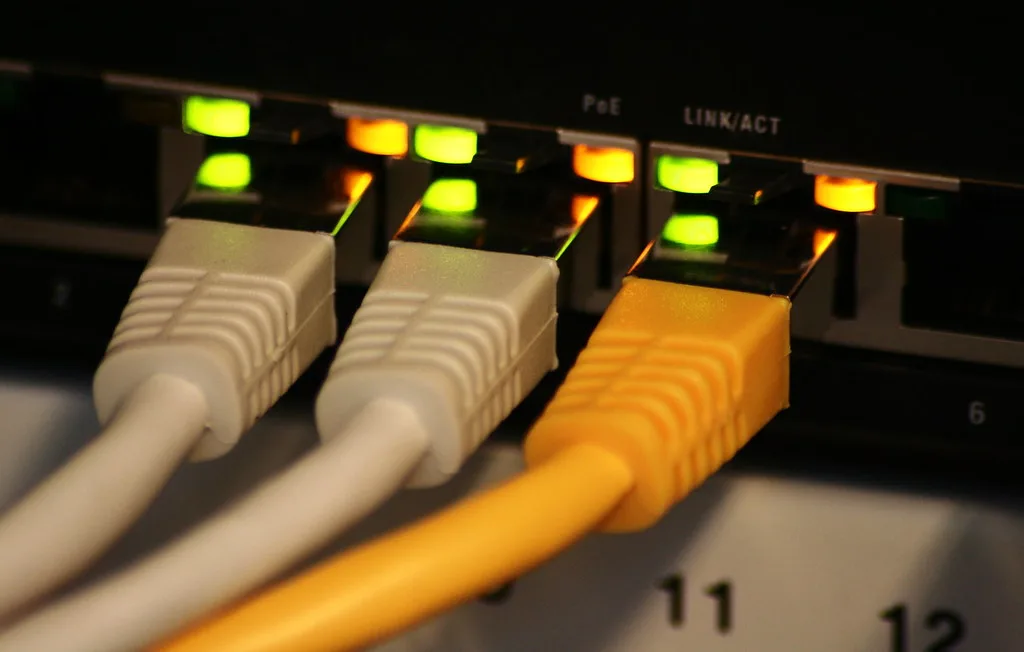
A PoE switch is a network switch that sends electrical power down the same Ethernet cable that carries your data, so a device like a Wi-Fi access point or security camera gets both from one cable and needs no nearby plug socket. That single idea, power and data together, is what makes Power over Ethernet so useful when you are wiring a home or small office. This guide explains how a PoE switch works, what the confusing PoE, PoE+ and PoE++ labels mean, what it can actually power, and whether you need one at all.
If you are still planning your cabling, read this alongside our guides to Cat 6 Ethernet cable and running Ethernet cable through the house, because the switch you choose depends on what you are wiring and where.
How Power over Ethernet works
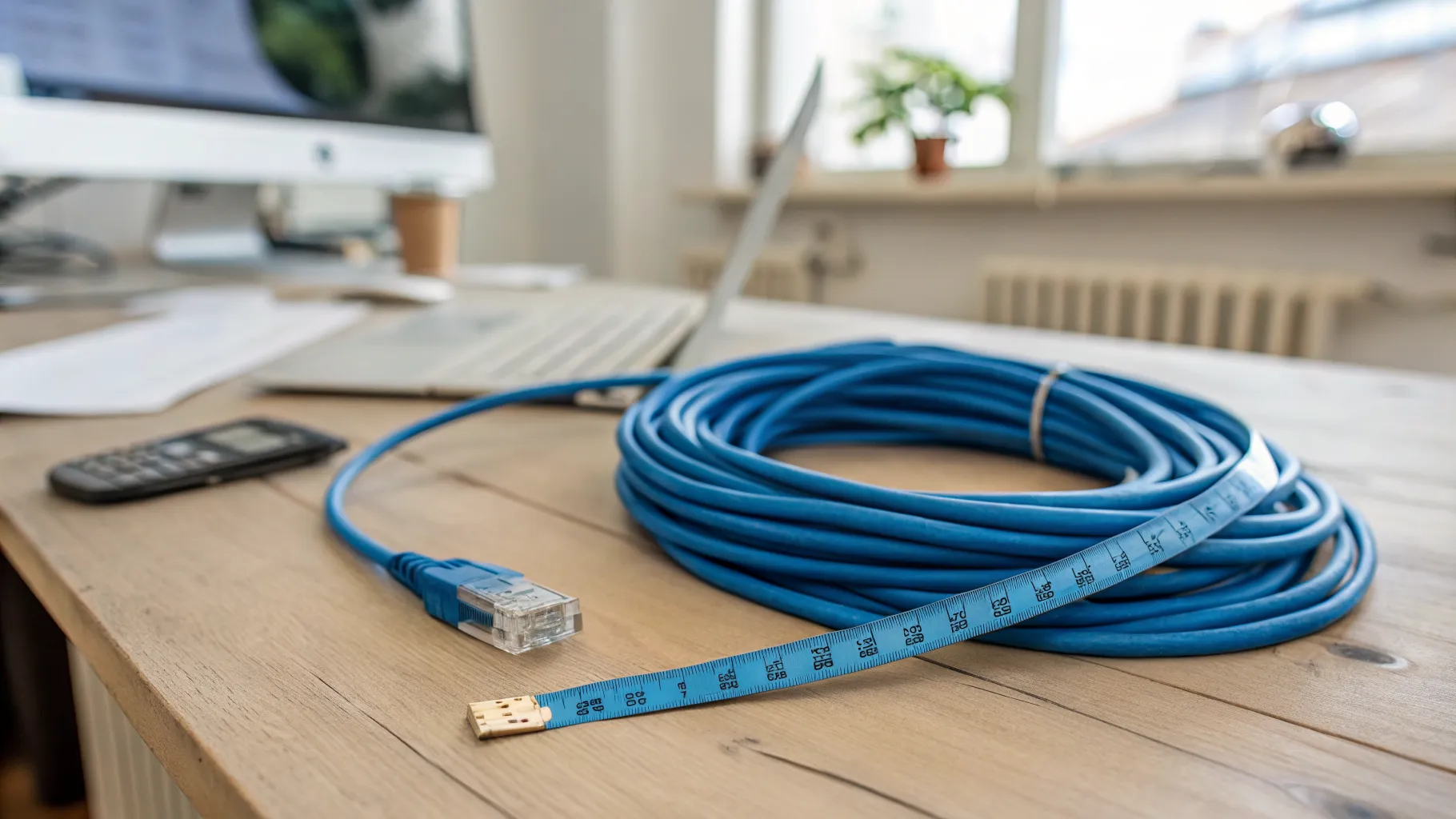
Normally an Ethernet cable carries only data, and any device on the end needs its own power supply plugged into the mains. PoE combines both into one cable. The switch injects low-voltage DC power onto the same Cat5e or Cat6 cable that carries the network traffic, and a compatible device at the far end draws what it needs. The cleverest part is that modern PoE switches detect whether the connected device can accept power before sending any, so plugging in a normal laptop or printer is safe; the switch simply does not power devices that are not asking for it.
The practical payoff is that you can put a device wherever a network cable can reach, even a loft, an eave, or the middle of a ceiling, with no electrician and no socket required.
PoE, PoE+ and PoE++: the standards explained
The labels look like marketing noise but they describe how much power the switch can deliver, which decides what you can run. They are set by the IEEE:
- PoE (802.3af): the original standard, delivering up to about 15 watts at the switch. Enough for basic IP phones, simple cameras, and older access points.
- PoE+ (802.3at): raises the budget to about 30 watts, which covers most modern Wi-Fi access points (including Wi-Fi 6) and pan-tilt-zoom cameras.
- PoE++ (802.3bt): the newest tier, supplying up to roughly 60 watts (Type 3) or around 90 watts (Type 4) for power-hungry kit such as the latest Wi-Fi 7 access points, video phones with screens, and PoE lighting.
The rule of thumb: match or exceed the power your device needs. A Wi-Fi 7 access point on an old PoE-only switch may not power up, or may run with features disabled. When in doubt, a PoE+ switch is the sensible middle ground for a home, and PoE++ is worth it if you are buying the newest access points.
What a PoE switch is good for
PoE earns its place when you are deploying devices in awkward spots:
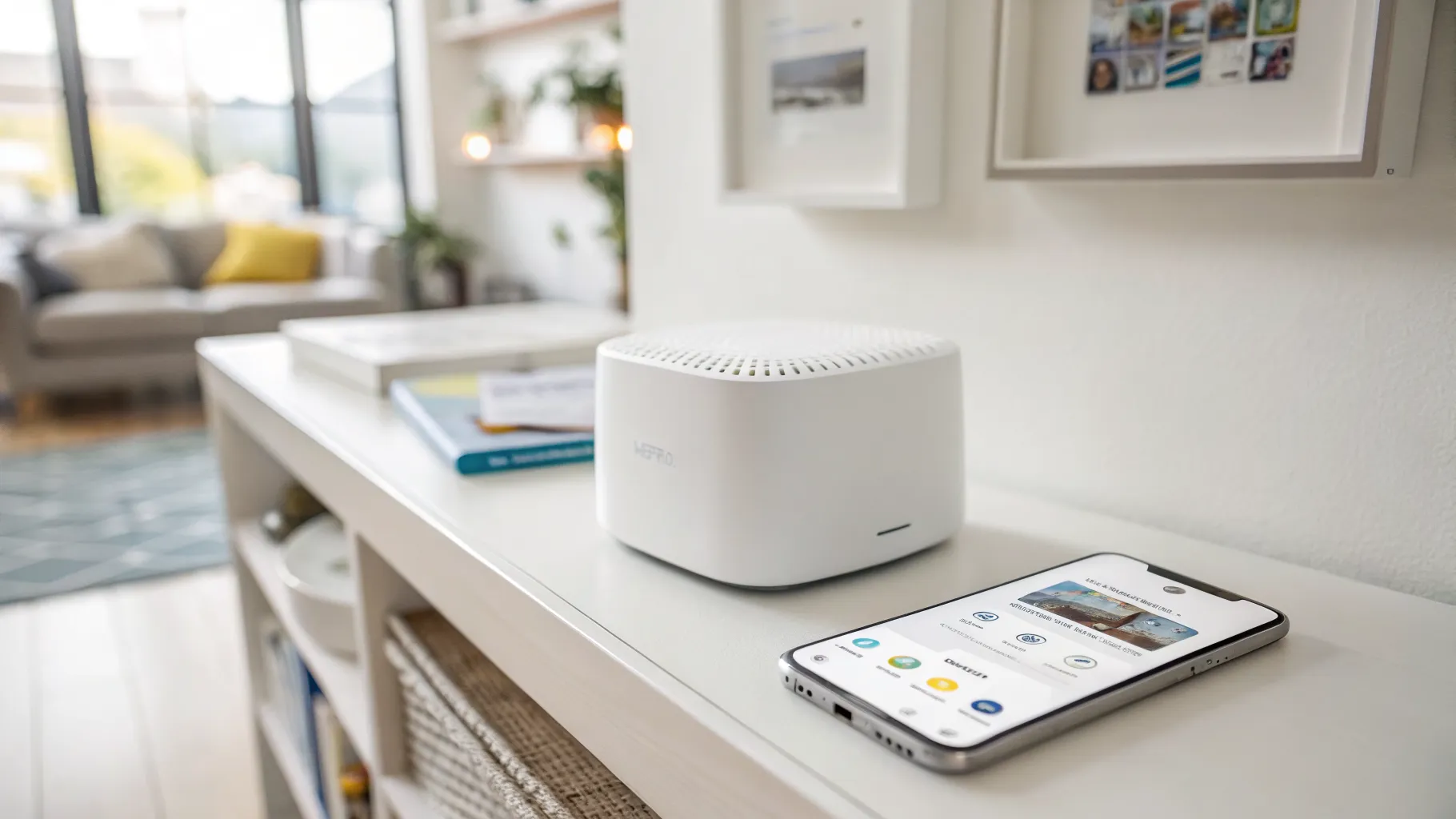
- Wi-Fi access points, mounted on a ceiling or high on a wall for the best coverage, with no visible power cable. Our smart Wi-Fi explainer covers why ceiling-mounted access points beat a single router for a large home.
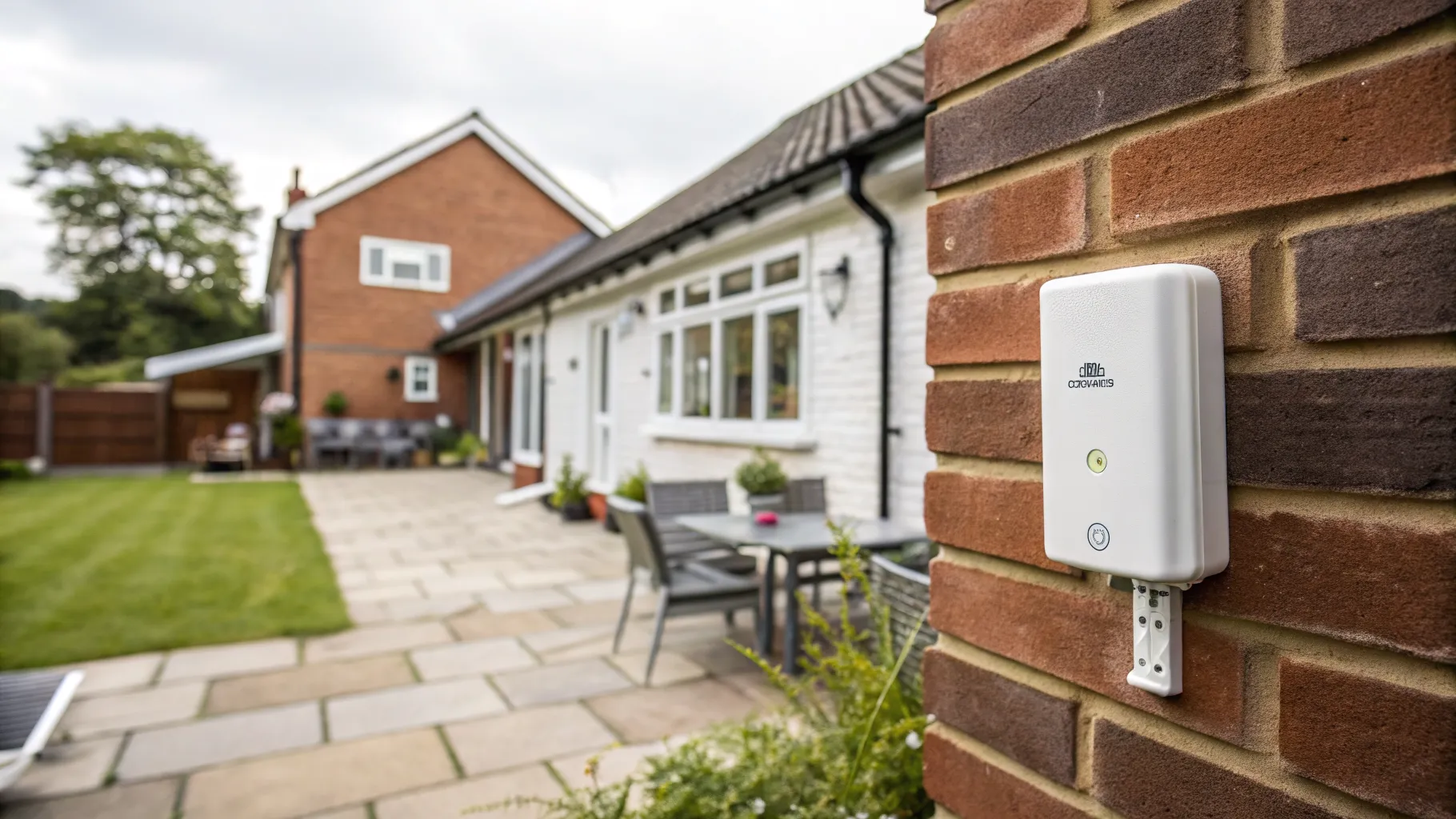
- Security cameras, indoors or outside, where a separate power run would be ugly or impossible. This pairs naturally with an outdoor Wi-Fi setup for garden and driveway coverage.
- VoIP phones, so a desk phone needs just one cable.
- Smart-home hubs, sensors and PoE lighting in locations with no nearby socket.
You will also see a “power budget” figure on every PoE switch, for example 65W or 130W total. That is the combined power it can supply across all ports at once, so add up what your devices draw and leave headroom. A four-port switch rated for 65W cannot run four 30W access points flat out.
Managed, unmanaged and the number of ports
Beyond power, PoE switches come in the same flavours as ordinary switches. An unmanaged switch is plug-and-play and fine for most homes. A managed (or “smart”) switch adds controls such as VLANs, monitoring and per-port settings, useful in a small office or a more advanced home network. Count the PoE devices you want to run, then buy a switch with a few spare ports for the future. Common UK-available brands include TP-Link (and its Omada range), Netgear, Ubiquiti UniFi, Zyxel and Aruba Instant On; choose on port count, total power budget and whether you want managed features.
Do you actually need one?
Honestly, many households do not. If you are not running access points, cameras, or VoIP phones, a normal non-PoE switch is cheaper and does the same job for data. PoE is optional, not a requirement. It becomes worth it the moment you want to mount a device somewhere without a plug socket, which is exactly why it is so popular for whole-home Wi-Fi and CCTV.
The bottom line
A PoE switch delivers power and data over one Ethernet cable, freeing you to put access points, cameras and phones wherever a cable reaches. Choose the power tier to match your devices (PoE+ for most homes, PoE++ for the newest Wi-Fi 7 access points), check the total power budget against everything you will plug in, and pick enough ports with room to grow. For the underlying technology, the HPE explainer on PoE switches is a clear reference.
Frequently asked questions
What does a PoE switch do? A PoE switch sends both network data and electrical power down a single Ethernet cable, so connected devices such as Wi-Fi access points, security cameras and IP phones get everything they need from one cable and do not require a separate power supply or nearby socket.
What is the difference between PoE, PoE+ and PoE++? They describe how much power the switch can deliver. PoE (802.3af) provides up to about 15W, PoE+ (802.3at) up to about 30W, and PoE++ (802.3bt) up to roughly 60W or 90W depending on the type. More power supports more demanding devices like the latest access points.
Can I plug a normal device into a PoE switch? Yes. Modern PoE switches detect whether a connected device can accept power before sending any, so plugging in an ordinary laptop, PC or printer is safe. The switch only powers devices that request it.
Do I need a PoE switch for a home network? Not usually. PoE is only worth it if you want to power devices such as ceiling-mounted Wi-Fi access points, security cameras or VoIP phones in places without a plug socket. For ordinary computers and consoles, a standard non-PoE switch is cheaper and works just as well.
How far can a PoE switch send power? Like standard Ethernet, a PoE link works reliably up to about 100 metres of cable. Beyond that you need a PoE extender or a fibre link with separate power. Cable quality matters, so use good Cat5e or Cat6 for longer runs.