Do Wi-Fi Extenders Actually Work? Extender vs Mesh vs Powerline
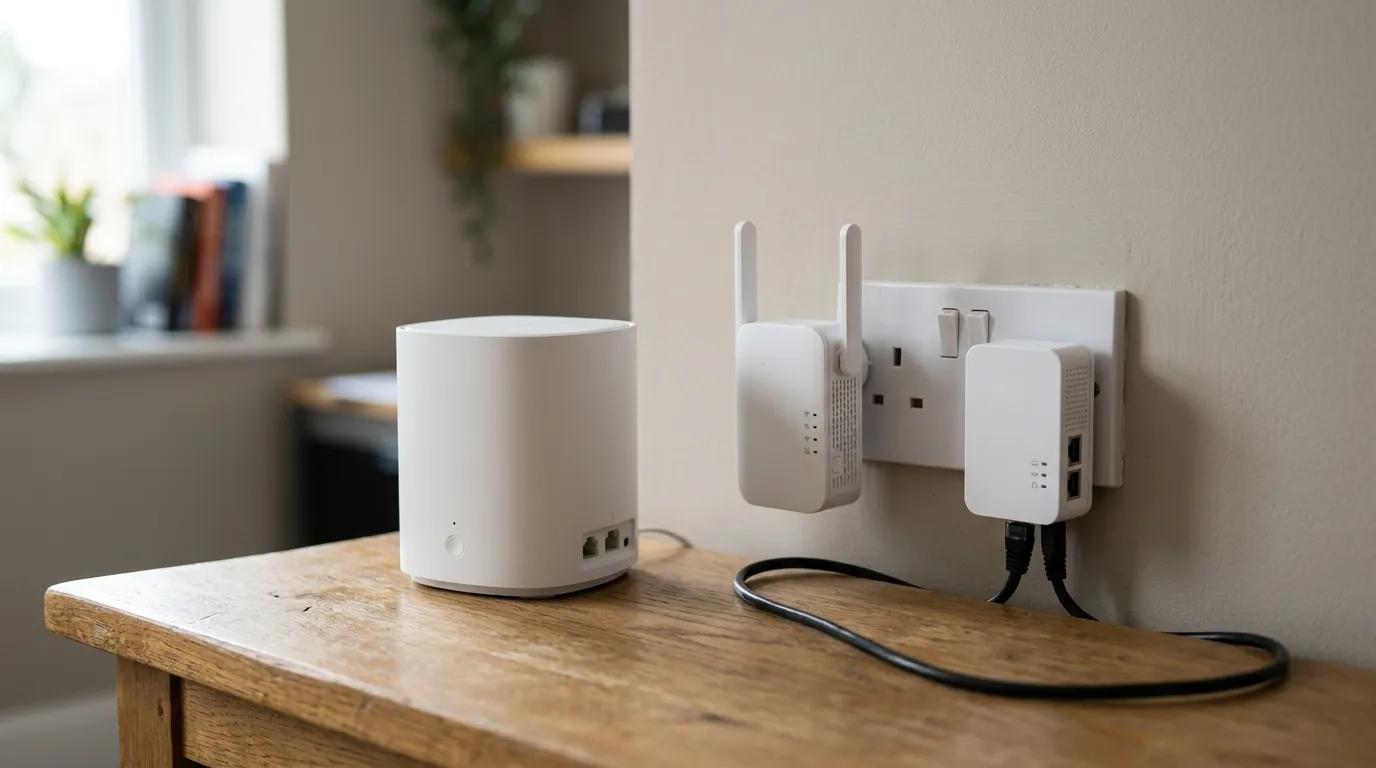
For most UK homes, a mesh Wi-Fi system is the best fix for dead spots because it blankets the whole house under one network name and lets devices roam without dropping. A powerline adapter is the better choice for one or two specific stubborn rooms, especially where you want a wired connection. A Wi-Fi extender is the cheapest patch, but it is also the weakest, because it usually halves the speed of anything connected through it.
That is the short answer. Which one you should actually buy depends on how many dead spots you have, the state of your electrical wiring, and whether you can run an Ethernet cable. Here is how the three technologies really compare.
The quick comparison
| Mesh Wi-Fi | Wi-Fi extender | Powerline adapter | |
|---|---|---|---|
| Best for | Whole-home coverage, multiple dead spots, multi-storey homes | One small coverage gap on a tight budget | One or two specific rooms, especially for a wired device |
| How it spreads signal | Multiple nodes sharing one network name | Rebroadcasts the router’s Wi-Fi from a halfway point | Sends data through your mains wiring |
| Roaming | Smooth handover, single network name | Often a separate network you switch to manually | Single network on Wi-Fi models, or wired |
| Typical real-world speed loss | Small, especially with wired or dedicated backhaul | Often around 50 per cent on the extended signal | 60 to 80 per cent below the box’s advertised figure |
| Setup effort | App-guided, 15 to 30 minutes | Minutes | Plug in, press the pair button |
| Relative cost | Highest | Lowest | Middle |
How each one works
Mesh Wi-Fi
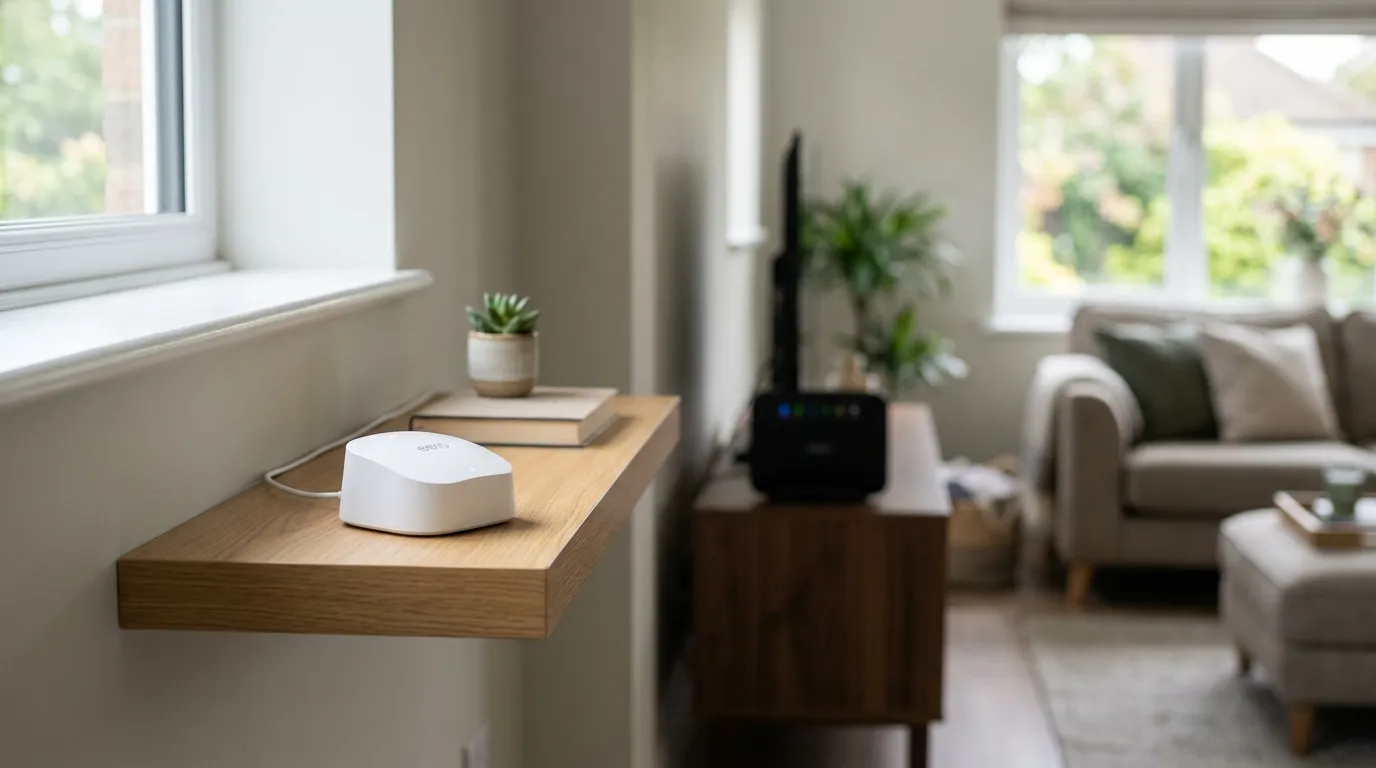
A mesh system replaces your router’s Wi-Fi (or sits alongside it) with two or more units, usually called nodes or satellites. They all broadcast the same network name and password, so your phone, laptop and TV see a single network across the whole house. As you walk from the kitchen to the bedroom, your device hands over to the nearest node automatically. That handover is the headline feature, and it is what older multi-box setups never did cleanly.
The traffic between nodes travels over a link called the backhaul. On a wired mesh, the nodes connect to each other by Ethernet, which is the fastest and most stable option. Tri-band systems reserve one radio band purely for that node-to-node traffic, a “dedicated backhaul”, so client devices keep the other bands to themselves. Netgear’s Orbi range popularised this approach. Dual-band mesh systems share the bands, so they lose more speed the more nodes you chain together.
Most mesh kits sold in the UK in 2026 run Wi-Fi 6 (the 802.11ax standard), with Wi-Fi 6E and Wi-Fi 7 (802.11be) at the higher end. The official generation names come from the Wi-Fi Alliance. For the vast majority of homes, a solid Wi-Fi 6 mesh is the value pick. Wi-Fi 6E and 7 add the 6 GHz band, which only helps if you live in a crowded block and own devices new enough to use it.
Wi-Fi extenders
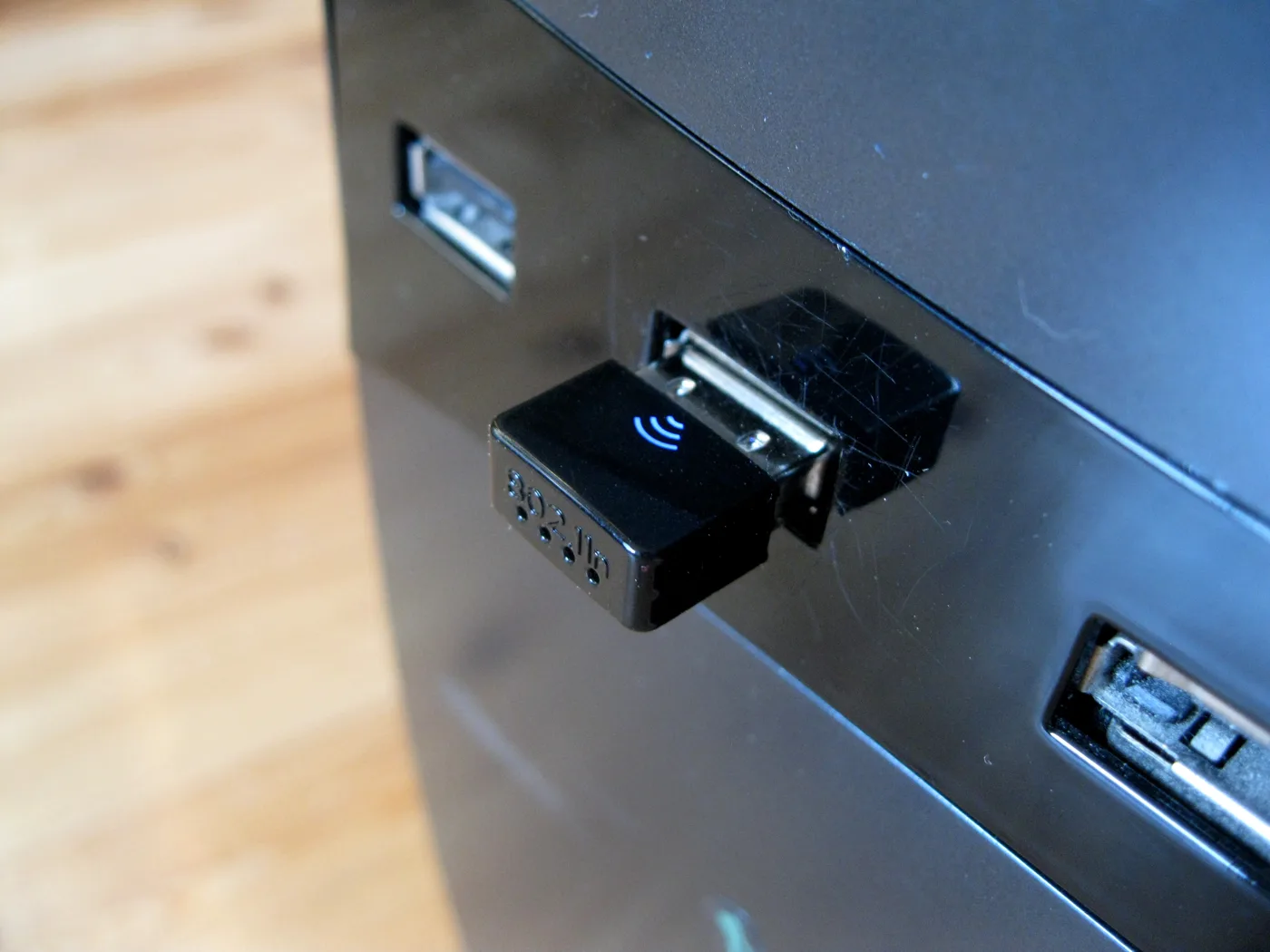
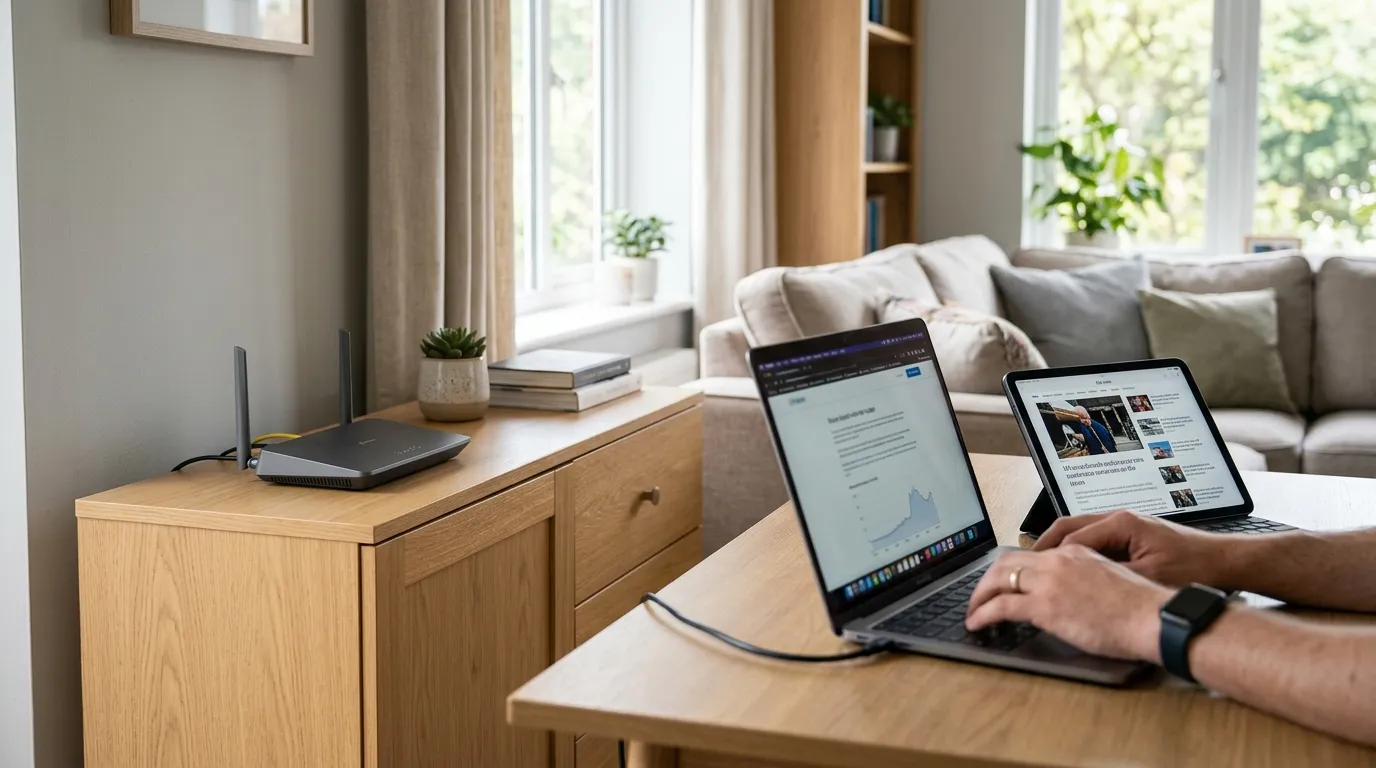
An extender (also sold as a booster or repeater) plugs into a socket roughly halfway between your router and the dead spot. It picks up the existing Wi-Fi and rebroadcasts it further into the house. Setup takes a couple of minutes, and a basic one is the cheapest fix available.
The catch is built into how it works. A single-band extender has to receive each packet and then resend it on the same radio and channel, which can cost up to half the available bandwidth. So a connection that was already weak gets weaker. Many extenders also create a second network with a name like “MyWiFi_EXT”. Your phone tends to cling to whichever it joined first, so you can be standing next to the router and still be stuck on the slow extended signal. Dual-band models reduce the speed penalty by using one band to talk to the router and the other to talk to your devices, but the roaming problem usually remains.
Powerline adapters
A powerline kit (often branded HomePlug) turns your existing mains wiring into a network cable. One adapter plugs into a socket near the router and connects to it by Ethernet. The second plugs into a socket in the problem room and gives you either an Ethernet port, a Wi-Fi access point, or both. The data rides along the copper in your walls, so you get a connection in rooms where Wi-Fi cannot reach, with no new cables to run.
Powerline is brilliant when it works and frustrating when it does not, because performance depends entirely on your wiring. The HomePlug AV2 standard advertises figures like 1,000 or 2,000 Mbps, but those are laboratory maximums. In a typical UK home, expect roughly 20 to 40 per cent of the advertised number, so a “1,200 Mbps” kit often delivers something in the low hundreds. Newer post-2000 wiring does better than 1960s circuits. Adapters perform best on the same ring main, and you should always plug straight into a wall socket, never an extension lead or surge protector, both of which strangle the signal. Noisy appliances like a washing machine or a phone charger on the same circuit can knock it down further.
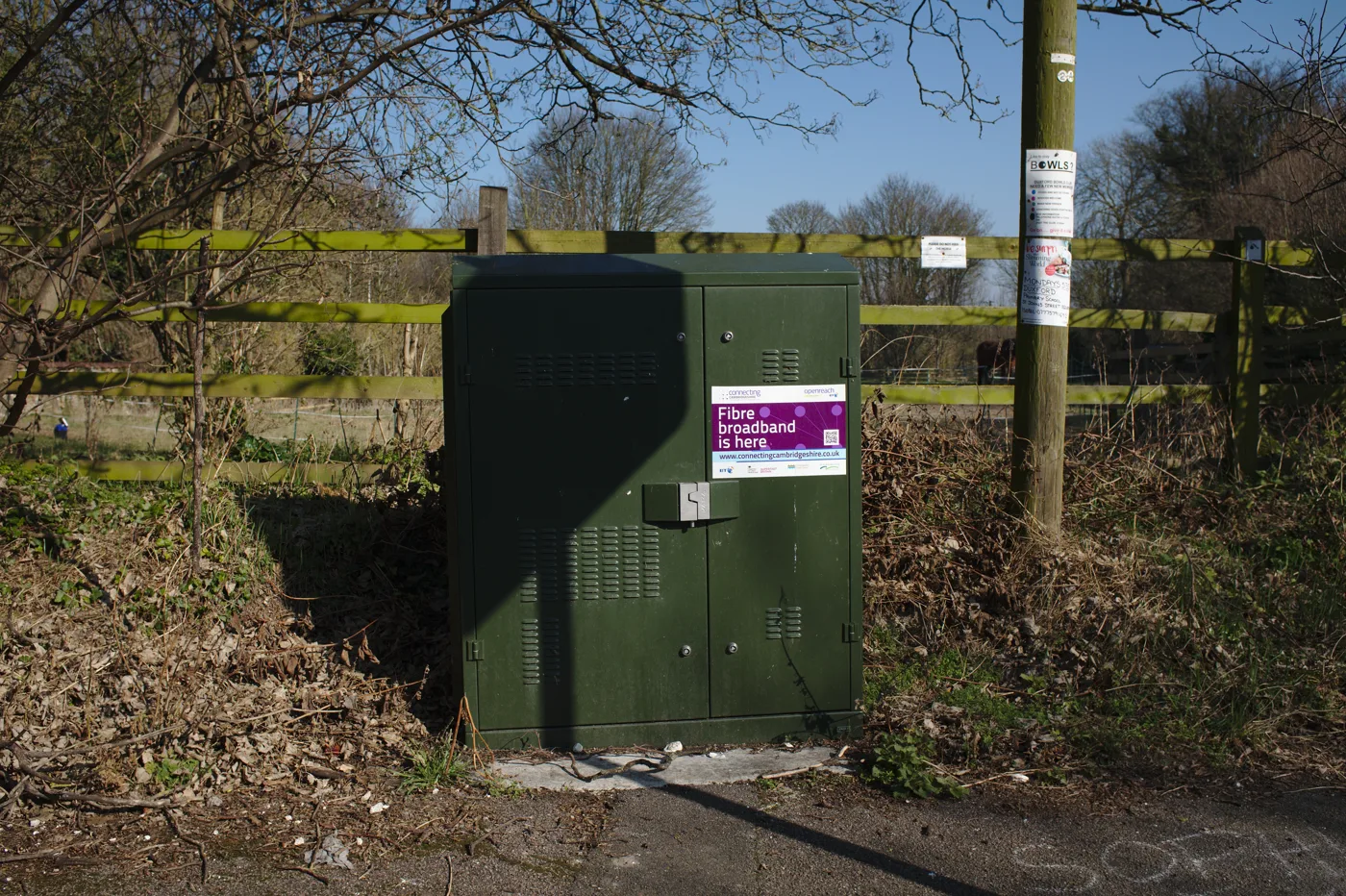
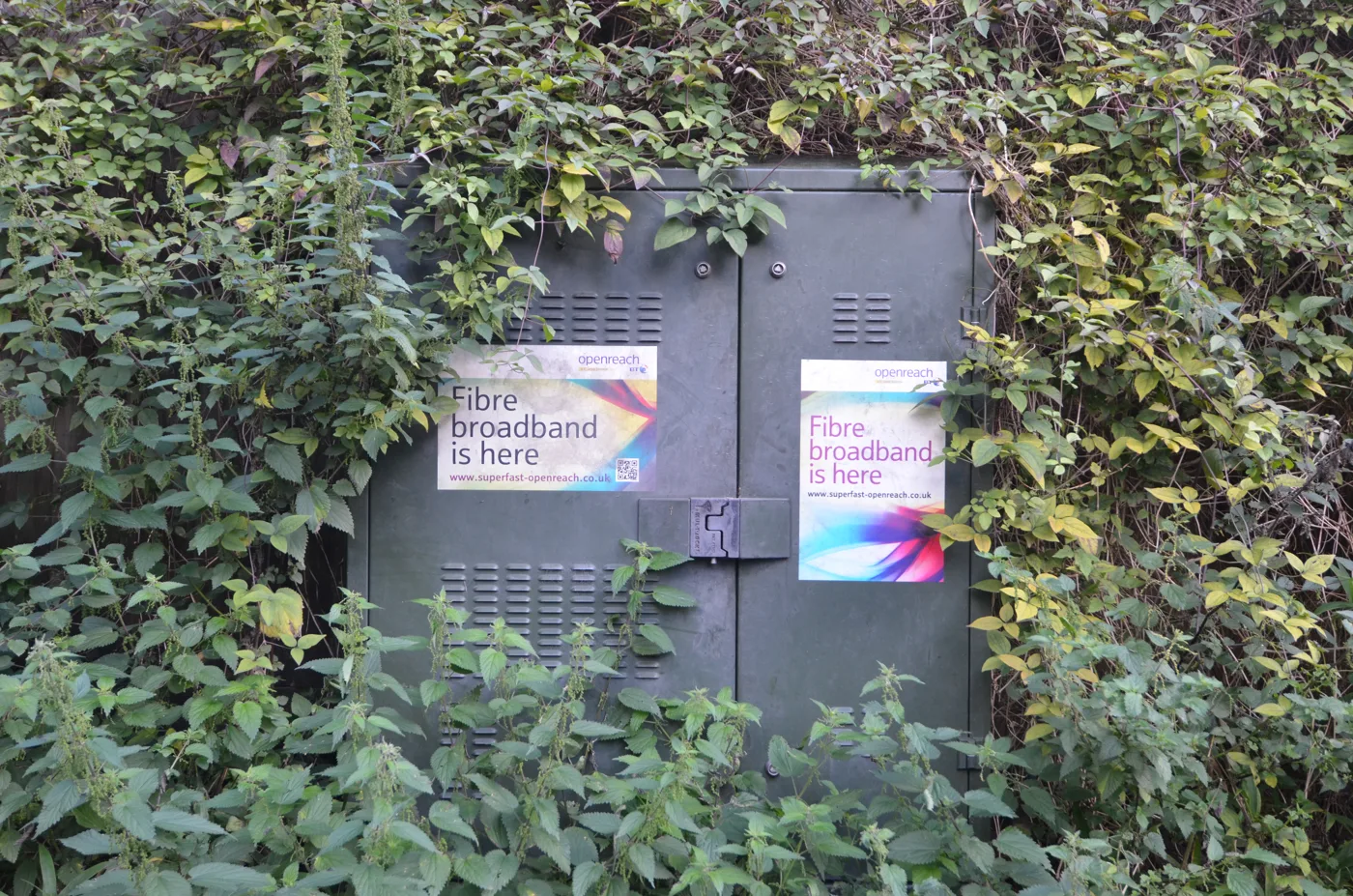
One UK-specific point worth knowing: older powerline adapters have a history of leaking radio noise that can interfere with VDSL broadband (the technology behind many fibre-to-the-cabinet lines) and amateur radio. Ofcom has the power to act against devices causing “undue interference”. Modern kits are far more compliant, but it is a reason to buy current hardware from a reputable brand rather than a cheap unbranded set.
Which should you choose?
Choose mesh if you have several dead spots, more than one floor, or you simply want Wi-Fi that just works everywhere without you thinking about it. It is the most future-proof option and the only one that handles roaming properly. If you can plug at least one node into the router by Ethernet, do it, because a wired backhaul makes any mesh dramatically better.
Choose powerline if your problem is one or two rooms, particularly if you want to plug in something that benefits from a wired connection, such as a games console, a smart TV or a desktop PC. It also makes an excellent backhaul for a single mesh node when you cannot run a proper Ethernet cable. Just accept that wiring quality is a lottery, and buy from somewhere with a returns policy in case your circuits do not cooperate.
Choose an extender only if your budget is tight, the dead spot is small, and you can live with the speed hit. It is a patch, not a cure. If you find yourself adding a second extender, you have outgrown the format and should move to mesh.
For gaming or anything latency-sensitive, the order of preference is a real Ethernet cable first, then a wired or powerline-backed mesh node, and an extender last.
Whichever route you take, check your router placement before you spend anything. Moving the router out of a cupboard, off the floor and away from the TV often recovers more signal than a gadget will. Our guide to improving Wi-Fi signal without new kit covers the free fixes, and if you do decide to buy, see how to set up a mesh network.
Frequently asked questions
Is mesh Wi-Fi better than an extender? Yes, for almost everyone. Mesh gives you one network name across the house with smooth roaming and far less speed loss, while a typical extender creates a separate, slower network that devices struggle to switch between. An extender only wins on price and on covering a single small gap.
Are powerline adapters better than Wi-Fi extenders? Usually yes for a specific room, because powerline sends data through your wiring instead of rebroadcasting an already-weak Wi-Fi signal, and it gives you the option of a stable wired connection. The exception is a home with very old or messy electrics, where powerline speeds can collapse and an extender might be more predictable.
Do powerline adapters slow down your internet? They do not change the speed your broadband line delivers, but the connection through the adapter will be slower than the advertised figure on the box, often by 60 to 80 per cent, depending on your wiring. They can also cause interference on older VDSL broadband lines, which is why buying modern, reputable hardware matters.
Will any of these work through thick stone or brick walls? Mesh and extenders both rely on Wi-Fi, which thick walls block heavily, so you may need an extra node or careful placement. Powerline ignores walls entirely because it travels through the wiring, which makes it the strongest option for thick-walled and older UK properties, provided the circuits are sound.
Can I mix them, for example use powerline to feed a mesh node? Yes. Using a powerline link as the backhaul for a mesh node is a common and effective trick when you cannot run an Ethernet cable to a far room. You get the stability of a near-wired connection plus the smooth roaming of mesh.
Do I need Wi-Fi 6 or Wi-Fi 7? For most UK homes a Wi-Fi 6 mesh is the sweet spot for value and performance. Wi-Fi 6E and Wi-Fi 7 add the 6 GHz band and higher peak speeds, but those benefits only show up in dense environments with very new devices, so they are not worth the premium for a typical household yet.