How to Run an Ethernet Cable Through Your House Tidily
How to run an Ethernet cable through your house tidily
A wired connection still beats wireless for anything that matters: a desktop that needs to be rock solid, a games console that hates lag, a TV that streams in 4K without buffering. The hard part is not the networking. It is getting the cable from A to B without leaving an ugly run looped along the carpet. The trick is to plan the route first, hide the cable in voids you already have (the loft, under floorboards, the gap behind skirting), and finish each end with a proper wall socket rather than a bare cable poking out. Done with a bit of care, this is a weekend DIY job, not a job for an installer.
This guide walks through planning, choosing the right cable, getting through walls and floors, keeping surface runs tidy, terminating to faceplates, and the safety rules that stop you ruining the cable or breaking the wiring regs. If your real problem is patchy Wi-Fi rather than a missing wired link, it is worth reading why is my Wi-Fi so slow first, because sometimes the answer is not a cable at all.
Plan the route before you touch a cable
Spend ten minutes with a sketch of the house. Mark where your router lives, where each Ethernet socket needs to be, and what sits between them: joists, a cavity, a solid brick wall, pipes, existing mains cables. That tells you which runs can be hidden and which will have to be surface mounted.
The cleanest routes in a typical UK home are:
- Loft to a room below, dropping down an internal stud wall cavity into a back box.
- Ground to first floor by lifting floorboards and running along the joists, clipping the cable as you go.
- Room to room on the same floor along the joist void under the floor, or behind skirting.
- An external drop up into the loft, out through the eaves and down the outside wall when there is no internal route.
A tip worth following from professional installers: where you can, pull a length of 20mm flexible conduit along the route and run the cable through that, leaving a draw string behind. If you ever want to upgrade the cable later, you pull the new one through without reopening any walls.
Choosing the cable
Cable choice causes more confusion than the install itself. Two decisions matter: the category, and solid versus stranded.
| Category | Speed | Notes |
|---|---|---|
| Cat5e | 1 Gbps to 100 m | Cheapest. Fine if your gear is only gigabit and always will be. |
| Cat6 | Gigabit easily; 10 Gbps on shorter runs (roughly up to 37 to 55 m) | 250 MHz, better crosstalk suppression. The practical default for new in-wall runs. |
| Cat6a | 10 Gbps to the full 100 m | 500 MHz, but thicker, stiffer and harder to terminate and route. Only worth it if you genuinely want 10GbE. |
For most homes, Cat6 is the sensible default. The cable itself costs only a little more than Cat5e, and since the labour of pulling a run dwarfs that difference, you may as well spend once. Choose Cat5e only if budget is tight and you will never exceed gigabit. Choose Cat6a only if you specifically want futureproof 10GbE and you accept the harder install.
Solid or stranded is the other choice, and it is simple once you know the rule:
- Solid copper is for the permanent run inside walls and under floors. It has lower attenuation and performs better over distance, and it is what you punch down onto keystone jacks. It does not like being flexed repeatedly, so it stays put.
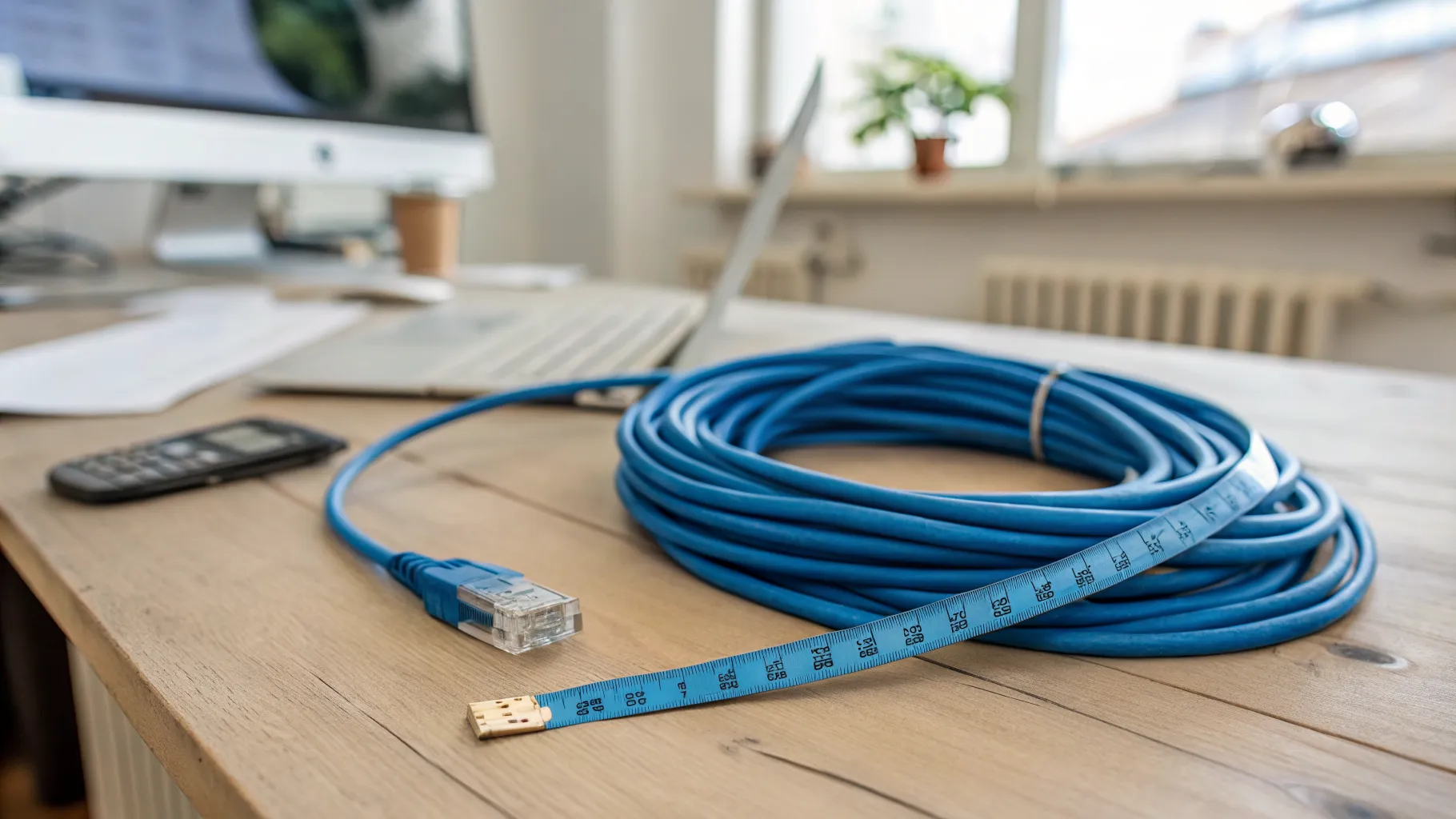
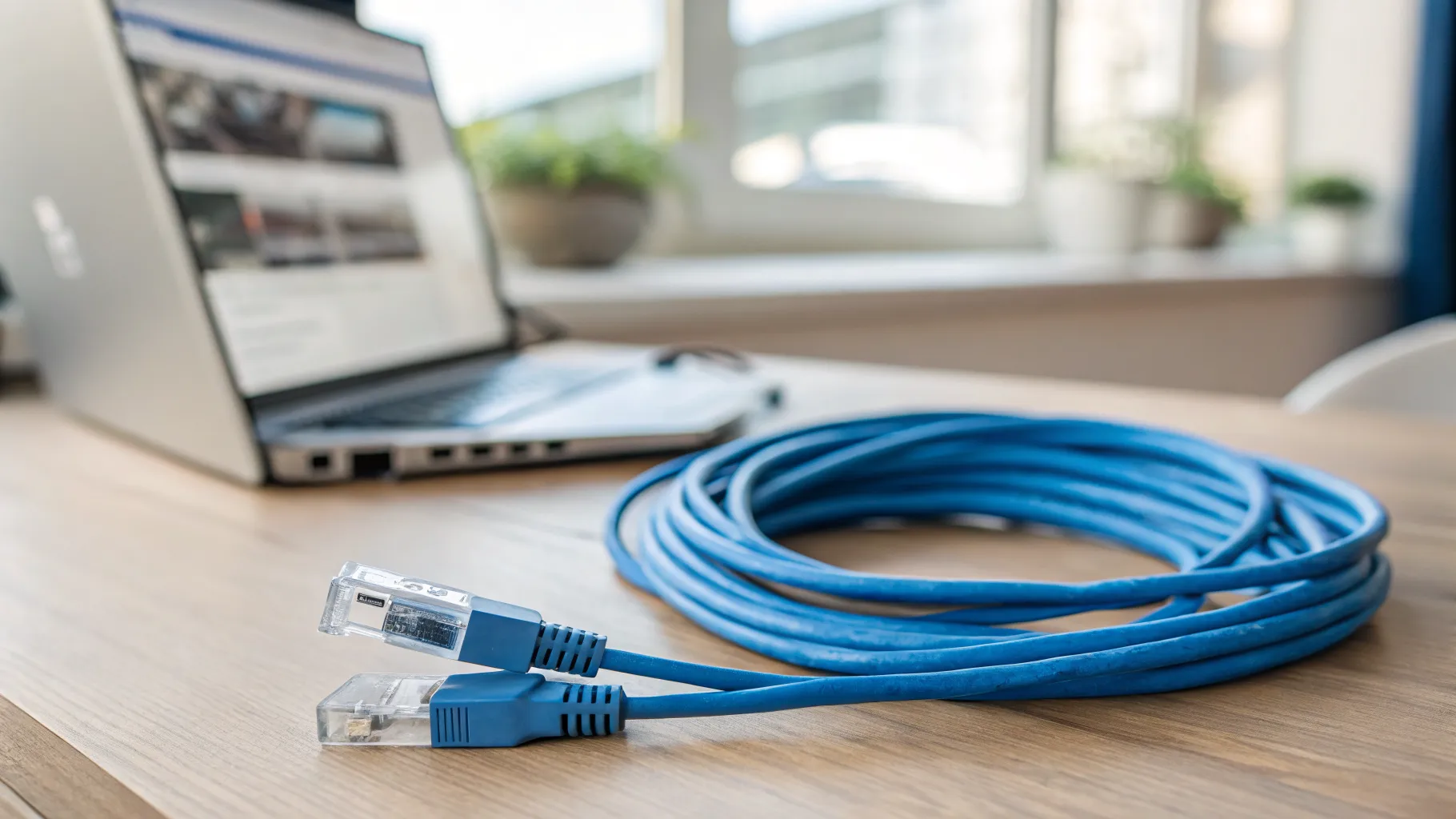
- Stranded is for patch leads: the short flexible jumpers from router to faceplate and from faceplate to device. Keep them short.
So the model is: solid cable in the fabric of the house, terminated to sockets, with short pre-made stranded patch leads at each visible end.
One thing to avoid: cheap bulk cable that turns out to be copper-clad aluminium (CCA) rather than pure copper. It has higher resistance, struggles over long runs, and fails Power over Ethernet. Buy pure solid copper and check the description says so.
Getting through walls, floors and lofts
Under suspended floors, lift the boards and run the cable along the joists, clipping it so it sits clear of pipes and mains cables. If you have to pass through a joist, drill it through the centre line, the neutral axis. The top and bottom of a joist carry the structural load; a small hole through the middle is the safe place. Follow the notching and drilling zones in BS 7671 (the IET Wiring Regulations) for anything structural or near electrics.
Solid brick walls in older UK housing stock are the awkward case. Chasing into solid plaster is messy and time consuming, so surface trunking or a floor-level route usually wins.
When there is no sensible internal path, the external drop is the standard UK fix: up into the loft, out through the eaves, down the outside wall, and back in at the target room. Hide the external section behind or alongside a gutter downpipe using black trunking so it disappears against the pipe, and use external-grade cable for that outdoor stretch (more on that below).
If you cannot or do not want to drill at all, flat Ethernet cable can run under door thresholds, along skirting, under a carpet edge in the gap between the gripper rod and the skirting, or down a stair edge, held with adhesive clips. Be honest with yourself: this is tidy-ish, not invisible. For a comparison of when wired is worth the effort versus going wireless, see mesh vs extender vs powerline.
Keeping surface runs tidy
Where a cable has to be on show, mini-trunking is what turns a bodge into something that looks deliberate. D-Line Mini Trunking is the common UK choice at 30 x 15 mm, with a half-round profile that sits neatly on the top edge of skirting. It has self-adhesive backing (or you can screw it), it is paintable, and it holds up to three 8mm cables. The D-Line range runs from Micro at 16 x 8 mm up to Maxi+ at 60 x 30 mm, so you can match the size to the run. The full size list is on the D-Line site.
Run trunking along the top of skirting, around door architraves and along ceiling lines, then paint it to match the wall or woodwork. Done well it nearly vanishes. In a refit, skirting with a built-in rear cable channel is another tidy option.
Terminating: keystones and faceplates
The finish that separates a proper job from a temporary one is a keystone jack in a faceplate at each end. The keystone snaps into a standard UK single or double gang faceplate on a 35mm back box, giving you a real RJ45 socket on the wall instead of a dangling cable.
You terminate the solid cable onto the keystone with a punch-down tool, following the printed colour code. Use T568B, the common default in the UK, and make sure both ends use the same standard so the link runs straight through.
On the question of terminating yourself versus buying leads: punching solid cable onto keystones is more forgiving than hand-crimping RJ45 plugs, which is fiddly and easy to get out of spec. The cleanest home approach is to keystone the fixed runs and buy short pre-made stranded patch leads for the visible jumpers. Crimping your own plugs rarely saves money once you have bought the connectors, the crimp tool and spent the time testing, and factory leads are more reliable.
Safety and the rules that protect the cable
This is the part the thin guides skip, and it is where jobs go wrong.
Keep Ethernet away from mains cable. UK standards give the numbers. BS 6701 asks for at least 50mm separation from power under 600V (or 150mm in some circumstances), unless there is a non-conductive divider. BS EN 50174-2 sets up to 200mm for unscreened (UTP) cable running parallel to power. The practical rule: keep at least 50mm and ideally 200mm from any parallel mains run, and where a data and power cable must cross, cross them at 90 degrees to cut interference. The IET’s own discussion of separation distances is a good reference if you want the detail.
Firestop your holes. Before you seal a hole that passes between floors or through a fire-separating wall, fill it with fire-break or intumescent foam. An open cavity hole can act as a chimney for smoke and fire. Do not just leave it open.
Mind the bend radius. The minimum bend for Cat6 and Cat6a is about four times the cable diameter. Sharp bends and kinks permanently deform the twisted pairs inside, which causes crosstalk and packet loss even after you straighten the cable out. Loop it, never crease it.
Do not crush the cable. Hammer-in staples and over-tight staple guns are a top hidden cause of degraded links. Use proper cable clips or J-hooks, and do not over-tighten cable ties, because squeezing the pairs changes the cable’s impedance. Keep runs away from fluorescent fittings, transformers and large motors, which throw out interference. Finally, leave a small loop of service slack at each end so you can re-terminate later without restringing the whole run.
Running Ethernet outside the house
Indoor PVC cable is not built for the weather, so the external section needs proper external-grade cable. A verified UK option is the Kenable Direct Burial External CAT6 Outdoor Copper Ethernet Cable, which is Cat6 with 23AWG solid copper, a double sheath with a PE outer jacket, gel-filled to block moisture, UV resistant and direct-burial rated, sold on 50m, 100m and 305m reels. That spec is what lets it survive sun and damp down an external wall or buried in a run.
When Ethernet is not the answer
Sometimes there genuinely is no route, and forcing one is not worth it. Two alternatives come up.
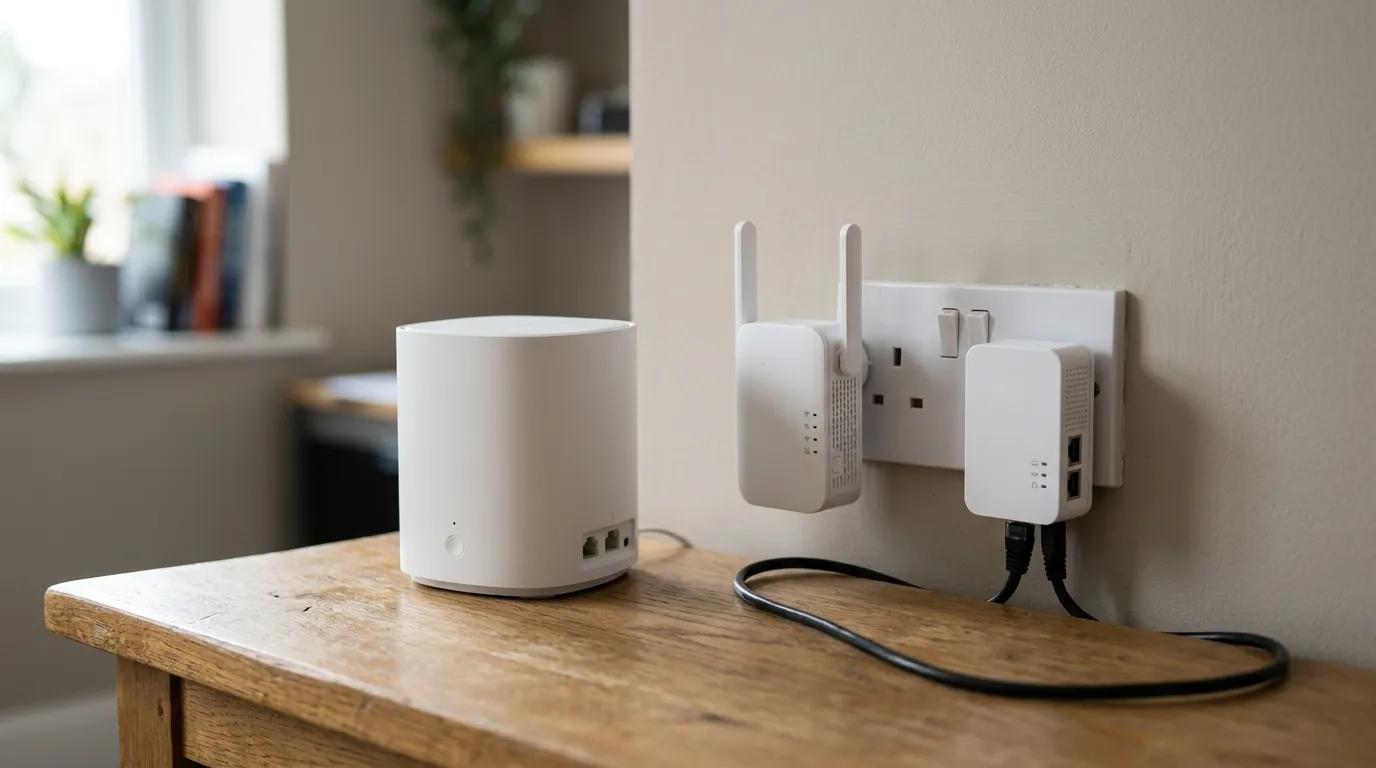
Powerline adapters send your network over the house’s mains wiring: plug a pair into sockets and you have a link with no drilling. They are convenient, but real throughput sits well below the rated figures and depends heavily on the age and quality of your wiring, the circuits involved, and noisy appliances on the same ring. They are a reasonable fallback when cabling is truly impractical.
MoCA runs the network over coax (TV aerial or satellite) cabling, and it is faster and steadier than powerline. The catch matters for UK readers: MoCA needs several coax points wired together into a distribution network, and most UK homes simply do not have that. The typical British house has a single aerial drop, not a coax tree, so MoCA is usually a non-starter here. It is mainly a US arrangement.
If you are weighing these against a wireless upgrade instead, our guides on the best mesh Wi-Fi in the UK and fixing Wi-Fi dead spots cover when a good mesh system does the job without a single cable.
Frequently asked questions
Can I run Ethernet without drilling any holes? Yes, up to a point. Flat Ethernet cable can run under door thresholds, along the top of skirting in mini-trunking, or tucked into the carpet edge between the gripper rod and the skirting. It is tidier than a cable across the floor but not truly hidden, so it suits rented homes or short runs more than a permanent setup.
Is Cat6 worth it over Cat5e for a home? For a new in-wall run, yes. Cat6 costs only a little more than Cat5e, handles gigabit comfortably and gives you headroom, and the cost is trivial next to the labour of pulling the cable. Cat5e is only the better pick if money is very tight and you will never go beyond gigabit speeds.
Do I crimp my own RJ45 plugs or buy patch leads? Punch the solid in-wall cable onto keystone jacks in a faceplate, which is more forgiving than crimping plugs, then buy short pre-made patch leads for the visible jumpers at each end. Crimping your own rarely saves money once you have the tools, and factory leads are more reliable.
How far should Ethernet be kept from mains cable? Keep at least 50mm of separation (BS 6701) and ideally up to 200mm (BS EN 50174-2) where the cables run parallel. Where a data cable and a power cable have to cross, cross them at 90 degrees to reduce interference.
Will a sharp bend slow the connection down? It can. The minimum bend radius for Cat6 is around four times the cable diameter, and a kink permanently deforms the pairs inside, causing crosstalk and lost packets even after you straighten it. Always loop the cable rather than creasing it.
Is powerline as good as a proper wired connection? No. Powerline is convenient and needs no drilling, but its real-world speed is well below both Ethernet and its own rated figures, and it varies with the age and quality of your wiring. Use it as a fallback when running a real cable is genuinely impractical, not as a first choice. For a fuller comparison, see mesh vs extender vs powerline.