What Broadband Speed Do I Need? A UK Household Guide
If you have ever stared at a list of broadband deals wondering whether 100Mbps is overkill or nowhere near enough, you are asking the right question. Working out what broadband speed you need is not about buying the biggest number: it is about matching the speed to how many people are online at once and what they are actually doing. Get it right and everything just works; overpay and you are funding headroom you never touch. This guide gives you a straight answer for a UK household.
Speed is per activity, and they add up
Your connection is shared across everyone in the house at the same time. A useful way to think about it is to add up the speed each simultaneous activity needs. As a rough guide per device or stream:
- Browsing, email and social media: 1 to 5 Mbps.
- HD video calls (Zoom, Teams, FaceTime): around 3 to 5 Mbps.
- HD streaming (Netflix, iPlayer): 5 to 10 Mbps.
- 4K Ultra HD streaming: roughly 25 Mbps per stream.
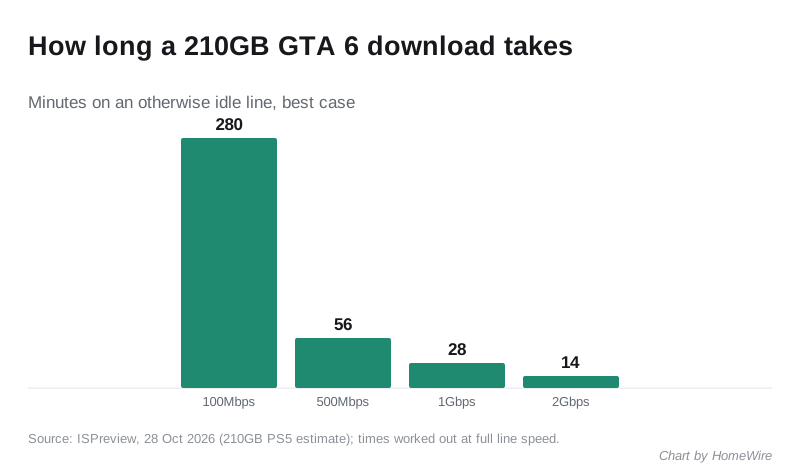
- Online gaming (during play): only about 5 to 15 Mbps, but big game downloads can use all the speed you have.
The trick is to picture your busiest evening. Two people streaming 4K (50 Mbps), someone on a video call (5 Mbps) and a phone updating in the background can comfortably want 60 to 80 Mbps at once, even though no single activity is huge.
Recommended speeds by household
Putting those activities together, here is a sensible target for a UK home in 2026:
- 1 to 2 people, light use: 30 to 50 Mbps is plenty for browsing, HD streaming and the odd video call.
- A couple or small family with some 4K and home working: 80 to 150 Mbps handles several devices at once without buffering.
- A busy household (multiple 4K streams, gamers, remote workers): 300 Mbps or more removes any chance of congestion at peak times.
- Heavy or future-proofed homes: full-fibre packages now reach 1000 Mbps (1 Gbps), which is more than most households will use today but leaves huge headroom.
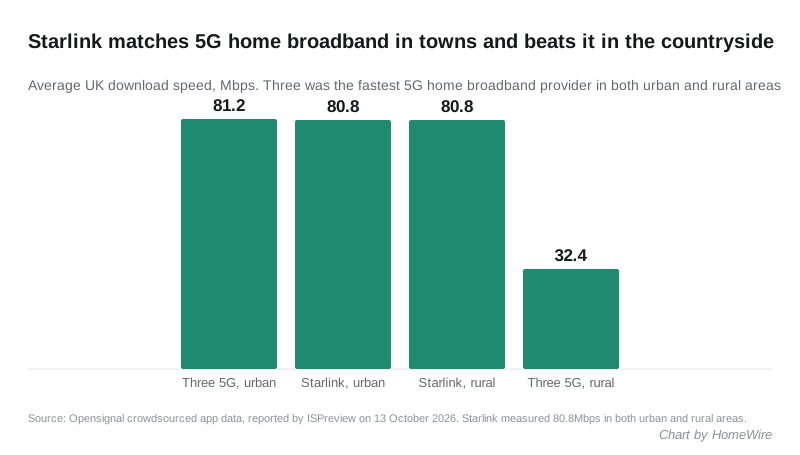
For context, Ofcom’s Connected Nations reporting shows UK average speeds have climbed well past 100 Mbps as full fibre has rolled out, so these figures are comfortably within what is available. You can check what is on offer at your address and read Ofcom’s own advice on the Ofcom broadband pages.
Do not forget upload speed
Most adverts shout about download speed, but upload matters more than it used to. If you work from home, back up photos to the cloud, upload videos or run a lot of video calls, a decent upload speed keeps those smooth. Old part-copper connections often have weak uploads; full fibre (FTTP) offers far higher upload speeds, sometimes close to the download figure on symmetrical packages. If your work depends on sending large files, weigh the upload number as carefully as the download.
Gaming: speed is not the whole story
Gamers often assume they need the fastest package going. In reality, the game itself uses little bandwidth during play. What matters far more is latency (ping) and a stable connection with no dropouts, plus enough spare speed so a housemate streaming does not lag your match. A solid 100 Mbps full-fibre line with low ping beats a flaky 500 Mbps connection every time. Fast downloads for large game updates are the one place raw speed helps.
The number on the box is not the speed you feel
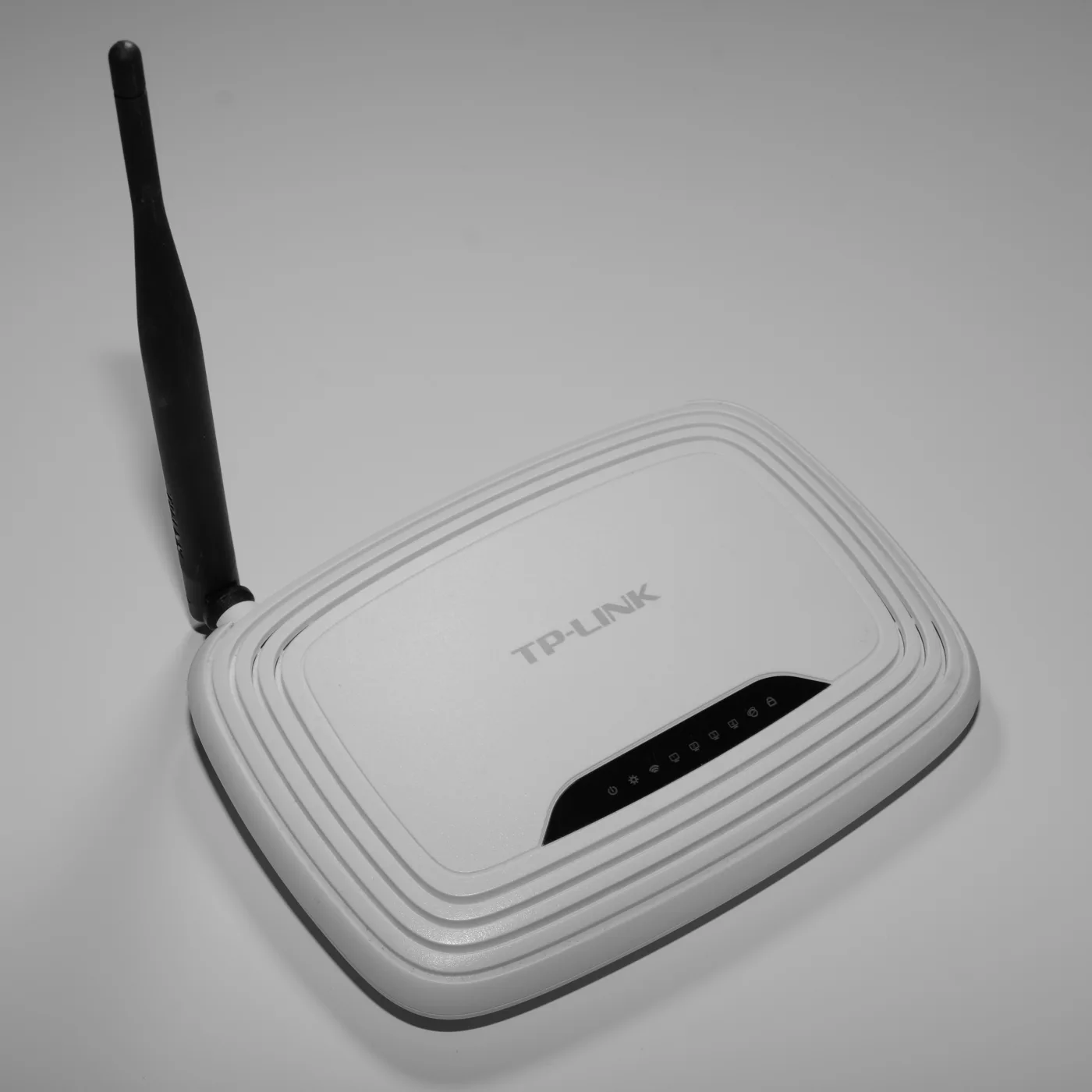
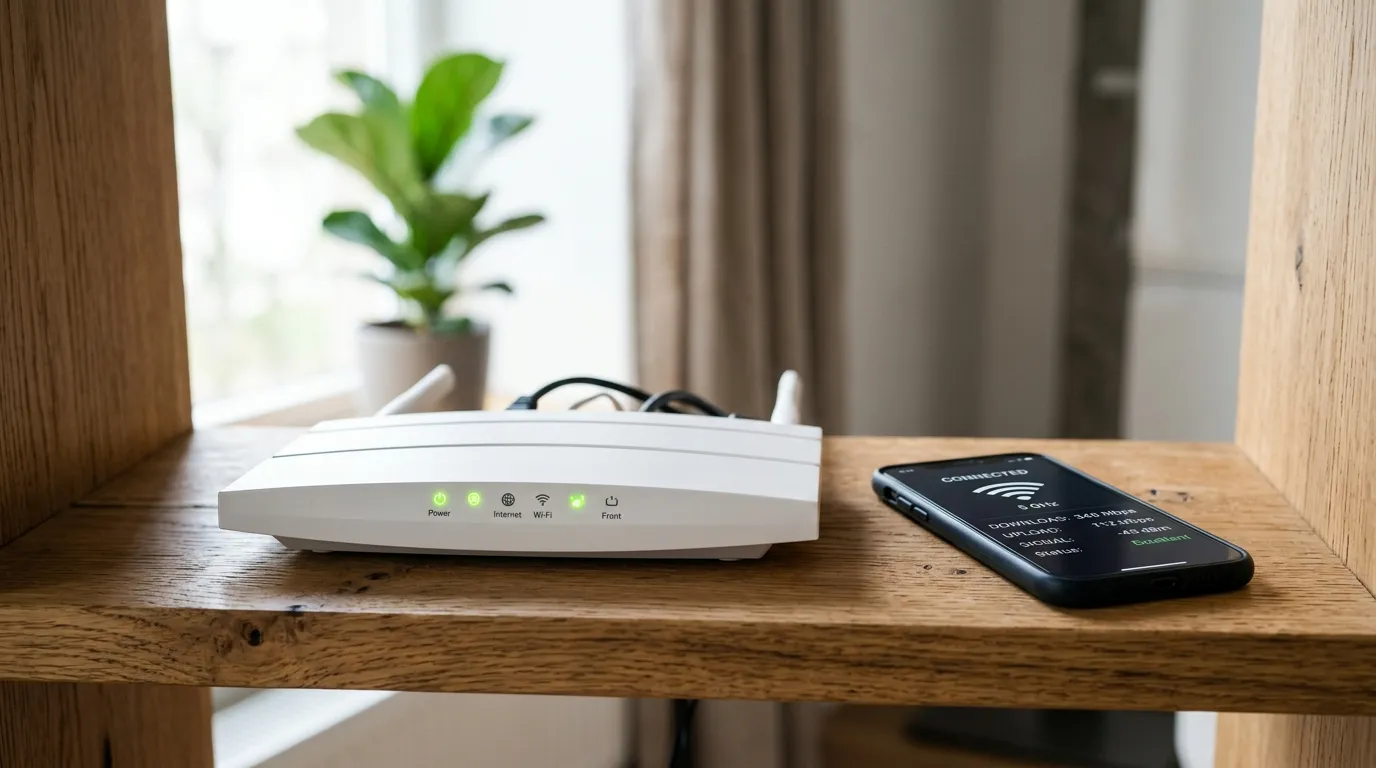
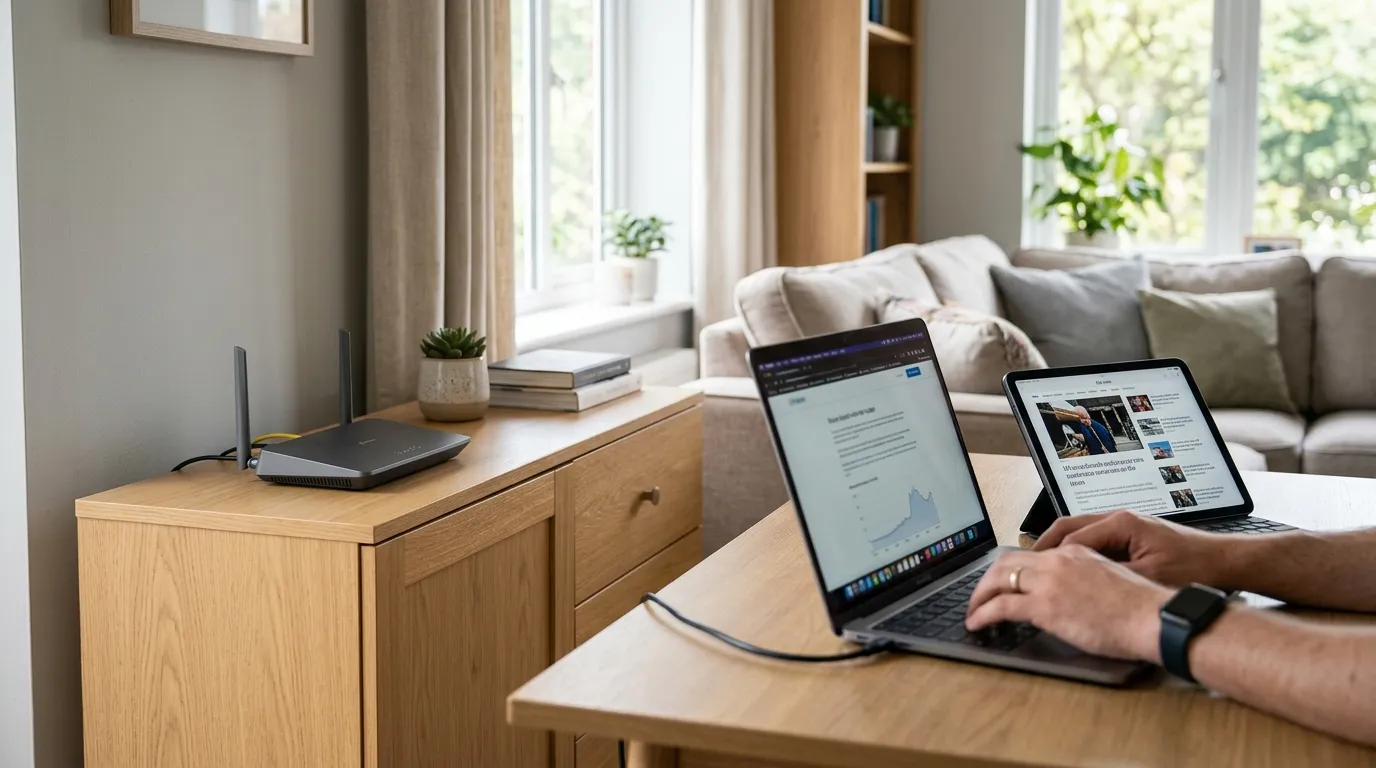
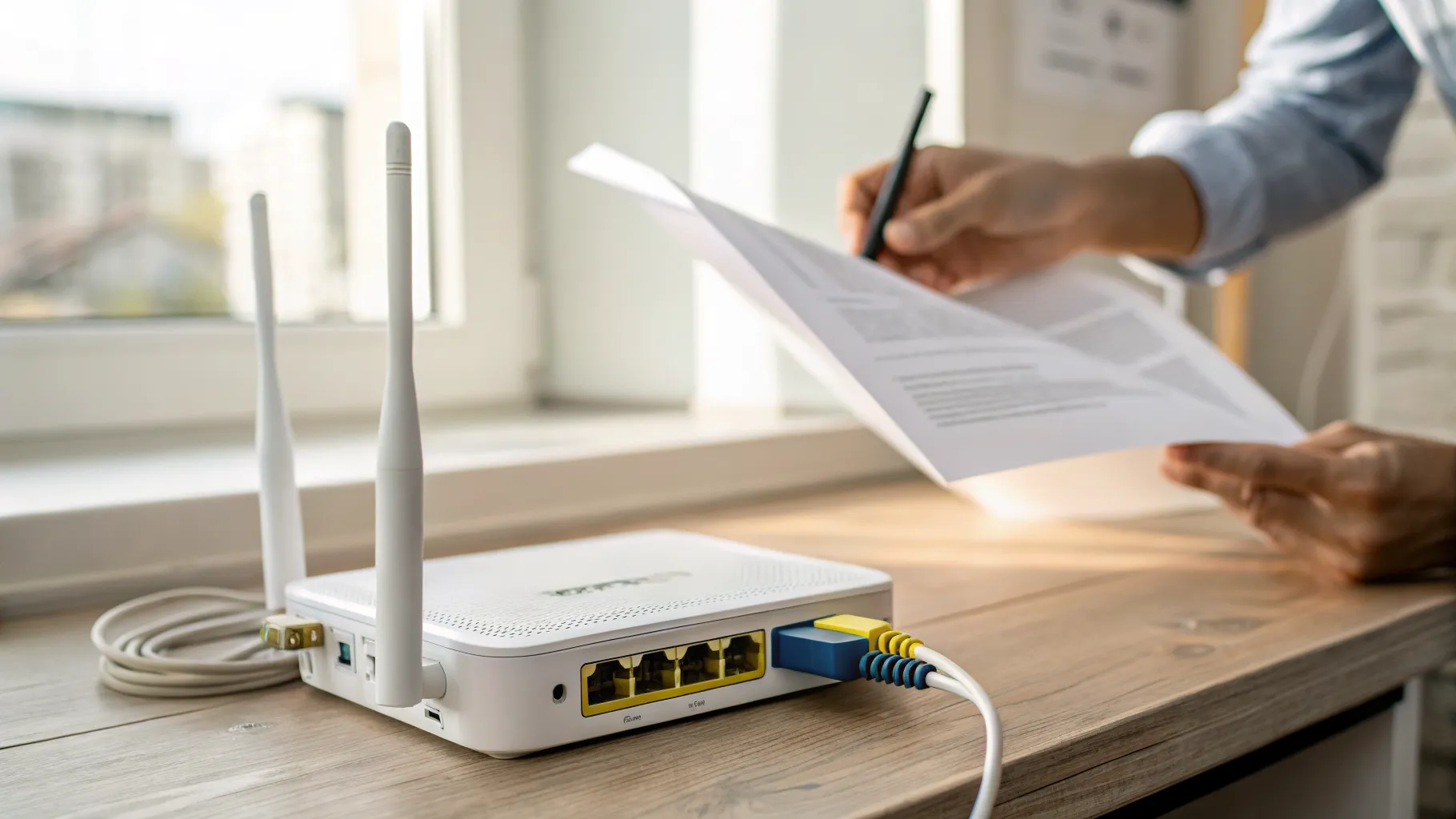
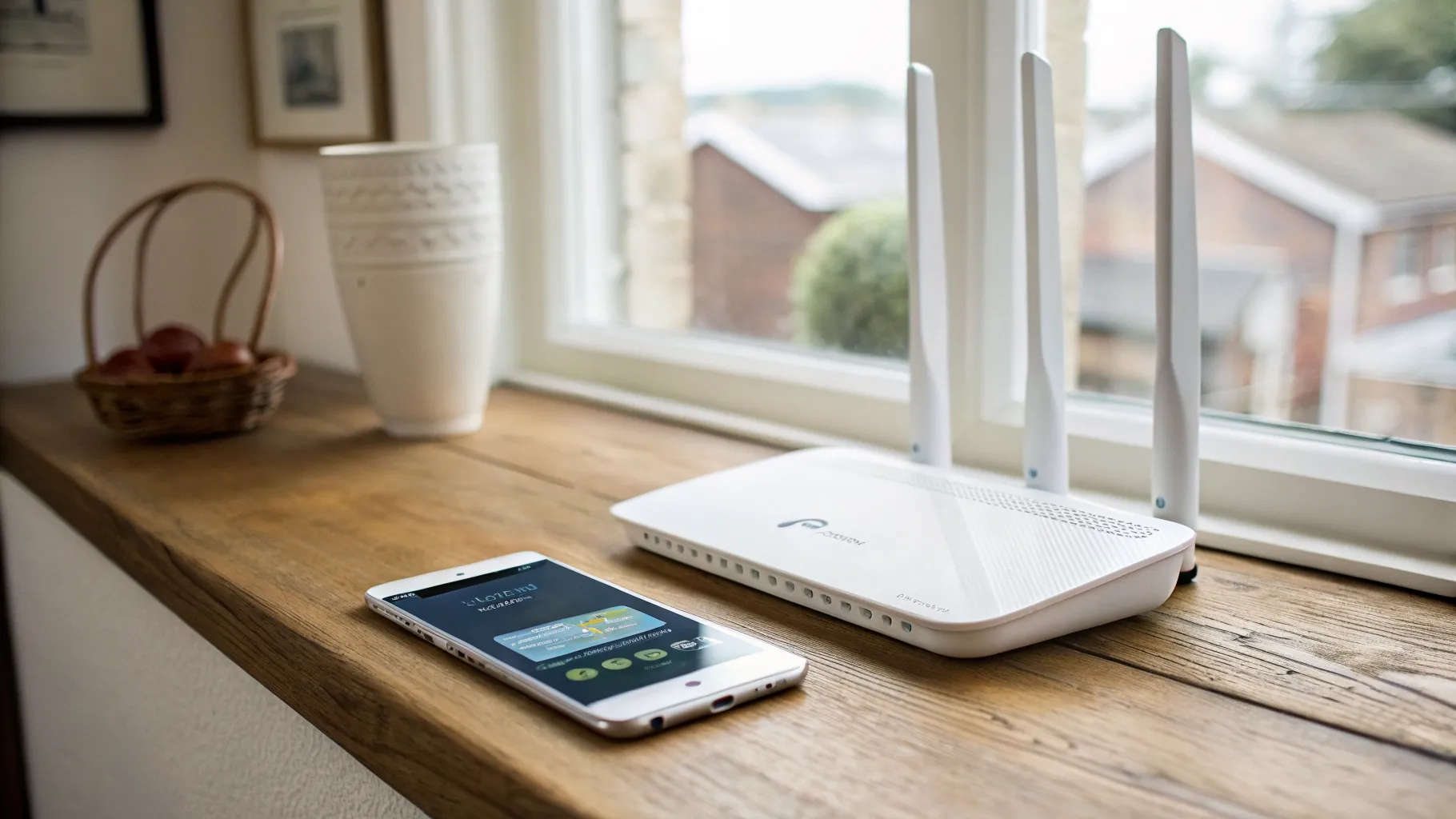
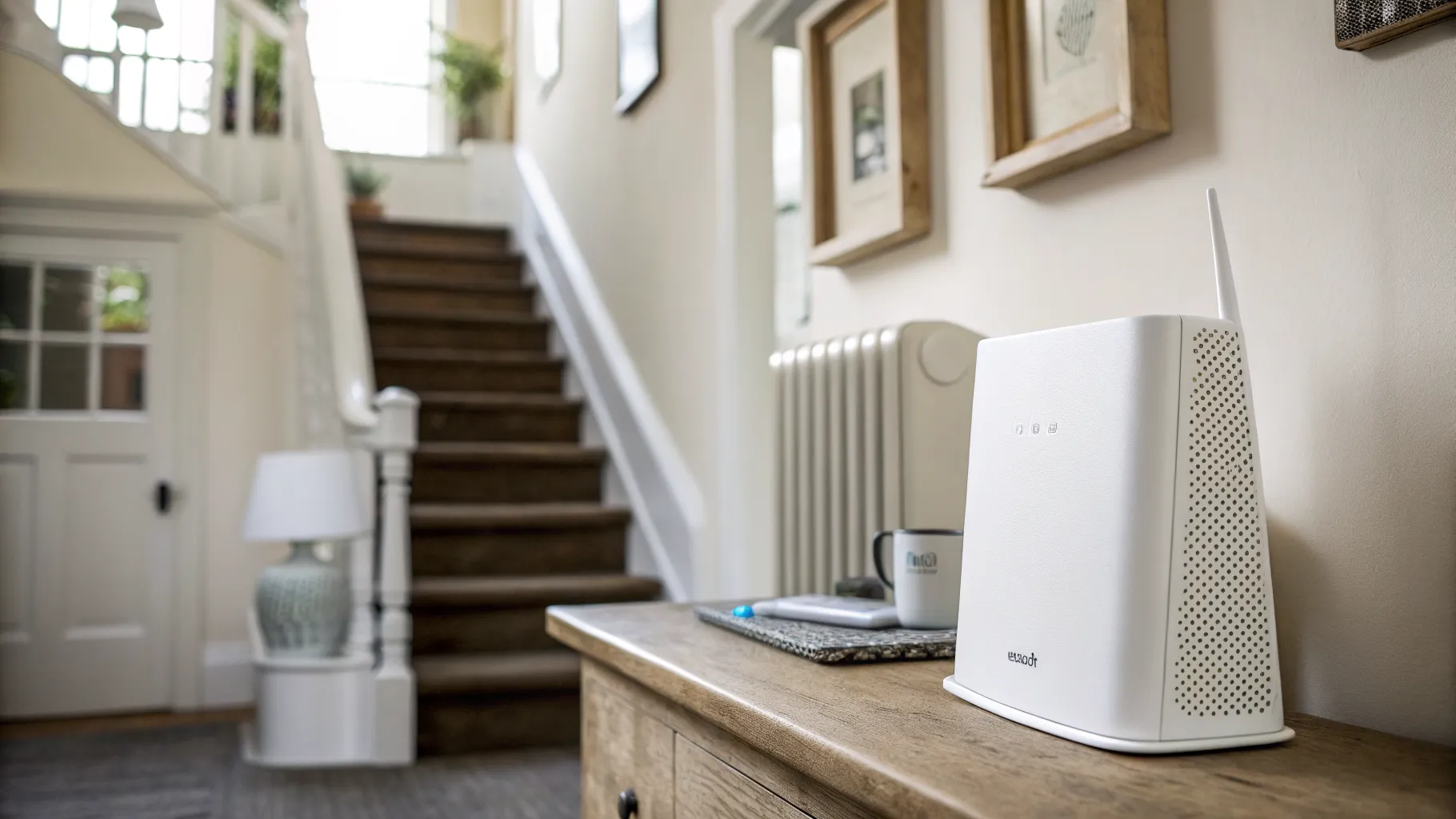
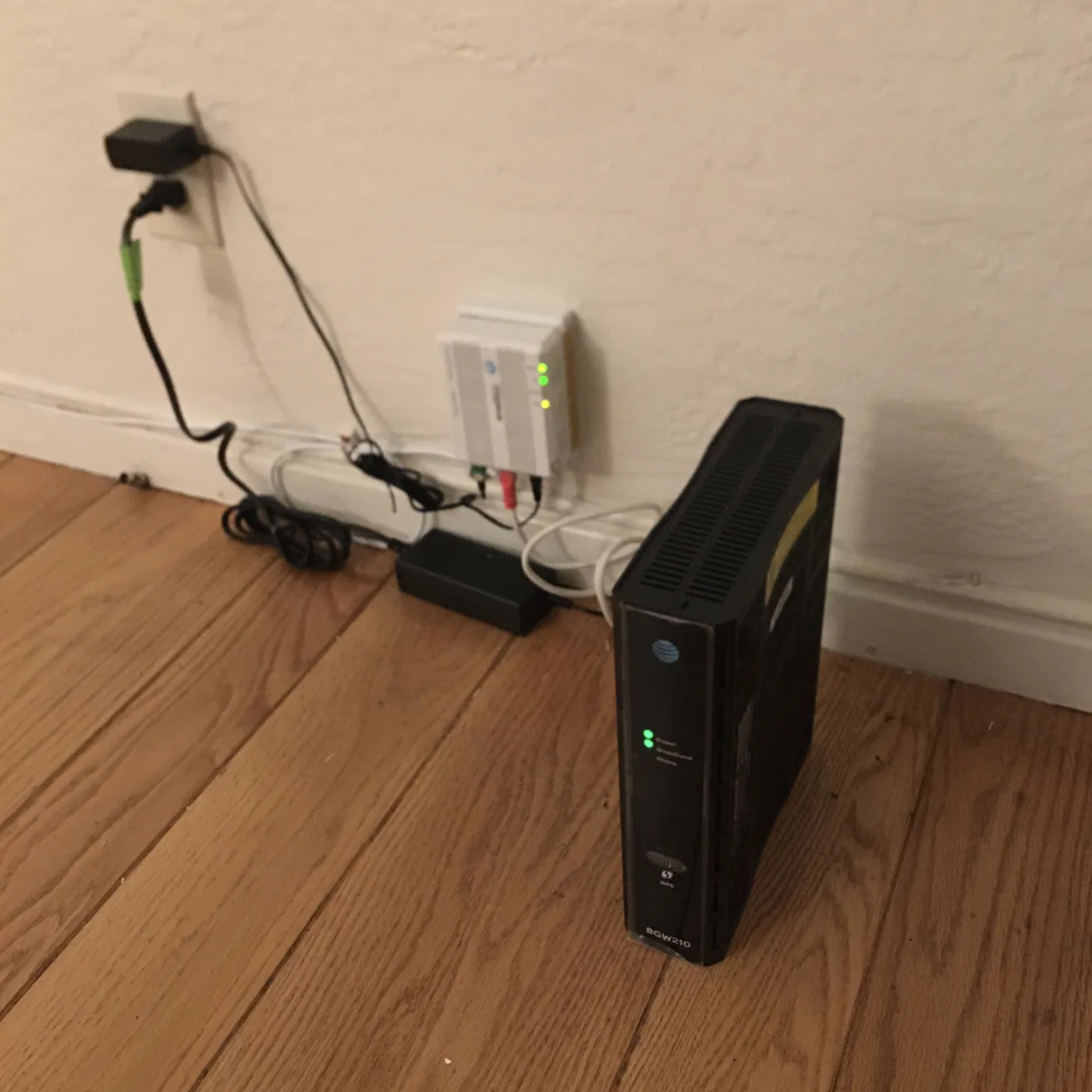
This is the part broadband ads gloss over: your package speed is what arrives at the router, not what reaches your device. Weak Wi-Fi can throttle a 500 Mbps line down to a fraction in a back bedroom. Before you pay for a faster package, make sure your home network is not the bottleneck:
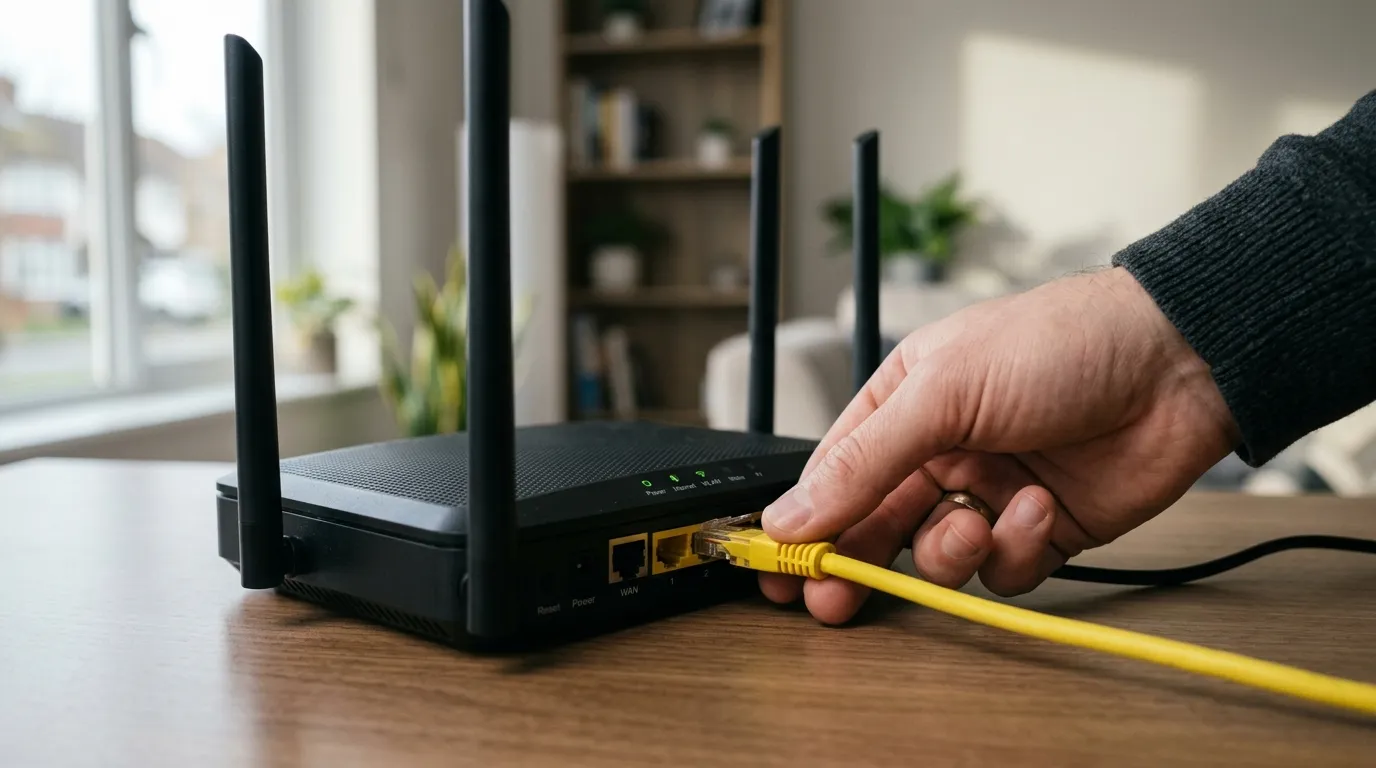
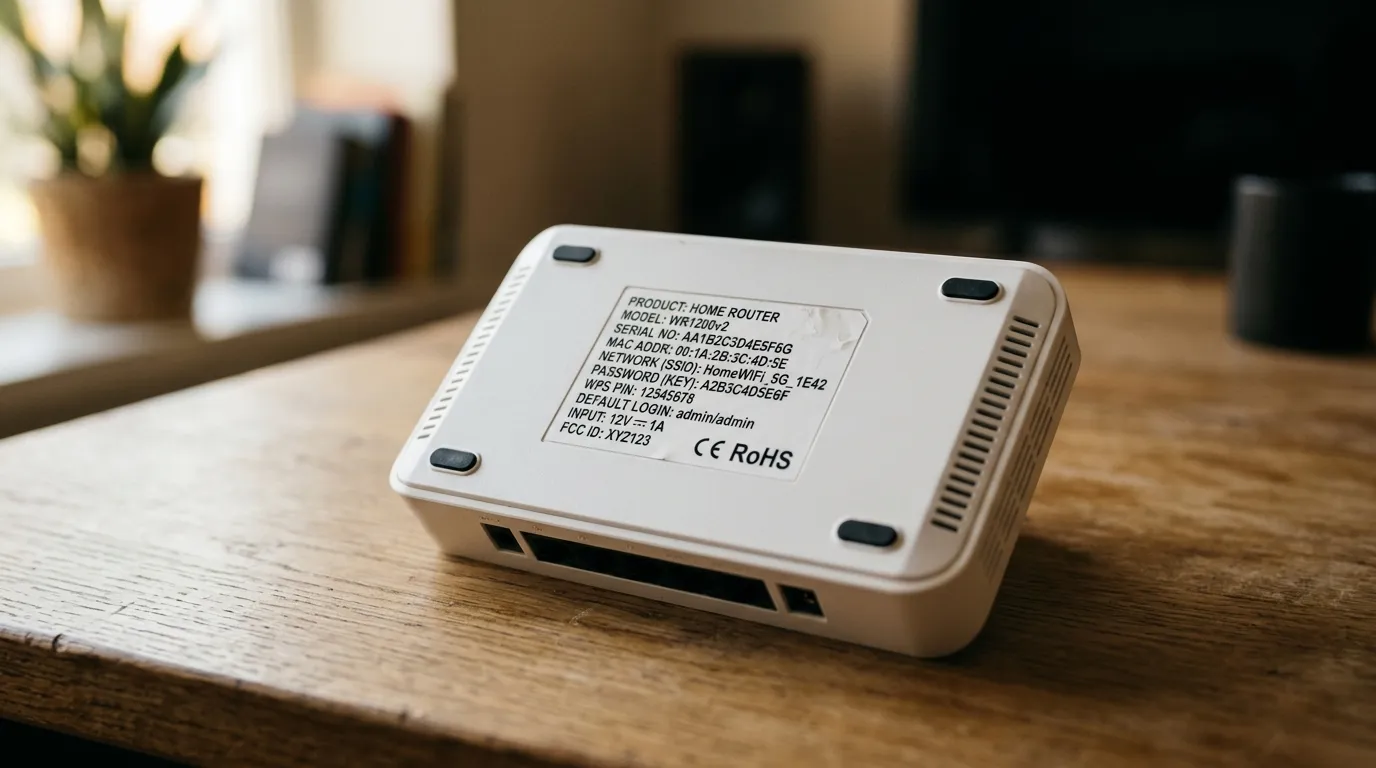
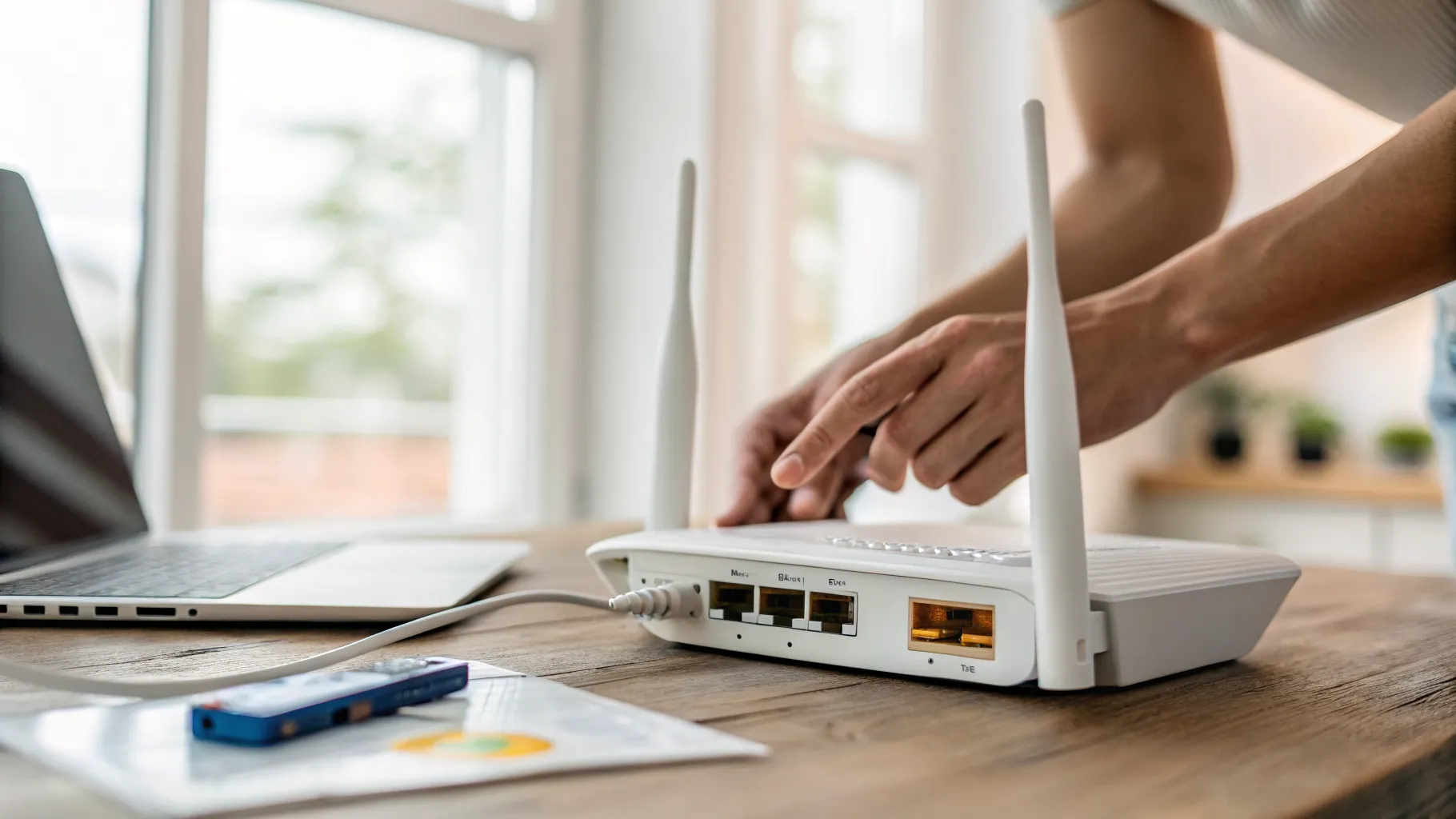
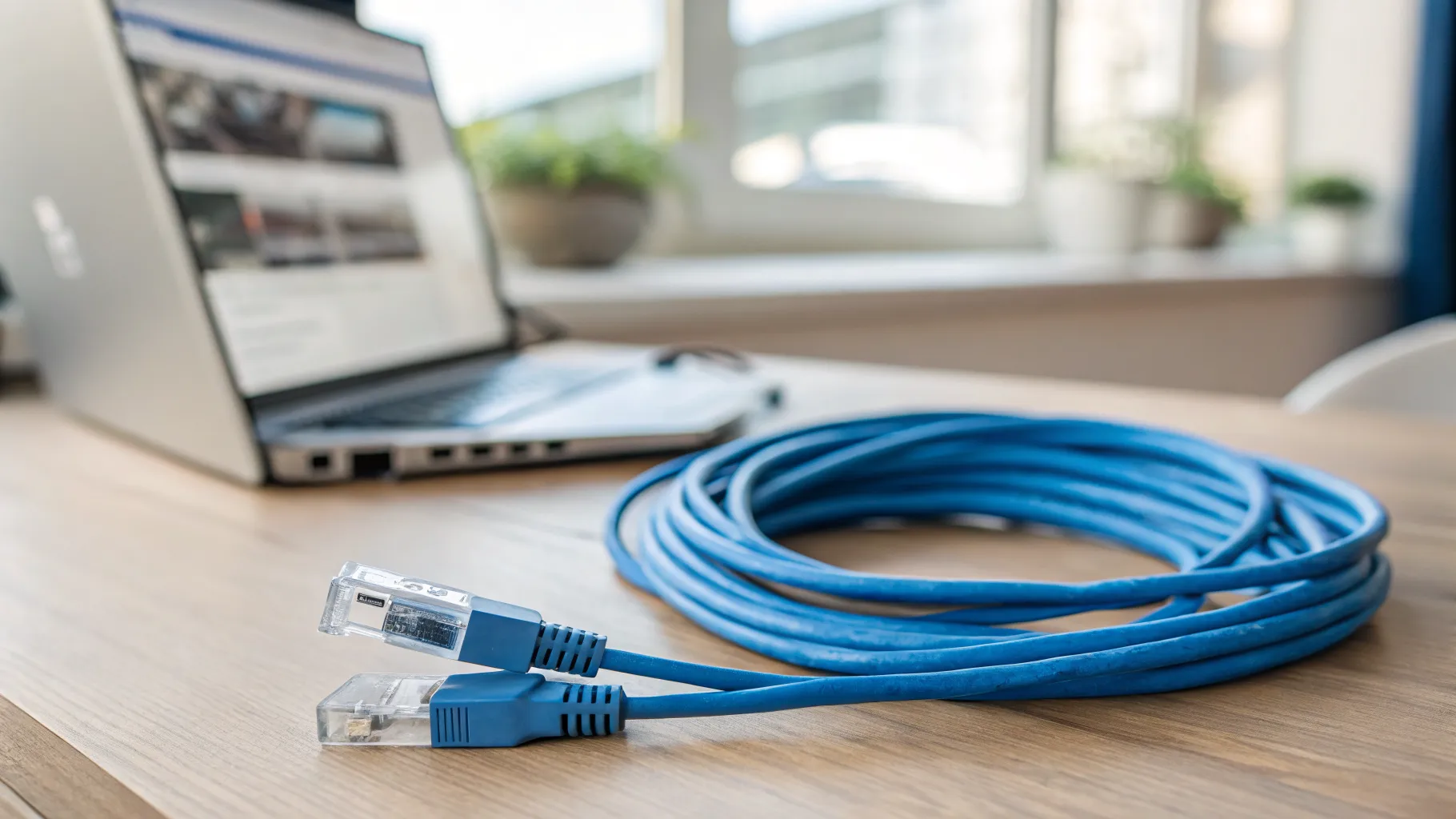
- Run a wired speed test at the router to see your true line speed.
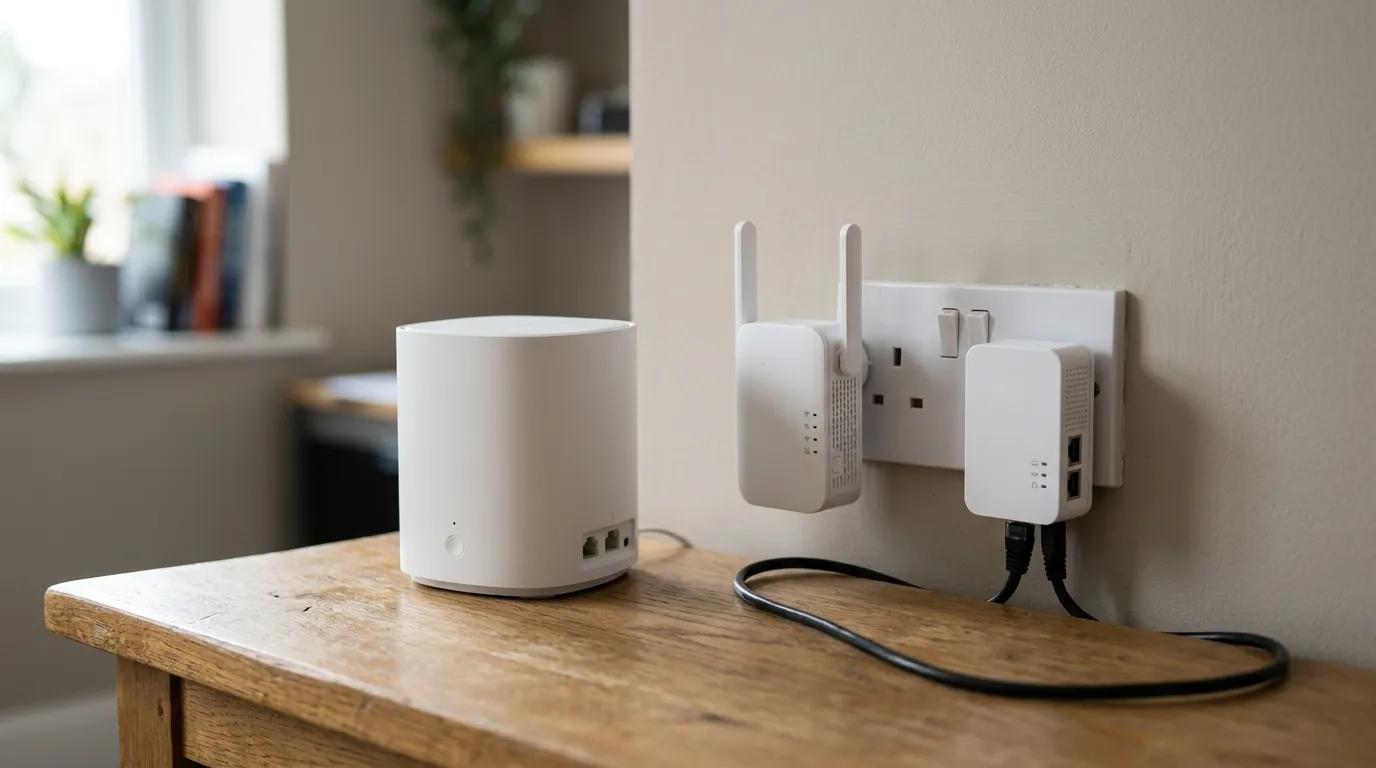
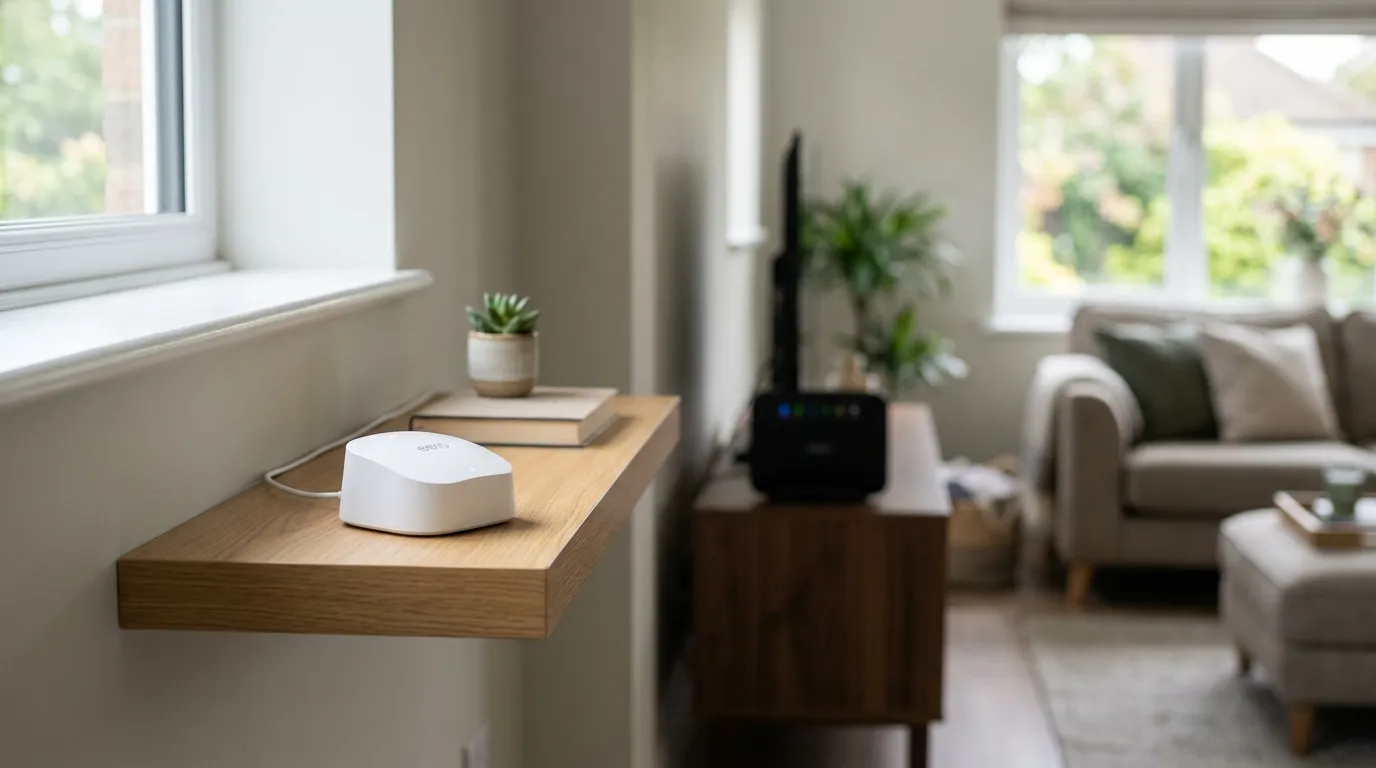
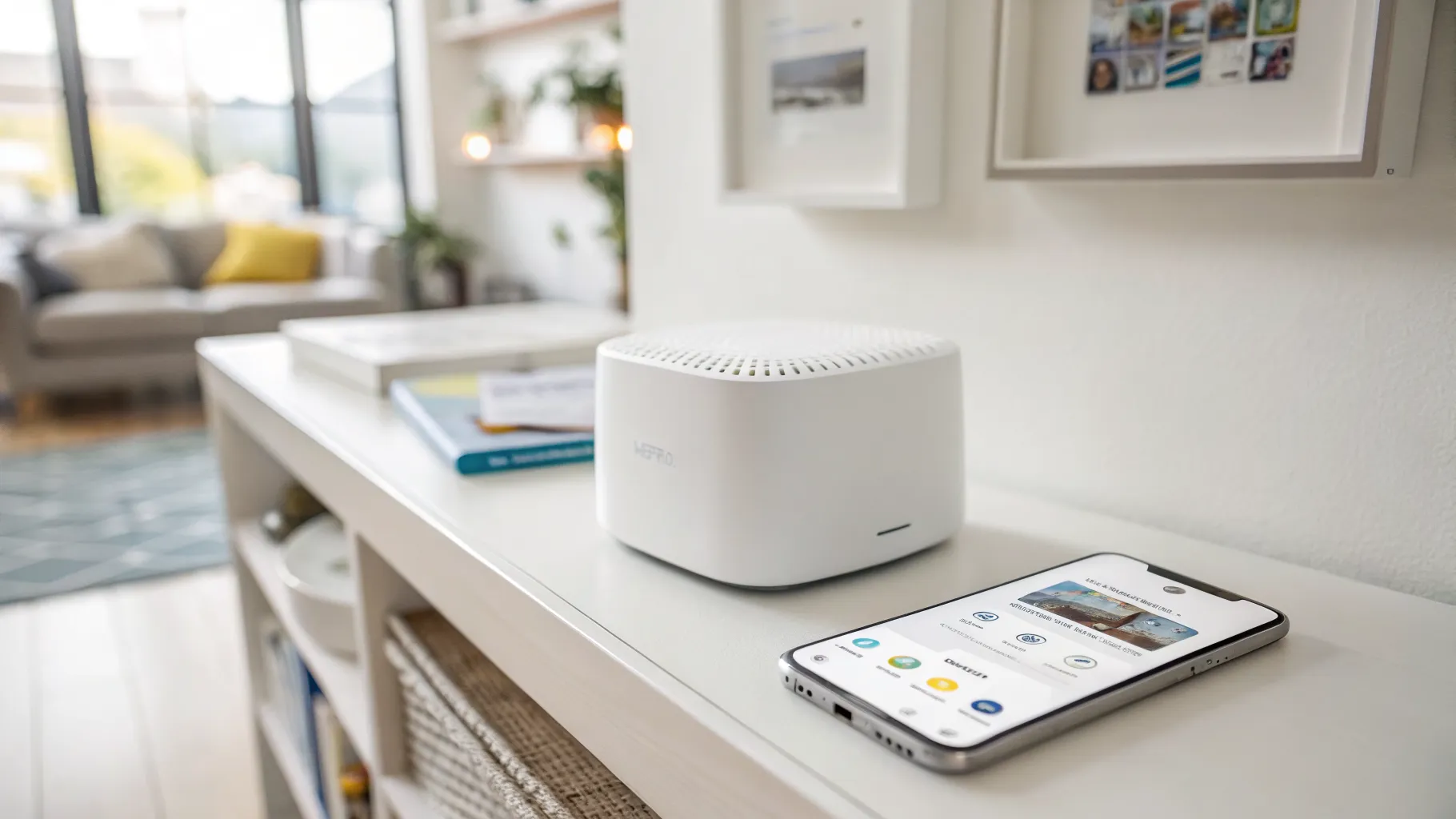
- If rooms far from the router are slow, the fix is often coverage, not more speed. Our guide to mesh Wi-Fi explains how to blanket a house properly.
- If devices show connected but nothing loads, that is a different problem: see Wi-Fi connected but no internet.
A quick way to decide
- Count the people who are regularly online at the same time.
- Note the heaviest thing they each do (4K streaming and home working are the big ones).
- Add the per-activity figures above for a typical busy evening, then round up to the next package tier for headroom.
- If you work from home or upload a lot, prioritise full fibre for its upload speed.
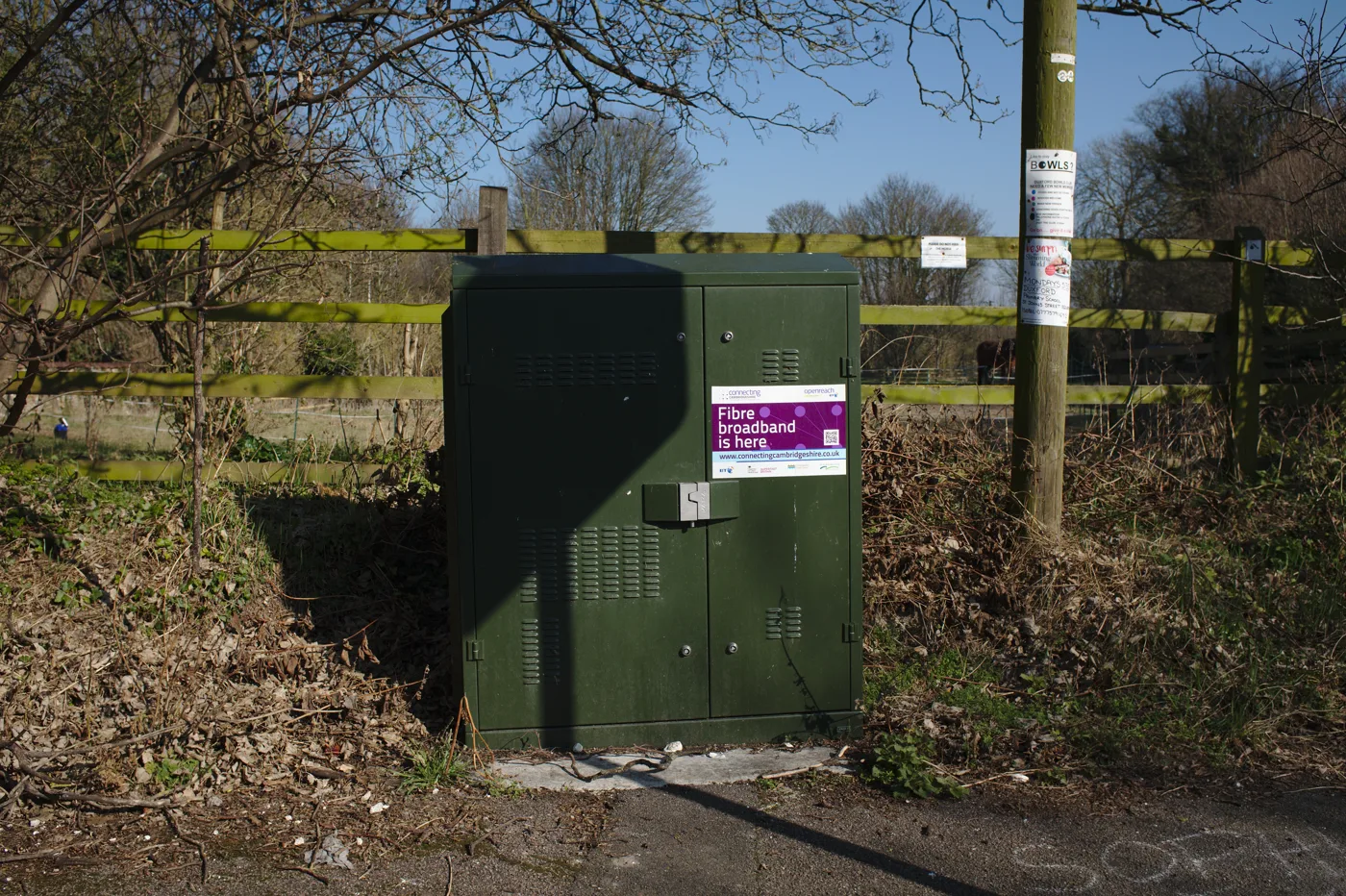
Most UK households land comfortably in the 80 to 300 Mbps range. Beyond that you are usually buying future-proofing rather than solving a problem you have today. If your current connection cannot reach these speeds because there is no fibre to your property, our guide to broadband without a phone line covers the alternatives.
Frequently asked questions
What broadband speed do I need for a family of four? Around 80 to 150 Mbps suits most families of four, enough for a couple of 4K streams, a video call and several phones and tablets at once. Step up to 300 Mbps if several of you game, stream 4K and work from home simultaneously.
Is 100Mbps a good broadband speed? Yes, for most households 100 Mbps is a comfortable, reliable speed that handles multiple 4K streams, video calls and gaming at the same time. Only very busy homes with heavy simultaneous use need to go higher.
How much speed do I need for 4K streaming? About 25 Mbps per 4K stream. One 4K TV needs at least 25 Mbps to itself, so if two people stream 4K at once you want roughly 50 Mbps free, on top of everything else running in the house.
Do I need gigabit (1000 Mbps) broadband? Most households do not need gigabit today. It is useful for large homes with many heavy users or as future-proofing, but a 100 to 300 Mbps full-fibre line covers the vast majority of real-world use.
Why is my broadband slower than the speed I pay for? Usually because of Wi-Fi, not the line. The advertised speed is measured at the router, and walls, distance and interference cut it before it reaches your device. Test with a wired connection to see your true line speed, then improve coverage if the gap is large.
Does gaming need a fast broadband speed? Not especially. Gameplay uses little bandwidth; low latency (ping) and a stable connection matter far more. A steady 100 Mbps line with low ping is ideal, with the extra speed mainly helping large game downloads.