5G Home Broadband: Real Speeds and the CGNAT Catch
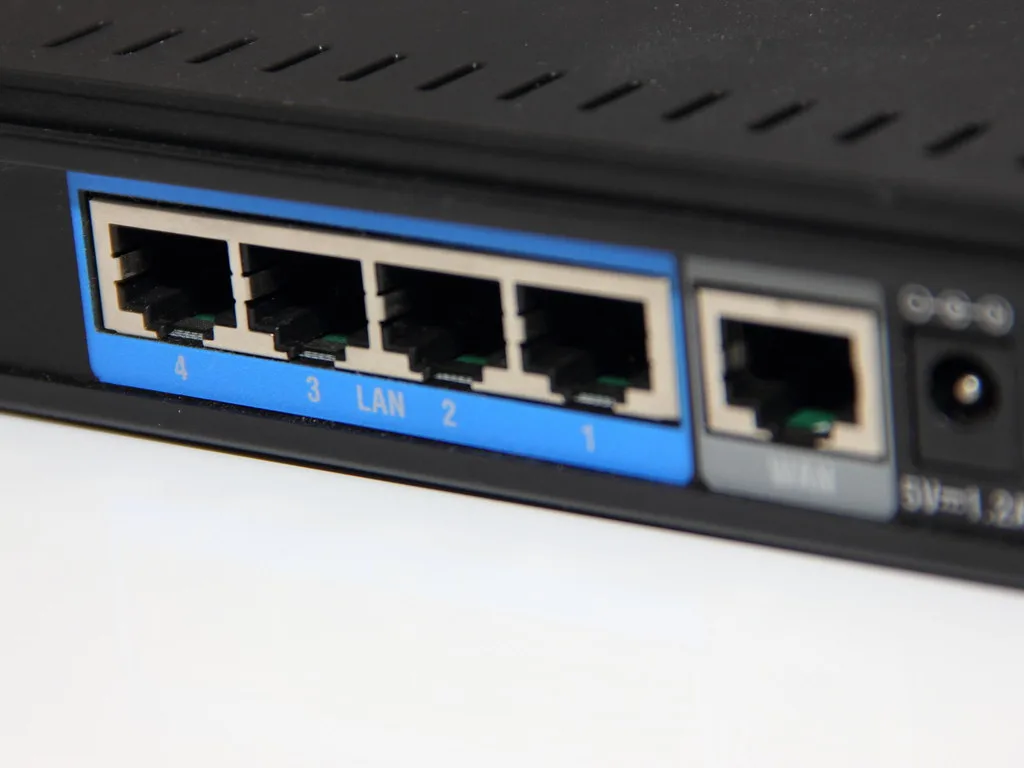
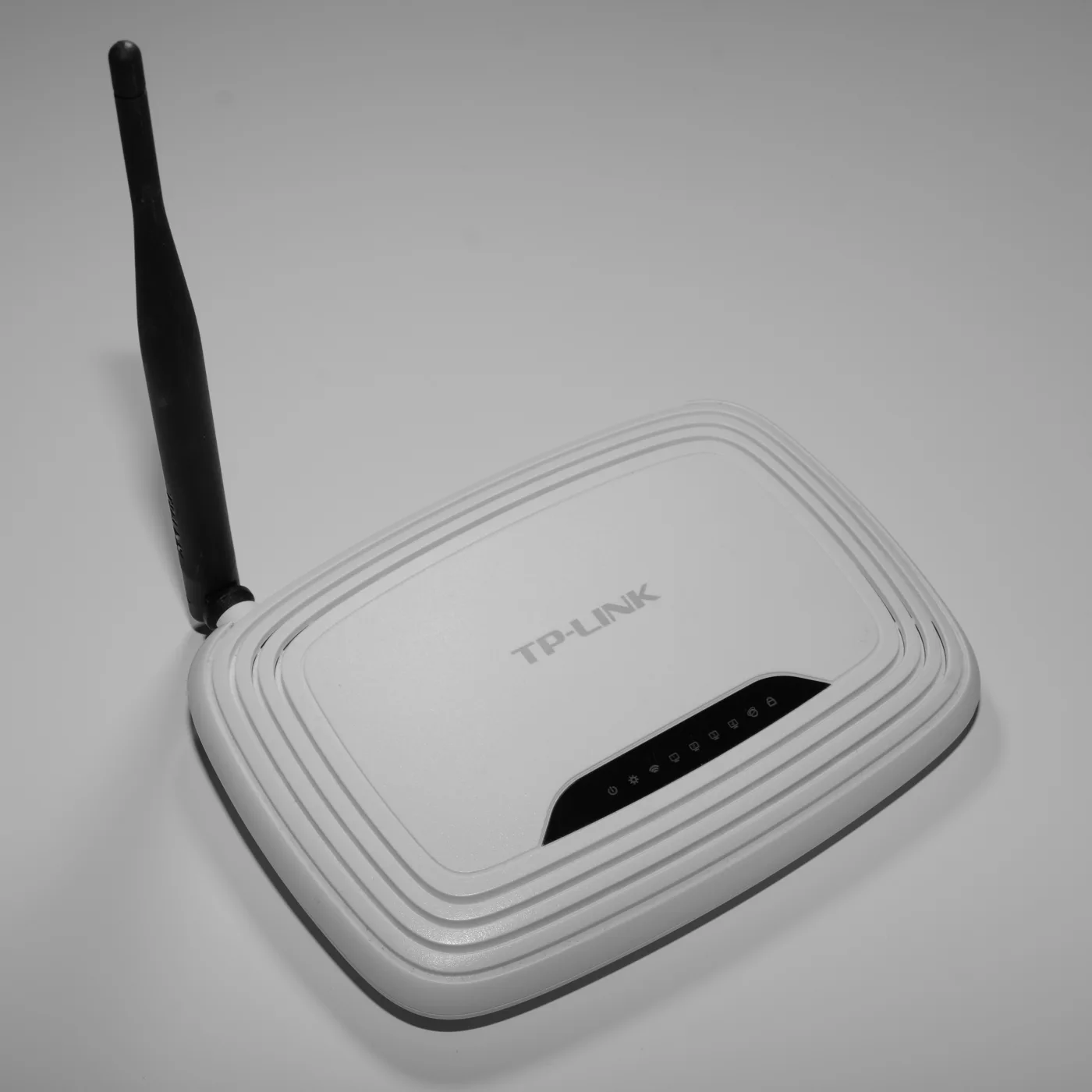
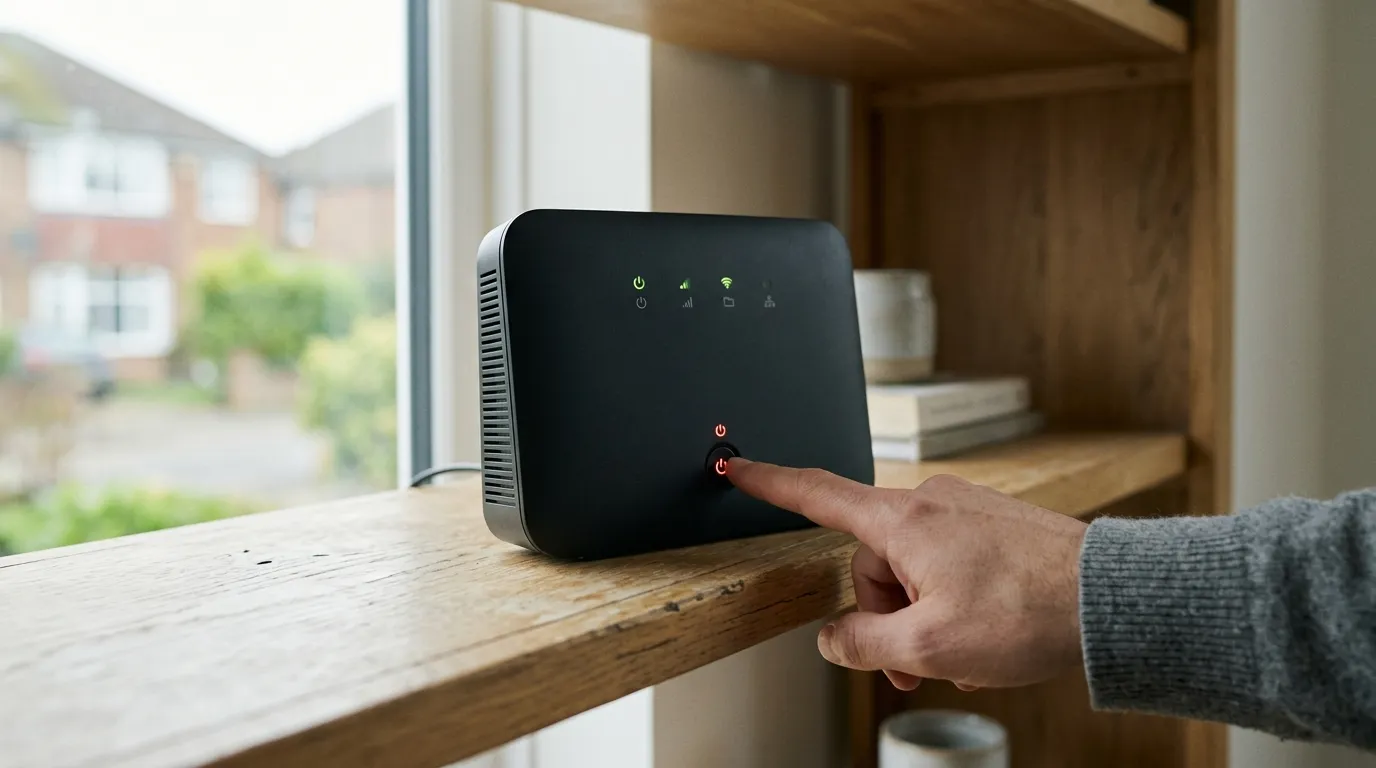
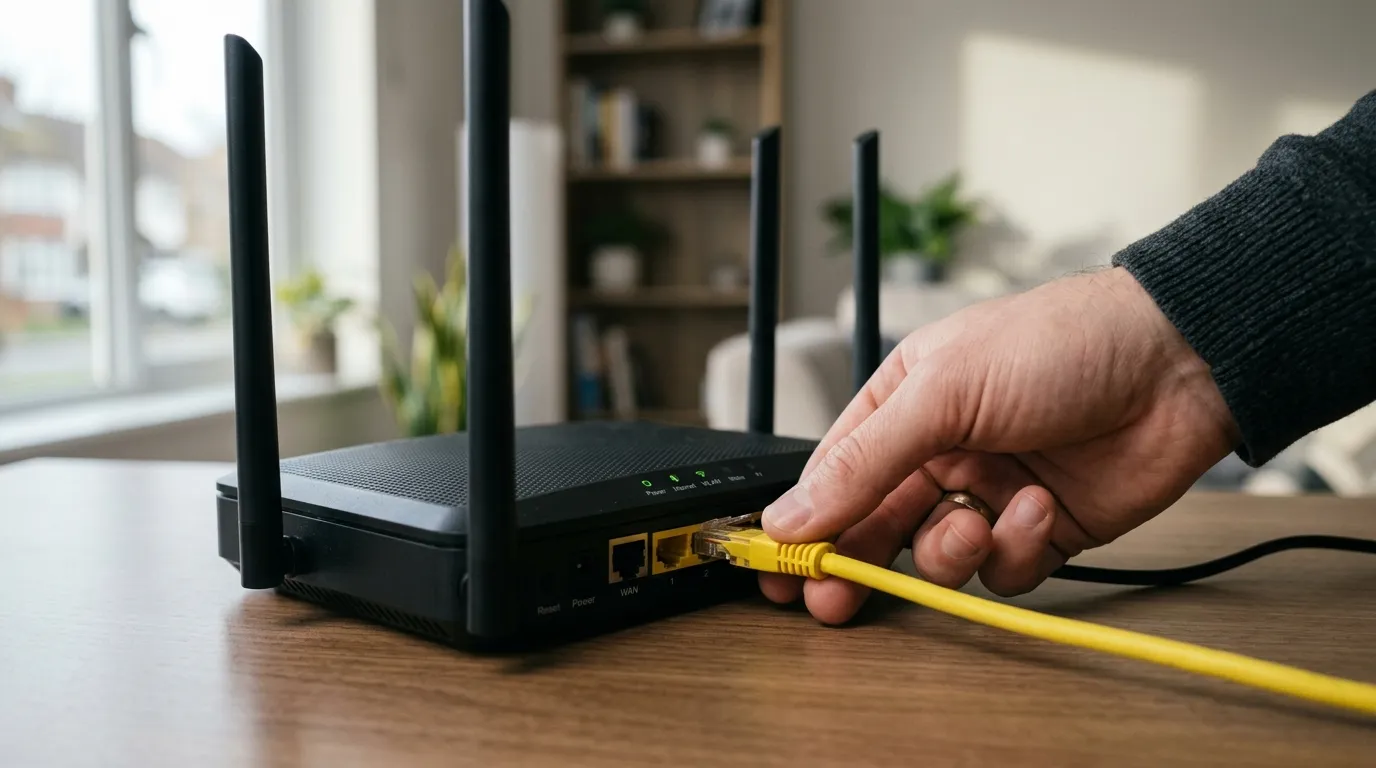
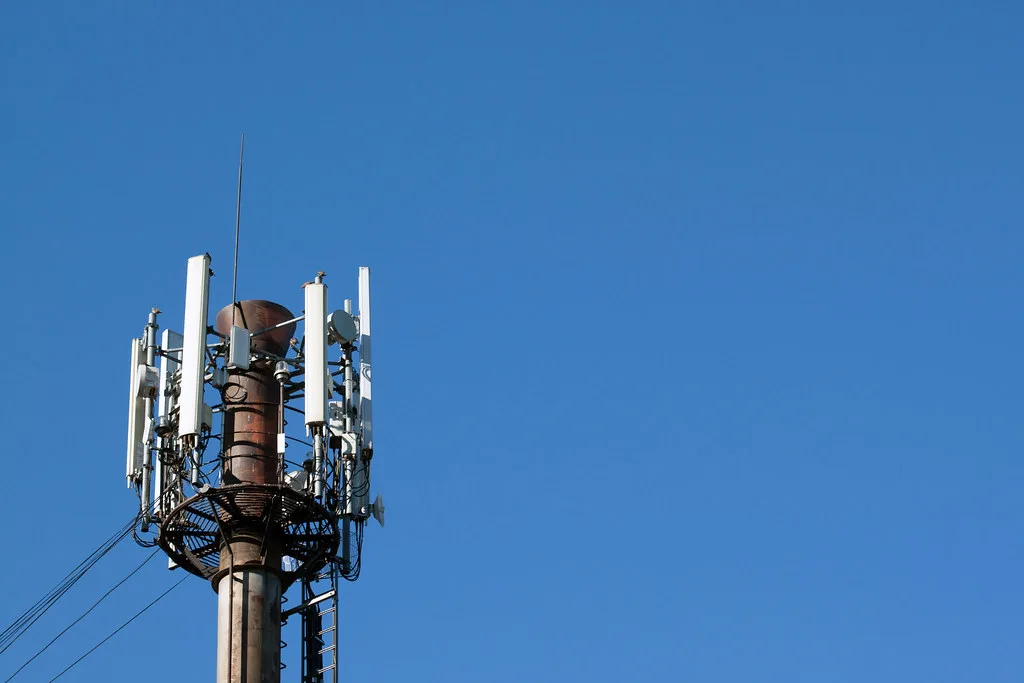
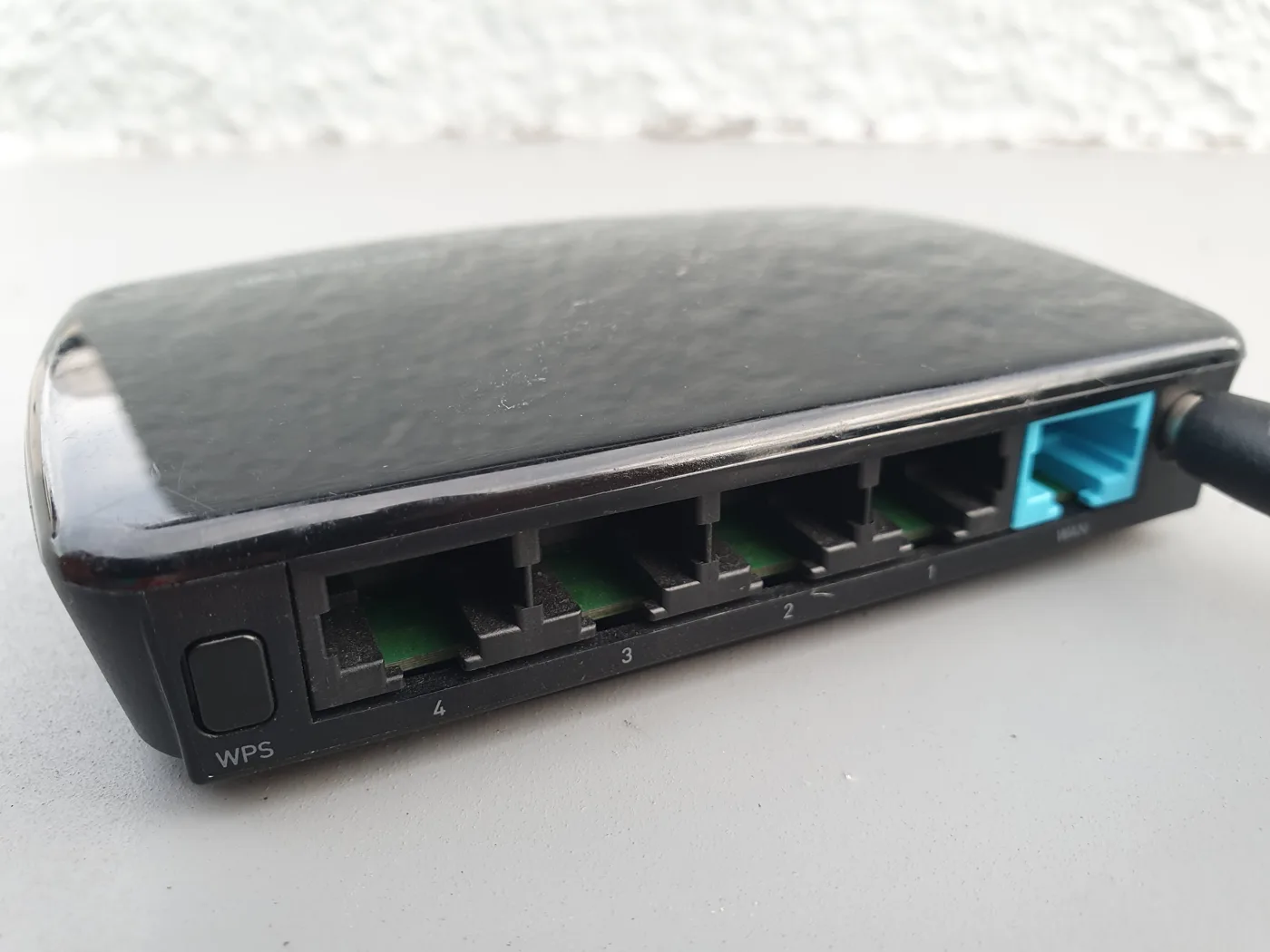
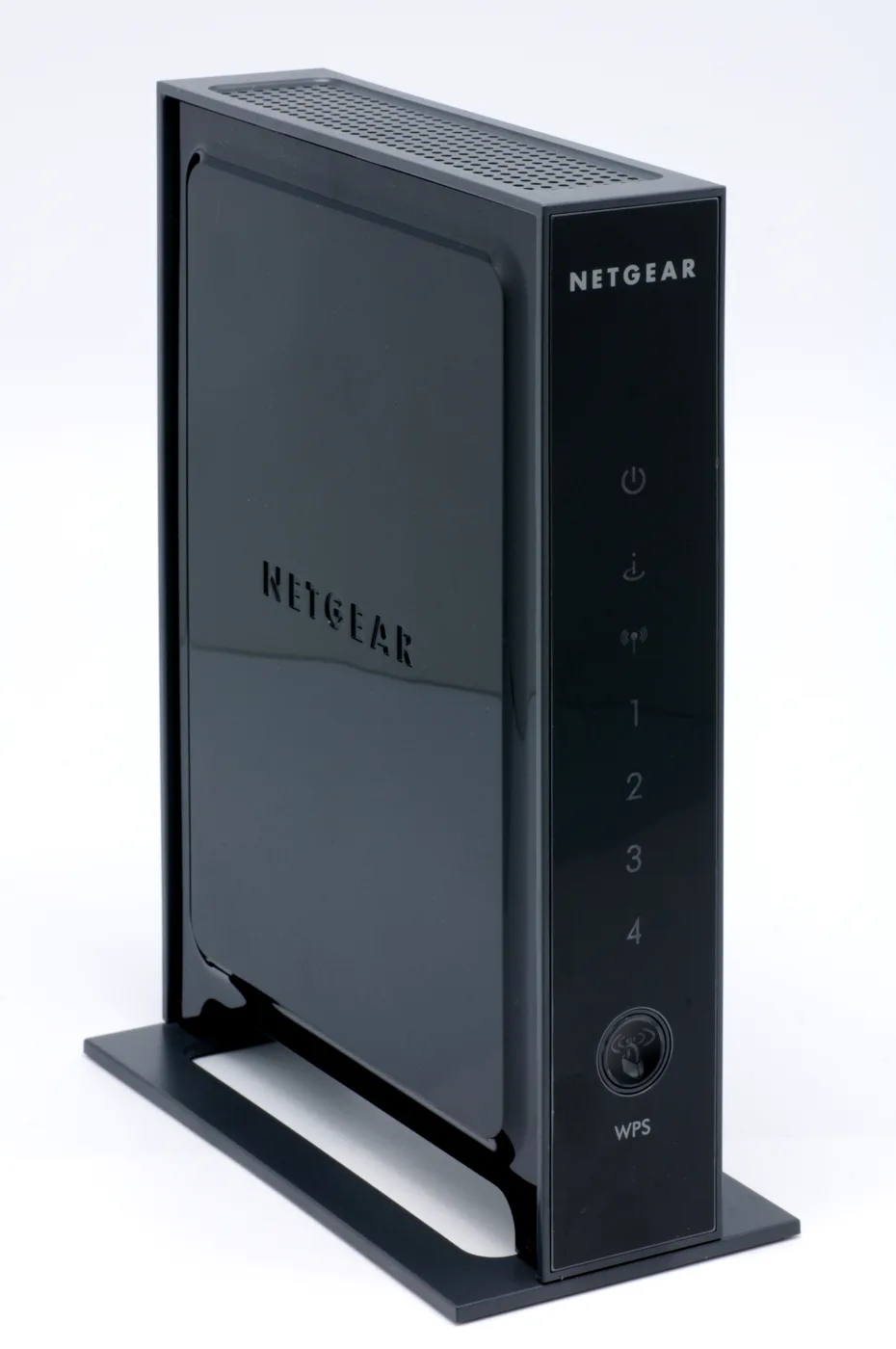
5G home broadband is a router with a SIM card in it. No line into the house, no engineer visit, no phone socket: you plug it in, it connects to a mast, and it shares that connection over Wi-Fi and a couple of Ethernet ports. For a growing number of British households it is a genuine alternative to fibre, and for a specific set of people it is a mistake that only becomes obvious a month in. This page covers which group you are in.
Where fibre has got to, and why that matters first
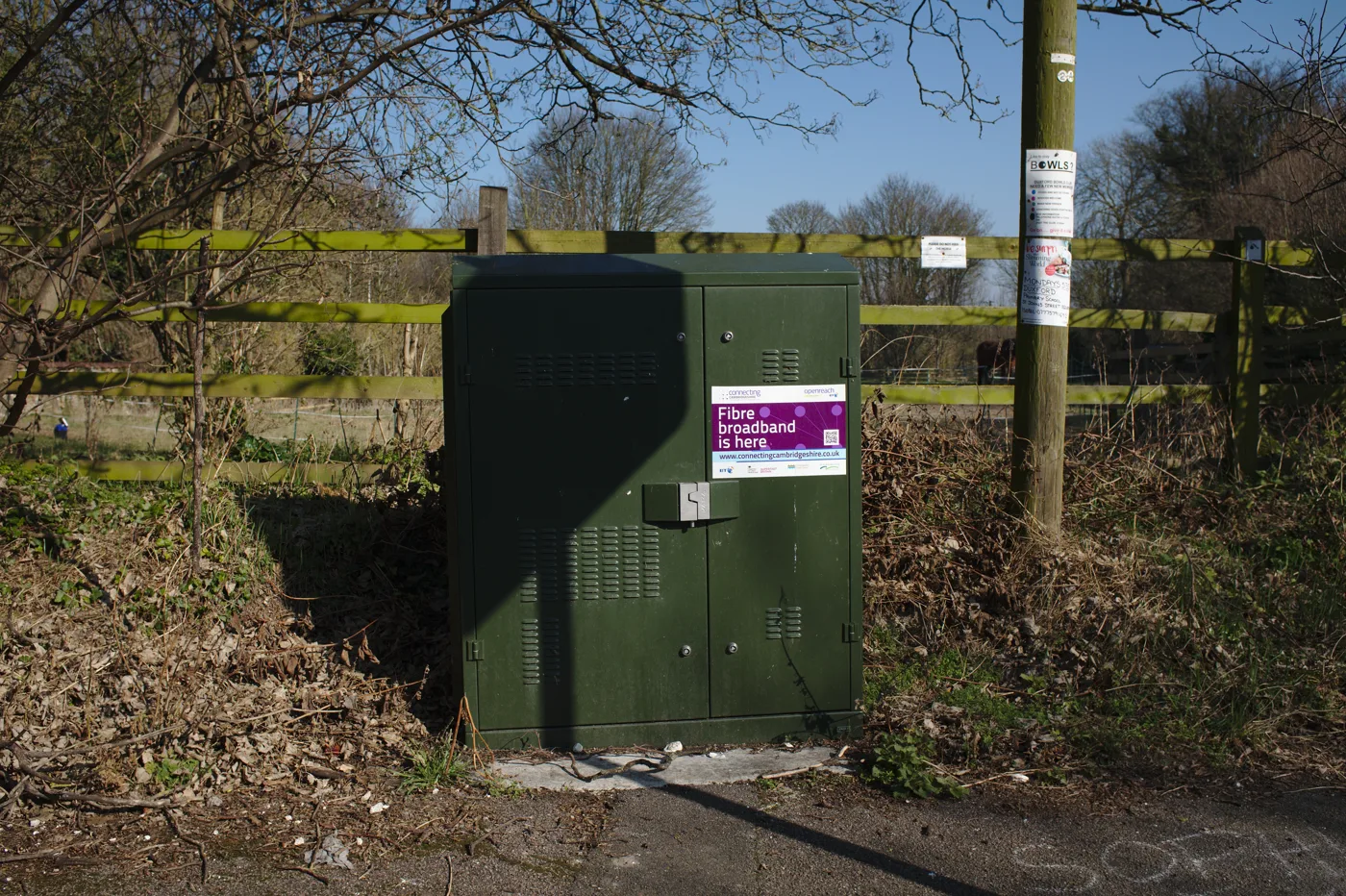
Before comparing anything, check what else you can get. Ofcom’s Connected Nations update for spring 2026, using data from January 2026, puts full fibre at 24.9 million UK residential premises, which is 82% of the country’s 30.5 million homes. Gigabit-capable networks of any kind reach 89%, or 27.1 million homes.
So the honest starting position is that four out of five homes can get full fibre, and for most of them full fibre is the better product. 5G home broadband earns its place in the remaining fifth, and in a handful of specific situations covered further down.
On the mobile side, the same Ofcom update reports 5G coverage outside premises from all networks combined at 64%, up from 47% six months earlier, with individual operators ranging from 76% to 94%. 5G standalone, the newer architecture that delivers the lower latency, ranges from 49% to 85% across the three operators that have deployed it. Note the phrase “outside premises”. Coverage inside your house, behind brick and modern insulated glass, is a different and lower number.
The speeds: what the measurement firms actually report
Two independent measurement companies published UK 5G figures recently and they do not agree, which tells you something in itself.
| Network | Opensignal average 5G download, Jan 2026 | RootMetrics median 5G download, H2 2025 |
|---|---|---|
| Three | 187.0 Mbps | 198.3 Mbps |
| EE | 92.2 Mbps | 236.7 Mbps |
| Vodafone | 130.9 Mbps | 144.3 Mbps |
The gap on EE is not an error in one of them. Opensignal averages readings from ordinary handsets wherever they happen to be, so a network with wide rural coverage gets dragged down by all the marginal spots it serves. RootMetrics drives defined test routes. Both are valid, and neither tells you what you will get at your address.
That is the fundamental difference from fibre. A full fibre line delivers close to its headline speed at three in the morning and at eight in the evening, in January and in July. A 5G connection delivers whatever is left of the cell’s capacity after everyone else in range has taken theirs, and that varies by hour, by weather, and by how many people moved into your street.
The gotcha nobody mentions: CGNAT
This is the single most important technical point on this page, and it is missing from almost every review.
Mobile networks do not have enough public IPv4 addresses to give one to every connection, so they put customers behind carrier-grade NAT. Your router gets a private address, and hundreds of other customers share the public address the internet sees. Outbound connections work fine, which is why browsing, streaming and video calls are unaffected. Inbound connections do not, because there is no way for the outside world to reach a machine that has no address of its own.
Things that break or need workarounds on CGNAT:
- Port forwarding of any kind. There is nothing to forward to.
- Self-hosted anything: a home server, a personal website, a Plex or Jellyfin instance you reach from outside the house.
- IP CCTV and NVRs that expect a direct connection. Most modern cameras get around this with a cloud relay, but older kit and anything you access by typing an IP address will not work.
- Some games and consoles, which report strict or moderate NAT type and struggle to host matches or connect peer to peer.
- VPN servers running at home, including the router’s own built-in VPN server.
- Remote desktop and NAS access by direct address. Vendor cloud relays, such as the ones on Synology and QNAP boxes, usually still work.
The workarounds are real but each costs something. Some operators will sell a fixed public IP as a business add-on. A tunnelling service such as a reverse proxy through a cloud provider gets around it for web services. Neither is as simple as ticking a box on a fibre router. If any of the list above matters to you, this alone decides the question. Our NAS guide and VLAN explainer assume a connection that does not have this restriction.
Latency, and whether it matters to you
Full fibre typically returns a ping of roughly 5 to 15 ms to a UK server. A 5G connection is usually 20 to 40 ms, and worse on the older non-standalone architecture where the control plane still runs over 4G. Standalone 5G narrows the gap considerably, but you cannot choose it: you get it if your operator has deployed it where you live.
For streaming, browsing and normal video calls, none of this is noticeable. For competitive online gaming, it is. Our page on what counts as a good ping has the thresholds, and the short version is that 5G is playable and fibre is better.
Upload is the other asymmetry. Full fibre packages commonly offer symmetrical or near-symmetrical upload. 5G upload is typically a fraction of the download, which matters if you back up to cloud storage, work with large files, or stream out video.
When 5G home broadband is the right answer
- No full fibre at your address, and the copper alternative is slow. This is the main case, and 5G frequently beats a long ADSL or a poor FTTC line comfortably.
- You are renting or on a short tenancy. No engineer, no landlord permission, no reinstatement, and the router moves with you.
- You need it working today. A SIM router works out of the box. A fibre install is typically two weeks or more.
- You are between homes, or in a house being renovated.
- You want a backup line that fails over independently of the fixed network. A separate physical path is genuinely useful for anyone working from home.
- Your household is light on inbound connections and nobody games competitively.
And when it is not: if you self-host anything, if you need reliable upload, if the house is a heavy simultaneous-streaming household, or if you can get full fibre at a similar price. In that last case, take the fibre.
Getting the best out of the hardware
Signal is the whole game, and the router’s position decides it.
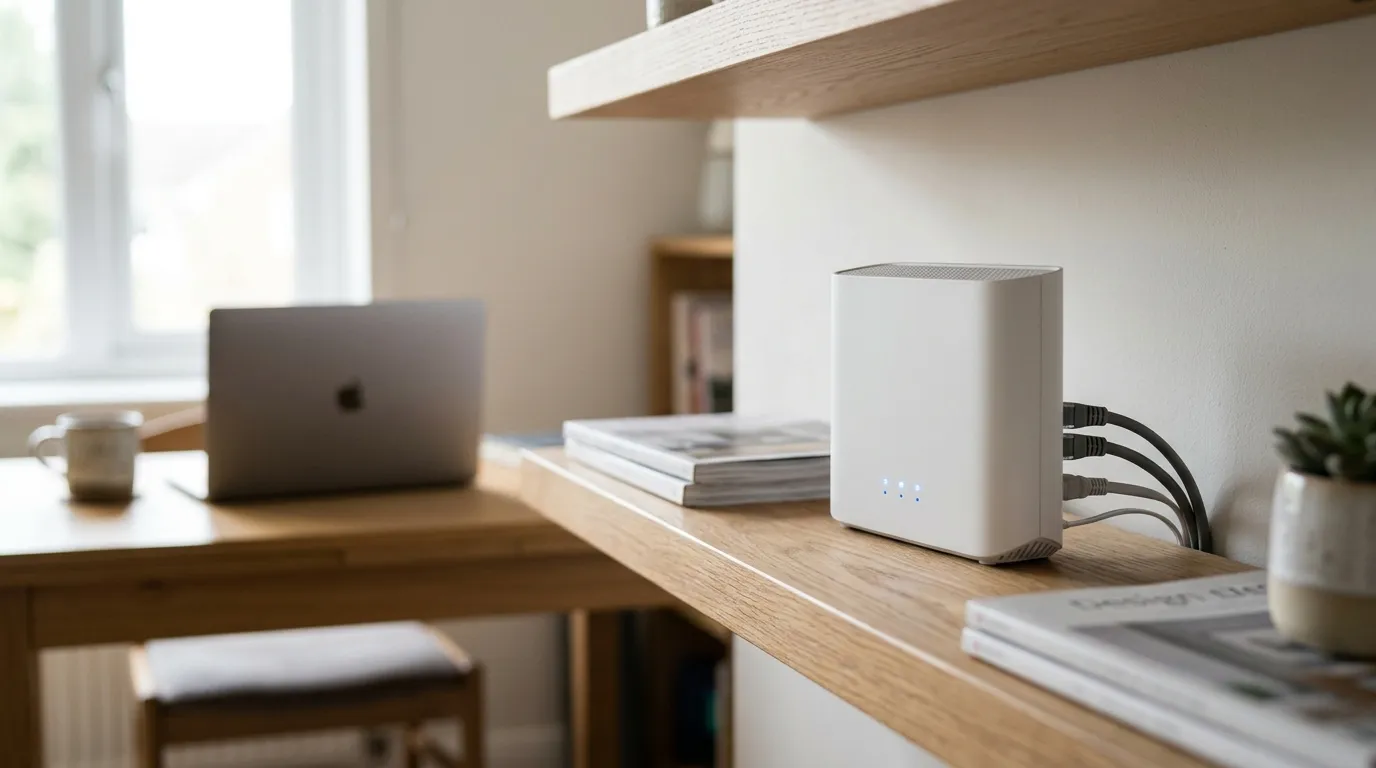
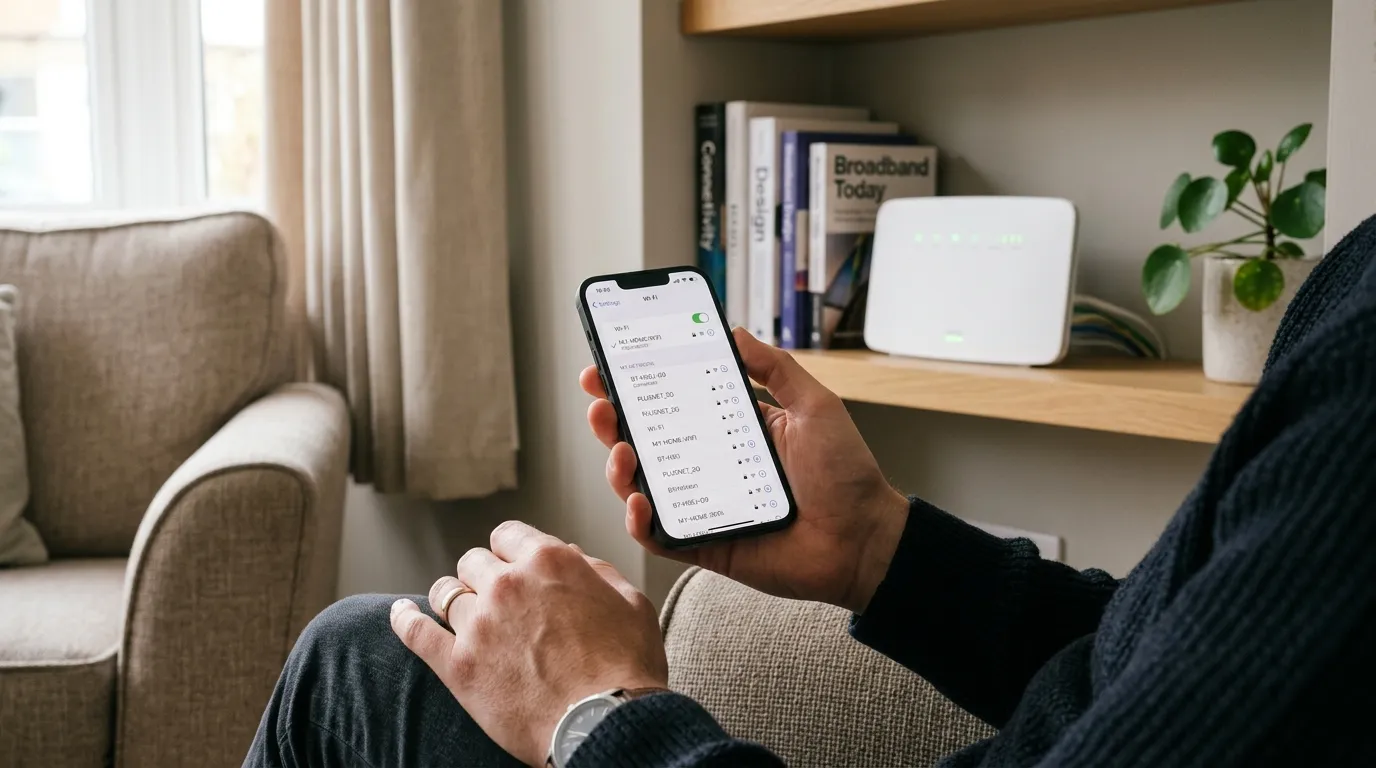
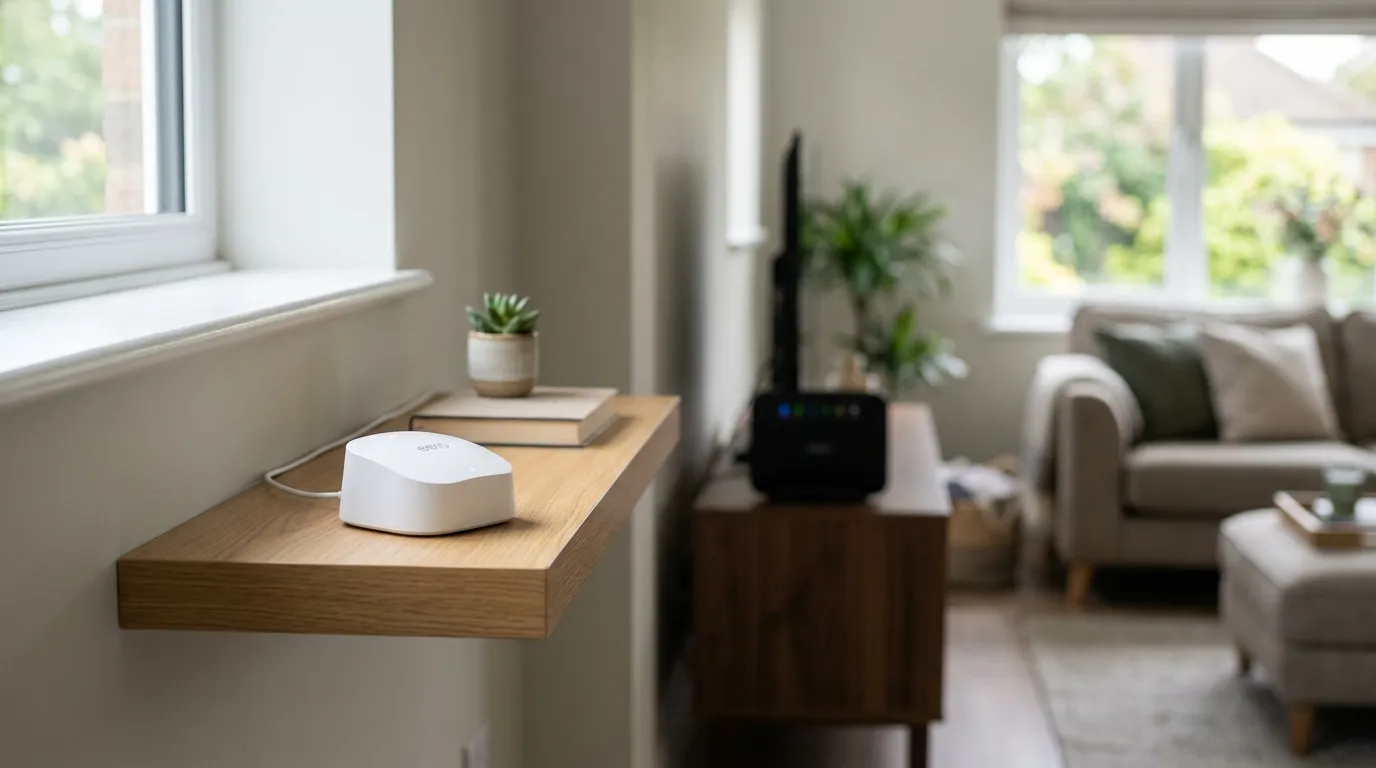
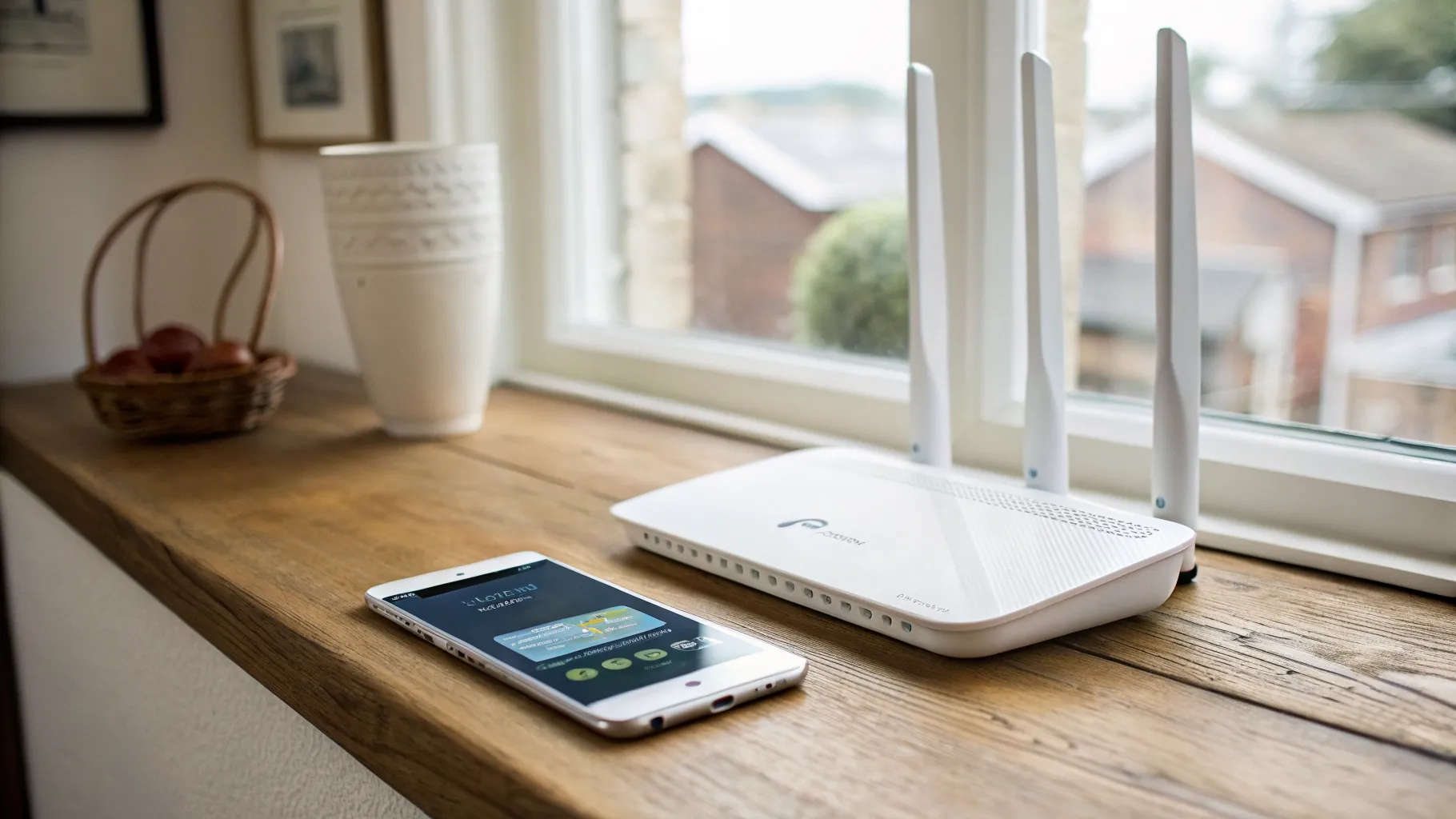
- Put the router where the signal is, not where it is tidy. An upstairs window facing the mast usually beats a downstairs cupboard by a wide margin, and modern low-emissivity double glazing attenuates the signal badly, so beside the window works better than behind glass.
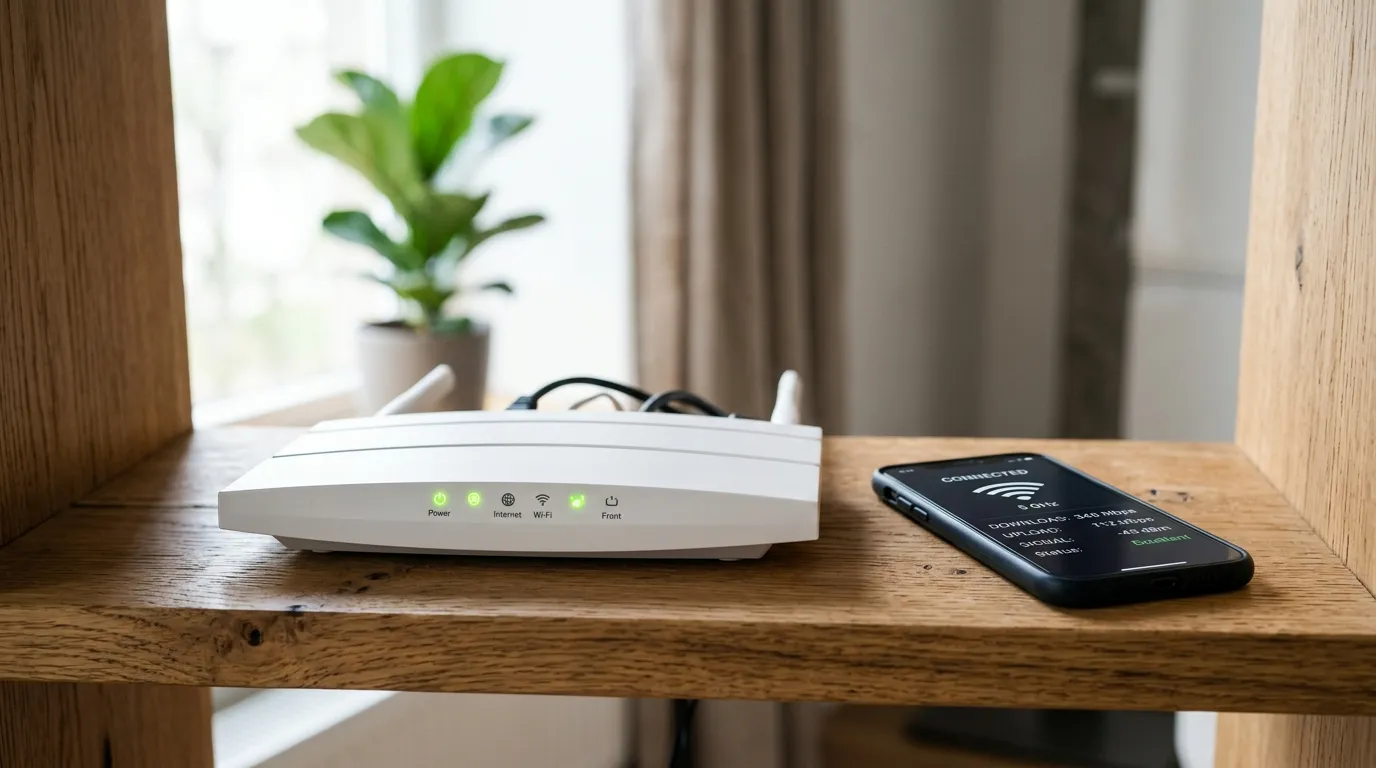
- Read the actual signal figures, not the bars. Most 5G routers expose RSRP and SINR in their web interface. RSRP better than -95 dBm and SINR above 10 dB is a healthy connection. If you are at -110 dBm, move the router before you complain to the operator.
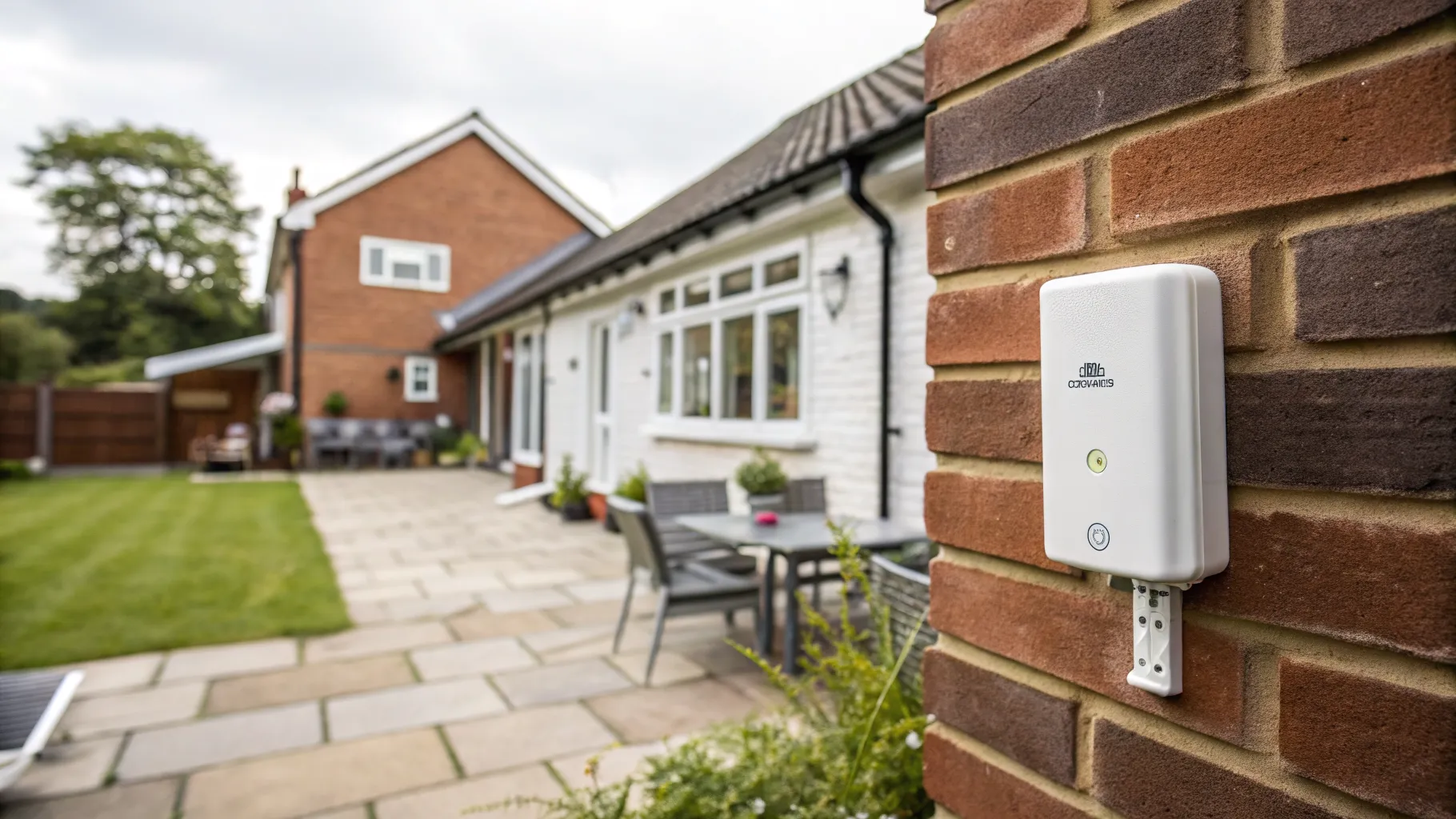
- Consider an outdoor unit. Several operators sell an external hub that mounts on a wall and feeds an indoor Wi-Fi router over Ethernet. It solves the wall-attenuation problem properly and is the single biggest improvement available.
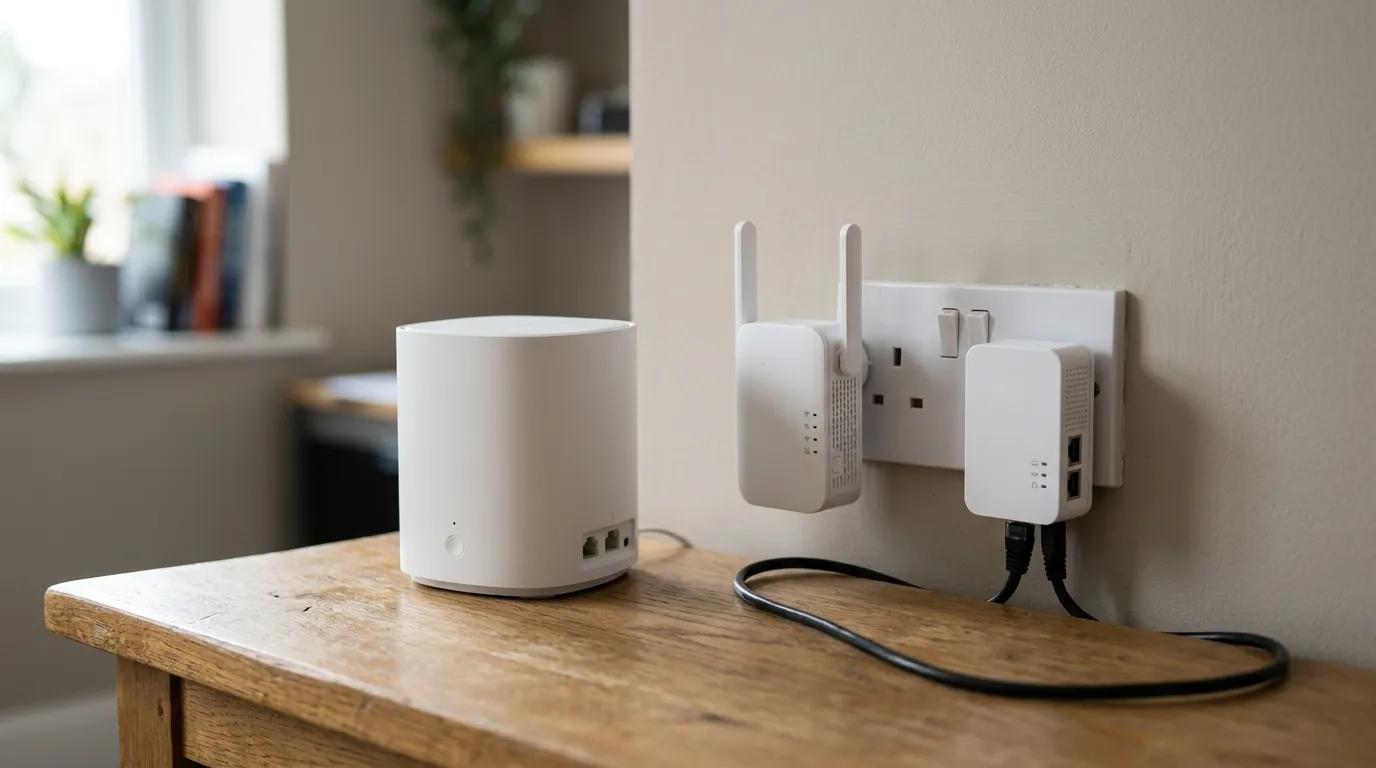
- Do not judge Wi-Fi problems as broadband problems. The router supplied is usually mediocre at Wi-Fi. If coverage is the issue rather than the connection, put the operator’s router in bridge mode and run your own mesh system behind it.
- Test at the hours you care about. Run a speed test at 8pm on a weekday, not at 11am on a Sunday. The evening figure is the one you will live with, and our page on evening broadband slowdowns explains why the gap exists.
Switching, contracts and the rule that does not apply
One important administrative point: Ofcom’s One Touch Switch process, where your new provider cancels the old service for you, covers home broadband and landline moving between wired providers. It does not cover mobile broadband. So if you leave 5G home broadband for fibre, or move between mobile operators, you have to cancel the old service yourself, and you should do it only once the new one is confirmed working.
Prices across the three main operators sit broadly in the £20 to £35 a month range on longer contracts, with unlimited data on most plans and no upfront hardware cost on many. They move often enough that any figure printed here would be stale within weeks, so check directly with each operator. What is worth checking beyond price:
- The cooling-off period. You get 14 days on a distance sale, which is your window to test the signal properly at home. Use every day of it, at different times.
- Whether there is a speed guarantee and what the remedy is if it is not met.
- Whether the plan is genuinely unlimited or has a fair use policy that throttles after a threshold.
- Contract length. A 24-month contract on a technology whose performance depends on how many neighbours join the same cell is a longer bet than it looks.
If 5G is not available or the signal is poor, a 4G router is often still a workable fallback, covered in our 4G router guide. The full Ofcom coverage data is published on the Connected Nations page.
Frequently asked questions
Is 5G home broadband as good as fibre? Not usually, but it is close enough for many households. Full fibre gives lower latency, symmetrical upload and consistent speed regardless of how busy the network is. 5G speeds vary with cell congestion and signal, and upload is much lower. Where full fibre is available at a similar price, take the fibre.
How fast is 5G home broadband in the UK? Measurement firms report averages between roughly 90 and 240 Mbps depending on network and methodology. Opensignal put Three at 187.0 Mbps in January 2026, while RootMetrics measured EE fastest at 236.7 Mbps median in the second half of 2025. Your own speed depends on signal strength, distance to the mast and how busy the cell is.
Can you port forward on 5G home broadband? Generally no. Mobile networks place customers behind carrier-grade NAT, so your router does not have a public IP address and there is nothing to forward to. Self-hosted servers, direct NAS access, home VPN servers and some game hosting will not work without a fixed IP add-on or a tunnelling service.
Does 5G home broadband work for gaming? For most games, yes. Latency is typically 20 to 40 ms against 5 to 15 ms on full fibre, which is playable but noticeably worse for competitive titles. The bigger issue is CGNAT, which can give a strict NAT type and cause problems hosting matches or connecting peer to peer.
Do I need a phone line for 5G home broadband? No. That is one of its main advantages. There is no line, no engineer visit and no phone socket needed, so it works in properties with no usable fixed connection and can be set up the day the router arrives.
How do I improve a weak 5G home broadband signal? Move the router to an upstairs window facing the mast, since walls and low-emissivity glazing absorb a lot of signal. Check the RSRP and SINR figures in the router interface rather than trusting the bars, and if the numbers are poor, ask the operator about an outdoor unit that mounts externally and feeds an indoor router over Ethernet.