Broadband News: Openreach Targets 1m on 10Gbps Fibre
A better fortnight for UK broadband than the last one. Openreach put a real number on its 10Gbps rollout, one small provider did something almost unheard of by paying customers to keep their own router, and another made Wi-Fi 7 standard kit rather than an upsell. All three tell you something about where the value sits when you next renew.
Openreach takes 10Gbps fibre past a million premises
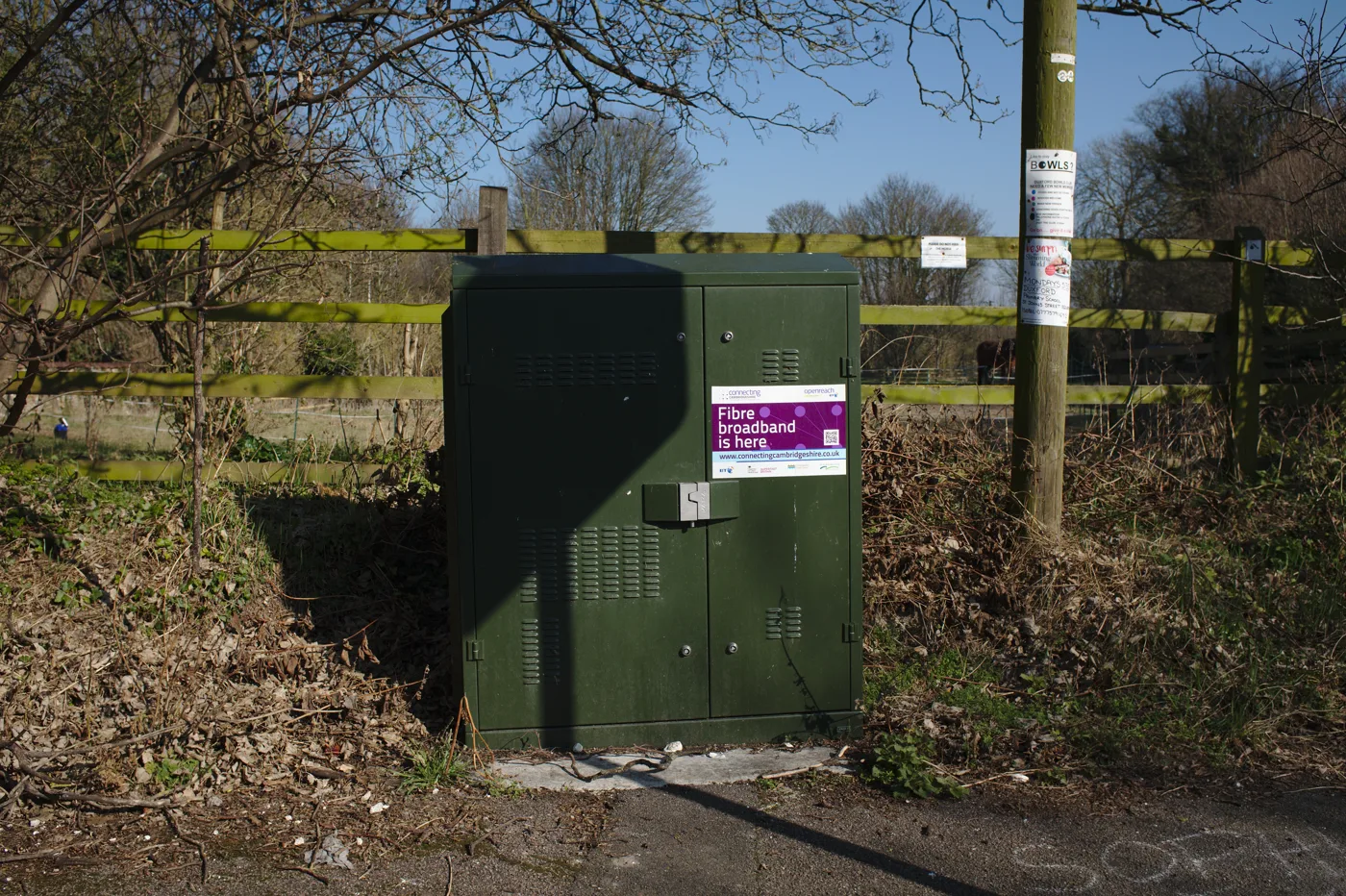
On 19 August Openreach said it will expand XGS-PON, the newer full fibre technology capable of 10Gbps, to more than a million premises by the end of August 2027, and potentially to around a third of its full fibre network within five years. The pilot so far covers roughly 40,000 premises around Guildford and Woking. XGS-PON supports symmetric speeds of up to 8.5Gbps, against a maximum of 1.8Gbps download on the GPON technology most of the network uses today. The first phase targets large towns and cities in southern England before spreading across all four nations. Openreach’s full fibre network already passes 23.5 million premises, about 66 per cent of the UK.
Before you get excited, note the catch: EE is currently the only retail ISP selling XGS-PON packages on it. Openreach builds the network, but you can only buy what a provider chooses to offer, and most have not adapted their systems yet. The other thing worth saying plainly is that almost nobody needs 8.5Gbps at home. What XGS-PON genuinely changes is upload, because symmetric means your upstream matches your downstream, and that is the number that actually hurts on video calls, cloud backups and home working. If you are trying to work out what you need rather than what you can buy, our guide to what broadband speed you really need does the honest maths. The story is at ISPreview.
An ISP that pays you £3 a month to keep your own router
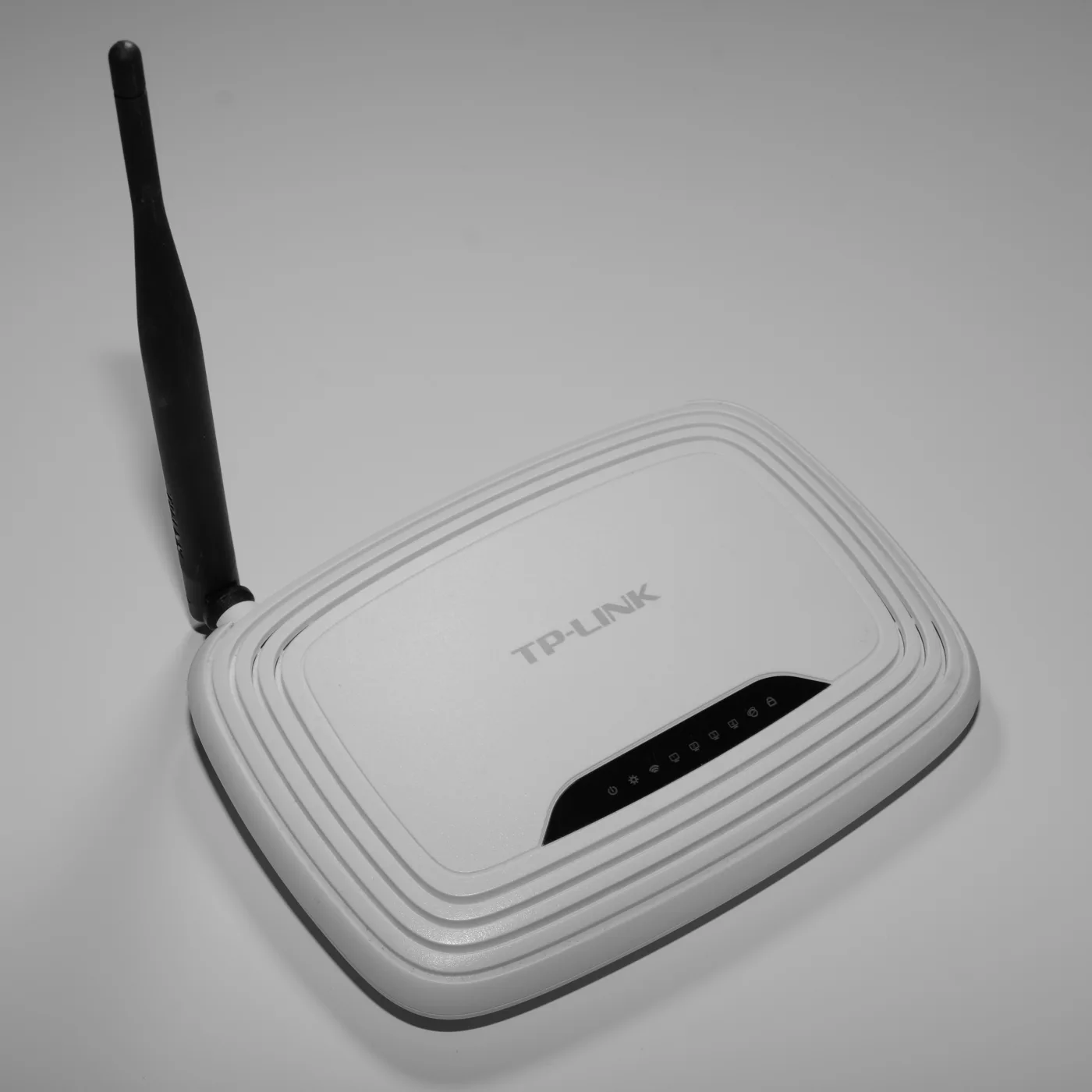
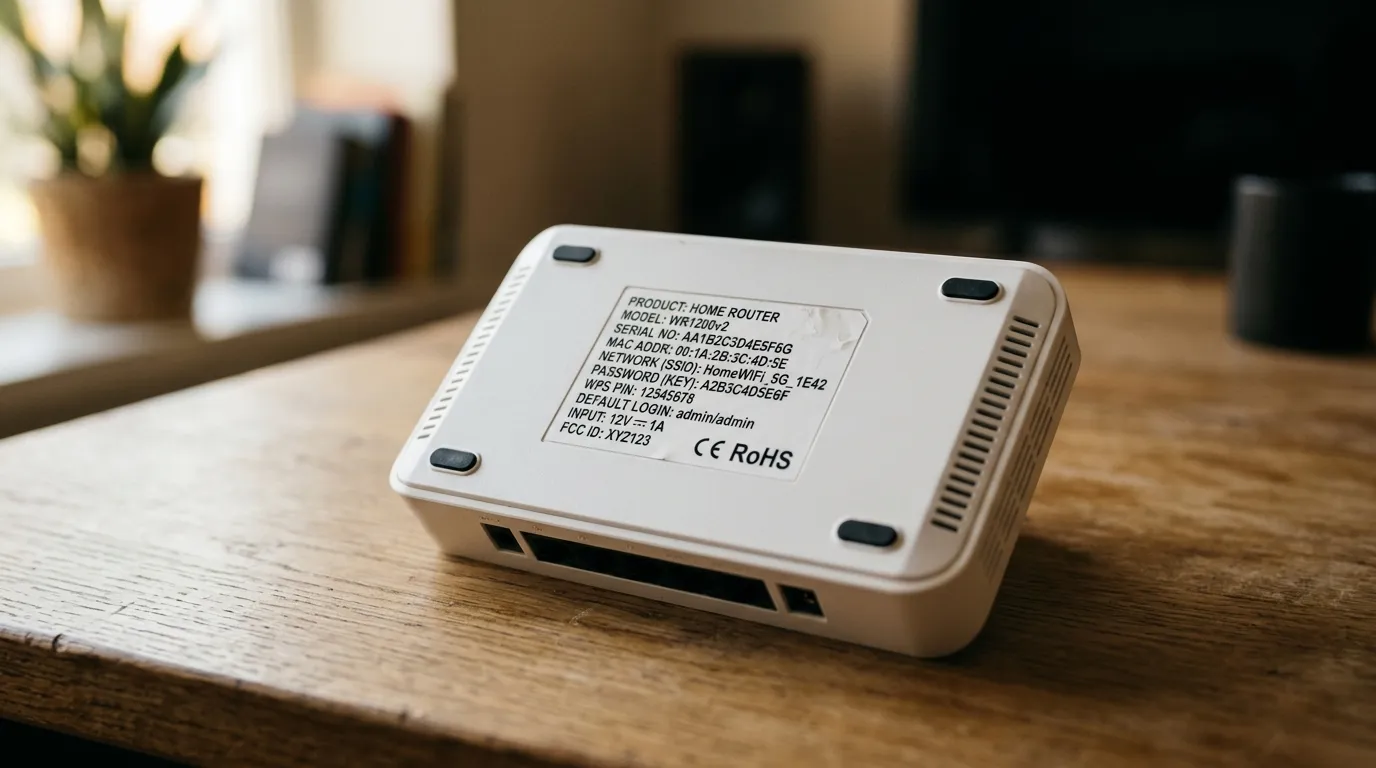
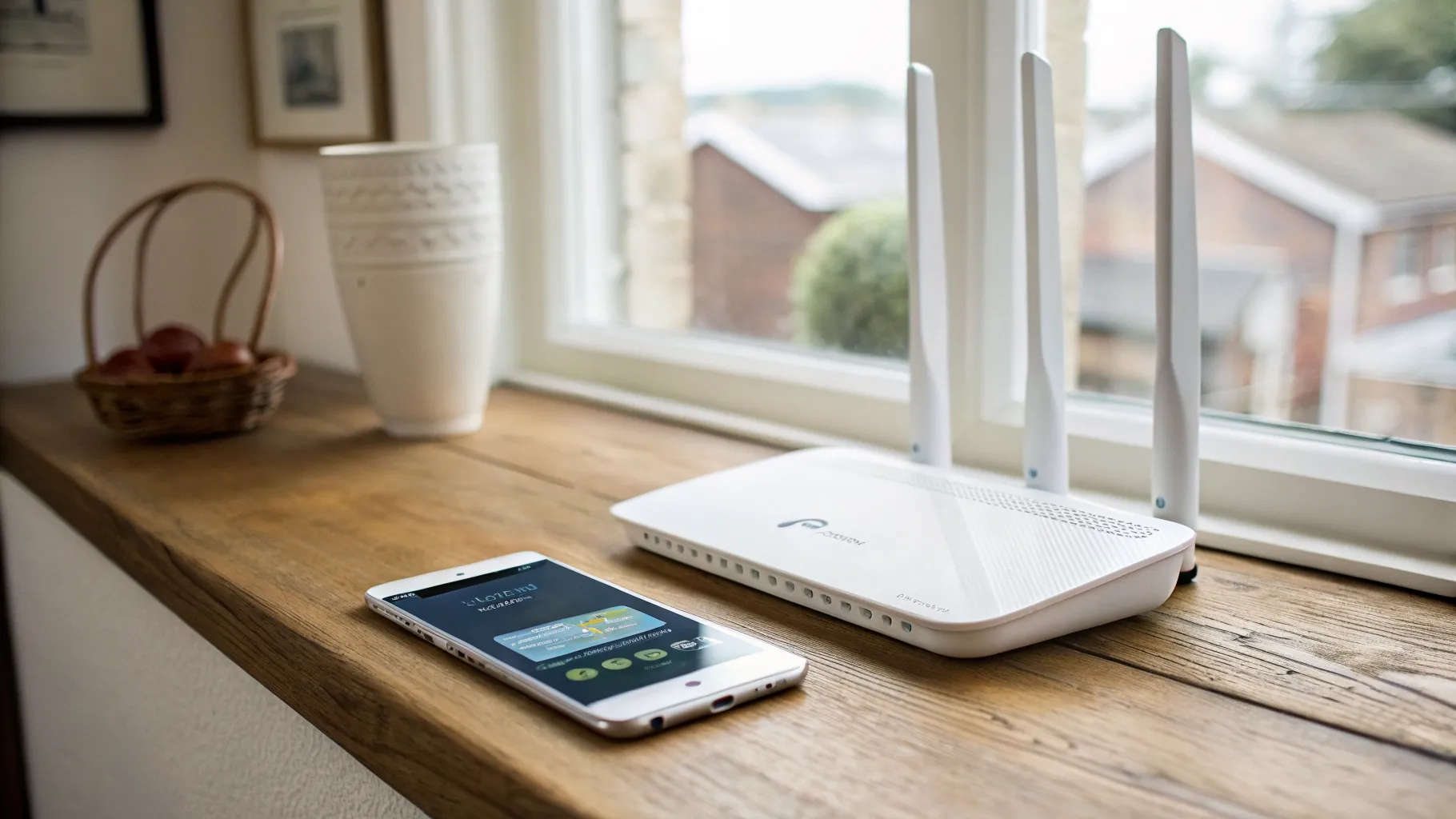
Also on 18 August, Exascale, which sells gigabit full fibre in Shropshire and over the CityFibre network, started knocking £3 a month off the bill for customers who use their own compatible router instead of the Wi-Fi 7 unit it normally supplies. The discount applies on 24 month contracts, and the company is upfront that it suits people comfortable configuring VLAN and DHCP settings themselves. Its chief executive put it simply: “If you’ve invested in a router you’re happy with, there’s no reason we should insist on sending you another one.” The same update lets customers book an installation slot between 7 and 90 days ahead.
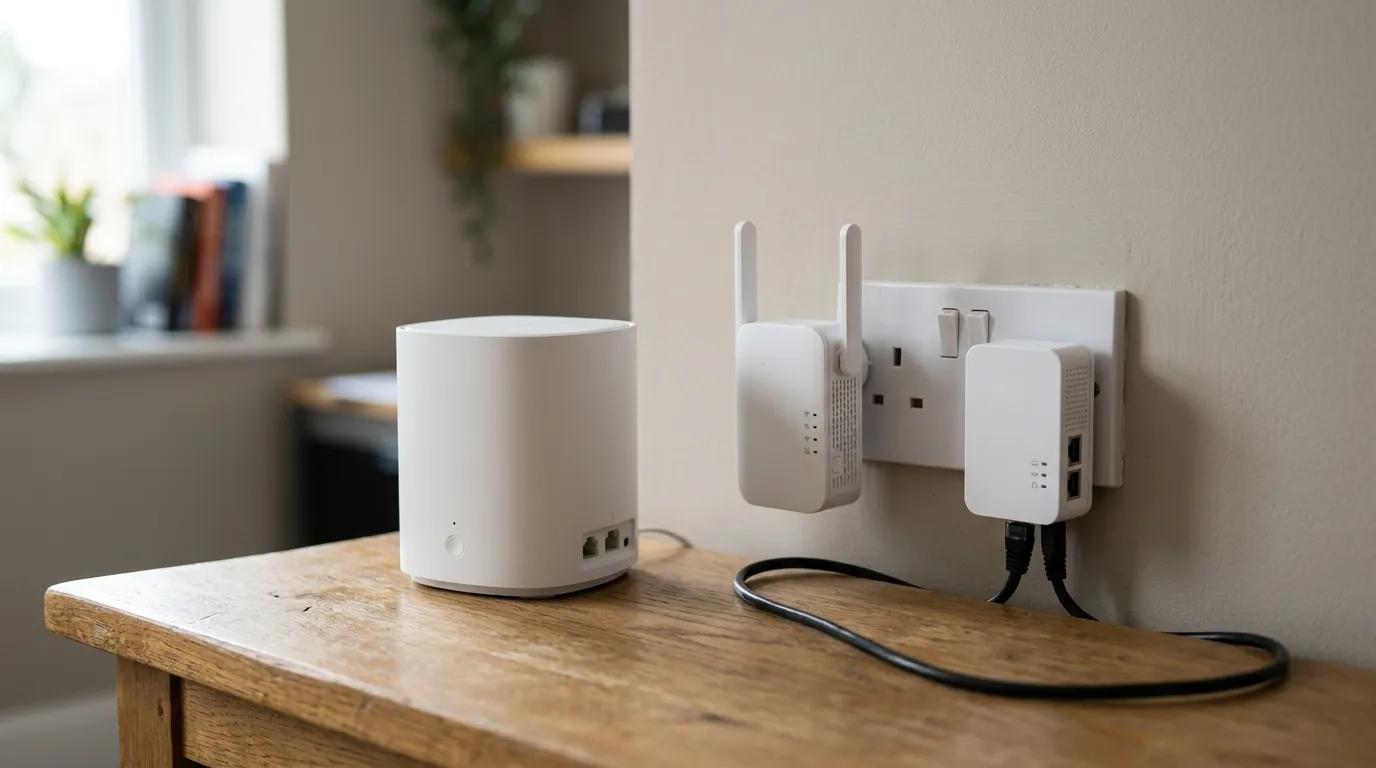
This is a small saving, £72 over a two year term, but it is notable because the industry has moved the other way for a decade, towards locked-down provider routers with proprietary configuration. If you have already bought a decent mesh system, being charged for a box you will put in a drawer is a real annoyance, and being paid not to take it is the right answer. It is worth checking whether your own provider allows a third-party router at all before you buy one, because some will not hand over the connection details. Our mesh, extender or powerline comparison covers what is worth owning, and best mesh Wi-Fi in the UK covers the kit itself. The announcement is at ISPreview.
KCOM makes Wi-Fi 7 standard, and charges existing customers £24.99
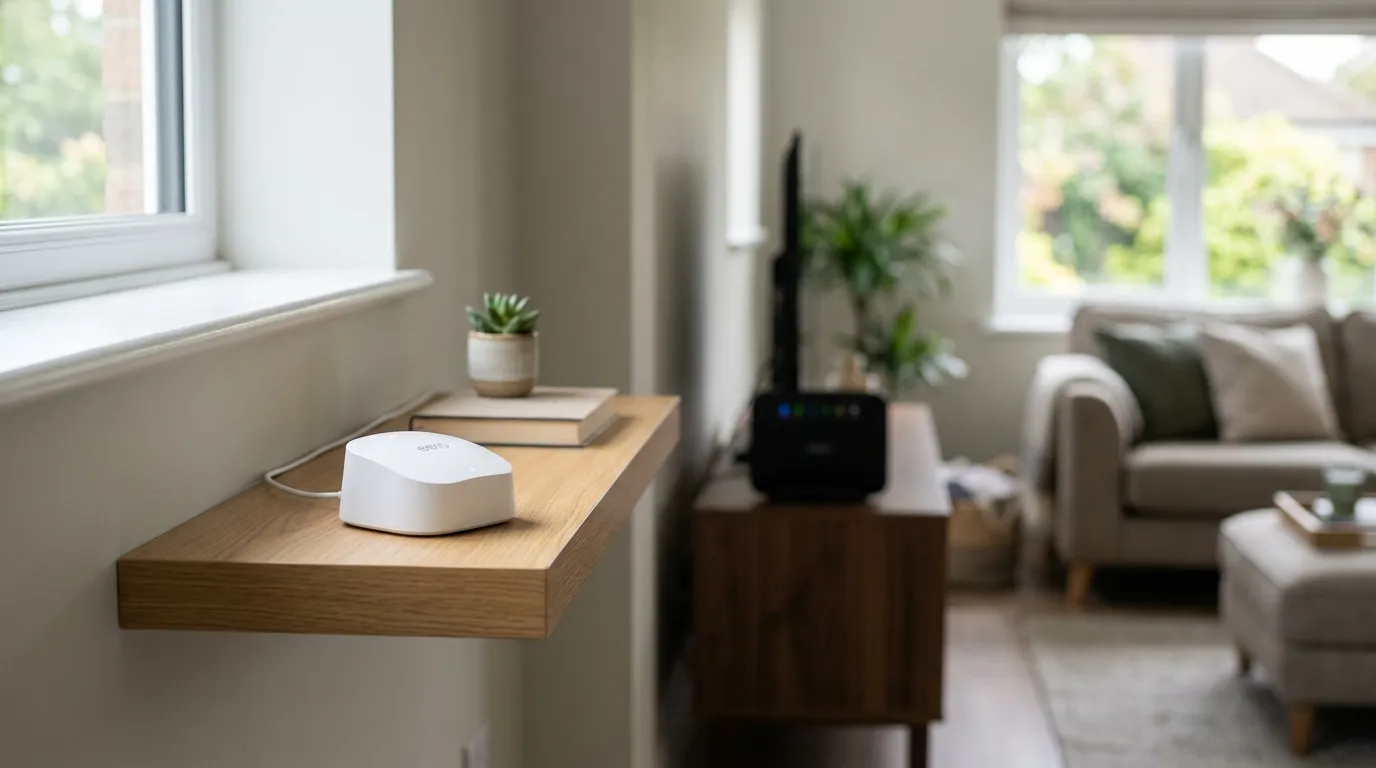
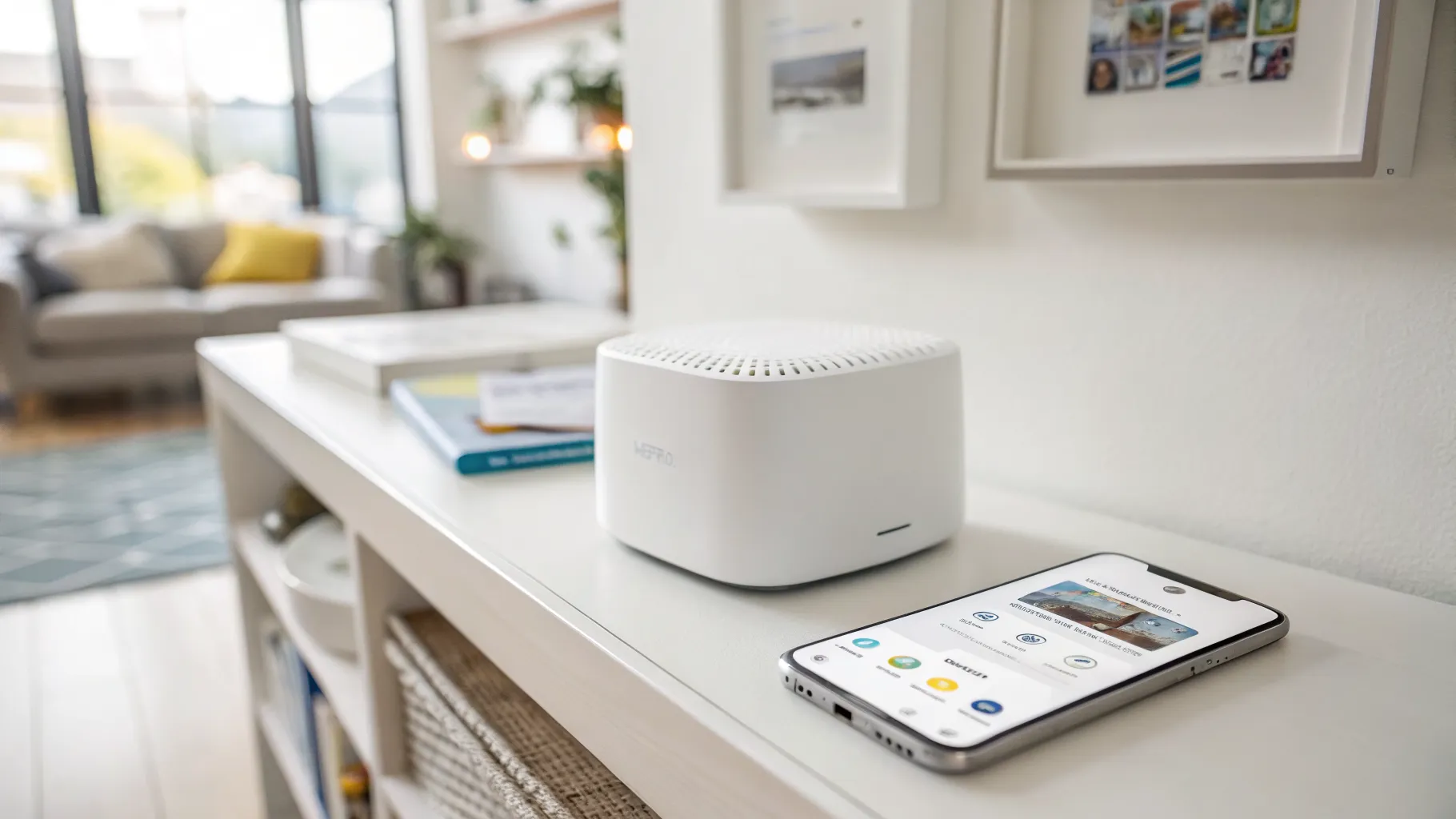
Hull-based KCOM began supplying Amazon’s eero Wi-Fi 7 routers to new broadband customers on 18 August. New customers on the 100Mbps, 300Mbps and 500Mbps full fibre packages get the eero 7, which handles over 120 connected devices and around 186 square metres of coverage per unit but tops out at 2.5Gbps and has no 6GHz band. The 900Mbps package comes with the eero Pro 7, which does add 6GHz, supports over 200 devices and peaks at 5Gbps. Existing customers can upgrade for £24.99.
The detail that matters is the 6GHz band, and it is the reason the cheaper eero 7 is not simply a smaller version of the Pro. 6GHz is the clean, uncongested band that makes Wi-Fi 7 worth having in a flat surrounded by neighbours’ networks; without it you have a well-made Wi-Fi 6E-class router with a newer badge. Whether you notice depends far more on your house and your neighbours than on the number on the box, which is why our guide to 2.4GHz, 5GHz and 6GHz is the thing to read before paying to upgrade, along with why your Wi-Fi is so slow if the problem is not the router at all. The details are at ISPreview.