HomeWire home network lab
Speed & Coverage

BT WiFi Hotspot: How to Use It When You're Away From Home

By the HomeWire team Updated 2026 Tested in real UK homes
BT WiFi Hotspot: How to Use It When You're Away From Home

A BT WiFi hotspot (BT writes it BT Wi-Fi) is one of the millions of public wireless access points that BT broadband customers can use for free when they are out and about. The idea is simple: a slice of every BT home router (and a network of dedicated public points) is shared as an open hotspot, and in return you get to use the whole network elsewhere. If you are a BT customer paying for broadband at home, you are very likely already entitled to this, often without realising it.

One thing to know up front: BT has folded this service into EE, so you will increasingly see it branded as EE Wi-Fi, and the hotspot names and apps reflect that. The access and your login are the same; only the badge has changed. Here is how to actually use it.

What it is and who gets it

BT Broadband and BT Mobile customers get free access to what BT calls the UK’s largest wi-fi network, with more than five million hotspots nationwide. Most BT Broadband customers are registered for it automatically unless they have deliberately opted out, so the access is usually sitting there waiting to be used. The hotspots appear in cafes, stations, high streets and anywhere another BT customer’s router is broadcasting the public signal.

You will see the network advertised under a few names: BTWifi-with-Fon, BTWifi-X, and older labels like BTOpenzone, plus the newer EE WiFi branding. They are all part of the same system and your BT login works across them.

How to connect, step by step

The manual way is straightforward:

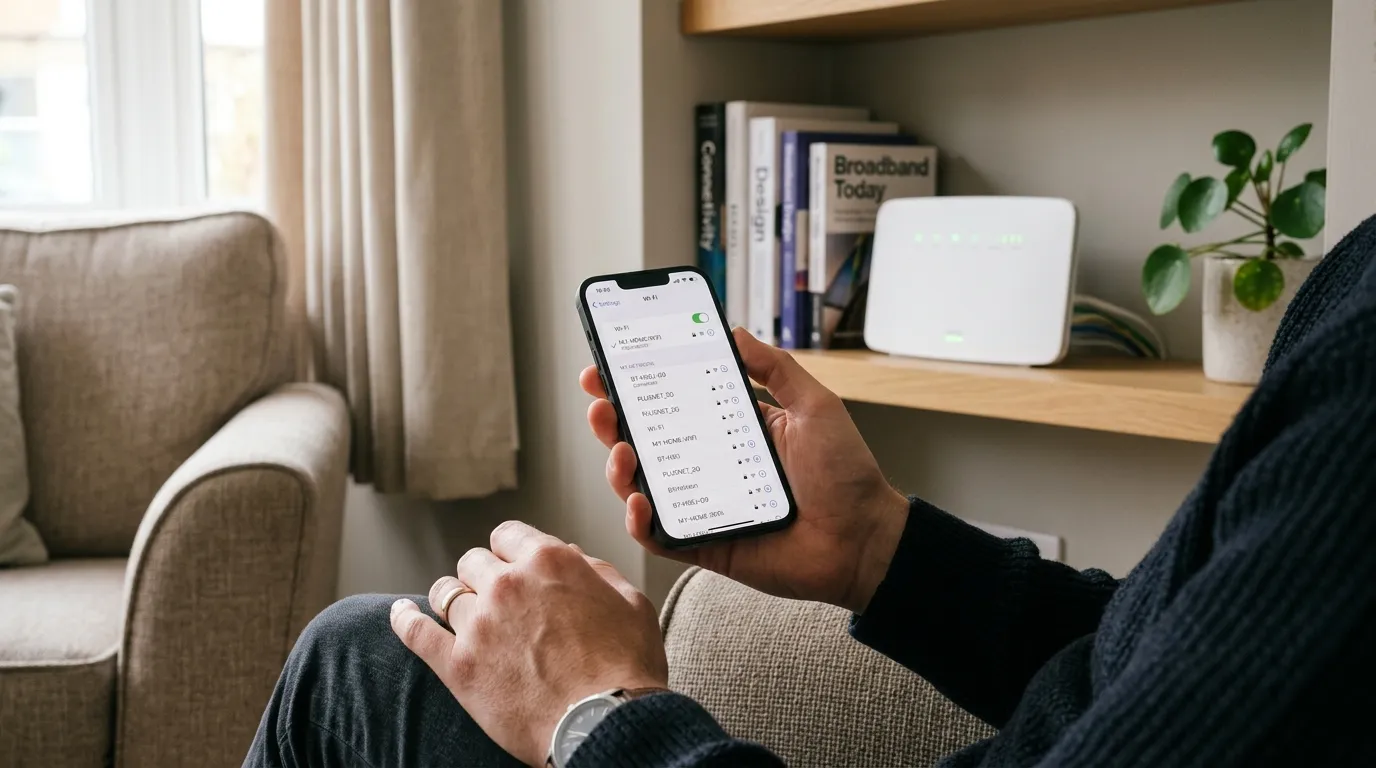
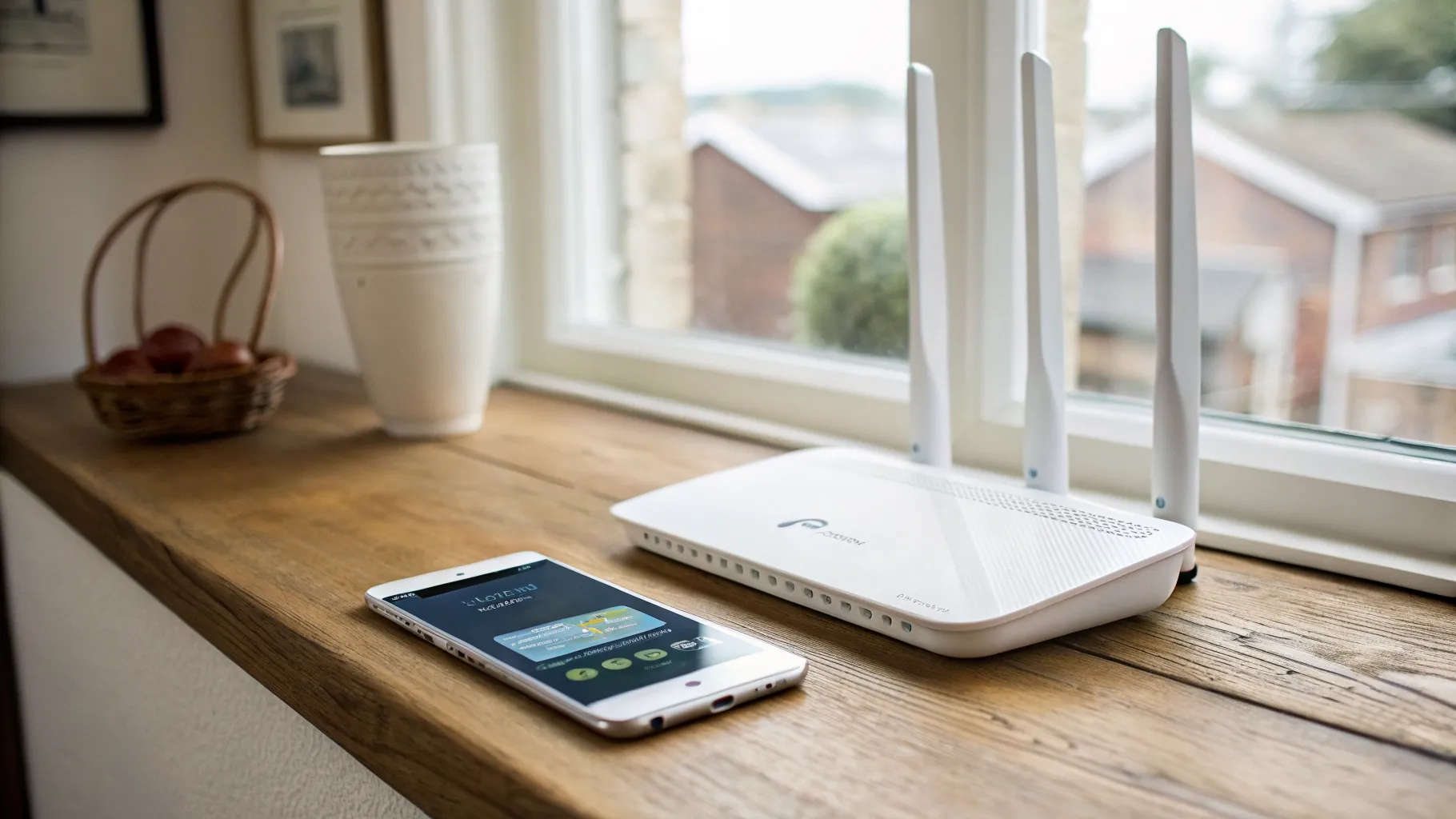
  1. Turn on Wi-Fi on your phone, tablet or laptop and look at the list of available networks. When you are near a hotspot, a BT Wi-Fi or EE WiFi network name will appear.
  2. Connect to it. A sign-in page (a “captive portal”) opens automatically in your browser. If it does not, try visiting any web page and it should redirect you.
  3. Sign in with your BT ID and password (this is the same login you use for your BT account and email). Once accepted, you are online.

That works on any device, but doing it every time gets tedious, which is where the app comes in.

Use the app to connect automatically

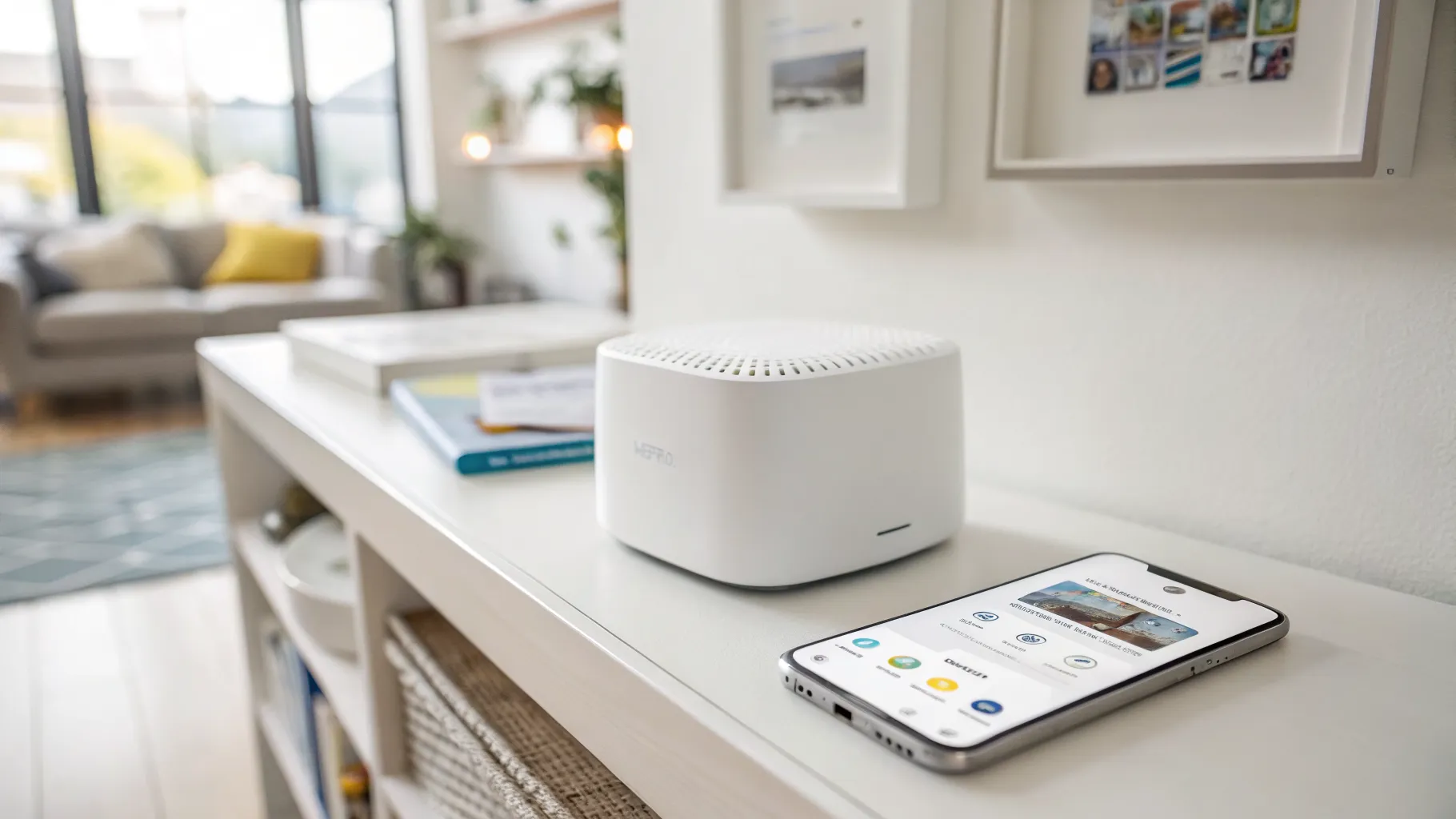
Download the BT Wi-Fi app (now offered as the EE WiFi app on newer devices) and sign in once with your BT ID or your primary email address. After that, the app connects you to a trusted hotspot automatically whenever you are in range, with no sign-in page to fill in each time. For anyone who regularly works or browses away from home, this is the single biggest convenience: it turns a fiddly login into something that just happens in the background.

Is it safe to use?

Public Wi-Fi is convenient but it is still a shared network, so treat it with normal caution. Stick to sites and apps that use HTTPS (almost all do now), avoid doing sensitive banking on a hotspot if you can use mobile data instead, and consider a VPN if you handle anything confidential. The BT hotspots are run by a major provider rather than an unknown café network, which helps, but the general rules for public wireless still apply. Our guide to smart Wi-Fi explained covers some of the security features modern networks add.

When a hotspot is not the answer

A BT Wi-Fi hotspot is great for getting online away from home, but it is not a fix for poor coverage in your own house. If your problem is weak signal in the back bedroom or the garden, you want better home coverage, not a public hotspot. For that, see our guides on fixing Wi-Fi dead spots and the best mesh Wi-Fi in the UK. And if you are still getting to grips with the basics of your connection, what is broadband sets out the groundwork.

You can check your nearest hotspots and confirm your entitlement on the official BT help pages, which also explain the EE Wi-Fi transition.

The short version

If you pay BT for home broadband, you almost certainly already have free access to millions of BT Wi-Fi hotspots around the UK. Connect manually by joining a BTWifi or EE WiFi network and signing in with your BT ID, or install the app to connect automatically every time. Use normal public Wi-Fi caution, and remember it solves being online away from home, not weak signal inside it.

Frequently asked questions

Is BT Wi-Fi free for BT broadband customers? Yes. BT Broadband and BT Mobile customers get free access to BT Wi-Fi hotspots, and most are registered automatically unless they have opted out. You sign in with your existing BT ID, so there is nothing extra to buy if you already have BT broadband at home.

How do I connect to a BT Wi-Fi hotspot? Turn on Wi-Fi, select a BTWifi-with-Fon, BTWifi-X or EE WiFi network from the list, and a sign-in page opens in your browser. Enter your BT ID and password to get online. Installing the BT Wi-Fi (or EE WiFi) app lets your device connect automatically in future.

What is BTWifi-with-Fon? BTWifi-with-Fon is the name of the public hotspot signal broadcast from BT home routers, shared so other BT customers can use it on the move. It is part of the same BT Wi-Fi network as the dedicated public hotspots, and your BT login works across all of them.

Is BT Wi-Fi becoming EE Wi-Fi? Yes. BT has integrated the service with EE, so you will increasingly see it branded as EE WiFi, including the network names and app. Your access and login details stay the same; it is mainly a change of name rather than how it works.

Is it safe to use a public BT Wi-Fi hotspot? It is reasonably safe as it is run by a major provider, but it is still a shared public network. Stick to HTTPS sites, avoid sensitive tasks like banking unless you use mobile data or a VPN, and keep your device’s software up to date. Normal public Wi-Fi caution applies.
// more from HomeWire
Why Is My Wi-Fi So Slow? 12 Fixes That Actually Work (UK)
Fix It: Wi-Fi & Network Troubleshooting

Why Is My Wi-Fi So Slow? 12 Fixes That Actually Work (UK)

Why is my Wi-Fi so slow? 12 tested UK fixes, from router placement and 5GHz to channel changes and your Ofcom minimum-speed rights.

Wi-Fi Keeps Dropping or Disconnecting? Step-by-Step Fix
Fix It: Wi-Fi & Network Troubleshooting

Wi-Fi Keeps Dropping or Disconnecting? Step-by-Step Fix

If your wifi keeps dropping, work through these UK fixes in order: restart the router, change the channel, split the bands and check for a line fault.

Ethernet Connected But No Internet? How to Fix It
Fix It: Wi-Fi & Network Troubleshooting

Ethernet Connected But No Internet? How to Fix It

Ethernet connected but no internet? Work through these ordered UK fixes, from a quick router reboot to DHCP, DNS and driver repairs that get you back online.

How to Log Into Your Router at 192.168.1.1 (UK Routers)
Set Up & Get Online

How to Log Into Your Router at 192.168.1.1 (UK Routers)

A step-by-step 192.168.1.1 router login guide for UK routers, plus the correct IP for BT, Sky, Virgin, TalkTalk, EE and Plusnet hubs.

How to Change Your Wi-Fi Channel to Stop Interference
Set Up & Get Online

How to Change Your Wi-Fi Channel to Stop Interference

How to change your Wi-Fi channel to stop interference: best 2.4GHz and 5GHz channels, plus steps for BT, Sky, Virgin and TalkTalk routers.

Mesh Wi-Fi vs Extender vs Powerline: Which Beats Dead Spots?
Gear: Mesh, Extenders & Adapters

Mesh Wi-Fi vs Extender vs Powerline: Which Beats Dead Spots?

Mesh vs extender vs powerline compared for UK homes: which one actually fixes Wi-Fi dead spots, with real speeds, costs and setup tips.

Wi-Fi Channel Finder
Tools

Wi-Fi Channel Finder

Best Wi-Fi channel finder for UK homes: read your phone's Wi-Fi scan and get the least-crowded 2.4GHz, 5GHz and 6GHz channel to switch to.

Broadband Speed Calculator: How Much Do You Actually Need?
Tools

Broadband Speed Calculator: How Much Do You Actually Need?

Free broadband speed calculator: tell us your household and we work out how much broadband speed you need, in Mbps, for the UK.

Mesh Node Planner
Tools

Mesh Node Planner

Free UK mesh node planner: answer how many mesh nodes do I need for your home's size, floors and walls, with a printable placement plan.

How to Fix Wi-Fi Dead Spots at Home: 9 Proven Fixes
Fix It: Wi-Fi & Network Troubleshooting

How to Fix Wi-Fi Dead Spots at Home: 9 Proven Fixes

Fix Wi-Fi dead spots at home with 9 proven steps, free fixes first: router placement, band, channel, mesh, wired backhaul and UK ISP kit explained.

Best Mesh Wi-Fi Systems UK 2026: Tested and Compared
Gear

Best Mesh Wi-Fi Systems UK 2026: Tested and Compared

The best mesh Wi-Fi systems for UK homes in 2026, ranked by coverage, value and backhaul. Wi-Fi 6, 6E and 7 picks for brick and stone walls.

How to Reset Your Router Without Losing Your Settings
Set Up & Get Online

How to Reset Your Router Without Losing Your Settings

Restart fixes most problems and keeps every setting. Factory reset wipes the lot. UK hub-by-hub steps for BT, Virgin, Sky and EE, plus what to save first.

What Is a Good Ping for Gaming and How to Lower It
Speed & Coverage

What Is a Good Ping for Gaming and How to Lower It

A good gaming ping is under 30ms for competitive play, under 50ms casual. Here is how to lower it: go wired, pick a near server, and fix Wi-Fi and QoS.

BT, Sky, Virgin and EE Router Default Passwords Explained
Set Up & Get Online

BT, Sky, Virgin and EE Router Default Passwords Explained

There is no master password for BT, Sky, Virgin or EE hubs. Where each default actually lives, Wi-Fi vs admin passwords, and what a reset restores.
Why Your Broadband Slows Down in the Evening (and What to Do)
Fix It: Wi-Fi & Network Troubleshooting

Why Your Broadband Slows Down in the Evening (and What to Do)

Broadband slow in the evening? Here's why UK speeds dip around 9pm, how to test if it's your line or Wi-Fi, and what actually fixes it.

2.4GHz vs 5GHz vs 6GHz: Which Band Should You Use and When
Speed & Coverage

2.4GHz vs 5GHz vs 6GHz: Which Band Should You Use and When

Which Wi-Fi band to join, when, for UK homes. A use-case table, the physics, Ofcom rules, plus 6GHz, WiFi 6E/7 and merge-vs-split SSID advice.
How to Run an Ethernet Cable Through Your House Tidily
Set Up & Get Online

How to Run an Ethernet Cable Through Your House Tidily

A practical UK guide to running Ethernet cable through your house tidily: planning routes, choosing cable, wall and floor runs, terminating and safety.

Long Ethernet Cable: Which Length and Category to Buy
Gear: Mesh, Extenders & Adapters

Long Ethernet Cable: Which Length and Category to Buy

Buying a long Ethernet cable for a UK home? Which length and category to pick, why length barely affects speed, and outdoor and in-wall rules.

What Is Broadband? A Plain-English Guide for UK Households
Set Up & Get Online

What Is Broadband? A Plain-English Guide for UK Households

What is broadband, in plain English: the UK types explained, real speeds vs the headline numbers, and what the 2027 copper switch-off means for you.

Smart Wi-Fi: What It Means and Why Your Next Router Needs It
Speed & Coverage

Smart Wi-Fi: What It Means and Why Your Next Router Needs It

What smart Wi-Fi actually means: band steering, mesh roaming, app control and device priority explained in plain English, and whether you really need it.

Home Wi-Fi News: June 2026
News

Home Wi-Fi News: June 2026

Wi-Fi 8 chipsets break cover, Lightning Fibre rolls out Wi-Fi 7 routers, and Community Fibre cuts 1Gbps with a Wi-Fi 7 router to £20 a month.

Home Wi-Fi News: June 2026
News

Home Wi-Fi News: June 2026

UK leads Europe on Wi-Fi 6 and 7 take-up, Openreach trials a fuller FTTP install, O2 Broadband may return, and the fastest UK ISPs for H1 2026 are named.

Home Wi-Fi News: June 2026
News

Home Wi-Fi News: June 2026

A speed-test study finds 18% of UK homes below 10Mbps, two altnets widen full fibre choice, and Brillband makes a Wi-Fi 7 router standard from 1 July.

// stay on the network

Fix one dead zone a week.

Plain-English fixes for British homes: router settings worth changing, mesh kit that actually works, and the speed-test results that matter. One email, no jargon, unsubscribe anytime.

● No spam. Roughly fortnightly. UK-focused.